In an era where interactive technology is reshaping the way we work, learn, and entertain ourselves, external touch screen monitors equipped with LED displays have become increasingly popular. Whether used in professional settings, educational environments, or for personal computing, these devices offer a blend of responsiveness, clarity, and versatility that traditional monitors often cannot match. This article delves into the technology behind external touch screen monitors, focusing on LED displays, and explores their benefits, applications, and what to consider when choosing one.
Understanding LED Displays in Touch Screen Monitors
What Is an LED Display?
LED, or Light Emitting Diode, displays are a type of flat-panel display technology that uses tiny light-emitting diodes to produce images. Unlike older LCDs that rely on cold cathode fluorescent lamps (CCFL) for backlighting, LED displays use LEDs, which provide several advantages such as improved brightness, energy efficiency, and thinner panel designs.
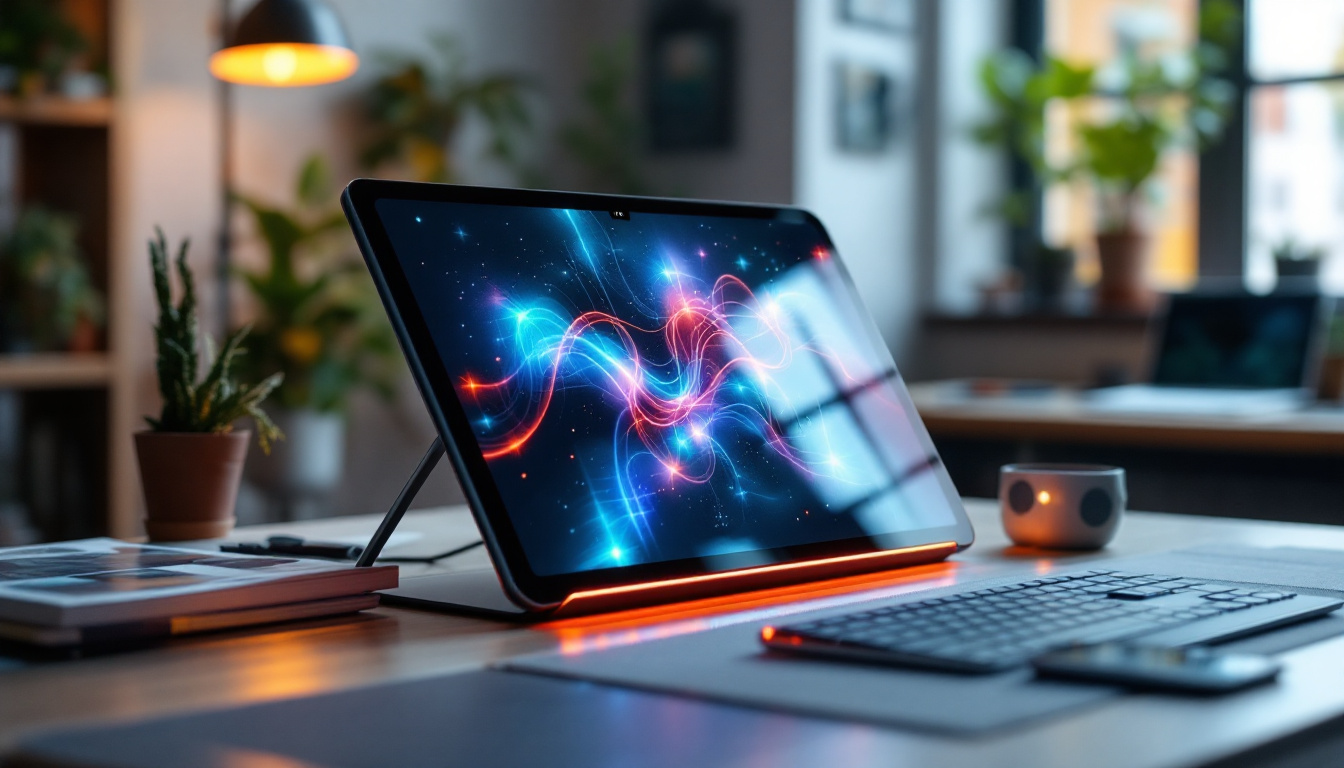
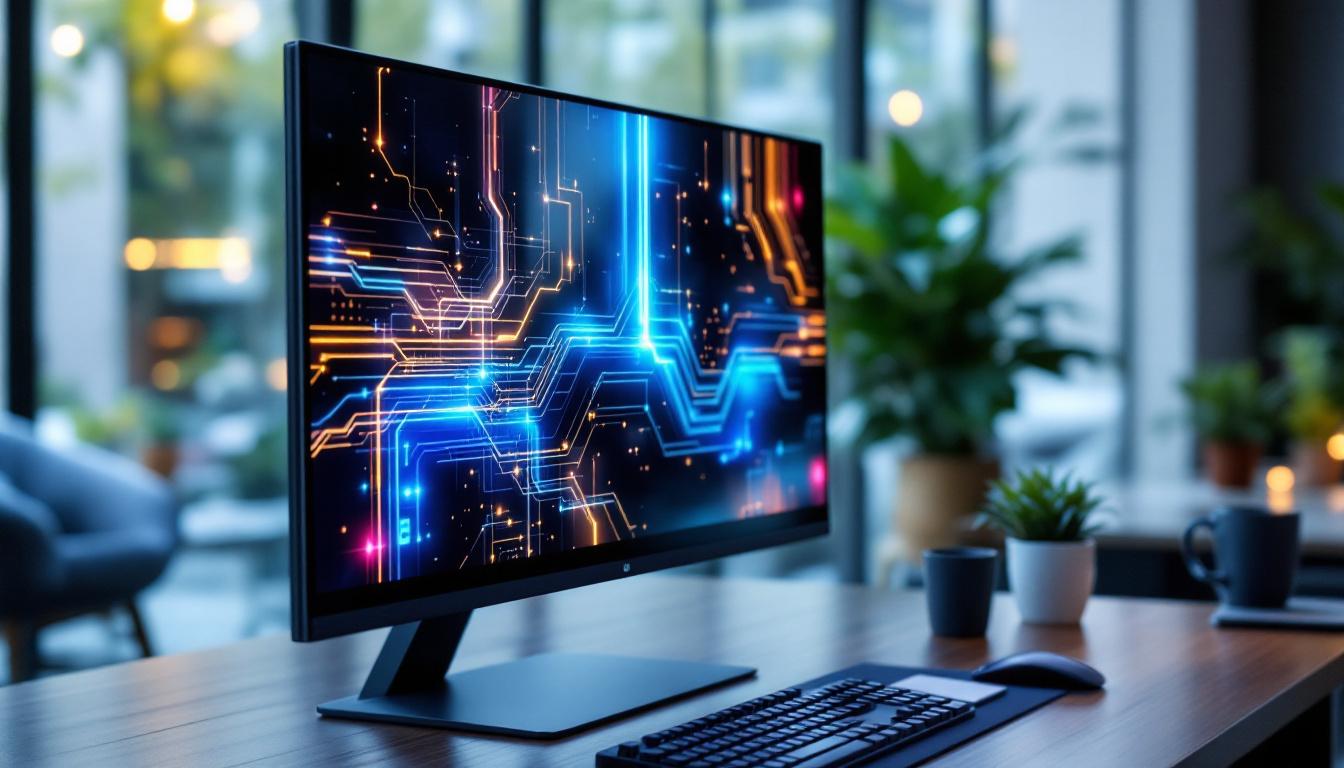
In the context of external touch screen monitors, the LED display serves as the visual output layer, delivering sharp, vibrant images that enhance the user experience. The integration of touch technology with LED displays has allowed for more interactive and intuitive interfaces, especially in environments where direct manipulation of on-screen content is beneficial. This is particularly evident in sectors such as education and retail, where engaging visuals can significantly impact user engagement and information retention.
Furthermore, the rapid advancements in LED technology have led to the development of high dynamic range (HDR) displays, which can reproduce a wider range of colors and brightness levels. This capability is especially useful in applications that require precise color accuracy, such as graphic design and video editing, making LED displays not only a practical choice but also a preferred option for professionals in creative industries.
Types of LED Displays Used in Touch Monitors
There are primarily two types of LED technologies used in touch screen monitors: edge-lit LED and direct-lit LED. Edge-lit LED displays position LEDs along the edges of the screen, using light guides to distribute illumination evenly. This design allows for thinner monitors but sometimes sacrifices uniform brightness.
Direct-lit LED displays place LEDs directly behind the screen, offering better brightness and contrast but often resulting in a thicker panel. Some high-end monitors use full-array local dimming, where individual zones of LEDs can be dimmed or brightened independently, enhancing contrast and image quality. This technology is particularly advantageous for watching movies or playing video games, where dark scenes can benefit from deeper blacks and brighter highlights, creating a more immersive viewing experience.
Additionally, the choice between edge-lit and direct-lit displays can also influence the overall cost and power consumption of the monitor. Edge-lit displays tend to be more affordable and energy-efficient, making them suitable for general use in offices or homes. In contrast, direct-lit displays, while typically more expensive, are favored in professional settings where image quality is paramount. As consumers become more discerning about display quality, manufacturers are increasingly innovating to balance cost, performance, and energy efficiency in their touch screen monitor offerings.
How Touch Screen Technology Works with LED Displays
Capacitive vs. Resistive Touchscreens
Touch screen monitors generally employ either capacitive or resistive touch technology. Capacitive touchscreens detect touch through the electrical properties of the human body, offering high sensitivity and multi-touch capabilities. These are common in smartphones and tablets and are increasingly used in external monitors for their responsiveness and clarity.
Resistive touchscreens, on the other hand, rely on pressure applied to the screen, which causes two conductive layers to connect. While less sensitive and generally limited to single-touch input, resistive screens are durable and can be operated with gloves or styluses, making them suitable for industrial or medical applications.
Integration Challenges and Solutions
Integrating touch technology with LED displays requires careful calibration to maintain image quality while ensuring touch accuracy. Manufacturers often use advanced optical bonding techniques to reduce glare, improve contrast, and minimize parallax errors—the slight offset between the touch point and the displayed image.
Moreover, the choice of touch technology can impact the display’s thickness, weight, and power consumption. Innovations such as in-cell touch technology, where touch sensors are embedded within the display panel itself, help create slimmer and lighter monitors without compromising performance.
Advantages of External Touch Screen LED Monitors
Enhanced User Interaction
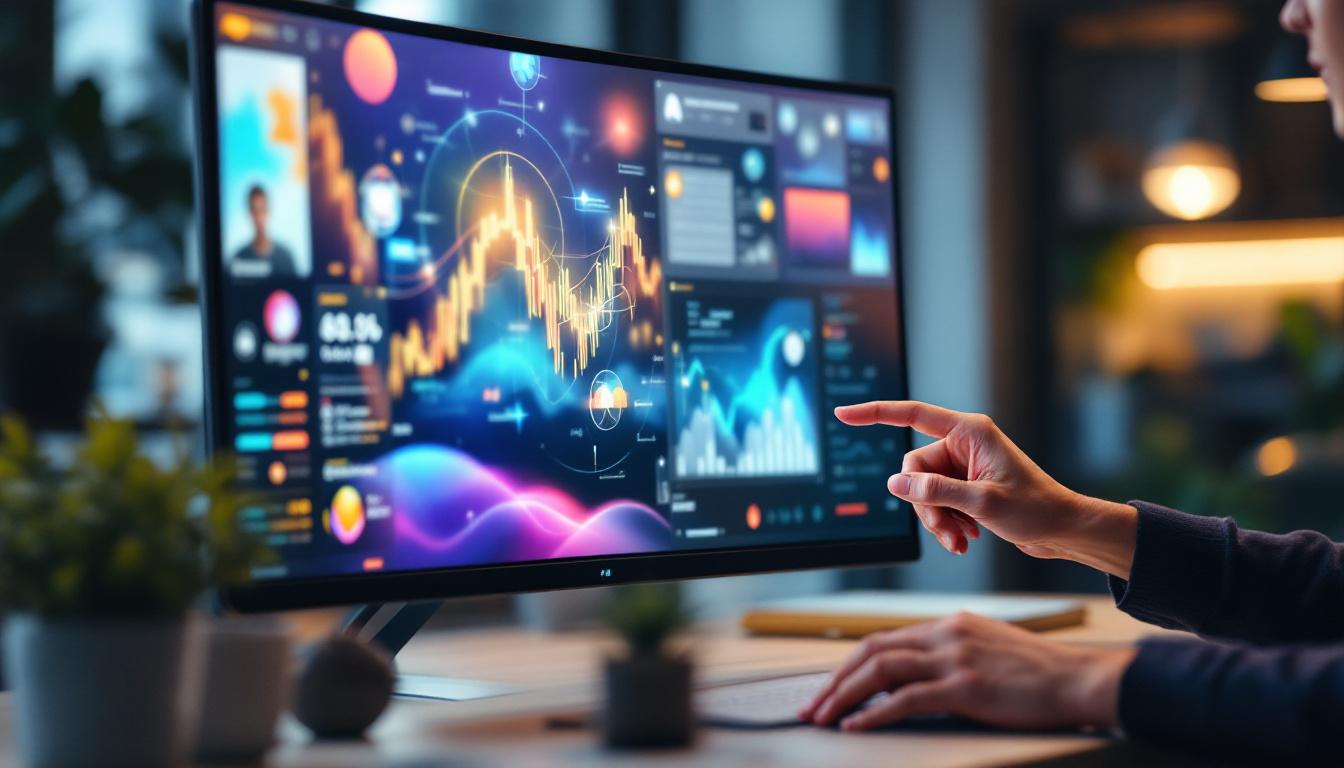
External touch screen monitors transform passive viewing into active engagement. Users can navigate software, annotate documents, and manipulate images directly on the screen, which is particularly valuable in creative industries, education, and collaborative workspaces. The tactile feedback and immediacy of touch controls often lead to increased productivity and user satisfaction.
Superior Image Quality and Energy Efficiency
LED displays are known for their bright, vivid colors and excellent contrast ratios. This makes them ideal for environments where accurate color representation is critical, such as graphic design, video editing, and medical imaging. Additionally, LEDs consume less power than traditional backlighting methods, contributing to lower energy costs and reduced environmental impact.
Portability and Versatility
Many external touch screen monitors are designed with portability in mind, featuring slim profiles and lightweight construction. This allows professionals to create flexible workstations, whether at home, in the office, or on the go. Some models also support multiple input types, including USB-C and HDMI, making them compatible with a wide range of devices from laptops to gaming consoles.
Applications of External Touch Screen LED Monitors
Business and Professional Use
In corporate environments, external touch screen monitors facilitate dynamic presentations, interactive meetings, and collaborative brainstorming sessions. Sales teams, for example, can use touch screens to showcase products interactively, enhancing client engagement. Moreover, industries such as architecture and engineering benefit from the ability to manipulate 3D models directly on the screen.
Education and Training
Interactive learning has been revolutionized by touch screen technology. Teachers can use external monitors to display lessons, annotate content in real-time, and encourage student participation. This hands-on approach has been shown to improve retention and comprehension. Additionally, training programs in fields like healthcare and manufacturing often use touch screens to simulate real-world scenarios, providing immersive learning experiences.
Creative and Entertainment Fields
Artists, designers, and video editors leverage external touch screen monitors for precise control over their work. The ability to zoom, rotate, and draw directly on the screen streamlines creative workflows. In gaming, touch-enabled LED monitors offer new interaction possibilities and enhance gameplay immersion, especially in strategy and simulation genres.
Key Factors to Consider When Choosing an External Touch Screen LED Monitor
Screen Size and Resolution
The ideal screen size depends on the intended use. For detailed design work or multitasking, larger monitors (27 inches and above) with high resolutions (such as 4K UHD) provide ample screen real estate and sharp images. Conversely, smaller monitors are more portable and suited for casual use or secondary displays.
Touch Technology and Responsiveness
Choosing between capacitive and resistive touch depends on the environment and user needs. Capacitive screens offer smoother, more responsive interactions and support multi-touch gestures, which are essential for modern applications. Resistive screens, while less sensitive, are more durable and can be used in harsher conditions.
Connectivity Options
Modern external touch screen monitors typically offer a variety of input ports, including USB-C, HDMI, DisplayPort, and sometimes legacy VGA. USB-C is particularly advantageous as it can transmit video, data, and power through a single cable, simplifying setups. Ensuring compatibility with your existing devices is crucial for seamless integration.
Durability and Build Quality
For monitors used in public or industrial settings, durability is paramount. Look for features such as reinforced glass, IP ratings for dust and water resistance, and robust casing materials. Anti-glare coatings and fingerprint-resistant surfaces can also enhance usability and maintenance.
Price and Warranty
External touch screen LED monitors vary widely in price, influenced by size, resolution, touch technology, and brand reputation. It is important to balance budget constraints with required features. Additionally, a comprehensive warranty and reliable customer support can provide peace of mind and protect your investment.
Future Trends in External Touch Screen LED Monitors
Advancements in Display Technology
Emerging technologies such as mini-LED and micro-LED promise even better brightness, contrast, and energy efficiency. These innovations could lead to thinner, more vibrant touch screen monitors with superior lifespan and color accuracy. OLED displays, while currently less common in external monitors due to cost and burn-in concerns, are also gaining traction for their deep blacks and wide viewing angles.
Improved Touch Sensitivity and Haptics
Future touch screen monitors are expected to incorporate more sophisticated haptic feedback systems, providing tactile sensations that mimic physical buttons or textures. Enhanced touch sensitivity will allow for more precise input, benefiting artists and professionals who require fine control.
Integration with AI and Gesture Controls
Artificial intelligence and machine learning are beginning to influence touch screen interfaces, enabling predictive text, adaptive UI elements, and personalized user experiences. Gesture recognition technology may also reduce the need for physical touch, allowing users to interact with screens through hand movements and voice commands.
Conclusion
External touch screen monitors with LED displays represent a significant advancement in display technology, combining vivid visuals with interactive capabilities. Their versatility makes them suitable for a wide range of applications, from professional and educational environments to creative and entertainment uses. When selecting a monitor, understanding the nuances of LED technology, touch mechanisms, and practical considerations ensures that users find a device tailored to their needs.
As technology continues to evolve, these monitors will become even more integral to how people interact with digital content, offering richer experiences and greater functionality. Investing in a quality external touch screen LED monitor today can enhance productivity, creativity, and engagement across various domains.
Discover LumenMatrix’s Innovative LED Display Solutions
Ready to elevate your interactive experiences with cutting-edge LED display technology? Look no further than LumenMatrix, a pioneer in crafting visually stunning and technologically advanced LED displays. From enhancing professional workspaces to transforming entertainment venues, LumenMatrix offers a diverse range of solutions including Indoor and Outdoor LED Wall Displays, Vehicle LED Displays, LED Poster Displays, and more. Embrace the future of visual communication and check out LumenMatrix LED Display Solutions today to captivate your audience and deliver your message with unparalleled clarity and impact.