Choosing the right projector screen size is a critical step in setting up an optimal viewing experience, whether for home theaters, conference rooms, or large public displays. With the increasing popularity of LED displays as alternatives or complements to traditional projector screens, understanding how to measure and select the right screen size has become more nuanced. This article will guide you through the essentials of measuring projector screens and explain how LED displays fit into the modern visual setup landscape.
Understanding Projector Screen Measurements
Before diving into the specifics of measuring projector screens, it’s important to understand the terminology and factors that influence screen size and viewing quality.
Screen Size: Diagonal Measurement
The most common way to describe screen size is by its diagonal measurement, typically expressed in inches. This measurement runs from one corner of the screen to the opposite corner diagonally. For example, a 100-inch screen means the diagonal length is 100 inches.
This diagonal measurement is a standard because it provides a consistent way to compare screen sizes regardless of the aspect ratio. However, it’s essential to remember that the width and height vary depending on the aspect ratio of the screen. Understanding this can help you make informed decisions about the space you have available and the type of content you plan to display.
Additionally, it’s worth noting that the perceived size of the screen can also be influenced by the ambient light in the room and the screen material. A matte finish may diffuse light differently than a glossy surface, which can affect how large the screen appears to the viewer. Therefore, when considering a projector screen, it’s not just about the numbers; it’s about how those numbers translate into a viewing experience.
Aspect Ratio and Its Impact
The aspect ratio is the ratio of the width to the height of the screen. Common aspect ratios include 4:3, 16:9, and 16:10. The 16:9 ratio is the most prevalent for home theater and HDTV content, while 4:3 is more traditional and often used in business or older video formats.
For example, a 100-inch diagonal screen with a 16:9 aspect ratio will be wider and shorter than a 100-inch screen with a 4:3 ratio. This difference affects how the content fits on the screen and how viewers perceive the image. Choosing the right aspect ratio is crucial, especially if you plan to use the screen for various types of media, such as movies, video games, or presentations. Each format may have a preferred aspect ratio, and mismatching can lead to letterboxing or cropping, which detracts from the viewing experience.
Moreover, some modern projectors and screens support multiple aspect ratios, allowing users to switch between them depending on the content being displayed. This flexibility can enhance the overall viewing experience, making it easier to enjoy a wide range of media without compromising on quality.
Viewing Distance and Screen Size Relationship
One of the most important considerations when measuring and selecting a projector screen is the viewing distance—the distance between the screen and the audience. The Society of Motion Picture and Television Engineers (SMPTE) recommends that the ideal viewing distance be approximately 1.5 to 2.5 times the diagonal screen size for HD content.
For example, if you have a 100-inch diagonal screen, the optimal viewing distance ranges from 12.5 feet to just over 20 feet. Sitting too close can cause eye strain and make pixels visible, while sitting too far can reduce immersion and detail perception. This relationship between screen size and viewing distance is crucial for ensuring that the audience can fully appreciate the clarity and vibrancy of the projected image.
Additionally, the layout of the room can significantly impact the viewing experience. Factors such as seat elevation, the angle of the seating, and even the arrangement of furniture can affect how well the image is perceived. For instance, tiered seating can enhance visibility, making it easier for everyone in the audience to enjoy the presentation without obstruction. Therefore, when planning your setup, it’s essential to consider not just the screen size and distance but also the overall room design to create an optimal viewing environment.
Step-by-Step Guide to Measuring Your Projector Screen
Measuring a projector screen accurately ensures that the projected image fits perfectly and provides the best viewing experience. Follow these steps to measure your projector screen correctly.
Step 1: Determine the Aspect Ratio
First, decide the aspect ratio that fits your content and projector capabilities. Most modern projectors and content are optimized for 16:9, but some business or educational setups may require 4:3 or 16:10.
Knowing the aspect ratio upfront helps you calculate the width and height once you determine the diagonal size.
Step 2: Measure the Diagonal Length
Using a tape measure, measure the diagonal length of the available wall or screen space where the projector will display. This measurement will be your maximum possible screen size.
If you are planning to purchase a screen, this measurement will guide you in selecting the right model. If you are building a custom screen, these dimensions will be the foundation.
Step 3: Calculate Width and Height
Once you have the diagonal measurement and aspect ratio, calculate the width and height using the following formulas:
- Width = Diagonal ÷ √(1 + (Height/Width)²)
- Height = Width ÷ Aspect Ratio
For example, for a 100-inch diagonal screen with a 16:9 aspect ratio:
- Width = 100 ÷ √(1 + (9/16)²) ≈ 87.2 inches
- Height = 87.2 ÷ (16/9) ≈ 49 inches
These calculations ensure that the screen fits the intended space and matches the projector’s output format.
Step 4: Consider Room Dimensions and Seating
Measure the room’s width, height, and the distance from the screen to the seating area. This helps confirm that the screen size is appropriate for the space and that viewers will have an optimal experience.
For smaller rooms, a screen that is too large can overwhelm the space and cause discomfort, while a screen that is too small can reduce engagement.
LED Displays vs. Traditional Projector Screens
While traditional projector screens remain popular, LED displays have gained traction as an alternative for various applications. Understanding the differences and how measurement considerations vary is key to making an informed choice.
What Are LED Displays?
LED displays consist of an array of light-emitting diodes that produce bright, vibrant images without the need for an external projector. They are self-illuminating, which means they can deliver superior brightness and contrast, especially in well-lit environments.
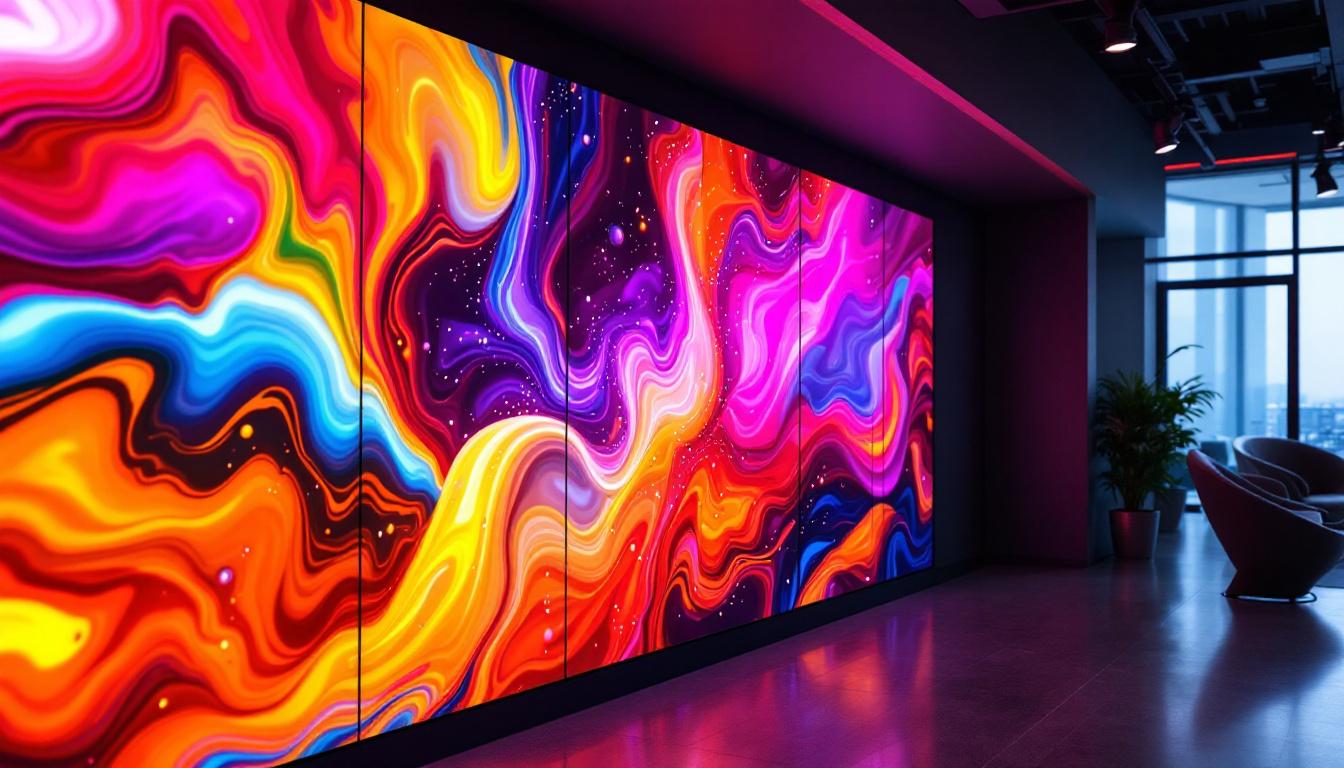
LED walls are modular and scalable, allowing for custom sizes and shapes that can exceed the limitations of traditional projector screens.
Measurement Considerations for LED Displays
Measuring LED displays involves different factors compared to projector screens. Since LED panels are built from modular tiles, the overall size depends on the number of modules used.
Key measurement aspects include:
- Physical Dimensions: The width and height of the assembled LED display, often measured in millimeters or inches.
- Pixel Pitch: The distance between the centers of two adjacent pixels. Smaller pixel pitches mean higher resolution and closer optimal viewing distances.
- Viewing Distance: LED displays can be viewed from much closer distances without loss of image quality compared to projectors.
For example, an LED display with a 1.5mm pixel pitch is suitable for close-up viewing in conference rooms, while a 4mm or 6mm pitch is better for larger venues where viewers are farther away.
Brightness and Ambient Light
One of the biggest advantages of LED displays is their high brightness levels, often exceeding 1,000 nits, compared to projectors which typically range between 1,000 and 3,000 lumens. This makes LED displays ideal for environments with high ambient light where projector images might appear washed out.
When measuring and selecting an LED display, consider the ambient light conditions of the installation space to ensure the display’s brightness is sufficient.
Practical Examples and Use Cases
Understanding how to measure projector screens and LED displays is best illustrated through practical examples.
Home Theater Setup
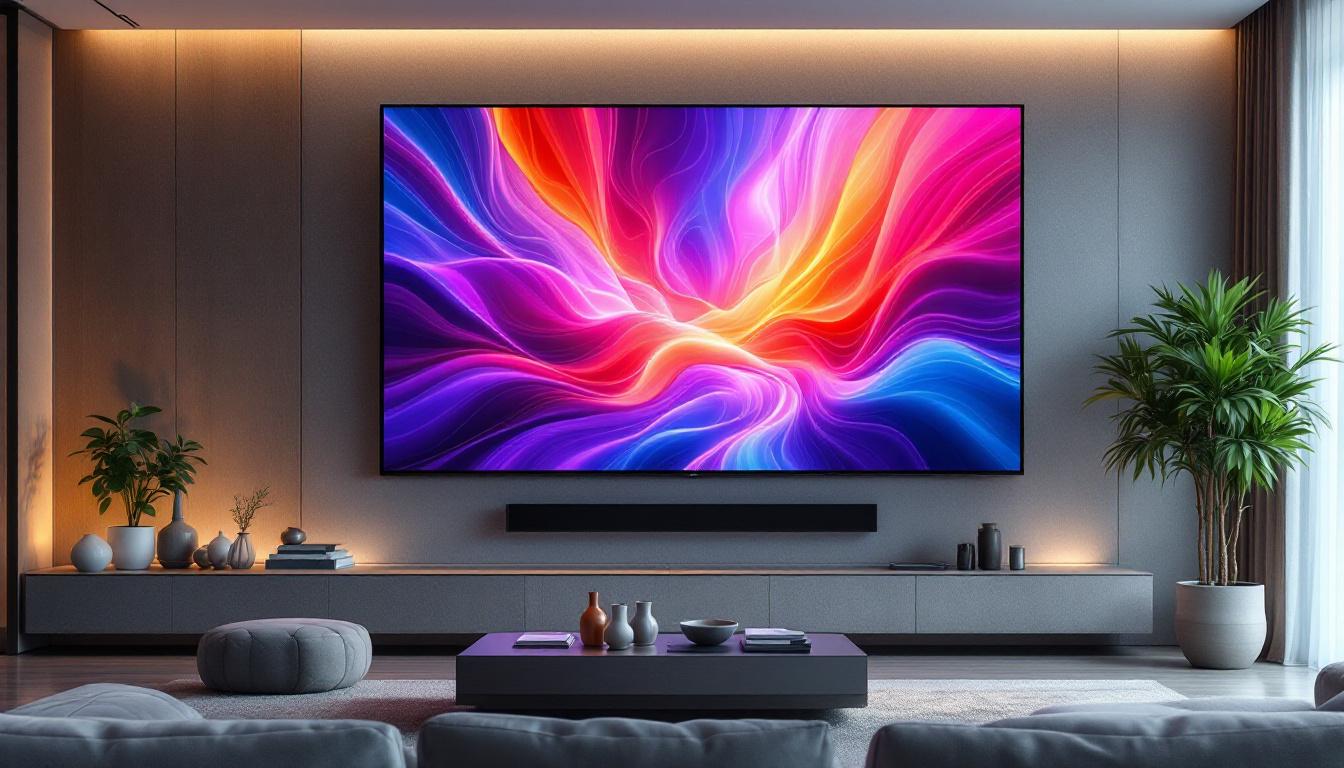
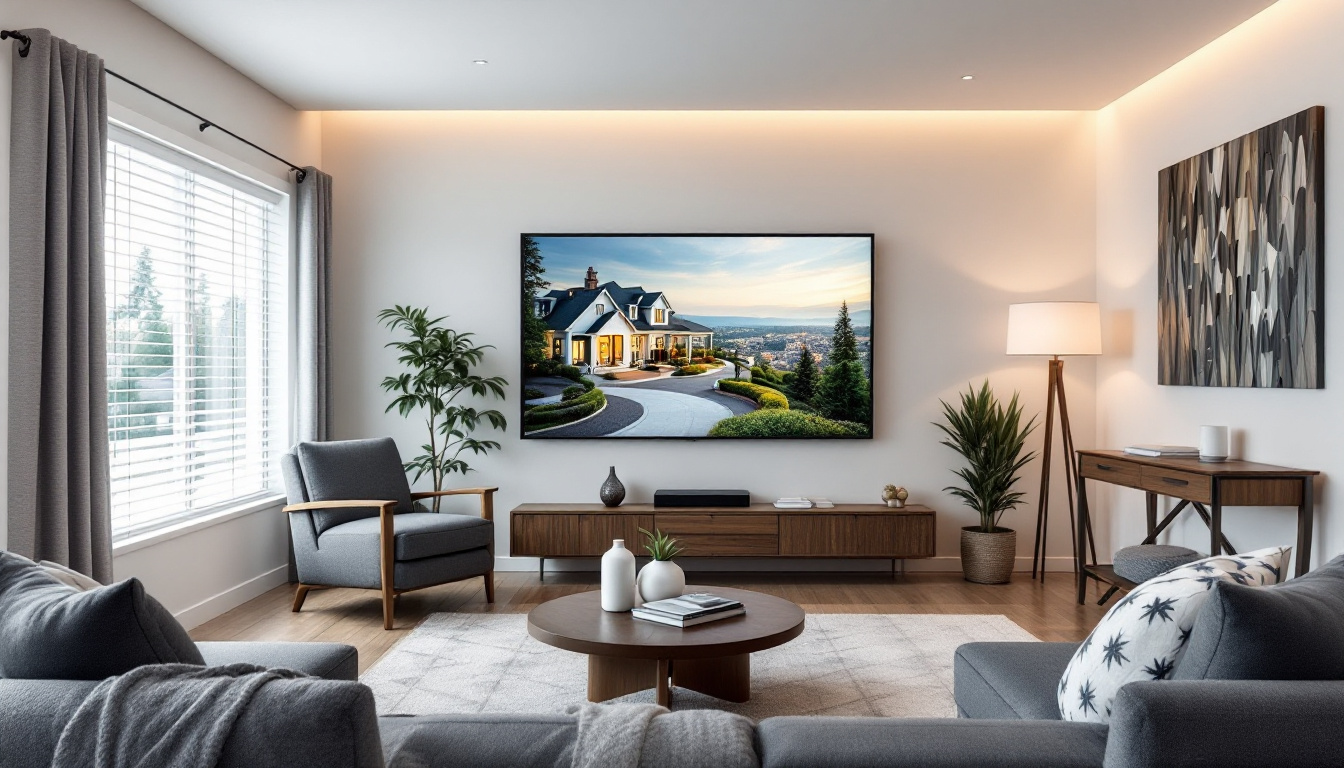
In a dedicated home theater room measuring 15 feet by 20 feet, a 120-inch diagonal 16:9 projector screen is often ideal. This size allows viewers to sit approximately 15 to 20 feet away, matching SMPTE recommendations for immersive viewing.
However, if the room has significant ambient light or the projector’s brightness is limited, an LED display might be considered. A 100-inch LED display with a 1.5mm pixel pitch could provide a brighter, sharper image but at a higher cost.
Corporate Conference Room
For a corporate conference room where presentations and video conferencing are common, a 100-inch diagonal 16:10 projector screen is often used. The aspect ratio accommodates various presentation formats and allows for a wider image.
Alternatively, an LED display with a 3mm pixel pitch might be installed on one wall, providing excellent clarity for close-up viewing and eliminating shadows or glare from ambient light.
Large Venue or Event Space
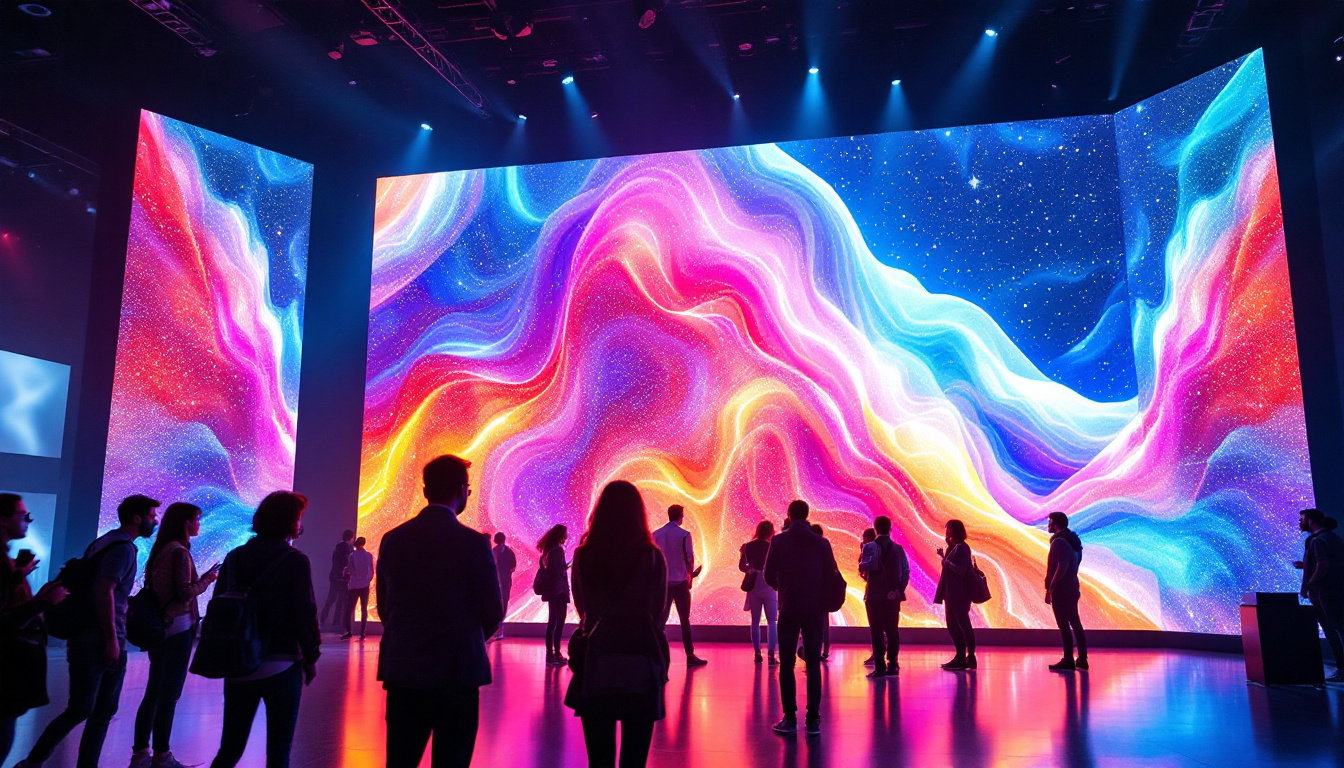
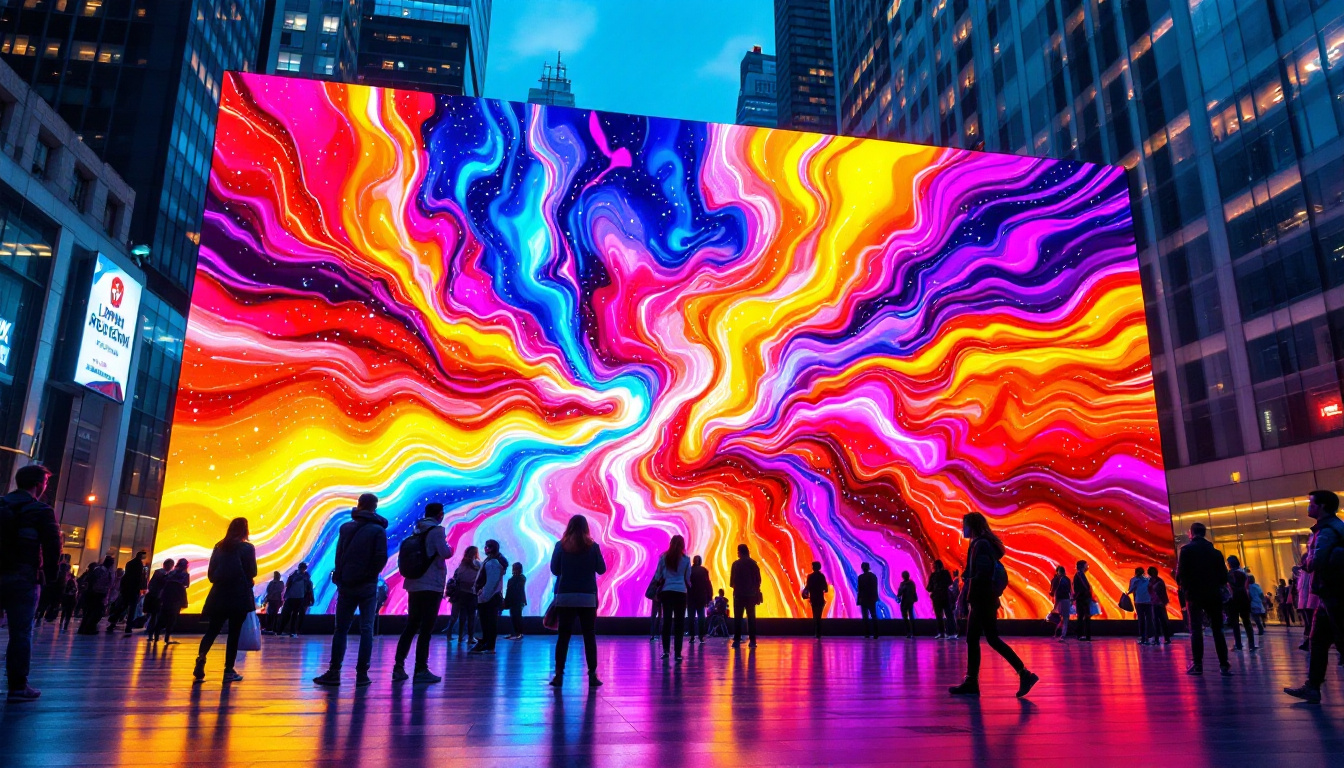
In large venues such as auditoriums or event halls, projector screens can become impractically large and require powerful, expensive projectors. LED walls are increasingly preferred for these spaces due to their scalability and brightness.
For example, a 20-foot wide by 11-foot high LED display with a 4mm pixel pitch can deliver crisp images visible to audiences seated hundreds of feet away. Measurement in these cases focuses on modular panel configuration and pixel pitch to balance resolution and size.
Tips for Accurate Measurement and Installation
Accurate measurement and proper installation are crucial for maximizing the performance of both projector screens and LED displays.
Use Quality Measuring Tools
Employ a reliable tape measure or laser distance measurer to obtain precise dimensions. For large spaces, laser measurers provide quick and accurate readings, reducing human error.
Account for Mounting and Surrounding Space
When measuring, consider the mounting hardware, screen borders, and any surrounding architectural features. These factors can affect the effective screen size and viewing angles.
Consult Manufacturer Specifications
Each projector and LED display model has specific recommended screen sizes and aspect ratios. Review the manufacturer’s documentation to ensure compatibility and optimal performance.
Consider Professional Installation
For large or complex setups, professional installation services can ensure accurate measurement, alignment, and calibration. This investment often results in better image quality and longer equipment lifespan.
Conclusion
Measuring a projector screen accurately is essential for creating an immersive and comfortable viewing experience. Understanding the relationship between diagonal size, aspect ratio, and viewing distance helps in selecting the right screen for any environment.
With the rise of LED displays as a versatile and bright alternative, measurement considerations have expanded to include pixel pitch, modular configuration, and ambient light conditions. Whether choosing a traditional projector screen or a modern LED display, precise measurement and thoughtful planning are key to achieving the best visual results.
By following the guidelines and examples outlined in this article, users can confidently measure and select the appropriate screen size to suit their specific needs, ensuring every presentation, movie night, or event is viewed in the best possible light.
Discover LumenMatrix’s Advanced LED Display Solutions
Ready to elevate your visual experience with the latest in LED display technology? LumenMatrix offers a comprehensive range of innovative LED display solutions tailored to your unique needs. From immersive Indoor LED Wall Displays to dynamic Outdoor LED Wall Displays, and from versatile Vehicle LED Displays to engaging LED Sports Displays, we have it all. Our mission is to transform your visual communication, ensuring your message resonates with brilliance and clarity. Don’t miss out on the opportunity to captivate your audience with unparalleled brightness and resolution. Check out LumenMatrix LED Display Solutions today and see the difference for yourself!