In the rapidly evolving world of technology, understanding the components that make up your workspace is essential. One such component that often goes overlooked is the monitor stand, particularly when paired with LED displays. This article delves into the intricacies of monitor stands designed for LED displays, exploring their importance, types, ergonomic benefits, and how to choose the right one for your needs.
Understanding LED Displays
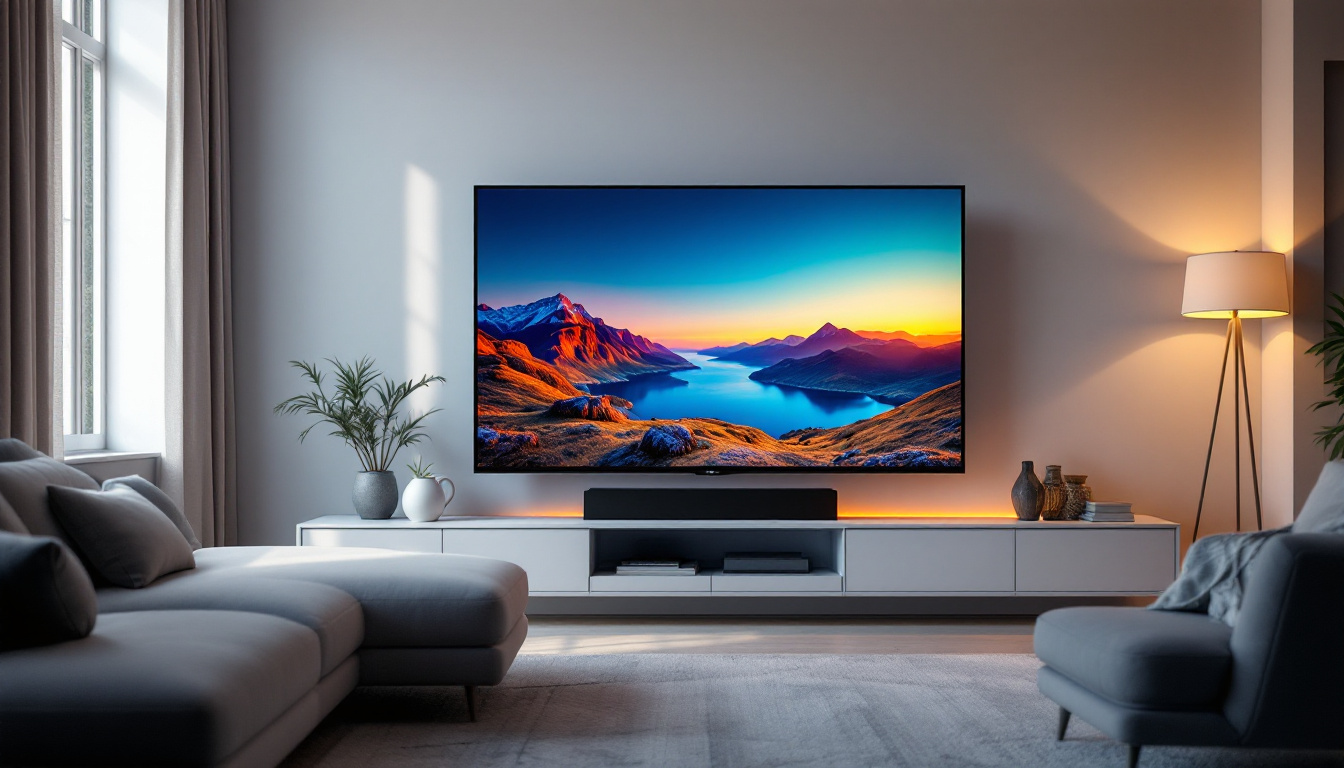
LED (Light Emitting Diode) displays have become the standard in modern monitors due to their superior image quality, energy efficiency, and slim design. Unlike traditional LCDs that use cold cathode fluorescent lamps (CCFL) for backlighting, LED displays utilize light-emitting diodes, which offer better brightness, contrast, and color accuracy. This technology not only enhances the visual experience but also contributes to a more sustainable future, as LED displays consume significantly less power and have a longer lifespan compared to their predecessors.
The popularity of LED displays has surged in recent years. According to a 2023 report by Statista, over 80% of computer monitors sold worldwide now feature LED backlighting, highlighting the shift towards this technology. This trend is driven by consumer demand for sharper images and more energy-efficient devices. Furthermore, advancements in LED technology, such as the introduction of OLED (Organic Light Emitting Diode) displays, have pushed the boundaries of what is possible in display technology, offering deeper blacks and more vibrant colors.
Why LED Displays Matter in the Workplace
LED displays are not only about aesthetics; they play a crucial role in enhancing productivity and reducing eye strain. The improved contrast ratios and flicker-free technology found in many LED monitors help minimize fatigue during long working hours. For professionals in graphic design, video editing, and other visual fields, the accurate color reproduction of LED displays is indispensable. Moreover, many LED monitors now come equipped with features such as blue light filters and adjustable brightness settings, further promoting eye comfort and health, which is essential in today’s fast-paced work environments.
Common Sizes and Resolutions
LED monitors come in a variety of sizes, typically ranging from 21 inches to 32 inches for desktop use. Resolutions vary from Full HD (1920×1080) to 4K Ultra HD (3840×2160), catering to different user needs. Larger displays with higher resolutions are preferred for multitasking and detailed work, while smaller screens may suffice for general office tasks. Additionally, ultra-wide monitors have gained popularity, providing an expansive workspace that allows users to run multiple applications side by side without the need for multiple screens. This versatility makes LED displays an excellent choice for both home and professional settings, accommodating a wide range of activities from gaming to content creation.
The Role of Monitor Stands in LED Display Setups
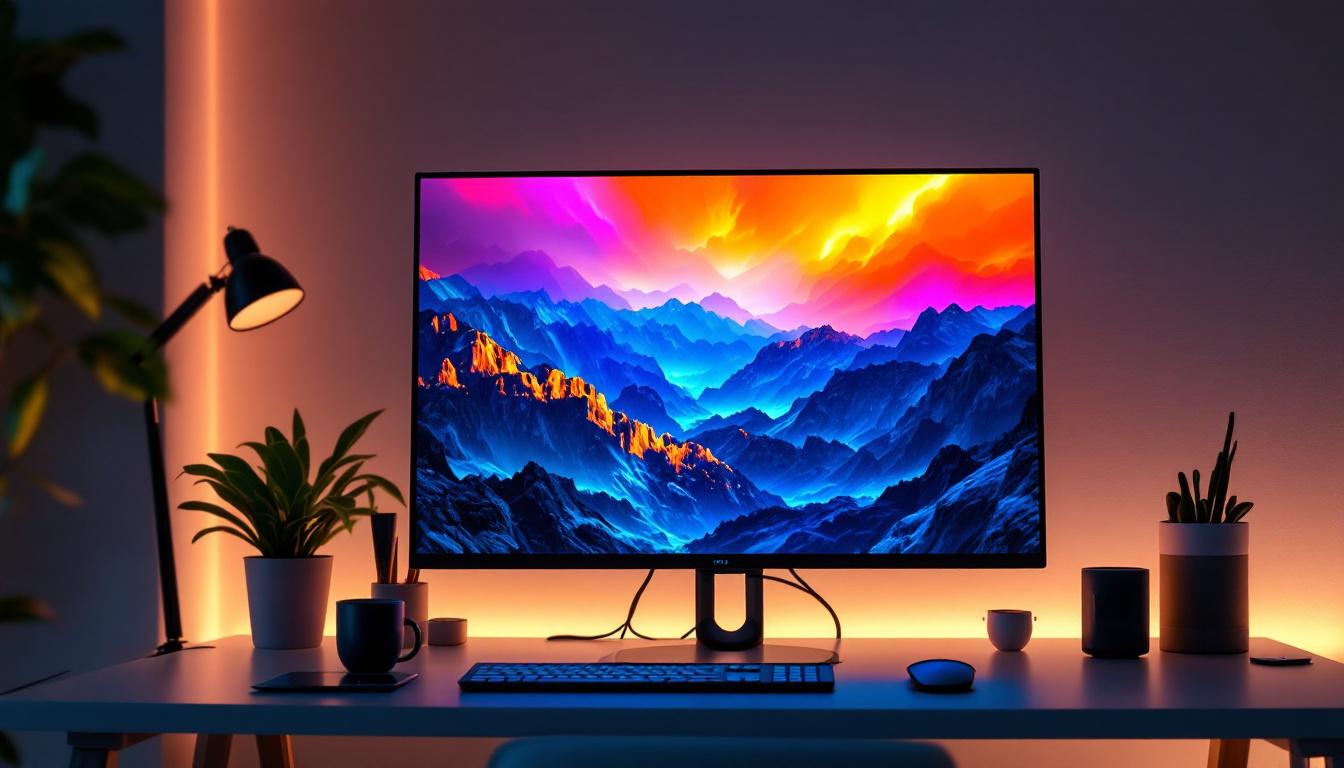
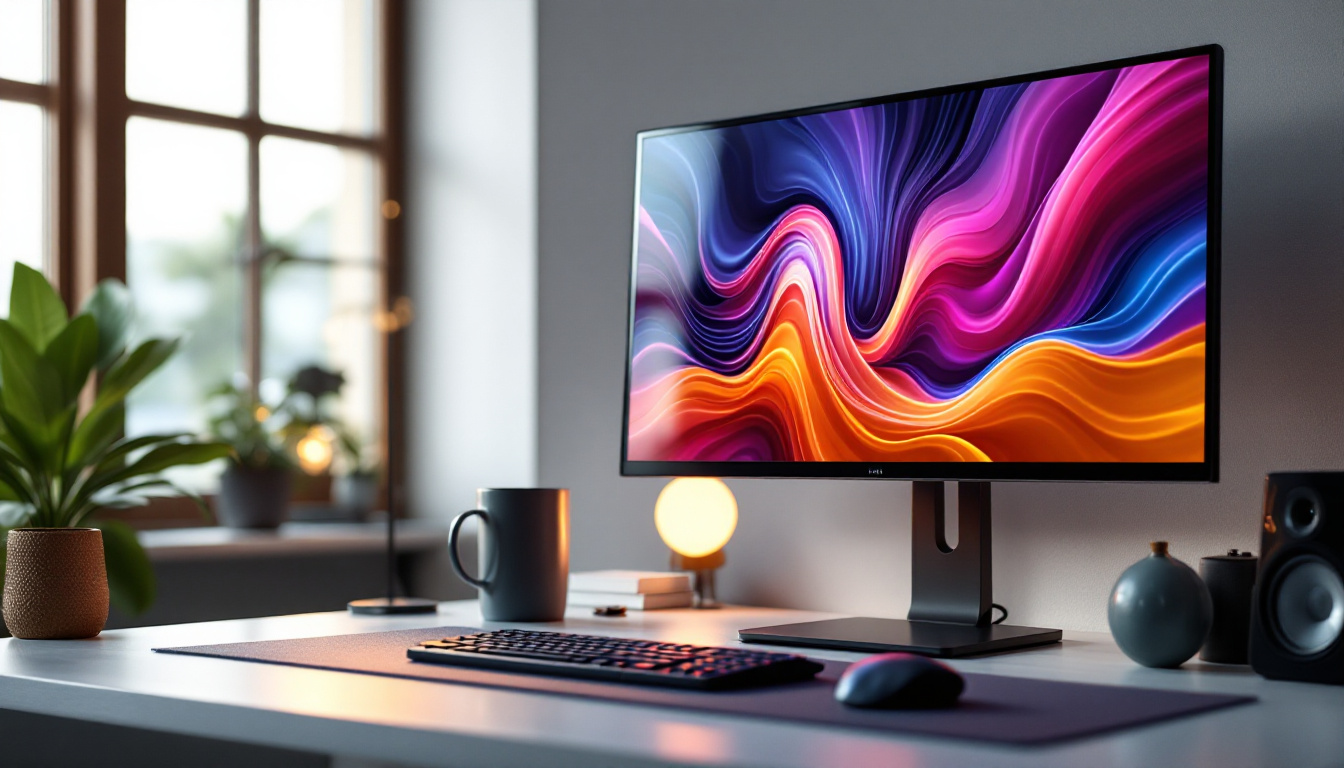
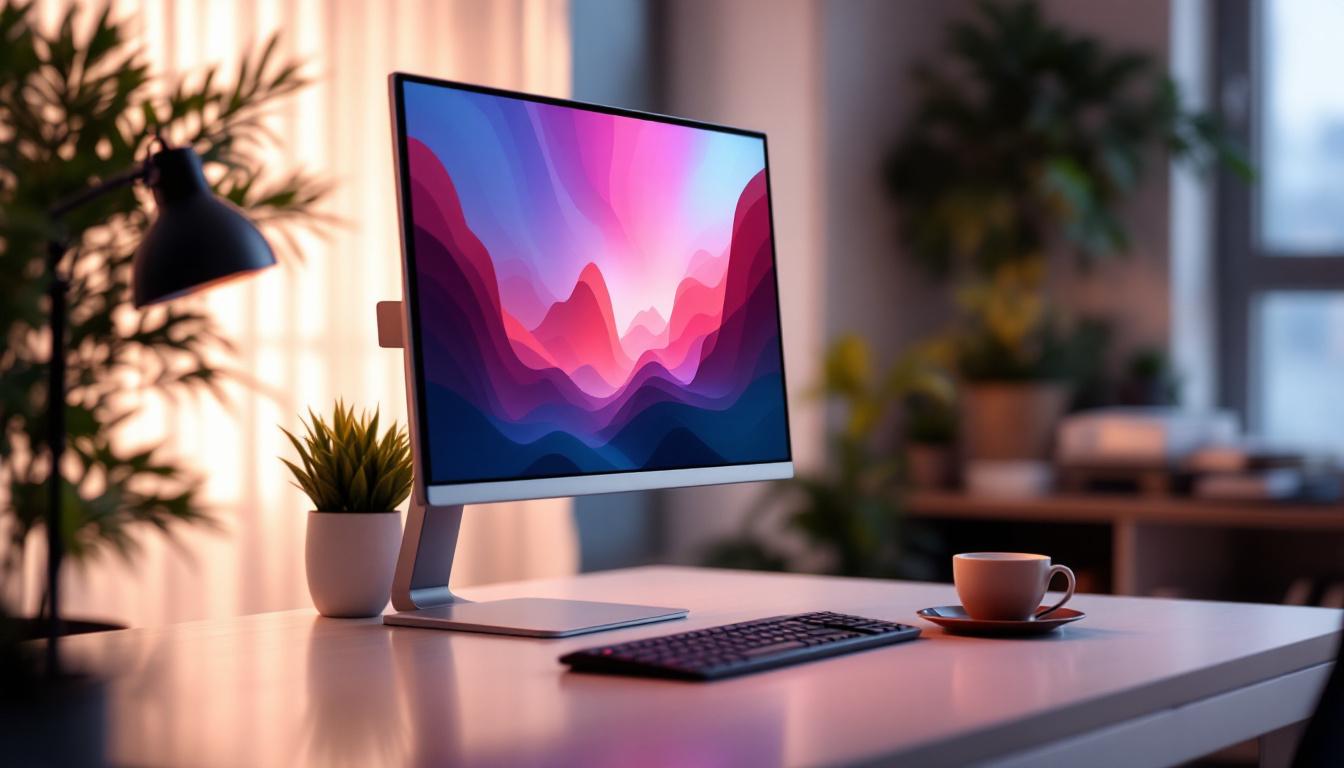
While the LED display itself is critical, the monitor stand plays an equally important role in the overall user experience. A monitor stand supports the display, allowing users to position it at an optimal height, angle, and distance. This adjustability is vital for maintaining good posture and preventing musculoskeletal issues. For instance, a monitor stand that allows for precise height adjustments can help users avoid the common pitfalls of slouching or craning their necks, which can lead to chronic discomfort over time.
Moreover, monitor stands contribute to desk organization and aesthetics. A well-designed stand can free up valuable desk space and create a cleaner, more professional workspace. By elevating the monitor, these stands can create additional storage space underneath for items like keyboards, notebooks, or other office supplies, further enhancing the functionality of the workspace. This not only improves efficiency but also fosters a more pleasant working environment, which can boost productivity and creativity.
Ergonomics: The Health Benefits of Proper Monitor Stands
Ergonomics is the science of designing work environments to fit the user’s needs, reducing discomfort and risk of injury. According to the Occupational Safety and Health Administration (OSHA), improper monitor height and positioning can lead to neck strain, back pain, and eye fatigue. In fact, studies have shown that individuals who invest in ergonomic equipment, including monitor stands, report higher job satisfaction and lower levels of discomfort, which can translate into fewer sick days and increased performance.
Monitor stands that offer height adjustment, tilt, swivel, and rotation features enable users to customize their setup. Ideally, the top of the monitor screen should be at or slightly below eye level, and the screen should be about an arm’s length away. These adjustments help maintain a neutral neck position and reduce glare, promoting better focus and comfort. Additionally, many modern stands come equipped with cable management systems that keep cords organized and out of the way, further reducing distractions and potential hazards in the workspace.
Types of Monitor Stands Compatible with LED Displays
There are several types of monitor stands designed to accommodate LED displays, each with unique features and benefits:
- Fixed Stands: These are the standard stands that come with most monitors. They offer limited or no adjustability but provide basic support. While they may be sufficient for casual users, those who spend long hours at their desks may find them lacking in comfort and versatility.
- Height-Adjustable Stands: These allow vertical movement to raise or lower the monitor, improving ergonomic positioning. Some models even feature gas spring mechanisms that make adjustments smooth and effortless, catering to users who frequently change their seating positions throughout the day.
- Articulating Arms: These versatile mounts attach to the desk or wall and provide extensive adjustability, including tilt, swivel, rotation, and height adjustments. Ideal for collaborative workspaces, articulating arms enable users to share their screens easily with colleagues or adjust their monitor for different tasks, such as gaming or graphic design.
- Dual or Multi-Monitor Stands: Designed for setups with multiple monitors, these stands help organize several LED displays efficiently. They can significantly enhance productivity by allowing users to view multiple applications simultaneously without the need to constantly switch between windows, making them a popular choice for professionals in fields such as finance, programming, and creative design.
Choosing the Right Monitor Stand for Your LED Display
Selecting the appropriate monitor stand involves considering several factors to ensure compatibility, comfort, and functionality.
Compatibility and Weight Capacity
First and foremost, ensure that the stand supports the size and weight of your LED monitor. Most stands specify a maximum weight capacity and compatible screen sizes. For instance, a stand designed for monitors up to 27 inches may not safely support a 32-inch display.
Adjustability Features
Evaluate the adjustability options you need based on your workspace and usage habits. If you frequently switch between sitting and standing positions, a height-adjustable or articulating arm stand may be ideal. For users with limited desk space, wall-mounted arms can be a practical solution.
Build Quality and Materials
Monitor stands are typically made from metal, plastic, or a combination of both. Metal stands, especially those made from steel or aluminum, tend to be more durable and stable. Investing in a high-quality stand ensures longevity and reliable support for your LED display.
Desk Space and Aesthetics
Consider how the stand will fit into your workspace. Some stands have a large footprint, which might reduce available desk space. Others, like clamp-mounted arms, free up surface area. Additionally, the design and color of the stand can complement your overall office decor, contributing to a cohesive and professional environment.
Installation and Maintenance Tips
Proper installation and maintenance of your monitor stand are crucial for safety and performance.
Installation Best Practices
When setting up your monitor stand, follow the manufacturer’s instructions carefully. Ensure that all screws and clamps are securely fastened. If using a wall-mounted arm, verify that the wall can support the weight and that appropriate anchors are used.
Position the monitor to minimize glare from windows or overhead lighting. Adjust the height and angle to suit your ergonomic needs before securing the monitor in place.
Regular Maintenance
Periodically check the stand for any loose screws or signs of wear. Clean the stand with a soft cloth to remove dust and debris, which can affect moving parts. For articulating arms, lubricate joints if recommended by the manufacturer to maintain smooth movement.
Future Trends in Monitor Stands and LED Displays
As technology advances, monitor stands and LED displays continue to evolve in tandem. Emerging trends focus on enhancing user comfort, improving aesthetics, and integrating smart features.
Integration with Smart Desks and IoT
Smart desks equipped with sensors and motorized adjustments are becoming more common. Monitor stands that can interface with these desks allow users to save preferred settings and automate adjustments. Integration with Internet of Things (IoT) devices could enable voice control or adaptive positioning based on user behavior.
Eco-Friendly Materials and Designs
With growing environmental awareness, manufacturers are exploring sustainable materials and production methods for monitor stands. Recyclable metals, biodegradable plastics, and minimalist designs that reduce material use are gaining traction.
Enhanced Cable Management
Modern monitor stands increasingly incorporate cable management systems to keep workspaces tidy. LED displays with multiple ports benefit from stands that route cables discreetly, reducing clutter and improving airflow around the device.
Conclusion
Understanding the relationship between monitor stands and LED displays is essential for creating an efficient, ergonomic, and visually appealing workspace. LED monitors offer superior display quality, but without the right stand, users may experience discomfort and reduced productivity.
Choosing a monitor stand that matches your LED display’s size, weight, and your ergonomic needs can significantly improve your work experience. Whether opting for a simple height-adjustable stand or a sophisticated articulating arm, investing in quality and proper setup pays dividends in comfort and health.
As technology progresses, monitor stands will continue to adapt, offering smarter, more sustainable, and user-friendly solutions. Staying informed about these developments ensures that your workspace remains modern and conducive to productivity.
Discover LumenMatrix’s Advanced LED Display Solutions
As you consider the ergonomic and aesthetic benefits of the right monitor stand for your LED display, take the next step in optimizing your visual workspace with LumenMatrix. Our innovative LED display solutions, ranging from Indoor and Outdoor LED Wall Displays to specialized options like Vehicle, Sports, and Floor LED Displays, are designed to bring your visual communication to life. Experience the transformative power of our Custom, All-in-One, and Transparent LED Displays. Elevate your brand visibility and create immersive experiences that captivate and engage. Check out LumenMatrix LED Display Solutions today and see the difference cutting-edge technology can make.