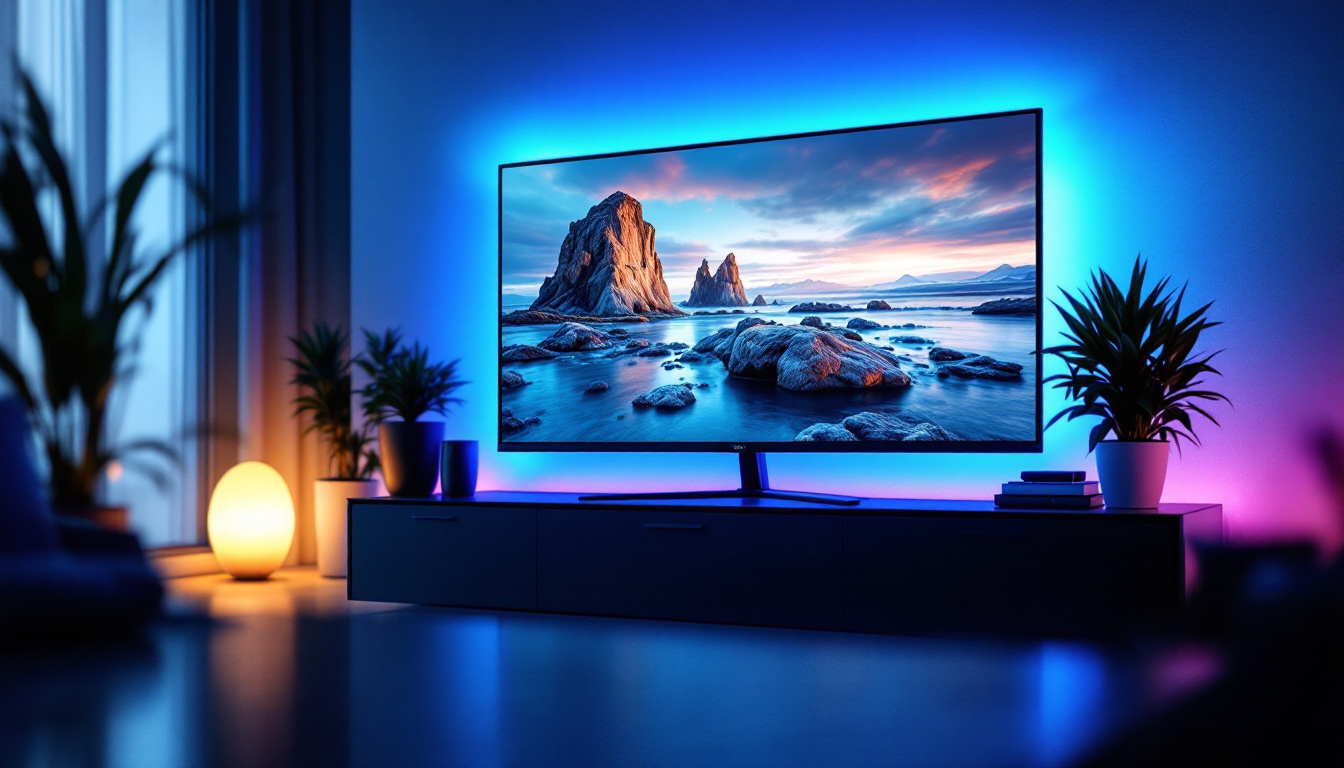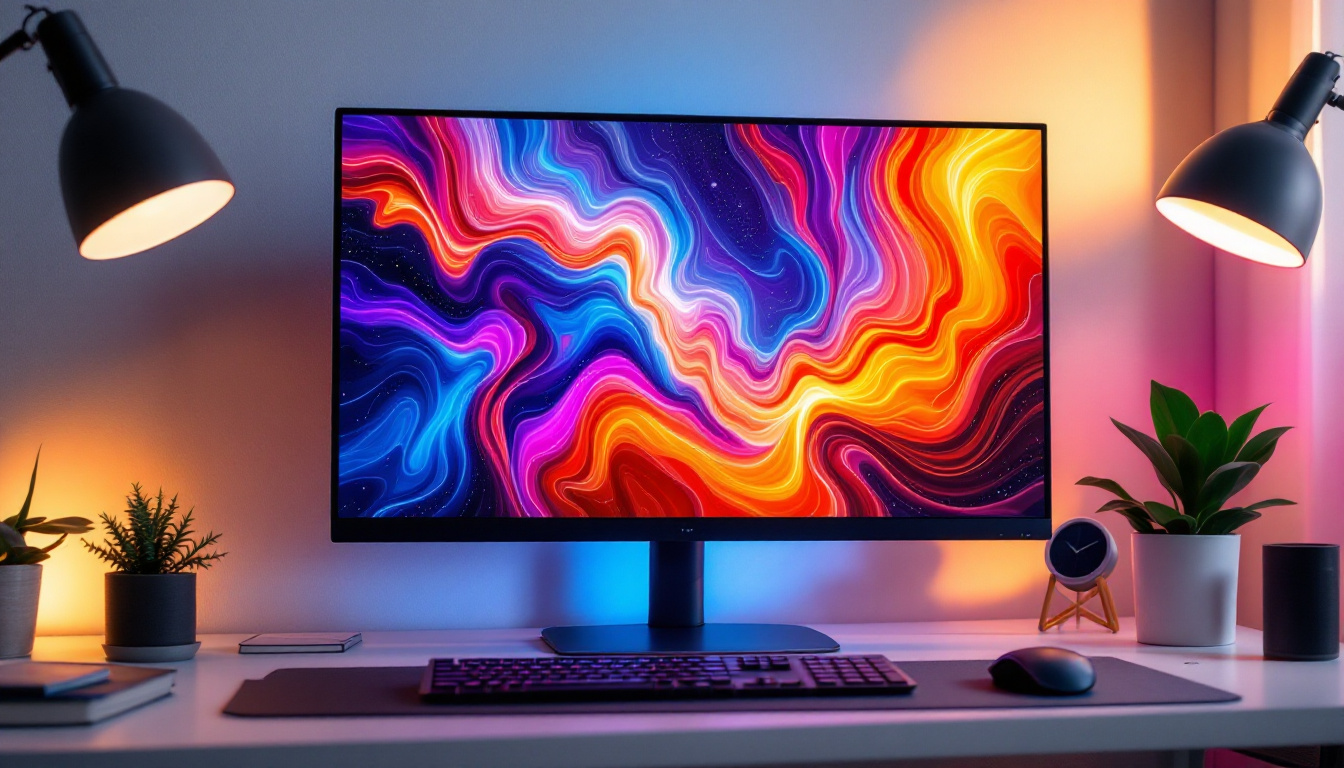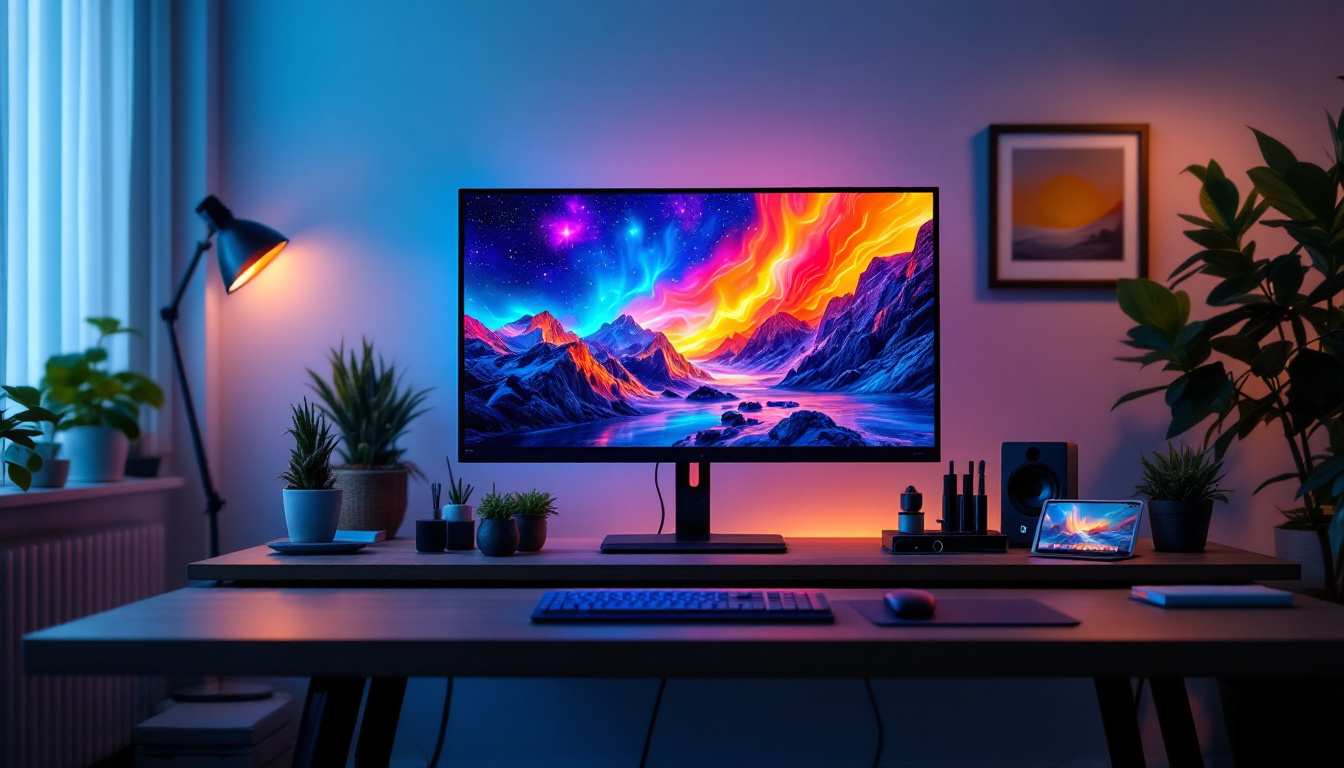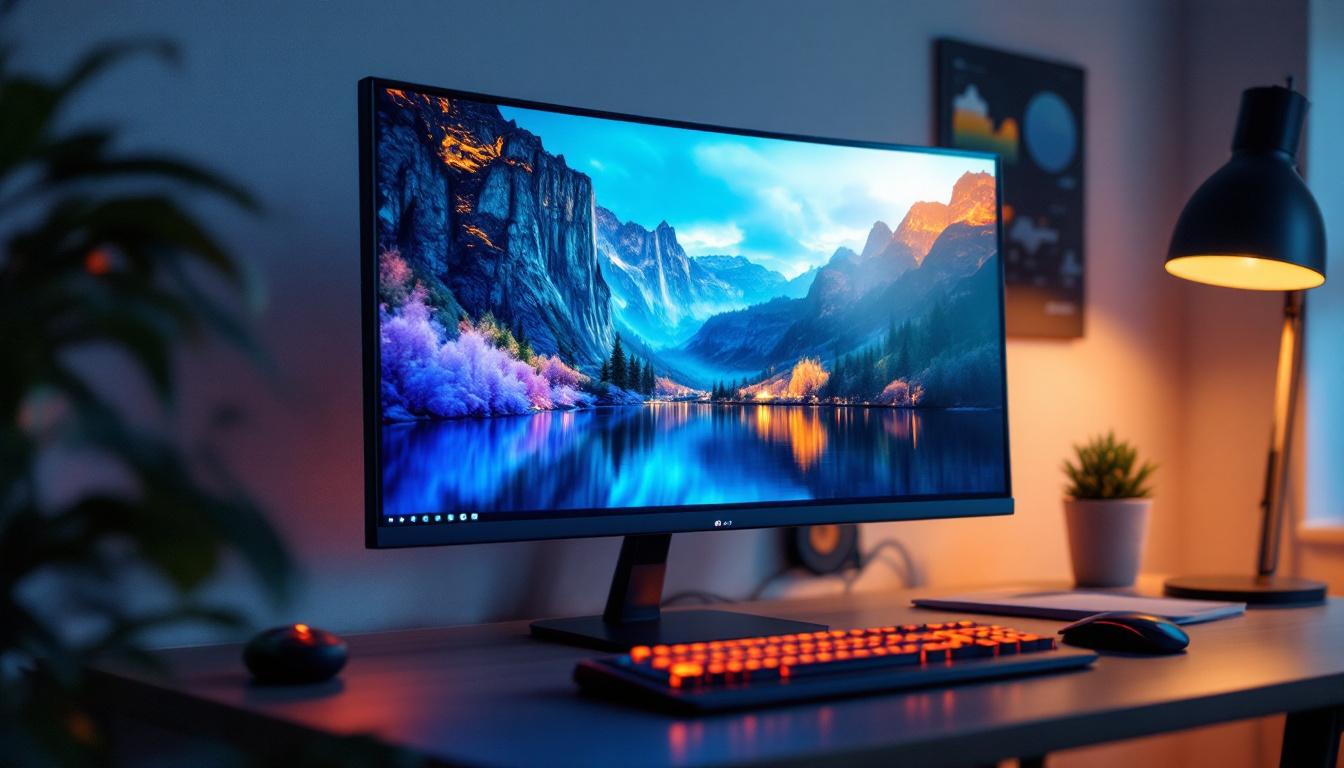
In today’s fast-paced digital world, choosing the right monitor can significantly impact productivity, entertainment, and overall user experience. Among the myriad options available, a 21-inch LED monitor strikes a balance between size, performance, and affordability, making it a popular choice for a wide range of users. This article delves into the essentials of 21-inch LED monitors, exploring their technology, benefits, use cases, and what to consider before making a purchase.
Understanding LED Display Technology
LED, or Light Emitting Diode, technology has revolutionized display screens over the past decade. Unlike older LCD monitors that rely on cold cathode fluorescent lamps (CCFL) for backlighting, LED monitors use tiny light-emitting diodes to illuminate the screen. This shift has brought about significant improvements in energy efficiency, color accuracy, and overall display quality. The transition to LED technology has not only enhanced the visual experience for consumers but has also paved the way for innovations in various fields, including gaming, graphic design, and medical imaging, where precise color reproduction is crucial.
How LED Displays Work
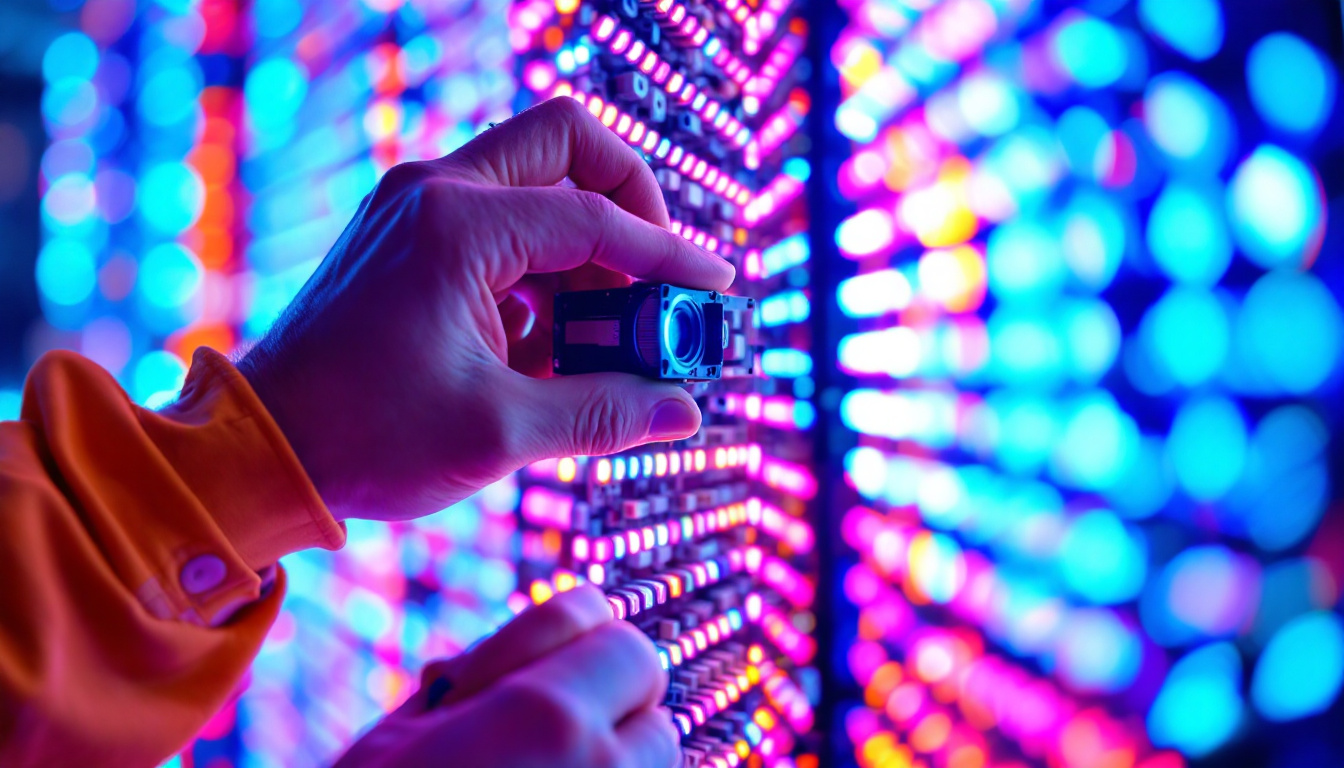
At the core, an LED monitor is still an LCD screen; the difference lies in the backlighting method. LEDs serve as the light source behind the liquid crystal display panel. These diodes emit light that passes through the LCD layer, which controls the color and intensity of each pixel. This combination creates the vivid images users see on the screen. The technology behind LED displays has evolved, with advancements such as quantum dot technology and OLED (Organic Light Emitting Diode) displays, which further enhance color accuracy and viewing angles, offering even more dynamic visual experiences.
There are two main types of LED backlighting: edge-lit and full-array. Edge-lit LED monitors position LEDs along the edges of the screen, allowing for thinner designs and lower costs. Full-array LED monitors distribute LEDs evenly behind the entire panel, enabling better local dimming and contrast ratios, which enhances picture quality. Additionally, some full-array models incorporate advanced features like HDR (High Dynamic Range), which significantly improves the range of colors and brightness levels, making images appear more lifelike and immersive.
Advantages of LED Over Other Technologies
Compared to traditional LCD monitors with CCFL backlighting, LED displays offer several advantages:
- Energy Efficiency: LEDs consume less power, which can reduce electricity bills and extend battery life in portable setups.
- Improved Brightness and Contrast: LED backlighting provides brighter displays and deeper blacks, resulting in sharper images.
- Thinner and Lighter Designs: LED technology allows for slimmer monitor profiles, saving desk space and enhancing aesthetics.
- Longer Lifespan: LEDs generally last longer than CCFLs, reducing the need for replacements.
- Environmentally Friendly: LEDs do not contain mercury, unlike CCFLs, making disposal safer and more eco-friendly.
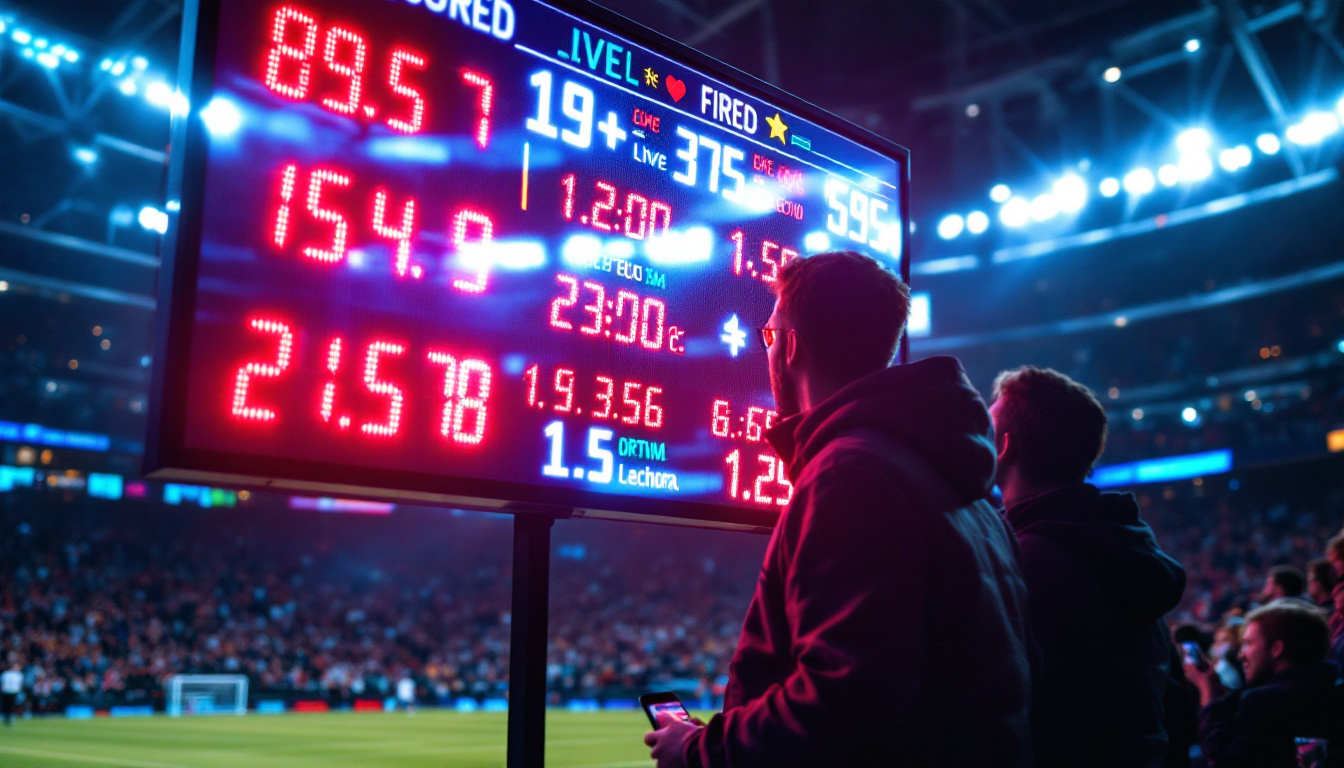
Moreover, the rapid development of LED technology has led to its integration in various applications beyond traditional displays. For instance, LED screens are now commonplace in outdoor advertising, sports arenas, and even in architectural lighting, where they create stunning visual effects. The versatility of LED technology allows it to adapt to different environments and requirements, making it a preferred choice for both commercial and residential use. As the demand for high-quality visual content continues to grow, LED technology is expected to evolve further, introducing even more innovative solutions in display technology.
Why Choose a 21-Inch Monitor?
The 21-inch screen size is a sweet spot for many users, balancing screen real estate with desk space and cost. But why exactly is this size so popular, and who benefits most from it?
Ideal Screen Size for Productivity
For office workers, students, and casual users, a 21-inch monitor provides ample space to work with multiple windows without overwhelming the workspace. It is large enough to comfortably view documents, spreadsheets, and web pages, yet compact enough to fit in smaller desks or shared environments.
According to a study by the Human Factors and Ergonomics Society, monitors between 20 and 24 inches are optimal for reducing eye strain and improving focus during extended use. The 21-inch size falls perfectly within this range, offering a comfortable viewing experience without requiring excessive head or eye movement.
Gaming and Entertainment Considerations
While larger monitors are often preferred for immersive gaming, a 21-inch LED monitor can still provide a satisfying experience for casual gamers or those with limited space. The pixel density on a 21-inch Full HD (1920×1080) display tends to be higher than on larger monitors with the same resolution, resulting in sharper images and text.
For watching movies or streaming content, a 21-inch screen offers decent viewing angles and color reproduction, especially when paired with LED technology’s improved contrast and brightness. It’s a practical choice for bedrooms, dorms, or secondary monitors in multi-screen setups.
Cost-Effectiveness and Accessibility
One of the most compelling reasons to choose a 21-inch LED monitor is affordability. These monitors typically fall into the budget to mid-range price categories, making them accessible to students, home office users, and small businesses. The lower power consumption also translates to savings over time.
Key Features to Look for in a 21-Inch LED Monitor
When selecting a 21-inch LED monitor, several features should be considered to ensure the device meets your specific needs. Understanding these aspects can help you make an informed decision and avoid common pitfalls.
Resolution and Image Quality
Resolution defines the number of pixels displayed on the screen, directly affecting image sharpness. The most common resolution for 21-inch monitors is Full HD (1920×1080), which provides crisp visuals for everyday tasks. Some models offer higher resolutions, such as 2560×1440 (QHD), but these are less common in this size range and tend to be pricier.
Beyond resolution, pay attention to panel type. IPS (In-Plane Switching) panels offer superior color accuracy and wider viewing angles compared to TN (Twisted Nematic) panels, which are faster but have narrower viewing angles and less vibrant colors. VA (Vertical Alignment) panels provide better contrast but may have slower response times.
Refresh Rate and Response Time
For gamers or users who watch fast-paced videos, refresh rate and response time are crucial. The refresh rate, measured in hertz (Hz), indicates how many times the screen updates per second. Standard monitors offer 60Hz, which is sufficient for most users. However, 75Hz or higher can provide smoother motion.
Response time, measured in milliseconds (ms), refers to how quickly a pixel can change color. Lower response times reduce motion blur and ghosting effects. For gaming, a response time of 5ms or lower is recommended.
Connectivity Options
Modern monitors come with various input ports. HDMI is the most common and supports both video and audio signals. DisplayPort offers higher bandwidth and is favored for gaming and professional use. VGA and DVI ports are becoming obsolete but may still be useful for older devices.
USB ports, especially USB-C, add versatility by allowing data transfer and charging capabilities. Some monitors also include built-in speakers, though their quality varies and external speakers or headphones are often preferred.
Ergonomics and Design
Adjustability features such as tilt, swivel, height adjustment, and pivot can enhance comfort and reduce strain during long periods of use. A VESA mount compatibility allows attaching the monitor to custom stands or wall mounts, saving desk space.
The design and bezel size may also matter for multi-monitor setups or aesthetic preferences. Thin bezels provide a more seamless look and allow for better screen real estate when using multiple monitors side by side.
Popular Use Cases for 21-Inch LED Monitors
The versatility of 21-inch LED monitors makes them suitable for a variety of applications. Understanding these use cases can help buyers align their choice with their specific requirements.
Office and Home Productivity
For professionals working with documents, spreadsheets, and web applications, a 21-inch monitor offers a comfortable workspace without overwhelming the desk. The clarity and brightness of LED displays reduce eye fatigue, which is essential for long working hours.
Students benefit from the affordability and adequate screen size for research, writing, and online learning. Many models also support blue light filters and flicker-free technology to protect eye health.
Creative Work and Design
While larger monitors are often preferred for graphic design and video editing, a high-quality 21-inch LED monitor with an IPS panel can serve as a reliable secondary display or a budget-friendly option for beginners. Accurate color reproduction and wide viewing angles are important here, and many monitors in this size range now support sRGB color spaces close to 99%.
Gaming and Entertainment
Casual gamers and those with limited space can enjoy smooth gameplay on 21-inch LED monitors with decent refresh rates and response times. The compact size fits well in smaller gaming setups or shared rooms.
For entertainment, these monitors provide sharp images and vibrant colors for streaming movies, TV shows, or browsing multimedia content. Some models also include built-in speakers and headphone jacks for convenience.
Tips for Maintaining and Optimizing Your 21-Inch LED Monitor
Proper care and usage can extend the lifespan of your monitor and ensure consistent performance. Here are some practical tips:
Regular Cleaning
Dust and fingerprints can degrade image quality. Use a soft, lint-free cloth slightly dampened with water or a screen-safe cleaner to gently wipe the display. Avoid harsh chemicals or abrasive materials that can damage the screen coating.
Adjusting Brightness and Contrast
Setting the brightness and contrast to comfortable levels reduces eye strain and improves image clarity. Many monitors offer presets for different lighting conditions, such as “Reading” or “Movie” modes.
Updating Firmware and Drivers
Manufacturers occasionally release firmware updates that improve performance or fix bugs. Keeping your monitor’s drivers updated ensures compatibility with your computer and access to the latest features.
Proper Placement and Lighting
Position your monitor to minimize glare from windows or overhead lights. Using adjustable stands or mounts can help achieve the ideal height and angle, promoting good posture and reducing neck strain.
Conclusion: Is a 21-Inch LED Monitor Right for You?
A 21-inch LED monitor offers an excellent balance of size, performance, and affordability, making it a versatile choice for a wide range of users. Whether for office productivity, casual gaming, or multimedia consumption, the LED technology ensures energy efficiency, vibrant colors, and sharp images.
When selecting a monitor, consider your specific needs regarding resolution, panel type, refresh rate, and connectivity. Investing time in understanding these factors will help you find a monitor that enhances your digital experience without unnecessary expense.
As technology continues to evolve, 21-inch LED monitors remain a practical and popular option, delivering reliable performance in a compact form factor suitable for both home and professional environments.
Discover the Future of Visual Display with LumenMatrix
Ready to elevate your visual experience with a monitor that embodies innovation and performance? LumenMatrix is at the forefront of LED display technology, offering a diverse range of solutions tailored to meet your needs. From immersive indoor and outdoor LED walls to dynamic vehicle displays and beyond, our products are designed to captivate and engage. Embrace the future of visual communication and check out LumenMatrix LED Display Solutions today, where clarity and impact go hand in hand.