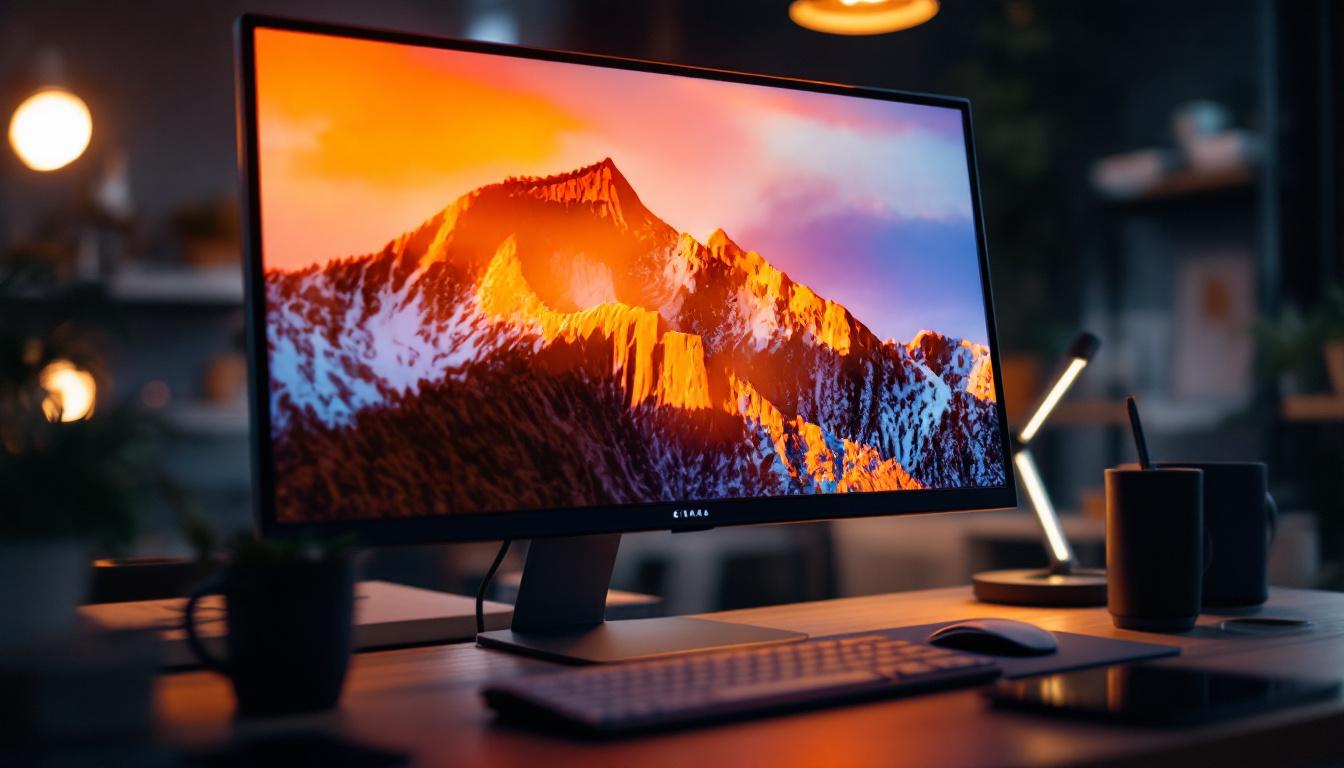
In an era where digital privacy is paramount, protecting sensitive information on your computer screen has become a priority for many professionals and everyday users alike. A 24-inch LED monitor is a popular choice for both office and home setups due to its balance of screen real estate and ergonomic convenience. However, with increasing concerns about visual hacking—where unauthorized individuals glimpse confidential data—integrating a privacy screen has emerged as an effective solution.
This article delves into the world of 24-inch LED monitors paired with privacy screens, exploring how these devices work, their benefits, and what to consider when selecting the right privacy filter for your needs. Whether you’re a remote worker, a healthcare professional, or simply someone who values discretion, understanding these technologies will empower you to make informed decisions about your digital privacy.
Understanding 24-Inch LED Monitors
What Makes LED Displays Popular?
LED (Light Emitting Diode) technology has revolutionized monitor displays over the past decade. Unlike older LCDs that relied on CCFL backlighting, LED monitors use tiny diodes to illuminate the screen, offering several advantages:
- Energy Efficiency: LED monitors consume less power, making them environmentally friendly and cost-effective over time.
- Better Brightness and Contrast: They provide sharper images with vibrant colors and deeper blacks, enhancing visual clarity.
- Slimmer Design: The compact nature of LEDs allows for thinner, lighter monitors that save desk space.
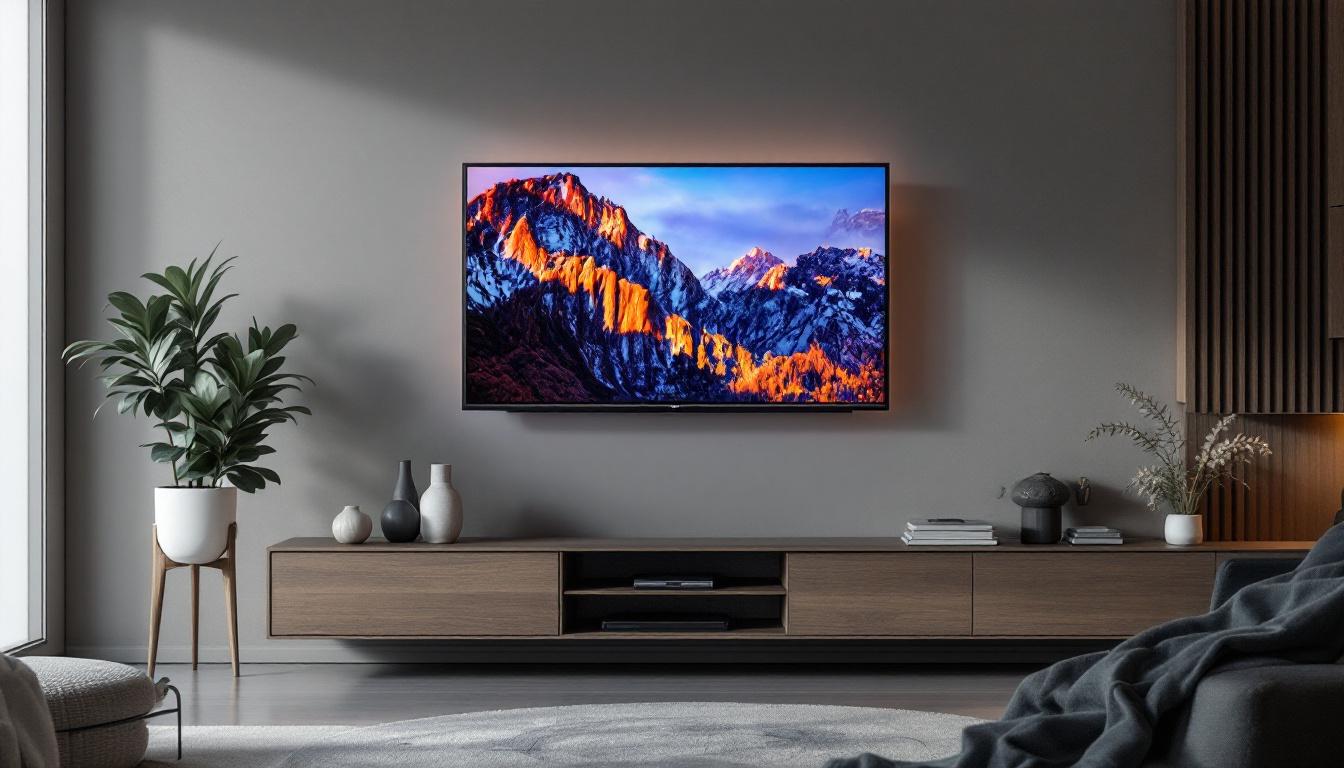
The 24-inch size is particularly favored because it strikes a sweet spot between productivity and comfort. It is large enough to comfortably view multiple windows or detailed spreadsheets without overwhelming the user or requiring excessive head movement. This size also makes it an excellent choice for dual-monitor setups, where users can easily manage workflows and enhance their productivity without sacrificing desk space.
Moreover, the advancements in LED technology have led to the development of features such as flicker-free screens and blue light filters, which significantly reduce eye strain during long hours of use. This is particularly beneficial for professionals who spend their entire workday in front of a screen, as it promotes a healthier work environment and allows for longer periods of focused work without discomfort.
Common Uses for 24-Inch LED Monitors
These monitors are widely used across various sectors:
- Office Environments: Ideal for multitasking, document editing, and video conferencing.
- Creative Work: Suitable for graphic design, photo editing, and content creation, especially when paired with high-resolution panels.
- Home Use: Perfect for casual browsing, streaming, and gaming with a balance of performance and affordability.
Given their versatility, 24-inch LED monitors are a staple in both professional and personal setups. In educational settings, they are increasingly being adopted for online learning and virtual classrooms, providing students with a clear and engaging view of educational content. The size is particularly beneficial for collaborative projects, allowing multiple students to gather around and view the screen comfortably.
Additionally, with the rise of remote work and the gig economy, many freelancers and remote employees are opting for 24-inch monitors to create a more productive home office environment. The ability to connect these monitors to laptops or desktops easily enhances their functionality, making them a practical choice for anyone looking to improve their workspace without a significant investment. As technology continues to evolve, the demand for such monitors is likely to grow, further solidifying their place in both home and professional settings.
The Importance of Privacy Screens
What Is a Monitor Privacy Screen?
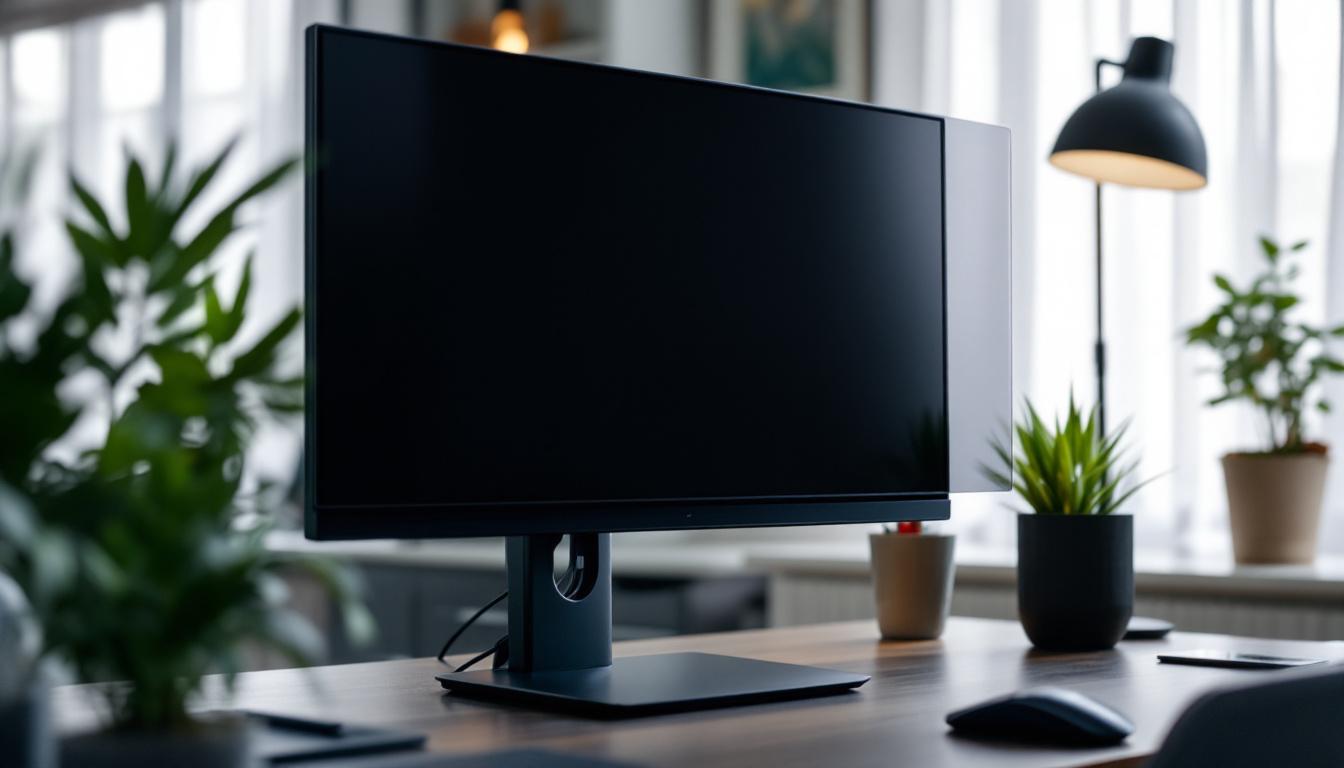
A monitor privacy screen is a thin, attachable filter that limits the viewing angle of your display. When applied to a monitor, it restricts the visibility of on-screen content to only the person directly in front of the screen. Anyone viewing from the side will see a darkened or blurred display, effectively preventing shoulder surfing and visual hacking.
These screens are especially valuable in environments where sensitive data is regularly accessed, such as financial institutions, healthcare facilities, and government offices. In addition to safeguarding personal information, privacy screens also help in maintaining compliance with various data protection regulations, which can be critical for businesses handling confidential client data. By implementing privacy screens, organizations can mitigate the risks associated with data breaches and enhance their overall security posture.
How Privacy Screens Work
Privacy filters utilize micro-louver technology—tiny vertical blinds embedded within the screen filter—that control the direction of light emitted from the monitor. This technology narrows the viewing angle typically to about 30 to 60 degrees from the center, depending on the filter quality.
For example, if a privacy screen restricts viewing angles to 60 degrees, anyone outside that range will see a dark or black screen. This physical barrier to viewing is passive, meaning it requires no power or software and works consistently across all applications and operating systems. Moreover, many privacy screens are designed to be easily removable and reusable, allowing users to switch between a standard display and a secure one as needed. This versatility is particularly beneficial for professionals who travel frequently or work in shared office spaces, where maintaining privacy can be a challenge.
Additionally, modern privacy screens often come with added features such as anti-glare and anti-reflective coatings, which enhance the user experience by reducing eye strain and improving visibility in bright environments. This makes them not only a security tool but also a practical accessory for anyone who spends long hours in front of a computer screen. As remote work becomes increasingly common, the demand for effective privacy solutions continues to grow, highlighting the essential role that monitor privacy screens play in today’s digital landscape.
Benefits of Using a Privacy Screen on a 24-Inch LED Monitor
Enhanced Data Security
With cyber threats becoming increasingly sophisticated, physical security measures like privacy screens add an extra layer of protection. They are particularly useful when working with:
- Confidential client information
- Financial records and transactions
- Medical data governed by privacy laws such as HIPAA
- Proprietary business strategies and intellectual property
By preventing unauthorized viewing, privacy screens help organizations comply with data protection regulations and reduce the risk of information leaks.
Improved Focus and Reduced Glare
Beyond privacy, many screens also reduce glare and reflections from ambient lighting, which can cause eye strain during long work sessions. This contributes to improved comfort and productivity, especially in brightly lit offices or near windows.
Portability and Ease of Installation
Privacy screens for 24-inch monitors are generally lightweight and easy to attach or remove. They come in various mounting styles, including magnetic, adhesive, and slide-on frames, allowing users to customize their setup according to their preferences.
Choosing the Right Privacy Screen for Your 24-Inch LED Monitor
Key Features to Consider
When selecting a privacy screen, several factors should guide your decision:
- Compatibility: Ensure the filter matches the exact dimensions of your 24-inch monitor. Filters designed for 16:9 aspect ratios are common for LED displays.
- Viewing Angle: Narrower angles offer better privacy but may reduce screen brightness. Balance your need for privacy with usability.
- Material Quality: High-quality filters resist scratches and fingerprints, extending the lifespan of your investment.
- Anti-Glare and Blue Light Reduction: Some privacy screens include additional eye-care features, which can be beneficial for prolonged use.
- Installation Method: Choose a mounting style that suits your monitor setup and personal convenience.
Popular Privacy Screen Types
There are three main types of privacy screens:
- Adhesive Privacy Screens: Stick directly onto the monitor and provide a secure fit but may leave residue upon removal.
- Magnetic Privacy Screens: Attach magnetically to monitors with metal bezels, allowing easy removal and reattachment.
- Slide-On Privacy Screens: Fit into the edges of the monitor frame and can be slid on or off as needed.
Each type has its advantages depending on how frequently you need to toggle privacy and your monitor’s design.
Installation and Maintenance Tips
Proper Installation for Optimal Performance
To maximize the effectiveness of your privacy screen, follow these guidelines:
- Clean your monitor thoroughly before applying the filter to avoid trapping dust or debris.
- Align the privacy screen carefully with the edges of your monitor to ensure full coverage.
- If using adhesive screens, apply slowly to prevent air bubbles.
- For magnetic or slide-on types, ensure the monitor frame supports the mounting method.
Maintenance and Care
Maintaining your privacy screen is straightforward but important:
- Use a microfiber cloth and gentle cleaning solution to remove fingerprints and smudges.
- Avoid abrasive materials or harsh chemicals that could damage the filter surface.
- Store removable screens in protective sleeves when not in use to prevent scratches.
Real-World Applications and Case Studies
Corporate Environments
Many financial institutions have adopted privacy screens on their 24-inch LED monitors to safeguard sensitive client data. For example, a multinational bank reported a 40% reduction in visual hacking incidents after equipping their trading floor with privacy filters. This measure complemented their cybersecurity protocols, creating a comprehensive defense system.
Healthcare Sector
Hospitals and clinics often handle patient records that must comply with strict privacy regulations. Privacy screens help medical staff access electronic health records without exposing information to visitors or unauthorized personnel. Studies indicate that integrating privacy screens reduces accidental data exposure by up to 60%, a significant improvement in patient confidentiality.
Remote Work and Public Spaces
With the rise of remote work, professionals frequently use their laptops or external monitors in public spaces such as cafes or co-working hubs. Privacy screens on 24-inch LED monitors provide peace of mind by limiting onlookers’ ability to view sensitive content, enabling users to work securely outside traditional office environments.
Conclusion: Is a Privacy Screen Right for Your 24-Inch LED Monitor?
Choosing to use a privacy screen on a 24-inch LED monitor is a proactive step toward protecting your digital privacy in an increasingly interconnected world. These filters offer a simple, cost-effective way to prevent unauthorized viewing of confidential information, reduce glare, and enhance focus.
When selecting a privacy screen, consider your specific environment, the sensitivity of your data, and your workflow needs. Whether in a corporate office, healthcare setting, or remote workspace, privacy screens provide tangible benefits that contribute to both security and productivity.
As technology continues to evolve, combining hardware solutions like privacy screens with robust cybersecurity practices will remain essential for safeguarding information in the digital age.
Discover LumenMatrix’s Advanced Privacy Solutions
As you consider enhancing the security and functionality of your 24-inch LED monitor, LumenMatrix invites you to explore our innovative LED display solutions. With a commitment to revolutionizing visual communication, our range of products, including privacy screens and specialized LED displays, is designed to meet your unique needs. From corporate offices to healthcare facilities, LumenMatrix provides the tools to protect your digital privacy while delivering unparalleled visual experiences. Check out LumenMatrix LED Display Solutions today and take the first step towards a more secure and engaging digital environment.