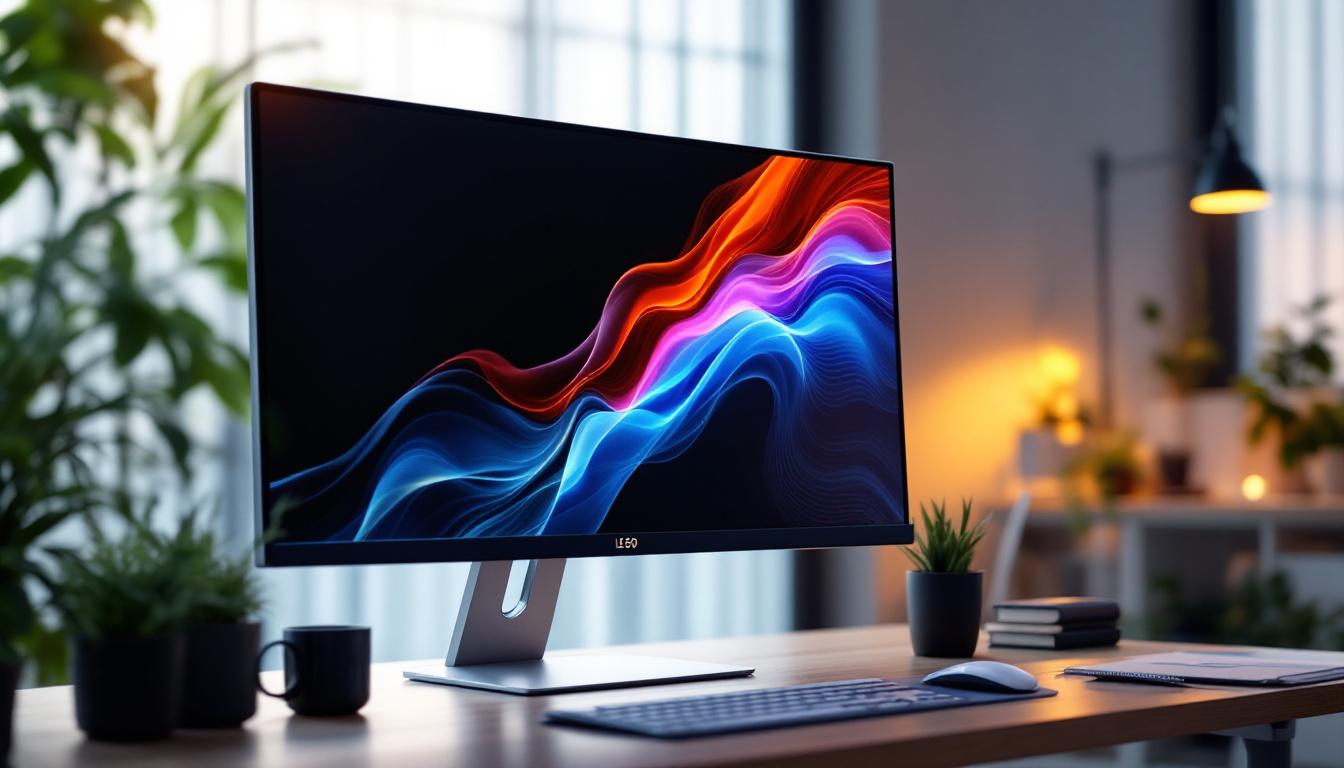
Monitor Stand: LED Display Explained
In today’s digital landscape, the quality and setup of your computer monitor can significantly impact productivity, comfort, and overall user experience. One key component often overlooked is the monitor stand, which plays a crucial role in positioning LED displays for optimal viewing. This article delves into the intricacies of LED displays and how monitor stands enhance their functionality, offering a comprehensive understanding for both casual users and professionals alike.
Understanding LED Displays: The Technology Behind the Screen
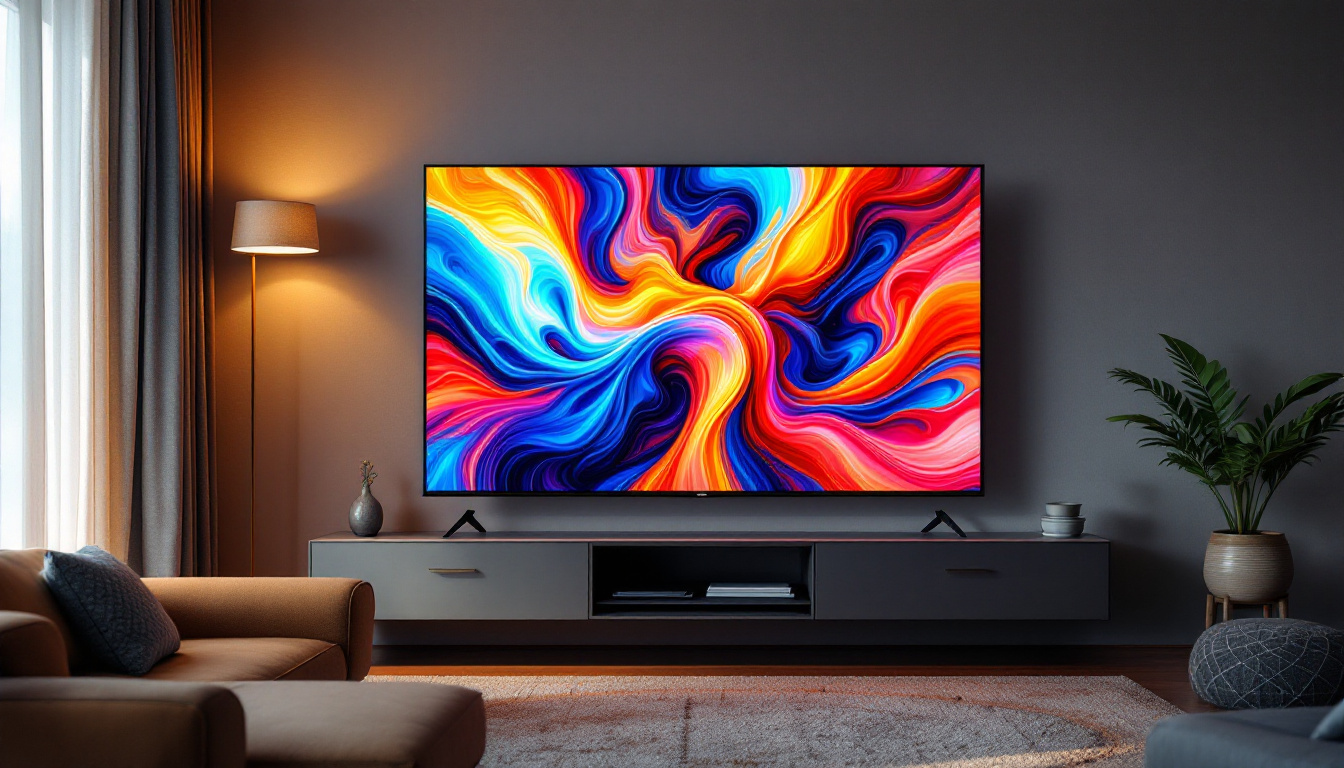
LED, or Light Emitting Diode, technology has revolutionized the way screens display images. Unlike traditional LCD monitors that rely on fluorescent backlighting, LED displays use tiny diodes to emit light directly or as a backlight source. This results in sharper images, better contrast ratios, and improved energy efficiency. The technology has not only enhanced the visual experience for consumers but has also paved the way for innovative applications in various fields, including advertising, gaming, and medical imaging.
Modern LED displays are commonly categorized into two types: edge-lit and full-array. Edge-lit LED monitors place LEDs along the edges of the screen, allowing for thinner designs and reduced power consumption. Full-array LED displays, on the other hand, distribute LEDs evenly behind the screen, enabling more precise local dimming and superior picture quality. This local dimming capability allows for enhanced contrast by dimming specific areas of the screen, which is particularly beneficial for viewing high-definition content or playing video games that demand vibrant visuals.
According to a 2023 report by the Consumer Technology Association, LED monitors have overtaken traditional LCDs in market share, accounting for over 70% of all new monitor sales worldwide. This shift is largely due to the enhanced visual performance and energy-saving benefits LED technology offers. The rapid advancement in LED technology has also led to the development of OLED (Organic Light Emitting Diode) displays, which take the benefits of LEDs even further by allowing each pixel to emit its own light, resulting in even greater color accuracy and deeper blacks.
Benefits of LED Displays
LED displays provide several advantages that make them the preferred choice for various applications:
- Improved Brightness and Contrast: LED technology delivers brighter screens with deeper blacks, enhancing image clarity. This is particularly advantageous in brightly lit environments, where traditional displays may struggle to produce clear images.
- Energy Efficiency: LEDs consume less power compared to fluorescent backlights, reducing electricity costs and environmental impact. This energy efficiency is not only beneficial for consumers but also aligns with global efforts to promote sustainable technology.
- Thinner and Lighter Designs: LED backlighting allows for slimmer monitor profiles, saving desk space. This sleek design is especially appealing for modern workspaces that prioritize aesthetics and functionality.
- Longer Lifespan: LEDs generally last longer than traditional backlighting methods, offering better durability. This longevity translates to lower maintenance costs and less frequent replacements, making LED displays a cost-effective investment over time.
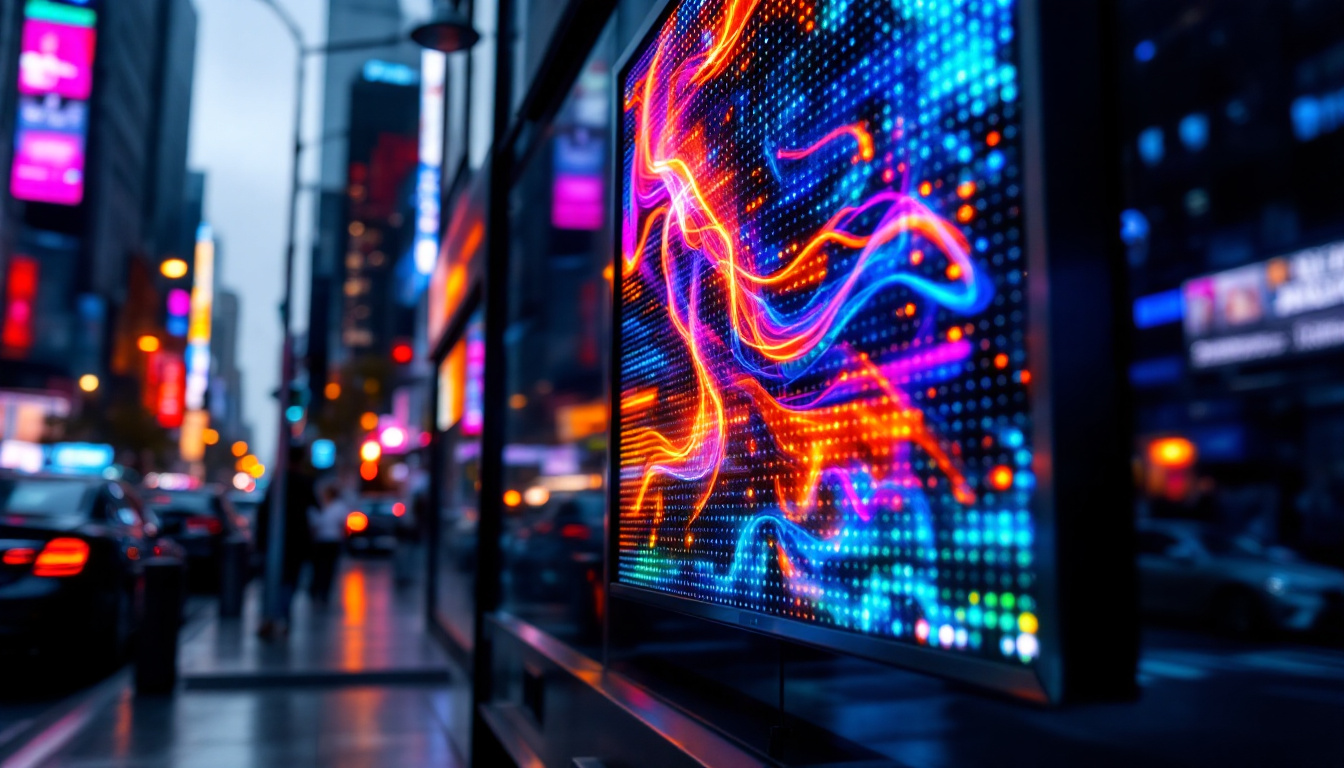
Moreover, the versatility of LED technology means it can be adapted for a wide range of uses beyond standard monitors. For instance, large-scale LED displays are increasingly being used in public spaces for advertising and information dissemination. These displays can be found in stadiums, shopping malls, and even on the sides of buildings, showcasing vibrant advertisements that capture the attention of passersby. Additionally, advancements in flexible LED technology have opened up new possibilities for curved and even foldable screens, further pushing the boundaries of display innovation.
The Role of Monitor Stands in LED Display Performance
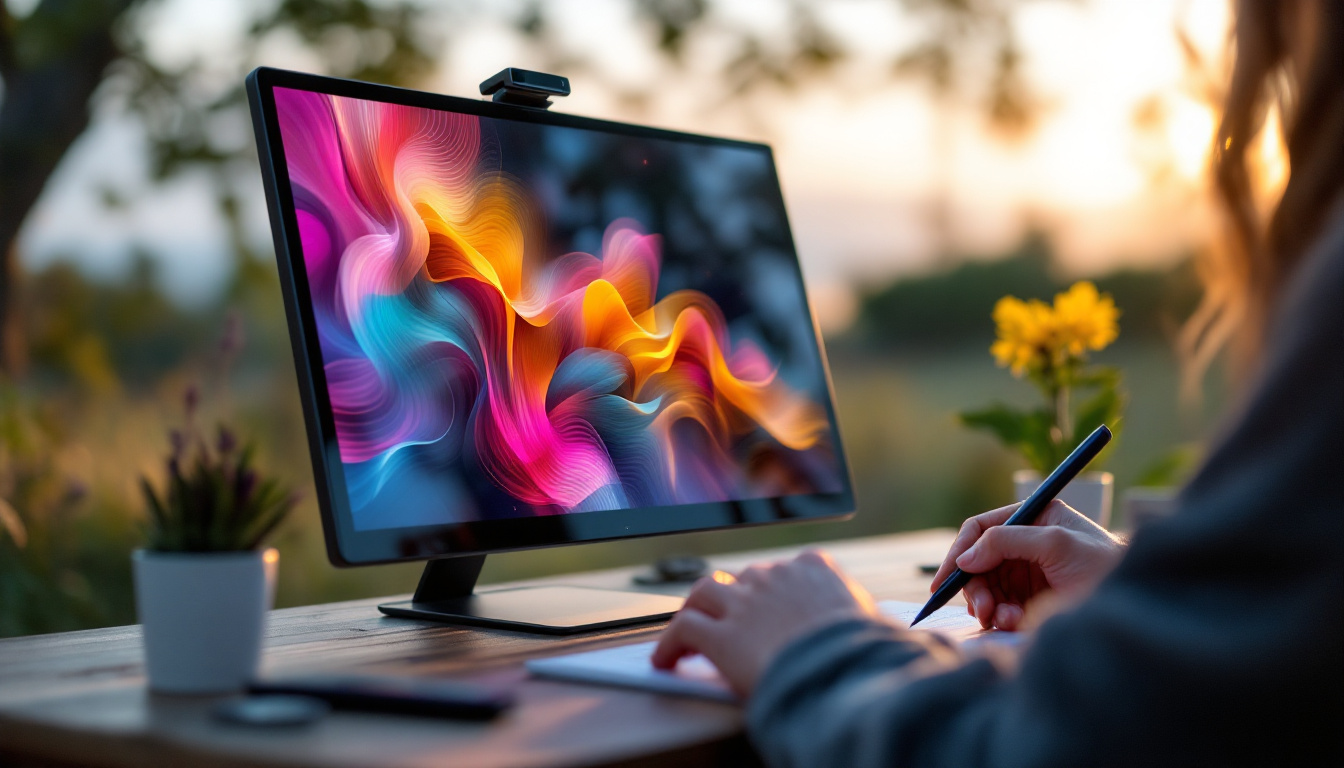
While the LED display technology determines the quality of the image, the monitor stand is equally important in ensuring that users can view the screen comfortably and effectively. A well-designed monitor stand supports ergonomic positioning, reduces strain, and maximizes the display’s potential.
Ergonomics is a critical consideration, especially for professionals who spend extended hours in front of their screens. Poor monitor positioning can lead to neck pain, eye strain, and decreased productivity. Monitor stands address these issues by allowing height adjustment, tilt, swivel, and sometimes rotation, enabling users to customize their viewing angle precisely.
Types of Monitor Stands
Monitor stands come in various forms, each catering to different needs and setups:
- Fixed Stands: These are the basic stands that come pre-installed with most monitors. They offer limited or no adjustability but provide stable support.
- Height-Adjustable Stands: These allow users to raise or lower the monitor to eye level, promoting better posture.
- Articulating Arms: Also known as monitor arms, these provide extensive flexibility, including tilt, swivel, rotation, and extension. They are ideal for multi-monitor setups or limited desk space.
- Wall Mounts: For those seeking a minimalist desk setup, wall mounts free up desk space entirely and offer various adjustability options.
Ergonomic Benefits of Proper Monitor Positioning
Research from the Occupational Safety and Health Administration (OSHA) emphasizes that correct monitor height and angle can reduce musculoskeletal disorders by up to 25%. The ideal monitor position places the top of the screen at or slightly below eye level, with the display about 20-30 inches away from the eyes.
Monitor stands that facilitate these adjustments help users maintain a neutral neck and back posture, decreasing fatigue and enhancing focus. Additionally, tilting the screen reduces glare and reflections, which can cause eye strain over time.
Choosing the Right Monitor Stand for Your LED Display
Selecting the appropriate monitor stand depends on several factors, including the size and weight of the LED display, desk space, and user preferences. Understanding these considerations ensures that the stand complements the monitor’s capabilities and fits the intended workspace.
Compatibility and Weight Capacity
LED monitors vary widely in size, from compact 21-inch screens to expansive 34-inch ultrawides and beyond. It’s essential to choose a stand that supports the monitor’s weight and dimensions. Most manufacturers provide the weight capacity and VESA (Video Electronics Standards Association) mounting compatibility, which standardizes the mounting hole patterns on the back of monitors.
For example, a 27-inch LED monitor typically weighs between 7 to 12 pounds. A monitor arm or stand rated for at least 15 pounds ensures safe and stable support, with some margin for heavier models or additional accessories.
Adjustability Features
Consider which adjustments are most important for your work habits. If you frequently switch between sitting and standing desks, a height-adjustable stand or arm is invaluable. For creative professionals or gamers who require precise viewing angles, tilt and swivel capabilities enhance the experience.
Some advanced monitor stands offer rotation features, allowing the display to switch between landscape and portrait modes. This is particularly useful for coding, reading long documents, or graphic design tasks.
Desk Space and Aesthetics
Desk size and layout influence the choice of monitor stand. Articulating arms clamp to the desk edge or attach via grommet holes, saving surface area. Fixed stands occupy more space but often provide a sturdier base.
Additionally, the visual design of the stand can complement modern LED monitors, which often feature sleek, minimalist aesthetics. Choosing a stand with matching finishes and materials can create a cohesive and professional workspace.
Installation and Maintenance Tips for Monitor Stands
Proper installation and upkeep of monitor stands ensure longevity and consistent performance. Following manufacturer instructions and regular maintenance routines can prevent damage and maintain ergonomic benefits.
Installation Best Practices
When installing a monitor stand or arm, begin by confirming the VESA compatibility and weight limits. Securely attach the mounting plate to the monitor using the correct screws, typically included with the stand. For articulating arms, ensure the clamp or grommet mount is firmly fixed to the desk to prevent wobbling.
Adjust the monitor to the desired position and tighten all adjustment knobs to lock it in place. It’s advisable to test the range of motion and stability before prolonged use.
Maintenance and Troubleshooting
Regularly inspect the stand for loose screws or signs of wear, especially in moving parts like hinges and joints. Cleaning the stand with a soft cloth and mild detergent helps maintain its appearance and function.
If the monitor begins to sag or the stand becomes unstable, check for worn components or consider upgrading to a higher-quality stand. Investing in durable, well-reviewed stands can prevent such issues and enhance the user experience.
Future Trends: Innovations in Monitor Stands and LED Displays
As LED display technology continues to evolve, so do the designs and functionalities of monitor stands. Emerging trends focus on integration, smart features, and sustainability.
Smart Monitor Stands
Some manufacturers are developing monitor stands with embedded sensors and connectivity options. These “smart stands” can adjust height and angle automatically based on user posture detected via cameras or wearable devices. Integration with productivity software can remind users to take breaks or adjust their position to reduce strain.
Sustainable Materials and Designs
With growing environmental awareness, companies are exploring eco-friendly materials such as recycled aluminum and biodegradable plastics for monitor stands. Modular designs that allow easy repair or upgrading also contribute to reducing electronic waste.
Enhanced Multi-Monitor Solutions
As multi-monitor setups become increasingly common, stands that support multiple LED displays with independent adjustments are gaining popularity. These solutions optimize desk space and provide seamless transitions between screens, crucial for professionals in finance, design, and gaming.
Conclusion
The synergy between LED display technology and monitor stands is fundamental to creating an efficient, comfortable, and visually impressive computing environment. Understanding the technical aspects of LED displays alongside the ergonomic and functional benefits of various monitor stands empowers users to make informed decisions tailored to their needs.
Whether setting up a home office, a professional workstation, or a gaming rig, investing in the right monitor stand enhances the LED display’s performance and protects user health. As technology advances, staying informed about new developments ensures that your workspace remains cutting-edge and user-friendly.
Discover LumenMatrix’s Advanced LED Display Solutions
Ready to elevate your visual experience and workspace ergonomics with cutting-edge LED technology? LumenMatrix offers a wide array of innovative LED display solutions tailored to meet your needs. From captivating Indoor LED Wall Displays to dynamic Outdoor LED Wall Displays, and even specialized options like Vehicle LED Displays and LED Sports Displays, LumenMatrix is at the forefront of revolutionizing visual communication. Embrace the future of digital signage with our All-in-One LED Displays, LED Transparent Displays, and more. Check out LumenMatrix LED Display Solutions today and transform your space into a hub of engagement and clarity.