In today’s digital age, the computer monitor is an essential tool for work, entertainment, and communication. Among the various types of displays available, LED monitors have become the standard due to their superior image quality, energy efficiency, and sleek design. However, an often overlooked but equally important component of the monitor setup is the stand. The stand not only supports the screen physically but also plays a crucial role in ergonomics and user comfort.
This article delves into the intricacies of LED display technology and explores the significance of choosing the right stand for your computer monitor. Whether you are a casual user, a professional designer, or a gamer, understanding these elements can enhance your overall experience and productivity.
Understanding LED Display Technology
What is an LED Display?
LED stands for Light Emitting Diode, a semiconductor device that emits light when an electric current passes through it. In the context of computer monitors, LED refers to the type of backlighting used behind an LCD (Liquid Crystal Display) panel. Unlike traditional CCFL (Cold Cathode Fluorescent Lamp) backlights, LED backlighting offers numerous advantages including better brightness, improved color accuracy, and lower power consumption.
LED monitors are essentially LCD screens illuminated by LEDs, which can be arranged either along the edges of the display (edge-lit) or directly behind the screen (direct-lit or full-array). This design allows for thinner, lighter monitors with enhanced contrast ratios and vibrant colors, making LED displays the preferred choice for most users today. The technology has evolved significantly, with advancements such as local dimming, which enables specific areas of the screen to be dimmed or brightened independently, resulting in even more impressive picture quality.
Advantages of LED Monitors Over Other Types
Compared to older display technologies such as CRT (Cathode Ray Tube) or CCFL-backlit LCDs, LED monitors offer several benefits:
- Energy Efficiency: LED backlights consume significantly less power, reducing electricity costs and environmental impact.
- Slim Profile: The compact size of LEDs allows manufacturers to produce thinner and lighter monitors, saving desk space.
- Better Brightness and Contrast: LEDs provide brighter images and deeper blacks, enhancing visual clarity and reducing eye strain.
- Longer Lifespan: LEDs typically last longer than fluorescent lamps, ensuring durability and reliability.
- Eco-Friendly: LEDs do not contain mercury, unlike CCFLs, making disposal safer and more environmentally responsible.
These advantages have driven the widespread adoption of LED technology in computer monitors, televisions, and other display devices worldwide. Furthermore, the versatility of LED technology extends beyond just monitors; it is also utilized in various applications, from large-scale outdoor displays to intricate lighting designs in architectural settings. The ability to create dynamic and colorful visuals has made LEDs a popular choice for digital signage and advertising, where eye-catching displays can attract and engage audiences effectively.
Moreover, the development of OLED (Organic Light Emitting Diode) technology, which is a subset of LED technology, has further pushed the boundaries of display capabilities. OLED screens offer even greater contrast ratios and color accuracy, as each pixel emits its own light and can be turned off completely to achieve true blacks. This innovation has led to a new era in display technology, where both LED and OLED coexist, catering to different user preferences and needs in the market.
The Role of the Monitor Stand
Why the Stand Matters
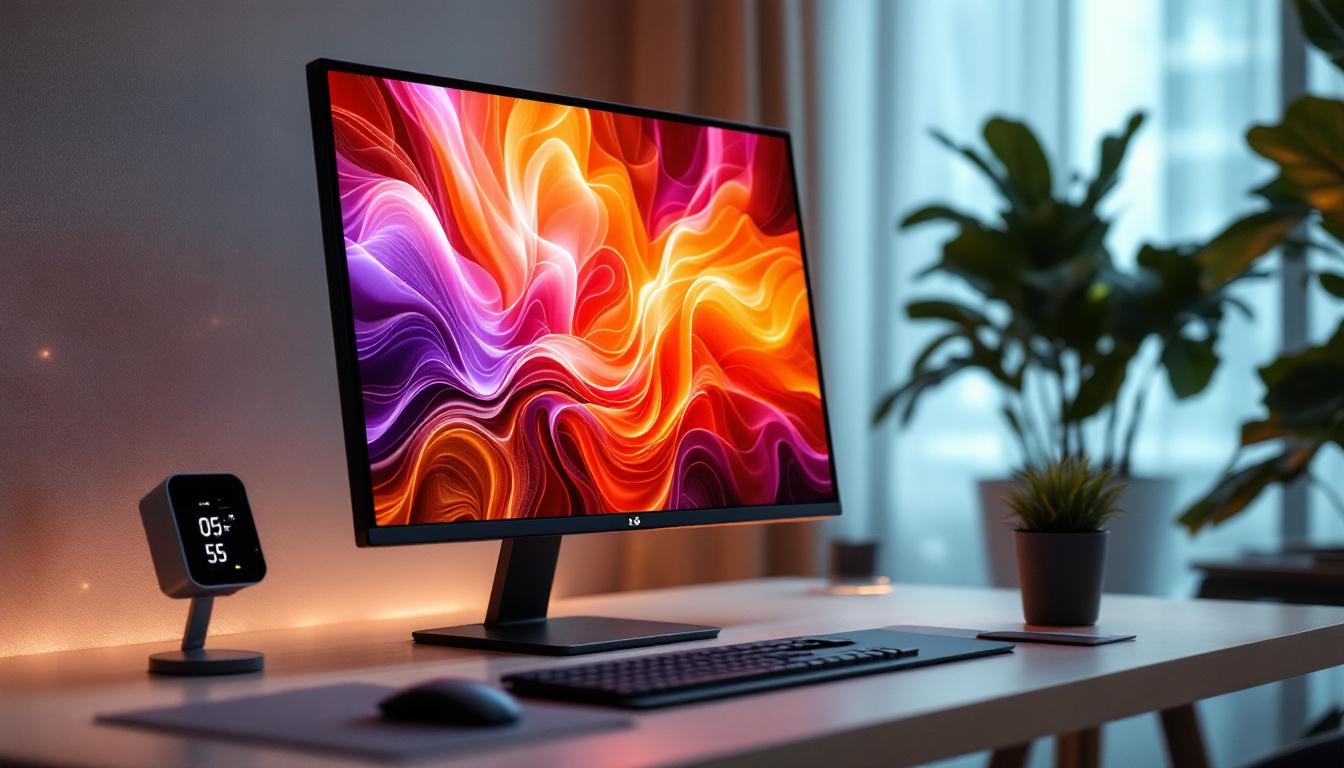
While the display panel often receives most of the attention, the monitor stand is a vital component that supports the screen and influences user comfort. A good stand provides stability, adjustability, and ergonomic positioning, which are essential for prolonged computer use.
Improper monitor height, angle, or distance can lead to neck strain, back pain, and eye fatigue. According to a study published in the Journal of Occupational Health, ergonomic workstation setups can significantly reduce musculoskeletal disorders among office workers. Therefore, investing in a quality monitor stand is not just about aesthetics but also about health and productivity.
Types of Monitor Stands
Monitor stands come in various forms, each offering different levels of adjustability and functionality:
- Fixed Stands: These are basic stands that come attached to most monitors. They usually offer limited or no adjustment options and are designed for standard desk setups.
- Height-Adjustable Stands: These allow users to raise or lower the monitor to eye level, promoting better posture and reducing neck strain.
- Swivel and Tilt Stands: These stands enable the monitor to tilt forward or backward and swivel left or right, providing flexible viewing angles.
- Articulating Arms and Mounts: These are more advanced solutions that offer full range of motion, including rotation, extension, and height adjustment. They can be clamped to the desk or wall-mounted, freeing up desk space.
Choosing the right stand depends on your workspace, monitor size, and ergonomic needs.
Ergonomics and User Comfort
Optimal Monitor Positioning
Ergonomics plays a crucial role in designing a comfortable and efficient workspace. Experts recommend that the top of the monitor screen should be at or slightly below eye level, with the screen positioned about 20 to 30 inches (50 to 75 cm) away from the eyes. This setup minimizes strain on the neck and eyes during extended use.
Adjustable stands make it easier to achieve this ideal positioning. For example, a height-adjustable stand can help align the monitor with the user’s natural line of sight, while tilt and swivel functions allow for reducing glare and adjusting the viewing angle based on seating position or lighting conditions.
Reducing Eye Strain with LED Displays
LED monitors often feature technologies such as flicker-free backlighting and blue light filters, which help reduce eye fatigue. Flicker-free technology eliminates the rapid on-off cycling of the backlight, which can cause headaches and discomfort over time. Blue light filters reduce exposure to high-energy visible light that can disrupt sleep patterns and cause eye strain.
Incorporating these features with an ergonomic stand setup ensures a healthier and more comfortable viewing experience, especially for users who spend multiple hours in front of the screen.
Choosing the Right Stand for Your LED Monitor
Considerations Based on Monitor Size and Weight
The size and weight of your LED monitor are critical factors when selecting a stand. Larger monitors, such as those over 27 inches, typically require sturdier stands or mounts that can support the increased weight and provide stability. Conversely, smaller monitors may be compatible with lighter, more compact stands.
Many manufacturers specify the VESA (Video Electronics Standards Association) mounting pattern on the back of the monitor, which determines compatibility with third-party mounts and arms. Ensuring that your stand or mount supports the VESA standard of your monitor is essential for a secure fit.
Desk Space and Aesthetics
Workspace size and layout also influence stand choice. If desk space is limited, a monitor arm or wall mount can free up valuable surface area. These options also offer greater flexibility in positioning the screen.
Aesthetics matter too, especially in professional or home office environments. Sleek, minimalist stands complement modern LED monitors and contribute to a clean, organized workspace. Some stands even offer cable management features to reduce clutter.
Budget and Features
Monitor stands range from affordable fixed bases to premium ergonomic arms with multiple adjustment options. While budget is always a consideration, investing in a quality stand can pay off in terms of comfort and productivity.
Additional features to look for include:
- Height adjustment range: Ensure it accommodates your sitting height and posture.
- Swivel and tilt capabilities: For optimal viewing angles.
- Rotation: Useful for switching between landscape and portrait modes.
- Build quality: Durable materials like metal provide better stability.
- Cable management: Keeps cords organized and out of sight.
Installation and Maintenance Tips
Proper Setup for Stability and Safety
When installing a monitor stand or arm, follow manufacturer instructions carefully to ensure stability and safety. For desk-mounted arms, ensure your desk can support the clamp or grommet mount securely. For wall mounts, use appropriate anchors and screws for your wall type.
Double-check that the monitor is firmly attached to the stand or mount to prevent accidental falls. Using a stand with a wide base or a counterweight can further enhance stability, especially for larger screens.
Maintaining Your Monitor and Stand
Regular cleaning of both the monitor screen and stand helps maintain appearance and functionality. Use a microfiber cloth and appropriate screen cleaner to avoid scratches or damage. Dust and debris can accumulate around joints and adjustment mechanisms, so periodic cleaning and lubrication (if recommended) will keep the stand operating smoothly.
Inspect the stand periodically for any signs of wear or loosening screws, especially if you frequently adjust the monitor position.
Future Trends in Monitor Stands and LED Displays
Advances in Adjustable and Smart Stands
As technology evolves, monitor stands are becoming more sophisticated. Some modern stands incorporate smart features such as built-in USB hubs, wireless charging pads, and even sensors that adjust screen height or angle based on user posture detected by cameras or motion sensors.
These innovations aim to further enhance ergonomics and user convenience, integrating seamlessly into smart office environments.
Emerging Display Technologies
While LED displays dominate the market today, emerging technologies like OLED (Organic LED) and MicroLED promise even better image quality with higher contrast ratios, wider color gamuts, and faster response times. These advancements may influence future monitor designs and, consequently, the types of stands required to support them.
For example, ultra-thin and flexible displays may necessitate new mounting solutions that prioritize minimalism and adaptability.
Conclusion
Choosing the right stand for your computer monitor screen is just as important as selecting the display itself, especially when it comes to LED monitors. A well-designed stand enhances ergonomics, reduces physical strain, and contributes to a more productive and comfortable workspace.
Understanding the benefits of LED display technology alongside the ergonomic principles of monitor positioning can help users make informed decisions tailored to their specific needs. Whether opting for a simple fixed base or a fully adjustable articulating arm, investing in the right stand is a key step toward optimizing your computer setup for both performance and well-being.
Enhance Your Visual Experience with LumenMatrix
Ready to elevate your workspace and visual engagement? Discover the full spectrum of LumenMatrix’s LED display solutions, from vibrant Indoor LED Walls to dynamic Outdoor LED Displays, and more. Each product is crafted to transform your environment and captivate your audience. Embrace the future of visual communication with LumenMatrix and create an impact that resonates. Check out LumenMatrix LED Display Solutions today and witness the revolution in LED technology.