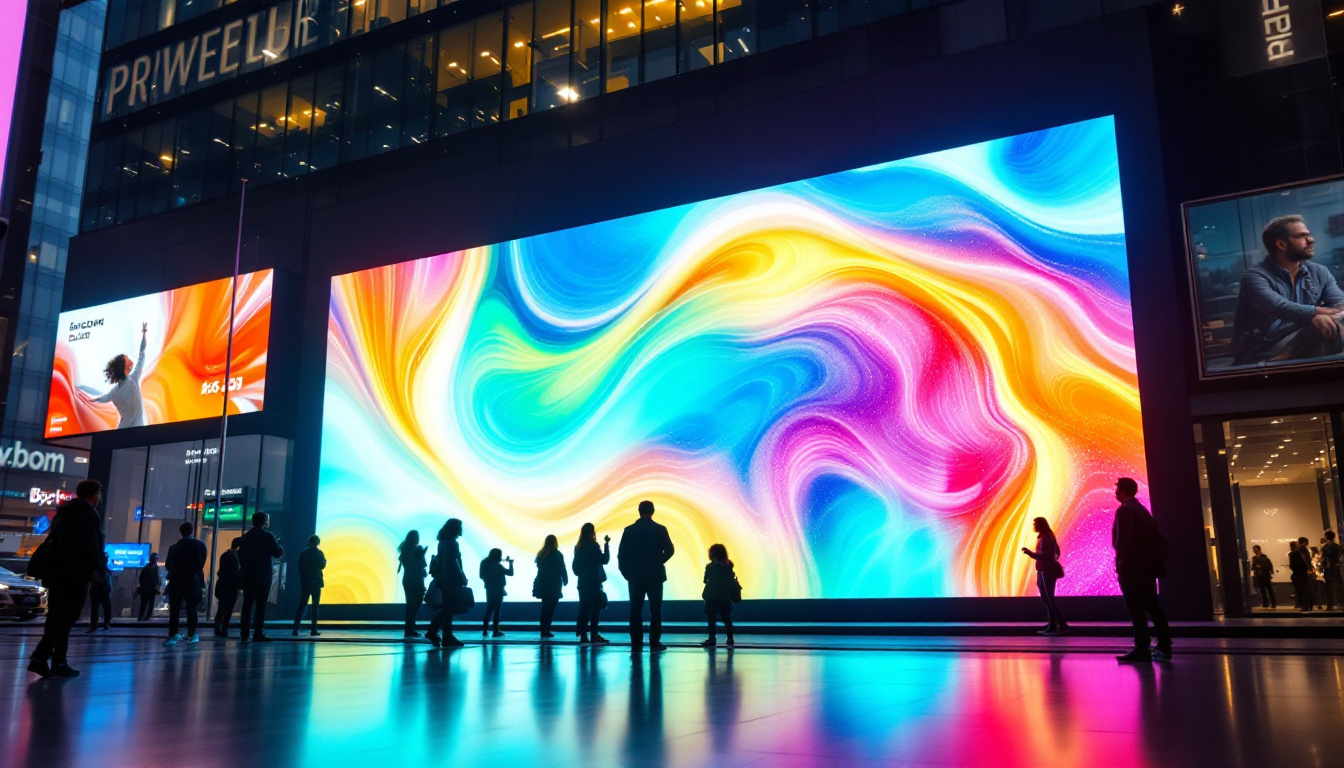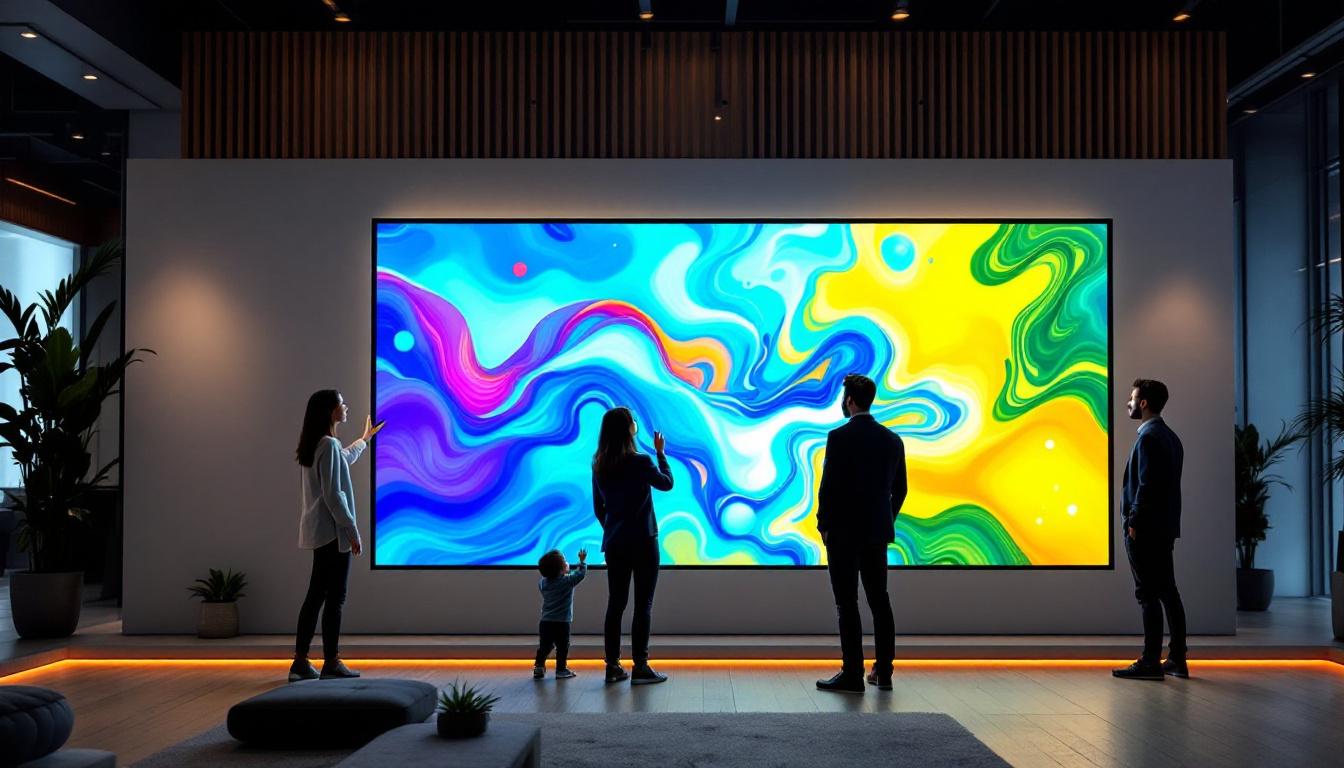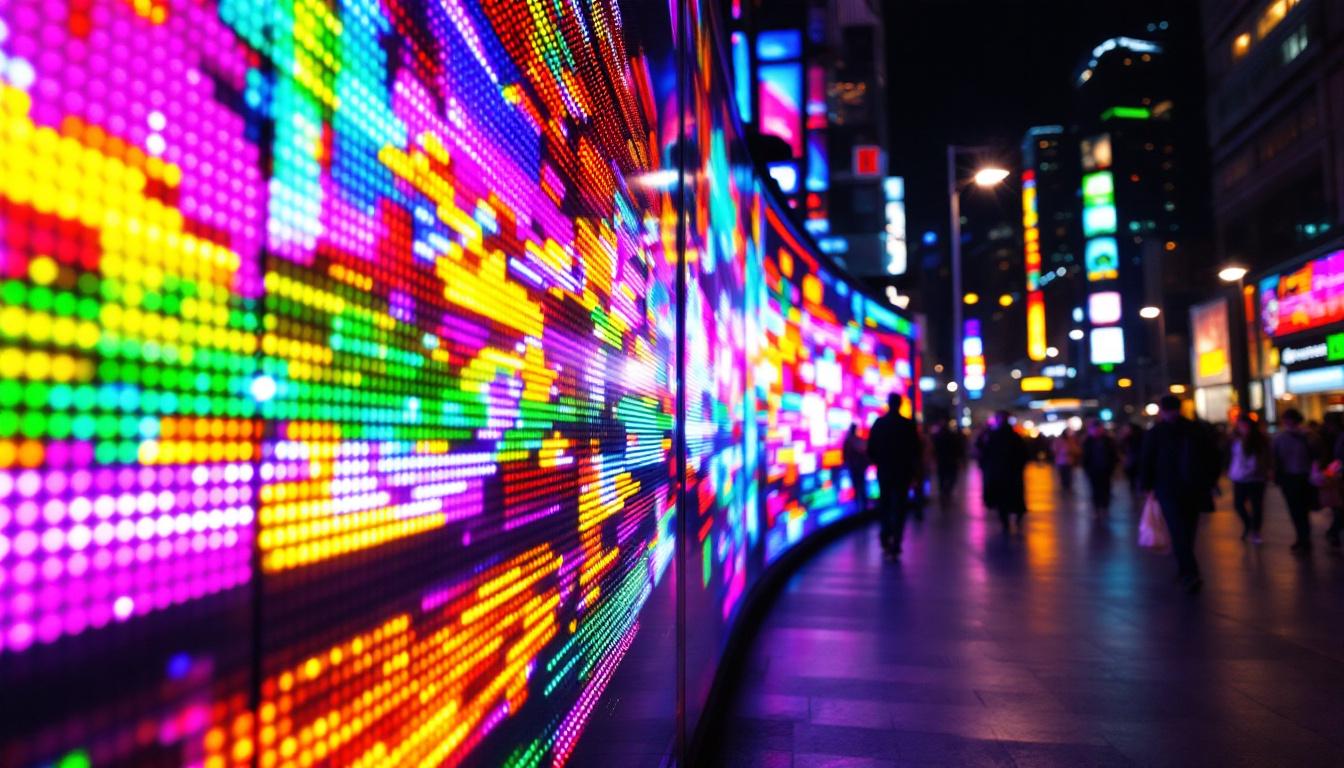
In today’s digital age, multi-screen setups have become increasingly popular among professionals, gamers, and creatives alike. Whether it’s for enhanced productivity, immersive gaming experiences, or captivating presentations, using multiple monitors can transform how users interact with their digital environments. A key aspect of this experience is the desktop wallpaper, which can either seamlessly span across all screens or display unique images on each. Understanding how LED displays function in multi-screen setups and how to optimize wallpapers for these configurations is essential for maximizing both aesthetics and performance.
The Rise of Multi-Screen Setups
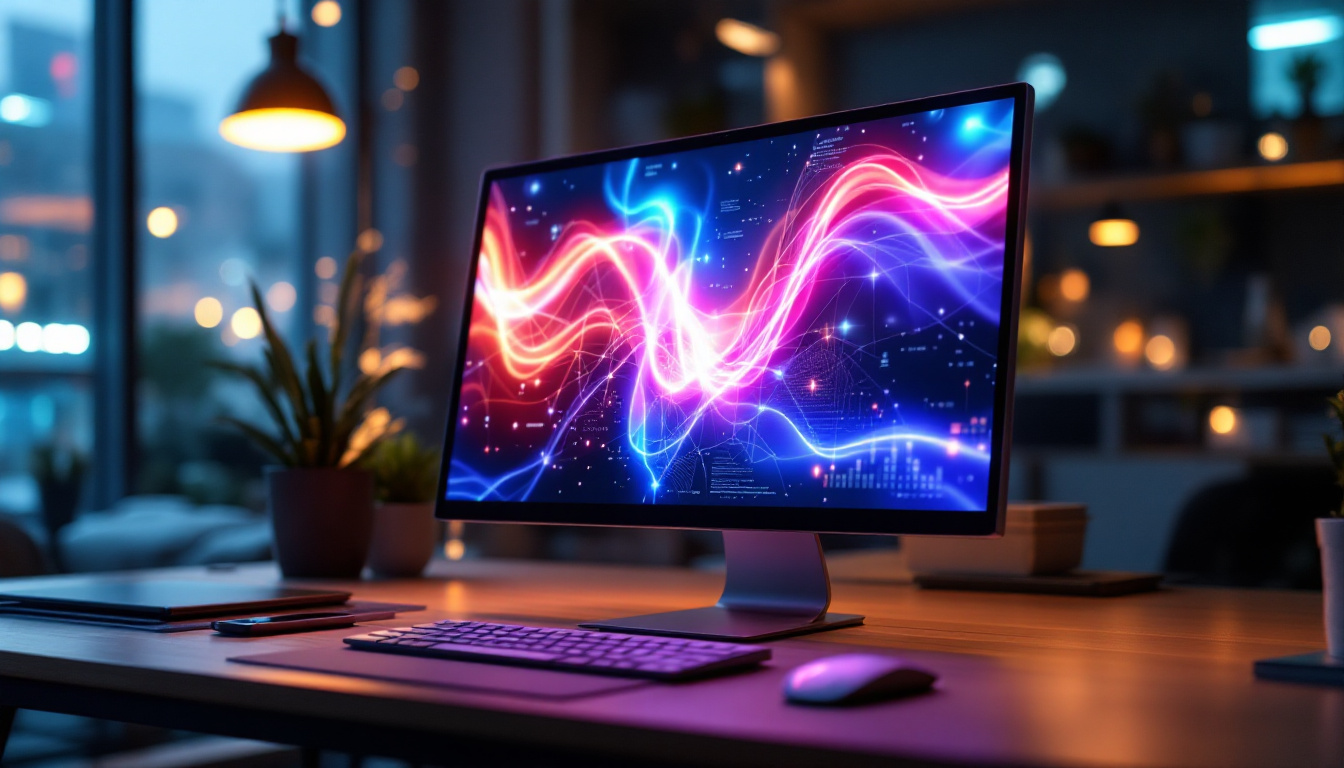
Multi-screen desktop configurations have seen a significant surge in adoption over the past decade. According to a 2023 survey by Statista, approximately 35% of office workers in the United States use two or more monitors, with this number expected to grow as remote work and digital multitasking become more prevalent. This trend is not limited to offices; gamers and content creators also rely heavily on multi-monitor arrays to enhance their workflows and experiences.
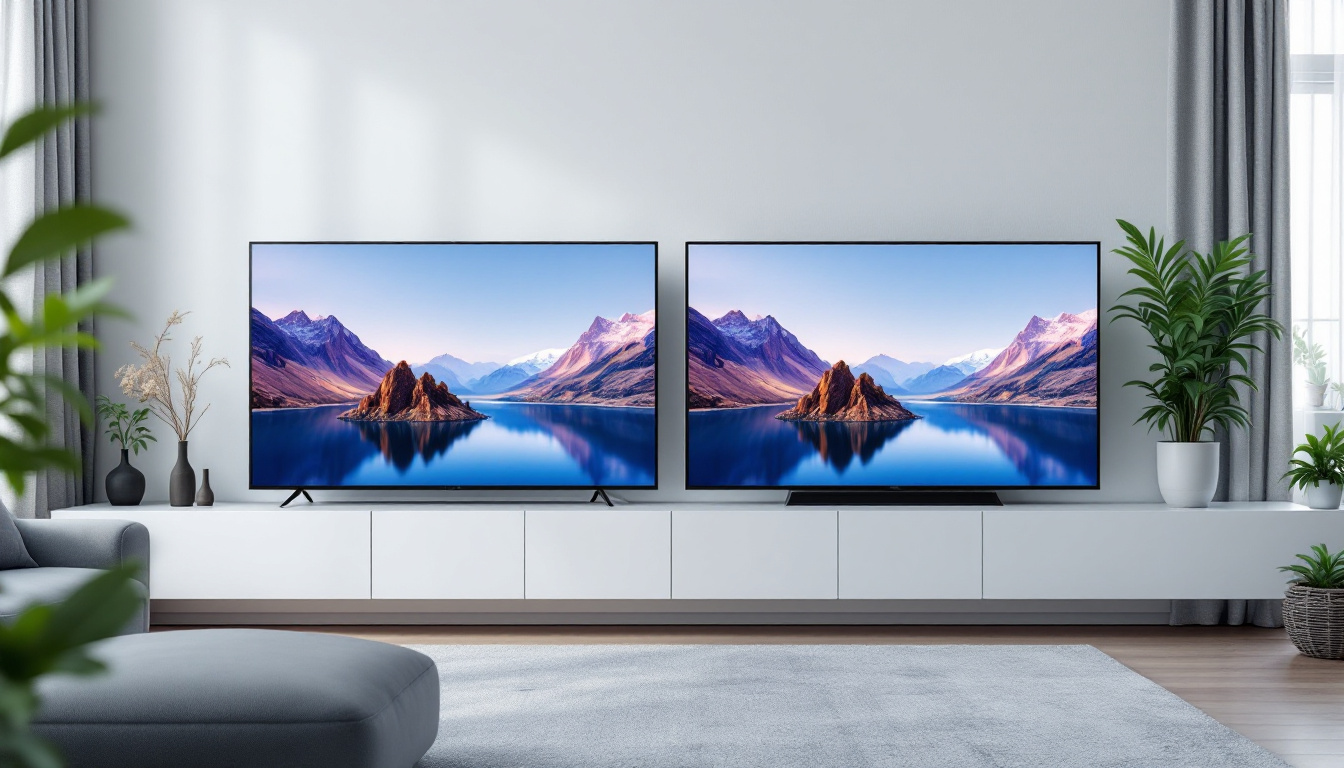
The benefits of multi-screen setups are well-documented. They provide increased screen real estate, allowing users to view multiple applications simultaneously without constantly switching windows. This can lead to improved productivity, better organization, and reduced eye strain. For gamers, multiple screens can create a panoramic field of view, contributing to a more immersive gameplay experience. Additionally, studies have shown that users with multi-screen setups can complete tasks up to 20-30% faster than those using a single monitor, highlighting the efficiency gains that come with this technology.
Why Desktop Wallpaper Matters in Multi-Screen Environments
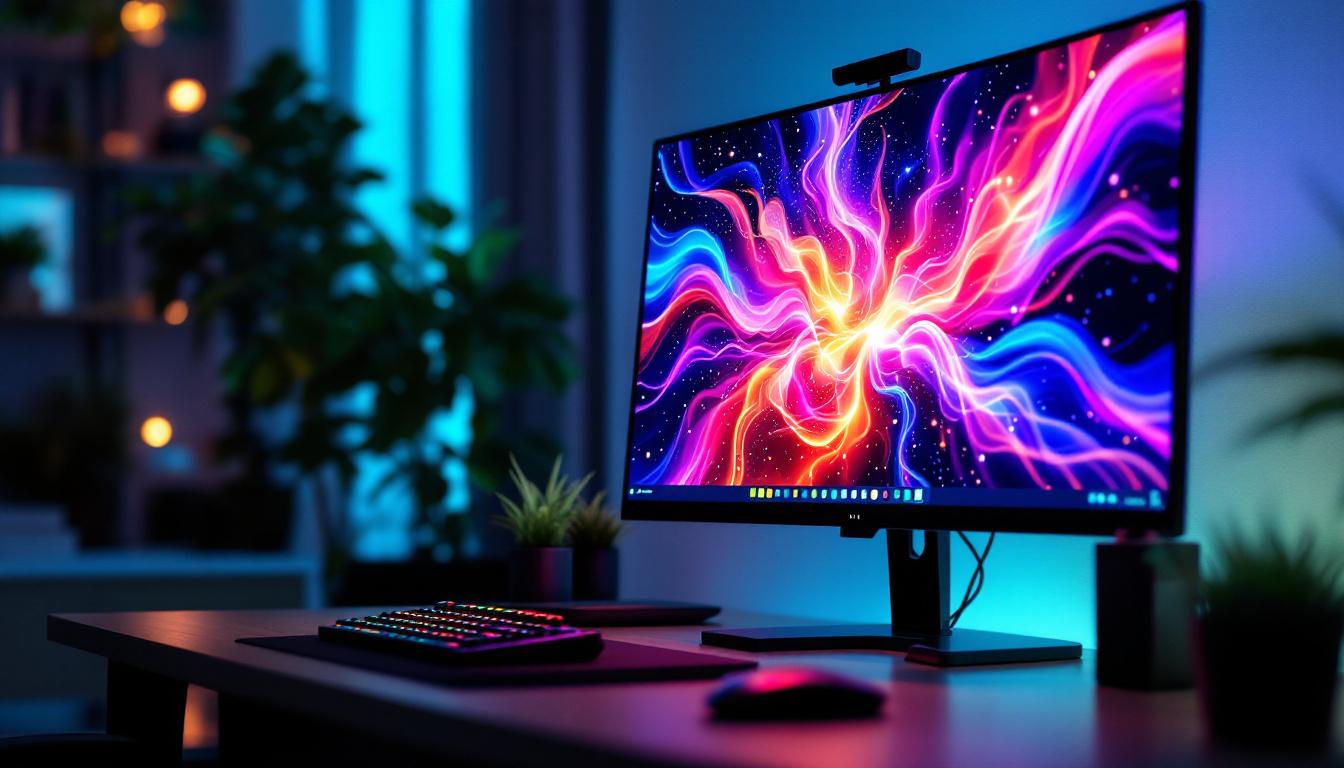
While the functional advantages of multi-screen setups are clear, the visual aspect—particularly the desktop wallpaper—is often overlooked. A well-designed wallpaper that spans across multiple screens can unify the desktop environment, creating a cohesive and aesthetically pleasing workspace. Conversely, poorly chosen wallpapers can disrupt the visual flow, making the setup feel disjointed and cluttered. The choice of wallpaper can also reflect personal style and creativity, allowing users to express themselves through their digital environments.
Furthermore, the type of display technology, such as LED screens, influences how wallpapers appear. LED displays are known for their vibrant colors and high contrast ratios, which can make wallpapers look stunning when optimized correctly. Understanding the characteristics of LED displays is crucial for selecting or designing wallpapers that take full advantage of their capabilities. For instance, wallpapers with high-resolution images and dynamic color palettes can enhance the overall visual experience, making the workspace not only functional but also visually appealing. Additionally, many users are now turning to animated wallpapers or live wallpapers that can add an extra layer of engagement to their multi-screen setups, transforming the desktop into a lively and interactive space that reflects their personality and interests.
Understanding LED Display Technology
LED, or Light Emitting Diode, displays have become the standard technology for modern monitors due to their energy efficiency, brightness, and color accuracy. Unlike older LCD panels that use cold cathode fluorescent lamps (CCFL) for backlighting, LED displays use arrays of LEDs, which offer several advantages.
Key Features of LED Displays
LED displays come in various types, including edge-lit and full-array backlighting, each affecting image quality differently. Full-array LED backlighting provides more uniform brightness and better local dimming capabilities, which enhances contrast and black levels—important factors when displaying detailed wallpapers across multiple screens.
Another critical feature is the color gamut. Modern LED displays often support wide color gamuts such as DCI-P3 or Adobe RGB, which means wallpapers can display richer and more accurate colors. For multi-screen setups, consistent color reproduction across all monitors is vital to maintain a seamless visual experience.
Refresh Rates and Response Times
While primarily relevant for gaming and video playback, refresh rates and response times also impact how wallpapers and animations appear on LED screens. Higher refresh rates (e.g., 120Hz or 144Hz) provide smoother transitions and can reduce screen tearing when wallpapers include dynamic elements or live backgrounds.
Response time, measured in milliseconds, affects how quickly a pixel can change color. Faster response times mean less ghosting or blurring, which is beneficial when using multi-screen wallpapers that incorporate motion or interactive features.
Creating and Managing Multi Screen Desktop Wallpapers
Setting up a multi-screen wallpaper requires more than just selecting a high-resolution image. It involves understanding the resolution and aspect ratio of each monitor, the arrangement of screens, and the software tools available to manage wallpapers effectively.
Resolution and Aspect Ratio Considerations
Each monitor in a multi-screen setup may have different resolutions and aspect ratios. For example, a user might have a 27-inch 2560×1440 monitor alongside a 24-inch 1920×1080 display. When spanning a wallpaper across these screens, the image must be carefully scaled and cropped to avoid distortion or pixelation.
To achieve the best results, the combined resolution of all monitors should be calculated. For instance, if three 1920×1080 monitors are arranged horizontally, the total resolution would be 5760×1080 pixels. A wallpaper designed at this resolution ensures a perfect fit without stretching or compressing the image.
Software Solutions for Multi-Screen Wallpapers
Several software tools facilitate the management of multi-screen wallpapers. Applications like DisplayFusion, Wallpaper Engine, and UltraMon allow users to span images across multiple monitors or assign different wallpapers to each screen. These tools often include features such as automatic wallpaper rotation, multi-monitor taskbars, and customizable hotkeys.
Wallpaper Engine, in particular, has gained popularity for its support of animated and interactive wallpapers, which can be extended across multiple LED displays. This adds a dynamic element to multi-screen setups, enhancing visual appeal and personalization.
Design Tips for Effective Multi-Screen Wallpapers
When designing wallpapers for multi-screen setups, consider the following tips:
- Seamless Transitions: Ensure that the image flows naturally from one screen to the next without abrupt changes or visible seams.
- Central Focus: Place key visual elements in the center monitor or in areas where they won’t be interrupted by screen bezels.
- Color Consistency: Use color palettes that complement the LED displays’ capabilities and maintain uniformity across screens.
- Resolution Matching: Design wallpapers at the exact combined resolution of the monitors to avoid scaling issues.
Challenges and Solutions in Multi-Screen LED Setups
While multi-screen LED setups offer numerous advantages, they also present unique challenges that users must address to optimize their experience.
Dealing with Screen Bezels
One of the most noticeable challenges in multi-screen configurations is the presence of bezels—the physical borders around each monitor. Bezels can interrupt the continuity of a wallpaper, creating visual breaks that detract from the seamless effect.
Manufacturers have responded with ultra-thin bezel designs, but even the thinnest bezels can pose issues. To mitigate this, designers often create wallpapers that incorporate bezel gaps into the design, using patterns or visual elements that naturally accommodate these interruptions.
Color Calibration Across Monitors
Ensuring color consistency across multiple LED displays is critical, especially for professionals in graphic design, photography, and video editing. Differences in panel technology, age, and manufacturer settings can cause color discrepancies.
Using hardware calibration tools such as colorimeters can help achieve uniform color profiles across all monitors. Additionally, some software solutions offer color matching features that adjust display settings to minimize differences.
Performance Considerations
Running multiple LED monitors, especially with high resolutions and dynamic wallpapers, can tax a computer’s graphics processing unit (GPU). This is particularly true for setups involving 4K or ultrawide monitors.
To maintain smooth performance, users should ensure their hardware is capable of supporting the combined resolution and refresh rates. Upgrading to a high-performance GPU and sufficient RAM can prevent lag and screen tearing, preserving the visual quality of multi-screen wallpapers.
Future Trends in Multi-Screen and LED Display Technologies
The future of multi-screen desktop environments is promising, with several emerging trends poised to enhance user experiences further.
Flexible and Curved LED Displays
Flexible and curved LED monitors are becoming more accessible, offering immersive viewing angles and reducing bezel interruptions. These displays can wrap around the user’s field of vision, providing a more natural and engaging workspace.
Multi-screen setups incorporating curved LEDs can create panoramic wallpapers that feel more integrated and less segmented by physical borders.
Higher Resolutions and HDR Support
As 8K monitors and HDR (High Dynamic Range) support become mainstream, wallpapers will need to evolve to leverage these advancements. HDR-capable LED displays can showcase wallpapers with greater brightness, contrast, and color depth, resulting in stunning visuals.
Designers will need to create wallpapers that are not only high-resolution but also HDR-compatible to fully utilize these technologies.
Integration with Smart and Interactive Technologies
With the rise of smart home and office environments, multi-screen setups may integrate more interactive and adaptive wallpapers. These could respond to environmental factors such as lighting, time of day, or user activity, creating dynamic and personalized digital spaces.
LED displays with touch capabilities and AI-driven software could transform wallpapers from static backgrounds into interactive elements that enhance productivity and engagement.
Conclusion
Multi-screen desktop setups powered by LED displays offer a compelling combination of functionality and visual appeal. Understanding the nuances of LED technology, from color accuracy to refresh rates, is essential for optimizing wallpapers that span multiple monitors. By carefully considering resolution, bezel placement, and color calibration, users can create immersive and aesthetically pleasing desktop environments.
As display technologies continue to advance, the potential for more dynamic, high-resolution, and interactive multi-screen wallpapers will grow, further enhancing the digital workspace. Whether for professional productivity or personal enjoyment, mastering the art of multi-screen desktop wallpapers on LED displays is a valuable skill in the modern computing landscape.
Explore the Future of Multi-Screen Displays with LumenMatrix
Ready to elevate your multi-screen desktop experience? Discover the innovative world of LumenMatrix, where cutting-edge LED display technology meets creative design. From immersive Indoor LED Wall Displays to dynamic Outdoor LED Wall Displays, and from sleek LED Poster Displays to interactive Floor LED Displays, LumenMatrix offers a wide array of solutions to transform your visual environment. Embrace the future of visual communication with displays that captivate, engage, and deliver your message with unparalleled clarity. Check out LumenMatrix LED Display Solutions today and see how our state-of-the-art products can revolutionize your digital workspace.