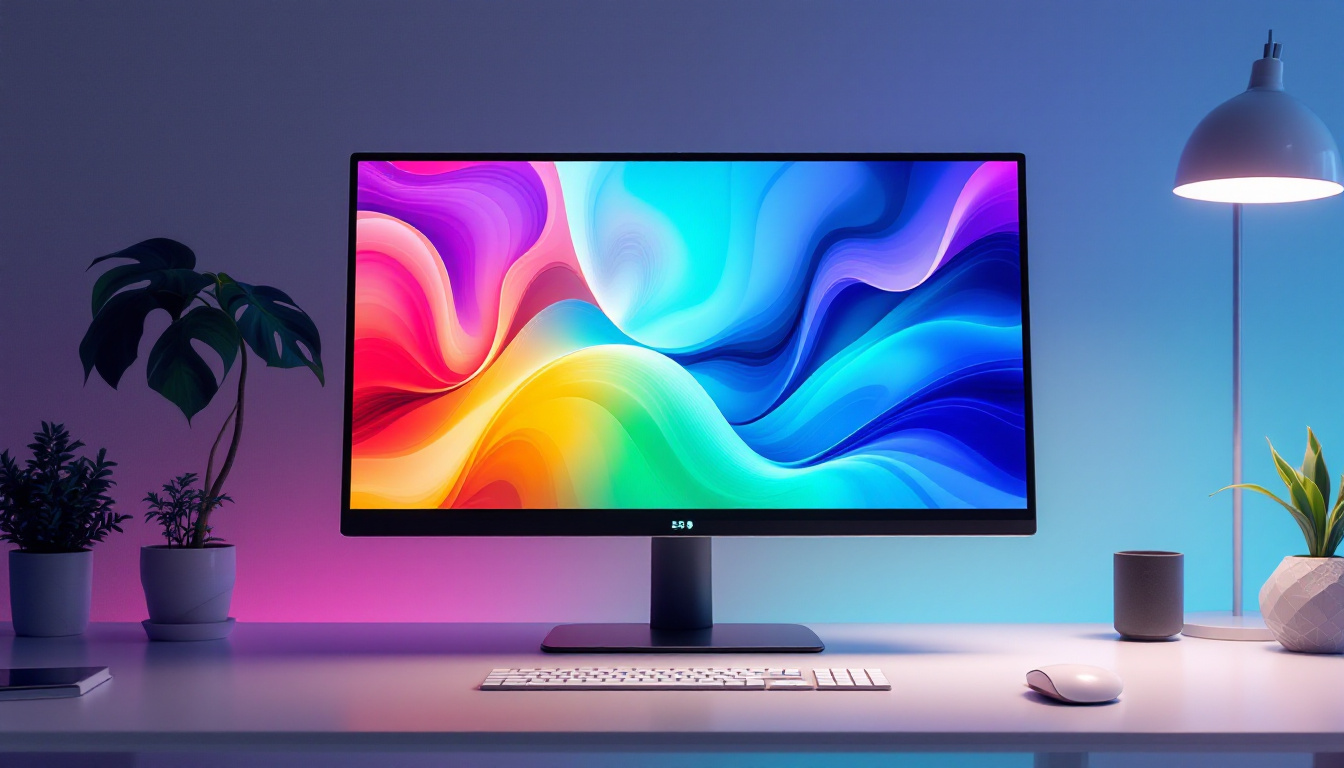
In today’s technology-driven world, computer monitors are indispensable tools for work, entertainment, and communication. However, as energy efficiency becomes a global priority, understanding how to optimize power consumption without sacrificing performance is crucial. One of the most effective features in modern monitors is the power saving mode, especially in LED displays. This article delves into what power saving mode means for LED computer monitors, how it works, and why it matters for both users and the environment.
Understanding LED Displays in Computer Monitors
What Are LED Displays?
LED, or Light Emitting Diode, displays have become the standard technology for computer monitors over the past decade. Unlike older LCD monitors that rely on cold cathode fluorescent lamps (CCFLs) for backlighting, LED displays use light-emitting diodes. This shift has brought numerous benefits including thinner screens, better color accuracy, and improved energy efficiency.
LED monitors operate by using an array of LEDs to illuminate the liquid crystal display panel. These LEDs can be arranged either as edge-lit or full-array backlighting. Edge-lit LEDs are positioned along the edges of the screen, while full-array LEDs are spread evenly behind the panel, allowing for local dimming and superior contrast ratios. The technology behind LED displays has also led to advancements in resolution and refresh rates, making them ideal for gaming and professional graphic design. With the introduction of 4K and even 8K resolutions, LED displays can provide incredibly sharp images and vibrant colors that enhance the viewing experience, whether for work or entertainment.
Why LED Displays Are More Energy Efficient
One of the primary advantages of LED monitors is their lower power consumption compared to traditional CCFL-backlit LCDs. According to a 2023 report by the U.S. Department of Energy, LED-backlit displays consume up to 30% less power than CCFL-backlit counterparts of similar size and resolution.
This efficiency is largely due to the nature of LEDs, which require less electrical current to produce the same brightness levels. Additionally, LEDs can be dimmed or turned off in specific screen areas, reducing unnecessary energy use. This capability is especially beneficial when combined with power saving modes. Furthermore, the longevity of LED technology means that users not only save on energy costs but also reduce the frequency of replacements, contributing to less electronic waste. As sustainability becomes a growing concern, the adoption of LED displays aligns with eco-friendly practices, making them a preferred choice for environmentally conscious consumers and businesses alike.
What Is Power Saving Mode on a Computer Monitor?
Defining Power Saving Mode
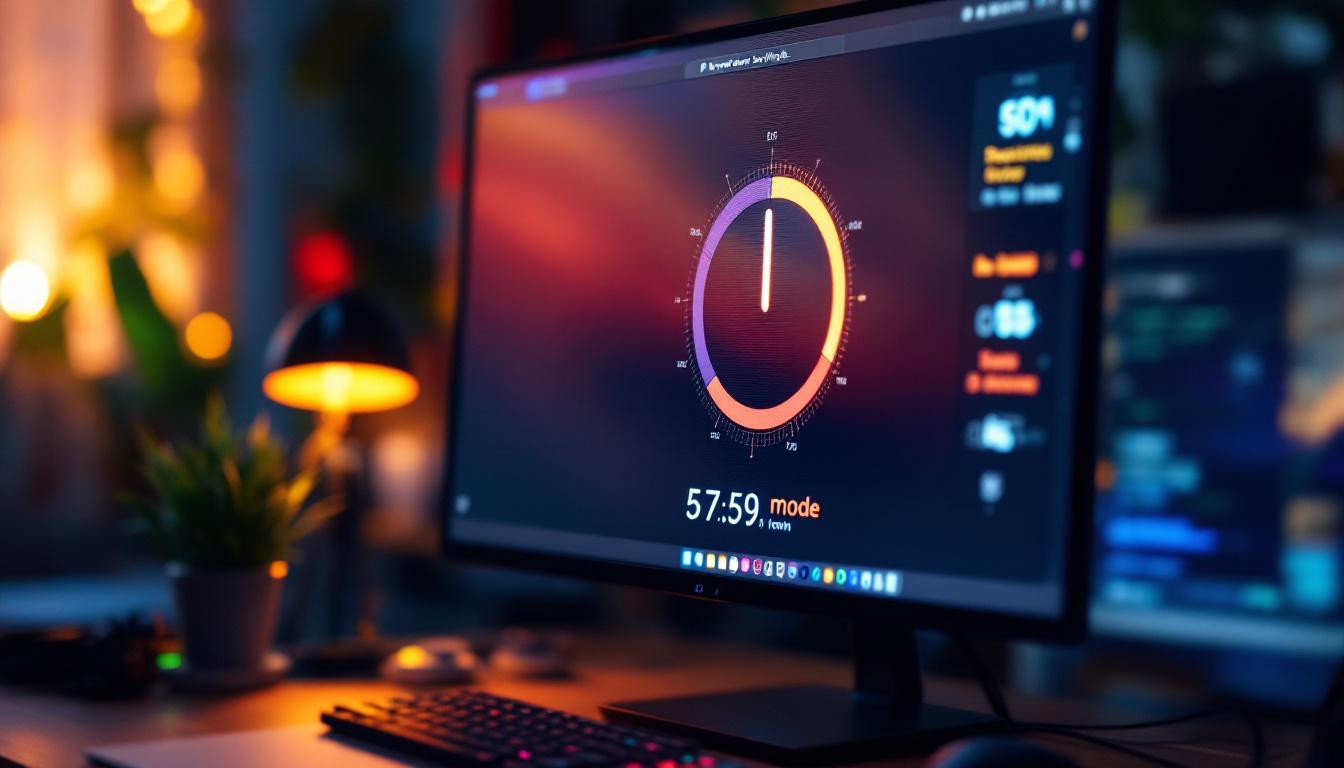
Power saving mode, sometimes referred to as eco mode or energy-saving mode, is a feature built into many modern computer monitors that reduces the amount of electricity the device consumes. When activated, the monitor adjusts its settings to lower power usage while maintaining acceptable display quality.
Common adjustments include dimming the backlight, reducing screen brightness, and modifying contrast settings. Some monitors also reduce the refresh rate or enter standby mode after periods of inactivity. This not only helps in conserving energy but also extends the lifespan of the monitor, as lower brightness and reduced activity can lead to less wear on the components over time.
Moreover, the implementation of power saving mode can have a significant impact on energy bills, especially in environments where multiple monitors are in use, such as offices or gaming setups. By utilizing this feature, users can contribute to a more sustainable environment while simultaneously enjoying the benefits of lower operational costs.
How Power Saving Mode Works in LED Monitors
In LED monitors, power saving mode leverages the inherent flexibility of LED backlighting. Since LEDs can be individually controlled, the monitor can dynamically adjust brightness levels based on the content displayed and ambient lighting conditions.
For example, if a user is viewing a predominantly dark screen, the monitor can dim or turn off LEDs in those areas, significantly reducing power consumption. Additionally, sensors may detect room lighting and automatically adjust screen brightness to optimal levels, balancing visibility and energy use. This intelligent adjustment not only enhances the viewing experience by providing comfortable brightness but also minimizes eye strain during extended use.
Furthermore, advancements in technology have led to the development of smart monitors that can connect to other devices and networks. These monitors can receive updates and optimize their power saving features based on usage patterns and preferences. For instance, a monitor might learn that it is often used for video calls in the morning and adjust its settings accordingly, ensuring that it operates efficiently without compromising on performance. This level of adaptability showcases the growing trend towards energy efficiency in modern technology, making power saving mode an essential feature for both casual users and professionals alike.
Benefits of Using Power Saving Mode on LED Monitors
Energy Efficiency and Cost Savings
One of the most tangible benefits of power saving mode is reduced energy consumption, which translates directly into lower electricity bills. For businesses with multiple workstations, the cumulative savings can be substantial.
According to the Environmental Protection Agency (EPA), enabling power saving settings on office equipment, including monitors, can reduce energy use by up to 25%. For an average office monitor consuming about 30 watts, this reduction can save approximately 7.5 watts per hour of use. Over a year, this adds up to significant cost savings and reduced environmental impact.
Extending Monitor Lifespan
Operating a monitor at full brightness continuously can accelerate wear on the backlighting components, especially LEDs. Power saving mode reduces the stress on these components by lowering brightness and reducing power cycles, which can extend the overall lifespan of the monitor.
Longer device life means fewer replacements, which benefits users financially and reduces electronic waste, aligning with sustainable technology practices.
Reducing Eye Strain and Enhancing Comfort
Excessively bright screens can cause eye fatigue and discomfort during extended use. Power saving mode often adjusts brightness to more comfortable levels, reducing glare and blue light exposure. This not only conserves energy but also promotes healthier viewing habits.
Some monitors integrate additional features like blue light filters or flicker reduction in power saving modes, further enhancing user comfort.
How to Enable and Optimize Power Saving Mode
Accessing Power Saving Settings
Most modern LED monitors come equipped with power saving options accessible via the on-screen display (OSD) menu. Users can typically find settings under labels such as “Eco Mode,” “Power Saving,” or “Energy Saver.”
Enabling these modes is usually straightforward, often requiring just a few button presses. Some monitors also allow users to customize the level of power saving, balancing brightness and performance according to personal preference.
Using Operating System Features
Beyond monitor settings, operating systems like Windows and macOS provide power management tools that can influence monitor behavior. For instance, setting shorter times for display sleep or screen dimming can complement the monitor’s built-in power saving mode.
Combining these system-level settings with the monitor’s power saving features ensures maximum energy efficiency without sacrificing usability.
Leveraging Ambient Light Sensors
Many advanced LED monitors include ambient light sensors that automatically adjust screen brightness based on the surrounding environment. This feature enhances the effectiveness of power saving mode by preventing the screen from being brighter than necessary.
Users should ensure that these sensors are enabled and unobstructed to take full advantage of adaptive brightness control.
Common Misconceptions About Power Saving Mode
Does Power Saving Mode Reduce Display Quality?
Some users worry that enabling power saving mode will degrade image quality or responsiveness. While it is true that reducing brightness and contrast can alter the visual experience, modern LED monitors are designed to maintain acceptable display quality even in energy-saving settings.
Moreover, many monitors allow users to fine-tune power saving parameters, enabling a balance between energy efficiency and visual performance.
Is Power Saving Mode Only Useful for Environmental Reasons?
While environmental benefits are significant, power saving mode also offers practical advantages such as cost savings and improved device longevity. For businesses, these factors contribute directly to operational efficiency and reduced total cost of ownership.
For individual users, the comfort benefits and extended hardware lifespan make power saving mode a valuable feature beyond ecological considerations.
The Future of Power Saving in LED Monitors
Advancements in Backlighting Technology
Emerging technologies like Mini-LED and Micro-LED promise even greater energy efficiency and display quality. These innovations allow for more precise control of backlighting, enabling deeper blacks and higher contrast ratios with lower power consumption.
As these technologies become mainstream, power saving modes will likely become more sophisticated, offering users enhanced control over energy use without compromising performance.
Integration with Smart Home and Office Systems
With the rise of smart environments, monitors are increasingly integrated into broader energy management systems. Future power saving modes may leverage data from other devices and sensors to optimize energy use dynamically across an entire workspace.
This holistic approach to power management will help organizations and individuals achieve greater sustainability goals while maintaining productivity.
Conclusion
Power saving mode on LED computer monitors represents a critical step toward more sustainable and cost-effective technology use. By understanding how LED displays function and how power saving features optimize energy consumption, users can make informed decisions that benefit both their wallets and the planet.
Enabling power saving mode not only reduces electricity bills but also extends the lifespan of monitors and enhances user comfort. As display technology continues to evolve, these energy-saving features will become even more integral to the computing experience.
For anyone looking to maximize efficiency and minimize environmental impact, embracing power saving mode on LED monitors is a smart and responsible choice.
Discover Energy-Efficient LED Solutions with LumenMatrix
As you consider the benefits of power saving mode for LED monitors, take the next step in energy efficiency and visual excellence with LumenMatrix. Our innovative LED display technology offers a wide range of solutions, from Indoor and Outdoor LED Wall Displays to Custom and All-in-One LED Displays, designed to meet your specific needs. Experience how LumenMatrix is redefining visual communication with displays that captivate audiences and deliver your message with unparalleled clarity. Check out LumenMatrix LED Display Solutions today and join the revolution in sustainable and impactful digital signage.