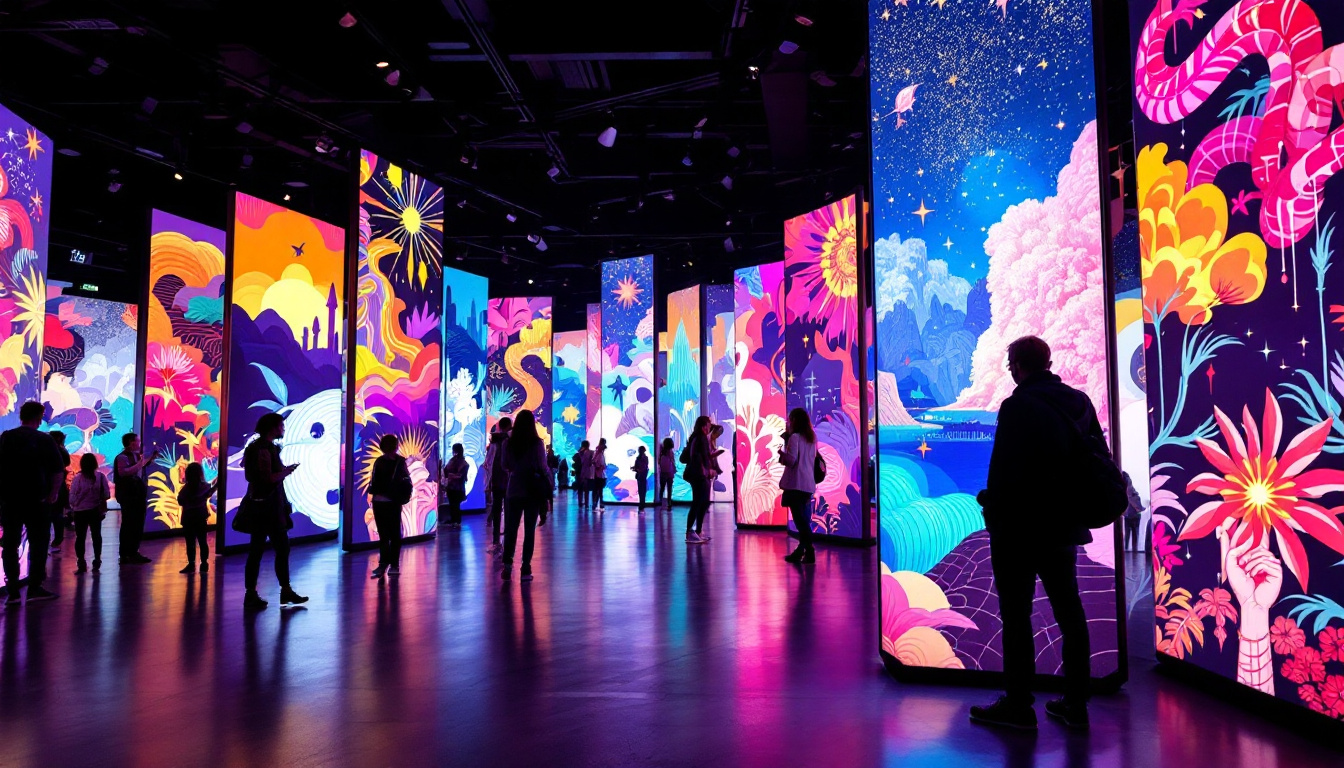
In today’s fast-paced digital world, LED displays have become an essential component in various industries, from retail and advertising to professional presentations and live events. The Proseries LED Display system is one of the leading solutions designed to deliver high-quality visuals with seamless control and reliability. Understanding how to effectively log in to the Proseries platform and grasping the technical aspects of its LED display technology can significantly enhance user experience and operational efficiency.
Understanding the Proseries LED Display System
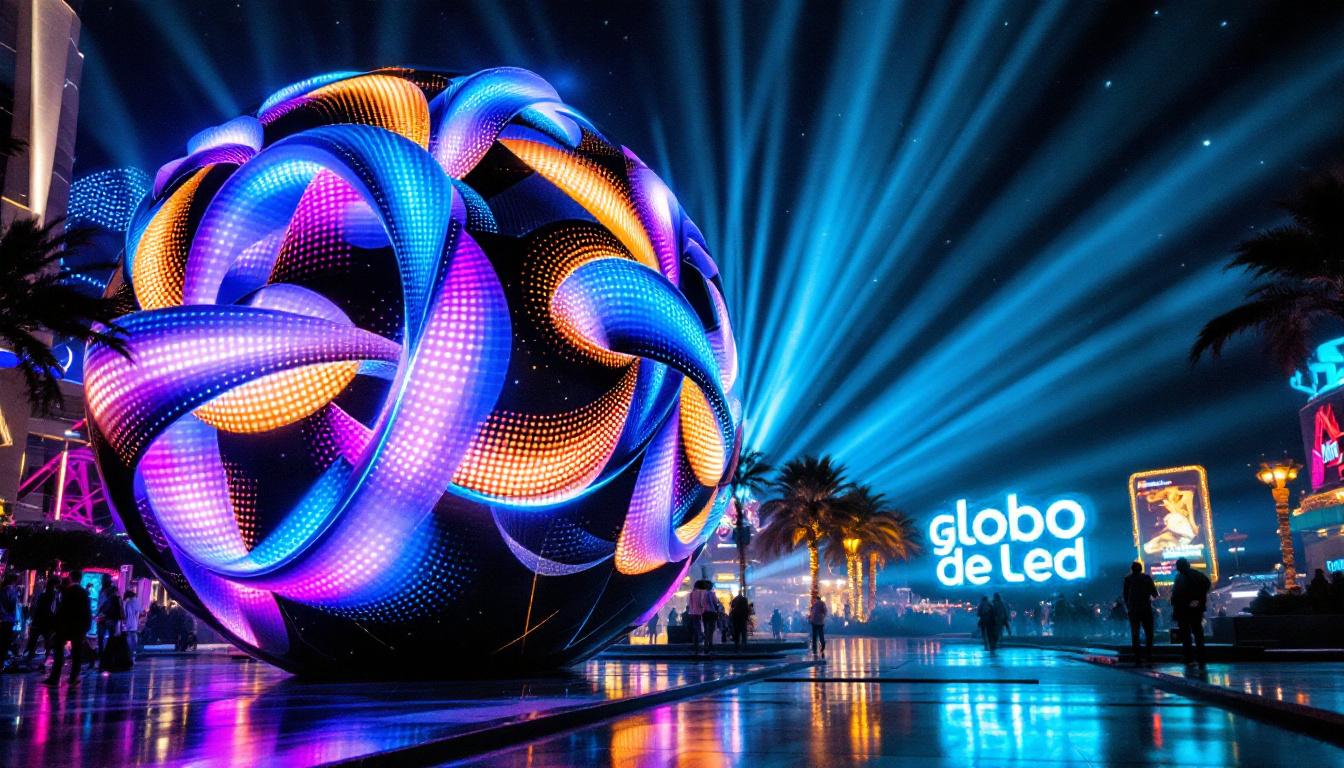
The Proseries LED Display system is engineered to provide vibrant, high-resolution visuals that cater to both indoor and outdoor environments. It integrates advanced LED technology with user-friendly software, allowing users to manage content effortlessly. The system’s modular design ensures scalability, making it suitable for small venues as well as large-scale events.
One of the key advantages of the Proseries LED Display is its ability to deliver consistent brightness and color accuracy, even under varying lighting conditions. This is achieved through sophisticated calibration techniques and high-quality LED modules, which contribute to an immersive viewing experience. Furthermore, the system is designed with longevity in mind, featuring components that are built to last, reducing the need for frequent replacements and maintenance.
Key Features of Proseries LED Displays
Proseries LED Displays boast several standout features that set them apart from competitors:
- High Refresh Rate: Ensures smooth motion and reduces flicker, which is crucial for live broadcasts and fast-moving visuals.
- Wide Viewing Angle: Allows audiences to view content clearly from different positions without color distortion.
- Energy Efficiency: Utilizes low power consumption LEDs, reducing operational costs and environmental impact.
- Durability: Designed to withstand harsh weather conditions, making it ideal for outdoor installations.
Applications of Proseries LED Displays
Because of their versatility and performance, Proseries LED Displays are widely used in various sectors:
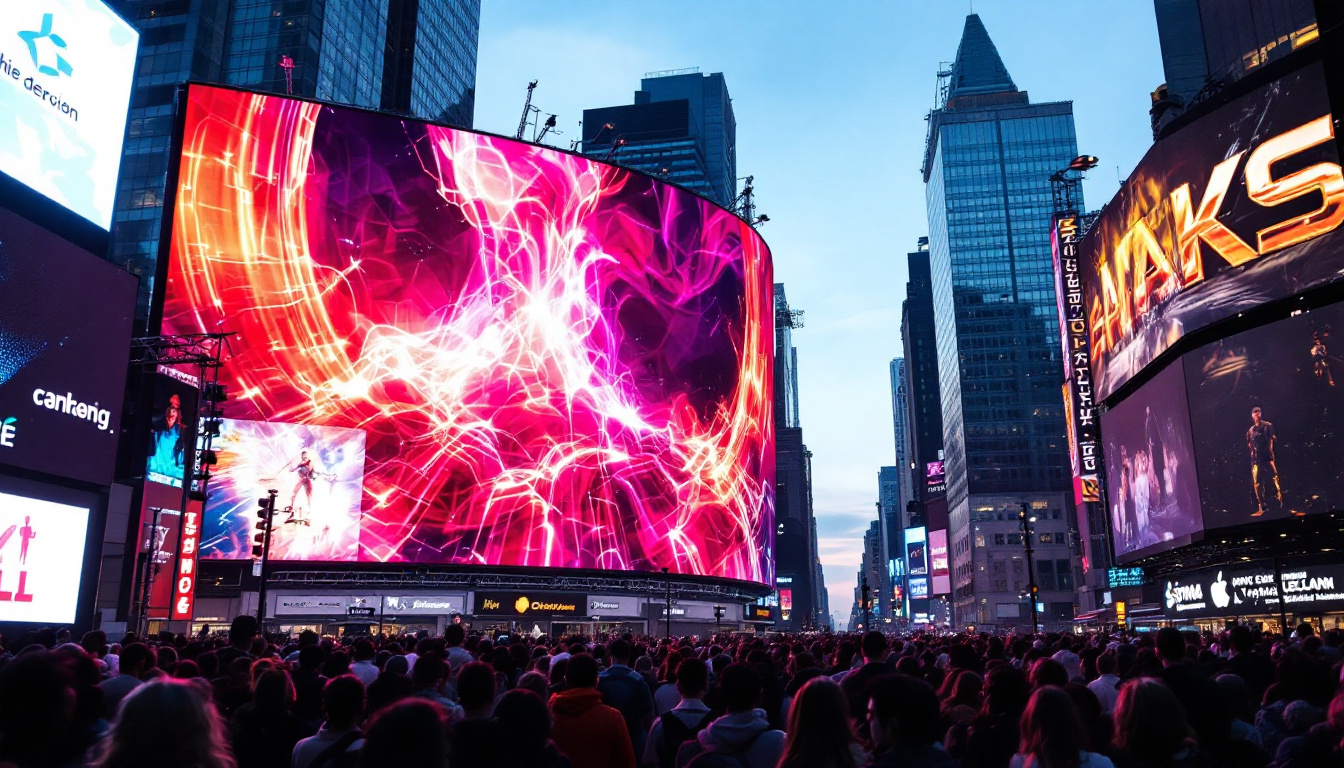
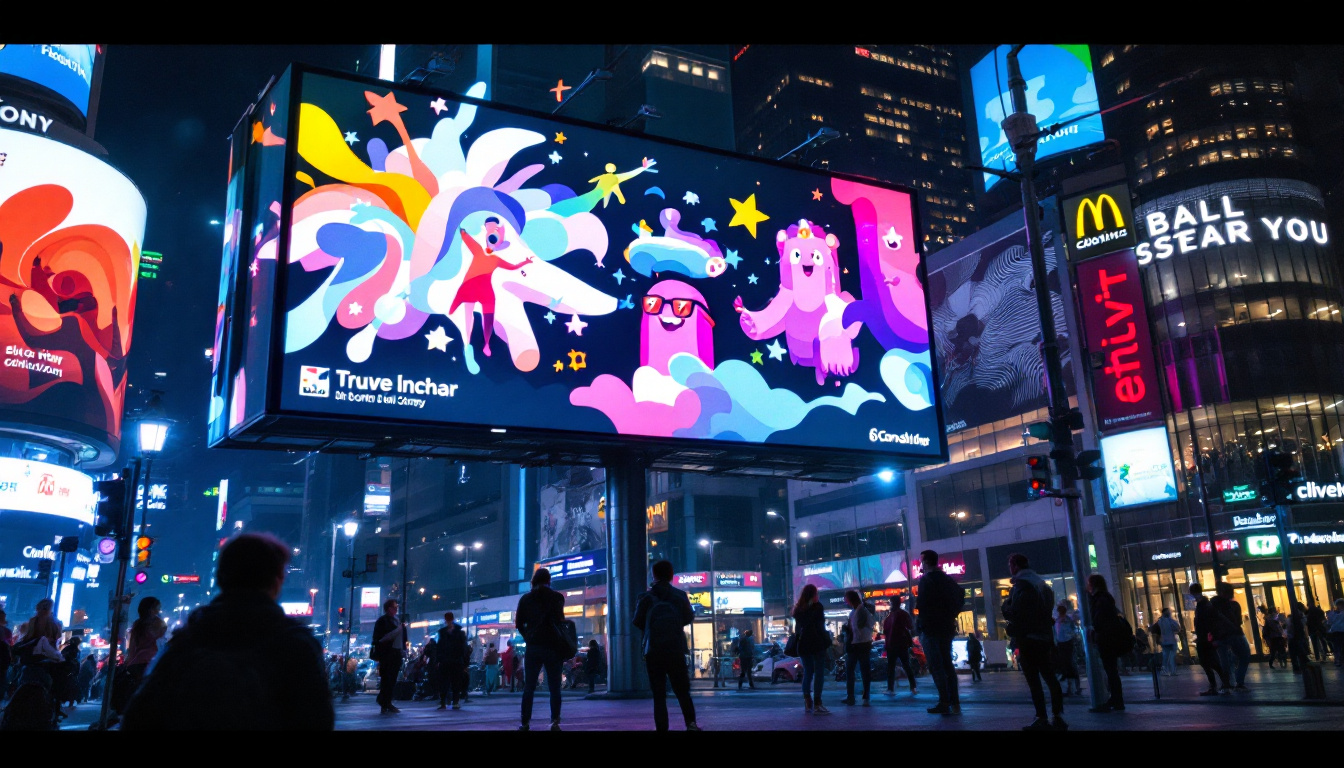
- Advertising: Digital billboards and signage that attract attention with dynamic content.
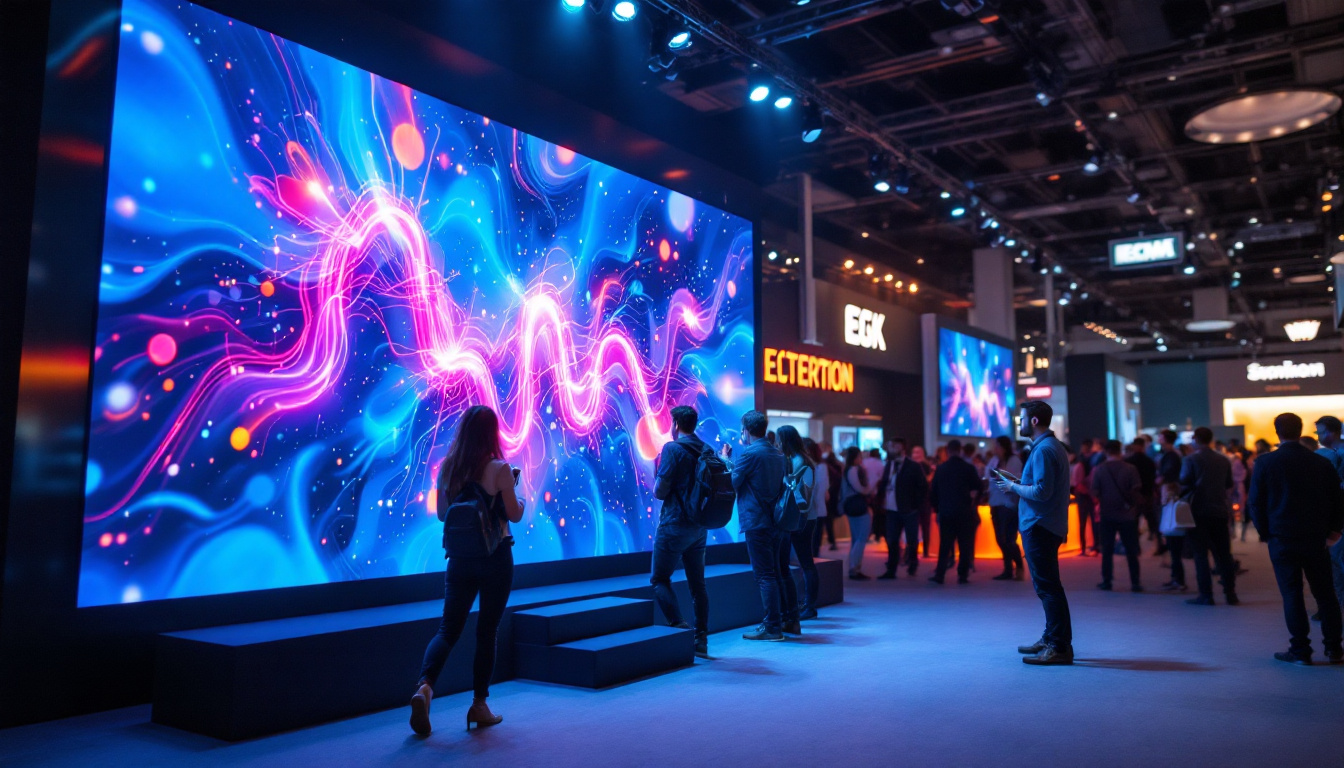
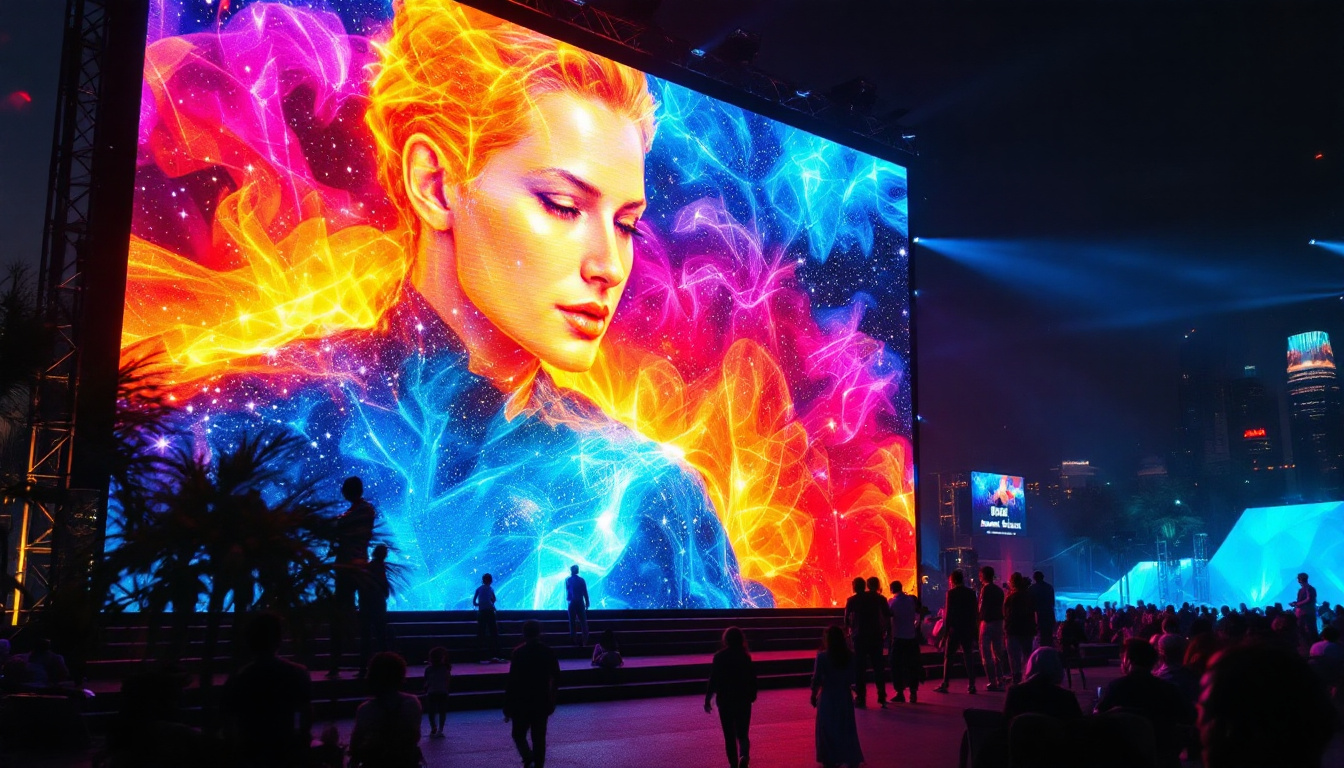
- Corporate Events: Large screens for presentations, conferences, and exhibitions.
- Sports Arenas: Scoreboards and live action displays that enhance the spectator experience.
- Entertainment Venues: Concerts and theaters leveraging high-quality visuals to engage audiences.
In addition to these applications, Proseries LED Displays are also making significant inroads in the education sector. Schools and universities are increasingly adopting these displays for interactive learning environments, where real-time information and multimedia presentations can enhance the educational experience. The ability to display educational content in a visually stimulating manner helps to engage students and facilitate better retention of information.
Moreover, the healthcare industry is beginning to utilize Proseries LED Displays for patient information systems and wayfinding solutions within hospitals. These displays can provide timely updates, directions, and important announcements, ensuring that patients and visitors receive the information they need in a clear and accessible format. The adaptability of the Proseries system allows it to serve various functions, making it a valuable asset across multiple fields.
Proseries Log In: Accessing the Control Platform
To maximize the functionality of the Proseries LED Display, users must access the Proseries control platform through a secure login process. This platform serves as the central hub for managing content, configuring display settings, and monitoring system performance.
Step-by-Step Guide to Proseries Log In
Logging into the Proseries platform is straightforward but requires attention to security protocols to protect sensitive data and ensure uninterrupted service:
- Navigate to the Official Proseries Portal: The login page is accessible via the official Proseries website or through a dedicated software application provided upon purchase.
- Enter Credentials: Users must input their registered username and password. For first-time users, registration is required to create an account linked to their specific LED display unit.
- Two-Factor Authentication (2FA): To enhance security, Proseries supports 2FA, requiring users to verify their identity via a secondary device or email code.
- Access Dashboard: Upon successful login, users are directed to the dashboard, where they can upload content, schedule playlists, adjust brightness, and configure other settings.
Common Login Issues and Troubleshooting
Despite its user-friendly design, some users may encounter login difficulties. Common issues include:
- Forgotten Password: The platform offers a password recovery option through registered email addresses.
- Account Lockout: Multiple failed login attempts may temporarily lock the account. Contacting customer support or waiting for the lockout period to expire is recommended.
- Browser Compatibility: Using outdated browsers can cause display or functionality issues. It is advisable to use the latest versions of Chrome, Firefox, or Edge.
- Network Connectivity: A stable internet connection is essential for logging in and managing the display remotely.
Technical Insights: How the Proseries LED Display Works
Understanding the technical foundation of the Proseries LED Display helps users optimize its performance and troubleshoot potential issues effectively. The system combines hardware and software components designed to work harmoniously.
LED Modules and Pixel Configuration
The core of the Proseries display consists of LED modules arranged in a matrix. Each module contains numerous tiny LEDs, which act as pixels to form images and videos. The density of these pixels, measured in pixels per inch (PPI), determines the resolution and clarity of the display.
Proseries offers various pixel pitch options, ranging from fine pitches suitable for close-up viewing to wider pitches for larger, distant displays. This flexibility allows customization based on the installation environment and viewing distance.
Color Calibration and Brightness Control
Color accuracy is critical for delivering vibrant and true-to-life visuals. Proseries employs advanced calibration algorithms that adjust the intensity of red, green, and blue LEDs to produce precise colors. This process is automated and can be fine-tuned via the control platform.
Brightness levels are adjustable to accommodate different ambient lighting conditions. For example, outdoor displays automatically increase brightness during daylight hours and dim at night to conserve energy and reduce glare.
Signal Processing and Content Management
The Proseries system uses high-speed signal processors to decode and render content in real-time. The control platform supports various media formats, including video, images, and text, enabling dynamic content scheduling and playback.
Users can upload content directly through the platform, create playlists, and set timers for automatic content rotation. This level of control ensures that the display remains relevant and engaging to its audience.
Optimizing Your Proseries LED Display Experience
To fully leverage the capabilities of the Proseries LED Display, it is essential to follow best practices for installation, maintenance, and content management.
Installation Considerations
Proper installation is vital to ensure the longevity and performance of the LED display. Key factors include:
- Structural Support: The mounting framework must be robust enough to support the weight and withstand environmental stress.
- Ventilation: Adequate airflow prevents overheating, which can degrade LED lifespan and performance.
- Power Supply: Stable and sufficient power sources are necessary to avoid flickering or outages.
- Weatherproofing: For outdoor installations, sealing and protective coatings shield the display from moisture and dust.
Routine Maintenance
Regular maintenance extends the operational life of the Proseries LED Display. Recommended practices include:
- Cleaning: Gently removing dust and debris from the LED surface using appropriate cleaning tools.
- Firmware Updates: Keeping the control software up to date ensures access to new features and security patches.
- Performance Checks: Periodic inspections to identify and replace malfunctioning modules or components.
Content Strategy for Maximum Impact
Engaging content is the heart of any LED display’s effectiveness. Consider these tips for content management:
- High-Quality Visuals: Use high-resolution images and videos to prevent pixelation.
- Dynamic Content: Incorporate animations and real-time data feeds to capture attention.
- Clear Messaging: Keep text concise and legible, with appropriate font sizes and colors.
- Scheduling: Tailor content timing to audience demographics and peak viewing periods.
Security and Privacy in Proseries Log In
With increasing cyber threats, securing access to the Proseries control platform is paramount. The system incorporates multiple layers of security to protect user data and prevent unauthorized control of the LED display.
Authentication Protocols
Beyond standard username and password combinations, Proseries supports multi-factor authentication (MFA), which significantly reduces the risk of account compromise. Users are encouraged to enable MFA and use strong, unique passwords.
Data Encryption and Network Security
All data transmitted between the user’s device and the Proseries platform is encrypted using industry-standard protocols such as SSL/TLS. This ensures that sensitive information, including login credentials and content files, remains confidential.
Additionally, Proseries recommends configuring network firewalls and VPNs for remote access, adding extra layers of protection against cyber intrusions.
User Access Management
For organizations with multiple users, Proseries allows administrators to assign role-based permissions. This limits access to critical functions based on user responsibilities, minimizing the risk of accidental or malicious changes.
Conclusion
The Proseries LED Display system represents a powerful fusion of cutting-edge hardware and intuitive software, designed to deliver stunning visual experiences across diverse applications. Mastering the Proseries log in process is the first step toward unlocking the full potential of this technology, enabling users to manage content efficiently and maintain optimal display performance.
By understanding the technical underpinnings of the LED modules, color calibration, and signal processing, users can make informed decisions about installation, maintenance, and content strategies. Furthermore, adhering to robust security practices ensures that the system remains protected against unauthorized access and cyber threats.
Whether for advertising, corporate events, or entertainment, the Proseries LED Display offers a reliable and versatile solution that can elevate any visual communication effort to new heights.
Discover LumenMatrix LED Display Solutions
Ready to take your visual presentations to the next level? Explore the innovative world of LumenMatrix, where cutting-edge LED display technology meets creative design. From dynamic indoor and outdoor displays to specialized solutions like vehicle and sports LED displays, LumenMatrix offers a wide range of products to captivate your audience and amplify your message. Experience the future of visual communication with our LED display modules that promise to transform any space into a vibrant canvas. Check out LumenMatrix LED Display Solutions today and see how we can help you create unforgettable visual experiences.