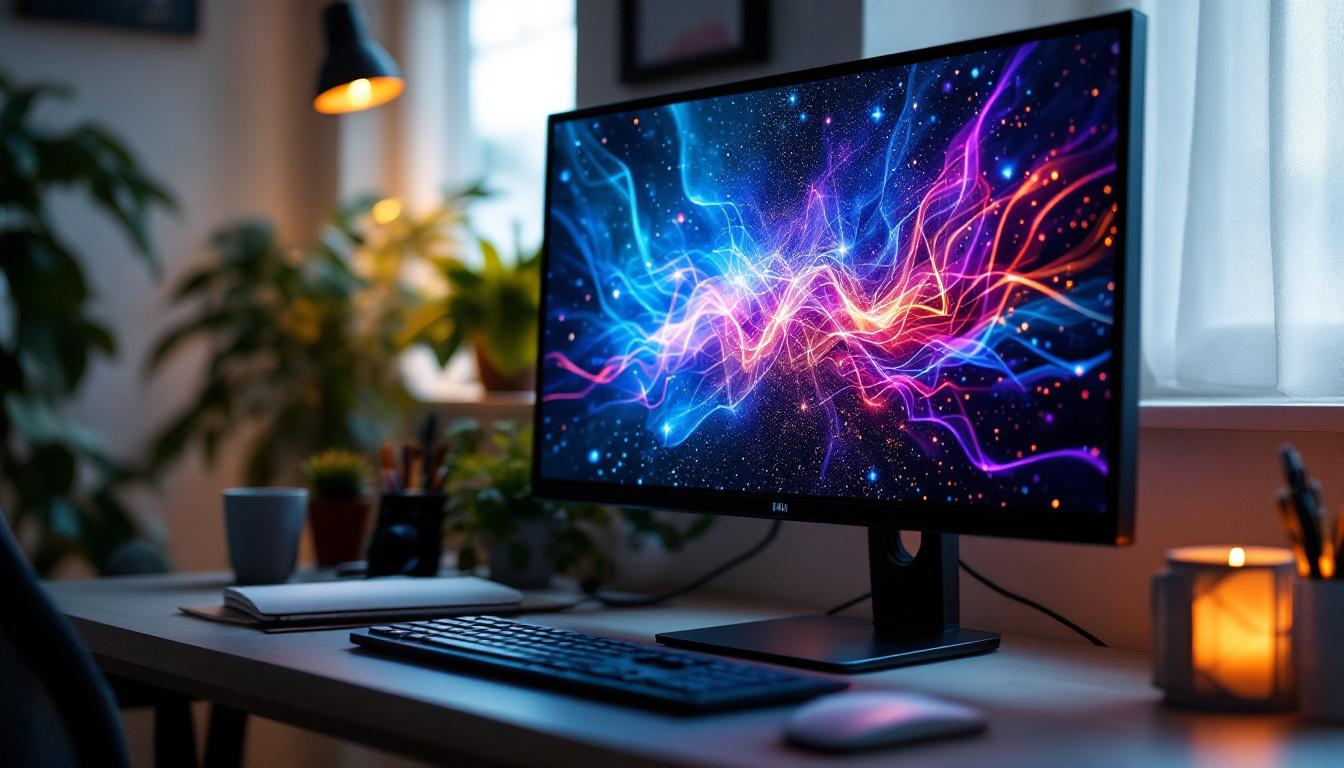
Second Hand LCD Monitor: LED Display Explained
In today’s digital age, computer monitors are an essential part of everyday life, whether for work, gaming, or entertainment. With the growing demand for high-quality displays, many consumers are turning to second hand LCD monitors as a cost-effective alternative to brand-new screens. However, understanding the technology behind these monitors—especially the role of LED displays—can be crucial in making an informed purchase decision. This article delves into the world of second hand LCD monitors, explaining LED display technology, and offering guidance on what to consider when buying used screens.
Understanding LCD and LED Display Technologies
What is an LCD Monitor?
LCD stands for Liquid Crystal Display, a technology that uses liquid crystals sandwiched between layers of glass or plastic to produce images. These crystals do not emit light themselves; instead, they manipulate light passing through them to create visible images. LCD monitors have become the standard for computer screens due to their slim profiles, energy efficiency, and ability to display sharp images.
Since the mid-2000s, LCDs have largely replaced older CRT (Cathode Ray Tube) monitors, offering better image quality, reduced eye strain, and lower power consumption. They are widely used not only in computers but also in televisions, smartphones, and other digital devices. The versatility of LCD technology has allowed it to evolve, with advancements in pixel density and color reproduction making it suitable for a variety of applications, from gaming to professional graphic design. Furthermore, modern LCD monitors often come equipped with features like anti-glare coatings and adjustable stands, enhancing user comfort and usability.
What Does LED Mean in LCD Monitors?
LED stands for Light Emitting Diode, which refers to the type of backlighting used in many modern LCD monitors. While the liquid crystals in an LCD panel control the image, they require a light source behind them to make the image visible. Earlier LCDs used CCFL (Cold Cathode Fluorescent Lamp) backlighting, but LED backlighting has become the preferred choice due to its advantages.
LED backlighting offers better brightness, improved color accuracy, and lower energy consumption compared to CCFL. Additionally, LED backlights allow for thinner and lighter monitor designs. It’s important to note that an “LED monitor” is essentially an LCD monitor with LED backlighting, not a fundamentally different display technology. This distinction is crucial for consumers as they navigate the market, ensuring they understand that the benefits of LED technology enhance the existing LCD framework rather than replace it. As a result, many users enjoy a richer viewing experience with deeper blacks and vibrant colors, making LED-backlit LCDs a popular choice for both casual and professional use.
Types of LED Backlighting
There are two primary types of LED backlighting used in LCD monitors: edge-lit and direct-lit (or full-array). Edge-lit LED monitors place LEDs along the edges of the screen, using light guides to distribute illumination evenly. This design allows for ultra-thin monitors but can sometimes lead to uneven brightness or “hot spots.”
Direct-lit LED monitors have LEDs positioned directly behind the screen, often in a grid pattern. This allows for better brightness uniformity and enables local dimming, where parts of the screen can be dimmed independently to improve contrast and black levels. While direct-lit monitors are generally thicker and more expensive, they often provide superior picture quality. Additionally, advancements in local dimming technology have led to even more refined control over brightness levels, allowing for a more cinematic experience when watching movies or playing video games. As the demand for high-definition content continues to grow, understanding these backlighting types becomes increasingly important for consumers looking to invest in a display that meets their specific needs and preferences.
Why Consider a Second Hand LCD Monitor?
Cost Savings Without Sacrificing Quality
One of the main reasons consumers opt for second hand LCD monitors is the significant cost savings. New monitors with LED backlighting can range from $150 for basic models to over $1,000 for high-end professional displays. Purchasing a used monitor can reduce expenses by 30% to 70%, making high-quality screens more accessible.
For businesses outfitting multiple workstations or individuals on a budget, second hand monitors offer a practical solution. Many used monitors come from corporate environments where equipment is regularly upgraded, meaning the devices are often well-maintained and still in excellent condition.
Environmental Benefits of Buying Used
Electronic waste is a growing global concern, with millions of tons of discarded devices ending up in landfills each year. Choosing second hand monitors helps extend the life of existing products, reducing the demand for new manufacturing and the associated environmental impact.
By reusing LCD monitors, consumers contribute to a circular economy that prioritizes sustainability. This approach aligns with increasing awareness about responsible consumption and the desire to minimize one’s carbon footprint.
Access to Higher-End Models
Buying used can also provide access to premium monitors that might be otherwise unaffordable. For example, professional-grade monitors with advanced color calibration, wider color gamuts, or higher refresh rates may be available on the second hand market at a fraction of the original price.
This is particularly valuable for creative professionals, gamers, or anyone who values superior display performance but has a limited budget.
Key Considerations When Buying a Second Hand LCD Monitor
Check the Panel Type and Condition
LCD monitors use different panel technologies, such as TN (Twisted Nematic), IPS (In-Plane Switching), and VA (Vertical Alignment). Each has unique characteristics:
- TN panels: Usually offer faster response times but have narrower viewing angles and less accurate colors.
- IPS panels: Provide better color accuracy and wider viewing angles, ideal for professional use.
- VA panels: Known for deeper blacks and higher contrast ratios, suitable for multimedia consumption.
When buying second hand, it’s important to verify the panel type to ensure it meets your needs. Inspect the screen for dead pixels, discoloration, or uneven backlighting, as these are common issues in used monitors.
Verify Backlight Type and Brightness
Confirm whether the monitor uses LED backlighting and what type it employs (edge-lit or direct-lit). LED backlighting generally means better energy efficiency and image quality, but the specific implementation affects performance.
Test the brightness and contrast levels to ensure the display is still vibrant. Over time, backlights can dim, especially in older or heavily used monitors.
Resolution and Refresh Rate
Resolution determines the sharpness of the image. Common resolutions include Full HD (1920×1080), Quad HD (2560×1440), and 4K (3840×2160). Higher resolutions provide more detail but require more powerful graphics hardware.
Refresh rate, measured in hertz (Hz), indicates how many times the screen updates per second. Standard monitors have 60Hz, while gaming or professional monitors may offer 120Hz, 144Hz, or higher for smoother motion. Ensure the second hand monitor’s specs align with your intended use.
Connectivity and Compatibility
Check the available input ports such as HDMI, DisplayPort, DVI, or VGA. Modern monitors typically support HDMI and DisplayPort, which offer better image quality and support for higher resolutions.
Compatibility with your computer or device is essential. Some older monitors may lack modern ports, requiring adapters or limiting functionality.
Warranty and Return Policy
Purchasing from reputable sellers who offer warranties or return options can provide peace of mind. Even used monitors can have manufacturer warranties remaining or be covered by seller guarantees.
Test the monitor thoroughly upon receipt to identify any issues early. If buying locally, inspect the monitor in person before committing.
How to Maintain and Optimize a Second Hand LCD Monitor
Proper Cleaning and Handling
Used monitors may accumulate dust or fingerprints. Clean the screen gently using a microfiber cloth and a screen-safe cleaning solution to avoid damage. Avoid harsh chemicals or abrasive materials.
Handle the monitor carefully to prevent scratches or damage to the panel and casing.
Calibrating the Display
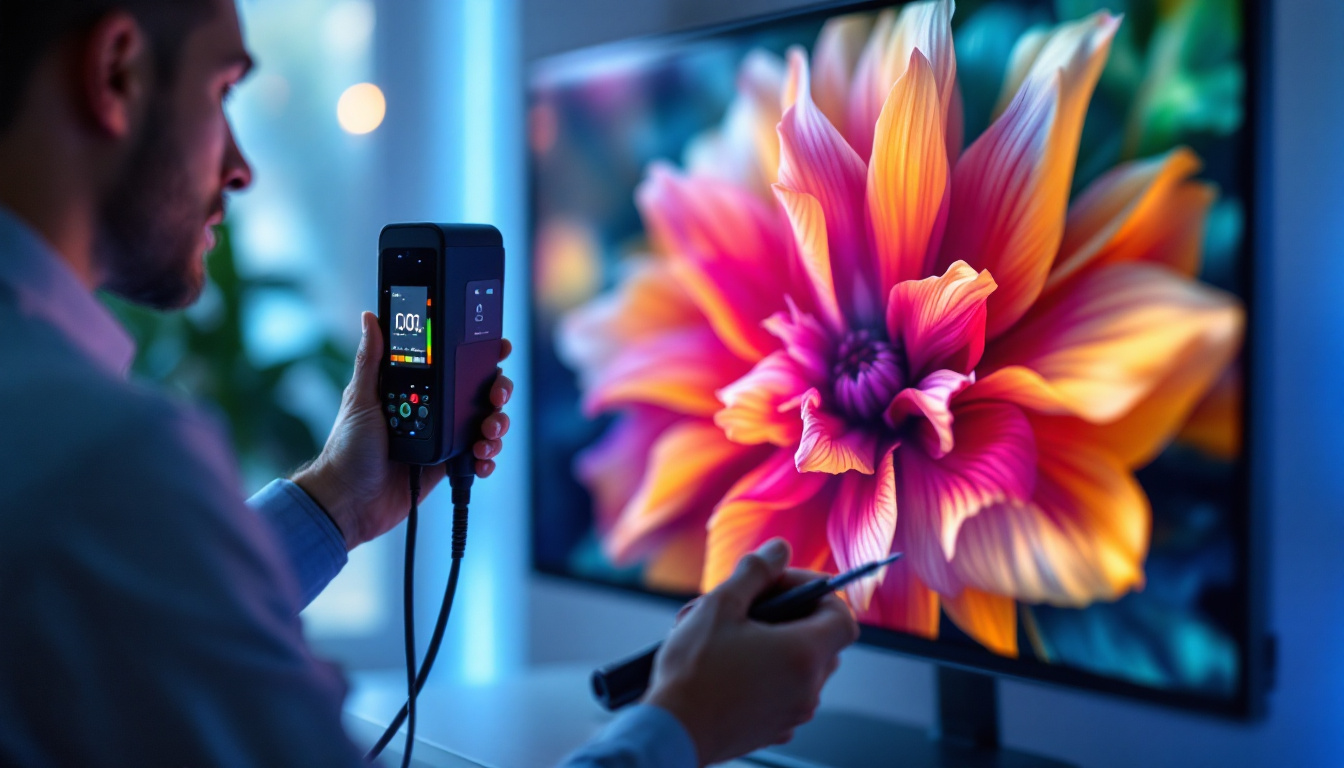
Calibration ensures accurate colors and optimal brightness. Many operating systems include basic calibration tools, but professional-grade calibration devices and software can provide superior results.
Calibration is especially important for photo editing, video production, or any color-critical work.
Adjusting Settings for Eye Comfort
Adjust brightness, contrast, and color temperature to reduce eye strain during extended use. Features such as blue light filters or flicker-free technology, common in newer monitors, may not be present in older second hand models, so manual adjustments become more important.
Regular Software Updates
Keep your graphics drivers and operating system updated to ensure compatibility and optimal performance with your monitor. Sometimes, firmware updates for the monitor itself may be available from the manufacturer.
Common Myths About Second Hand LCD Monitors
Myth 1: Used Monitors Are Always Inferior
Many used monitors come from corporate environments where they are well-maintained and replaced regularly. A second hand monitor can perform just as well as a new one if properly inspected and cared for.
Myth 2: LED Backlighting Means the Monitor is New
LED backlighting has been standard for over a decade, so many older monitors feature it. The presence of LED backlighting does not necessarily indicate a recent model, but it does suggest better energy efficiency compared to CCFL backlit units.
Myth 3: Second Hand Monitors Don’t Support Modern Resolutions
While some older monitors have lower resolutions, many second hand monitors support Full HD and even higher resolutions. It’s important to check specifications before purchasing.
Conclusion: Making an Informed Choice
Second hand LCD monitors with LED backlighting represent a smart choice for budget-conscious consumers seeking quality displays without the premium price tag. Understanding the technology behind these monitors, including panel types, backlighting methods, and key specifications, empowers buyers to select devices that meet their needs.
By carefully inspecting used monitors, verifying their condition, and maintaining them properly, users can enjoy excellent performance and contribute to environmental sustainability. Whether for professional use, gaming, or everyday computing, second hand LCD monitors remain a viable and attractive option in the evolving world of display technology.
Discover Cutting-Edge LED Displays with LumenMatrix
If you’re inspired by the potential of second hand LCD monitors and the advancements in LED display technology, take your visual experience to the next level with LumenMatrix. As a pioneer in LED display solutions, LumenMatrix offers an array of innovative products that can transform any space into a dynamic environment. From Indoor and Outdoor LED Wall Displays to specialized solutions like Vehicle LED Displays and Custom LED Displays, LumenMatrix is committed to enhancing your brand’s visibility and audience engagement. Embrace the future of visual communication and check out LumenMatrix LED Display Solutions today to see how they can elevate your professional or entertainment needs.