Smart TV Video Conferencing: LED Display Explained
In today’s fast-paced digital world, video conferencing has become a vital tool for communication, collaboration, and productivity. With remote work and virtual meetings becoming the norm, the demand for high-quality video conferencing solutions has surged dramatically. Smart TVs, equipped with advanced LED display technology, are increasingly being used as effective video conferencing platforms. This article delves into how LED displays enhance the video conferencing experience on smart TVs, exploring the technology behind them, their advantages, and practical considerations for users.
Understanding LED Displays in Smart TVs
What Is an LED Display?
LED, or Light Emitting Diode, displays are a type of screen technology used in many modern smart TVs. Unlike traditional LCD screens that rely on cold cathode fluorescent lamps (CCFL) for backlighting, LED displays use light-emitting diodes to illuminate the screen. This shift has brought significant improvements in picture quality, energy efficiency, and overall performance.
LED displays come in various forms, including edge-lit and full-array backlighting. Edge-lit LED TVs place LEDs around the screen’s edges, while full-array LED TVs distribute LEDs evenly behind the entire screen, allowing for more precise control of brightness and contrast. This capability is particularly beneficial for viewing in different lighting conditions, as full-array displays can adapt more effectively to ambient light, ensuring a consistent viewing experience regardless of the environment.
Furthermore, advancements in LED technology have led to the development of quantum dot displays, which utilize tiny semiconductor particles to enhance color reproduction. This innovation allows for a broader color gamut and improved brightness, making images appear more lifelike and immersive. As a result, viewers can enjoy a more dynamic visual experience, whether they are watching movies, playing video games, or streaming their favorite shows.
How LED Technology Enhances Video Conferencing
Video conferencing demands clear visuals and accurate color representation to ensure effective communication. LED displays excel in these areas due to their superior brightness, contrast ratios, and color accuracy. For example, full-array LED TVs with local dimming can produce deep blacks and vibrant colors, making facial expressions and subtle visual cues easier to perceive during meetings.
Moreover, LED displays typically offer faster refresh rates and lower latency compared to older display technologies, reducing motion blur and lag. This is crucial for maintaining smooth video and audio synchronization during real-time conversations. Additionally, many LED displays now come equipped with features such as anti-glare coatings and wide viewing angles, which further enhance the video conferencing experience by minimizing distractions and ensuring that everyone in the room can see the screen clearly, regardless of their position.
Incorporating advanced technologies such as HDR (High Dynamic Range) into LED displays also plays a significant role in improving video conferencing. HDR allows for a greater range of brightness and color detail, making it easier to see variations in lighting and skin tones, which can be vital for effective communication. As remote work and virtual meetings become increasingly common, the importance of high-quality displays in facilitating clear and engaging interactions cannot be overstated. With LED technology at the forefront, participants can feel more connected, even when miles apart.
Benefits of Using Smart TVs with LED Displays for Video Conferencing
Larger Screen Size for Enhanced Collaboration
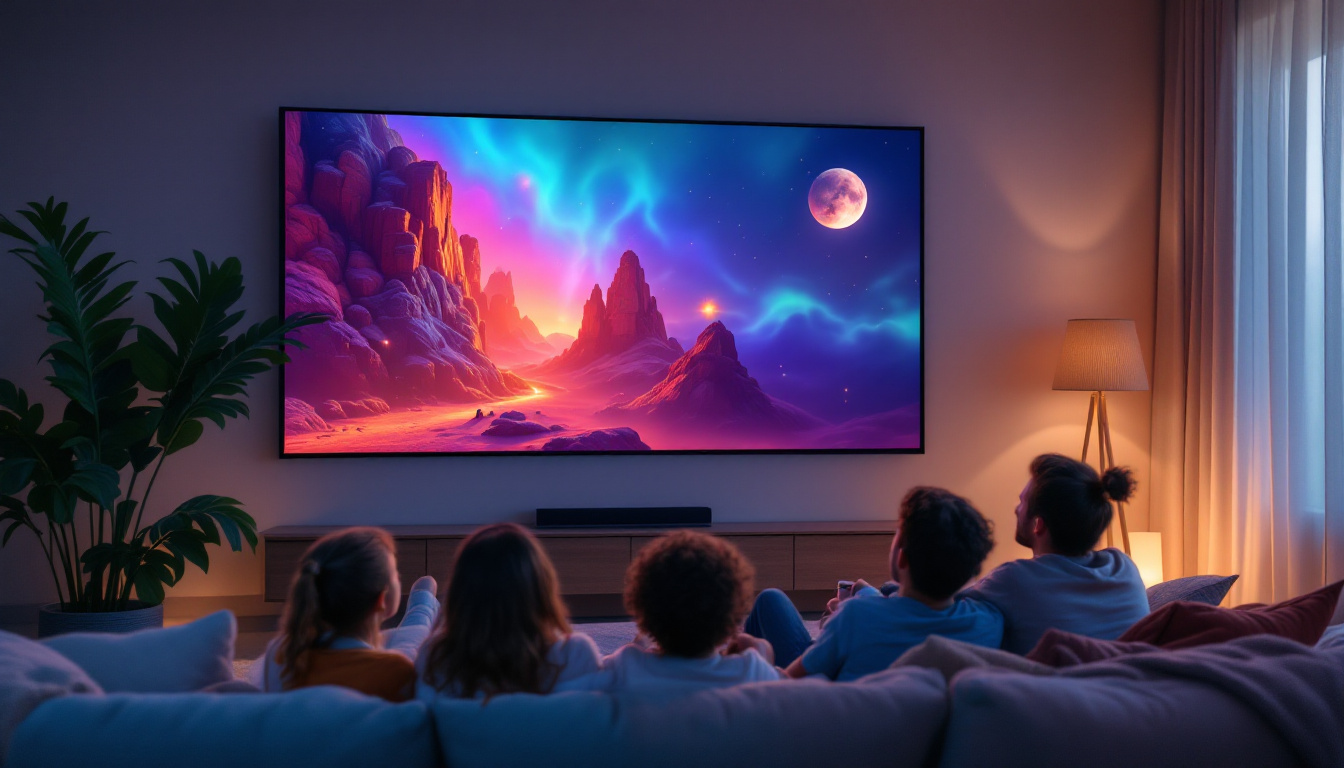
One of the most significant advantages of using smart TVs for video conferencing is the large screen size. Unlike laptops or tablets, smart TVs often range from 40 to 85 inches or more, providing ample viewing space for multiple participants or detailed presentations.
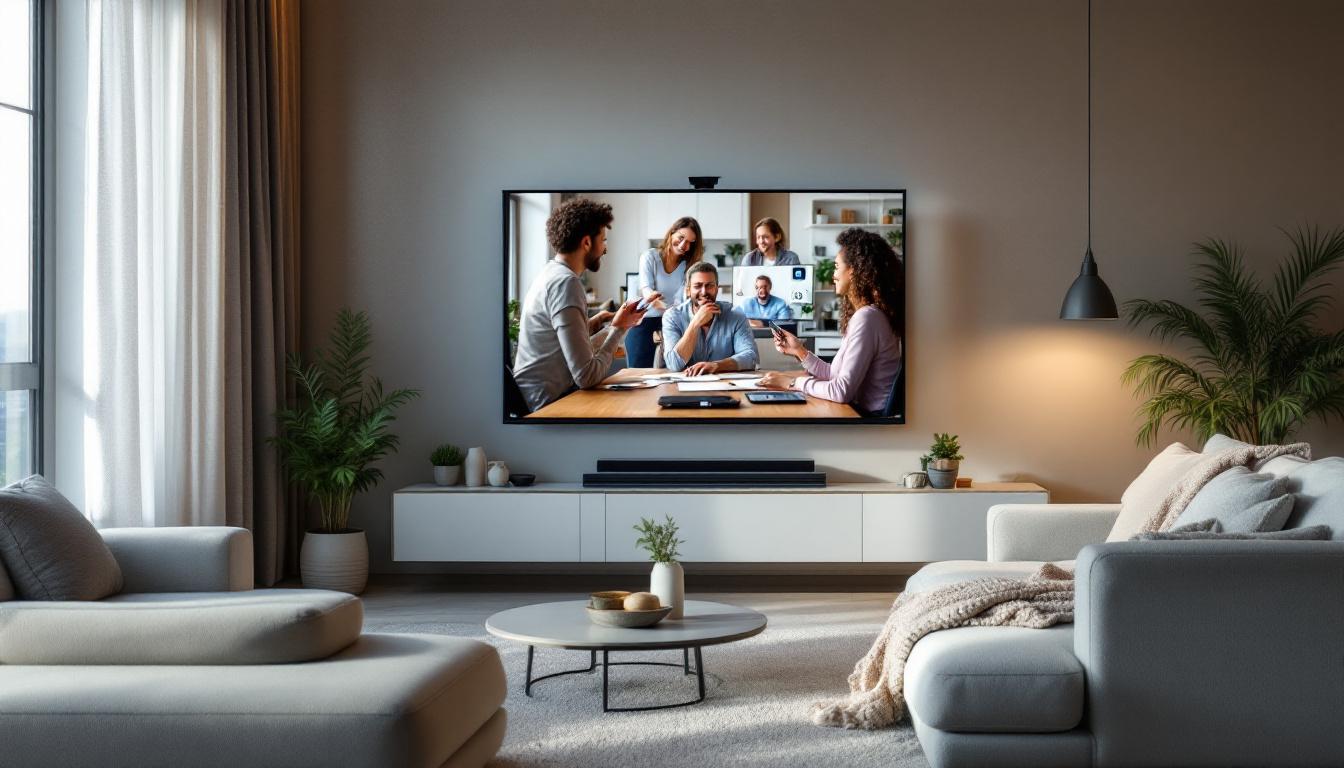
This larger display facilitates better engagement during meetings, as attendees can easily see each other’s faces and shared content without straining their eyes. For teams working in hybrid environments, a smart TV can serve as a central communication hub in conference rooms or shared spaces.
Improved Audio-Visual Experience
LED smart TVs typically come with high-quality built-in speakers and support for advanced audio technologies like Dolby Atmos. Clear audio is just as important as video in video conferencing, as it ensures participants can hear each other without misunderstandings or repeated statements.
Some smart TVs also support external audio systems and microphones, allowing users to customize their setup for optimal sound clarity. When paired with LED’s vibrant visuals, this combination creates an immersive conferencing environment that rivals traditional meeting rooms.
Integration with Popular Video Conferencing Platforms
Modern smart TVs support a wide range of video conferencing applications such as Zoom, Microsoft Teams, Google Meet, and Cisco Webex. Many come with pre-installed apps or allow easy installation from app stores, enabling users to join meetings directly from the TV without needing additional devices.
Additionally, smart TVs often feature voice control and remote management capabilities, simplifying the process of starting or joining calls. This ease of use is particularly beneficial for non-technical users or organizations looking to streamline their meeting setups.
Technical Considerations for Optimal Video Conferencing on LED Smart TVs
Resolution and Screen Quality
Resolution plays a critical role in video conferencing quality. Most modern LED smart TVs offer 4K UHD resolution (3840 x 2160 pixels), which provides sharp, detailed images. Higher resolution ensures that facial features, text, and shared content appear crisp and easy to read, reducing eye fatigue during long meetings.
However, it is essential to balance resolution with bandwidth capabilities. Streaming 4K video requires a stable and fast internet connection, ideally at least 25 Mbps per stream. Organizations should assess their network infrastructure to support high-resolution video conferencing without interruptions.
Connectivity Options
Smart TVs typically offer multiple connectivity options, including HDMI, USB, Wi-Fi, and Ethernet ports. For video conferencing, a reliable internet connection is paramount. Wired Ethernet connections generally provide more stability and lower latency compared to Wi-Fi, especially in environments with heavy wireless traffic.
Additionally, external webcams and microphones can be connected via USB or Bluetooth to enhance video and audio quality. While many smart TVs have built-in cameras, external peripherals often offer better resolution and noise cancellation features, improving overall meeting experience.
Latency and Refresh Rate
Latency refers to the delay between a user’s action and the display’s response. In video conferencing, low latency is essential to maintain natural conversation flow and avoid awkward pauses. LED smart TVs with refresh rates of 60 Hz or higher are generally sufficient for smooth video calls.
Some high-end models offer refresh rates of 120 Hz or more, which can further reduce motion blur and improve visual clarity. While these features are more commonly associated with gaming, they also benefit video conferencing by delivering fluid motion and reducing eye strain.
Practical Tips for Setting Up Smart TV Video Conferencing with LED Displays
Choosing the Right Location and Lighting
Proper placement of the smart TV is crucial for effective video conferencing. Position the TV at eye level and ensure the seating arrangement allows all participants to be visible on camera. Avoid placing the TV in front of bright windows or reflective surfaces, as this can cause glare and reduce screen visibility.
Good ambient lighting improves camera performance and overall video quality. Soft, evenly distributed lighting helps avoid harsh shadows and enhances facial recognition. Many LED smart TVs have settings to adjust brightness and contrast, which can be fine-tuned based on room conditions.
Optimizing Audio Setup
While built-in speakers are convenient, adding an external microphone and speaker system can greatly enhance audio clarity. Directional microphones reduce background noise and focus on the speaker’s voice, making conversations more intelligible.
For group meetings, consider using a conference speakerphone or an array microphone system designed for room-wide audio capture. This ensures that all participants, regardless of their position, are heard clearly.
Regular Software Updates and Maintenance
Smart TVs rely on software to run video conferencing applications and manage hardware functions. Keeping the TV’s firmware and apps up to date is essential to maintain security, compatibility, and performance.
Regularly check for updates from the manufacturer and install them promptly. Additionally, periodically clean the TV screen and camera lens to prevent dust buildup, which can degrade image quality over time.
Future Trends: The Evolution of LED Smart TVs in Video Conferencing
Integration of AI and Smart Features
Artificial intelligence is increasingly being integrated into smart TVs to enhance video conferencing. Features like automatic speaker tracking, background noise suppression, and real-time language translation are becoming more common, making remote meetings more efficient and inclusive.
AI-driven image enhancement can adjust lighting and focus dynamically, ensuring participants always look their best on camera. These advancements promise to make video conferencing on LED smart TVs even more seamless and professional.
Advancements in Display Technology
While LED displays currently dominate the smart TV market, emerging technologies such as Mini-LED and Micro-LED are poised to offer even better brightness, contrast, and energy efficiency. These innovations will further improve the visual quality of video conferencing, particularly in challenging lighting environments.
Moreover, flexible and transparent LED displays may open new possibilities for interactive meeting spaces, blending physical and virtual collaboration in innovative ways.
Conclusion
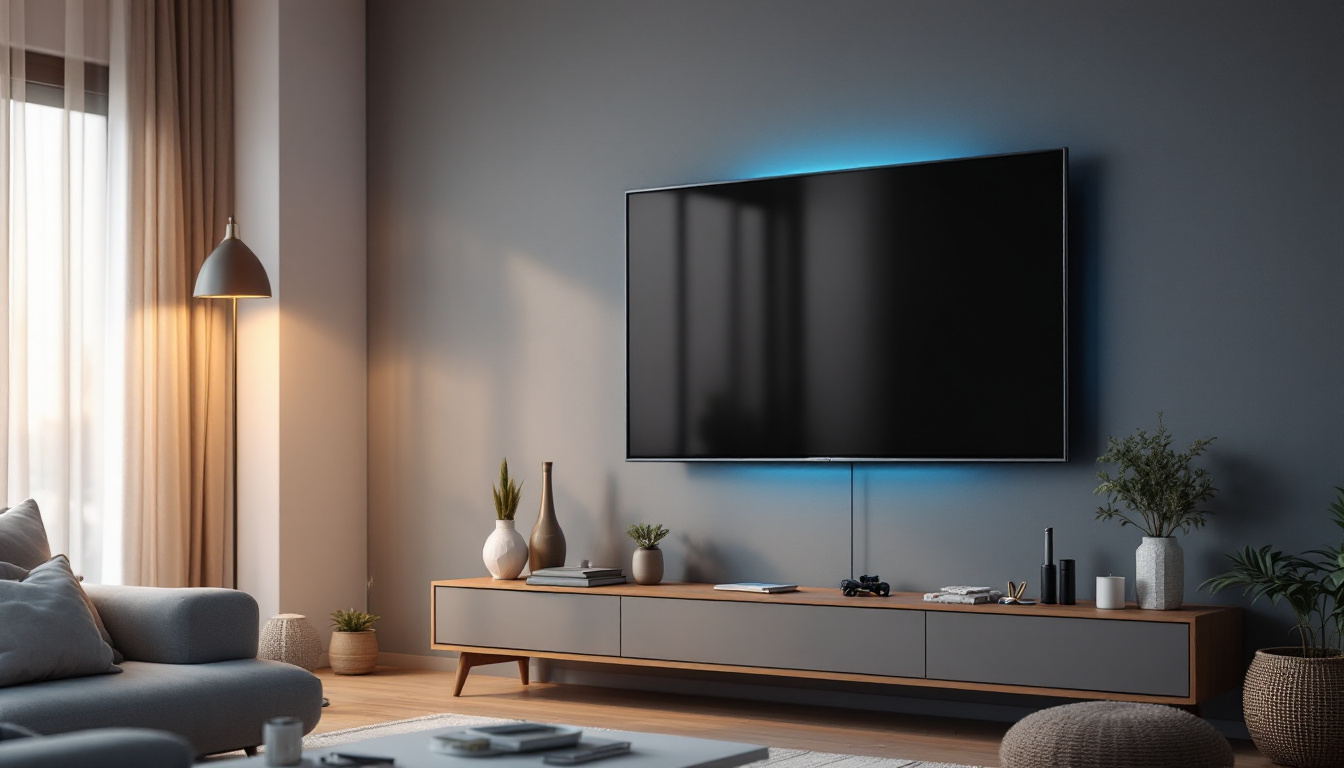
Smart TVs equipped with LED displays have transformed video conferencing by providing large, vibrant screens that enhance communication and collaboration. Their superior picture quality, combined with integrated audio systems and compatibility with popular conferencing platforms, makes them an excellent choice for both professional and personal use.
Understanding the technical aspects of LED displays and optimizing the setup can significantly improve the video conferencing experience. As technology continues to evolve, smart TVs will play an increasingly central role in connecting people across distances, making remote communication more natural and effective than ever before.
Explore Cutting-Edge Video Conferencing Displays with LumenMatrix
Ready to elevate your video conferencing experience with superior LED display technology? Discover LumenMatrix’s innovative solutions tailored to meet your communication needs. From Indoor and Outdoor LED Wall Displays to specialized options like Vehicle, Sports, and Floor LED Displays, LumenMatrix offers a wide array of products designed to bring your virtual meetings to life. Embrace the future of visual engagement with our Custom, All-in-One, and Transparent LED Displays. Check out LumenMatrix LED Display Solutions today and transform your video conferencing setup into a hub of collaboration and productivity.