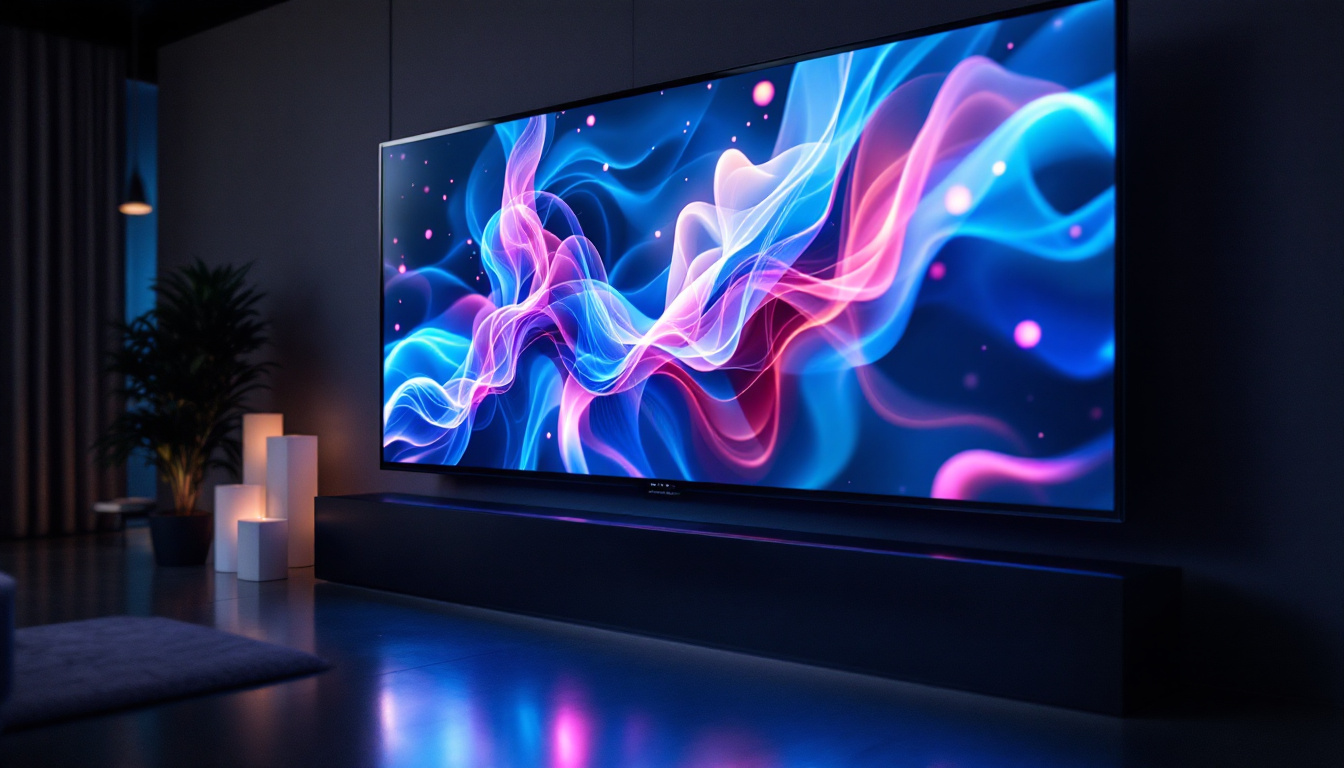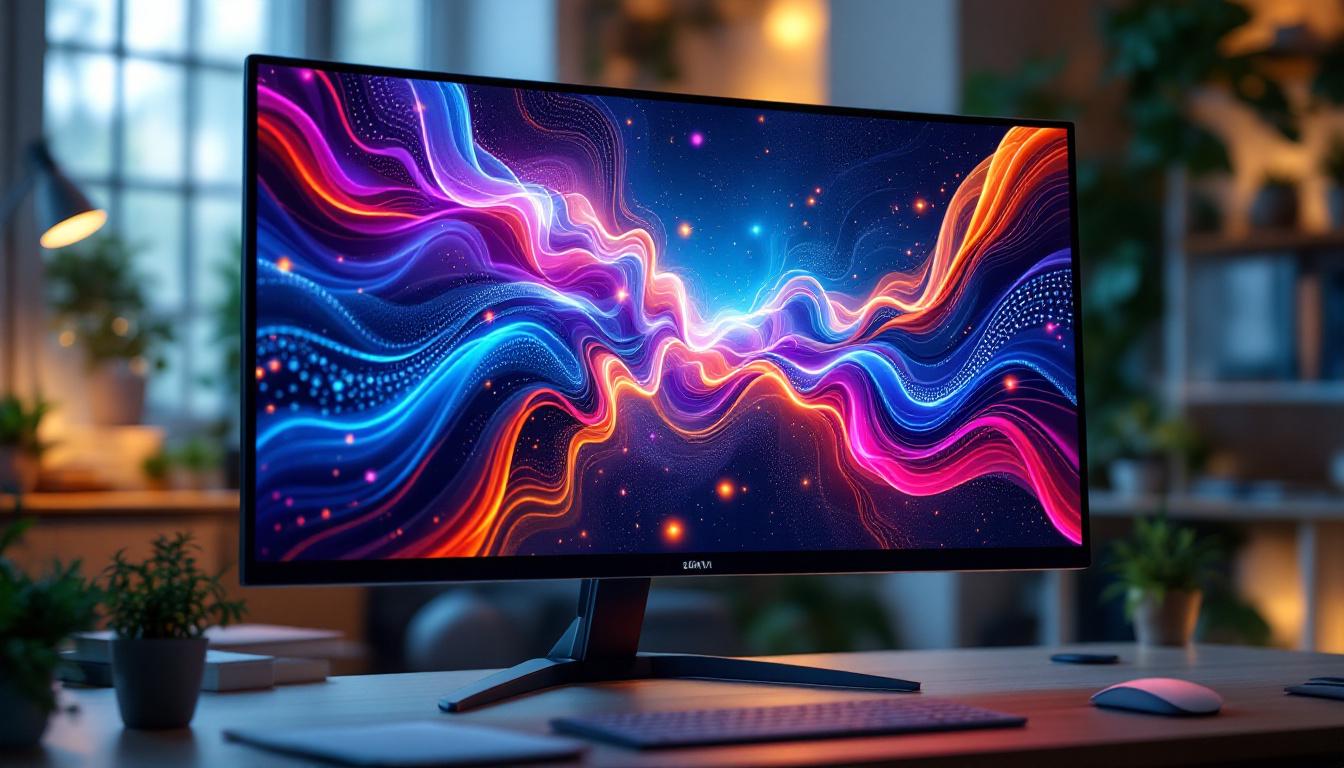
In today’s digital age, the quality of your monitor screen plays a crucial role in enhancing productivity, entertainment, and overall user experience. Among various display technologies, LED displays have become the standard for computer monitors, televisions, and digital signage. This article delves into the fundamentals of LED displays, their advantages, and how the choice of a monitor stand can significantly impact your viewing comfort and ergonomics.
Understanding LED Display Technology
LED, or Light Emitting Diode, technology has revolutionized the way screens are designed and function. Unlike older LCD screens that relied on cold cathode fluorescent lamps (CCFL) for backlighting, LED displays use light-emitting diodes to illuminate the screen. This shift has brought about numerous benefits, including improved energy efficiency, thinner panels, and better color accuracy.
How LED Displays Work
At its core, an LED display is a type of LCD screen that uses LEDs as a backlight source. The screen itself consists of liquid crystals that do not emit light but instead control the passage of light. The LEDs provide the necessary illumination, shining through the liquid crystal layer and color filters to produce the images seen on the screen.
There are two main types of LED backlighting: edge-lit and full-array. Edge-lit LED displays place LEDs along the edges of the screen, using light guides to distribute light evenly. Full-array LED displays distribute LEDs directly behind the screen, allowing for more precise control of brightness and contrast through local dimming zones.
Advantages Over Other Display Technologies
LED displays offer several advantages compared to traditional LCDs and other technologies like OLED or plasma. They are generally more energy-efficient, consuming up to 30-40% less power than CCFL-backlit LCDs. This efficiency translates to lower electricity bills and a smaller environmental footprint.
Additionally, LED monitors typically have better brightness levels and color reproduction, making them ideal for professional tasks such as photo editing, video production, and gaming. Their thinner design also allows for sleeker monitors and more versatile mounting options.
Moreover, LED technology has contributed to the development of high dynamic range (HDR) displays, which enhance the viewing experience by providing a wider range of colors and improved contrast. This technology allows for deeper blacks and brighter whites, making images appear more lifelike and immersive. The advancements in LED technology have also led to the creation of flexible displays, which can bend and curve to fit various applications, from smartphones to large-scale digital signage.
In addition to their visual advantages, LED displays are known for their longevity. With a lifespan that can exceed 50,000 hours, they significantly outlast traditional display technologies. This durability not only reduces the need for frequent replacements but also contributes to lower overall maintenance costs. As LED technology continues to evolve, we can expect even more innovations that will further enhance the quality and versatility of displays in various fields, from entertainment to education and beyond.
The Importance of Choosing the Right Stand for Your Monitor
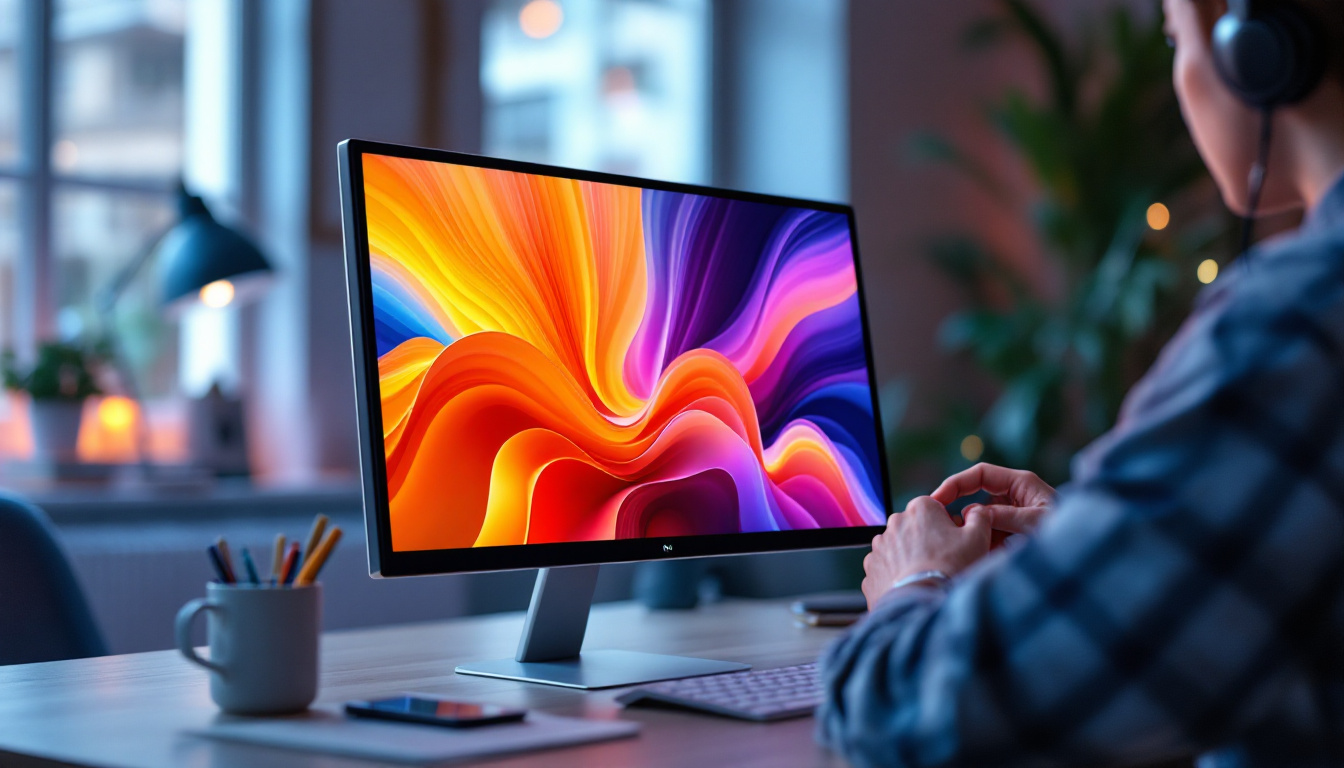
While the display technology itself is vital, the stand or mount supporting your monitor is equally important. A well-designed stand can improve ergonomics, reduce neck and eye strain, and optimize your workspace. Conversely, a poor stand can lead to discomfort and decreased productivity.
Ergonomics and Health Benefits
Ergonomics is the science of designing a workspace that fits the user’s needs, reducing strain and injury risk. For monitor screens, this means positioning the display at eye level and at a comfortable distance. The ideal monitor height allows the top of the screen to be at or slightly below eye level, minimizing neck bending.
Adjustable stands enable users to customize the height, tilt, swivel, and sometimes even the rotation of the monitor. This flexibility is essential, especially in multi-monitor setups or shared workspaces, where users have different preferences and body types. Furthermore, a well-adjusted monitor can help maintain proper posture, which is crucial for long hours of computer work. By ensuring that your monitor is positioned correctly, you can significantly decrease the risk of developing chronic pain in the back, shoulders, and neck.
Types of Monitor Stands and Mounts
There are several types of stands and mounts available, each catering to different needs and budgets:
- Fixed Stands: These come standard with most monitors and offer limited or no adjustability. They are suitable for users with fixed desk setups.
- Adjustable Stands: These allow height, tilt, and swivel adjustments, providing better ergonomics.
- Desk Mounts and Arms: These clamp to the desk or are mounted through grommets, freeing up desk space and offering extensive adjustability, including rotation and extension.
- Wall Mounts: Ideal for saving desk space entirely, wall mounts require compatible VESA mounting patterns on the monitor.
Choosing the right stand depends on your workspace, monitor size, and personal comfort preferences. Additionally, the aesthetic aspect of your workspace should not be overlooked; a sleek, modern stand can enhance the overall look of your office or home setup. Many users now opt for stands that complement their decor, blending functionality with style. Moreover, some advanced stands come equipped with cable management systems, helping to keep your workspace tidy and organized, which can further enhance productivity by minimizing distractions.
LED Display Quality Factors to Consider
When selecting an LED monitor, several quality factors influence the overall experience. Understanding these can help you make an informed decision that aligns with your needs.
Resolution and Screen Size
Resolution defines the number of pixels displayed on the screen, impacting image sharpness and clarity. Common resolutions include Full HD (1920×1080), Quad HD (2560×1440), and 4K Ultra HD (3840×2160). Larger screen sizes paired with higher resolutions provide more workspace and detail but may require more powerful hardware to drive the display effectively. For instance, a 4K monitor can greatly enhance productivity for multitaskers, allowing multiple windows to be open simultaneously without sacrificing clarity. This is particularly advantageous for professionals who rely on detailed visuals, such as architects and engineers, where precision is paramount.
Refresh Rate and Response Time
Refresh rate, measured in hertz (Hz), indicates how many times the screen updates per second. Higher refresh rates (such as 120Hz or 144Hz) are particularly beneficial for gaming and fast-paced video content, reducing motion blur and providing smoother visuals. Gamers often seek monitors with high refresh rates to enhance their competitive edge, as smoother gameplay can lead to improved reaction times and overall performance. Additionally, many modern monitors come equipped with technologies like G-Sync or FreeSync, which synchronize the refresh rate with the graphics card output, further enhancing the gaming experience.
Response time refers to how quickly a pixel can change from one color to another, measured in milliseconds (ms). Lower response times reduce ghosting and trailing effects, enhancing clarity during rapid movements. For those who watch fast-action sports or play competitive video games, a monitor with a response time of 1ms can significantly improve the viewing experience, ensuring that fast-moving objects appear crisp rather than blurred. This can be a game-changer in scenarios where every millisecond counts.
Color Accuracy and Viewing Angles
Color accuracy is critical for professionals working in graphic design, photography, and video editing. Look for monitors that cover a wide color gamut (such as Adobe RGB or DCI-P3) and offer factory calibration for precise color reproduction. Monitors that support HDR (High Dynamic Range) can also enhance the visual experience by providing a broader spectrum of colors and improved contrast, making images appear more vibrant and lifelike. This feature is particularly beneficial for content creators who need to ensure their work translates well across various devices and platforms.
Viewing angles describe how well the display maintains color and contrast when viewed from different positions. IPS (In-Plane Switching) LED panels generally provide superior viewing angles compared to TN (Twisted Nematic) panels. This means that whether you are collaborating with a team or simply watching a movie with friends, the picture quality remains consistent from various angles. Moreover, some monitors now incorporate anti-glare coatings and enhanced brightness levels, further improving visibility in different lighting conditions, making them suitable for both home and office environments.
Integrating LED Displays with Modern Workspaces
Modern workspaces demand flexibility, aesthetics, and functionality. LED monitors and their stands play a pivotal role in meeting these requirements.
Multi-Monitor Setups
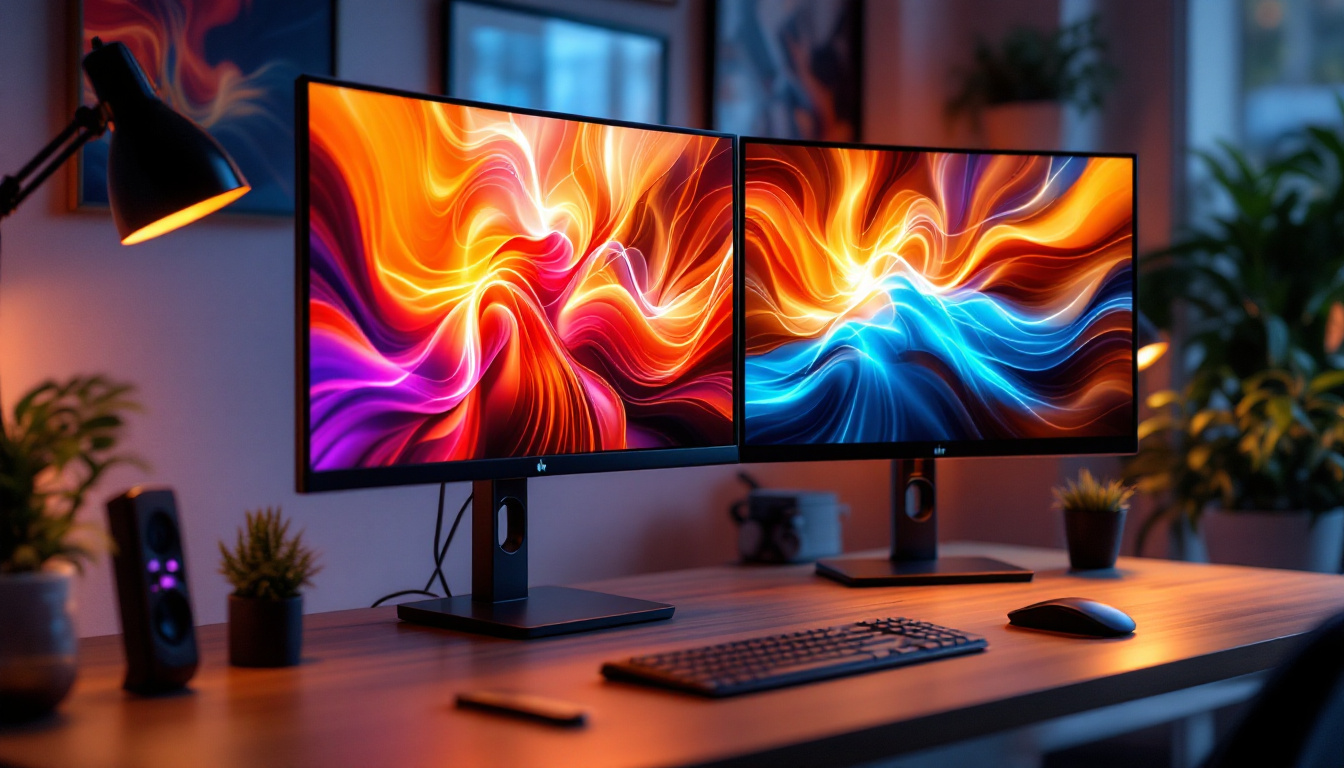
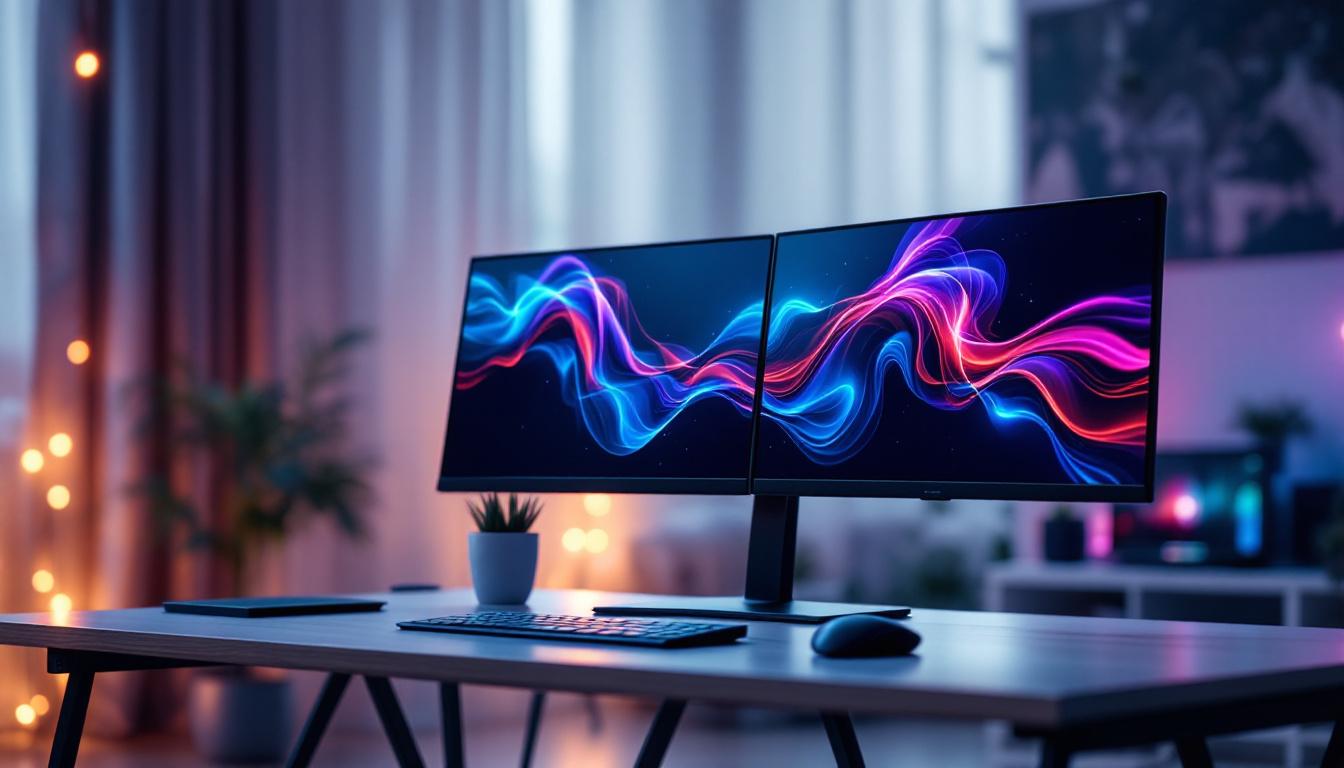
Many professionals and gamers use multiple monitors to increase screen real estate. LED displays with slim bezels and compatible stands or mounts allow seamless multi-monitor configurations. Adjustable arms help align screens perfectly, reducing visual disruption and physical strain.
Space Optimization and Cable Management
Desk space is often at a premium, especially in home offices or shared environments. Monitor stands with cable management features help keep wires organized, reducing clutter and improving the overall look of the workspace. Desk mounts and arms free up surface area, allowing for additional peripherals or workspace.
Smart Features and Connectivity
Many modern LED monitors come equipped with USB hubs, built-in speakers, and even wireless charging pads integrated into their stands. These features enhance convenience and reduce the need for additional accessories, streamlining the workspace.
Conclusion: Making the Right Choice for Your LED Monitor and Stand
Choosing an LED display involves more than just screen specifications. The stand or mount supporting the monitor is a critical component that affects ergonomics, comfort, and productivity. Understanding LED technology, display quality factors, and ergonomic principles empowers users to select the ideal combination for their needs.
Whether upgrading a home office, setting up a gaming station, or designing a professional workspace, investing in a high-quality LED monitor paired with an adjustable, sturdy stand will pay dividends in comfort and performance. As technology advances, these components continue to evolve, offering users more options to tailor their visual experience.
Discover the Future of Visual Display with LumenMatrix
Ready to elevate your visual experience with the latest in LED technology? LumenMatrix is at the forefront of innovation, offering a wide array of LED display solutions designed to bring your brand to life. From captivating Indoor LED Walls to dynamic Vehicle LED Displays, our products are crafted to deliver unparalleled clarity and impact. Embrace the future of visual communication with our Custom LED Displays, All-in-One solutions, and more. Check out LumenMatrix LED Display Solutions today and transform your space into a vibrant canvas of engagement.