In today’s fast-evolving technology landscape, the convergence of devices is reshaping how users interact with computers. Among the most significant innovations is the integration of touch screen monitors with all-in-one computers, often featuring LED displays. These devices combine the power of a full desktop computer with the intuitive interaction of a touch screen, all wrapped in a sleek, space-saving design. This article explores the technology behind touch screen monitors and all-in-one computers, focusing on LED displays, their benefits, applications, and what to consider when choosing one.
Understanding All-in-One Computers with Touch Screen Monitors
All-in-one (AIO) computers integrate the central processing unit (CPU), monitor, and input devices into a single unit. Unlike traditional desktop setups that require separate components, AIOs offer a streamlined design that reduces clutter and simplifies setup. This compact form factor not only saves space but also enhances portability, making it easier to relocate the device as needed, whether for a home office, classroom, or collaborative workspace.
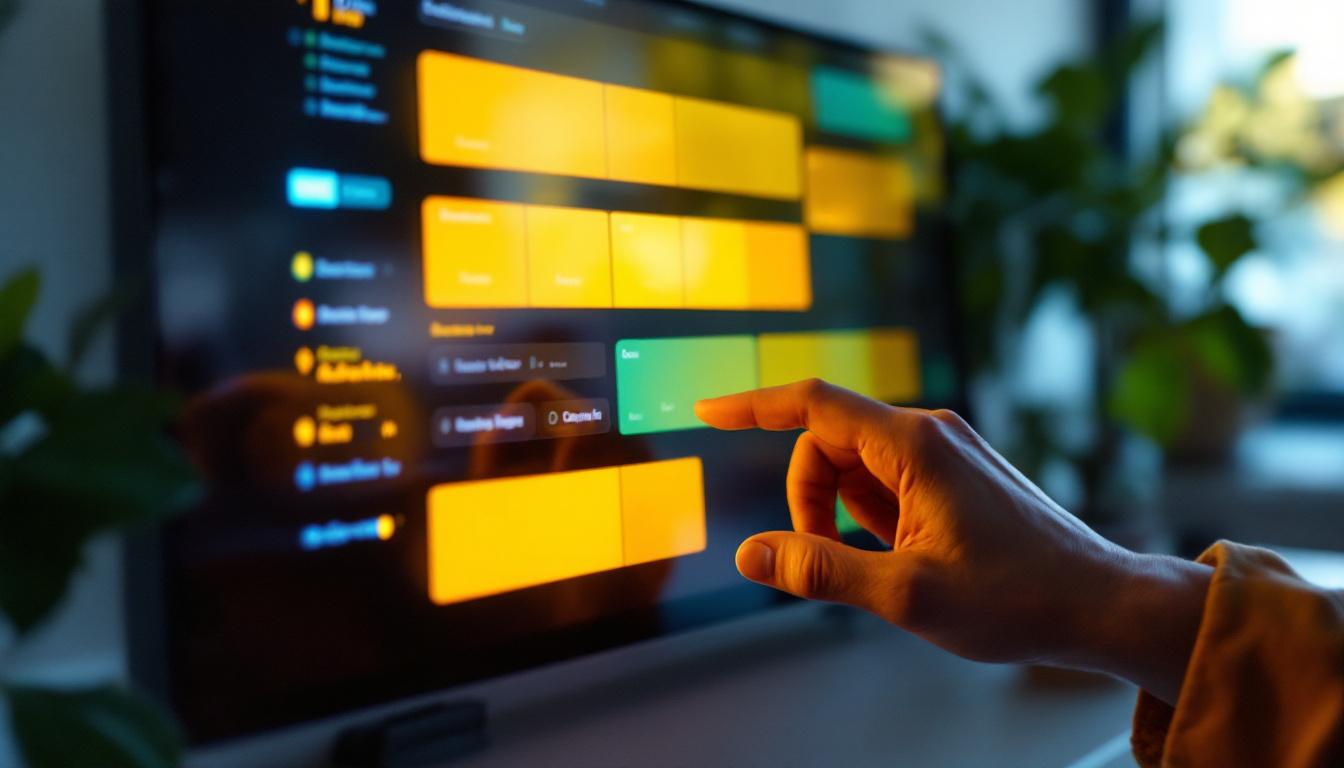
When equipped with a touch screen monitor, these devices provide a more interactive and natural user experience. Users can navigate through applications, zoom in on images, or manipulate data directly on the screen, much like using a smartphone or tablet. This fusion of desktop computing power and touch screen interactivity is transforming both consumer and professional computing environments. The intuitive nature of touch interfaces encourages engagement and can significantly improve productivity, especially in tasks that require quick access to information or frequent adjustments.
What Makes a Touch Screen Monitor Special?
Touch screen monitors detect the presence and location of a touch within the display area. This is typically achieved through various technologies such as capacitive, resistive, infrared, or surface acoustic wave sensing. Capacitive touch screens, the most common in modern devices, rely on the electrical properties of the human body to register input, offering high responsiveness and multi-touch capabilities. This technology allows for gestures such as pinching to zoom or swiping between screens, which can enhance the overall user experience.
In an all-in-one computer, the touch screen is integrated directly into the monitor, allowing for seamless interaction without the need for external peripherals like a mouse or keyboard. This is particularly advantageous in environments where quick, intuitive control is essential, such as retail kiosks, healthcare systems, or creative studios. For instance, in a healthcare setting, medical professionals can quickly access patient records and manipulate data with a simple touch, streamlining workflows and improving patient care. Similarly, in creative fields, artists and designers can sketch and edit directly on the screen, making the creative process more fluid and dynamic. The versatility of touch screen monitors in AIO computers is paving the way for innovative applications across various industries, enhancing both functionality and user satisfaction.
The Role of LED Displays in Touch Screen All-in-One Computers
LED (Light Emitting Diode) displays have become the standard in modern monitors due to their superior image quality, energy efficiency, and slim design. In the context of touch screen all-in-one computers, LED technology enhances both visual performance and device aesthetics.
How LED Displays Work
LED displays are a type of LCD (Liquid Crystal Display) that use light-emitting diodes as a backlight instead of traditional cold cathode fluorescent lamps (CCFL). This shift results in several advantages:
- Brightness and Contrast: LED backlights provide brighter screens with higher contrast ratios, improving visibility in various lighting conditions.
- Color Accuracy: Enhanced color reproduction makes images and videos appear more vibrant and true to life.
- Energy Efficiency: LEDs consume less power, which is beneficial for reducing electricity costs and environmental impact.
- Slimmer Profiles: The compact size of LEDs allows manufacturers to design thinner and lighter monitors.
These features make LED displays ideal for touch screen all-in-one computers, where visual clarity and design elegance are paramount.
Types of LED Displays in Touch Screen Monitors
There are several types of LED backlighting used in monitors, each with its own characteristics:
- Edge-Lit LED: LEDs are positioned along the edges of the screen. This allows for ultra-thin designs but may result in uneven brightness distribution.
- Direct-Lit LED: LEDs are placed directly behind the screen, providing more uniform brightness but often leading to thicker panels.
- Full-Array LED: A more advanced form of direct-lit LED with local dimming zones, enhancing contrast and black levels.
For touch screen all-in-one computers, manufacturers often balance design aesthetics with performance, selecting the LED type that best fits the intended use case.
Benefits of Combining Touch Screen Technology with LED All-in-One Computers
The integration of touch screen monitors with LED all-in-one computers offers numerous advantages that appeal to a wide range of users, from casual consumers to professionals in demanding fields.
Space Efficiency and Aesthetics
All-in-one computers eliminate the need for separate towers and bulky peripherals, freeing up valuable desk space. The slim LED display further enhances the sleek profile of these devices, making them ideal for modern offices, homes, and public spaces.
The touch screen interface removes the dependence on traditional input devices, reducing clutter and creating a clean, minimalist workspace. This is especially beneficial in environments where space is at a premium or where a tidy appearance is important.
Enhanced User Interaction
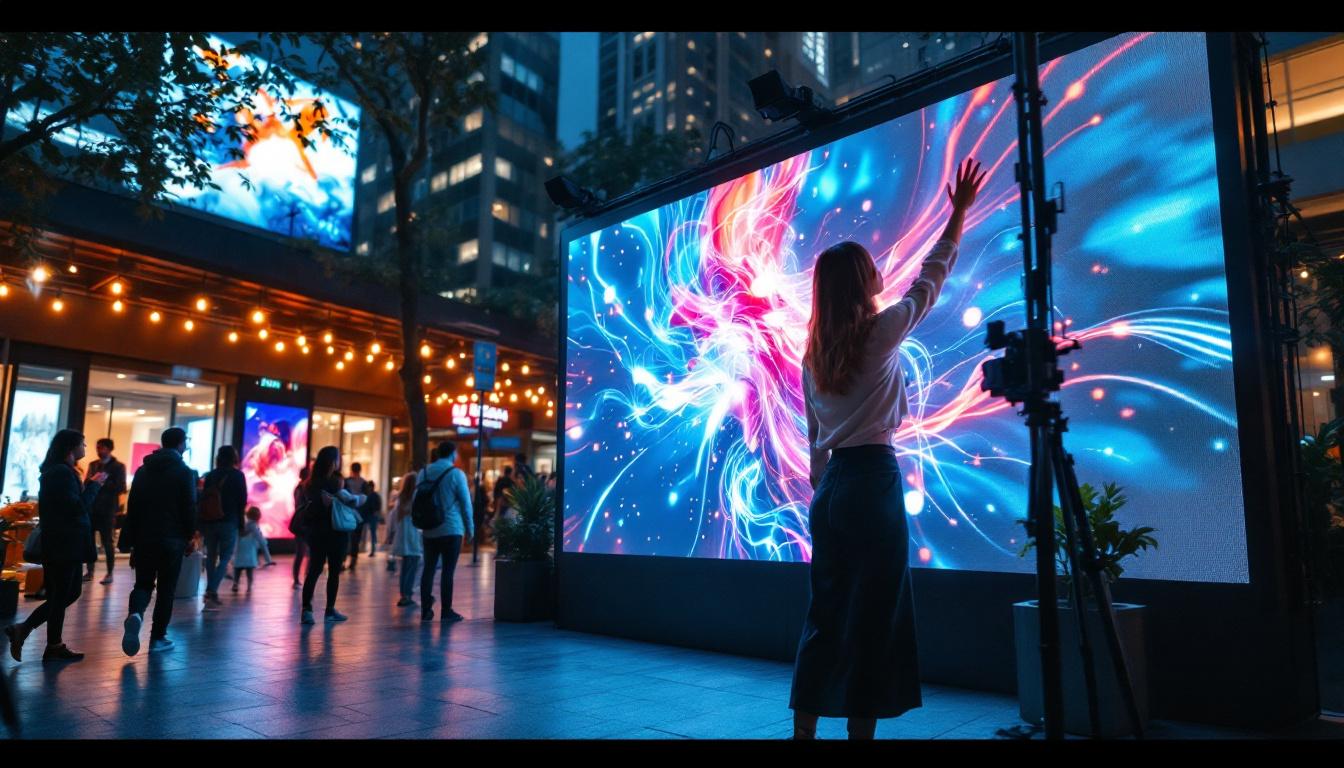
Touch screens provide a more intuitive and engaging way to interact with computers. Tasks such as scrolling through documents, resizing images, or navigating menus become more natural and efficient. Multi-touch capabilities allow for gestures like pinch-to-zoom or swipe, offering functionality that complements traditional mouse and keyboard inputs.
This enhanced interaction model is particularly useful in creative industries, education, and customer-facing applications where ease of use and immediacy are critical.
Improved Performance and Visual Quality
LED displays contribute to sharper images, richer colors, and better contrast ratios, which are essential for tasks that demand visual precision, such as graphic design, video editing, and medical imaging. The combination of a high-quality LED screen with touch input allows users to manipulate visual content directly, enhancing productivity and creativity.
Energy Efficiency and Durability
LED technology consumes less power than traditional display technologies, which translates into lower operating costs and a reduced environmental footprint. Additionally, LED backlights have longer lifespans and better reliability, making all-in-one computers with LED touch screens a cost-effective investment over time.
Applications of Touch Screen All-in-One Computers with LED Displays
The versatility of touch screen all-in-one computers with LED displays has led to their adoption across various sectors, each leveraging the technology’s unique strengths.
Education and Training
Interactive learning environments benefit greatly from touch screen all-in-one computers. Teachers can use touch-enabled displays to engage students with interactive lessons, digital whiteboards, and multimedia content. The bright, clear LED screens ensure visibility even in well-lit classrooms, and the compact design fits well in limited spaces.
Retail and Hospitality
In retail settings, these devices serve as point-of-sale (POS) terminals, self-service kiosks, and information displays. The touch interface allows customers and staff to interact quickly and efficiently, while the LED display ensures that product images and promotional content are vibrant and eye-catching.
Healthcare
Healthcare professionals use touch screen all-in-one computers for patient record management, diagnostic imaging, and telemedicine. The high-resolution LED screens provide clear visuals necessary for accurate diagnosis, and the touch interface facilitates quick data entry and navigation in fast-paced environments.
Creative Industries
Graphic designers, video editors, and digital artists benefit from the direct manipulation capabilities of touch screens combined with the color accuracy of LED displays. These devices allow for precise control over creative projects, enhancing workflow and output quality.
Key Considerations When Choosing a Touch Screen All-in-One Computer with LED Display
Selecting the right device requires careful evaluation of several factors to ensure it meets specific needs and expectations.
Display Size and Resolution
Display size affects both usability and workspace requirements. Common sizes range from 21 to 27 inches, with some models offering larger screens. Resolution is equally important; Full HD (1920×1080) is standard, but 4K UHD (3840×2160) displays provide greater detail and clarity, beneficial for professional applications.
Touch Technology
Different touch technologies offer varying levels of responsiveness and durability. Capacitive touch is preferred for its sensitivity and multi-touch support, while resistive touch screens, though less common, are more resistant to dust and liquids, making them suitable for industrial environments.
Performance Specifications
Processor speed, RAM, and storage capacity influence the overall performance. Users should consider their typical workloads—whether basic office tasks, multimedia consumption, or intensive creative work—to select appropriate hardware configurations.
Connectivity and Ports
A variety of ports, including USB-C, HDMI, and Ethernet, enhance the device’s versatility. Wireless connectivity options like Wi-Fi 6 and Bluetooth 5.0 are also important for seamless integration with peripherals and networks.
Ergonomics and Adjustability
Adjustable stands that allow tilting, swiveling, or height changes improve comfort during prolonged use. Some models also support VESA mounting for customized setups.
Operating System and Software Compatibility
Compatibility with preferred operating systems (Windows, macOS, Linux) and software suites ensures smooth workflow integration. Some all-in-one computers come preloaded with specialized software tailored to certain industries.
The Future of Touch Screen All-in-One Computers with LED Displays
As technology advances, the integration of touch screens and LED displays in all-in-one computers is poised to evolve further. Emerging trends include the incorporation of OLED displays for even better contrast and color accuracy, enhanced haptic feedback for more tactile touch experiences, and AI-driven interfaces that adapt to user behavior.
Moreover, the rise of hybrid work models and digital collaboration tools is driving demand for devices that offer both powerful computing and flexible interaction modes. Touch screen all-in-one computers with LED displays are well-positioned to meet these needs, providing versatile solutions for modern workplaces and homes.
Conclusion
Touch screen monitors combined with all-in-one computers featuring LED displays represent a significant step forward in computing technology. They offer a blend of performance, interactivity, and design that caters to diverse user requirements. From education and healthcare to retail and creative industries, these devices enhance productivity and user experience through intuitive touch interfaces and vibrant LED visuals.
When choosing such a device, understanding the underlying technologies, evaluating key specifications, and considering the intended use case are crucial. As the market continues to innovate, these integrated solutions will likely become even more central to how people work, learn, and create in the digital age.
Discover the Future of Interactive Displays with LumenMatrix
Ready to experience the ultimate in touch screen and LED display integration? LumenMatrix is at the forefront of creating immersive visual experiences with a comprehensive range of LED display solutions. From dynamic Indoor LED Walls to captivating Outdoor LED Displays, and from versatile All-in-One LED Displays to innovative LED Transparent Displays, we have the technology to transform your space. Elevate your environment with our cutting-edge displays that promise to enhance engagement and deliver your message with unparalleled clarity. Check out LumenMatrix LED Display Solutions today and step into the future of digital interaction.