In today’s digital age, display technologies have become an integral part of everyday life, from smartphones and televisions to public advertising and control panels. Among these, LED displays stand out for their brightness, energy efficiency, and versatility. One key feature that enhances the user experience with LED screens is the On Screen Display (OSD). But what exactly is an On Screen Display, and how does it relate to LED displays? This article delves into the fundamentals of OSD, explores the technology behind LED displays, and explains why understanding these concepts is crucial for consumers and professionals alike.
Understanding On Screen Display (OSD)
What Is On Screen Display?
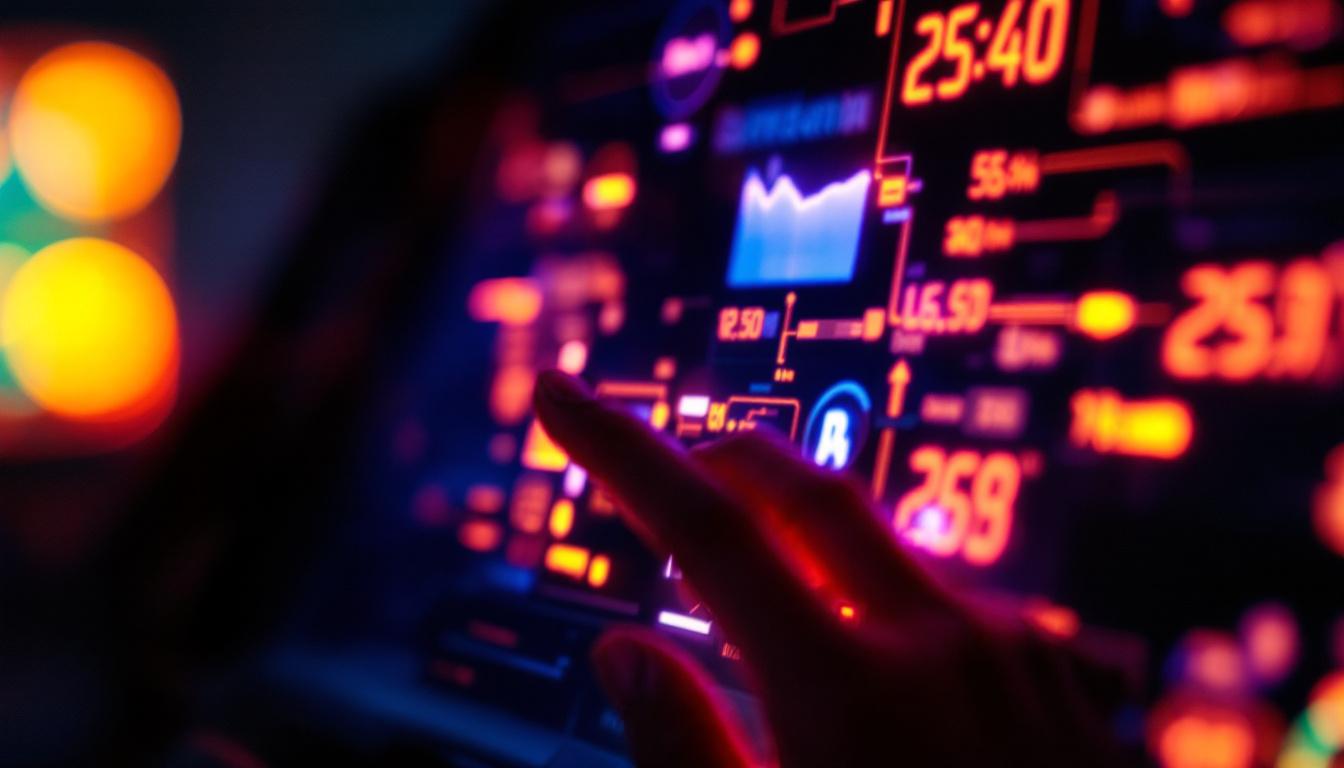
On Screen Display, commonly abbreviated as OSD, refers to the graphical interface that appears on a screen, allowing users to interact with and configure the device’s settings. This interface overlays the primary content being displayed, providing menus, options, and status indicators. OSDs are widely used in monitors, televisions, projectors, and LED displays to adjust parameters such as brightness, contrast, color balance, volume, and input sources.
For example, when adjusting the brightness on a computer monitor, the small menu that pops up showing the brightness level is an OSD. It provides a direct and user-friendly way to customize display settings without needing to access external software or hardware controls. In addition to basic adjustments, many modern OSDs offer advanced features such as picture-in-picture modes, aspect ratio settings, and color calibration tools, enabling users to optimize their viewing experience further.
Why Is OSD Important?
OSD enhances usability by making device settings accessible and intuitive. Without an OSD, users would need to rely on physical buttons or complicated software interfaces, which can be inconvenient or confusing. The OSD simplifies the process, offering real-time feedback and easy navigation. Furthermore, the design of OSDs often incorporates user-friendly icons and clear labeling, which can significantly reduce the learning curve for new users, making technology more approachable for everyone.
Moreover, OSDs help maintain optimal display performance. By enabling users to fine-tune settings according to ambient lighting or personal preference, OSD contributes to better image quality and reduced eye strain. In professional environments such as broadcast studios or medical imaging, precise control over display parameters is critical, making OSD an indispensable feature. Additionally, OSDs can sometimes include diagnostic tools that allow users to monitor the health of their display, such as pixel status or connection quality, ensuring that any potential issues can be addressed promptly. This proactive approach to display management not only enhances the user experience but also extends the lifespan of the device.
The Technology Behind LED Displays
What Is an LED Display?
LED stands for Light Emitting Diode, a semiconductor device that emits light when an electric current passes through it. An LED display is a flat panel display that uses an array of these tiny LEDs as pixels to produce images. Unlike traditional LCD screens that require a backlight, LED displays generate their own light, resulting in higher brightness and contrast levels.
LED displays come in various forms, including:
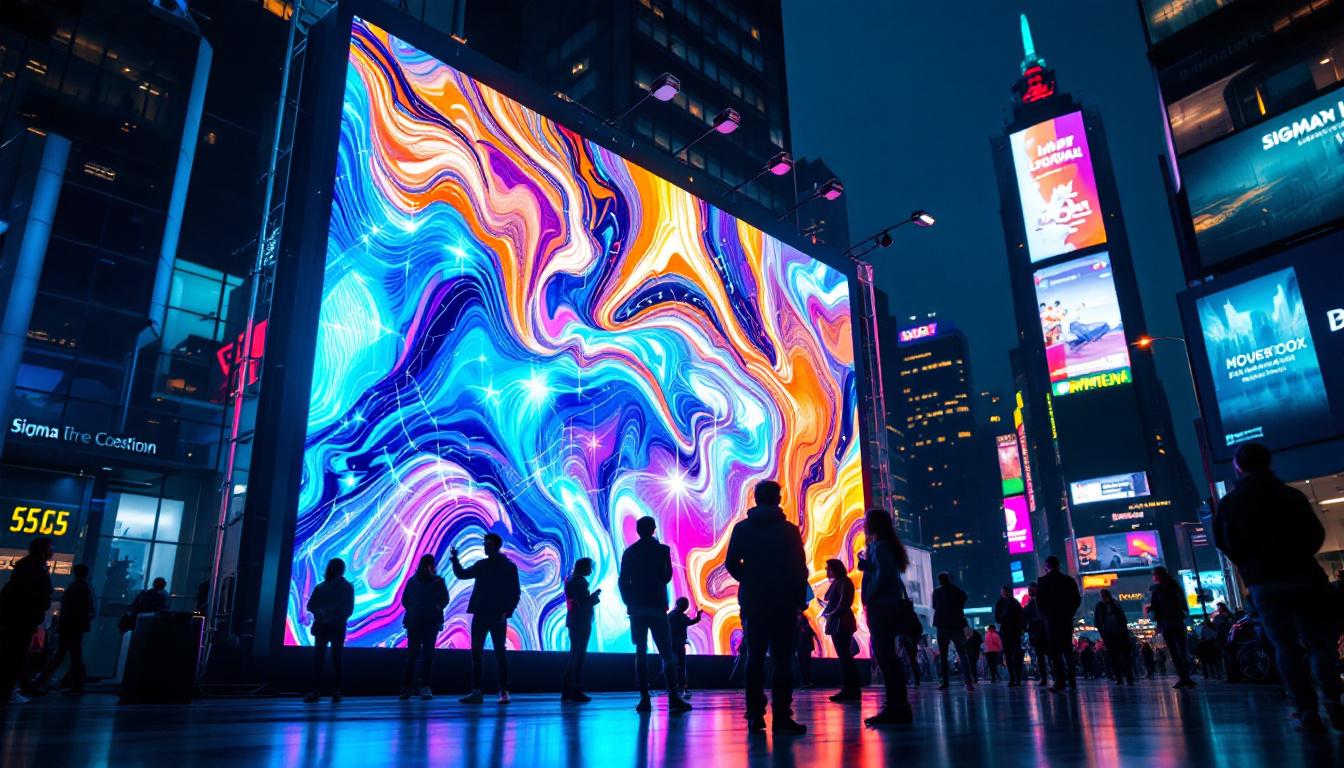
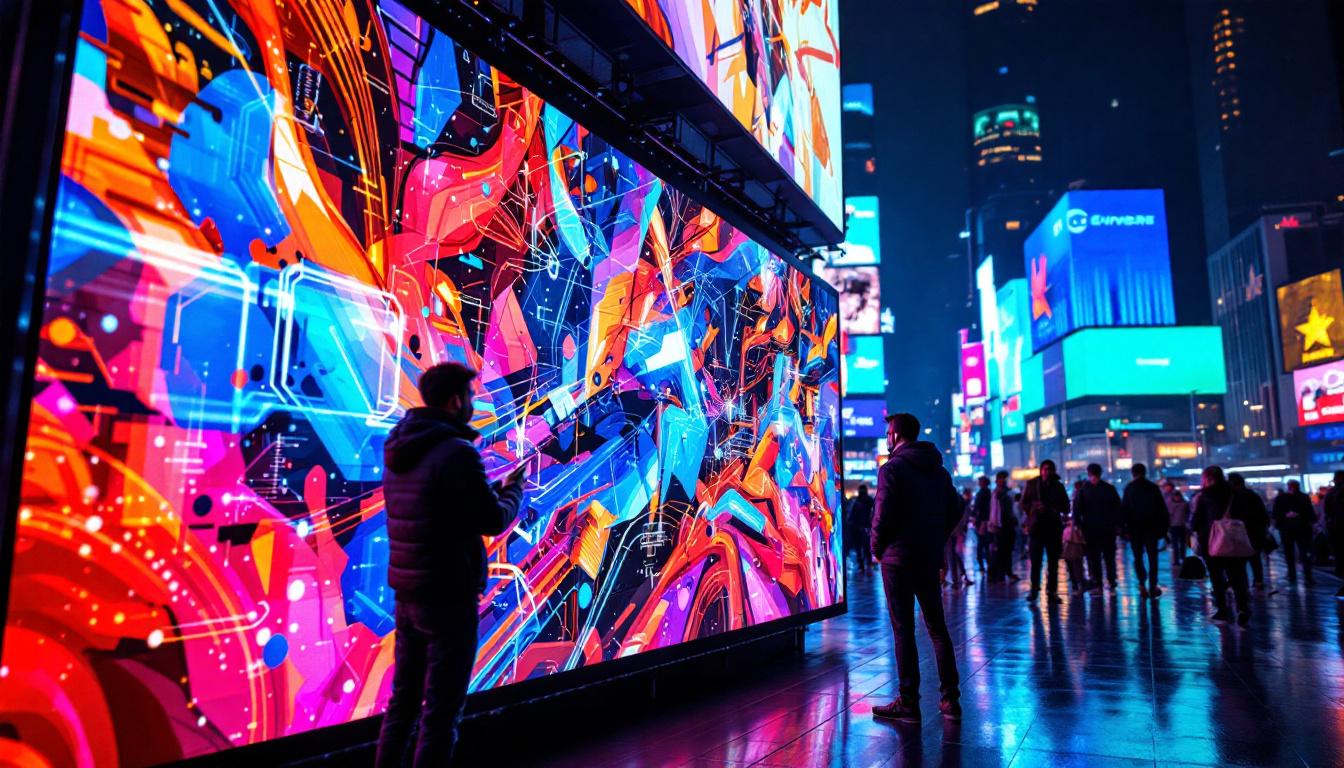
- Direct-view LED displays: These consist of thousands of individual LEDs arranged in a grid, commonly used for large outdoor screens and digital billboards.
- LED-backlit LCDs: These are LCD panels illuminated by LEDs placed behind or along the edges, prevalent in televisions and computer monitors.
Advantages of LED Displays
LED technology offers several benefits that have driven its widespread adoption:
- Brightness: LEDs can achieve brightness levels far exceeding those of traditional displays, making them ideal for outdoor and high-ambient-light environments.
- Energy Efficiency: LEDs consume less power compared to other lighting technologies, contributing to lower energy costs and environmental impact.
- Longevity: LED displays typically have longer lifespans, often exceeding 50,000 hours of operation.
- Color Accuracy and Contrast: LEDs provide vibrant colors and deep blacks, enhancing the overall viewing experience.
- Thin and Lightweight: LED panels can be made very thin and light, facilitating sleek designs and easy installation.
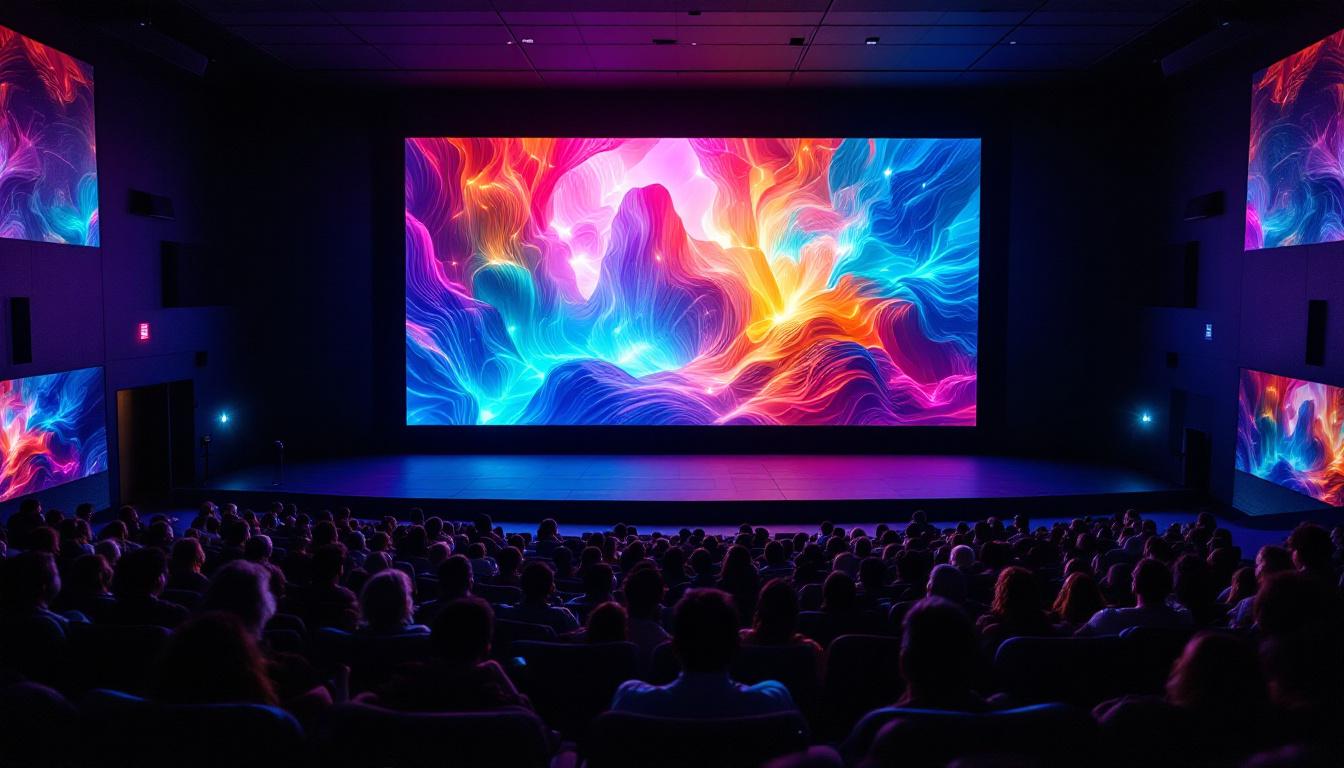
In addition to these advantages, LED displays are also highly versatile, finding applications across various industries. For example, in the entertainment sector, LED screens are used in concert venues and theaters to create immersive visual experiences. Their ability to display dynamic content in real-time makes them a favorite for live events and sports arenas, where they can enhance the atmosphere and engage audiences. Furthermore, the rapid advancements in LED technology have led to the development of flexible and transparent displays, opening up new possibilities for creative advertising and architectural design.
Moreover, the integration of smart technologies with LED displays has revolutionized how information is presented and interacted with. Many modern LED displays are equipped with sensors and connectivity features that allow for real-time data integration, enabling applications such as digital signage that can adapt content based on audience demographics or environmental conditions. This adaptability not only improves the effectiveness of communication but also enhances user engagement, making LED displays an essential tool in the digital age.
How OSD Works on LED Displays
Integration of OSD in LED Technology
On Screen Display systems in LED displays are integrated through dedicated microcontrollers or processors embedded within the display hardware. These processors manage the OSD menus, interpret user inputs from buttons or remote controls, and adjust the display parameters accordingly.
When a user activates the OSD—typically by pressing a button on the device or remote—the OSD interface is rendered on top of the current screen content. This overlay is generated by the display’s firmware and can include various graphical elements such as sliders, icons, and text.
Common OSD Features in LED Displays
OSD menus on LED displays usually provide a comprehensive set of options, including but not limited to:
- Brightness and Contrast Adjustment: Fine-tuning the luminance and difference between light and dark areas.
- Color Calibration: Adjusting hue, saturation, and color temperature to achieve accurate or preferred color reproduction.
- Input Source Selection: Switching between HDMI, VGA, USB, or other connected devices.
- Volume Control: Managing audio output if the display includes speakers.
- Screen Position and Size: Adjusting horizontal and vertical positioning or scaling of the image.
- Preset Modes: Choosing from predefined settings optimized for gaming, cinema, reading, or energy saving.
- Language and Accessibility Options: Customizing the OSD language and enabling features like screen readers or high contrast menus.
Customization and User Experience
Modern LED displays often incorporate advanced OSD systems that allow users to save custom profiles or access quick settings via shortcut keys. This flexibility enhances the user experience by making it easier to switch between different use cases or environments.
For instance, a digital signage operator might use the OSD to adjust brightness dynamically throughout the day, ensuring visibility while minimizing power consumption at night. Similarly, gamers can quickly toggle between color profiles optimized for fast action or cinematic visuals.
Applications of LED Displays with OSD
Consumer Electronics
In consumer devices such as televisions, computer monitors, and smartphones, LED displays with OSD provide users with control over picture quality and device functionality. The OSD allows for quick adjustments to suit different content types, ambient lighting, or personal preferences.
According to a 2023 report by the Consumer Technology Association, over 85% of new television models sold worldwide feature LED or OLED panels with integrated OSD systems, underscoring the importance of this technology in everyday entertainment.
Commercial and Industrial Uses
LED displays are widely used in commercial settings including retail stores, airports, sports arenas, and public transportation hubs. The OSD in these large-scale displays enables technicians to calibrate and maintain optimal performance without needing specialized external equipment.
For example, a stadium’s LED scoreboard can be adjusted on-site via OSD to compensate for changing daylight conditions or to switch between different content feeds during events.
Professional and Medical Environments
In fields such as medical imaging, broadcast production, and control rooms, LED displays with sophisticated OSD capabilities are essential. Precise calibration ensures accurate color representation and image fidelity, which can be critical for diagnostics or live broadcasting.
OSD systems in these contexts often include advanced calibration tools and presets tailored to specific professional standards, enabling users to meet stringent quality requirements efficiently.
Future Trends in OSD and LED Display Technology
Enhanced Interactivity and AI Integration
As display technology evolves, OSD systems are becoming more interactive and intelligent. Emerging LED displays incorporate touch-sensitive overlays, voice control, and AI-driven adjustments that automatically optimize settings based on content and environment.
For instance, AI algorithms can analyze ambient light and viewer preferences to adjust brightness and color temperature in real-time, reducing the need for manual OSD adjustments. This trend is expected to improve user convenience and energy efficiency further.
Higher Resolution and Miniaturization
With the rise of 4K, 8K, and beyond, LED displays are pushing the boundaries of resolution and pixel density. OSD systems are also adapting to support more detailed calibration and finer control over image parameters to fully leverage these advancements.
Additionally, the miniaturization of LEDs allows for flexible and foldable displays, which will require innovative OSD designs to maintain usability on unconventional form factors.
Integration with Smart Home and IoT
LED displays with OSD are increasingly integrated into smart home ecosystems and Internet of Things (IoT) devices. This integration enables remote control and monitoring of display settings via smartphones or voice assistants, expanding the functionality of OSD beyond the physical device.
For example, a smart refrigerator with an LED display can use OSD to show notifications, recipes, or calendars, all controllable through a mobile app or voice commands.
Conclusion
On Screen Display (OSD) is a fundamental feature that significantly enhances the functionality and user experience of LED displays. By providing an intuitive interface for adjusting settings, OSD enables users to optimize image quality, tailor device behavior, and maintain performance across a wide range of applications.
Understanding how OSD works in conjunction with LED technology is valuable for consumers, professionals, and businesses alike. As LED displays continue to advance in resolution, interactivity, and connectivity, OSD systems will evolve to meet new demands, making this technology an exciting area to watch in the coming years.
Whether selecting a new television, managing digital signage, or working in a professional imaging environment, familiarity with OSD and LED display principles empowers users to make informed decisions and maximize the potential of their devices.
Explore Cutting-Edge LED Display Solutions with LumenMatrix
Ready to experience the ultimate in LED display technology? LumenMatrix is at the forefront of innovation, offering a wide array of LED display solutions that bring your content to life. From vibrant Indoor LED Wall Displays to dynamic Outdoor LED Wall Displays, and from versatile Vehicle LED Displays to sleek LED Poster Displays, our products are designed to captivate and engage. Discover how our LED Sports Displays, interactive Floor LED Displays, and Custom LED Display options can transform your space. Plus, with our All-in-One LED Display and LED Transparent Display, you have the power to create unforgettable visual experiences. Join the revolution in visual communication with LumenMatrix and elevate your message with unparalleled clarity and impact. Check out LumenMatrix LED Display Solutions today and see the difference for yourself.