In recent years, the integration of touch screen technology with Mac monitors has sparked significant interest among professionals, creatives, and everyday users alike. While Apple’s Mac lineup has traditionally emphasized sleek design and intuitive interfaces, the addition of touch screen capabilities, especially on LED displays, represents a notable evolution in user interaction. This article delves into the essentials of touch screen Mac monitors, focusing on LED display technology, its advantages, challenges, and what users can expect moving forward.
Understanding LED Displays: The Foundation of Modern Touch Screens
What is an LED Display?
LED, or Light Emitting Diode, displays have become the standard for modern computer monitors due to their energy efficiency, brightness, and color accuracy. Unlike older LCD panels that used cold cathode fluorescent lamps (CCFLs) for backlighting, LED displays utilize tiny diodes that emit light when an electric current passes through them. This technology allows for thinner screens, better contrast ratios, and improved overall image quality.
When paired with touch screen technology, LED displays provide a responsive and visually appealing interface. The combination is particularly important for Mac users who demand high resolution and color fidelity for tasks such as graphic design, video editing, and photography. The vibrant colors and sharp details that LED displays deliver can significantly enhance the creative process, allowing artists and designers to see their work in its true form. Moreover, the reduced eye strain associated with LED technology makes long hours of work more comfortable, which is a crucial factor for professionals in visually demanding fields.
Types of LED Backlighting in Monitors
There are primarily two types of LED backlighting used in monitors: edge-lit and full-array. Edge-lit LED displays place LEDs along the edges of the screen, which then diffuse light across the panel. This design allows for thinner monitors but can sometimes result in uneven brightness. Full-array LED displays position LEDs directly behind the screen in a grid pattern, enabling superior local dimming and contrast.
For touch screen Mac monitors, full-array LED displays are often preferred because they offer better brightness uniformity, which enhances touch accuracy and visual clarity. This is especially critical when precise input is required, such as when using a stylus or finger for intricate design work. Furthermore, full-array backlighting can provide a more immersive viewing experience, as it allows for deeper blacks and brighter whites, making multimedia content such as movies and games more engaging. The advancements in LED technology, including the introduction of quantum dots and HDR (High Dynamic Range), have further elevated the capabilities of these displays, allowing users to experience a wider color gamut and enhanced detail in both shadows and highlights.
Touch Screen Technology: How It Works on Mac Monitors
Capacitive vs. Resistive Touch Screens
Touch screen technology generally falls into two categories: capacitive and resistive. Capacitive touch screens detect touch through the electrical properties of the human body, allowing for multi-touch gestures and a more responsive experience. Resistive touch screens, on the other hand, rely on pressure applied to the screen, which can be less sensitive and typically supports only single-touch input.
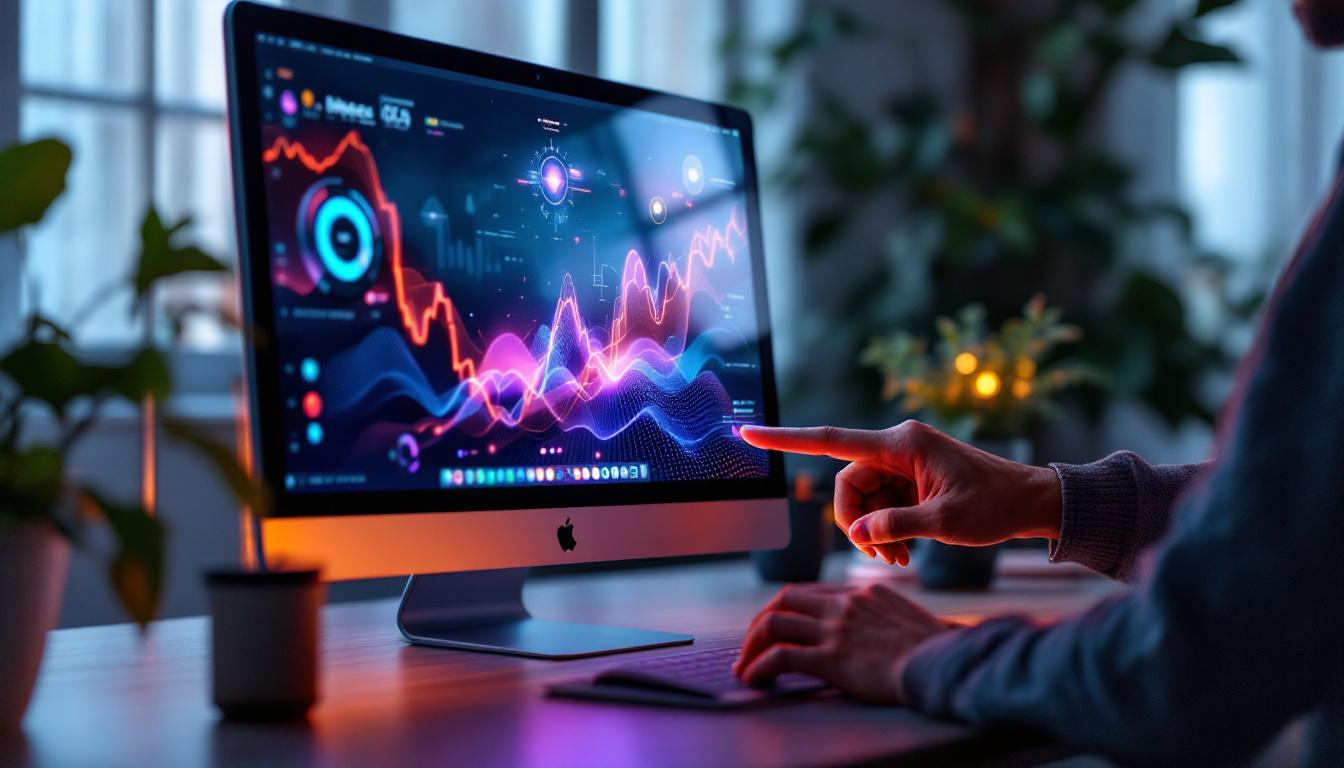
Apple’s devices predominantly use capacitive touch technology, which is why integrating this into Mac monitors aligns well with the existing ecosystem. Capacitive touch screens on LED monitors provide smooth, accurate touch detection that supports gestures like pinch-to-zoom, swipe, and tap, enhancing productivity and ease of use. This technology not only improves user interaction but also opens up new possibilities for creative applications, such as digital art and design, where precision and responsiveness are paramount. The seamless integration of touch capabilities can transform how users engage with software, making tasks more intuitive and fluid.
Challenges of Integrating Touch Screens with Macs
Despite the advantages, Apple has historically been cautious about incorporating touch screens into Mac monitors. One reason is the company’s focus on maintaining a consistent user experience across devices. macOS was designed primarily for keyboard and mouse input, and adapting it fully for touch input requires significant software optimization. This transition is not merely about hardware; it involves rethinking user interface elements to ensure that they are touch-friendly without sacrificing the precision that traditional input methods offer.
Moreover, touch screen monitors often add thickness and weight to the display, which contrasts with Apple’s design philosophy of slim and lightweight hardware. Additionally, touch screens can introduce glare and fingerprint smudges, which may affect visual clarity—an important consideration for creative professionals. The potential for wear and tear on the display surface also raises concerns about longevity and durability. Apple’s commitment to high-quality materials and finishes means that any touch screen solution must not only meet performance standards but also uphold the aesthetic and functional integrity that users expect from their devices. As a result, the challenge lies not just in the technology itself, but in ensuring that it harmonizes with the overall design ethos of the Mac lineup.
Benefits of Using a Touch Screen LED Monitor with a Mac
Enhanced Productivity and Workflow
Touch screen monitors offer a more natural and intuitive way to interact with digital content. For Mac users, this means faster navigation through applications, easier annotation and drawing, and more efficient multitasking. Creative professionals, such as graphic designers and illustrators, benefit from the ability to manipulate images directly on the screen with their fingers or a stylus, reducing the gap between concept and execution.
In addition, touch gestures can streamline common tasks like scrolling through documents, zooming in on photos, or rearranging windows, which can lead to a more fluid and engaging user experience.
Improved Accessibility
Touch screen technology also enhances accessibility for users with mobility challenges or those who find traditional input devices cumbersome. The ability to interact directly with the screen can reduce reliance on a mouse or keyboard, making computing more inclusive.
Versatility in Different Environments
Touch screen Mac monitors are particularly useful in collaborative settings such as design studios, classrooms, and meeting rooms. The interactive display encourages participation and real-time input, fostering creativity and communication. Furthermore, in retail or kiosk environments, touch screen Macs can serve as self-service terminals or information hubs.
Popular Touch Screen Mac Monitors and Alternatives
Current Market Offerings
While Apple does not currently manufacture a dedicated touch screen monitor for Macs, several third-party manufacturers offer compatible touch screen displays that work well with macOS. Brands like Dell, LG, and Eizo provide high-quality LED touch monitors featuring 4K resolution, wide color gamut support, and precise touch responsiveness.
For example, the Dell P2418HT is a 24-inch Full HD touch screen monitor known for its anti-glare coating and adjustable stand, making it a popular choice among Mac users seeking touch functionality. Similarly, LG’s UltraFine series, although not touch-enabled, pairs well with touch screen overlays or external devices to create a hybrid experience.
Using iPad as a Touch Screen Monitor
Another innovative solution for Mac users is leveraging the iPad as a secondary touch screen monitor via Apple’s Sidecar feature. This allows the iPad to act as a high-resolution, touch-enabled display that mirrors or extends the Mac desktop. The iPad’s Retina display and Apple Pencil support make it an excellent tool for drawing, annotating, and interacting with Mac applications in a touch-friendly manner.
This approach circumvents some of the limitations of traditional touch screen monitors by integrating seamlessly into the Apple ecosystem without requiring additional hardware.
Future Trends: What to Expect in Touch Screen Mac Monitors
Advances in Display Technology
Emerging display technologies such as Mini-LED and MicroLED promise to revolutionize the visual experience on Mac monitors. Mini-LED, which uses thousands of tiny LEDs for backlighting, offers improved contrast ratios and brightness levels, while MicroLED provides even greater color accuracy and energy efficiency without the burn-in issues associated with OLED.
Integrating these advancements with touch screen capabilities could result in Mac monitors that are not only visually stunning but also highly responsive and durable.
Software Optimization for Touch Interaction
As Apple continues to refine macOS, there is potential for enhanced touch support tailored specifically for Mac monitors. This might include redesigned user interfaces, gesture controls, and accessibility features that fully leverage touch input without compromising the traditional keyboard and mouse experience.
Developers are also exploring hybrid input methods, combining touch, voice, and stylus input to create more versatile and adaptive workflows for Mac users.
Potential Impact of Apple’s Own Touch Monitor
Rumors have circulated about Apple developing its own touch screen monitor, possibly integrating the company’s proprietary technologies such as the M-series chips and advanced display panels. Should this materialize, it could set a new standard for professional-grade touch screen monitors optimized for Mac, offering seamless hardware and software integration.
Such a product would likely address current challenges related to design, performance, and user experience, further blurring the lines between desktop and mobile computing.
Conclusion: Is a Touch Screen LED Monitor Right for Your Mac?
Touch screen LED monitors represent a compelling option for Mac users seeking enhanced interactivity, improved productivity, and greater versatility. While Apple has yet to release an official touch screen monitor, the combination of high-quality LED displays and capacitive touch technology is already accessible through third-party solutions and creative workarounds like the iPad Sidecar feature.
Choosing a touch screen Mac monitor depends largely on individual needs. Creative professionals, educators, and collaborative teams may find significant benefits in adopting touch-enabled displays, while traditional users might prefer the familiar keyboard and mouse setup. As display technology and software continue to evolve, the integration of touch screens into the Mac ecosystem is poised to become more seamless and widespread.
Ultimately, understanding the technology behind LED displays and touch screens empowers users to make informed decisions about their hardware investments and anticipate future innovations in the Mac computing experience.
Discover LumenMatrix’s Advanced LED Display Solutions
Ready to elevate your Mac experience with a touch screen LED monitor? Look no further than LumenMatrix, a pioneer in LED display technology. Our extensive range of products, from Indoor and Outdoor LED Wall Displays to innovative LED Transparent Displays, is designed to integrate seamlessly with your Mac, providing unparalleled visual quality and touch responsiveness. Whether for professional creative work, education, or dynamic business presentations, LumenMatrix has the perfect LED solution to fit your needs. Check out LumenMatrix LED Display Solutions today and transform your interactive digital experience.