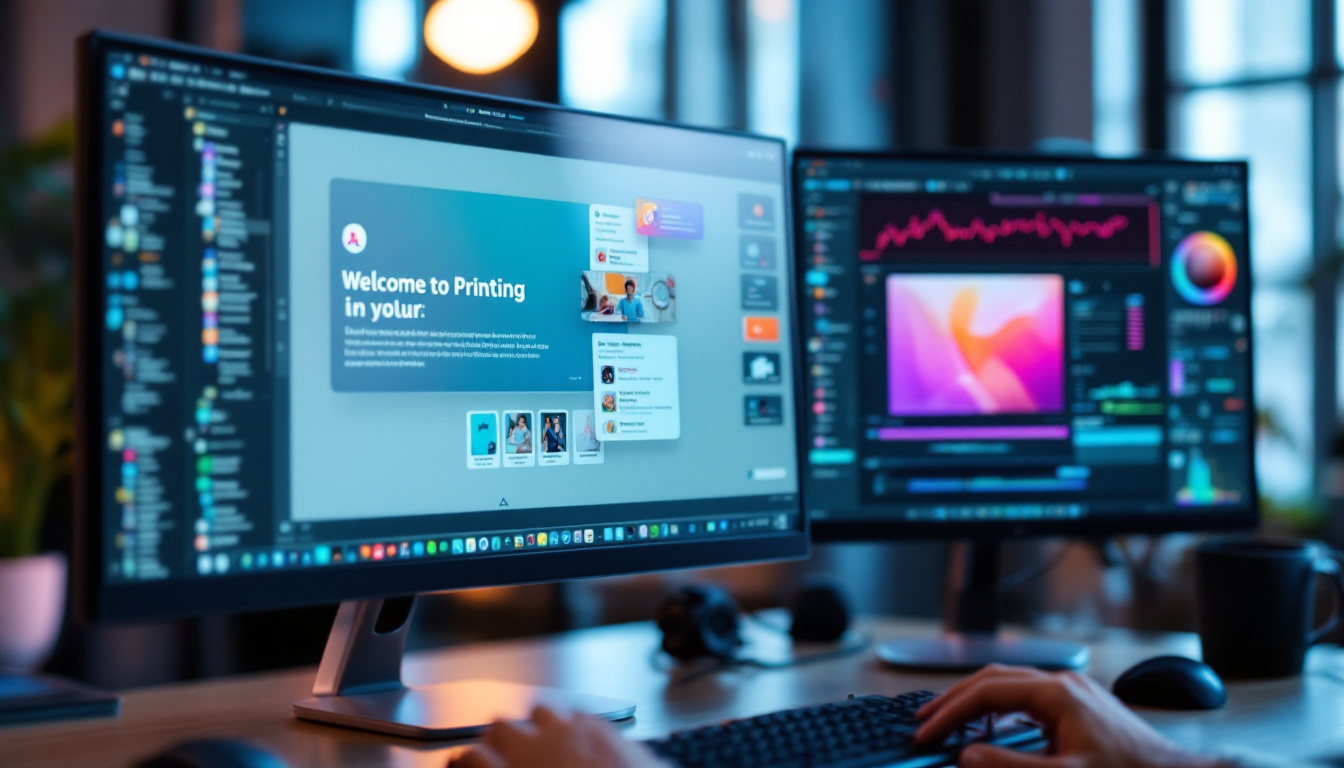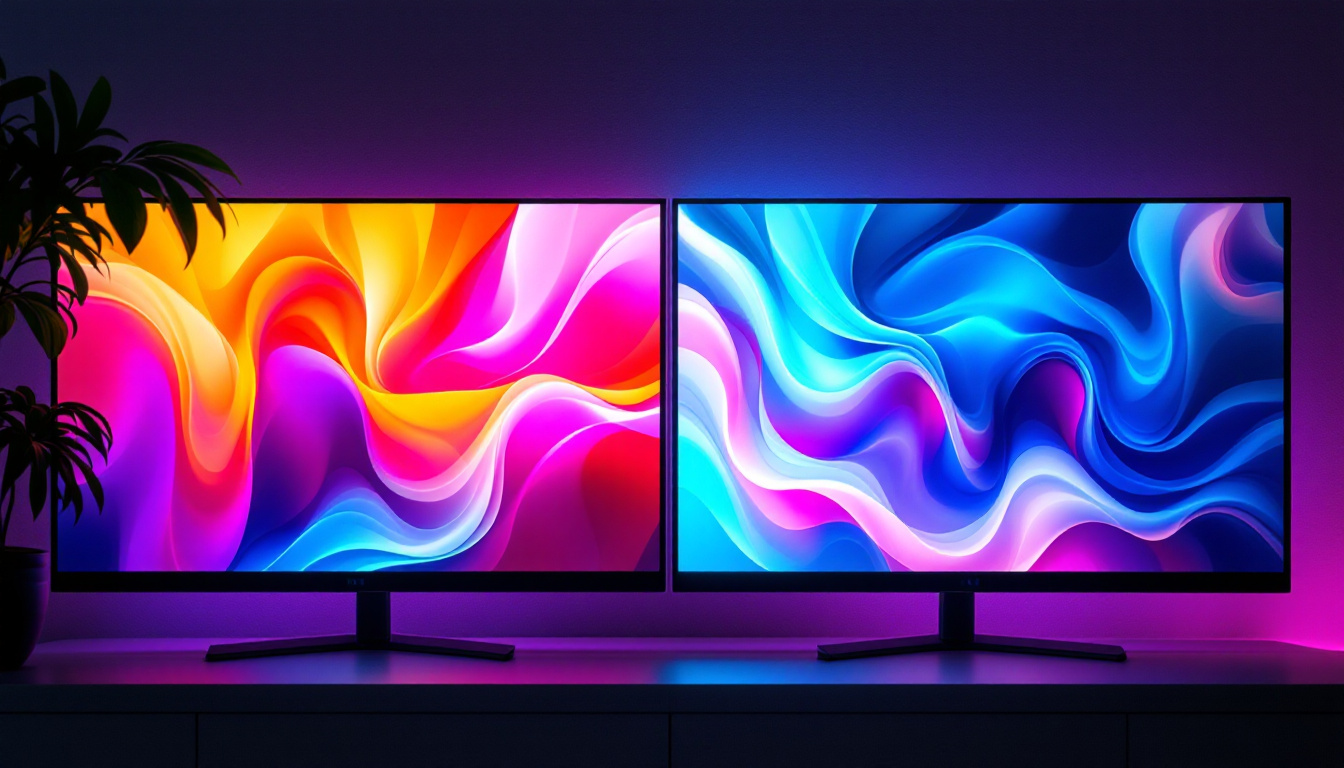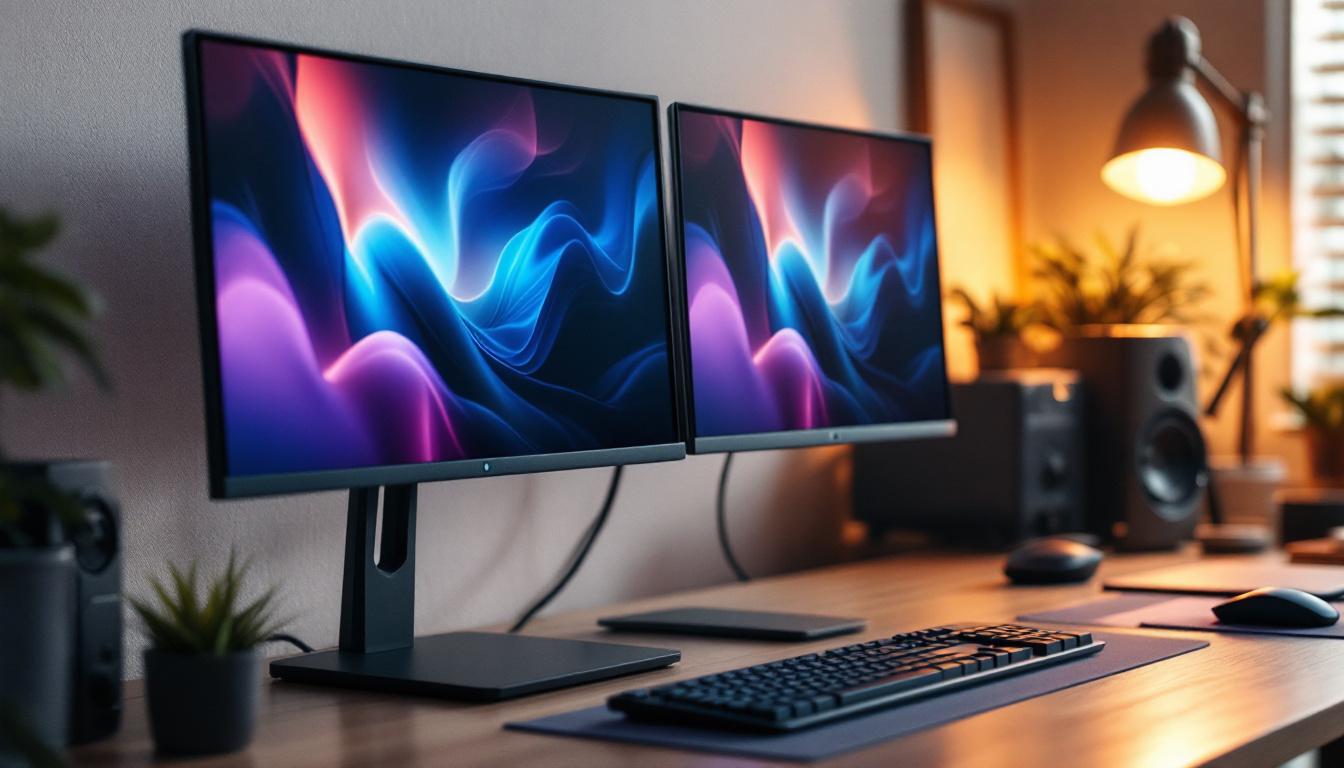
In today’s fast-paced digital world, workspace efficiency and ergonomics have become paramount. For professionals, gamers, and creatives alike, dual monitor setups are no longer a luxury but a necessity. Among the myriad of options available, the Dual HP Monitor Stand paired with LED displays stands out as a compelling solution. This article delves into the nuances of dual HP monitor stands, explores the technology behind LED displays, and explains why this combination is transforming workstations globally.
Understanding the Dual HP Monitor Stand
What Is a Dual Monitor Stand?
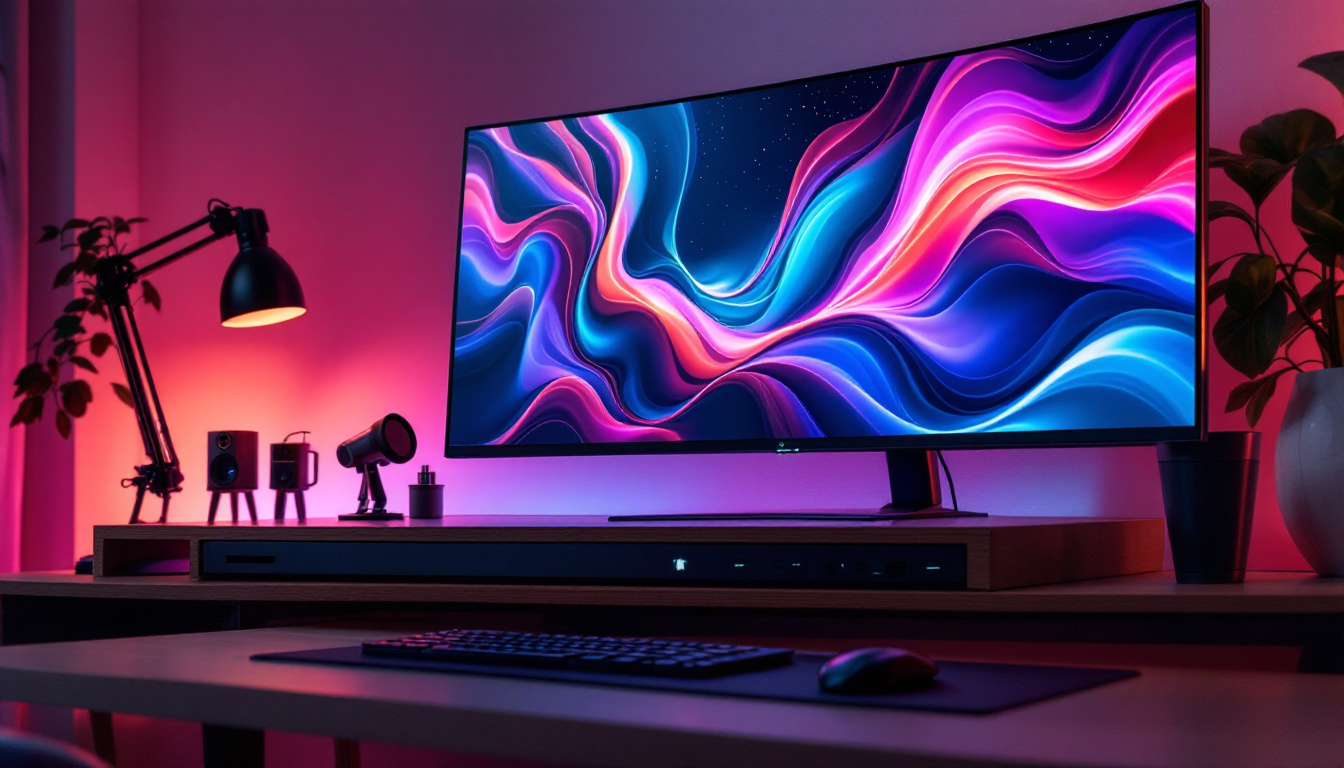
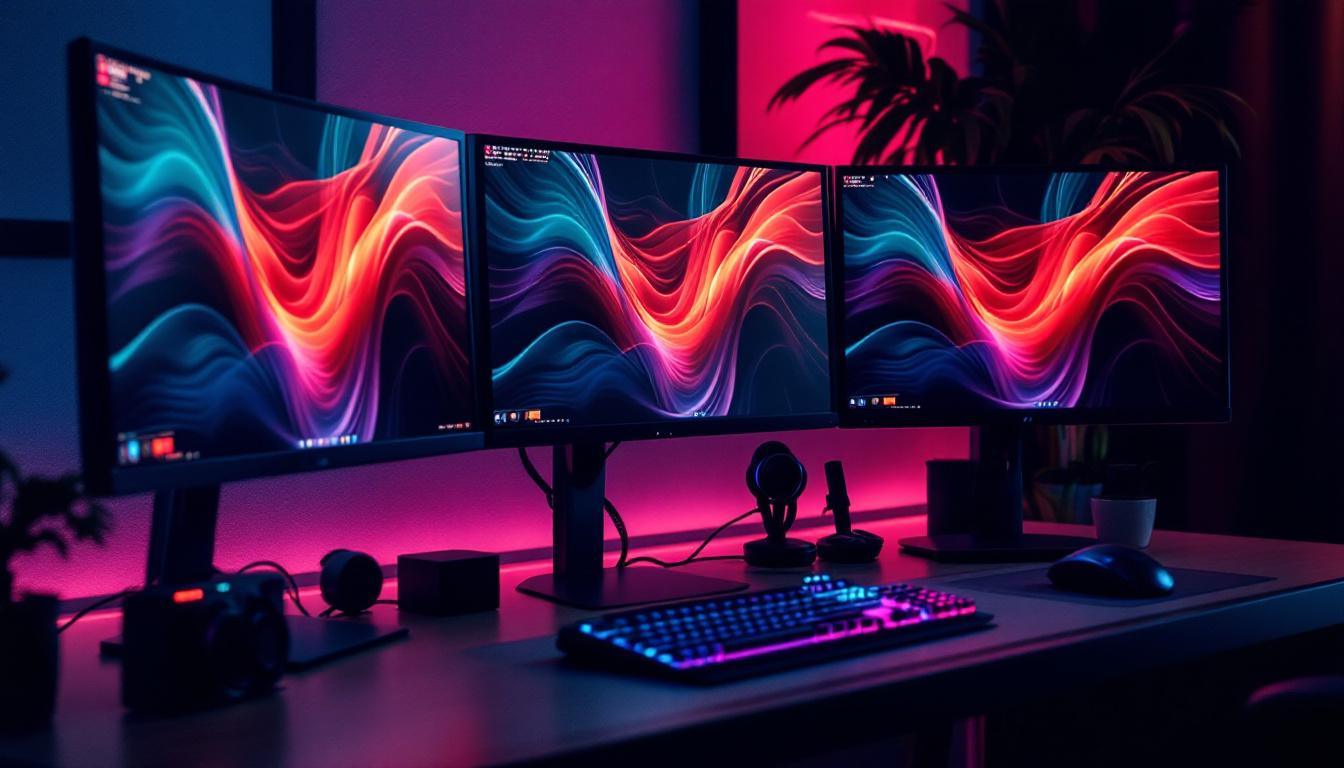
A dual monitor stand is a mounting solution designed to hold two monitors side-by-side or stacked vertically, freeing up valuable desk space and improving viewing ergonomics. Unlike traditional monitor setups that rely on individual bases, dual stands consolidate support into a single, adjustable unit. This not only enhances stability but also allows for better cable management and a cleaner workspace.
HP’s dual monitor stands are engineered with precision to accommodate their range of monitors, ensuring compatibility and ease of installation. These stands typically feature adjustable arms that allow users to tilt, swivel, rotate, and adjust the height of each monitor independently. This flexibility is crucial for reducing neck strain and promoting better posture during extended screen time. Additionally, the ability to customize the monitor arrangement can significantly enhance productivity, as users can position their screens at optimal angles for multitasking or focused work.
Incorporating a dual monitor setup can transform the way you interact with digital content. By expanding your visual real estate, you can have multiple applications open simultaneously, making it easier to reference documents, communicate via video calls, or engage in creative tasks without the hassle of constantly switching between windows. This seamless workflow can lead to increased efficiency and a more enjoyable computing experience.
Why Choose an HP Dual Monitor Stand?
HP is renowned for its commitment to quality and innovation in the computing space. Their dual monitor stands are no exception, offering robust build quality, sleek design, and user-friendly features. For instance, many HP stands include quick-release mechanisms that simplify the process of attaching and detaching monitors, which is especially beneficial in dynamic work environments. This feature allows users to easily reconfigure their workspace or transport their monitors without the need for complex tools or extensive setup time.
Moreover, HP’s stands often support VESA mounting standards, which means they are compatible with a wide range of monitors beyond just HP’s own models. This versatility makes them a smart investment for users who may upgrade or change their monitors over time. Additionally, many HP dual monitor stands come equipped with integrated cable management systems, helping to keep cords organized and out of sight. This not only contributes to a tidy workspace but also minimizes the risk of tangling or damage to cables, ensuring a longer lifespan for your equipment.
Furthermore, HP’s attention to detail extends to the aesthetic appeal of their dual monitor stands. With sleek lines and modern finishes, these stands can complement any office decor, adding a touch of professionalism to your workspace. Whether you’re working from home or in a corporate environment, a well-organized and visually appealing setup can enhance your overall mood and productivity. The combination of functionality and style makes HP dual monitor stands a preferred choice for professionals and enthusiasts alike.
The Role of LED Displays in Dual Monitor Setups
What Is an LED Display?
LED, or Light Emitting Diode, displays are a type of LCD (Liquid Crystal Display) that use LED backlighting instead of the traditional cold cathode fluorescent lamps (CCFL). This technology offers several advantages, including better brightness, improved energy efficiency, and thinner screen profiles.
LED displays have become the industry standard for monitors, laptops, and televisions due to their superior color accuracy and contrast ratios. In dual monitor setups, these qualities are essential for tasks requiring precise visual detail, such as graphic design, video editing, and data analysis.
Advantages of LED Displays in Dual Monitor Configurations
One of the primary benefits of using LED displays in a dual monitor setup is the consistent and vibrant image quality across screens. This uniformity reduces eye strain and enhances productivity by providing a seamless visual experience.
Additionally, LED displays tend to have faster response times and higher refresh rates compared to older display technologies. For professionals who rely on smooth motion rendering—such as video editors or gamers—this translates into less motion blur and more fluid visuals.
Energy efficiency is another critical factor. LED monitors consume significantly less power compared to CCFL-backlit counterparts, which can lead to noticeable savings in electricity costs, especially in office environments with multiple dual setups.
Setting Up a Dual HP Monitor Stand with LED Displays
Choosing the Right Monitors
When assembling a dual monitor setup, selecting compatible monitors is crucial. HP offers a broad range of LED monitors varying in size, resolution, and features. For dual setups, it’s advisable to choose monitors with similar specifications to ensure consistent display quality and color calibration.
Popular options include HP’s EliteDisplay and Z-series monitors, which offer Full HD to 4K resolutions, wide viewing angles, and factory-calibrated color accuracy. These features are particularly beneficial for users engaged in professional content creation or detailed data work.
Installation and Ergonomics
Installing a dual HP monitor stand is straightforward but requires attention to detail. Begin by securely mounting each monitor onto the stand’s arms using the VESA mounting holes. Ensure that the stand is firmly clamped to the desk or mounted through a grommet hole for maximum stability.
Once installed, adjust the monitors’ height, tilt, and swivel to align with your natural eye level and viewing angle. Ergonomic experts recommend that the top of the screen be at or slightly below eye level and that the monitors be positioned about an arm’s length away. This setup minimizes neck and eye strain during prolonged use.
Optimizing Display Settings
After physical setup, configuring the display settings on your computer is essential. Windows and macOS both support multi-monitor configurations, allowing users to extend or duplicate their desktop across screens. For productivity, extending the desktop is usually preferred, providing more workspace for applications and multitasking.
Calibrating color settings on both monitors ensures uniformity, which is especially important for creative professionals. Many HP LED monitors come with built-in calibration tools or support third-party calibration devices to fine-tune color accuracy.
Benefits of Dual HP Monitor Stands with LED Displays
Enhanced Productivity
Studies have shown that dual monitor setups can increase productivity by up to 30%. The ability to view multiple applications simultaneously without switching windows reduces time spent toggling between tasks. For example, a programmer can code on one screen while referencing documentation on the other, or a financial analyst can monitor real-time data alongside spreadsheets.
HP’s reliable monitor stands and high-quality LED displays facilitate this multitasking by providing stable, adjustable, and visually consistent workstations that adapt to individual needs.
Improved Ergonomics and Comfort
Ergonomics is a critical consideration in modern workspaces. Poor monitor placement can lead to neck pain, eye strain, and headaches. Dual HP monitor stands allow users to customize the position of each monitor to reduce these risks. The adjustable arms and height settings promote a neutral posture, which is beneficial for long-term health.
Space Efficiency and Aesthetics
Desk clutter can negatively impact focus and creativity. By consolidating two monitors onto a single stand, users free up desk space for other essentials such as keyboards, documents, and personal items. HP’s sleek, minimalist designs complement modern office aesthetics, creating a professional and organized environment.
Considerations Before Purchasing
Compatibility and Weight Limits
Before purchasing a dual HP monitor stand, verify that it supports the size and weight of your LED monitors. Exceeding the recommended limits can compromise stability and safety. HP’s product specifications typically provide detailed information regarding supported monitor dimensions and weights.
Desk Size and Mounting Options
Ensure that your desk can accommodate the stand’s base or clamp securely. Some stands require a minimum desk thickness or specific mounting configurations. If desk space is limited, consider stands with a smaller footprint or wall-mounted options.
Budget and Features
Dual monitor stands vary widely in price based on materials, adjustability, and additional features such as cable management or integrated USB hubs. Assess your needs carefully to select a stand that offers the best balance of functionality and cost-effectiveness.
Future Trends in Dual Monitor and LED Display Technology
Advancements in Display Technology
The future of LED displays is bright, with emerging technologies such as mini-LED and micro-LED promising even better contrast, color accuracy, and energy efficiency. These advancements will further enhance dual monitor setups by providing richer visuals and more immersive experiences.
Integration with Smart Workspaces
As workplaces become smarter, dual monitor stands are expected to integrate with IoT (Internet of Things) devices, enabling features like automatic height adjustment based on user preferences, ambient lighting synchronization, and enhanced cable management through smart hubs.
Increased Focus on Sustainability
Environmental concerns are driving manufacturers to design products with recyclable materials and energy-saving features. HP is actively pursuing sustainability initiatives, and future dual monitor stands and LED displays will likely reflect these values, offering eco-friendly options without compromising performance.
Conclusion
The combination of a dual HP monitor stand with LED displays represents a significant step forward in workspace optimization. By marrying ergonomic design with cutting-edge display technology, users gain enhanced productivity, comfort, and visual clarity. Whether for professional applications, gaming, or creative pursuits, this setup offers a versatile and future-proof solution.
When selecting a dual monitor stand and LED displays, it is essential to consider compatibility, ergonomics, and feature sets to tailor the setup to individual needs. As technology evolves, these solutions will continue to improve, making dual monitor workstations an indispensable part of modern computing environments.
Investing in a quality dual HP monitor stand with LED displays is not merely about adding more screens; it’s about creating a more efficient, comfortable, and visually engaging workspace that supports success in today’s digital age.
Discover the Future of Visual Displays with LumenMatrix
Ready to elevate your workspace and experience the pinnacle of display technology? LumenMatrix is at the forefront of LED innovation, offering a wide array of solutions that transform any environment. From Indoor LED Wall Displays to Custom LED Displays, our products are designed to maximize your brand’s visibility and create immersive visual experiences. Embrace the revolution in visual communication with LumenMatrix’s cutting-edge digital signage and LED display solutions. Check out LumenMatrix LED Display Solutions today and step into a world where clarity and engagement redefine the standard.