In the rapidly evolving world of technology, multi touch PC monitors with LED displays have become an essential component in both professional and personal environments. From interactive presentations and creative design to gaming and everyday computing, these monitors offer a dynamic and intuitive user experience. This article delves into the technology behind multi touch LED monitors, explaining their features, benefits, and practical applications, helping you make an informed decision whether you’re upgrading your workstation or exploring new tech possibilities.
Understanding Multi Touch Technology
What is Multi Touch?
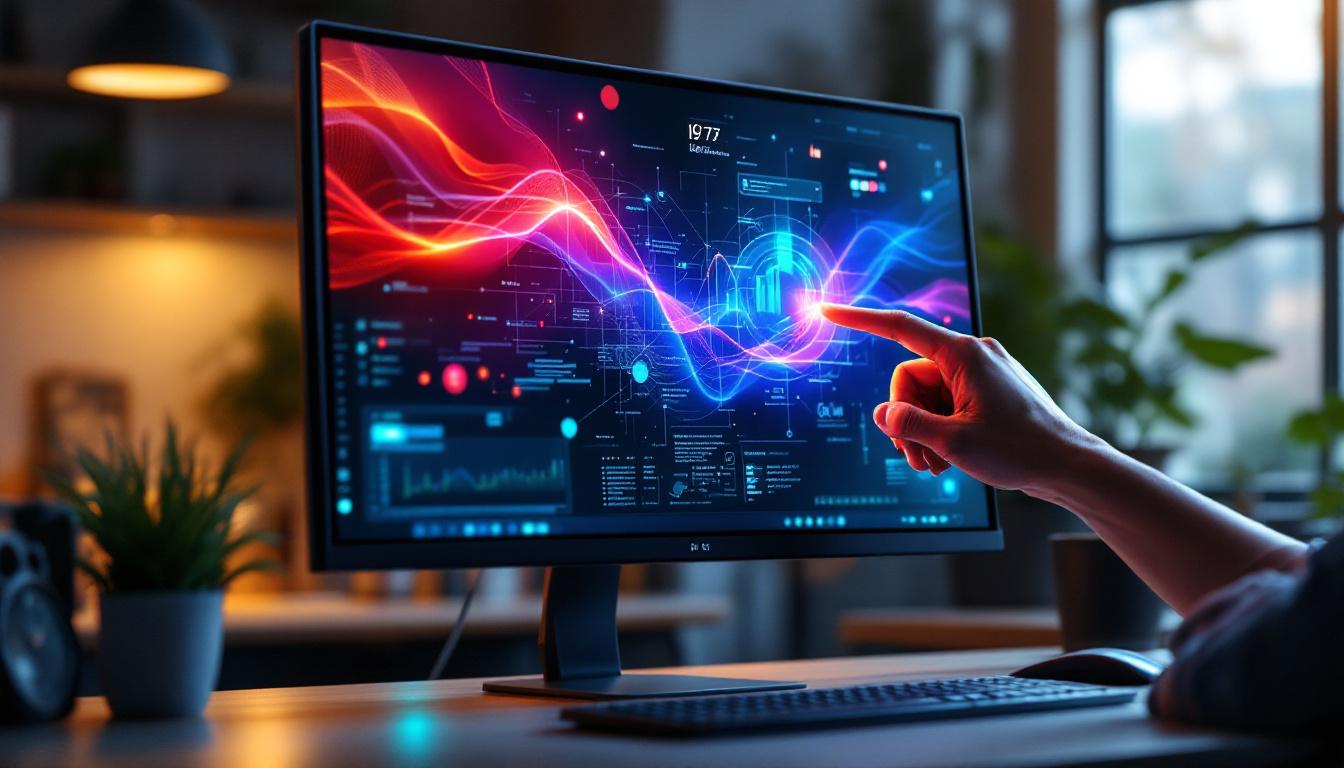
Multi touch technology allows a touchscreen to recognize and respond to multiple points of contact simultaneously. Unlike traditional single-touch screens, which only detect one touch at a time, multi touch enables gestures such as pinching, zooming, rotating, and swiping using two or more fingers. This capability enhances user interaction, making it more fluid and natural.
The technology behind multi touch screens typically involves capacitive sensing, which detects the electrical properties of the human finger. This method is highly responsive and supports precise input, making it ideal for a wide range of applications from professional design software to casual gaming. The evolution of multi touch technology has transformed how we interact with devices, paving the way for intuitive interfaces that mimic real-world interactions. For instance, the ability to manipulate images or documents with simple gestures has revolutionized creative fields, allowing artists and designers to work more efficiently and expressively.
Types of Multi Touch Technologies
There are several technologies used to implement multi touch functionality in PC monitors:
- Capacitive Touch: The most common technology, capacitive touchscreens use a layer of capacitive material that stores electrical charge. When a finger touches the screen, it changes the charge at that point, which the device detects. This technology supports high accuracy and multi touch gestures. Capacitive screens are often found in smartphones and tablets, where their responsiveness is crucial for a seamless user experience.
- Infrared Touch: Infrared touchscreens use an array of IR LEDs and sensors around the screen’s edges to detect touch by interruption of the IR beams. This technology is durable and works with any input device, including gloves or styluses, but is generally less precise than capacitive touch. Infrared touch technology is often utilized in kiosks and interactive displays, where robustness and versatility are essential for public use.
- Optical Imaging: Optical touchscreens use cameras placed around the edges of the screen to detect touch points by capturing the shadow or reflection of fingers or objects. This technology supports multi touch and is scalable to large displays but can be more costly. Optical imaging is particularly beneficial in large-format displays, such as those used in digital signage or collaborative workspaces, where multiple users can interact simultaneously without the constraints of traditional touch technologies.
Each technology has its advantages and trade-offs, but capacitive touch is the most prevalent in modern multi touch PC monitors due to its responsiveness and clarity. The choice of technology often depends on the specific application and environment in which the touchscreen will be used. For example, while capacitive touchscreens are favored for their sleek design and high sensitivity, infrared and optical technologies may be preferred in settings where durability and the ability to use various input methods are necessary. As multi touch technology continues to advance, we can expect to see even more innovative applications that leverage these capabilities in everyday devices.
The Role of LED Displays in Multi Touch Monitors
What is an LED Display?
LED (Light Emitting Diode) displays are a type of flat-panel display technology that uses LEDs as the light source. Unlike older LCDs that rely on CCFL (cold cathode fluorescent lamps) for backlighting, LED displays use LEDs to illuminate the screen, which offers several advantages.
LED technology can be divided into two main categories:
- Edge-Lit LED: LEDs are placed along the edges of the screen, and light is distributed across the display using light guides. This design allows for thinner monitors and reduced power consumption.
- Direct-Lit or Full-Array LED: LEDs are placed directly behind the screen in a grid pattern, providing more uniform brightness and better contrast, especially when combined with local dimming technology.
Benefits of LED Displays in Multi Touch Monitors
LED displays bring several key benefits to multi touch PC monitors:
- Improved Brightness and Contrast: LED backlighting provides brighter displays with deeper blacks and more vibrant colors, enhancing visual clarity and making touch interactions more precise.
- Energy Efficiency: LEDs consume less power than traditional backlighting methods, contributing to lower energy costs and longer device lifespan.
- Thin and Lightweight Designs: The compact nature of LEDs allows manufacturers to produce slimmer monitors that are easier to handle and fit into modern workspaces.
- Better Color Accuracy: LED technology supports a wider color gamut, which is essential for creative professionals who rely on accurate color representation.
Key Features of Multi Touch PC Monitors with LED Displays
High Resolution and Screen Size
Modern multi touch PC monitors often come in a variety of sizes, typically ranging from 15 inches to over 32 inches, with resolutions from Full HD (1920×1080) to 4K Ultra HD (3840×2160). Higher resolution screens provide sharper images and more workspace, which is crucial for detailed tasks such as graphic design, video editing, and CAD applications.
Large screens with multi touch capabilities enable multiple users to interact simultaneously, which is especially useful in collaborative environments like classrooms, conference rooms, and design studios.
Multi Touch Points and Gesture Support
The number of touch points a monitor supports is a critical specification. Entry-level models may support 2 to 10 touch points, while professional-grade monitors can recognize 20 or more simultaneous touches. More touch points translate to more complex and nuanced gesture controls, enhancing productivity and creativity.
Gesture support typically includes:
- Pinch-to-zoom
- Rotate
- Swipe
- Tap and double-tap
- Multi-finger drag
These gestures make navigation intuitive and reduce reliance on peripheral devices like a mouse or keyboard.
Durability and Build Quality
Multi touch PC monitors are often built to withstand frequent and intensive use. Many models feature reinforced glass such as Gorilla Glass, which resists scratches and impacts. Some monitors also have anti-glare coatings to reduce reflections and improve visibility in brightly lit environments.
Durability is particularly important in public or educational settings where monitors may be subject to heavy use and occasional mishandling.
Applications of Multi Touch PC Monitors with LED Displays
Business and Professional Use
In corporate environments, multi touch monitors facilitate interactive presentations, brainstorming sessions, and collaborative work. Meeting rooms equipped with these monitors allow teams to manipulate data, annotate documents, and navigate software applications directly on the screen, improving engagement and efficiency.
Industries such as architecture, engineering, and design benefit from the precision and responsiveness of multi touch LED monitors, enabling professionals to work directly on digital blueprints, 3D models, and creative projects with unparalleled ease.
Education and Training
Educational institutions increasingly adopt multi touch PC monitors to create interactive learning experiences. Teachers can use touch-enabled displays to engage students with dynamic lessons, multimedia content, and collaborative activities. The ability to support multiple simultaneous touches encourages group work and hands-on participation.
Training programs in fields like healthcare, manufacturing, and customer service also utilize these monitors to simulate real-world scenarios, enhancing skill development through interactive modules.
Entertainment and Gaming
Multi touch LED monitors have found their place in the entertainment sector, particularly in gaming and media consumption. Touch-enabled displays provide gamers with new control schemes and immersive experiences, especially in strategy and puzzle games that benefit from gesture inputs.
Additionally, these monitors are popular for digital art and music production, where touch controls can replace traditional input devices, offering more creative freedom and precision.
Choosing the Right Multi Touch PC Monitor with LED Display
Consider Your Use Case
Before purchasing a multi touch PC monitor, it’s important to assess your specific needs. For instance, a graphic designer will prioritize color accuracy and high resolution, while a business user might focus on screen size and multi touch point support for collaborative tasks.
Gamers might look for monitors with high refresh rates and low latency touch response, whereas educators may value durability and ease of use.
Connectivity and Compatibility
Ensure the monitor offers the necessary ports and connectivity options such as USB-C, HDMI, DisplayPort, and USB hubs. Compatibility with your operating system and software is also crucial to fully utilize multi touch features.
Some monitors come with built-in software or drivers that enhance touch functionality, so checking manufacturer support and updates is advisable.
Budget and Warranty
Multi touch PC monitors with LED displays vary widely in price, from affordable entry-level models under $200 to premium professional units exceeding $1,000. It’s important to balance features with budget constraints and consider long-term value.
Look for products with solid warranty coverage and customer support to protect your investment and ensure reliable performance.
Future Trends in Multi Touch LED Monitors
Advancements in Touch Sensitivity and Accuracy
Emerging technologies aim to enhance touch sensitivity, allowing for lighter touches and more precise input. Innovations such as haptic feedback integrated into the display surface could provide tactile responses, improving user interaction without the need for physical buttons.
Integration with AI and Gesture Recognition
Artificial intelligence is beginning to play a role in interpreting complex gestures and adapting interfaces to user behavior. Future multi touch monitors may recognize hand shapes, pressure levels, and even eye tracking to create more immersive and intuitive experiences.
Flexible and Transparent Displays
Research in flexible OLED and LED displays could lead to multi touch monitors that bend or fold, opening new possibilities for portable and space-saving devices. Transparent touchscreens may also become more common, enabling innovative applications in retail, automotive, and augmented reality.
Conclusion
Multi touch PC monitors with LED displays represent a convergence of advanced display technology and intuitive user interaction. Their ability to support multiple simultaneous touch inputs combined with the superior visual quality of LED backlighting makes them indispensable tools across various sectors.
Whether for professional design, collaborative business environments, education, or entertainment, these monitors enhance productivity and engagement. Understanding the underlying technologies and key features helps users select the right device tailored to their needs, ensuring a future-proof investment in an increasingly touch-driven digital world.
Explore the Future of Touch Interaction with LumenMatrix
Ready to experience the next level of touch interaction and visual display? LumenMatrix is at the forefront of LED display technology, offering a wide array of solutions that bring your content to life. From vibrant Indoor and Outdoor LED Wall Displays to innovative Custom and All-in-One LED Displays, our products are designed to elevate your professional environment, educational setting, or entertainment experience. Embrace the future of digital signage with LumenMatrix and create immersive visual experiences that captivate and engage. Check out LumenMatrix LED Display Solutions today and transform the way you share your message.