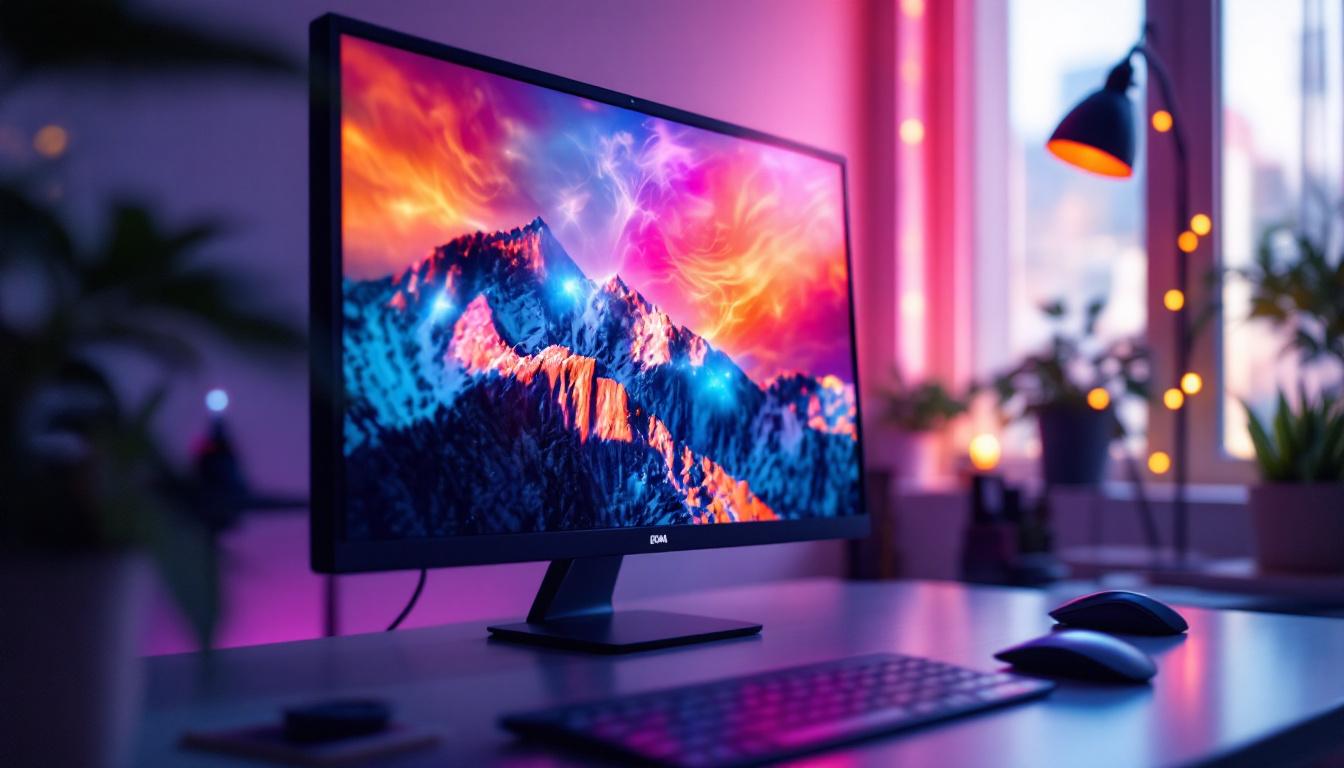
Choosing the right monitor size and display technology is crucial for a satisfying computing experience, whether for work, gaming, or general use. Among various options, the 21 inch monitor size paired with LED display technology offers a compelling balance of screen real estate, image quality, and affordability. This article explores the nuances of 21 inch LED monitors, helping you understand why this size remains popular and what makes LED displays stand out in today’s market.
Understanding the 21 Inch Monitor Size
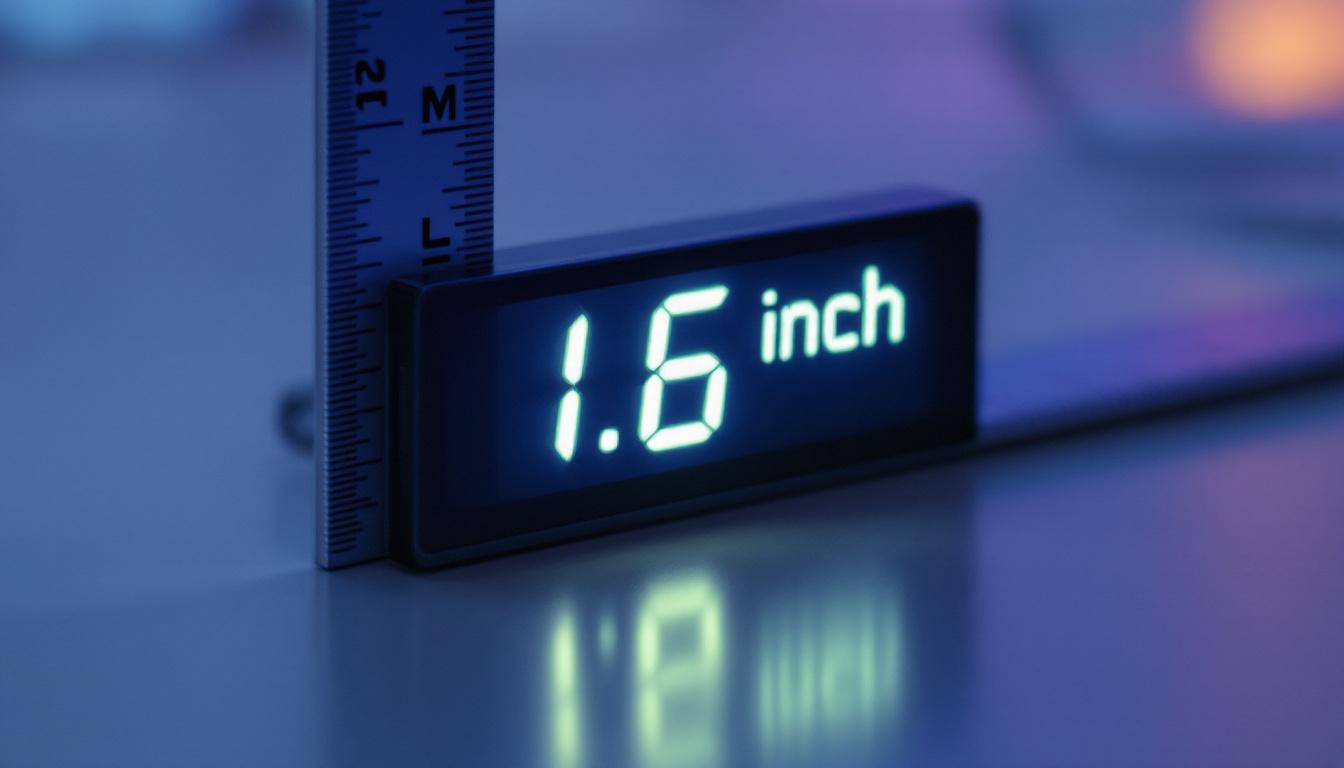
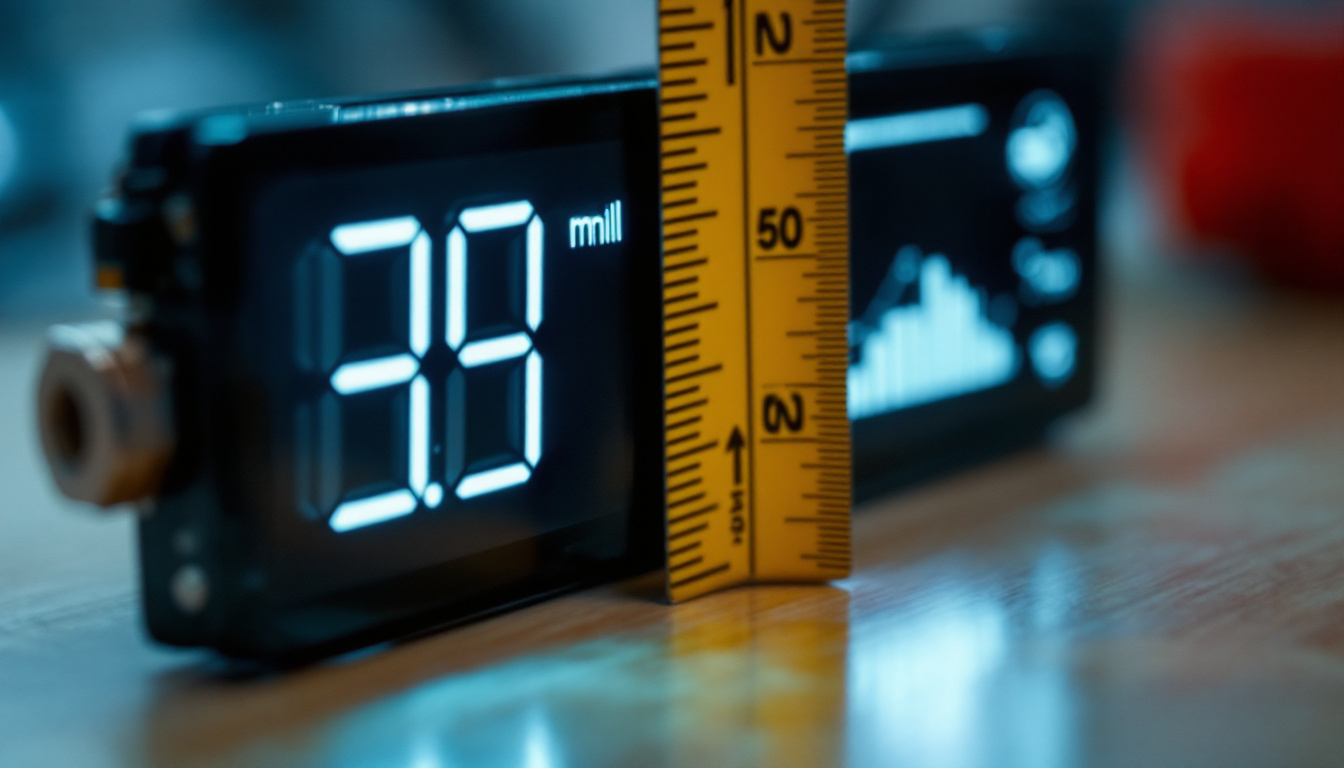
The 21 inch measurement refers to the diagonal length of the monitor screen, a standard way to describe display size across all types of screens. This size is considered a medium-sized monitor, falling between compact 19-inch models and larger 24-inch or 27-inch displays commonly used for professional or gaming setups.
One of the key advantages of a 21 inch monitor is its versatility. It offers enough screen space to comfortably handle everyday tasks such as web browsing, document editing, and video streaming without occupying excessive desk space. For many users, this size strikes the perfect balance between portability and usability. Whether you are a student working on assignments, a professional managing spreadsheets, or a casual gamer enjoying your favorite titles, a 21 inch monitor can accommodate a wide range of activities without feeling cramped.
Physical Dimensions and Aspect Ratio
Most 21 inch monitors come with a 16:9 aspect ratio, the industry standard for widescreen displays. This ratio supports HD content natively, making it ideal for watching movies, playing games, and multitasking with multiple windows side by side. The actual width and height of the screen will vary slightly depending on bezel size and design, but typically a 21 inch monitor measures about 18.3 inches wide and 10.3 inches tall.
For users with limited desk space or those who prefer a more compact setup, a 21 inch monitor can fit comfortably without overwhelming the workspace. This is particularly important in home offices or shared environments where space optimization is key. Additionally, many models come equipped with adjustable stands that allow users to tilt or raise the monitor to their preferred height, promoting better ergonomics and reducing strain during long hours of use. The ability to adjust the monitor’s position can enhance comfort and productivity, making it easier to focus on tasks at hand.
Moreover, the 21 inch monitor size is often favored for its energy efficiency. Compared to larger displays, these monitors typically consume less power, which can be a significant consideration for environmentally conscious users or those looking to reduce their electricity bills. Many modern 21 inch monitors also feature LED backlighting, which not only improves brightness and color accuracy but also contributes to lower energy consumption. This makes them an excellent choice for users who want to balance performance with sustainability in their tech choices.
What is LED Display Technology?
LED, or Light Emitting Diode, display technology has become the dominant choice for modern monitors and televisions. It refers to the method used to illuminate the screen, replacing older technologies like CCFL (Cold Cathode Fluorescent Lamp) backlighting used in traditional LCDs.
In an LED monitor, tiny light-emitting diodes are placed either behind the LCD panel (backlit LED) or along the edges (edge-lit LED) to provide uniform illumination. This technology offers several advantages over older backlighting methods, including improved energy efficiency, thinner designs, and better color accuracy.
Types of LED Backlighting
There are two main types of LED backlighting used in monitors:
- Edge-Lit LED: LEDs are positioned along the edges of the screen. This allows for slimmer monitor designs but can sometimes result in less uniform brightness across the display.
- Full-Array LED: LEDs are spread evenly behind the entire screen. This setup offers better brightness uniformity and contrast, often accompanied by local dimming technology to enhance black levels.
Understanding these distinctions is helpful when evaluating 21 inch LED monitors, as the type of backlighting can influence image quality and price.
Benefits of a 21 Inch LED Monitor
The combination of a 21 inch screen size with LED technology provides a range of benefits that appeal to a broad spectrum of users. Here are some of the most notable advantages:
1. Energy Efficiency and Longevity
LED monitors consume significantly less power compared to older LCDs with CCFL backlights. This efficiency translates to lower electricity bills and a reduced environmental footprint. Additionally, LEDs tend to have longer lifespans, often exceeding 50,000 hours of usage, meaning the monitor can last many years without noticeable degradation in brightness or color.
2. Superior Image Quality
LED backlighting enhances color vibrancy and contrast ratios. Users benefit from sharper images, deeper blacks, and brighter whites. This improvement is particularly noticeable when viewing high-definition content or engaging in photo and video editing tasks where color accuracy is important.
3. Slim and Lightweight Design
Because LEDs are smaller and more efficient than CCFL tubes, manufacturers can produce thinner and lighter monitors. A 21 inch LED monitor is typically sleek and easy to move or mount, making it a practical choice for both desktop setups and portable workstations.
4. Cost-Effectiveness
While larger monitors with advanced features can be expensive, 21 inch LED monitors often hit a sweet spot in terms of affordability and performance. They provide excellent value for users who want reliable display quality without investing in premium models.
Common Uses for 21 Inch LED Monitors
The 21 inch LED monitor size is well-suited for a variety of applications, each benefiting from the combination of screen size and display technology.
Office and Productivity Work
For office environments, 21 inch monitors offer ample screen space for spreadsheets, word processing, and email management. Their moderate size allows multiple monitors to be placed side by side if needed, enhancing multitasking capabilities without overwhelming the user’s field of view.
Home Entertainment and Media Consumption
Watching movies, streaming videos, and casual gaming are all enjoyable on a 21 inch LED monitor. The widescreen aspect ratio and vibrant colors contribute to an immersive viewing experience. Additionally, many models support Full HD (1920×1080) resolution, which is sufficient for most media content.
Educational and Remote Learning
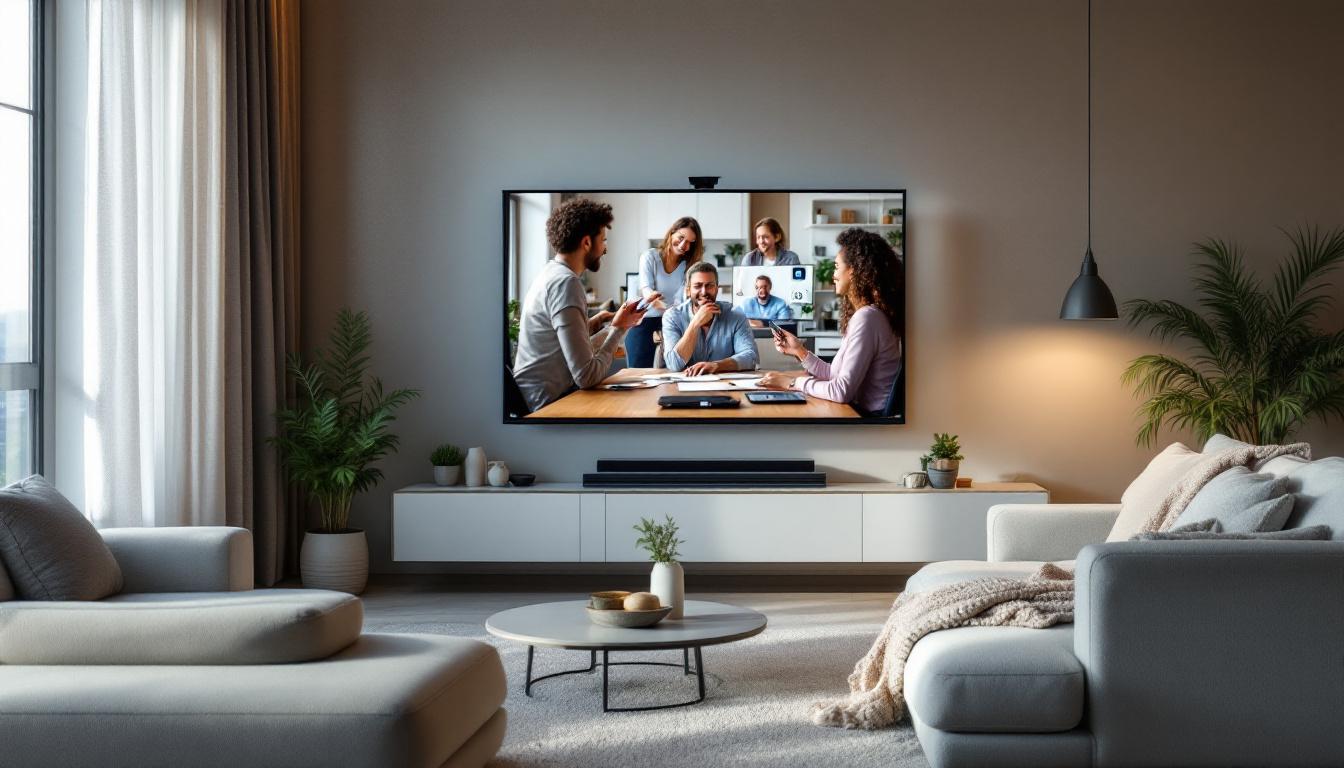
With the rise of online education, many students and educators rely on monitors that provide clear visuals without taking up too much space. A 21 inch LED monitor fits well in dorm rooms, study areas, and home classrooms, offering a comfortable screen size for video calls, digital textbooks, and interactive lessons.
Key Specifications to Consider When Buying a 21 Inch LED Monitor
Not all 21 inch LED monitors are created equal. When selecting a model, it’s important to evaluate several specifications that impact performance and user experience.
Resolution
The resolution determines the clarity and detail of the display. Most 21 inch monitors feature Full HD (1920×1080) resolution, which is ideal for everyday use. Some models may offer higher resolutions like 2560×1440 (QHD), but these are less common in this size category and often come at a premium price.
Refresh Rate and Response Time
For general productivity and media consumption, a standard 60Hz refresh rate and response times around 5ms are sufficient. However, users interested in gaming should look for monitors with higher refresh rates (75Hz or above) and lower response times (1ms to 3ms) to reduce motion blur and input lag.
Connectivity Options
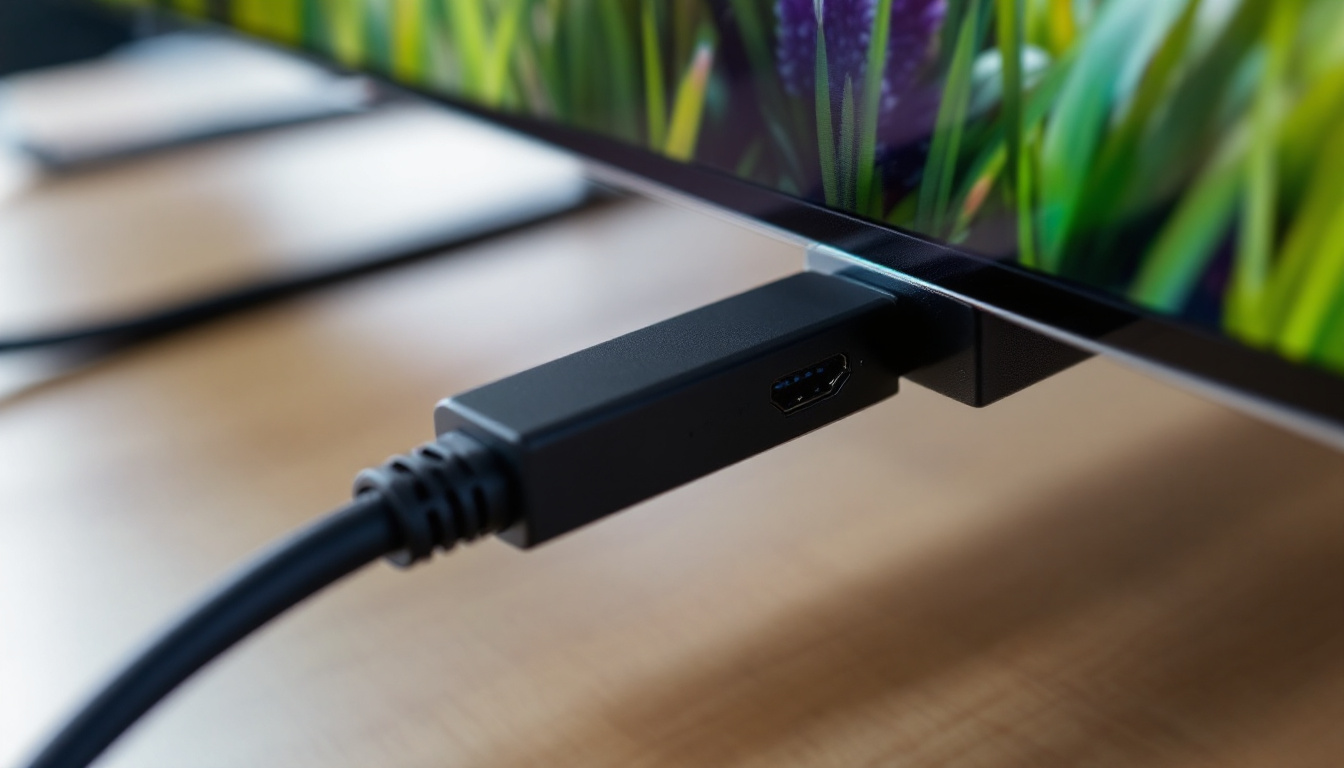
Modern monitors typically include HDMI and DisplayPort inputs, with some also offering VGA or DVI for compatibility with older devices. USB ports and audio jacks can add convenience, especially for connecting peripherals or external speakers.
Ergonomics and Adjustability
Features such as height adjustment, tilt, swivel, and VESA mount compatibility enhance comfort and flexibility. These options are particularly important for users who spend long hours in front of the screen or need to optimize their workspace ergonomics.
Comparing 21 Inch LED Monitors to Other Sizes
Understanding how 21 inch monitors stack up against other common sizes can help clarify whether this is the right choice for your needs.
21 Inch vs. 24 Inch Monitors
While 24 inch monitors offer more screen space and are popular for gaming and professional use, they require more desk space and may be less portable. The 21 inch monitor is a more compact alternative that still delivers good image quality and usability for everyday tasks.
21 Inch vs. 19 Inch Monitors
Compared to smaller 19 inch monitors, 21 inch displays provide a noticeable increase in viewing area and resolution options. This makes them better suited for multitasking and media consumption, without a significant increase in cost or space requirements.
Maintenance and Care for LED Monitors
To maximize the lifespan and performance of a 21 inch LED monitor, proper maintenance is essential.
Cleaning Tips
Use a soft, lint-free microfiber cloth to gently wipe the screen. Avoid harsh chemicals or abrasive materials that can damage the anti-glare coating or pixels. For stubborn smudges, lightly dampen the cloth with distilled water or a screen-safe cleaner.
Optimal Usage Practices
Adjust brightness and contrast settings to comfortable levels to reduce eye strain. Avoid leaving static images on the screen for extended periods to prevent image retention or burn-in, even though LED monitors are less susceptible to this issue than older display types.
Future Trends in Monitor Technology
While 21 inch LED monitors remain popular, the display industry continues to evolve rapidly. Emerging technologies such as OLED, Mini-LED, and even MicroLED promise even better color accuracy, contrast, and energy efficiency. Additionally, higher refresh rates and adaptive sync technologies like FreeSync and G-Sync are becoming more accessible across various monitor sizes.
For users considering a 21 inch LED monitor today, these advancements suggest that the market will continue to offer improved options at competitive prices. Staying informed about these trends can help buyers make future-proof decisions.
Conclusion
The 21 inch monitor size combined with LED display technology offers a well-rounded solution for a wide range of users. It balances screen space, image quality, energy efficiency, and affordability, making it suitable for office work, entertainment, education, and casual gaming. Understanding the specifications and features to look for ensures that buyers select a monitor that meets their needs and enhances their computing experience.
As technology advances, LED monitors continue to improve, offering better visuals and more ergonomic designs. Whether upgrading an existing setup or purchasing a first monitor, a 21 inch LED display remains a smart and practical choice.
Explore Cutting-Edge LED Displays with LumenMatrix
Ready to experience the ultimate in LED display technology? LumenMatrix is at the forefront of innovation, offering a wide array of LED display solutions that cater to your every need. From captivating Indoor LED Walls to dynamic Outdoor LED Displays, and from mobile Vehicle LED Displays to sleek LED Poster Displays, our products are designed to revolutionize visual communication. Elevate your space with our LED Sports Displays, interactive Floor LED Displays, or even Custom and All-in-One LED solutions. Discover the clarity and impact of LumenMatrix’s LED Transparent Displays and see how we’re redefining the way businesses engage with their audience. Don’t settle for less – Check out LumenMatrix LED Display Solutions today and transform your visual experience.