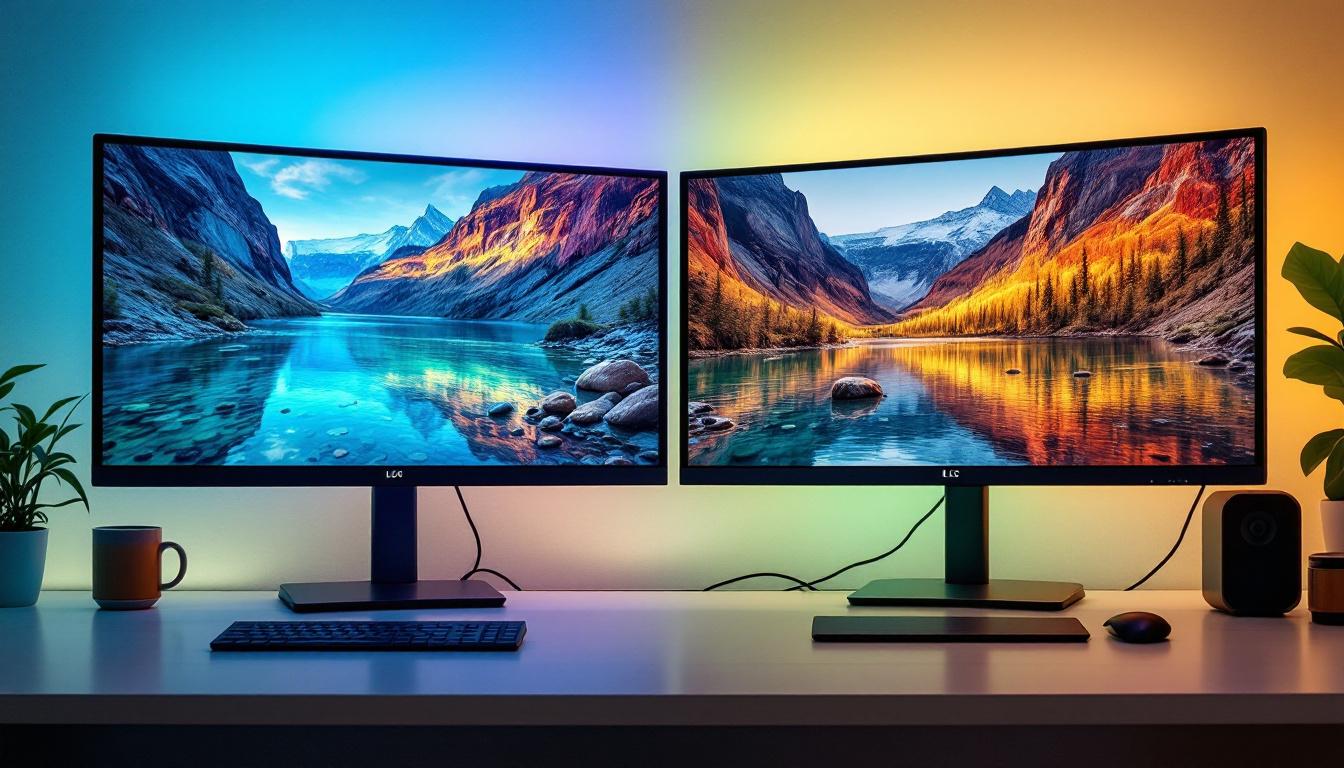
In the rapidly evolving world of digital displays, understanding technical specifications is crucial for making informed decisions—whether you’re a consumer choosing a new TV, a professional setting up a digital signage system, or a gamer seeking the best visual experience. One specification that often causes confusion but holds significant importance is the display refresh rate, commonly measured in hertz (Hz). This article delves into the concept of display hertz, focusing on LED displays, to clarify what it means, why it matters, and how it impacts your viewing experience.
What is Display Hertz?
Display hertz refers to the refresh rate of a screen, which is the number of times per second the display updates its image. Measured in hertz (Hz), a 60Hz display refreshes 60 times per second, while a 120Hz display refreshes 120 times per second, and so on. This rate directly influences the smoothness and clarity of motion on the screen. Higher refresh rates provide a more fluid visual experience, making them particularly desirable for activities that involve rapid movements, such as gaming or watching high-octane sports events.
Understanding refresh rate is essential because it affects how motion is perceived. A higher refresh rate can reduce motion blur and make fast-moving images appear smoother, which is particularly important for video playback, gaming, and interactive applications. Moreover, many modern displays now offer adaptive refresh rates, which can dynamically adjust to match the frame rate of the content being displayed. This technology not only enhances the viewing experience but also helps to reduce screen tearing, a common issue where the display shows information from multiple frames in a single screen draw.
How Refresh Rate Differs from Frame Rate
It’s important to distinguish between refresh rate and frame rate. Frame rate, measured in frames per second (fps), is the number of unique images or frames a source device (like a game console or video player) outputs each second. Refresh rate, on the other hand, is how many times the display hardware redraws the image per second. This distinction is crucial for understanding how to optimize your viewing experience, especially when it comes to gaming or high-definition video playback.
For optimal performance, the display’s refresh rate should ideally match or exceed the content’s frame rate. For example, a 120Hz display can show smoother motion for content running at 120fps compared to a 60Hz display. However, it’s worth noting that simply having a high refresh rate does not guarantee a better experience if the source material does not support it. Additionally, many gamers seek out monitors with high refresh rates, such as 144Hz or even 240Hz, to gain a competitive edge in fast-paced games, where every millisecond counts. This has led to a growing market for high-performance displays tailored specifically for gaming, which often come equipped with features like variable refresh rate technology to further enhance the gaming experience.
Understanding LED Displays
LED displays have become ubiquitous, powering everything from smartphones to giant outdoor billboards. LED stands for Light Emitting Diode, which is a semiconductor device that emits light when an electric current passes through it. LED displays use these diodes as pixels to create images.
Unlike traditional LCDs that rely on backlighting, LED displays use individual LEDs either as backlights (in LED-backlit LCDs) or as the actual pixels themselves (in OLED or microLED displays). This technology allows for brighter images, better contrast ratios, and more energy-efficient operation. The advancements in LED technology have also led to thinner and lighter displays, making them ideal for a wide range of applications, from sleek televisions to portable devices.
Types of LED Displays
There are several types of LED displays, each with different characteristics and applications:
- LED-backlit LCDs: These are the most common consumer displays, where LEDs serve as backlighting for an LCD panel.
- OLED (Organic LED): Each pixel emits its own light, allowing for true blacks and exceptional contrast.
- MicroLED: An emerging technology with tiny LEDs as pixels, promising high brightness and longevity.
- Direct-view LED: Used in large-scale displays such as stadium screens and digital billboards.
In addition to these types, the versatility of LED technology has led to innovations such as flexible displays, which can bend and curve to fit various shapes and surfaces. This flexibility opens up exciting possibilities for creative advertising and design, allowing for immersive experiences that were previously unattainable. Furthermore, advancements in color accuracy and refresh rates have made LED displays a favorite among professionals in graphic design and video production, where precision is paramount.
Moreover, the environmental impact of LED displays is worth noting. As they consume less power compared to traditional lighting technologies, they contribute to lower energy bills and reduced carbon footprints. Many manufacturers are now focusing on sustainable practices, from sourcing materials responsibly to implementing recycling programs for old displays. This shift not only benefits the planet but also appeals to a growing consumer base that values eco-friendly products.
How Display Hertz Affects LED Display Performance
The refresh rate of an LED display plays a pivotal role in how content is rendered and perceived. Higher refresh rates can significantly enhance the viewing experience, but the benefits depend on the type of content and the display technology.
Smoother Motion and Reduced Eye Strain
When a display refreshes more frequently, motion appears smoother and more natural. This is particularly noticeable in fast-paced video content like sports, action movies, or gaming. For example, a 120Hz LED display can show double the frames per second of a 60Hz display, reducing motion blur and judder.
Moreover, higher refresh rates can reduce eye strain during prolonged use. Flicker, a subtle but often unnoticed effect caused by lower refresh rates, can cause discomfort and fatigue. Modern LED displays with higher hertz values minimize flicker, improving comfort.
Gaming and High Refresh Rates
Gamers are among the most vocal proponents of high refresh rates. Competitive gaming often demands rapid reactions and precise visuals, where every millisecond counts. Displays with refresh rates of 120Hz, 144Hz, or even 240Hz have become standard in gaming monitors, providing smoother gameplay and reducing input lag.
For example, a 144Hz LED gaming monitor refreshes 144 times per second, allowing it to display frames at up to 144fps, assuming the graphics hardware can output at that rate. This results in a more fluid and responsive experience, which can provide a competitive edge.
Content Compatibility and Limitations
While higher refresh rates offer clear advantages, they are most effective when paired with content capable of matching those rates. Most movies and TV shows are produced at 24fps or 30fps, meaning a 60Hz display already provides smooth playback through frame interpolation techniques.
Additionally, streaming platforms and broadcast standards may limit the achievable frame rates. For instance, many streaming services deliver content at 30fps or 60fps, so a 120Hz or 240Hz display will duplicate frames to reach its maximum refresh rate, which might not yield noticeable improvements.
How to Check and Adjust Display Hertz on LED Screens
Understanding how to check and adjust the refresh rate of your LED display can help optimize your viewing experience. Most modern devices allow users to select different refresh rates based on their preferences and content requirements.
Checking the Refresh Rate on Windows and macOS
On Windows PCs, users can check and change the refresh rate by navigating to:
- Settings > System > Display > Advanced display settings, then selecting the desired refresh rate from the dropdown menu.
On macOS, users can:
- Go to System Preferences > Displays, hold the Option key, and click on the “Scaled” option to see available refresh rates.
Adjusting Refresh Rate on TVs and Monitors
Many modern LED TVs and monitors offer settings to adjust refresh rates or enable motion smoothing features. For example, some TVs have “Motion Interpolation” or “TruMotion” settings that increase perceived refresh rates by generating intermediate frames.
However, these features may introduce artifacts or an unnatural “soap opera effect,” so users should experiment to find the best balance between smoothness and natural image quality.
Future Trends in LED Display Refresh Rates
The display industry continues to push the boundaries of refresh rates, driven by advances in LED technology and user demand for immersive experiences. Several trends are shaping the future landscape:
Higher Refresh Rates for Mobile Devices
Smartphones and tablets are increasingly adopting high refresh rates, with many flagship models offering 90Hz, 120Hz, or even 144Hz displays. This trend enhances scrolling smoothness, gaming, and overall responsiveness. According to recent market data, over 50% of premium smartphones now feature displays with refresh rates above 90Hz.
MicroLED and OLED Innovations
Emerging technologies like MicroLED promise to combine high refresh rates with superior brightness and color accuracy. These displays can potentially achieve refresh rates beyond 240Hz while maintaining energy efficiency and durability, making them ideal for both consumer and professional applications.
Adaptive Refresh Rate Technologies
Adaptive or variable refresh rate (VRR) technologies, such as NVIDIA G-Sync and AMD FreeSync, dynamically adjust the display’s refresh rate to match the frame rate of the content. This synchronization eliminates screen tearing and stuttering, providing a seamless visual experience. VRR is becoming standard in gaming monitors and is increasingly adopted in TVs and mobile devices.
Conclusion: Why Display Hertz Matters for LED Displays
Display hertz is a fundamental specification that significantly influences the quality and comfort of visual experiences on LED displays. Higher refresh rates enable smoother motion, reduce eye strain, and enhance responsiveness—benefits that are particularly valuable for gamers, video enthusiasts, and professionals working with dynamic content.
However, the advantages of higher refresh rates depend on content compatibility and the capabilities of the display technology itself. Understanding these nuances helps consumers and professionals select the right LED display tailored to their specific needs.
As LED technology advances and refresh rates continue to climb, users can expect increasingly immersive and visually stunning experiences across all types of devices—from smartphones and monitors to massive outdoor displays. Staying informed about display hertz empowers users to make smarter choices and fully enjoy the potential of modern LED displays.
Explore the Future of LED Displays with LumenMatrix
Ready to experience the pinnacle of LED display technology? LumenMatrix is at the forefront of innovation, offering a comprehensive range of LED display solutions that bring your content to life. From the vibrancy of an Indoor LED Wall Display to the robustness of Outdoor LED Wall Displays, and the versatility of Custom and All-in-One LED Displays, we have the technology to elevate your visual communication. Embrace the future with displays that promise not only higher refresh rates but also unparalleled clarity and engagement. Check out LumenMatrix LED Display Solutions today and transform the way you share your message with the world.