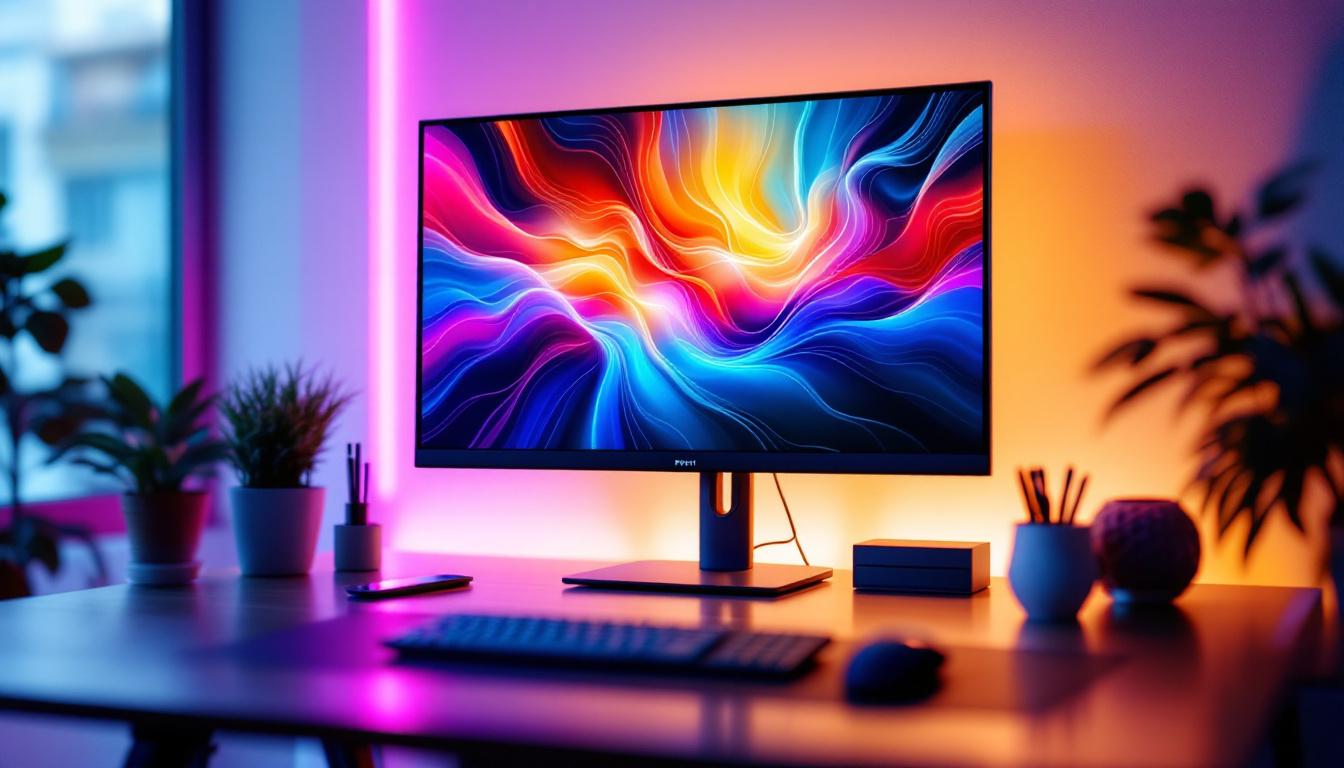
In today’s digital age, the computer screen is one of the most essential components of any desktop setup. Among the various display technologies available, LED displays have become the dominant choice for desk computer screens. But what exactly is an LED display, and why has it become so popular? This article delves into the technology behind LED displays, their advantages and disadvantages, and what users should consider when selecting a desk computer screen.
Understanding LED Display Technology
LED stands for Light Emitting Diode, a semiconductor device that emits light when an electric current passes through it. In the context of computer screens, LED technology refers to the backlighting method used in LCD (Liquid Crystal Display) panels. While the actual pixels are still liquid crystals, the illumination behind them comes from LEDs rather than older technologies like CCFL (Cold Cathode Fluorescent Lamp).
How LED Displays Work
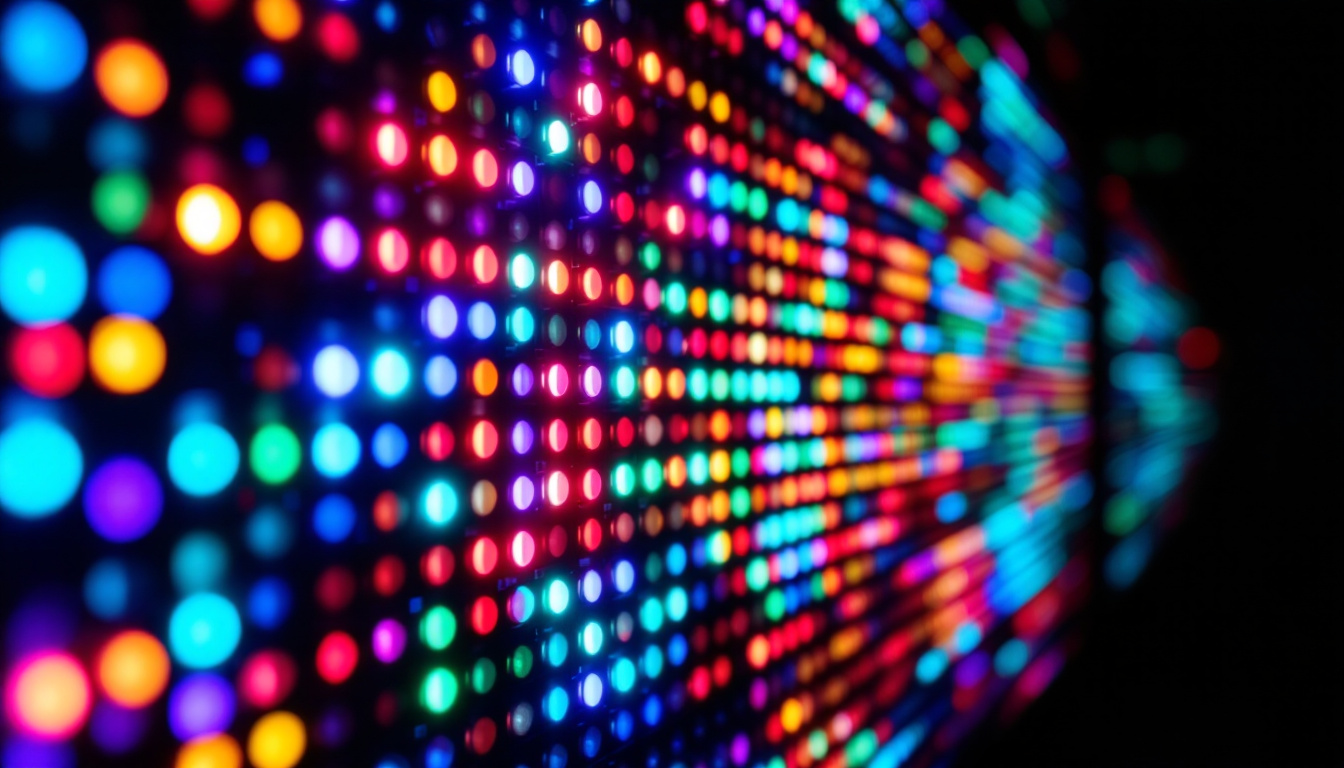
Traditional LCD screens rely on a backlight to illuminate the pixels, which themselves do not emit light. LED displays use an array of light-emitting diodes positioned behind or along the edges of the screen to provide this illumination. The liquid crystals then modulate the light to produce images.
There are two main types of LED backlighting used in desk monitors:
- Edge-Lit LED: LEDs are placed along the edges of the screen, and light is distributed across the panel using light guides. This method allows for thinner screens and is more cost-effective.
- Direct-Lit or Full-Array LED: LEDs are positioned directly behind the screen in a grid pattern. This allows for better control of brightness and contrast, especially when combined with local dimming technology.
Recently, advancements such as Mini-LED and MicroLED are pushing the boundaries of LED display technology, offering even higher contrast ratios and improved color accuracy. Mini-LED technology utilizes smaller diodes, which can be packed more densely, allowing for finer control over local dimming zones and enhancing the overall viewing experience. MicroLED takes this a step further by using microscopic LEDs that can create individual pixels, leading to exceptional brightness and color performance without the drawbacks of traditional OLED displays, such as burn-in.
LED vs. Other Display Technologies
Before the widespread adoption of LED backlighting, CCFL was the standard for LCD monitors. OLED (Organic Light Emitting Diode) is another technology that differs fundamentally from LED-backlit LCDs, as OLED pixels emit their own light rather than relying on a backlight.
Compared to CCFL, LED displays are more energy-efficient, thinner, and provide better brightness and color performance. OLED displays, while offering superior contrast and black levels, are still less common in desktop monitors due to cost and potential burn-in issues. Additionally, the longevity of LED displays tends to be greater than that of OLEDs, making them a more reliable choice for long-term use in various environments, from home offices to professional design studios. As technology continues to evolve, the competition between these display types fuels innovation, leading to new solutions that cater to the diverse needs of consumers and professionals alike.
Advantages of LED Desk Computer Screens
Choosing an LED desk computer screen comes with several benefits that appeal to both casual users and professionals alike.
Energy Efficiency and Environmental Impact
One of the most significant advantages of LED displays is their energy efficiency. According to the U.S. Department of Energy, LED-backlit monitors consume up to 40% less power compared to CCFL-backlit counterparts. This reduction not only lowers electricity bills but also contributes to a smaller carbon footprint, making LED screens an environmentally friendly choice. Moreover, as the demand for sustainable technology grows, opting for LED screens can be seen as a commitment to eco-conscious practices, encouraging manufacturers to continue innovating in energy-efficient technologies.
Improved Brightness and Color Accuracy
LED technology enables higher brightness levels, which are crucial for working in well-lit environments or for tasks requiring precise color representation, such as graphic design and photo editing. Many modern LED monitors support wide color gamuts like sRGB, Adobe RGB, and DCI-P3, ensuring vibrant and accurate colors. This capability is particularly beneficial for creative professionals who rely on true-to-life color reproduction to make informed decisions in their work. Furthermore, advancements in HDR (High Dynamic Range) technology have allowed LED screens to display a broader range of colors and contrasts, enhancing the viewing experience for both media consumption and professional applications.
Thinner and Lighter Designs
Because LEDs are smaller and more efficient than CCFL tubes, manufacturers can design slimmer and lighter monitors. This not only saves desk space but also enhances aesthetics, which is important for modern office environments and home setups. The sleek profiles of LED monitors often come with features like ultra-thin bezels, allowing for a more immersive multi-monitor setup. Additionally, the portability of these lightweight screens makes them ideal for professionals who travel frequently or need to set up workstations in various locations, providing flexibility without compromising on performance.
Longer Lifespan and Durability
LED backlights tend to have a longer lifespan than traditional CCFL backlights, often exceeding 50,000 hours of use. They are also more durable, less prone to flickering, and do not contain hazardous materials like mercury, making disposal safer. This longevity translates to less frequent replacements, which not only saves money in the long run but also reduces electronic waste. Furthermore, many LED screens are designed with robust materials that withstand daily wear and tear, making them suitable for both home and commercial environments where reliability is paramount.
Potential Drawbacks and Considerations
While LED displays offer many benefits, it is important to recognize their limitations and factors to consider before making a purchase.
Cost Factors
LED monitors, especially those with advanced features such as full-array local dimming or higher color accuracy, tend to be more expensive than basic CCFL models. However, prices have been steadily decreasing as the technology becomes more widespread.
Backlight Bleeding and Uniformity Issues
One common issue with LED-backlit LCDs is backlight bleeding, where light leaks around the edges or corners of the screen, causing uneven brightness. This is more prevalent in edge-lit models and can be distracting during dark scenes or when working with dark backgrounds.
Viewing Angles
LED displays paired with certain LCD panel types, such as TN (Twisted Nematic), may have limited viewing angles, causing color shifts when viewed from the side. IPS (In-Plane Switching) panels, which are often used with LED backlighting, provide better viewing angles and color consistency.
Blue Light Emission and Eye Strain
LED screens emit blue light, which can contribute to eye strain and disrupt sleep patterns if used extensively at night. Many modern monitors now include blue light filters or “night mode” settings to mitigate these effects, which is an important consideration for users who spend long hours in front of their screens.
Choosing the Right LED Desk Computer Screen
Selecting the ideal LED monitor depends on the user’s specific needs, budget, and workspace conditions.
Resolution and Screen Size
Resolution plays a critical role in image clarity. Common resolutions include Full HD (1920×1080), Quad HD (2560×1440), and 4K UHD (3840×2160). While 4K monitors provide exceptional detail, they require more powerful hardware and are generally more expensive.
Screen size preferences vary, with 24 to 27 inches being popular for general productivity, while larger screens or ultrawide monitors cater to multitasking and immersive experiences.
Panel Type
Choosing the right panel type is essential for color accuracy, response time, and viewing angles:
- IPS: Best for color-critical work and wide viewing angles.
- TN: Offers faster response times, preferred by gamers, but with narrower viewing angles.
- VA: Provides better contrast ratios but may have slower response times.
Refresh Rate and Response Time
For general office work, a standard 60Hz refresh rate and moderate response times are sufficient. However, gamers and video editors may benefit from higher refresh rates (120Hz or above) and faster response times to reduce motion blur and input lag.
Connectivity and Ergonomics
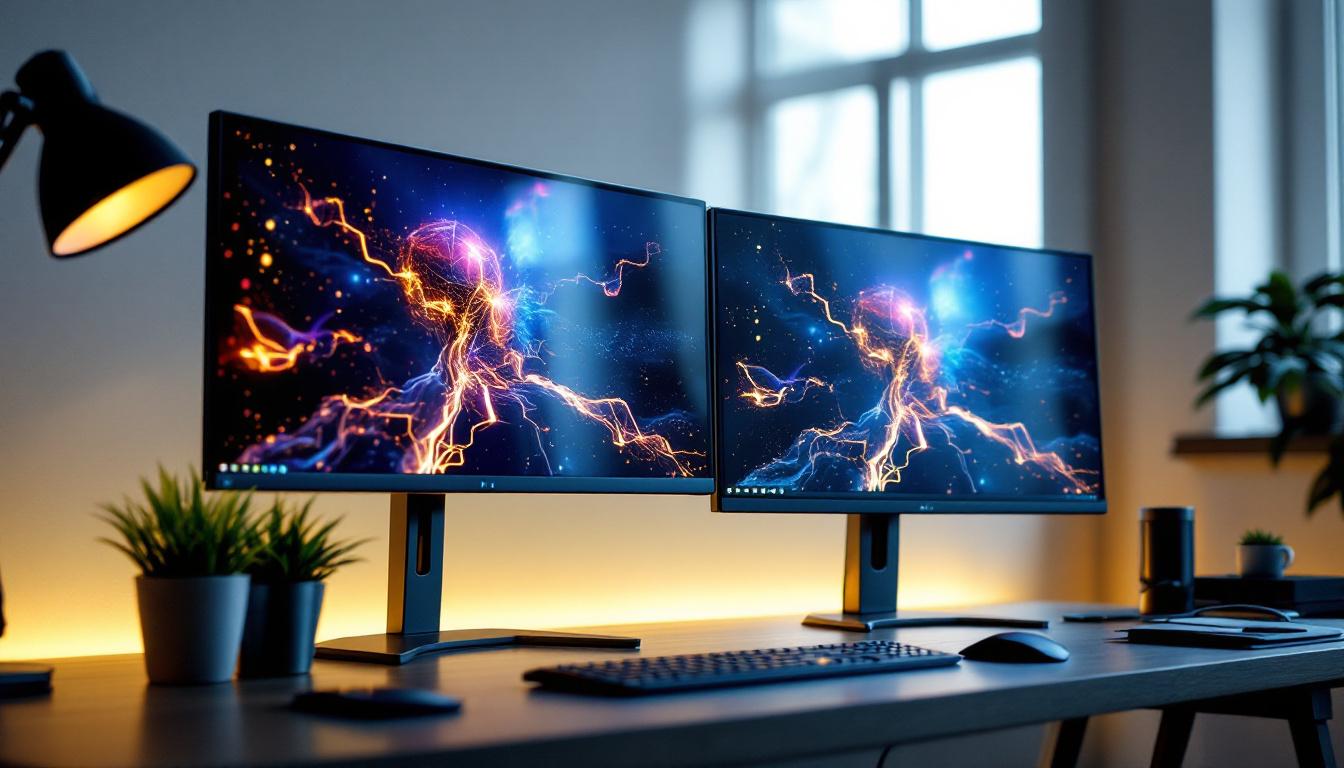
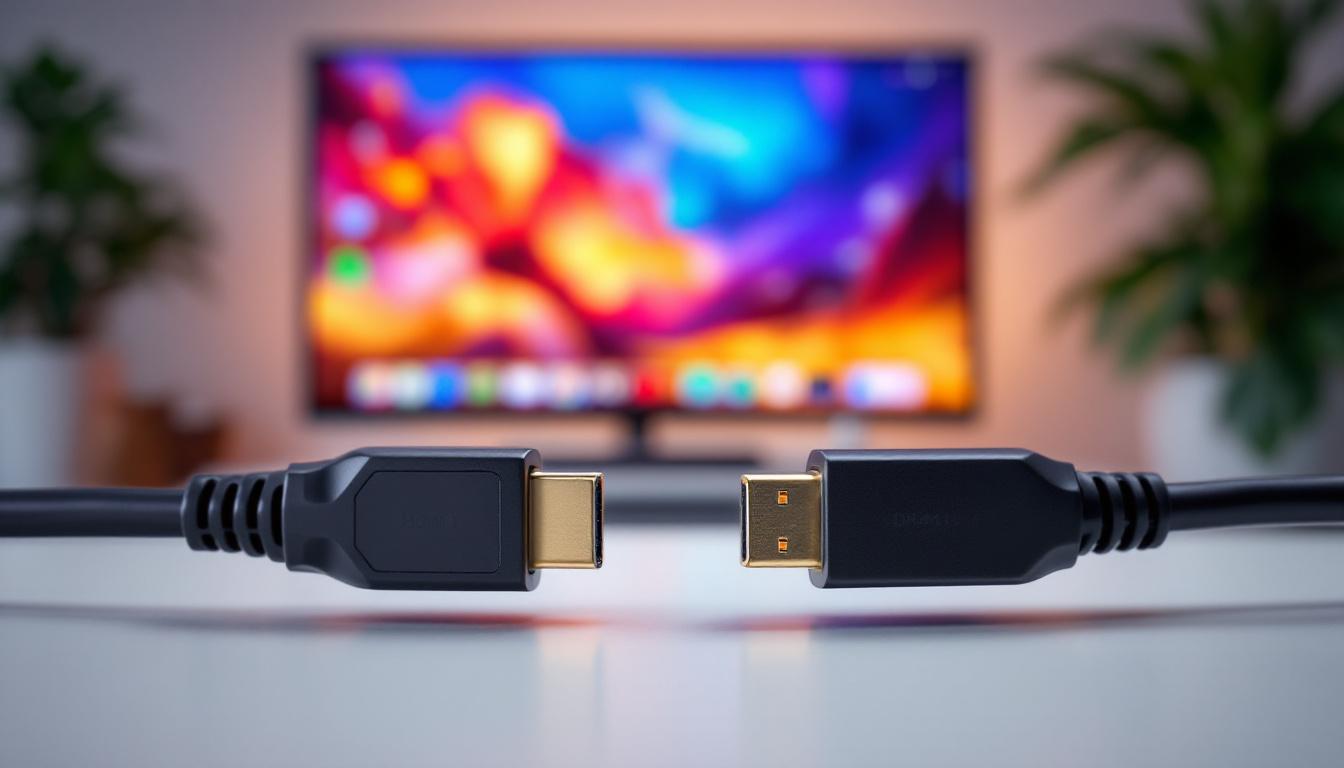
Modern LED monitors come with various connectivity options such as HDMI, DisplayPort, USB-C, and even Thunderbolt. USB-C ports are especially useful for laptop users as they can transmit video, data, and power through a single cable.
Ergonomic features like adjustable height, tilt, swivel, and pivot are important for maintaining good posture and reducing physical strain during extended use.
Future Trends in LED Desk Computer Screens
The evolution of LED display technology continues to accelerate, promising even better performance and user experiences in the coming years.
Mini-LED and MicroLED Innovations
Mini-LED technology uses thousands of tiny LEDs to create more precise backlighting zones, resulting in improved contrast and reduced halo effects. This technology is already making its way into high-end monitors and laptops.
MicroLED, a newer technology, features self-emissive pixels similar to OLED but with greater brightness and durability. Although still in early stages for consumer desktop monitors, MicroLED holds promise for the future of display technology.
Higher Dynamic Range and Color Accuracy
High Dynamic Range (HDR) support is becoming more common in LED monitors, offering a wider range of brightness and color. This enhances visual realism, especially in multimedia consumption and professional content creation.
Integration with Smart Features
Some modern monitors are integrating smart features such as voice control, AI-based eye care adjustments, and adaptive brightness based on ambient lighting, enhancing usability and comfort.
Conclusion
LED desk computer screens represent a significant advancement in display technology, offering energy efficiency, improved image quality, and sleek designs. While there are considerations such as cost and potential backlight issues, the benefits generally outweigh the drawbacks for most users.
Understanding the underlying technology, advantages, and limitations helps consumers make informed decisions when selecting a monitor that best fits their needs. As LED technology continues to evolve, users can expect even more impressive displays that enhance productivity, creativity, and entertainment experiences.
Explore Cutting-Edge LED Displays with LumenMatrix
Ready to elevate your visual experience with the latest in LED technology? LumenMatrix, a pioneer in LED display innovation, offers a comprehensive range of solutions tailored to meet your needs. From captivating Indoor LED Wall Displays to dynamic Outdoor LED Wall Displays, and from versatile Vehicle LED Displays to sleek LED Poster Displays, our products are designed to make a statement. Discover how our LED Sports Displays, Floor LED Displays, Custom LED Displays, All-in-One LED Displays, and LED Transparent Displays can transform your space and engage your audience. Experience the future of visual communication with LumenMatrix and Check out LumenMatrix LED Display Solutions today.