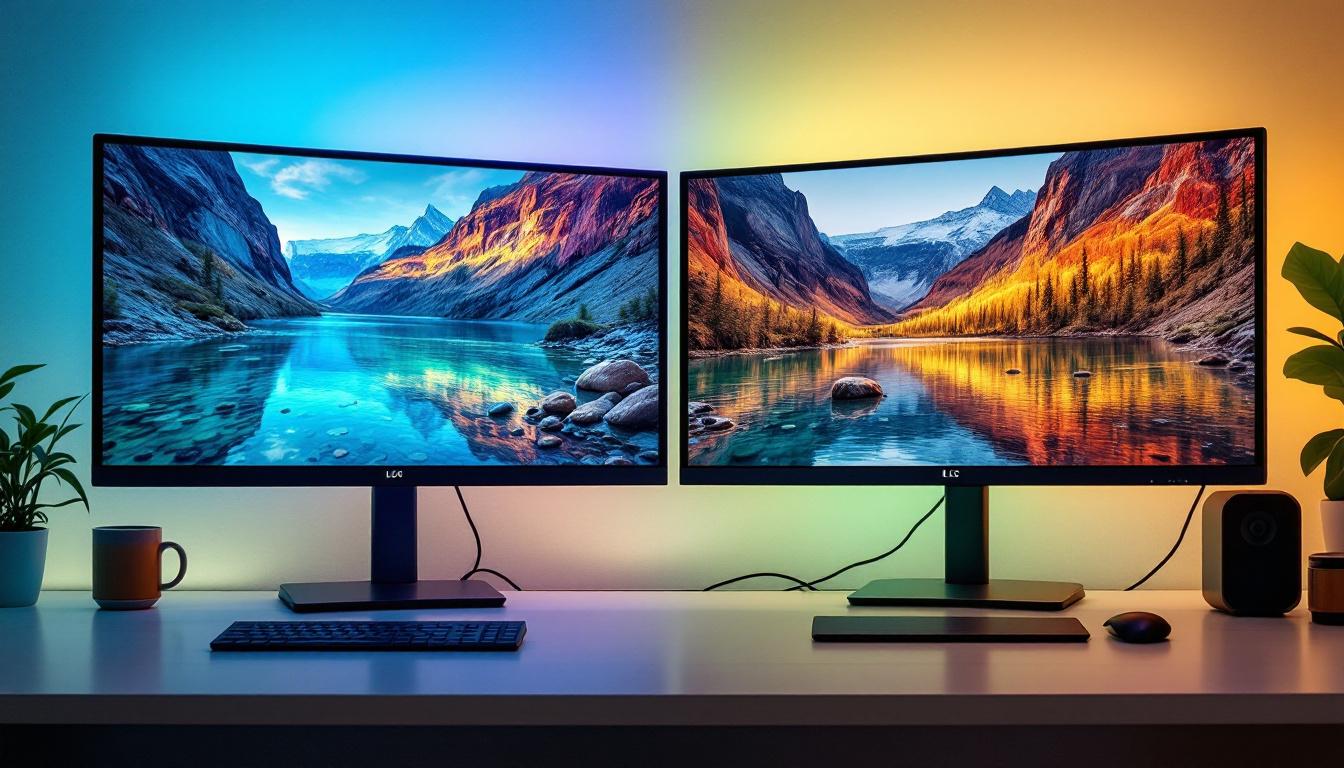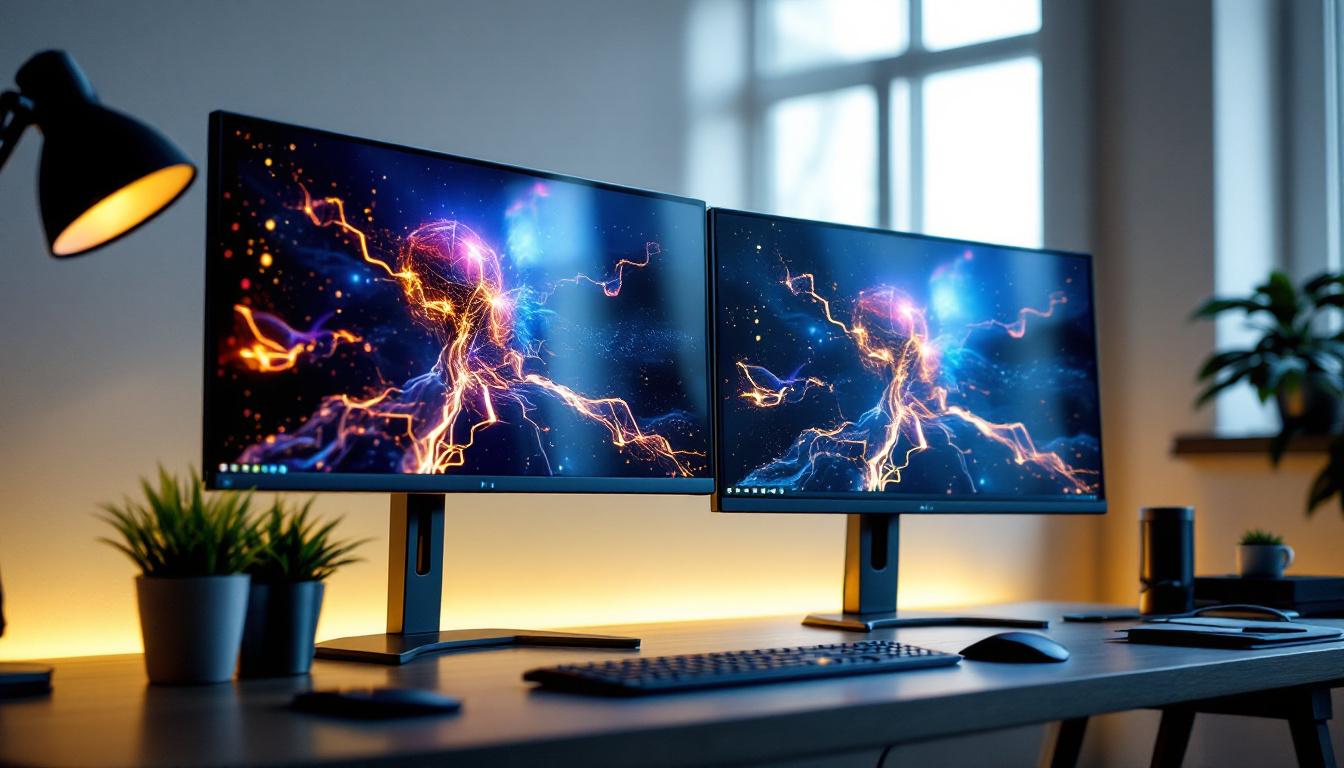
In today’s fast-paced digital world, having an efficient and visually immersive workspace is essential for productivity, creativity, and comfort. Dual 27-inch monitors have become a popular setup for professionals, gamers, and content creators alike, offering a perfect balance of screen real estate and ergonomic convenience. Among the various display technologies available, LED displays stand out for their brightness, color accuracy, and energy efficiency. This article delves into the world of dual 27-inch LED monitors, explaining their benefits, technical aspects, and how to optimize such a setup for maximum performance.
Why Choose Dual 27-Inch Monitors?
The decision to use two 27-inch monitors instead of a single ultrawide or smaller dual monitors is driven by several practical and ergonomic considerations. A 27-inch screen size provides ample workspace without overwhelming the user, making it an ideal middle ground for multitasking and immersive viewing.
Enhanced Productivity Through Multitasking
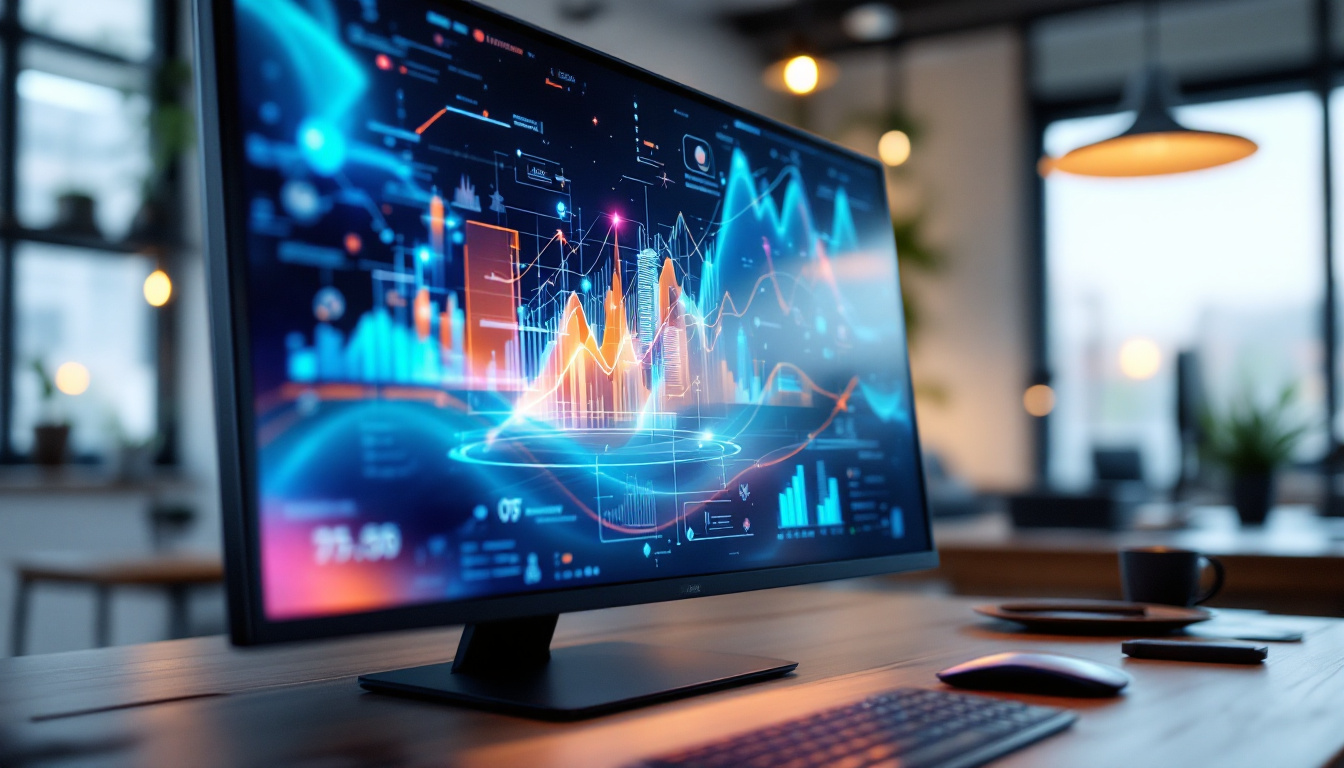
One of the primary reasons professionals opt for dual 27-inch monitors is the significant boost in productivity. Studies have shown that dual-monitor setups can increase productivity by up to 42%, as users can view multiple applications simultaneously without constantly switching windows. For example, a graphic designer can have editing software open on one screen while referencing images or tutorials on the other. Similarly, financial analysts can monitor live data feeds on one monitor while working on spreadsheets on the other.
This setup reduces the cognitive load and time lost in toggling between tabs, fostering a smoother workflow. The 27-inch size is large enough to display detailed content clearly but compact enough to fit comfortably on most desks.
Optimal Viewing Experience
Compared to smaller monitors, 27-inch displays provide a more immersive experience without the need for excessive head movement. When placed side by side, they create a seamless visual field that is perfect for gaming, video editing, and programming. The aspect ratio of 16:9 is standard for these monitors, ensuring compatibility with most software and media content.
Moreover, the physical size allows for higher resolutions such as 2560×1440 (QHD), which offers sharper images and more screen real estate than Full HD (1920×1080). This resolution strikes a good balance between clarity and performance, as it is less demanding on graphics hardware than 4K displays.
Understanding LED Display Technology
LED, or Light Emitting Diode, technology is widely used in modern monitors due to its superior performance characteristics compared to older display types like CCFL (Cold Cathode Fluorescent Lamp) backlit LCDs. However, it’s important to clarify that LED monitors are essentially LCD panels illuminated by LEDs rather than true LED displays, which are less common and more expensive.
How LED Backlighting Works
Traditional LCD monitors use fluorescent lamps to backlight the screen, which consume more power and provide less uniform lighting. LED monitors replace these lamps with arrays of LEDs, which are smaller, more energy-efficient, and capable of producing brighter and more consistent backlighting.
There are two main types of LED backlighting used in monitors:
- Edge-Lit LED: LEDs are placed along the edges of the screen, and light is spread across the display using light guides. This design allows for thinner monitors but can sometimes lead to uneven brightness.
- Full-Array LED: LEDs are distributed evenly behind the entire screen, providing better brightness uniformity and enabling local dimming features, which improve contrast ratios.
Advantages of LED Displays
LED monitors offer several advantages that make them the preferred choice for dual 27-inch setups:
- Brightness and Contrast: LED backlighting can achieve higher brightness levels, typically ranging from 250 to 400 nits or more, enhancing visibility in well-lit environments. Local dimming capabilities in full-array LED monitors also improve contrast ratios, resulting in deeper blacks and more vibrant colors.
- Energy Efficiency: LEDs consume less power than CCFL backlights, which translates to lower electricity bills and less heat generation, contributing to a cooler working environment.
- Color Accuracy: Many LED monitors support wide color gamuts such as sRGB, AdobeRGB, and DCI-P3, which are crucial for tasks requiring color precision like photo editing and video production.
- Longevity and Durability: LEDs have a longer lifespan and are more robust compared to fluorescent lamps, reducing the need for replacements and maintenance.
Key Specifications to Consider for Dual 27-Inch LED Monitors
Choosing the right dual 27-inch LED monitors involves understanding several technical specifications that impact performance and user experience. Here are the most critical factors to keep in mind:
Resolution and Pixel Density
Resolution determines the clarity and detail of the image displayed. For 27-inch monitors, 2560×1440 pixels (QHD) is the sweet spot, offering a sharp image without overly taxing the graphics card. Some users may prefer 4K (3840×2160) for even higher detail, but this requires more powerful hardware and can make text and icons appear smaller unless scaling is adjusted.
Pixel density, measured in pixels per inch (PPI), affects how crisp the display looks. A 27-inch QHD monitor typically has a PPI around 108, which is comfortable for most users. Higher pixel densities offer finer detail but may require scaling adjustments in the operating system.
Refresh Rate and Response Time
Refresh rate, measured in hertz (Hz), indicates how many times the screen updates per second. A standard office monitor runs at 60Hz, which is sufficient for most productivity tasks. However, gamers and video editors may benefit from higher refresh rates such as 75Hz, 120Hz, or even 144Hz, which provide smoother motion and reduce eye strain.
Response time, typically measured in milliseconds (ms), refers to how quickly a pixel can change from one color to another. Lower response times (1-5ms) are ideal for fast-moving content, reducing motion blur and ghosting effects.
Color Accuracy and Gamut
For professionals in creative fields, color accuracy is paramount. Look for monitors that come factory-calibrated with a Delta E value below 2, indicating minimal color deviation. Support for wide color gamuts like AdobeRGB (99%) or DCI-P3 (90%+) ensures vibrant and true-to-life colors.
Some monitors also include hardware calibration support, allowing users to fine-tune color profiles using calibration tools for consistent results across devices.
Connectivity Options
Dual monitor setups require sufficient connectivity to handle multiple inputs and outputs. Common ports include HDMI, DisplayPort, USB-C, and USB hubs. USB-C with Power Delivery is especially useful for connecting laptops and reducing cable clutter.
Ensure that the monitors support daisy-chaining via DisplayPort MST (Multi-Stream Transport) if you want to connect multiple monitors through a single cable, simplifying cable management.
Setting Up a Dual 27-Inch LED Monitor Workspace
Proper setup is crucial to maximize the benefits of dual 27-inch LED monitors. Ergonomics, calibration, and cable management all play a role in creating an efficient and comfortable workspace.
Ergonomic Placement
Position the monitors so that the top of the screens is at or slightly below eye level to reduce neck strain. The monitors should be about an arm’s length away, with the screens angled inward slightly to create a natural viewing curve.
When using dual monitors, decide whether to treat them as one extended desktop or two separate screens. For tasks requiring focus on one screen, it’s common to center the primary monitor directly in front and place the secondary monitor to the side.
Calibration and Color Consistency
Even identical models can have slight variations in color and brightness. Use a color calibration tool to adjust both monitors for consistent output, especially important for photo editing, video production, and design work. Many monitors come with built-in presets for different color modes, but hardware calibration provides the most accurate results.
Cable Management and Desk Organization
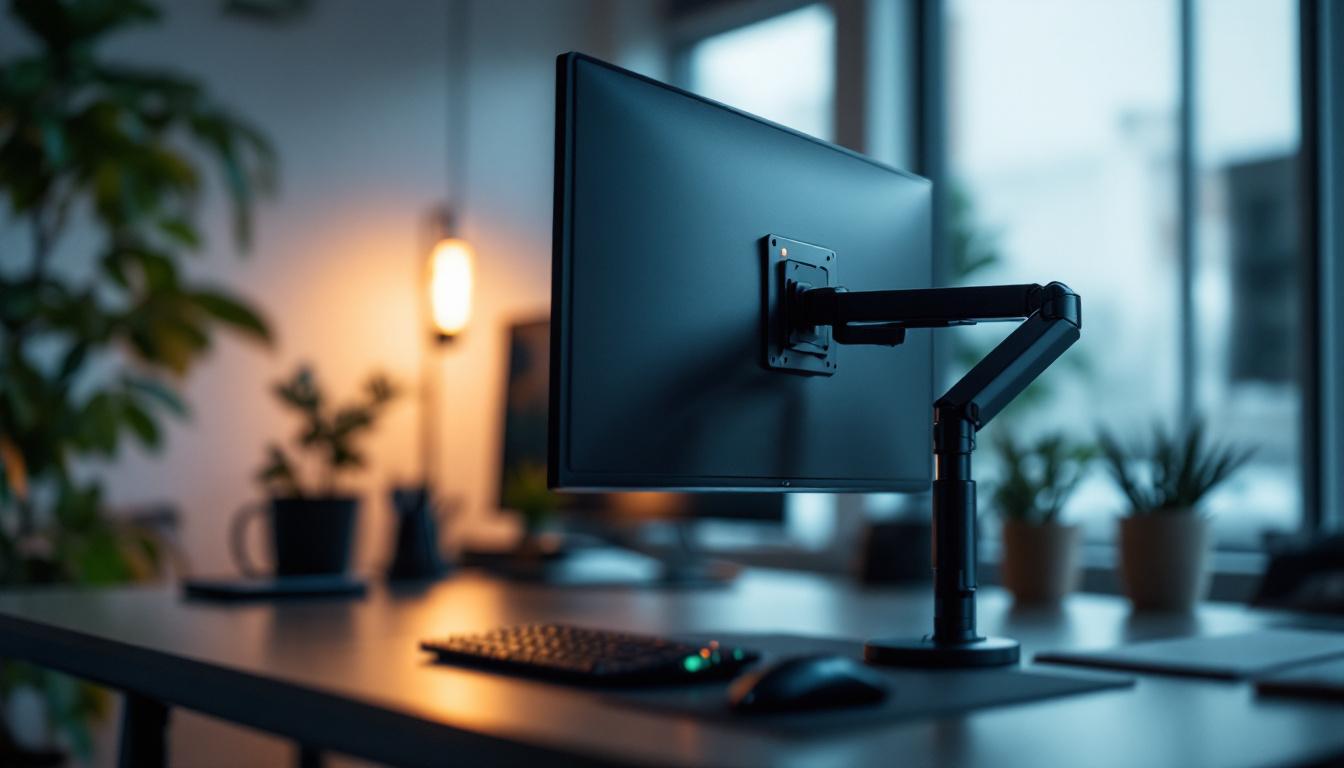
With two 27-inch monitors, cable clutter can quickly become an issue. Use cable organizers, clips, or sleeves to keep power cords, video cables, and USB connections tidy. Consider monitor arms or stands that include integrated cable management features to free up desk space and improve airflow.
Popular Dual 27-Inch LED Monitors on the Market
Several manufacturers offer high-quality 27-inch LED monitors suitable for dual setups. Here are some examples that have received positive reviews for performance and value:
Dell UltraSharp U2723QE
This 27-inch 4K monitor features an IPS panel with excellent color accuracy, covering 99% sRGB and 98% DCI-P3. It includes USB-C with 90W power delivery, making it ideal for laptop users. The factory calibration and ergonomic stand make it a solid choice for professionals.
LG 27GL850-B
Designed with gamers in mind, this 27-inch QHD monitor boasts a 144Hz refresh rate and 1ms response time. It supports HDR10 and covers 98% of the DCI-P3 color space, offering vibrant visuals for gaming and content creation.
ASUS ProArt PA278CV
Targeted at creative professionals, this monitor offers 100% sRGB and 100% Rec. 709 color coverage with factory calibration. It features a USB-C port and an ergonomic stand, making it a versatile option for dual-monitor setups.
Conclusion: Is a Dual 27-Inch LED Monitor Setup Right for You?
Dual 27-inch LED monitors strike a compelling balance between size, resolution, and versatility, making them an excellent choice for a wide range of users. Whether you’re a professional seeking enhanced productivity, a gamer craving immersive visuals, or a creative professional requiring color accuracy, this setup can elevate your digital workspace.
Understanding the nuances of LED display technology, key specifications, and ergonomic setup will help you make an informed decision and optimize your experience. Investing in quality monitors with the right features tailored to your needs ensures a future-proof and comfortable workstation that supports your goals.
Discover the Future of Visual Displays with LumenMatrix
Ready to take your digital workspace to the next level? LumenMatrix is at the forefront of LED display innovation, offering a wide array of solutions that cater to your every need. From immersive Indoor LED Wall Displays to dynamic Outdoor LED Wall Displays, and from versatile Vehicle LED Displays to sleek LED Poster Displays, our technology is designed to captivate and engage. Experience the pinnacle of color accuracy, brightness, and energy efficiency with our LED Sports Displays, Floor LED Displays, and Custom LED solutions. Embrace the revolution in visual communication with LumenMatrix’s All-in-One and Transparent LED Displays, and let your business’s message shine with unparalleled impact. Check out LumenMatrix LED Display Solutions today and transform your professional environment into a space of productivity and inspiration.