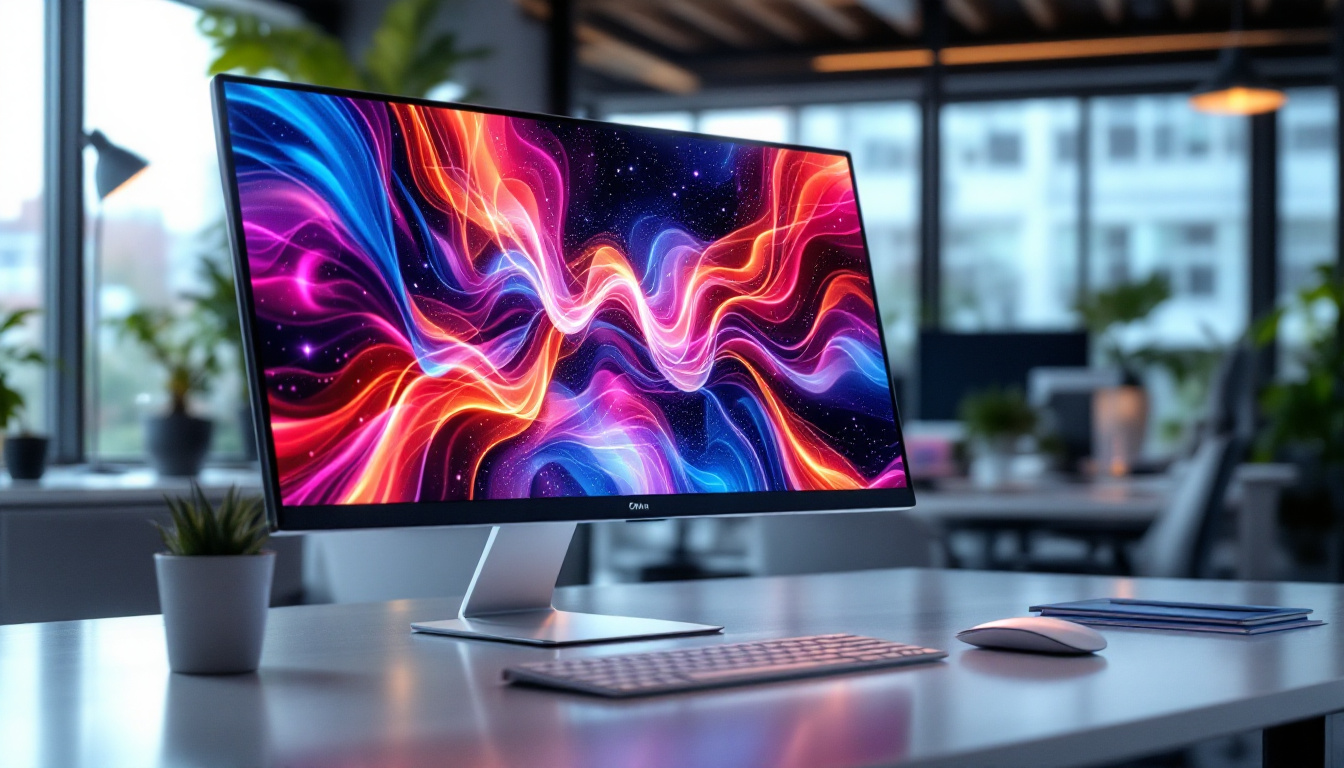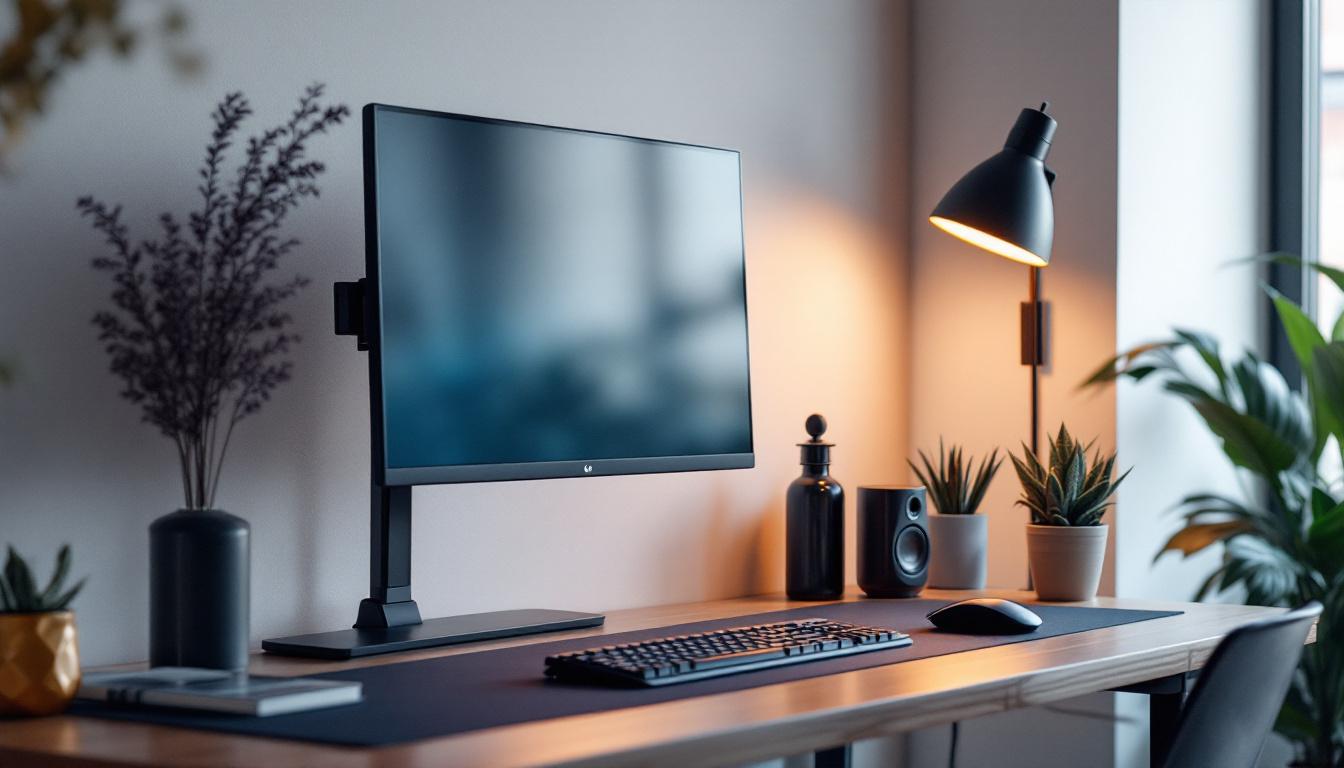
In today’s digital workspace, the importance of a well-organized and ergonomic desktop setup cannot be overstated. With LED monitors becoming the standard for clarity, color accuracy, and energy efficiency, choosing the right monitor mount is crucial for maximizing both comfort and productivity. This comprehensive guide explores the best desktop monitor mounts tailored for LED displays, explaining their features, benefits, and how to select the perfect mount for your needs.
“`html
Why Choose a Monitor Mount for Your LED Display?
LED monitors offer vibrant colors, sharp images, and energy-saving benefits, making them a popular choice for both professional and personal use. However, the physical placement of your monitor greatly affects your viewing experience and workspace ergonomics. A desktop monitor mount can transform your setup by providing flexibility, saving desk space, and promoting better posture.
According to a 2023 study by the American Optometric Association, improper monitor height and distance are among the leading causes of eye strain and neck pain for office workers. Using a monitor mount helps address these issues by allowing precise adjustments to the height, tilt, and orientation of your LED display.
Ergonomics and Comfort
One of the primary advantages of a monitor mount is its ability to position your LED screen at eye level, reducing strain on your neck and shoulders. This ergonomic benefit is essential for those who spend long hours in front of their computers, such as graphic designers, programmers, and remote workers.
Moreover, adjustable mounts enable users to switch between sitting and standing positions seamlessly, supporting dynamic work habits that improve circulation and reduce fatigue. This flexibility not only enhances comfort but also encourages a more active work style, which can lead to increased productivity and creativity. By integrating movement into your work routine, you can stave off the lethargy that often accompanies prolonged periods of sitting.
Desk Space Optimization
Traditional monitor stands consume valuable desk space, often limiting room for other essential items. By elevating your LED display with a mount, you free up surface area for documents, peripherals, or even decorative elements, creating a cleaner and more organized workspace.
In addition to maximizing desk space, monitor mounts can also facilitate better cable management. Many mounts come equipped with integrated cable management systems that help keep cords tidy and out of sight, reducing clutter and enhancing the overall aesthetic of your workspace. This not only contributes to a more professional appearance but also minimizes the risk of tangling and accidental disconnections, allowing for a more efficient work environment.
“`
Types of Desktop Monitor Mounts for LED Displays
Choosing the right type of monitor mount depends on your workspace layout, the size and weight of your LED display, and your personal preferences for adjustability. Here are the most common types of desktop monitor mounts:
Clamp Mounts
Clamp mounts attach to the edge of your desk using a sturdy clamp mechanism. They are popular for their ease of installation and minimal desk footprint. Clamp mounts are ideal for desks with a thick edge and provide excellent adjustability, including height, tilt, and swivel.
Many clamp mounts support single or dual monitors, making them versatile for various setups. They also allow easy repositioning without drilling holes or permanent modifications to your desk.
Grommet Mounts
Grommet mounts require a pre-existing hole in your desk or the creation of one to secure the mount. This type offers a very stable and secure attachment, which is beneficial for heavier LED monitors or multi-monitor arms.
While installation is a bit more involved than clamp mounts, grommet mounts provide a clean and professional look by routing cables through the desk hole, reducing clutter.
Freestanding Mounts
Freestanding mounts rest directly on your desk surface without any attachment to the desk itself. They are the simplest to install and move but typically offer less stability and adjustability compared to clamp or grommet mounts.
These mounts are suitable for users who prefer not to modify their desks or need a portable mounting solution for temporary setups.
Wall Mounts (Desktop Adjacent)
Though not strictly desktop mounts, wall mounts positioned near the desk can be an excellent option for saving desk space. They require wall installation and are ideal for fixed setups where the monitor position does not need frequent adjustment.
Key Features to Look for in a Monitor Mount for LED Displays
When selecting a monitor mount for your LED display, several features should be considered to ensure compatibility and functionality:
Weight and Size Compatibility
LED monitors vary widely in size and weight, from compact 21-inch models to ultra-wide 34-inch displays. Always check the mount’s maximum weight capacity and supported screen sizes to ensure safe and stable mounting.
For example, a mount rated for up to 17.6 pounds (8 kg) is suitable for most 27-inch LED monitors, but larger or curved screens may require mounts with higher weight limits.
Adjustability
Look for mounts offering multiple degrees of freedom, including height adjustment, tilt, swivel, and rotation. These features allow you to customize the viewing angle for optimal comfort and reduce glare from ambient lighting.
Some advanced mounts include gas spring arms for smooth, effortless movement, while others rely on friction joints or manual adjustments.
VESA Compatibility
The Video Electronics Standards Association (VESA) defines standardized mounting hole patterns on the back of monitors. Common VESA sizes include 75×75 mm and 100×100 mm. Ensuring your LED monitor and mount share the same VESA pattern is essential for compatibility.
Cable Management
Integrated cable management systems help keep your workspace tidy by routing power and data cables along the mount arm or base. This feature reduces clutter and protects cables from damage.
Build Quality and Materials
A durable monitor mount constructed from high-quality materials like steel or aluminum ensures long-lasting stability and safety for your LED display. Avoid mounts made from cheap plastics that may degrade or fail over time.
Top Desktop Monitor Mounts for LED Displays in 2024
Based on current market trends, user reviews, and expert recommendations, here are some of the best desktop monitor mounts optimized for LED displays:
1. Fully Jarvis Monitor Arm
The Fully Jarvis Monitor Arm is a premium choice known for its robust build and smooth gas spring mechanism. It supports monitors up to 19.8 pounds and fits VESA patterns 75×75 mm and 100×100 mm.
Its wide range of motion includes height adjustment, tilt, swivel, and rotation, making it ideal for ergonomic setups. The arm features integrated cable management and can be installed via clamp or grommet.
2. Ergotron LX Desk Mount
Ergotron is a trusted name in ergonomic office solutions, and the LX Desk Mount lives up to that reputation. It supports monitors up to 25 pounds and offers excellent flexibility with tilt, swivel, and height adjustment.
The mount’s polished aluminum finish adds a sleek, professional look, and its durable construction ensures stability for larger LED displays.
3. AmazonBasics Premium Single Monitor Stand
For those seeking a budget-friendly yet reliable option, the AmazonBasics Premium Single Monitor Stand offers solid performance. It supports monitors up to 25 pounds and includes tilt, swivel, and height adjustments.
The stand is easy to assemble and compatible with most VESA patterns, making it a practical choice for home offices and casual users.
4. VIVO Dual Monitor Desk Mount
If you use multiple LED monitors, the VIVO Dual Monitor Desk Mount provides excellent value and functionality. It supports two monitors up to 22 pounds each, with full articulation and height adjustment.
The mount clamps securely to the desk and includes cable management clips to keep your setup neat.
5. HUANUO Full Motion Monitor Arm
The HUANUO Full Motion Monitor Arm is notable for its versatility and ease of installation. It supports monitors up to 19.8 pounds and offers a gas spring arm for smooth movement.
Its cable management system and compatibility with clamp and grommet mounting options make it a flexible solution for various desk configurations.
Installation Tips for Desktop Monitor Mounts
Proper installation is key to maximizing the benefits of your monitor mount. Here are some tips to ensure a safe and efficient setup:
Check Desk Thickness and Material
Before purchasing a clamp or grommet mount, verify your desk’s thickness and material compatibility. Most clamps fit desks between 0.4 to 3.5 inches thick, but this can vary by model.
Ensure the desk surface is sturdy enough to support the mount and monitor weight without damage.
Use a Level and Measure Carefully
When installing the mount, use a level to ensure your monitor will be perfectly horizontal. Measure distances carefully to position the monitor at eye level and maintain an appropriate viewing distance of about 20 to 30 inches.
Secure All Screws and Bolts
Tighten all fasteners securely but avoid overtightening, which can strip threads or damage components. Follow the manufacturer’s torque recommendations if provided.
Route Cables Neatly
Utilize the mount’s cable management features to route power and video cables along the arm or base. This prevents tangling and reduces wear on cables.
Conclusion: Enhancing Your LED Display Experience with the Right Monitor Mount
A quality desktop monitor mount is an investment in your comfort, productivity, and workspace aesthetics. By selecting a mount that matches your LED display’s size and weight, offers ample adjustability, and fits your desk setup, you can create a healthier and more efficient work environment.
Whether you prefer the flexibility of a clamp mount, the stability of a grommet mount, or the portability of a freestanding model, the options available in 2024 cater to a wide range of needs and budgets. Prioritizing ergonomic principles and thoughtful installation will ensure your LED display not only looks great but also supports your well-being during long hours at the computer.
“`html
Discover the Ultimate LED Display Solutions with LumenMatrix
Now that you understand the importance of the right monitor mount for your LED display, take the next step in elevating your visual experience with LumenMatrix. As a pioneer in LED display technology, LumenMatrix offers an extensive range of innovative products designed to bring your brand to life and captivate your audience. From Indoor LED Wall Displays to Custom LED Solutions, our mission is to transform your visual communication with unparalleled clarity and impact. Check out LumenMatrix LED Display Solutions today and see the difference cutting-edge technology can make.
“`