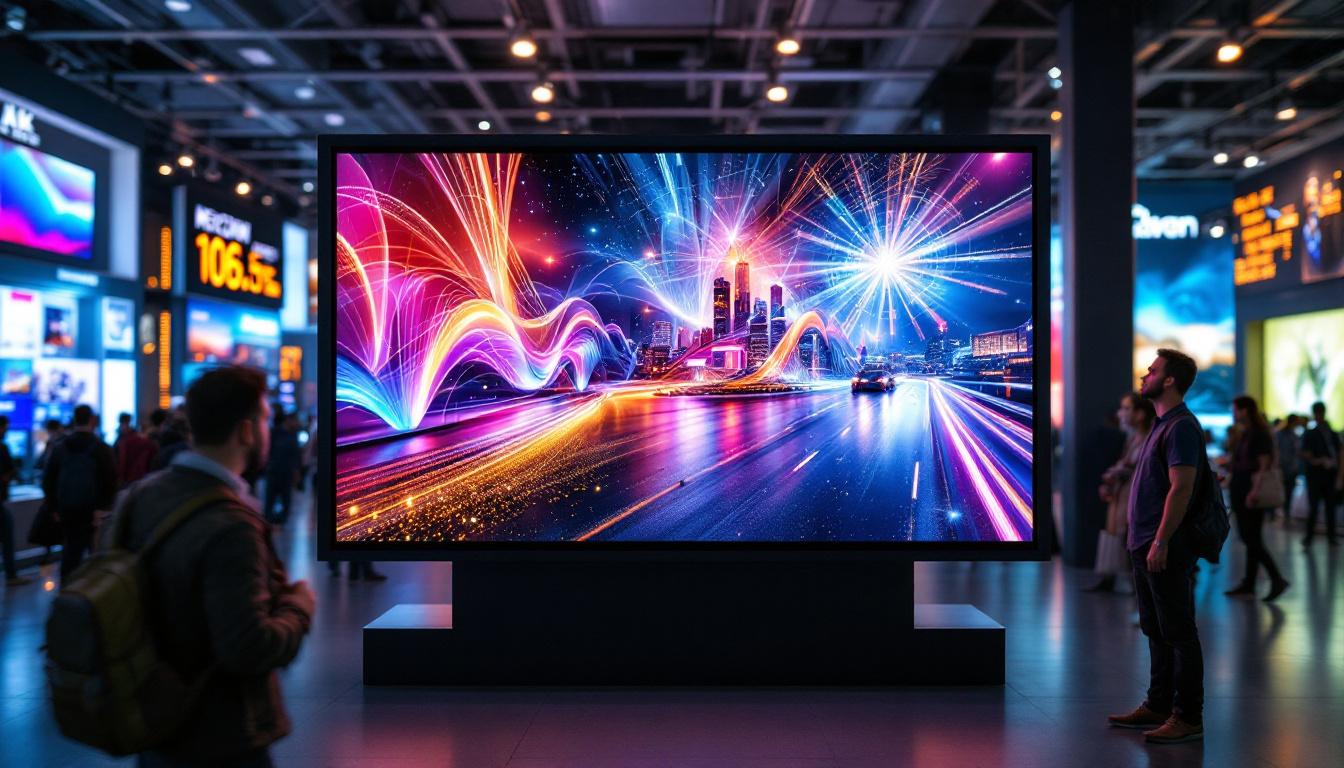
In the world of digital signage, events, and advertising, LED displays have revolutionized how visual content is delivered. From stadium scoreboards to dynamic billboards and indoor video walls, LED technology offers unparalleled brightness, flexibility, and impact. However, the magic behind these vibrant screens is not just in the LEDs themselves but in the controllers that drive them. This article delves into the essential role of controller videos in understanding LED displays, explaining how they work, and why they are crucial for optimal performance.
Understanding LED Displays: The Basics
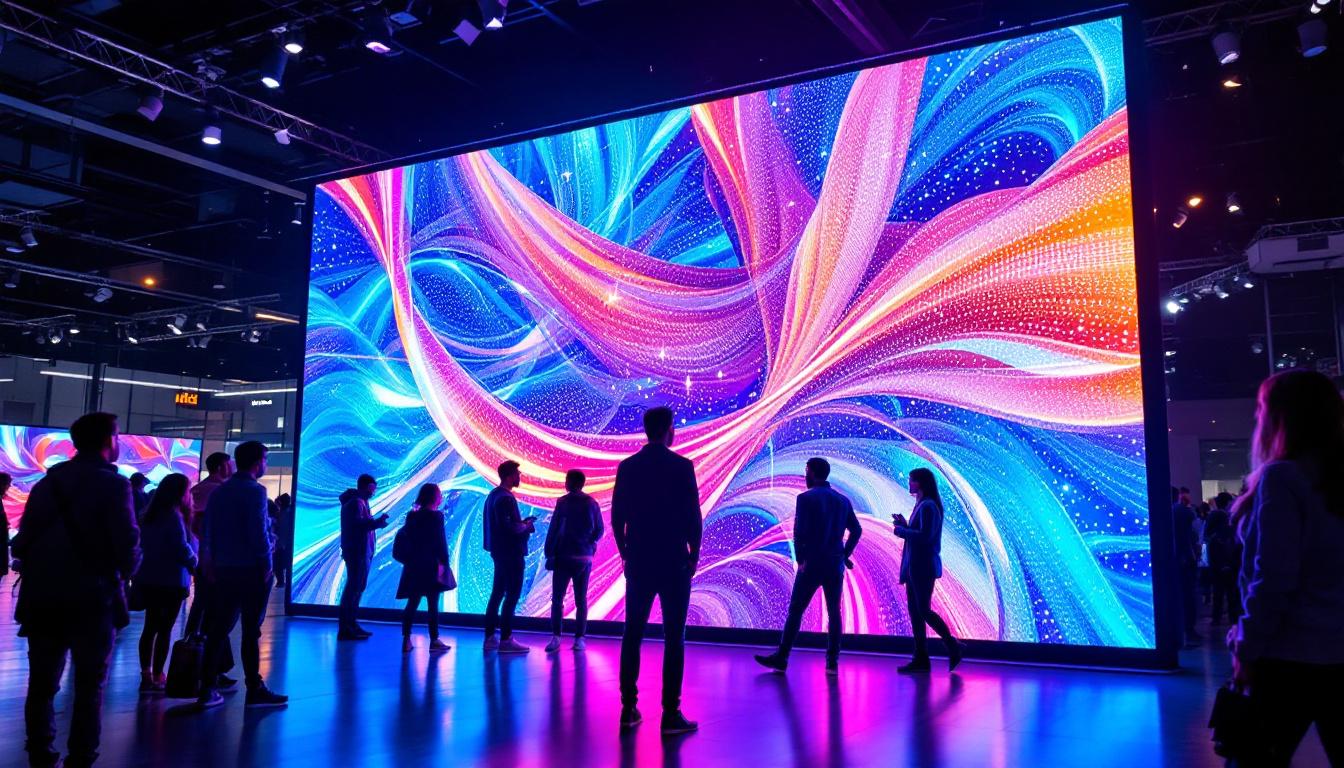
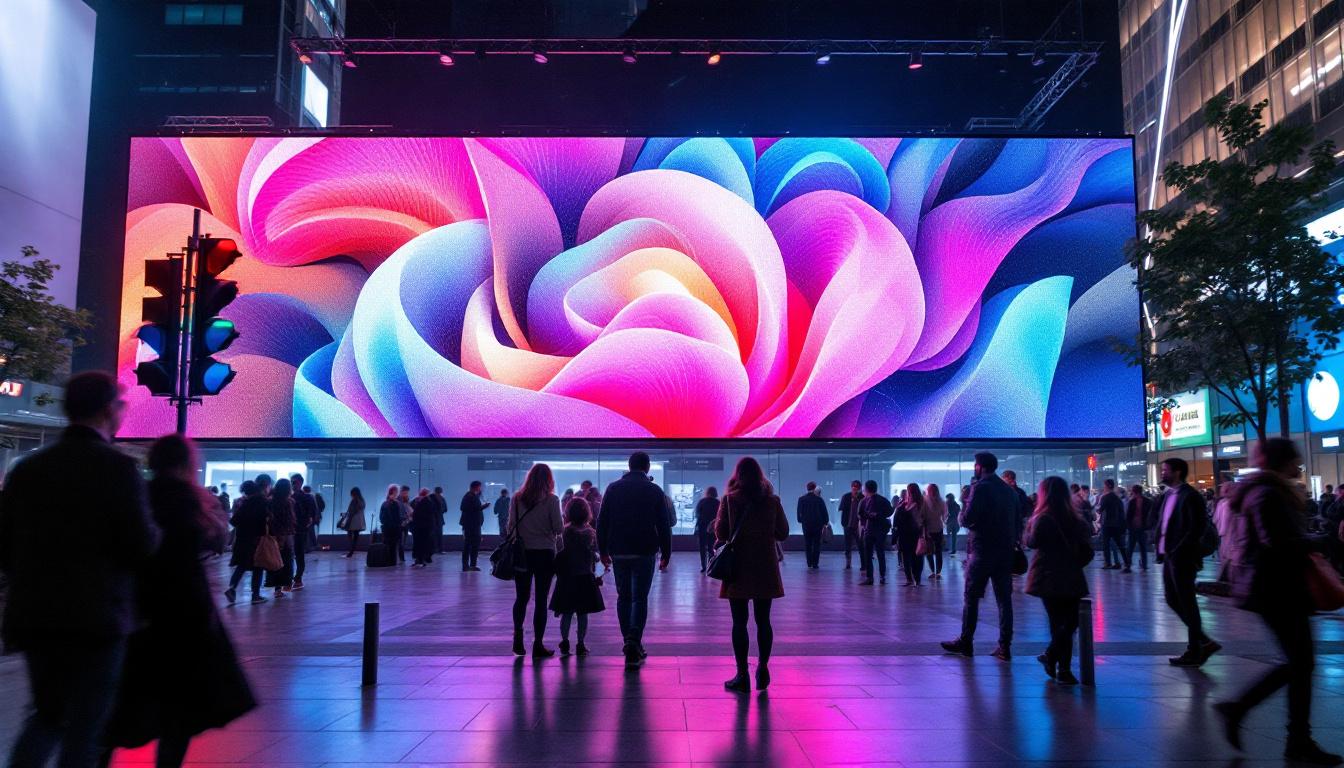
LED (Light Emitting Diode) displays are composed of thousands, sometimes millions, of tiny LEDs arranged in a matrix. Each LED acts as a single pixel, emitting light when an electric current passes through it. The combination of these pixels creates images, videos, and animations that can be seen clearly even in bright daylight conditions.
The versatility of LED displays comes from their modular design. Panels can be combined to create screens of various sizes and shapes, making them suitable for both indoor and outdoor applications. The resolution depends on the pixel pitch—the distance between the centers of two adjacent LEDs. Smaller pixel pitches mean higher resolution and sharper images, which is vital for close-up viewing.
While the LEDs themselves are the building blocks, the true control and synchronization of the display come from the controller. This is where controller videos become an invaluable resource for professionals and enthusiasts alike. These controllers manage not just the visual output but also the timing and coordination of multiple displays, ensuring that they work together seamlessly. This is especially important for large-scale installations, such as those found in stadiums or concert venues, where multiple screens need to present a unified image or video stream.
Moreover, the advancements in LED technology have led to the development of various types of displays, including OLED (Organic LED) and MicroLED. OLED displays offer deeper blacks and vibrant colors due to their ability to turn off individual pixels completely, while MicroLED technology promises even greater efficiency and brightness by using microscopic LEDs. These innovations are pushing the boundaries of what is possible with digital displays, allowing for thinner, lighter, and more energy-efficient screens that can adapt to a variety of environments and applications.
The Role of Controller Videos in LED Display Technology
What Are Controller Videos?
Controller videos are instructional or demonstration videos that showcase how LED display controllers operate. These videos often include step-by-step guides on setup, configuration, troubleshooting, and optimization of LED screens. They provide visual explanations of complex processes, making it easier to understand the technical aspects of LED display management.
For anyone involved in LED display installation, maintenance, or content creation, controller videos serve as practical tools to gain hands-on knowledge. They bridge the gap between theoretical understanding and real-world application, reducing errors and improving efficiency. By utilizing these videos, users can familiarize themselves with the specific models of controllers they are working with, as different brands may have unique features and interfaces that require tailored approaches.
Additionally, controller videos often include tips from industry experts, offering insights into best practices that can enhance performance and longevity of the LED displays. This not only boosts user confidence but also fosters a deeper appreciation for the technology behind LED displays.
Why Are Controller Videos Important?
LED display controllers are sophisticated devices that manage the flow of data to the LED panels. They ensure that images and videos are displayed correctly, with accurate color reproduction, timing, and synchronization. Without proper control, the display can suffer from issues like flickering, color distortion, or incomplete images.
Controller videos help users grasp these nuances by visually demonstrating how to configure settings such as refresh rates, grayscale levels, and color calibration. They also illustrate how to connect various input sources, from computers to media players, and how to troubleshoot common problems. This visual learning format is particularly beneficial for those who may struggle with written instructions or technical manuals, allowing them to see the process in action.
Moreover, as LED technology evolves rapidly, controller videos keep users updated on the latest features and best practices, ensuring that displays perform at their best. They often highlight new software updates or firmware improvements that can enhance functionality, as well as showcase innovative applications of LED technology in various settings, from live events to advertising. By staying informed through these videos, users can leverage advancements in technology to create more engaging and visually stunning displays, ultimately enhancing the viewer experience.
Key Components of LED Display Controllers Explained
Hardware Components
The core of an LED display controller is its hardware, which typically includes:
- Receiving Cards: These cards receive data from the sending cards and distribute it to the LED panels. They are responsible for pixel-level control.
- Sending Cards: Sending cards transmit the video signal from the source device to the receiving cards. They act as the bridge between the content source and the LED display.
- Power Supply Units: Reliable power supplies are critical to maintain stable operation and prevent flickering or damage.
- Control Software Interface: Often integrated with the hardware, this software allows users to configure and monitor the display settings.
Controller videos often provide detailed visuals of these components, explaining their functions and how they interconnect.
Software and Firmware
Beyond hardware, the firmware embedded in controllers and the accompanying software play a pivotal role. They enable:
- Content Management: Uploading, scheduling, and managing media files.
- Display Configuration: Adjusting resolution, brightness, contrast, and color calibration.
- Diagnostics: Monitoring system status, detecting faults, and logging errors.
Controller videos often showcase the user interface of these software tools, guiding viewers through menus and options to optimize display output.
How Controller Videos Enhance LED Display Setup and Maintenance
Step-by-Step Installation Guidance
Installing an LED display involves precise alignment, secure connections, and correct configuration. Controller videos walk users through these steps, covering:
- Connecting sending and receiving cards correctly.
- Setting up power supplies and ensuring voltage stability.
- Configuring network settings for remote control and monitoring.
- Calibrating the display to achieve uniform brightness and color.
Such detailed visual instructions reduce the learning curve and help avoid costly mistakes during installation.
Troubleshooting Common Issues
Even with careful setup, LED displays can encounter issues such as dead pixels, color inconsistencies, or synchronization errors. Controller videos provide troubleshooting tips, including:
- Identifying hardware faults through LED indicators and error codes.
- Resetting or updating firmware to resolve software glitches.
- Adjusting settings to fix flickering or image tearing.
- Performing routine maintenance to prolong display life.
By following these video guides, technicians can quickly diagnose and fix problems, minimizing downtime.
Real-World Applications and Case Studies
Outdoor Advertising and Digital Billboards
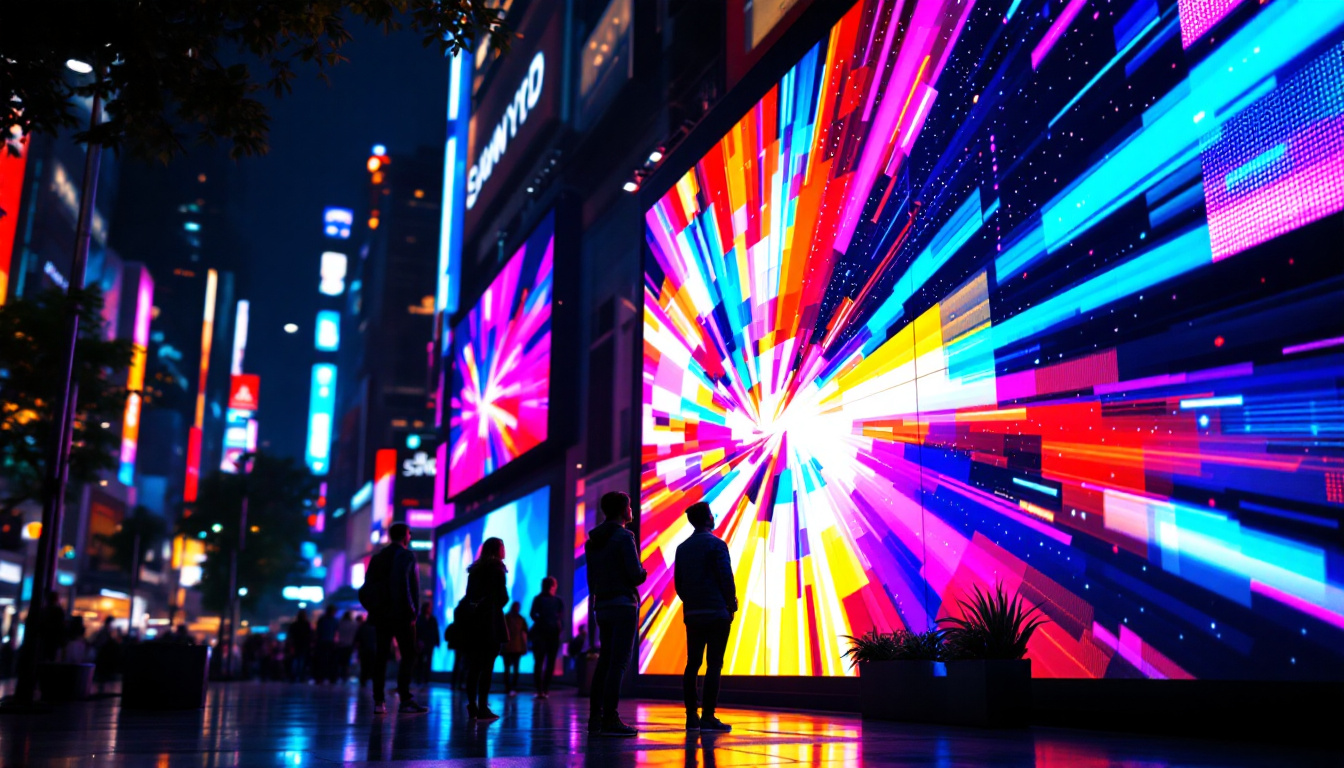
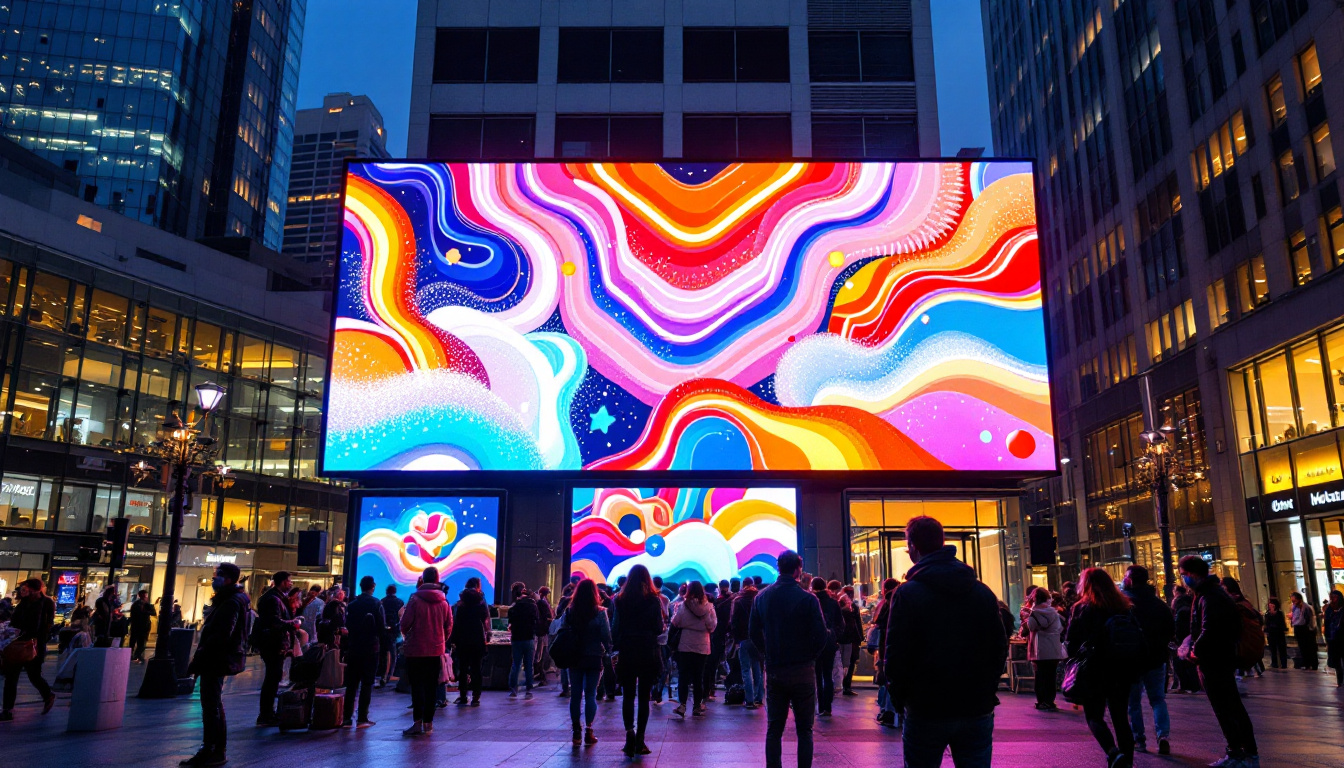
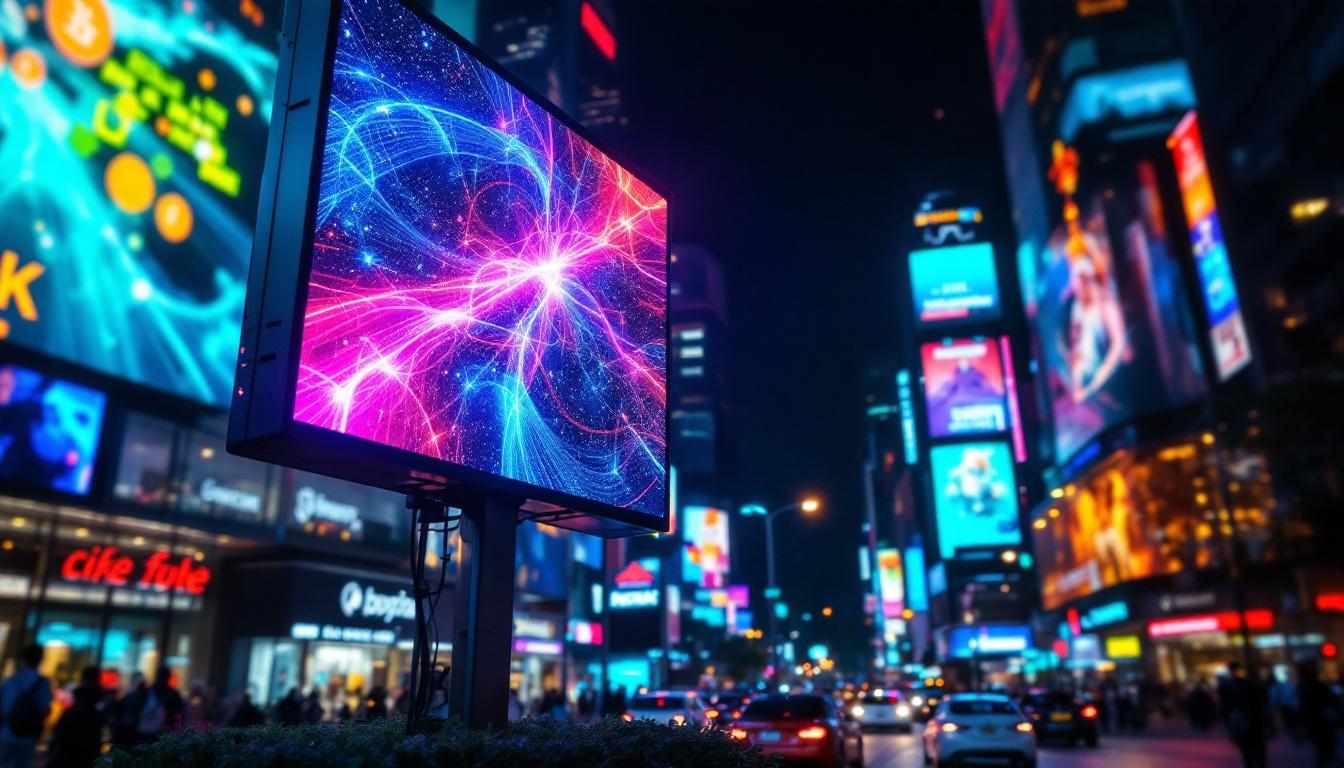
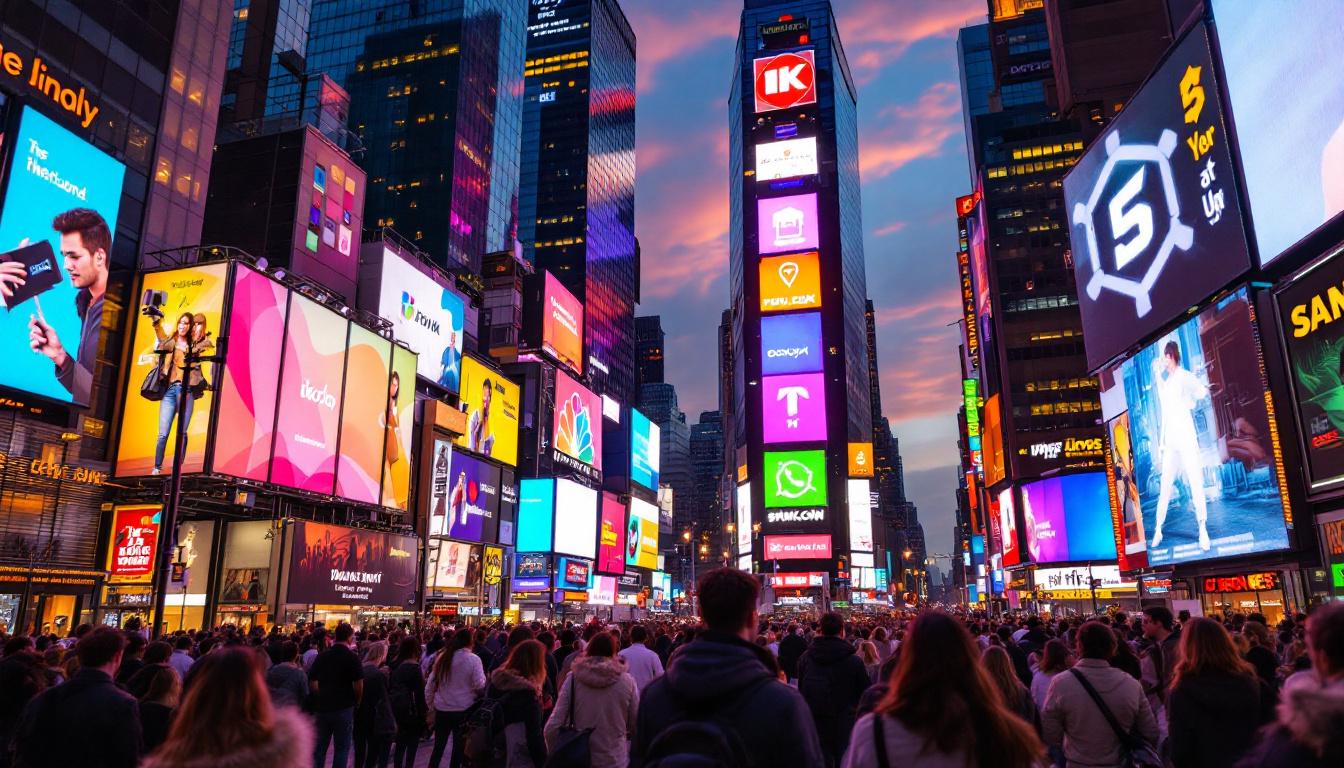
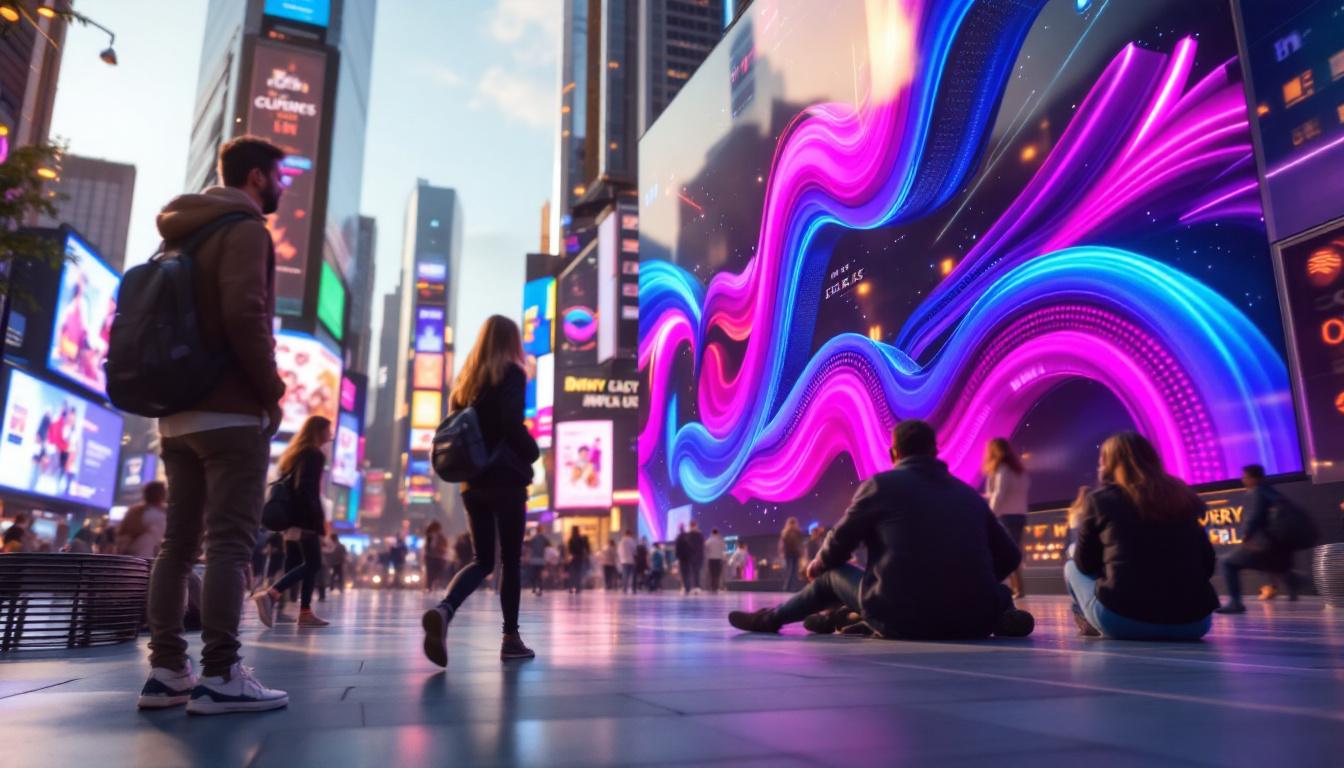
One of the most visible uses of LED displays is in outdoor advertising. High-resolution LED billboards attract attention with vibrant, dynamic content. Controller videos tailored to this application emphasize weatherproofing considerations, brightness adjustments for daylight visibility, and remote content management.
For example, a major advertising company used controller videos to train their installation teams across multiple cities, resulting in a 30% reduction in setup time and a significant decrease in post-installation issues.
Event and Entertainment Industry
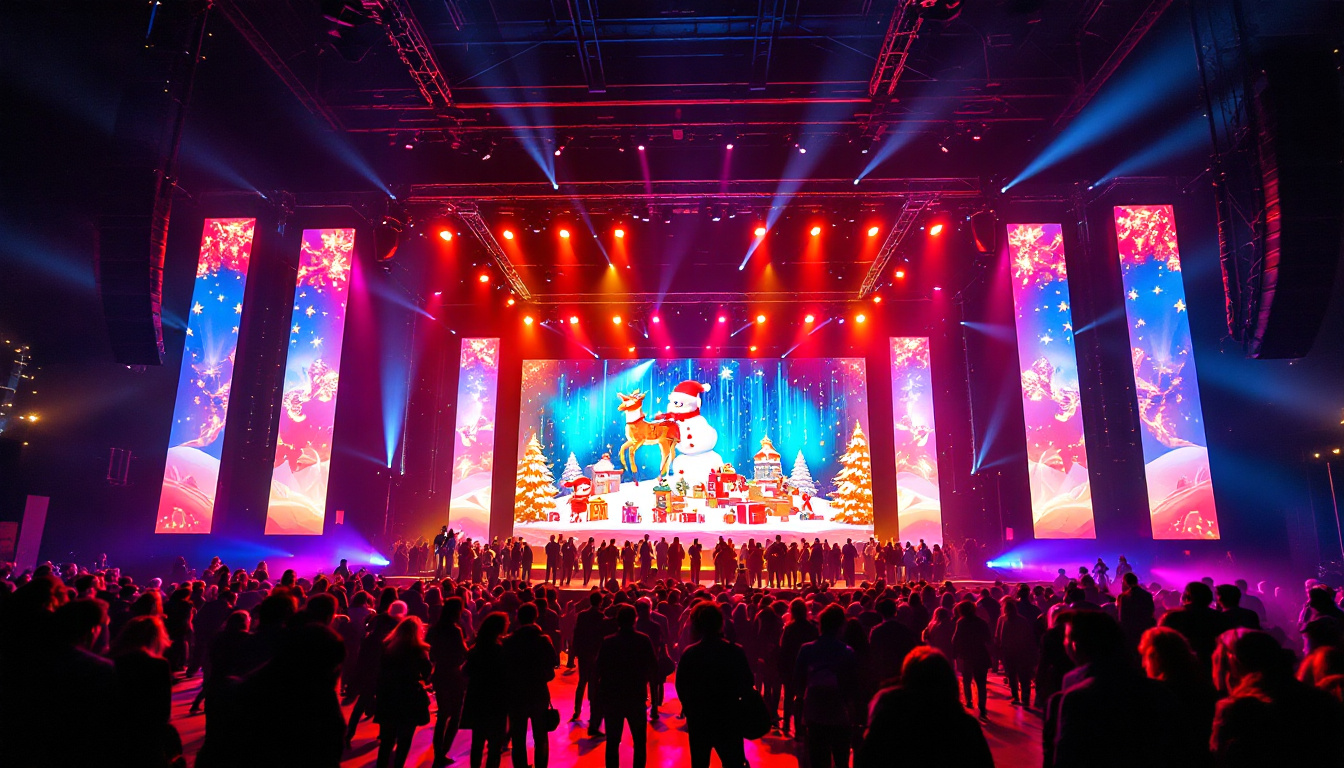
Concerts, sports events, and exhibitions rely heavily on LED video walls for immersive experiences. Controller videos demonstrate how to synchronize multiple screens, manage live feeds, and create seamless visual effects.
In a recent music festival, technicians credited controller video tutorials for enabling them to quickly adapt to last-minute content changes and maintain flawless display performance throughout the event.
Corporate and Retail Environments
Indoor LED displays are increasingly popular in corporate lobbies, retail stores, and conference centers. Controller videos guide users through fine-tuning color accuracy and integrating interactive content, enhancing brand messaging and customer engagement.
Choosing the Right Controller Video Resources
Official Manufacturer Tutorials
Many LED controller manufacturers provide official video tutorials that are highly reliable and tailored to their specific products. These videos often cover everything from unboxing to advanced configuration and are regularly updated to reflect firmware changes.
Third-Party Educational Platforms
Platforms like YouTube, LinkedIn Learning, and specialized LED technology forums host a wealth of controller videos created by industry experts and enthusiasts. These resources offer diverse perspectives and practical tips but require careful vetting to ensure accuracy.
Interactive and Live Training Sessions
Some companies and training providers offer live webinars and interactive video sessions, allowing participants to ask questions and receive real-time guidance. These formats are particularly effective for complex setups and troubleshooting scenarios.
Future Trends in LED Display Controllers and Video Resources
As LED technology advances, controllers are becoming smarter and more integrated with AI and IoT capabilities. Future controller videos will likely focus on:
- Automated calibration and self-diagnosis features.
- Cloud-based content management and remote diagnostics.
- Integration with augmented reality (AR) and virtual reality (VR) systems.
Staying updated with the latest controller video content will be essential for professionals aiming to leverage these innovations effectively.
Conclusion
LED displays are powerful tools for communication and entertainment, but their effectiveness depends heavily on the controllers that manage them. Controller videos provide invaluable insights into the setup, operation, and maintenance of these complex systems, making them essential resources for technicians, designers, and content creators.
By investing time in learning through controller videos, users can maximize the performance and longevity of their LED displays, ensuring vibrant, reliable, and impactful visual experiences across a wide range of applications.
Discover LumenMatrix’s Advanced LED Display Solutions
Ready to elevate your visual display capabilities? Explore LumenMatrix’s comprehensive range of LED display solutions, designed to captivate and engage your audience. From stunning Indoor and Outdoor LED Wall Displays to innovative options like Vehicle LED Displays, LED Posters, and even Custom LED configurations, LumenMatrix is at the forefront of transforming spaces with vibrant, high-impact visuals. Whether for advertising, live events, or dynamic installations, our mission is to enhance your brand visibility and communication. Check out LumenMatrix LED Display Solutions today and see how we can bring your vision to life with clarity and brilliance.