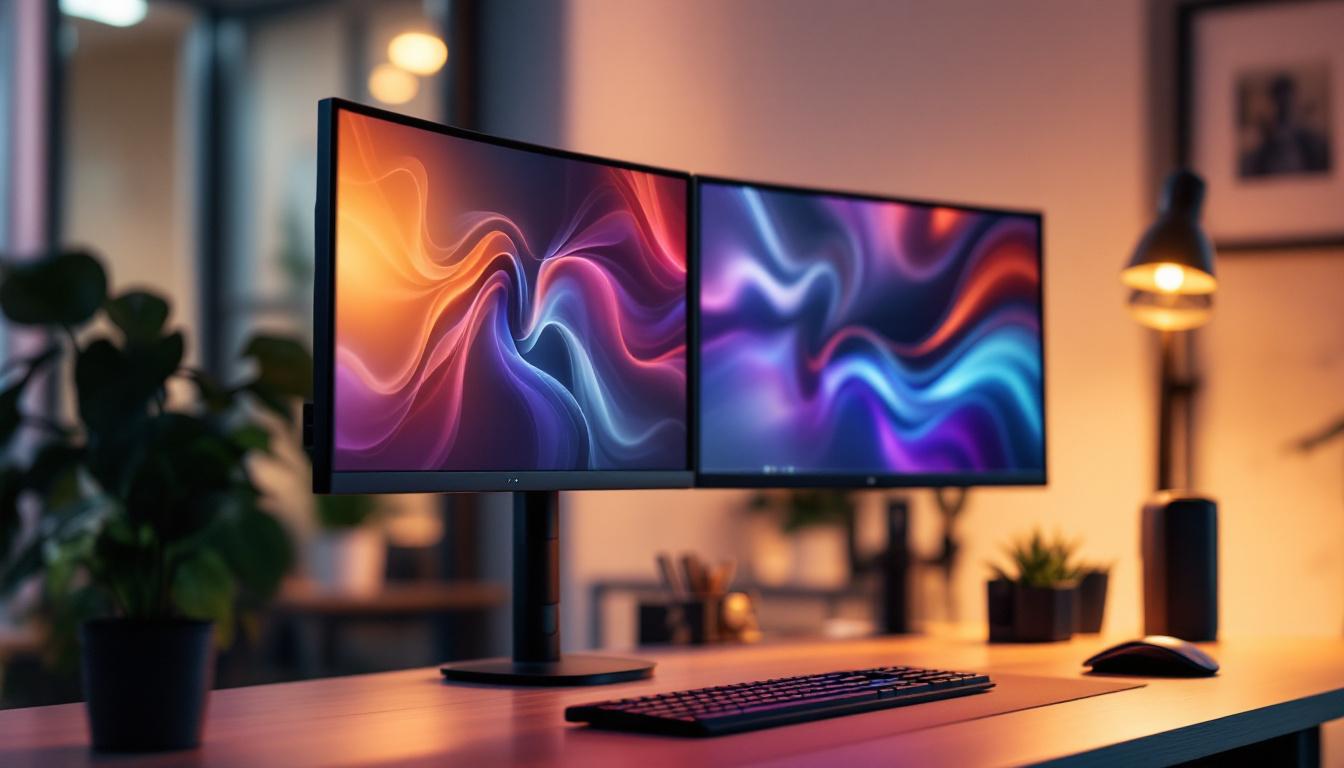
In today’s fast-paced digital world, productivity and workspace ergonomics are more important than ever. Multi-monitor setups have become a staple for professionals ranging from graphic designers to financial analysts, and even gamers. Among the various hardware options available, the three arm monitor stand has emerged as a highly efficient solution for organizing multiple screens. Coupled with LED displays, this setup offers an unparalleled visual and ergonomic experience.
This article delves into the intricacies of three arm monitor stands, focusing specifically on their compatibility and advantages when paired with LED displays. Whether you’re considering upgrading your workstation or simply curious about the technology behind these setups, this comprehensive guide will provide valuable insights.
Understanding the Three Arm Monitor Stand
Before diving into LED displays, it’s essential to understand what a three arm monitor stand is and why it’s a preferred choice for multi-monitor configurations.
What is a Three Arm Monitor Stand?
A three arm monitor stand is a mounting solution designed to hold three separate monitors simultaneously. Unlike traditional single or dual monitor stands, this setup allows users to position three screens side-by-side or in various ergonomic configurations. The arms are typically adjustable, providing flexibility in height, tilt, rotation, and distance from the user.
These stands are usually clamped or bolted to a desk, freeing up valuable workspace and reducing clutter caused by multiple monitor bases. The ability to customize the positioning of each monitor helps reduce neck and eye strain, promoting better posture and comfort during extended use. Furthermore, having three monitors can significantly enhance productivity, allowing users to multitask more efficiently by spreading applications across screens. Whether you’re a gamer, a graphic designer, or a financial analyst, the benefits of a three-arm monitor stand can be transformative for your workflow.
Key Features of Three Arm Monitor Stands
When selecting a three arm monitor stand, several features are crucial to ensure compatibility and functionality:
- Adjustability: Height, tilt, swivel, and rotation adjustments allow users to tailor the setup to their ergonomic needs.
- Weight Capacity: Each arm must support the weight of the monitor it holds, which varies depending on screen size and type.
- VESA Compatibility: Most monitors use VESA mounting standards (typically 75x75mm or 100x100mm), and the stand must support these patterns.
- Build Quality: Durable materials such as steel or aluminum ensure stability and longevity.
- Cable Management: Integrated channels or clips help keep cables organized and out of the way.
In addition to these features, many modern three arm monitor stands come with additional functionalities that can enhance the user experience. Some models include built-in USB hubs, allowing for easy connectivity of peripherals without the need to reach behind the computer. Others may offer integrated LED lighting, which can provide ambient light or notifications, further enhancing the multi-monitor setup. Moreover, the aesthetic appeal of these stands should not be overlooked; many are designed with sleek, modern lines that can complement any workspace, making them not just functional but also visually appealing.
LED Displays: The Modern Monitor Standard
LED (Light Emitting Diode) displays have become the standard for computer monitors due to their superior image quality, energy efficiency, and slim profiles. Understanding the characteristics of LED displays is important when integrating them with a three arm monitor stand.
What Makes LED Displays Stand Out?
LED displays use an array of light-emitting diodes to backlight the LCD panel, providing brighter images, better color accuracy, and improved contrast ratios compared to older CCFL (Cold Cathode Fluorescent Lamp) backlit monitors. This technology also allows for thinner and lighter screens, which are easier to mount and adjust on multi-monitor stands.
Some key advantages of LED displays include:
- Energy Efficiency: LED backlighting consumes less power, reducing electricity costs and heat output.
- Longer Lifespan: LEDs generally last longer than CCFLs, meaning the displays maintain brightness and color quality over time.
- Better Color and Contrast: Enhanced color gamut and deeper blacks improve visual clarity.
- Faster Response Times: Important for gaming and video editing, LED displays often have quicker refresh rates and lower input lag.
Types of LED Displays Relevant to Multi-Monitor Setups
When selecting LED monitors for a three arm monitor stand, it’s helpful to understand the different types available:
- Edge-Lit LED: LEDs are placed along the edges of the screen, allowing for thinner designs but sometimes uneven backlighting.
- Full-Array LED: LEDs are distributed evenly behind the panel, offering better uniformity and local dimming capabilities.
- OLED (Organic LED): Though technically different, OLEDs are sometimes grouped with LED displays. They offer superior contrast and color but are generally more expensive and less common in multi-monitor setups.
Integrating LED Displays with a Three Arm Monitor Stand
Combining three LED monitors with a dedicated three arm monitor stand can transform your workspace, but it requires careful consideration to optimize performance and ergonomics.
Compatibility Considerations
Not all LED monitors are created equal when it comes to mounting. Here are some factors to consider:
- VESA Mounting: Ensure each LED monitor supports VESA mounting. Most modern monitors do, but some ultra-thin or curved models may require adapters.
- Weight and Size: The monitor stand’s arms must support the weight and size of each LED display. For example, a 27-inch LED monitor typically weighs between 10 to 15 pounds, so the stand should accommodate this comfortably.
- Screen Thickness: Ultra-thin LED monitors may require specialized mounting brackets or adapters to fit securely.
Ergonomic Arrangement
One of the primary benefits of a three arm monitor stand is the ability to arrange monitors ergonomically. For LED displays, this means:
- Optimal Viewing Angles: Adjusting tilt and swivel to reduce glare and reflections from LED screens.
- Consistent Height: Aligning the top edges of all three LED monitors to minimize neck strain.
- Curved vs. Flat Screens: Curved LED monitors can create a more immersive experience but may require more precise alignment on the stand.
By fine-tuning these elements, users can create a seamless panoramic display that enhances productivity and reduces fatigue.
Cable Management and Connectivity
LED monitors often come with multiple connectivity options such as HDMI, DisplayPort, USB-C, and sometimes legacy ports like VGA or DVI. Managing these cables effectively is crucial for a clean setup.
Three arm monitor stands typically feature built-in cable management systems that route cables along the arms, preventing tangling and clutter. This not only improves aesthetics but also protects cables from damage and makes troubleshooting easier.
Benefits of Using a Three Arm Monitor Stand with LED Displays
Combining a three arm monitor stand with LED displays offers numerous advantages that can significantly impact productivity, comfort, and overall user experience.
Enhanced Productivity
Studies have shown that multi-monitor setups can increase productivity by up to 42%. Having three LED displays mounted on a single stand allows users to multitask efficiently, keeping multiple applications visible simultaneously without constantly switching windows.
For professionals such as software developers, financial traders, and digital artists, this setup facilitates smoother workflows and faster decision-making.
Improved Ergonomics and Health
Proper monitor positioning reduces the risk of musculoskeletal problems associated with prolonged computer use. Adjustable arms enable users to set the monitors at eye level and at an appropriate distance, minimizing neck, shoulder, and eye strain.
LED displays, with their reduced glare and flicker-free technology, further enhance visual comfort, especially during long working hours.
Space Efficiency and Aesthetics
Three arm monitor stands free up desk space by eliminating bulky monitor bases. This creates a cleaner, more organized workspace that can accommodate other essential items or simply provide a more open feel.
The sleek design of LED monitors complements modern office aesthetics, and when combined with a high-quality stand, the entire setup looks professional and sophisticated.
Choosing the Right Three Arm Monitor Stand for LED Displays
Selecting the ideal monitor stand involves evaluating several factors that align with your specific needs and workspace constraints.
Monitor Size and Weight Capacity
Check the specifications of the monitor stand to ensure it supports the size and weight of your LED displays. For example, if you are using three 32-inch LED monitors, you’ll need a stand rated for larger and heavier screens.
Adjustability and Flexibility
Look for stands that offer a wide range of motion — including height adjustment, tilt, swivel, and rotation. This flexibility allows you to customize your setup for maximum comfort and productivity.
Build Quality and Stability
High-quality materials such as steel or aluminum provide durability and prevent wobbling. A stable stand is essential to avoid accidental monitor shifts or damage.
Installation and Compatibility
Consider how easy the stand is to install and whether it fits your desk type (clamp or grommet mount). Also, verify compatibility with VESA mounting patterns and whether adapters are needed for your LED monitors.
Popular Three Arm Monitor Stands for LED Displays
Several brands have established themselves as leaders in the monitor stand market, offering models well-suited for LED multi-monitor setups.
Ergotron LX Triple Monitor Arm
Known for its robust build and extensive adjustability, the Ergotron LX supports monitors up to 24 pounds per arm and features smooth motion technology. Its sleek design and integrated cable management make it a favorite among professionals.
VIVO Triple Monitor Desk Mount
Offering excellent value, the VIVO triple mount supports monitors up to 27 inches and 22 pounds each. It features full articulation and easy installation, making it a popular choice for budget-conscious users.
AmazonBasics Premium Triple Monitor Stand
This stand provides solid build quality and supports monitors up to 32 inches. It offers height adjustment, tilt, and swivel, along with a sturdy base or clamp mounting options.
Conclusion
A three arm monitor stand paired with LED displays is a powerful combination that enhances productivity, comfort, and workspace aesthetics. Understanding the technical aspects of both components ensures you select a compatible and ergonomic setup tailored to your needs.
By investing in quality hardware and paying attention to ergonomic principles, users can create a multi-monitor workstation that supports long hours of efficient and comfortable computing. Whether for professional use or immersive gaming, the synergy between three arm monitor stands and LED displays is undeniable.
Discover the Future of Visual Display with LumenMatrix
Ready to elevate your workspace and experience the ultimate in display technology? LumenMatrix is at the forefront of LED innovation, offering a wide array of solutions that bring your digital environment to life. From immersive Indoor LED Wall Displays to dynamic Outdoor LED Wall Displays, and from versatile Vehicle LED Displays to sleek LED Poster Displays, our products are designed to maximize your visual impact. Embrace the revolution in visual communication with our cutting-edge LED Sports Displays, interactive Floor LED Displays, and customizable LED solutions. Don’t miss out on the clarity, engagement, and brand enhancement that LumenMatrix LED Displays provide. Check out LumenMatrix LED Display Solutions today and transform your professional or gaming setup into a beacon of productivity and style.