In today’s fast-paced digital environment, the way information is displayed can significantly impact productivity, communication, and user experience. One of the most effective tools for optimizing workspace setups is the display desk mount, especially when paired with LED displays. This article delves into the essentials of display desk mounts designed for LED screens, exploring their benefits, types, installation considerations, and how they enhance both professional and personal environments.
Understanding LED Displays and Their Advantages
What is an LED Display?
LED stands for Light Emitting Diode, a technology that uses tiny semiconductor lights to create images and videos. Unlike traditional LCD or plasma screens, LED displays offer brighter, more vibrant colors and better energy efficiency. They are widely used in everything from consumer monitors and televisions to large-scale digital signage. The versatility of LED technology means it can be adapted for various applications, from small handheld devices to massive outdoor billboards that capture the attention of passersby.
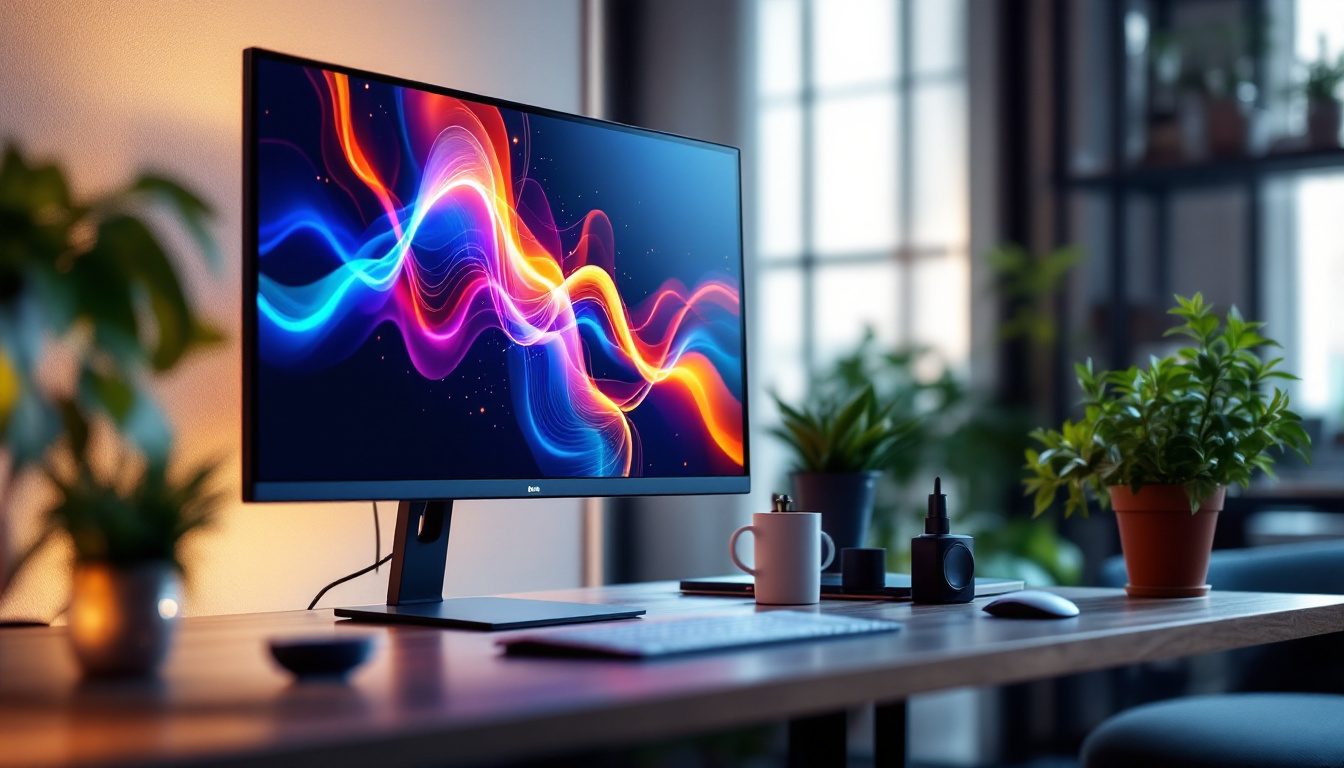
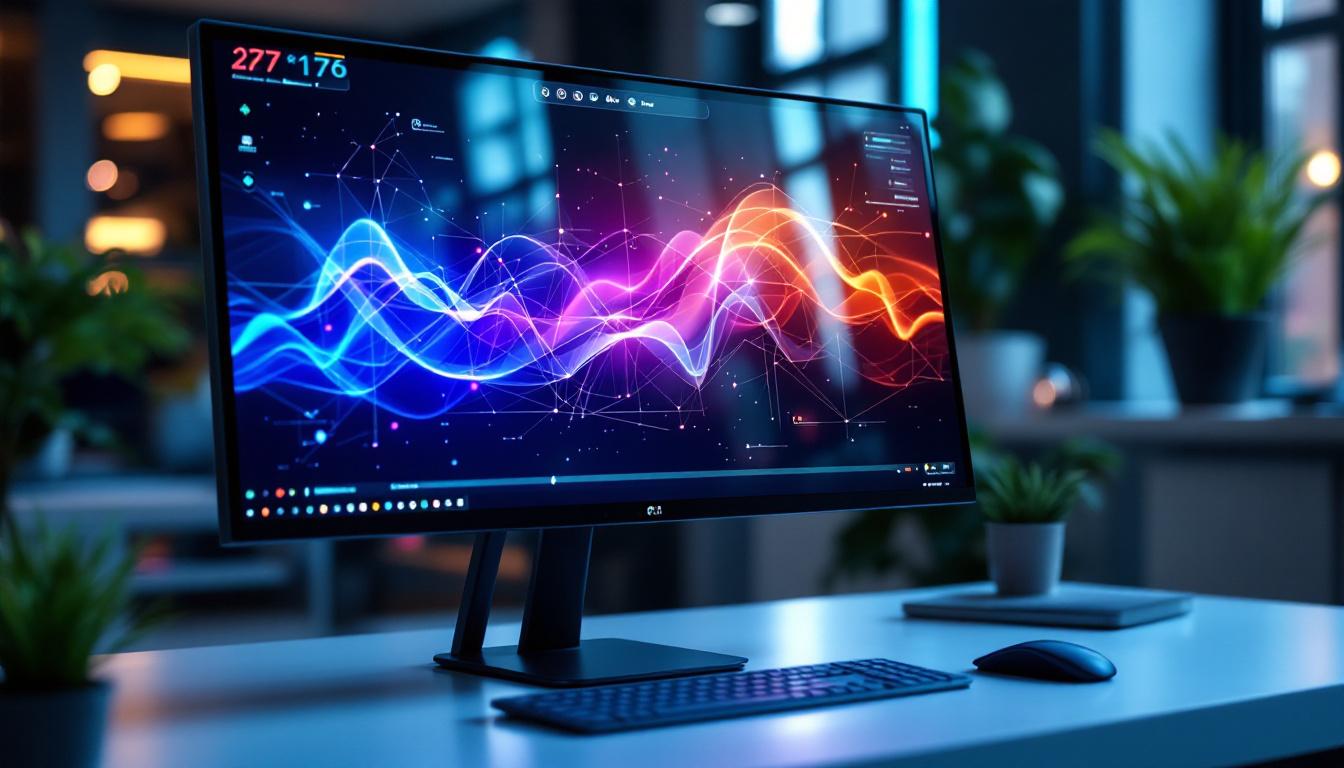
In the context of desktop monitors, LED displays provide sharper images with higher contrast ratios, making them ideal for detailed work such as graphic design, video editing, and data analysis. The backlighting technology used in LED displays also reduces eye strain, an important factor for users spending long hours in front of a screen. Furthermore, many LED monitors come with features like flicker-free technology and blue light filters, which enhance user comfort by minimizing the potential for headaches and fatigue during extended use.
Key Benefits of LED Displays
LED displays have become the industry standard for several reasons:
- Energy Efficiency: LEDs consume less power compared to older display technologies, which translates to lower electricity bills and a smaller carbon footprint. This efficiency is particularly beneficial in commercial settings where multiple screens are in use, as the cumulative savings can be substantial.
- Longevity: LED panels generally last longer, with an average lifespan of 50,000 hours or more, reducing the need for frequent replacements. This durability not only saves money but also minimizes waste, making LED displays a more sustainable choice for consumers and businesses alike.
- Image Quality: Superior brightness and contrast levels ensure clear visibility in various lighting conditions, including bright office environments. Additionally, many LED displays support high dynamic range (HDR) content, providing an even more immersive viewing experience with enhanced detail in both shadows and highlights.
- Thin and Lightweight: LED technology allows for slimmer and lighter screens, which are easier to mount and adjust on desks. This design flexibility opens up new possibilities for creative setups, enabling users to optimize their workspace for both aesthetics and functionality.
Moreover, LED displays are increasingly being integrated with smart technology, allowing for features like touch sensitivity and connectivity with other devices. This integration enhances user interaction and opens up new avenues for applications in education, retail, and entertainment. As technology continues to evolve, we can expect LED displays to incorporate even more advanced features, such as artificial intelligence for personalized content delivery, further solidifying their place in our daily lives.
The Role of Display Desk Mounts in Modern Workspaces
Why Use a Desk Mount for LED Displays?
Desk mounts are mechanical supports designed to hold monitors or displays securely on or above a desk surface. They offer several ergonomic and practical advantages:
- Ergonomic Benefits: Adjustable mounts allow users to position their screens at eye level, reducing neck and back strain. According to the Occupational Safety and Health Administration (OSHA), improper monitor height and distance are common causes of musculoskeletal disorders among office workers.
- Space Optimization: By elevating the display off the desk surface, mounts free up valuable workspace for other tasks, equipment, or documents.
- Improved Aesthetics and Organization: Desk mounts help manage cables and reduce clutter, contributing to a cleaner, more professional-looking workstation.
- Enhanced Flexibility: Many mounts offer tilt, swivel, and rotation capabilities, allowing users to customize their viewing angles for different tasks or collaborative work.
Statistics on Desk Mount Usage
Recent studies indicate a growing trend toward ergonomic office solutions. The Global Ergonomics Market is projected to grow at a CAGR of 7.5% from 2023 to 2030, driven by increasing awareness of workplace health and productivity. Among ergonomic tools, monitor mounts have seen a surge in adoption, with approximately 45% of office workers in the U.S. now using some form of adjustable display mount.
Types of Display Desk Mounts for LED Displays
Single Monitor Desk Mounts
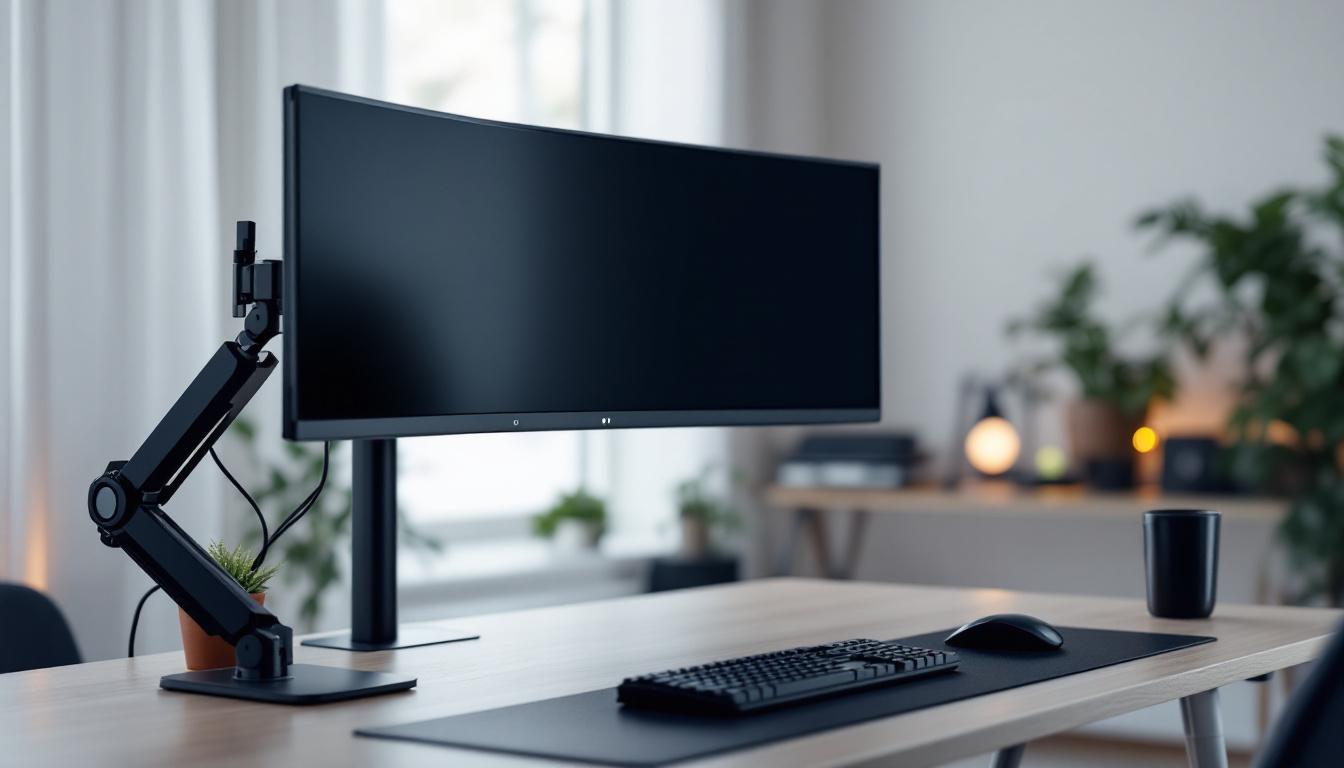
These mounts are designed to hold one LED display and are ideal for users who primarily work with a single screen. They typically feature adjustable arms that allow for height, tilt, and swivel adjustments. Single mounts are popular in home offices and traditional workplaces where space-saving and ergonomics are priorities.
Dual and Multi-Monitor Desk Mounts
For professionals who require multiple screens—such as traders, programmers, or designers—dual and multi-monitor mounts provide a seamless solution. These mounts can support two or more LED displays simultaneously, allowing users to align screens side-by-side or stack them vertically. This setup enhances multitasking capabilities and improves workflow efficiency.
Freestanding vs. Clamp Desk Mounts
Desk mounts come in two primary installation styles:
- Clamp Mounts: These attach securely to the edge of the desk using a clamp mechanism. They are easy to install and remove without damaging the desk surface, making them a popular choice for rented office spaces or flexible workstations.
- Freestanding Mounts: These have a weighted base and sit directly on the desk surface. They don’t require any drilling or clamping, but they take up some desk space and may be less stable for larger displays.
Wall-Mounted Desk Mounts
While technically not desk-mounted, wall mounts are an alternative for users seeking to completely free their desk surface. These mounts are fixed to the wall and offer similar adjustability features. They are particularly useful in compact spaces or for creating clean, minimalist setups.
Installation and Compatibility Considerations
VESA Standards and Mount Compatibility
When selecting a desk mount for an LED display, it’s crucial to ensure compatibility. Most monitors and displays adhere to the VESA (Video Electronics Standards Association) mounting standard, which specifies the dimensions of the mounting holes on the back of the screen. Common VESA patterns include 75×75 mm and 100×100 mm, but larger displays may use bigger patterns.
Before purchasing a desk mount, verify that the mount supports the VESA pattern of your LED display. Additionally, check the weight capacity of the mount to ensure it can safely hold your monitor.
Installation Tips for Optimal Ergonomics
Proper installation is key to maximizing the benefits of a desk mount:
- Height Adjustment: Position the top of the screen at or slightly below eye level to reduce neck strain.
- Distance: Place the display about an arm’s length away from your eyes, typically 20 to 30 inches.
- Angle: Tilt the screen slightly upward or downward to minimize glare and enhance viewing comfort.
- Cable Management: Use built-in channels or clips on the mount to organize cables and prevent tangling.
Tools and Materials Needed
Most desk mounts come with the necessary hardware and instructions for installation. Common tools required include a screwdriver, an Allen wrench (often included), and a measuring tape. For clamp mounts, ensure the desk edge is sturdy and thick enough to support the clamp securely.
Enhancing Productivity and Well-being with LED Display Desk Mounts
Ergonomics and Health Benefits
Ergonomic workstations reduce the risk of repetitive strain injuries and musculoskeletal disorders. A well-positioned LED display on a desk mount encourages proper posture, which can alleviate common complaints such as neck pain, eye fatigue, and headaches.
According to a study published in the Journal of Occupational Rehabilitation, employees who used adjustable monitor mounts reported a 25% decrease in discomfort related to neck and shoulder pain after four weeks of use.
Boosting Productivity through Better Workspace Design
Workspace organization plays a crucial role in productivity. Desk mounts help create a clutter-free environment, allowing users to focus more effectively on their tasks. Multiple studies have shown that organized workspaces can increase productivity by up to 20%, as employees spend less time searching for items and more time completing work.
Additionally, the flexibility of adjustable mounts makes it easier to switch between tasks that require different screen orientations or viewing angles, such as coding, video conferencing, or reviewing documents.
Applications Beyond the Office
While office environments are the primary users of LED display desk mounts, these solutions are also valuable in other settings:
- Home Offices: With the rise of remote work, many individuals are investing in ergonomic setups to improve comfort and efficiency at home.
- Gaming Setups: Gamers benefit from multi-monitor mounts that provide immersive experiences and quick access to multiple displays.
- Creative Studios: Designers, photographers, and video editors rely on precise positioning of high-quality LED displays to enhance their workflow.
- Healthcare and Control Rooms: Environments that require constant monitoring and quick access to information use multi-display mounts for better situational awareness.
Future Trends in Display Desk Mounts and LED Technology
Integration with Smart Technologies
The future of desk mounts is closely linked with advancements in smart technology. Emerging models feature built-in USB hubs, wireless charging pads, and even IoT connectivity to monitor usage patterns and adjust ergonomics automatically.
As LED displays continue to evolve with higher resolutions, flexible screens, and improved color accuracy, desk mounts will adapt to support these innovations, offering more versatile and user-friendly solutions.
Sustainability and Eco-Friendly Designs
With growing environmental awareness, manufacturers are focusing on sustainable materials and production methods for desk mounts. Recyclable metals, biodegradable plastics, and energy-efficient manufacturing processes are becoming standard in the industry.
Consumers are increasingly prioritizing products that align with their values, making eco-friendly desk mounts an attractive option for businesses and individuals alike.
Conclusion
Display desk mounts paired with LED displays represent a smart investment for anyone looking to enhance their workspace ergonomics, aesthetics, and productivity. Understanding the types of mounts available, compatibility requirements, and ergonomic principles can help users make informed decisions that benefit their health and work efficiency.
As technology advances, these mounts will continue to evolve, integrating smarter features and sustainable designs. Whether for office professionals, creatives, or gamers, the right combination of an LED display and a quality desk mount can transform the way users interact with their digital environments.
Discover LumenMatrix’s Innovative LED Display Solutions
Ready to elevate your workspace and enhance your visual experience? LumenMatrix offers a wide range of cutting-edge LED display solutions tailored to meet your needs. From immersive indoor and outdoor LED walls to dynamic vehicle displays and beyond, our products are designed to captivate your audience and communicate your message with unparalleled clarity. Embrace the future of visual engagement with LumenMatrix and transform your environment today. Check out LumenMatrix LED Display Solutions and see the difference for yourself.