In today’s fast-paced digital world, the demand for efficient and ergonomic workspace setups has grown exponentially. Among the many innovations that cater to this need, the 3 monitor holder stands out as a pivotal accessory for professionals and enthusiasts alike. When paired with LED displays, these holders not only enhance productivity but also contribute to a cleaner, more organized workspace. This article delves into the intricacies of 3 monitor holders, their compatibility with LED displays, and the benefits they bring to various user scenarios.
Understanding the 3 Monitor Holder: Design and Functionality
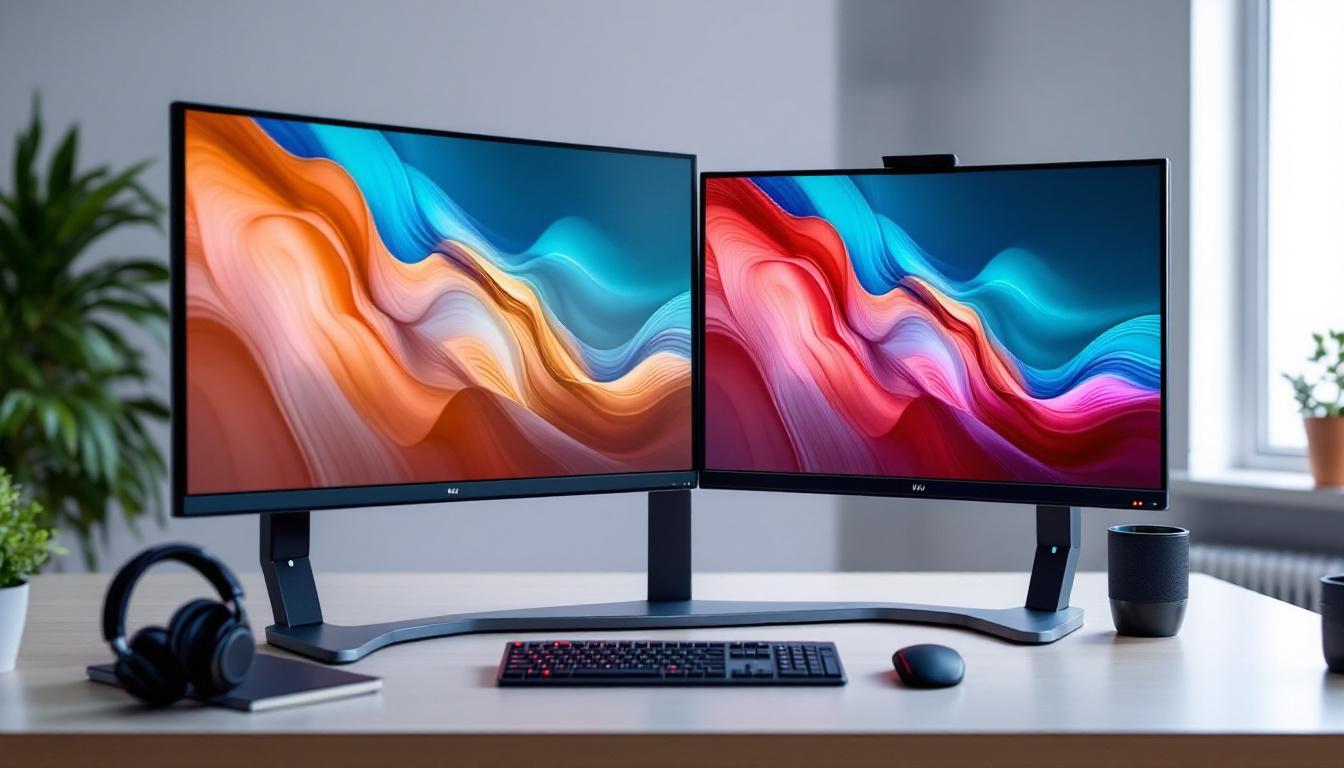
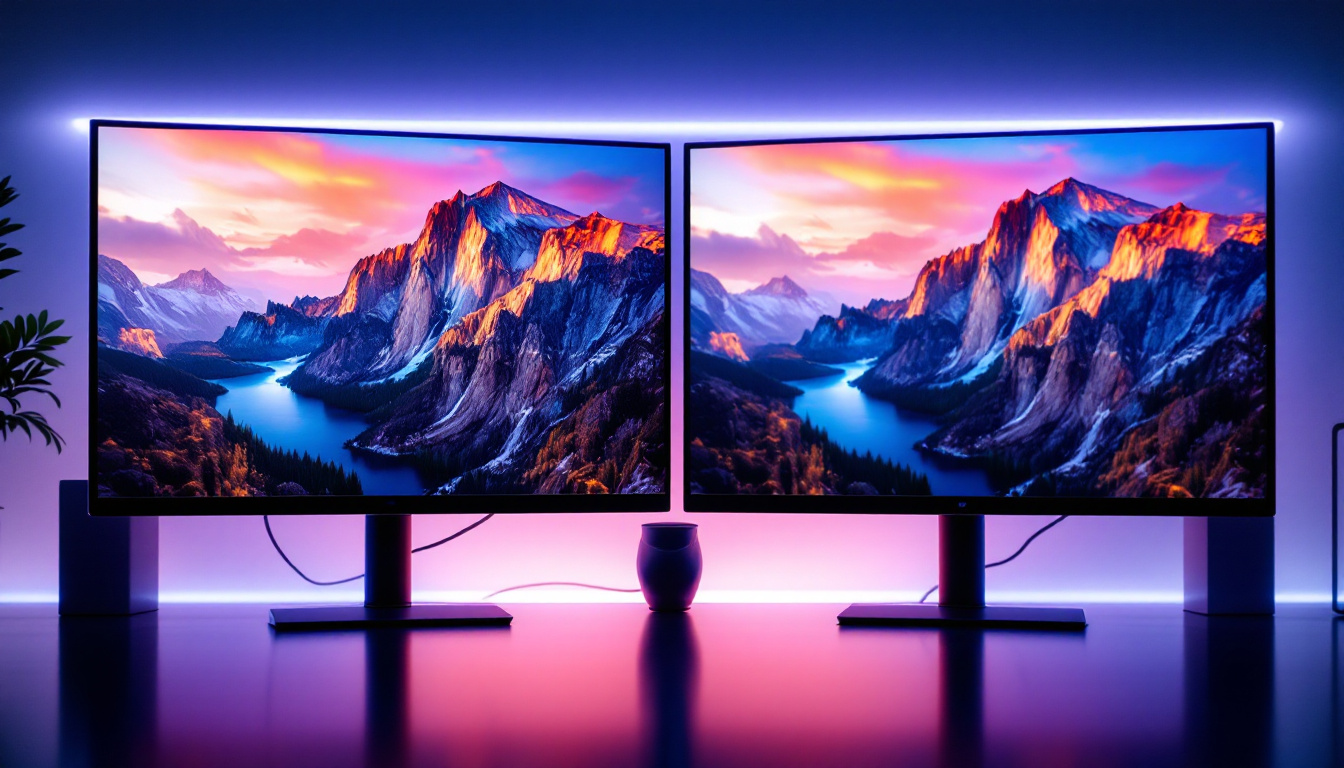
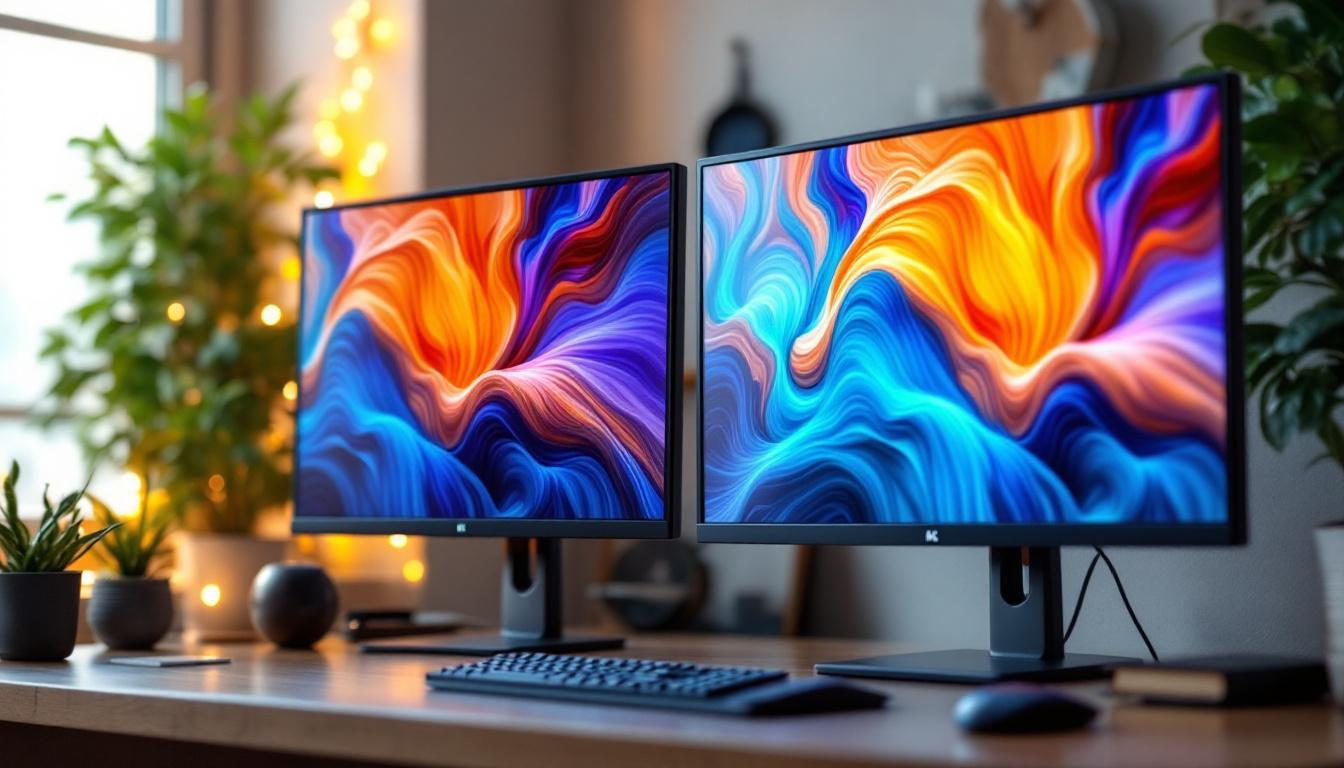
A 3 monitor holder is a specialized mounting solution designed to support three separate monitors simultaneously. Unlike traditional single or dual monitor stands, these holders are engineered to accommodate multiple screens, offering users an expansive visual workspace. This setup is particularly beneficial for professionals in fields such as graphic design, programming, and financial trading, where having multiple displays can significantly enhance productivity and workflow efficiency.
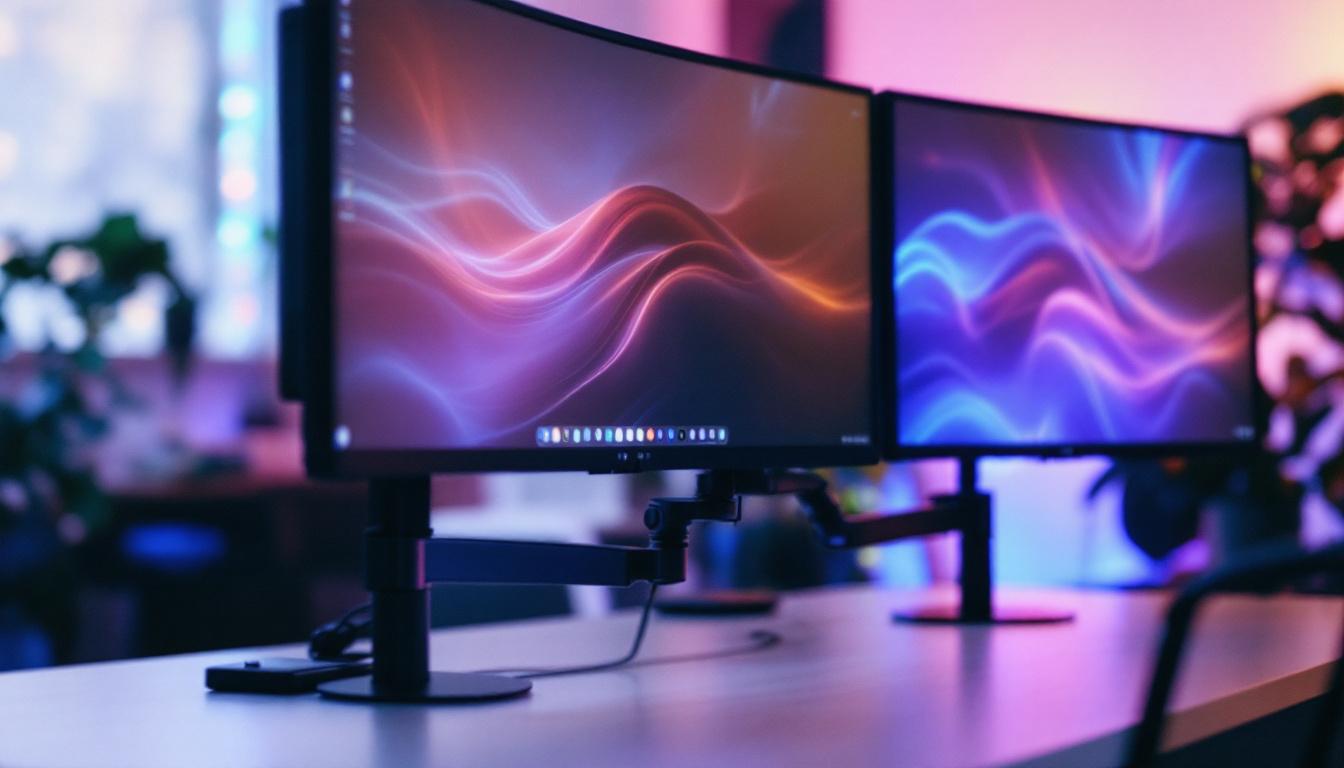
The core design principles focus on stability, adjustability, and space optimization. Most 3 monitor holders feature a robust central pole or frame with adjustable arms that can tilt, swivel, and rotate, allowing users to customize the positioning of each monitor according to their ergonomic preferences. This adjustability is crucial for reducing neck and eye strain, as users can easily align their monitors to the optimal viewing angle. Additionally, many holders offer height adjustment options, enabling users to achieve an ideal eye level that promotes comfort during long hours of work.
Modern 3 monitor holders are typically constructed from high-quality materials such as steel or aluminum, ensuring durability and the ability to support monitors ranging from 17 to 32 inches in size. Additionally, many models come with cable management systems to keep wires organized and out of sight, contributing to a clutter-free desk environment. This attention to detail not only enhances the aesthetic appeal of the workspace but also prevents accidental disconnections or damage to cables, which can be a common issue in multi-monitor setups.
Types of 3 Monitor Holders
There are primarily two types of 3 monitor holders: desk-mounted and wall-mounted. Desk-mounted holders clamp onto the edge of a desk or use a grommet mount, making them easy to install and reposition. Wall-mounted holders, on the other hand, save desk space entirely by attaching directly to the wall, ideal for minimalist setups or limited desk areas. The choice between these options can also reflect personal style; for instance, wall-mounted holders can create a sleek, modern look, while desk-mounted holders can be more versatile for changing work environments.
Choosing between these types depends on the user’s workspace constraints and personal preferences. For example, desk-mounted holders offer greater flexibility for repositioning, while wall-mounted holders provide a sleek, permanent solution. Furthermore, some users may prefer a hybrid approach, utilizing both types to maximize their workspace efficiency. It’s also worth noting that many modern 3 monitor holders come with additional features such as integrated USB hubs or adjustable lighting, further enhancing the user experience and making them a valuable addition to any tech-savvy workspace.
LED Displays: Why They Are Ideal for Multi-Monitor Setups
LED (Light Emitting Diode) displays have become the standard in monitor technology due to their superior image quality, energy efficiency, and slim profiles. When used in multi-monitor setups, LED displays offer several distinct advantages.
Energy Efficiency and Longevity
Compared to older LCD or CCFL-backlit monitors, LED displays consume significantly less power. This efficiency is particularly beneficial in multi-monitor configurations where three or more screens are running simultaneously. Lower energy consumption translates to reduced electricity costs and less heat generation, contributing to a more comfortable working environment.
Moreover, LED displays generally have longer lifespans, often exceeding 50,000 hours of use. This durability ensures that users investing in a 3 monitor holder setup with LED screens can expect reliable performance over many years.
Image Quality and Viewing Angles
LED displays offer vibrant colors, higher contrast ratios, and sharper images compared to traditional monitors. These qualities are crucial when multiple screens are used side by side, as they provide consistent and clear visuals across all displays.
Additionally, many LED monitors feature IPS (In-Plane Switching) panels, which maintain color accuracy and clarity even at wide viewing angles. This characteristic is essential in multi-monitor setups where users may glance across screens from different positions.
Benefits of Using a 3 Monitor Holder with LED Displays
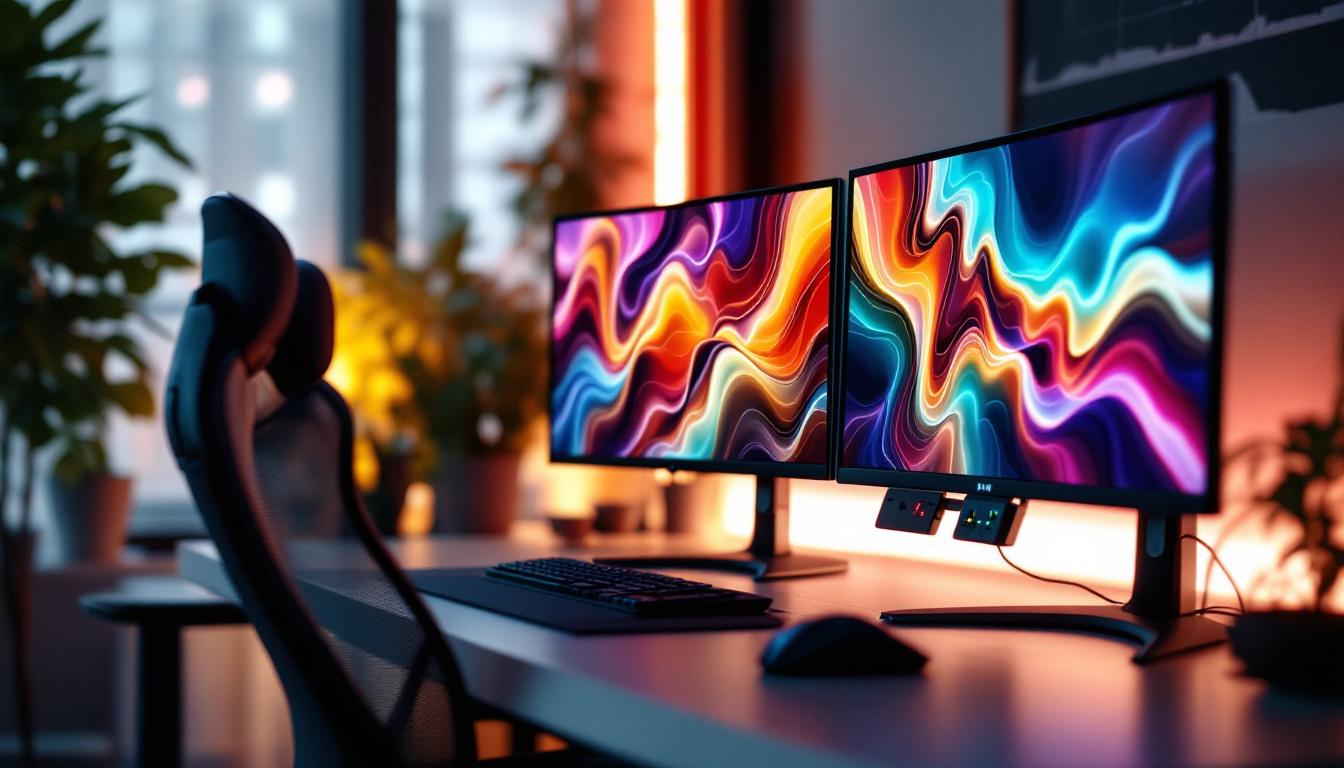
Combining a 3 monitor holder with LED displays creates a powerful workspace solution that enhances productivity, ergonomics, and aesthetics. The following benefits highlight why this combination is increasingly popular among professionals, gamers, and creatives.
Enhanced Productivity and Multitasking
Studies have shown that multiple monitors can increase productivity by up to 42%, as users can view and interact with more information simultaneously without constantly switching between windows or tabs. A 3 monitor holder enables seamless alignment of screens, allowing users to organize their workflow efficiently.
For example, software developers can code on one screen, monitor system performance on another, and communicate via chat or email on the third. Financial analysts can track real-time market data, analyze spreadsheets, and review reports concurrently. This multitasking capability reduces cognitive load and streamlines work processes.
Improved Ergonomics and Comfort
Ergonomics is a critical consideration for anyone spending extended hours at a computer. A 3 monitor holder allows users to position each LED display at the optimal height, distance, and angle, reducing neck, eye, and back strain.
Adjustable arms enable users to maintain a natural line of sight and avoid awkward postures. This customization helps prevent repetitive strain injuries and enhances overall comfort, which can lead to better focus and reduced fatigue.
Space Optimization and Desk Organization
Desks cluttered with multiple monitors, cables, and peripherals can hinder productivity and create distractions. A 3 monitor holder elevates screens off the desk surface, freeing up valuable workspace for other essential items.
Integrated cable management systems further contribute to a tidy setup by concealing wires and preventing tangling. This organization not only improves the visual appeal of the workspace but also makes cleaning and maintenance easier.
Choosing the Right 3 Monitor Holder for LED Displays
Selecting the appropriate 3 monitor holder requires careful consideration of several factors to ensure compatibility, durability, and user comfort.
Monitor Size and Weight Capacity
It is essential to verify that the holder supports the size and weight of the LED monitors intended for use. Most holders specify maximum dimensions and weight per arm. For instance, a typical 3 monitor holder might support monitors up to 27 inches and 8 kilograms each. Exceeding these limits can compromise stability and safety.
VESA Compatibility
VESA (Video Electronics Standards Association) mounting patterns are standardized hole configurations on the back of monitors used for mounting purposes. Common sizes include 75×75 mm and 100×100 mm. Ensuring that the 3 monitor holder supports the VESA pattern of the LED displays is crucial for secure attachment.
Adjustability and Range of Motion
Depending on the user’s needs, the degree of adjustability may vary. Some holders offer full articulation with tilt, swivel, and rotation capabilities, while others provide more limited movement. Users who frequently change their viewing angles or switch between landscape and portrait modes will benefit from highly adjustable holders.
Build Quality and Warranty
Investing in a high-quality 3 monitor holder made from durable materials ensures long-term reliability. Additionally, reputable manufacturers often provide warranties ranging from one to five years, offering peace of mind against defects or damage.
Installation Tips and Best Practices
Proper installation of a 3 monitor holder is vital to maximize its benefits and ensure safety. Below are some recommended steps and considerations.
Preparation and Workspace Assessment
Before installation, clear the desk area and measure available space. Confirm that the desk edge or wall can support the weight of the holder and monitors. For desk-mounted holders, ensure the thickness of the desk is compatible with the clamp or grommet mount.
Mounting and Alignment
Follow the manufacturer’s instructions carefully during installation. Attach the mounting bracket securely and verify that all screws and bolts are tightened properly. When attaching the LED displays, double-check VESA compatibility and ensure each monitor is firmly fixed.
Once mounted, adjust the arms to align the monitors at eye level and at a comfortable viewing distance, typically between 20 to 30 inches. Use a level tool to ensure screens are even, which reduces neck strain and improves aesthetics.
Cable Management
Utilize the cable management features of the holder to route power and data cables neatly. Avoid tight bends or excessive tension on cables to prevent damage. Labeling cables can also simplify troubleshooting and future adjustments.
Use Cases: Who Benefits Most from a 3 Monitor Holder with LED Displays?
The versatility of a 3 monitor holder paired with LED displays makes it suitable for a wide range of users and industries.
Corporate and Remote Professionals
In corporate environments, employees often juggle multiple applications such as email, spreadsheets, and video conferencing. A 3 monitor setup facilitates smoother workflows and faster decision-making. Remote workers also benefit from this arrangement by replicating a professional office environment at home.
Creative Professionals and Designers
Graphic designers, video editors, and photographers require precise color accuracy and ample screen real estate to manage complex projects. LED displays with IPS panels mounted on a 3 monitor holder provide the ideal combination of image quality and ergonomic positioning.
Gamers and Streamers
Gaming enthusiasts and streamers often use multi-monitor setups to enhance gameplay and manage streaming software simultaneously. The ability to position LED displays ergonomically reduces fatigue during long sessions and improves overall experience.
Financial Traders and Analysts
Traders monitor multiple data streams, charts, and news feeds in real-time. A 3 monitor holder allows for an organized and efficient display of critical information, enabling quick reactions to market changes.
Conclusion
The integration of a 3 monitor holder with LED displays represents a significant advancement in workspace ergonomics and efficiency. By providing a stable, adjustable, and space-saving solution, these holders empower users to maximize the benefits of their LED monitors. Whether for professional, creative, or recreational use, investing in a quality 3 monitor holder can transform the way users interact with their digital environment.
As technology continues to evolve, the demand for multi-monitor setups will likely increase, making it essential to understand the features and advantages of 3 monitor holders and LED displays. With proper selection, installation, and use, this combination offers a compelling pathway to enhanced productivity, comfort, and visual clarity.
Discover the Future of Visual Displays with LumenMatrix
Ready to elevate your workspace and embrace the full potential of LED technology? LumenMatrix is at the forefront of LED display innovation, offering a diverse range of solutions that cater to your every need. From immersive Indoor LED Wall Displays to dynamic Outdoor LED Wall Displays, and from versatile Vehicle LED Displays to sleek LED Poster Displays, our products are designed to transform your visual communication and engagement. Experience the difference with our LED Sports Displays, interactive Floor LED Displays, and the revolutionary All-in-One LED Display. Don’t just take our word for it—check out LumenMatrix LED Display Solutions today and see how we can help you share your message with unparalleled impact and clarity.