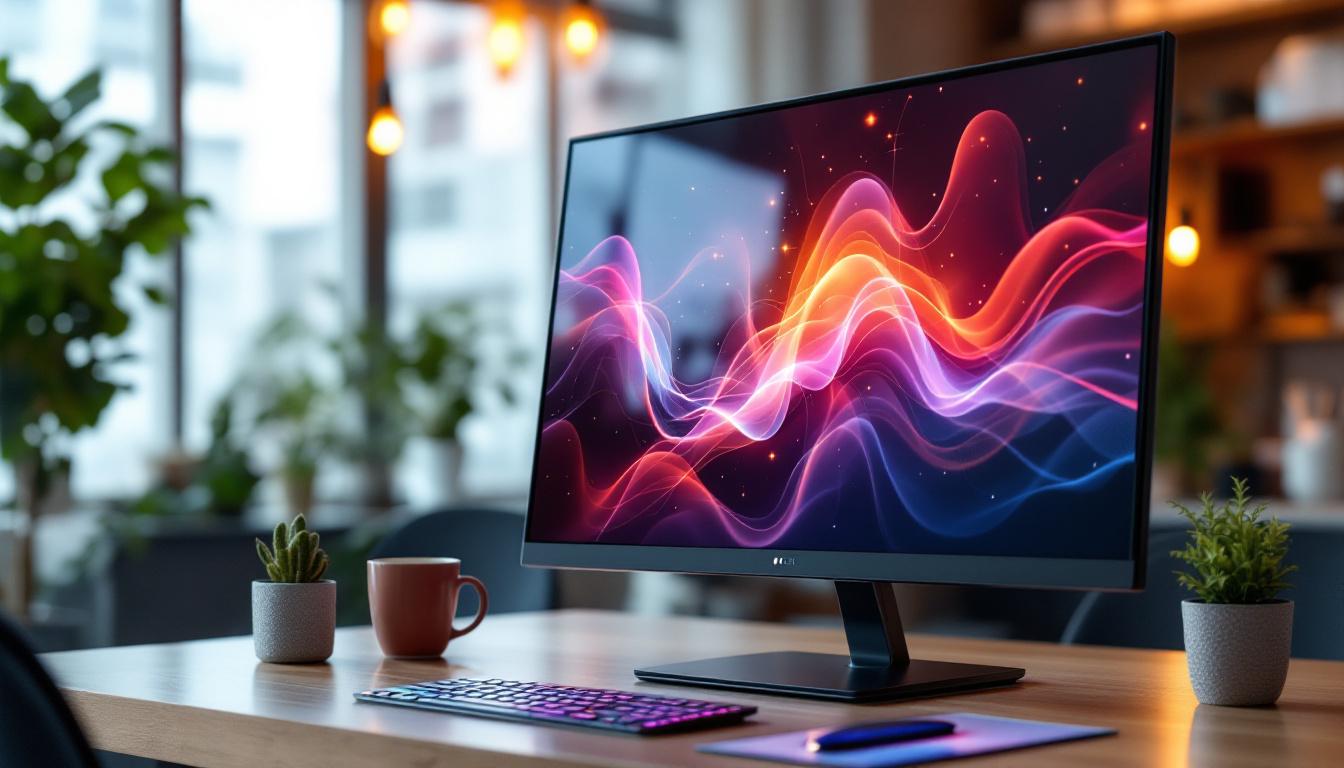
In today’s technology-driven world, touch screen monitors have become essential tools across various industries and personal use cases. Among the many options available, the 27-inch touch screen monitor with an LED display stands out for its balance of size, clarity, and interactive capabilities. This article explores the intricacies of 27-inch touch screen monitors, focusing on LED display technology, its benefits, applications, and what to consider when choosing the right model.
Understanding the Basics: What Is a 27-Inch Touch Screen Monitor?
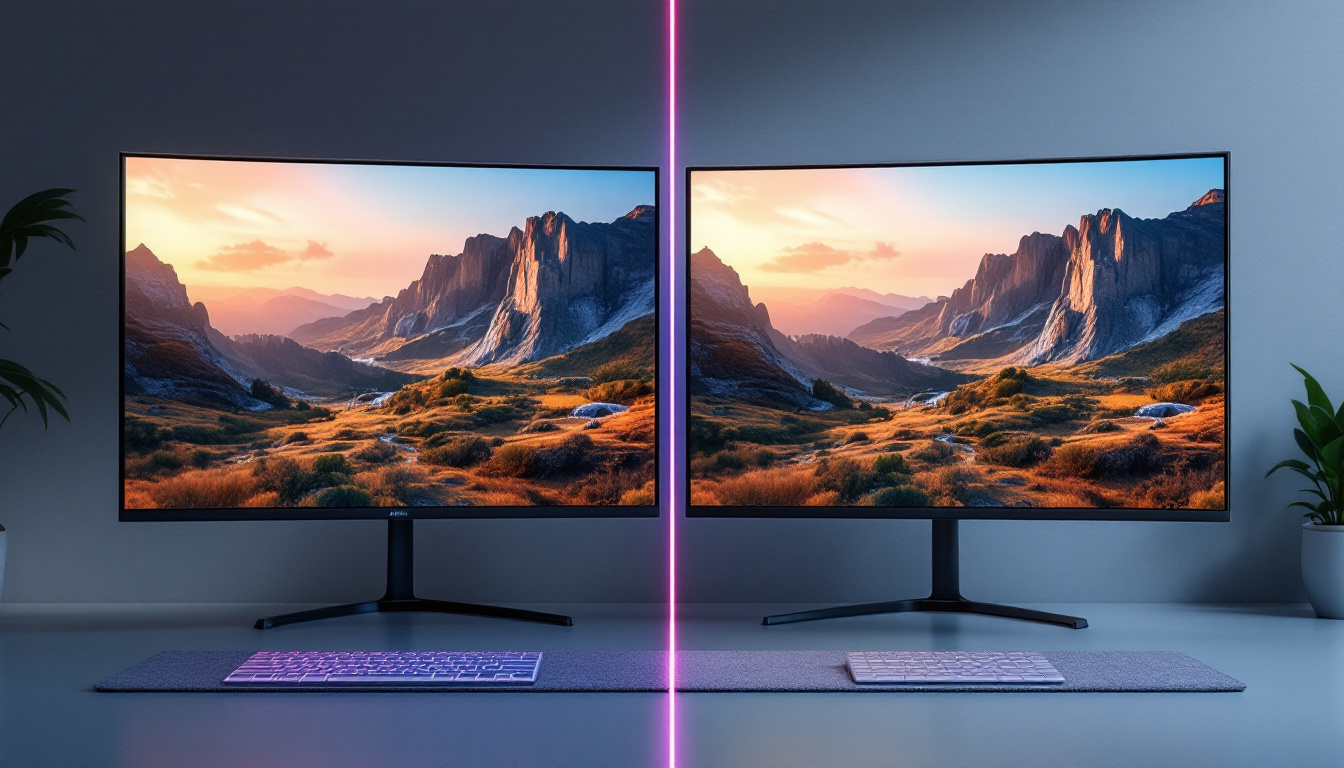
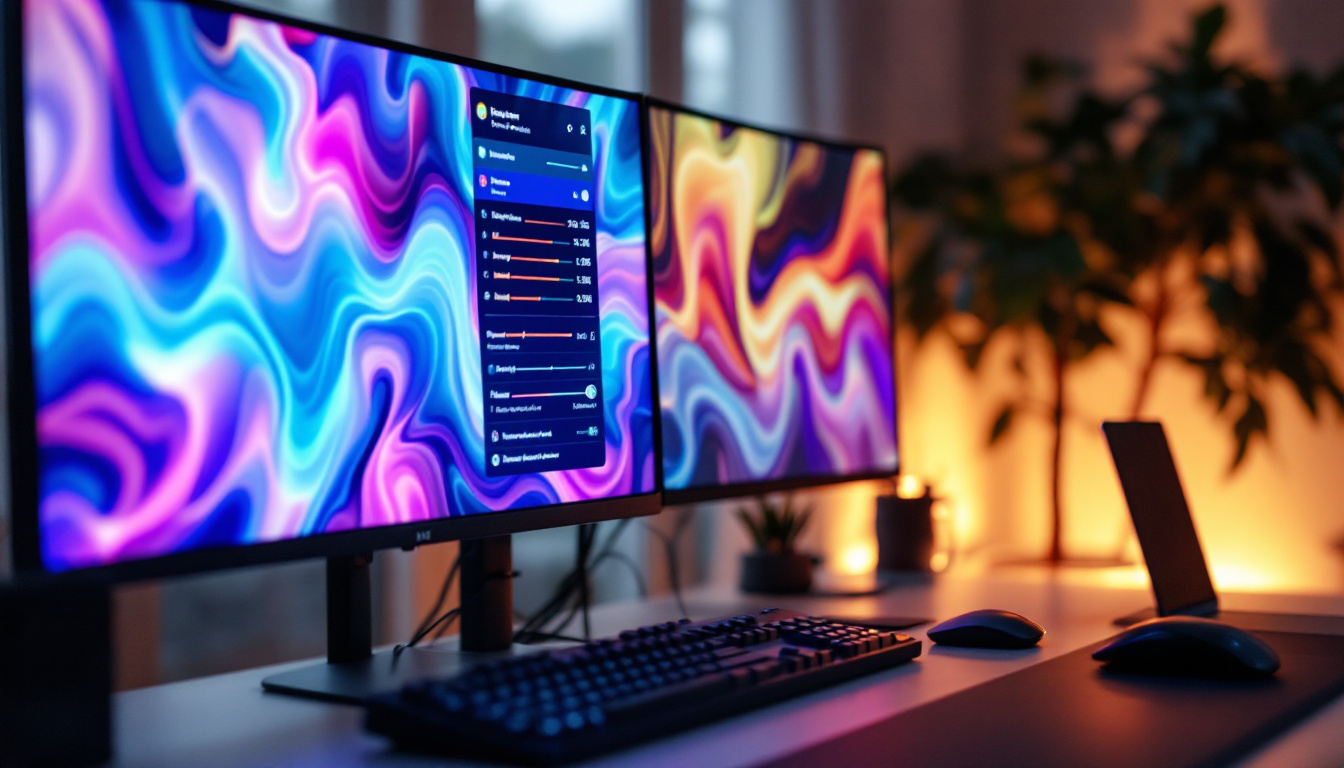
A 27-inch touch screen monitor is a display device that measures approximately 27 inches diagonally and incorporates touch-sensitive technology, allowing users to interact directly with the screen using fingers or a stylus. This size is popular because it offers ample screen real estate for multitasking, detailed work, and immersive experiences without overwhelming desk space.
Touch screen monitors come in various sizes, but the 27-inch variant hits a sweet spot for many users. It is large enough for professional applications such as graphic design, video editing, and data visualization, while also being suitable for everyday tasks like browsing, gaming, or educational purposes. The touch functionality adds an intuitive layer of interaction, making it easier to navigate software, zoom in on images, or manipulate content directly.
The Role of LED Displays in Modern Touch Monitors
LED (Light Emitting Diode) displays have become the standard for modern monitors, including touch screen variants. Unlike older LCDs that use cold cathode fluorescent lamps (CCFL) for backlighting, LED displays employ LEDs, which provide several advantages:
- Energy Efficiency: LED backlighting consumes less power, reducing energy costs and environmental impact.
- Improved Brightness and Contrast: LEDs offer brighter displays and better contrast ratios, enhancing image quality.
- Thinner and Lighter Designs: The compact nature of LEDs allows manufacturers to produce slimmer, more aesthetically pleasing monitors.
- Longer Lifespan: LEDs tend to last longer than CCFLs, providing greater durability.
These benefits make LED displays ideal for touch screen monitors, where clarity and responsiveness are critical.
Key Features of 27-Inch Touch Screen LED Monitors
When evaluating a 27-inch touch screen monitor with an LED display, several features influence performance, usability, and overall satisfaction. Understanding these features helps consumers and professionals make informed decisions.
Touch Technology Types
Touch screen monitors use different technologies to detect input, each with unique characteristics:
- Capacitive Touch: Utilizes the electrical properties of the human body to detect touch. It supports multi-touch gestures and offers high sensitivity and accuracy. Common in smartphones and tablets, capacitive touch is increasingly popular in monitors.
- Resistive Touch: Consists of multiple layers that register touch when pressure is applied. It works with fingers, styluses, or gloves but generally supports only single touch and offers less clarity due to additional layers.
- Infrared (IR) Touch: Uses an array of IR sensors around the screen to detect touch without requiring screen contact. It supports multi-touch and is highly durable but can be more expensive.
- Surface Acoustic Wave (SAW): Employs ultrasonic waves over the screen surface to detect touch. It provides excellent image clarity but is sensitive to contaminants like dust and water.
For a 27-inch LED touch screen monitor, capacitive and IR technologies are often preferred due to their responsiveness and multi-touch capabilities.
Resolution and Display Quality
The resolution of a 27-inch monitor significantly affects the sharpness and detail of images. Common resolutions include:
- Full HD (1920 x 1080): Adequate for general use and budget-friendly options.
- QHD (2560 x 1440): Offers a noticeable improvement in clarity, preferred for professional work and gaming.
- 4K UHD (3840 x 2160): Provides ultra-high definition, ideal for detailed graphic design, video editing, and immersive media consumption.
LED technology enhances these resolutions by delivering vibrant colors and deeper blacks, which are crucial for accurate color representation and comfortable viewing over extended periods.
Refresh Rate and Response Time
While these specifications are often highlighted in gaming monitors, they also matter for touch screen monitors used in interactive applications. A higher refresh rate (e.g., 75Hz or above) ensures smoother visuals, while a lower response time (measured in milliseconds) reduces motion blur and input lag.
For professional and general use, a 60Hz refresh rate is typically sufficient. However, users engaged in fast-paced tasks or gaming may benefit from monitors with higher refresh rates and faster response times.
Connectivity Options
Modern 27-inch touch screen monitors come equipped with multiple connectivity ports to ensure compatibility with various devices:
- HDMI: Standard for high-definition video and audio transmission.
- DisplayPort: Supports higher resolutions and refresh rates, often preferred for professional setups.
- USB-C: Allows video, data, and power delivery through a single cable, simplifying connections.
- USB-A Ports: Enable connection of peripherals like keyboards, mice, or external storage.
- Audio Jacks: For headphones or external speakers.
Choosing a monitor with versatile connectivity options future-proofs the investment and enhances usability.
Applications of 27-Inch Touch Screen LED Monitors
The combination of a large 27-inch screen, touch capabilities, and LED display technology makes these monitors suitable for a wide range of applications across different sectors.
Professional and Creative Work
Graphic designers, video editors, architects, and other creative professionals benefit greatly from 27-inch touch screen monitors. The large, high-resolution screen provides ample workspace, while touch input enables intuitive interaction with design software, such as zooming, rotating, and sketching directly on the screen.
LED displays contribute by delivering accurate color reproduction and consistent brightness, which are vital for color-critical tasks. Many models also support stylus input with pressure sensitivity, further enhancing precision.
Business and Productivity
In business environments, touch screen monitors facilitate interactive presentations, collaborative work, and efficient data manipulation. For example, sales teams can showcase products dynamically, while analysts can navigate complex datasets with ease.
Moreover, the 27-inch size is ideal for multitasking, allowing users to view multiple windows side by side. The LED display ensures clear visibility even in brightly lit office settings.
Education and Training
Educational institutions increasingly adopt touch screen monitors to create engaging and interactive learning experiences. Teachers can annotate directly on digital whiteboards, and students can participate in hands-on activities using touch gestures.
The durability and clarity of LED displays make these monitors suitable for classrooms and training centers, where visibility and responsiveness are paramount.
Healthcare and Medical Imaging
Healthcare professionals use 27-inch touch screen LED monitors for patient monitoring, diagnostic imaging, and electronic health records management. The touch interface allows quick navigation through patient data, while the LED screen provides sharp, detailed images necessary for accurate diagnosis.
Some models are designed to meet medical-grade standards, including antimicrobial coatings and easy-to-clean surfaces.
Choosing the Right 27-Inch Touch Screen LED Monitor: Factors to Consider
Selecting the ideal touch screen monitor requires balancing features, budget, and intended use. Here are key considerations to guide the decision-making process.
Intended Use and Performance Needs
Identify primary use cases: Is the monitor for professional design work, general office productivity, gaming, or educational purposes? This will influence the required resolution, touch technology, and refresh rate.
For instance, creative professionals should prioritize color accuracy and higher resolutions, while business users may focus on connectivity and multitasking capabilities.
Touch Sensitivity and Accuracy
Evaluate the touch technology employed and its responsiveness. Capacitive touch screens generally offer superior multi-touch support and accuracy, which is important for detailed work and gesture controls.
Testing the monitor in person, if possible, can provide insight into how responsive and natural the touch experience feels.
Display Quality and Brightness
Consider the monitor’s brightness level (measured in nits) and color gamut coverage. A brightness of 250-350 nits is typical for indoor use, while higher brightness is beneficial in well-lit environments.
Wide color gamut support (such as sRGB or Adobe RGB) is essential for color-critical tasks.
Ergonomics and Build Quality
Since a 27-inch monitor occupies significant desk space, ergonomic features like adjustable height, tilt, swivel, and pivot can enhance comfort and reduce strain during prolonged use.
Build quality also matters, especially in professional or public settings where durability is crucial. Look for sturdy stands and robust materials.
Price and Warranty
Prices for 27-inch touch screen LED monitors vary widely based on features and brand reputation. Setting a budget helps narrow options without sacrificing essential functionalities.
Additionally, consider the warranty and customer support offered, as these can provide peace of mind and protection against defects or issues.
Future Trends in Touch Screen and LED Display Technology
The landscape of touch screen monitors continues to evolve, driven by advancements in display and input technologies. Several trends are shaping the future of 27-inch touch screen LED monitors:
Higher Resolutions and HDR Support
As 4K and even 5K displays become more accessible, users can expect sharper images and more detailed visuals. High Dynamic Range (HDR) support is also gaining traction, offering enhanced contrast and color depth for a more lifelike viewing experience.
Improved Touch Responsiveness and Stylus Integration
Developments in touch technology aim to reduce latency and increase precision. Enhanced stylus support with pressure sensitivity and tilt recognition is becoming standard, benefiting artists and designers.
Integration with AI and Gesture Controls
Emerging interfaces may incorporate AI-driven features such as predictive touch input and gesture recognition beyond simple taps and swipes. This could revolutionize how users interact with their devices, making touch screens more intuitive and versatile.
Eco-Friendly and Energy-Efficient Designs
Manufacturers are focusing on sustainable materials and energy-saving technologies, aligning with global efforts to reduce environmental impact. LED displays already contribute to this goal, and future innovations will continue to improve efficiency.
Conclusion
The 27-inch touch screen monitor with an LED display represents a versatile and powerful tool suitable for a broad spectrum of applications, from professional creative work to business productivity and education. Understanding the underlying LED technology, touch input methods, and key features helps users select the right monitor tailored to their needs.
As technology advances, these monitors will become even more capable, combining stunning visuals with responsive, intuitive touch interactions. Whether upgrading a home office, outfitting a classroom, or enhancing a creative studio, investing in a quality 27-inch touch screen LED monitor is a decision that offers both immediate benefits and future-proof versatility.
Discover LumenMatrix’s Advanced LED Display Solutions
Ready to elevate your visual experience with the latest in LED display technology? LumenMatrix is at the forefront of innovation, offering a wide array of LED display solutions tailored to meet your needs. From captivating Indoor LED Wall Displays to dynamic Outdoor LED Wall Displays, and from versatile Vehicle LED Displays to sleek LED Poster Displays, our products are designed to enhance engagement and communicate your message with unparalleled impact. Explore our cutting-edge solutions, including LED Sports Displays, Floor LED Displays, Custom LED Displays, All-in-One LED Displays, and LED Transparent Displays. Experience the future of visual communication with LumenMatrix. Check out LumenMatrix LED Display Solutions today and transform your space into a hub of innovation and creativity.