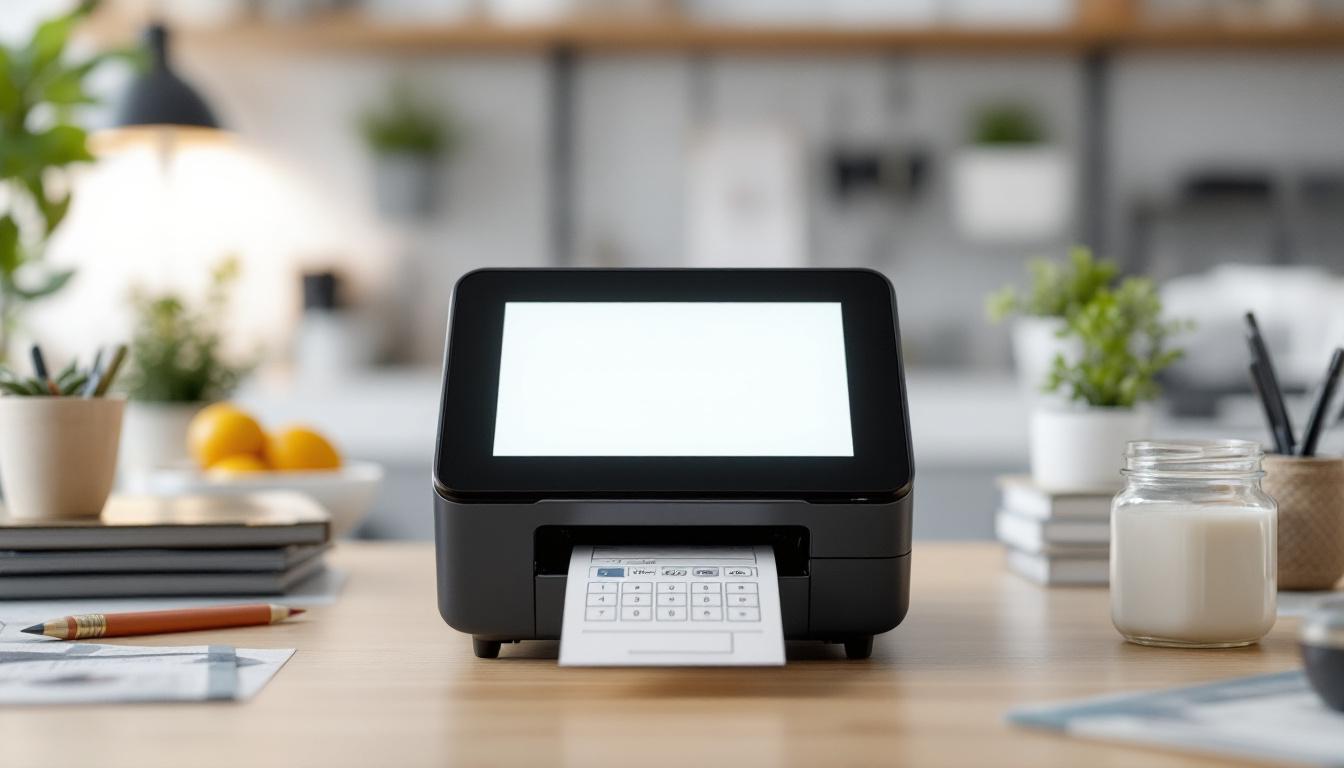
The P-Touch printer is a widely recognized label printing device known for its ease of use, durability, and versatility in various settings—from office environments to industrial applications. One of the key features that sets many P-Touch models apart is their LED display, which plays a crucial role in user interaction and operational efficiency. Understanding the LED display on a P-Touch printer can significantly enhance the user experience, enabling smoother label creation and troubleshooting.
What is a P-Touch Printer?
Before diving into the specifics of the LED display, it’s important to understand what a P-Touch printer is and why it’s so popular. Manufactured by Brother, the P-Touch series includes a range of label printers designed to produce professional-quality labels quickly and easily. These printers are used in offices, warehouses, retail stores, and even at home for organizing, identification, and safety labeling. The versatility of P-Touch printers is one of the key factors behind their widespread adoption, as they cater to various labeling needs—from simple name tags to complex inventory systems.
The P-Touch printer uses thermal transfer technology, meaning it prints by heating specific areas on a ribbon or tape, which then transfers ink onto the label material. This method ensures the labels are durable, resistant to water, fading, and abrasion, making them ideal for long-term use. Additionally, many models come equipped with a variety of font styles, sizes, and symbols, allowing users to customize their labels to suit specific applications. This flexibility not only enhances the aesthetic appeal of the labels but also improves their functionality, making it easier to convey important information at a glance.
Moreover, the P-Touch printers are designed with user-friendliness in mind. Many models feature intuitive interfaces and built-in templates, enabling even novice users to create professional-looking labels without a steep learning curve. Some advanced models even offer wireless connectivity, allowing users to print labels directly from their smartphones or tablets, which adds an extra layer of convenience in today’s fast-paced environments. The combination of ease of use and high-quality output has solidified the P-Touch printer’s reputation as a go-to solution for anyone in need of reliable labeling.
The Role of the LED Display on P-Touch Printers
The LED display on a P-Touch printer serves as the primary interface between the user and the device. Unlike larger LCD screens, the LED display is typically more compact but still provides essential information such as print status, error messages, battery life, and menu navigation cues.
Because many P-Touch models are designed for portability and ease of use, the LED display is optimized to convey critical information quickly and clearly, even in environments with limited space or lighting.
Types of LED Displays on P-Touch Printers
P-Touch printers come with different types of LED displays depending on the model and its intended use. Basic models may feature a simple single-line LED display that shows characters and icons, while more advanced models incorporate multi-line or alphanumeric LED displays that provide more detailed feedback.
For example, the Brother P-Touch PT-E550WVP, designed for professional electrical labeling, has a backlit LCD but also uses LED indicators to supplement the display, providing status updates and alerts.
In addition to these functional features, the design of the LED display plays a crucial role in user experience. The brightness and color of the LED lights can significantly affect visibility, especially in dimly lit areas or during outdoor use. Some models even allow users to customize the brightness settings, ensuring that the display is easily readable under various lighting conditions. Furthermore, the intuitive layout of the LED indicators helps users quickly identify issues, such as low battery warnings or paper jams, allowing for swift troubleshooting and minimal downtime.
Moreover, the integration of LED displays with user-friendly navigation buttons enhances the overall functionality of P-Touch printers. Users can effortlessly scroll through options, select different label formats, and adjust settings without needing extensive technical knowledge. This ease of use is particularly beneficial for those who require quick labeling solutions in fast-paced environments, such as warehouses or construction sites, where efficiency is paramount. The combination of a clear LED display and intuitive controls ensures that even novice users can operate the printer with confidence and precision.
Understanding LED Display Icons and Indicators
One of the most important aspects of the LED display is its use of icons and indicators to communicate with users. These symbols help users quickly understand the printer’s status without needing to refer to a manual constantly.
Common LED Icons and Their Meanings
- Power Indicator: Typically a solid or blinking light that shows whether the printer is on or off.
- Battery Status: Displays battery levels, often through a series of bars or a battery icon that changes based on charge.
- Error Alerts: Flashing or steady lights that indicate issues such as tape jams, low tape supply, or print head problems.
- Connectivity Status: For wireless models, LED indicators show whether the printer is connected via Bluetooth or Wi-Fi.
- Print Status: Lights that signal when printing is in progress or completed.
Understanding these icons helps users troubleshoot problems quickly and maintain efficient workflow. The intuitive nature of these indicators can significantly reduce downtime, allowing users to address issues as they arise rather than waiting for a more complex error message or manual intervention.
How the LED Display Enhances User Experience
The LED display’s concise and clear feedback reduces the learning curve for new users. Instead of navigating complex menus or relying solely on software interfaces, users can interpret the LED signals to make immediate decisions. For example, a flashing error light can prompt a user to check for tape jams before continuing, preventing damage or wasted labels.
Moreover, in noisy or busy environments where auditory alerts might be missed, the LED display provides a reliable visual cue that the printer needs attention. This feature is particularly beneficial in settings such as warehouses or manufacturing floors, where multiple machines operate simultaneously, and visual signals can be more easily monitored than sound alerts. Additionally, the color coding of these LED indicators can enhance user comprehension; for instance, a red light might indicate a critical error, while a yellow light could suggest a warning that requires attention but is not immediately critical. This layered approach to communication ensures that users can prioritize their responses effectively.
Furthermore, the LED display can also serve as a tool for performance monitoring. Some advanced models incorporate features that allow users to track usage statistics or maintenance reminders through the LED indicators. For instance, a specific pattern of blinking lights may indicate that it’s time to replace the print head or perform routine maintenance, thereby extending the lifespan of the printer and ensuring optimal performance. This proactive approach to printer management not only enhances user experience but also contributes to the overall efficiency of operations, making it a valuable asset in any workspace.
Practical Examples: Using the LED Display in Everyday Scenarios
To illustrate the importance of the LED display, consider several common scenarios where it plays a vital role.
Scenario 1: Office Labeling Tasks
In an office setting, a user might need to print labels for file folders, name tags, or equipment. The LED display indicates when the tape cartridge is running low, allowing the user to replace it proactively and avoid interruptions. Additionally, the display confirms successful print jobs, reassuring users that their labels are ready.
Scenario 2: Industrial Environments
In warehouses or manufacturing plants, P-Touch printers are often used to label cables, shelves, or machinery. The LED display’s error indicators become critical here, as tape jams or print head issues can cause delays or mislabeling, which in turn can lead to operational inefficiencies or safety risks. Quick visual alerts help maintenance staff address problems immediately.
Scenario 3: On-the-Go Labeling
For professionals like electricians or IT technicians working on-site, portable P-Touch printers with LED displays provide essential feedback on battery life and connectivity. This ensures that the device is ready to use when needed and that labels can be printed without delay, even in challenging environments.
Maintaining Your P-Touch Printer’s LED Display
To ensure the LED display remains functional and effective, proper maintenance is essential. While LED displays are generally robust, they can be affected by environmental factors and usage habits.
Cleaning and Care
Keep the display clean by gently wiping it with a soft, lint-free cloth. Avoid using harsh chemicals or abrasive materials that could damage the surface. Regular cleaning prevents dust and grime buildup, which can obscure the LED indicators.
Protecting from Environmental Damage
Exposure to extreme temperatures, moisture, or direct sunlight can degrade the LED display over time. Store the printer in a controlled environment when not in use, and avoid leaving it in places where it might be exposed to water or excessive heat.
Software and Firmware Updates
Some P-Touch models allow firmware updates that can improve display functionality and add new features. Regularly check the manufacturer’s website for updates and apply them as recommended to keep the device operating smoothly.
Future Trends: LED Displays and Label Printing Technology
The technology behind P-Touch printers and their displays continues to evolve. While LED displays are currently favored for their simplicity and reliability, emerging trends suggest a gradual shift toward more advanced interfaces.
Integration with Touchscreens and Color Displays
Newer label printers are incorporating touchscreen LCDs that offer richer visuals and more intuitive controls. However, LED displays remain relevant for compact, rugged devices where simplicity and durability are priorities.
Smart Connectivity and Enhanced Feedback
With the rise of IoT (Internet of Things), future P-Touch printers may feature enhanced LED indicators that communicate more detailed status information, potentially integrating with mobile apps to provide real-time diagnostics and usage analytics.
Conclusion
The LED display on a P-Touch printer is a small but vital component that significantly enhances usability and efficiency. By providing clear, immediate feedback on the printer’s status, it helps users avoid errors, maintain productivity, and extend the device’s lifespan. Whether in an office, industrial, or mobile setting, understanding the LED display’s functions empowers users to get the most out of their P-Touch printer.
As label printing technology advances, the LED display will continue to play a crucial role, balancing simplicity and functionality to meet the diverse needs of users worldwide.
Explore Cutting-Edge LED Display Solutions
As you seek to maximize the potential of your P-Touch printer and its LED display, consider the broader impact of advanced LED technology on your visual communication needs. LumenMatrix, a leader in innovative LED display solutions, offers an array of products designed to elevate your brand’s visibility and create immersive visual experiences. From dynamic Indoor and Outdoor LED Wall Displays to specialized solutions like Vehicle and Sports LED Displays, LumenMatrix tailors to every scenario where clarity and impact are paramount. Embrace the future of digital signage with LumenMatrix and transform the way you convey your message. Check out LumenMatrix LED Display Solutions today and witness the revolution in visual communication.