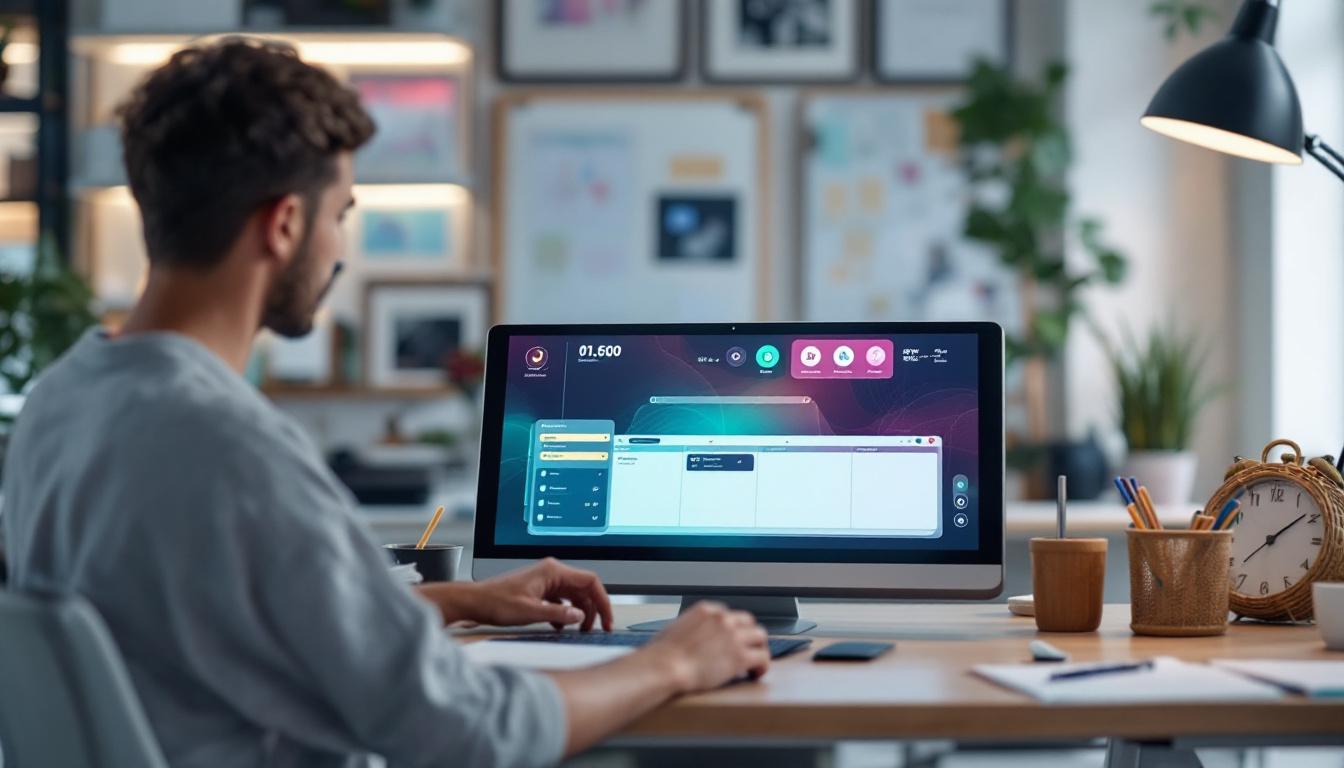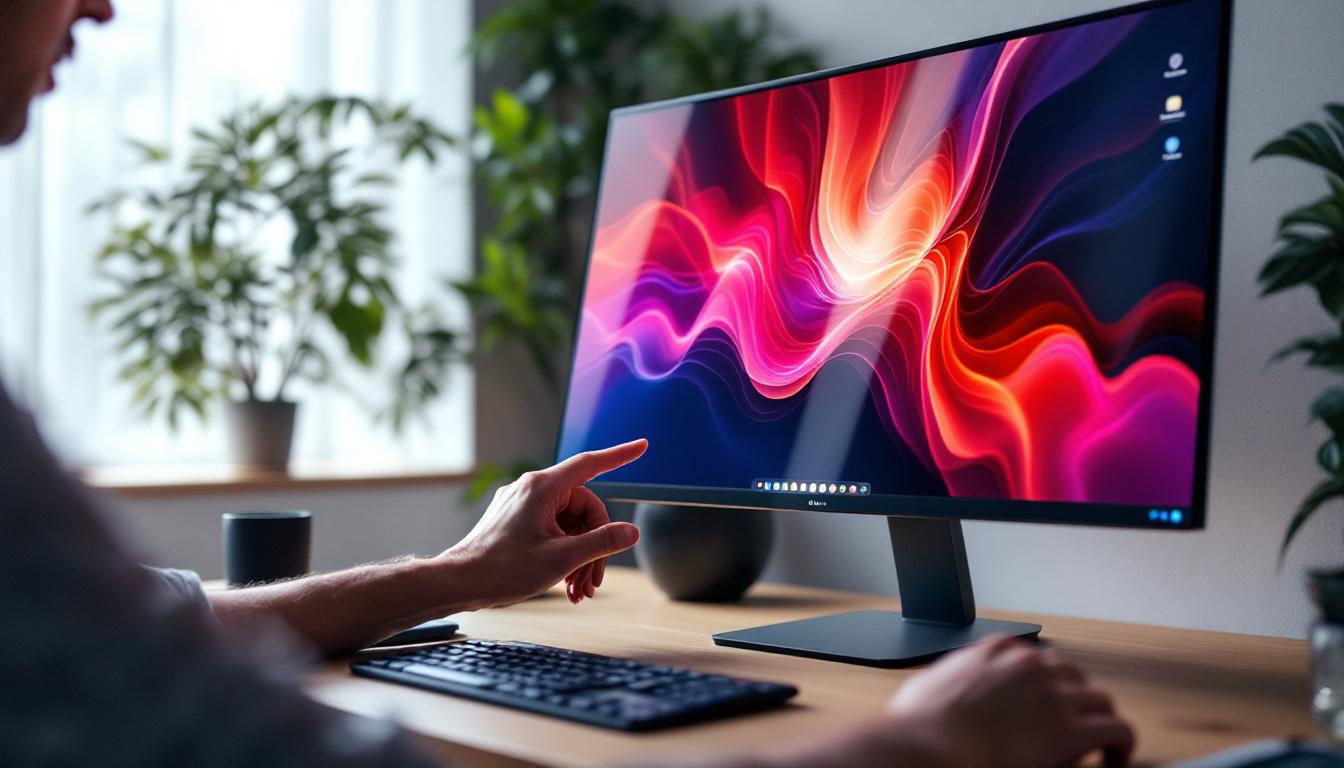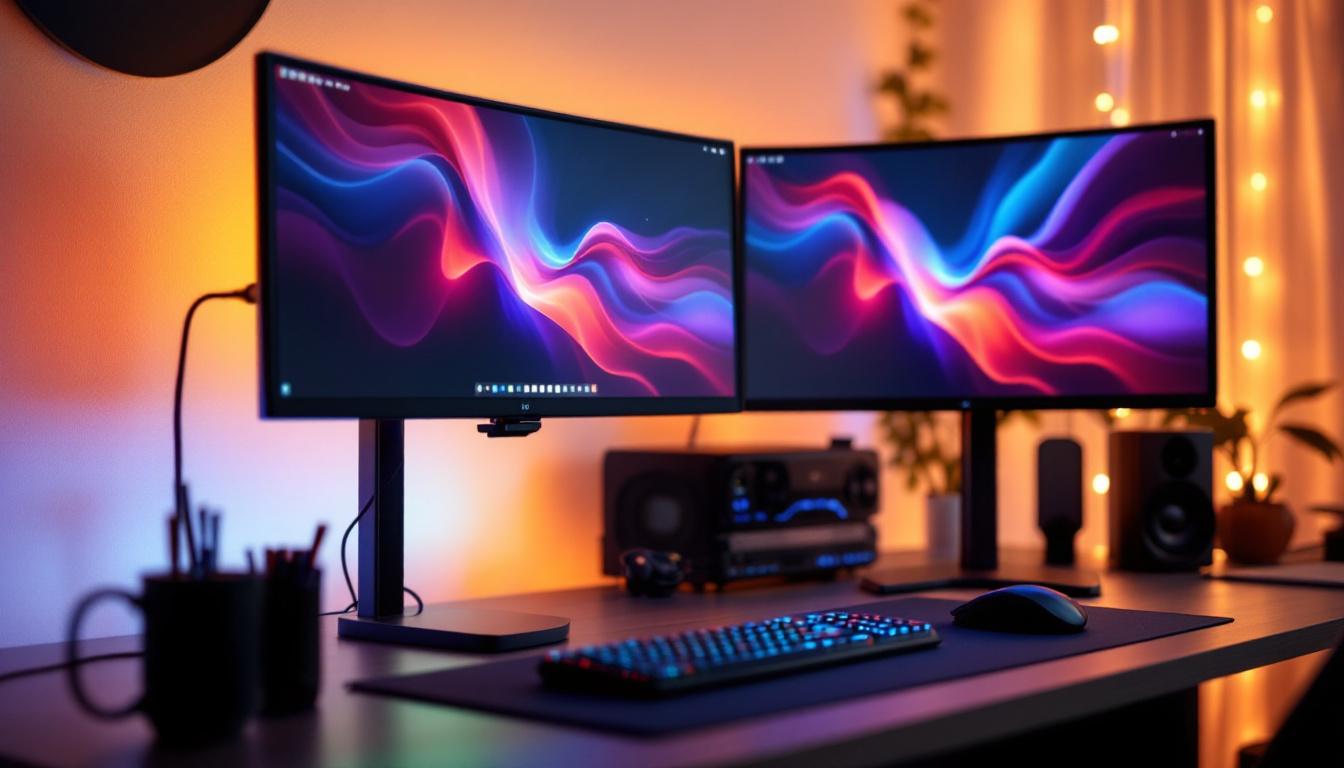
In today’s fast-paced digital world, the way we organize our workspaces has a significant impact on productivity and comfort. Dual monitor setups have become increasingly popular among professionals, gamers, and creatives alike, offering enhanced multitasking capabilities and immersive experiences. Central to these setups are two monitor stands that support LED displays, ensuring ergonomic positioning and stability. This article delves into the intricacies of two monitor stands designed for LED displays, exploring their benefits, types, and key considerations for choosing the right one.
Understanding LED Displays in Dual Monitor Setups
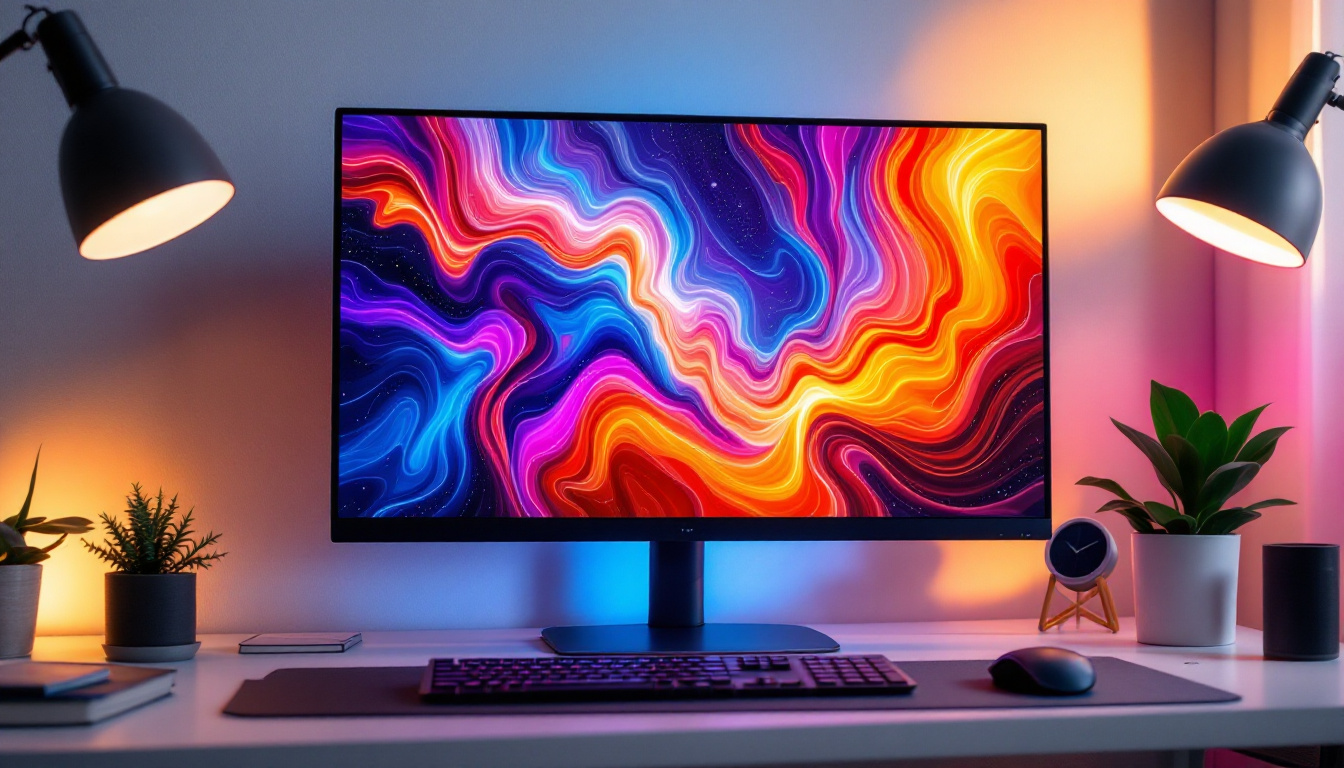
LED (Light Emitting Diode) displays have revolutionized the visual experience by providing brighter screens, better color accuracy, and energy efficiency compared to traditional LCDs. When paired with dual monitor stands, LED displays enable users to maximize their screen real estate without compromising on image quality or workspace aesthetics.
LED monitors are favored for their slim profiles and lightweight designs, which influence the choice of monitor stands. The stand must accommodate the physical dimensions and weight of the LED panels while allowing for flexible positioning. Additionally, LED displays often feature thin bezels, making them ideal for seamless multi-monitor arrangements.
Why Dual Monitors with LED Displays Matter
According to a study by the University of Utah, using dual monitors can increase productivity by up to 42%. This boost is largely attributed to the ease of multitasking and reduced time spent switching between windows. LED displays enhance this experience by delivering crisp visuals that reduce eye strain during extended use.
Professionals in fields such as graphic design, software development, financial trading, and content creation particularly benefit from dual LED monitor setups. The ability to view multiple applications simultaneously, compare documents side-by-side, or extend digital canvases significantly improves workflow efficiency.
Moreover, the versatility of LED technology allows for a variety of display types, including curved screens and ultra-wide formats, which can further enhance the user experience. Curved monitors, for instance, provide an immersive viewing angle that can make multitasking feel more natural, as the curvature draws the viewer into the content. This is particularly advantageous for gamers and designers who require a more engaging visual environment. Additionally, many LED displays now come equipped with advanced features such as high refresh rates and adaptive sync technologies, which not only improve the visual experience but also reduce lag and motion blur, making them ideal for fast-paced tasks.
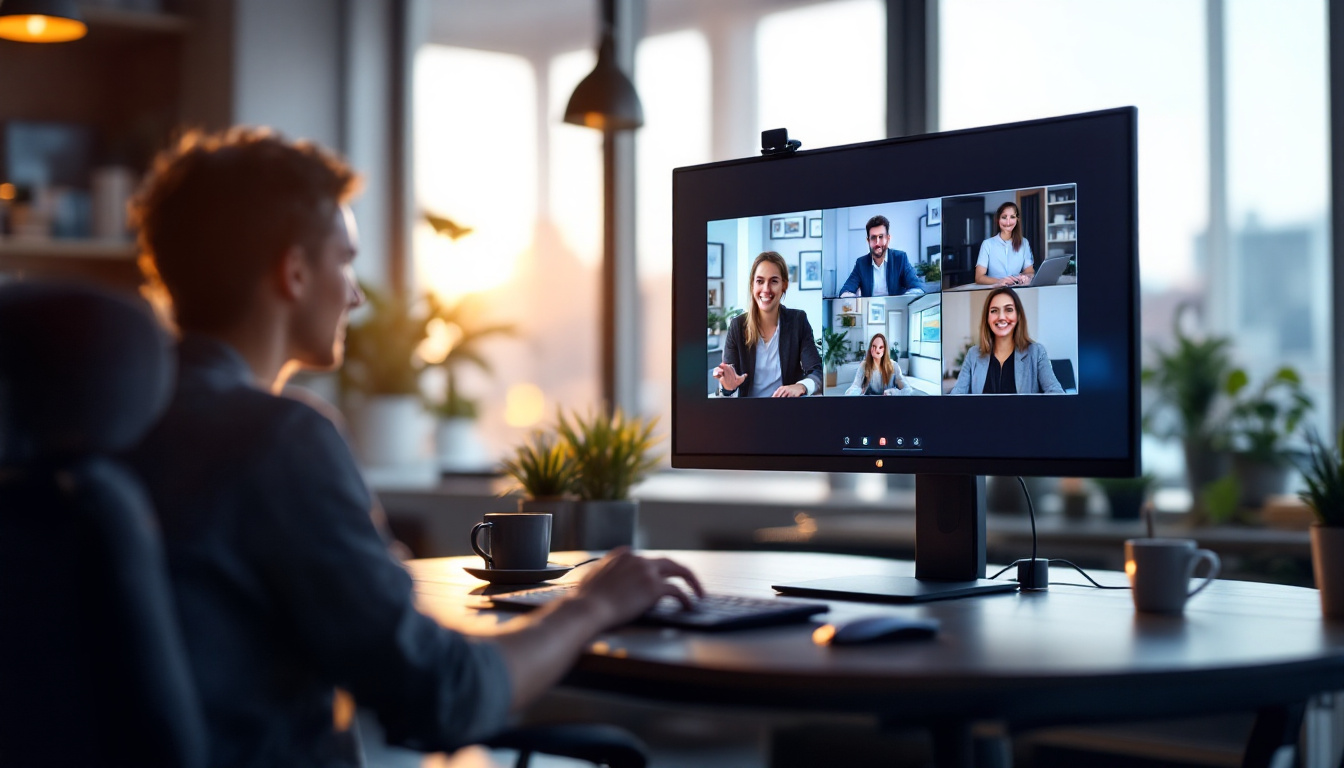
Furthermore, the integration of smart technologies in LED displays has opened up new possibilities for connectivity and collaboration. Many modern LED monitors support wireless casting and have built-in applications that allow users to share screens or collaborate on projects without the need for additional hardware. This feature is especially useful in remote work settings, where seamless communication and efficient sharing of ideas are paramount. As the demand for flexible work environments continues to grow, the role of dual LED monitor setups becomes increasingly vital in fostering productivity and creativity in various professional landscapes.
Types of Two Monitor Stands for LED Displays
Choosing the right two monitor stand is crucial for optimizing the benefits of a dual LED display setup. Stands vary in design, functionality, and mounting mechanisms, each catering to different user needs and workspace configurations.
Freestanding Dual Monitor Stands
Freestanding stands are among the most common types used for dual monitors. They typically feature a sturdy base that rests on the desk surface and two adjustable arms or brackets to hold the monitors. These stands are easy to install and do not require modifications to the desk.
One advantage of freestanding stands is their portability. Users can reposition or remove the stand without hassle, making them suitable for flexible work environments. However, they do occupy desk space, which might be a limitation for smaller workstations.
Clamp and Grommet Mount Dual Monitor Stands
Clamp and grommet mounts attach the monitor stand to the edge of the desk or through a hole in the desk surface, respectively. These mounting options free up valuable desk space by elevating the monitors above the surface.
Clamp mounts are generally easier to install and remove, while grommet mounts offer a more permanent and stable solution. Both types provide excellent adjustability, allowing users to tilt, swivel, and rotate their LED displays for optimal viewing angles.
Wall-Mounted Dual Monitor Stands
For those seeking a minimalist and space-saving setup, wall-mounted dual monitor stands are an excellent choice. These stands attach directly to the wall, freeing up all desk space and creating a clean, organized look.
Wall mounts require proper installation and sturdy wall surfaces to support the weight of two LED monitors. They offer extensive flexibility in positioning but may not be suitable for users who frequently change their workspace layout.
Key Features to Consider When Choosing Two Monitor Stands
Selecting the ideal two monitor stand for LED displays involves evaluating several important features. These factors ensure compatibility, comfort, and durability, ultimately enhancing the user experience.
Weight Capacity and Monitor Size Compatibility
LED monitors vary widely in size and weight, ranging from compact 21-inch screens to expansive 32-inch or larger displays. It is essential to verify that the monitor stand supports the combined weight and dimensions of both LED displays.
Most dual monitor stands specify maximum weight limits per arm and compatible screen sizes. Choosing a stand with a slight margin above the monitor specifications is advisable to ensure stability and longevity.
Adjustability and Ergonomics
Ergonomic positioning is key to reducing neck, shoulder, and eye strain. Dual monitor stands should offer height adjustment, tilt, swivel, and rotation capabilities to customize the setup according to individual preferences.
Height adjustability allows users to align monitors at eye level, promoting better posture. Tilt and swivel functions enable comfortable viewing angles, while rotation supports switching between landscape and portrait orientations, useful for coding or reading documents.
Build Quality and Material
The durability of a two monitor stand depends on the materials used and the quality of construction. Stands made from steel or aluminum alloys tend to offer superior strength and longevity compared to plastic alternatives.
High-quality stands often feature powder-coated finishes to resist scratches and corrosion, maintaining a professional appearance over time. Investing in a robust stand reduces the risk of wobbling or accidental damage to expensive LED displays.
Cable Management Systems
Dual LED monitor setups can involve numerous cables, including power cords, HDMI, DisplayPort, and USB connections. Monitor stands equipped with integrated cable management channels help organize and conceal cables, reducing clutter and minimizing the risk of tangling or damage.
Effective cable management not only improves aesthetics but also facilitates easier cleaning and maintenance of the workspace.
Benefits of Using Two Monitor Stands with LED Displays
Incorporating two monitor stands into a dual LED display setup offers multiple advantages beyond mere support. These benefits contribute to a more efficient, comfortable, and visually appealing workspace.
Enhanced Productivity and Workflow
By positioning two LED monitors side-by-side on dedicated stands, users can effortlessly extend their digital workspace. This setup enables simultaneous access to multiple applications, reducing the need to toggle between tabs or windows.
Studies have shown that dual monitor users complete tasks faster and with fewer errors, highlighting the productivity gains achievable with proper monitor support.
Improved Ergonomics and Comfort
Two monitor stands allow precise adjustment of monitor height, angle, and distance, promoting ergonomic alignment. This customization helps prevent musculoskeletal issues commonly associated with prolonged computer use, such as neck pain and repetitive strain injuries.
Ergonomically optimized setups also reduce eye strain by enabling optimal screen positioning relative to ambient lighting and user posture.
Space Optimization and Aesthetics
Dual monitor stands, especially clamp or wall-mounted types, free up valuable desk space by elevating monitors off the surface. This extra space can be used for other essential items or to maintain a clutter-free environment.
Additionally, well-designed stands contribute to a sleek and professional appearance, which can positively influence workplace morale and client impressions.
Installation and Maintenance Tips for Two Monitor Stands
Proper installation and regular maintenance are vital to ensure the longevity and safety of dual monitor stands supporting LED displays.
Installation Best Practices
Before installation, verify that the desk or wall can support the combined weight of the monitors and stand. Follow manufacturer instructions carefully, using appropriate tools and hardware.
When using clamp or grommet mounts, ensure the desk thickness is compatible with the mounting mechanism. For wall mounts, locate studs or solid backing to securely anchor the stand.
Regular Maintenance and Safety Checks
Periodically inspect the stand for loose screws, bolts, or signs of wear. Tighten any fittings as needed to maintain stability. Clean the stand and monitors with appropriate materials to avoid damage.
Ensure cables remain organized and undamaged, replacing any frayed or worn cords promptly to prevent hazards.
Conclusion: Maximizing Your Dual LED Display Setup with the Right Two Monitor Stand
Choosing the appropriate two monitor stand for LED displays is a critical step in creating an efficient, ergonomic, and visually appealing dual monitor workspace. Understanding the types of stands available, key features to consider, and the benefits they offer empowers users to make informed decisions tailored to their specific needs.
Whether opting for a freestanding, clamp-mounted, or wall-mounted solution, prioritizing adjustability, build quality, and compatibility ensures a stable and comfortable setup. Coupled with the superior visual performance of LED displays, the right two monitor stand can significantly enhance productivity and workplace well-being.
As dual monitor configurations continue to gain traction across various industries, investing in quality stands designed for LED displays is a practical and worthwhile choice for anyone looking to optimize their digital workspace.
Discover the Ultimate LED Display Solutions with LumenMatrix
Ready to elevate your dual monitor workspace to the next level? LumenMatrix is at the forefront of LED display innovation, offering a wide range of cutting-edge solutions tailored to your needs. From captivating Indoor LED Walls to dynamic Outdoor Displays and beyond, our products are designed to enhance your brand’s visibility and create immersive visual experiences. Embrace the future of visual communication with LumenMatrix and transform the way you share your message. Check out LumenMatrix LED Display Solutions today and witness the impact of superior LED technology on your productivity and engagement.