In an era where digital content dominates, capturing high-quality video of screens—especially LED displays—has become increasingly important for professionals, educators, marketers, and tech enthusiasts alike. Whether it’s recording a live event, creating tutorials, or archiving digital signage content, understanding how LED displays work and how to effectively take video of them is essential.
Understanding LED Displays: The Backbone of Modern Screens
LED (Light Emitting Diode) displays are everywhere—from smartphones and televisions to massive outdoor billboards and stadium screens. Their popularity stems from their brightness, energy efficiency, and ability to produce vibrant colors. But what exactly makes LED displays unique, and why does that matter when capturing video of them?
How LED Displays Work
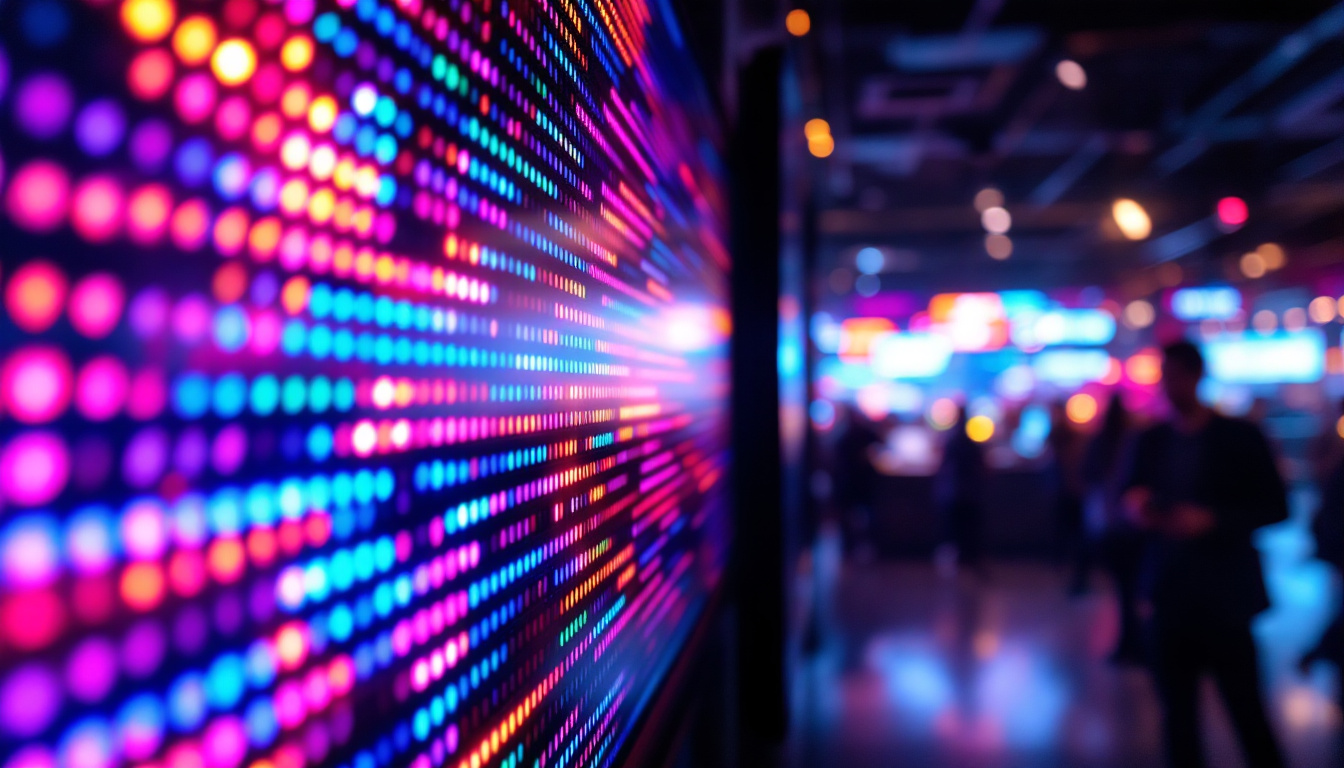
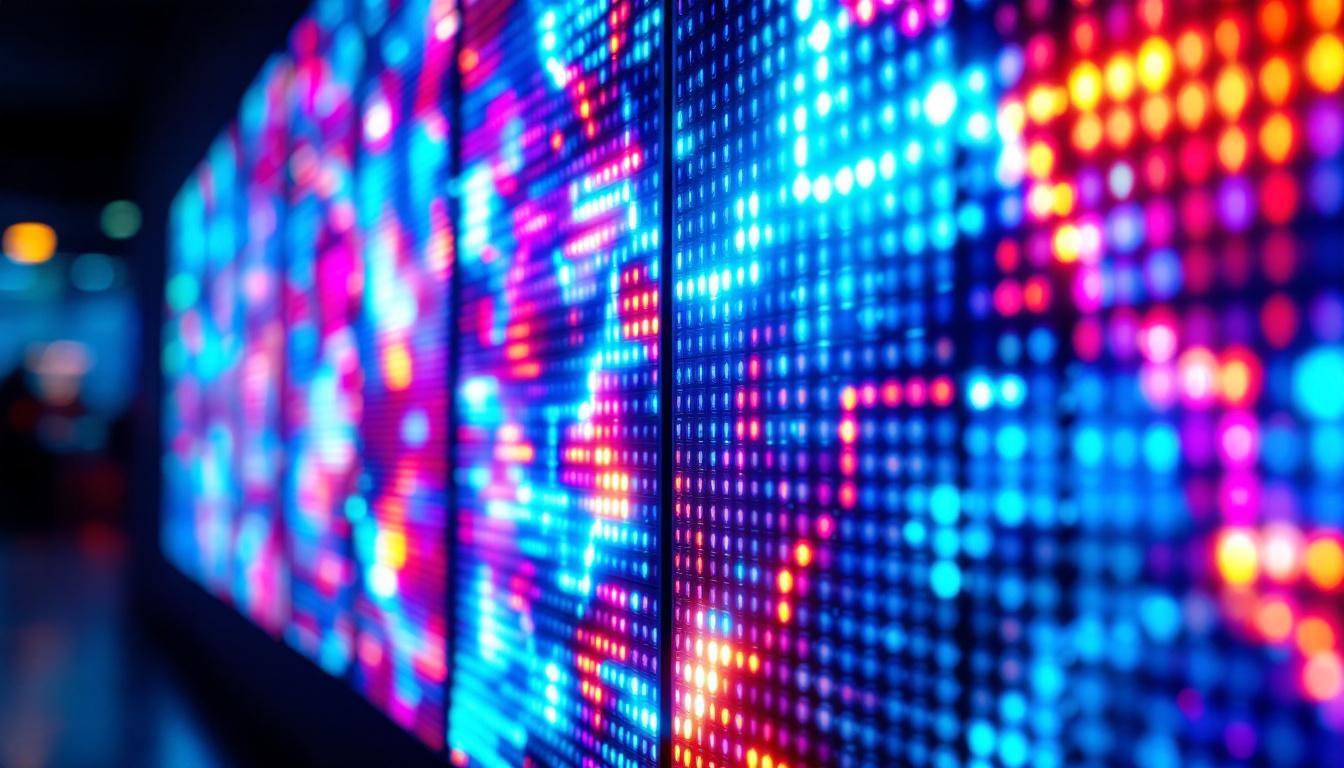
At the core, an LED display consists of many tiny light-emitting diodes arranged in a grid. Each diode acts as a pixel, illuminating in various colors and intensities to form images and videos. Unlike LCDs, which rely on backlighting, LEDs emit their own light, resulting in higher contrast ratios and better visibility in bright environments.
Modern LED displays often use RGB (red, green, blue) diodes to create a full spectrum of colors. By adjusting the intensity of each diode, the screen can display millions of colors. This technology enables the vivid and dynamic visuals that are crucial for advertising, entertainment, and information dissemination. Additionally, the rapid response time of LEDs allows for smooth motion rendering, making them ideal for fast-paced video content, such as sports broadcasts and action movies. This capability ensures that viewers experience every detail without blurring or ghosting, enhancing the overall viewing experience.
Types of LED Displays
LED displays come in several forms, each optimized for different use cases:
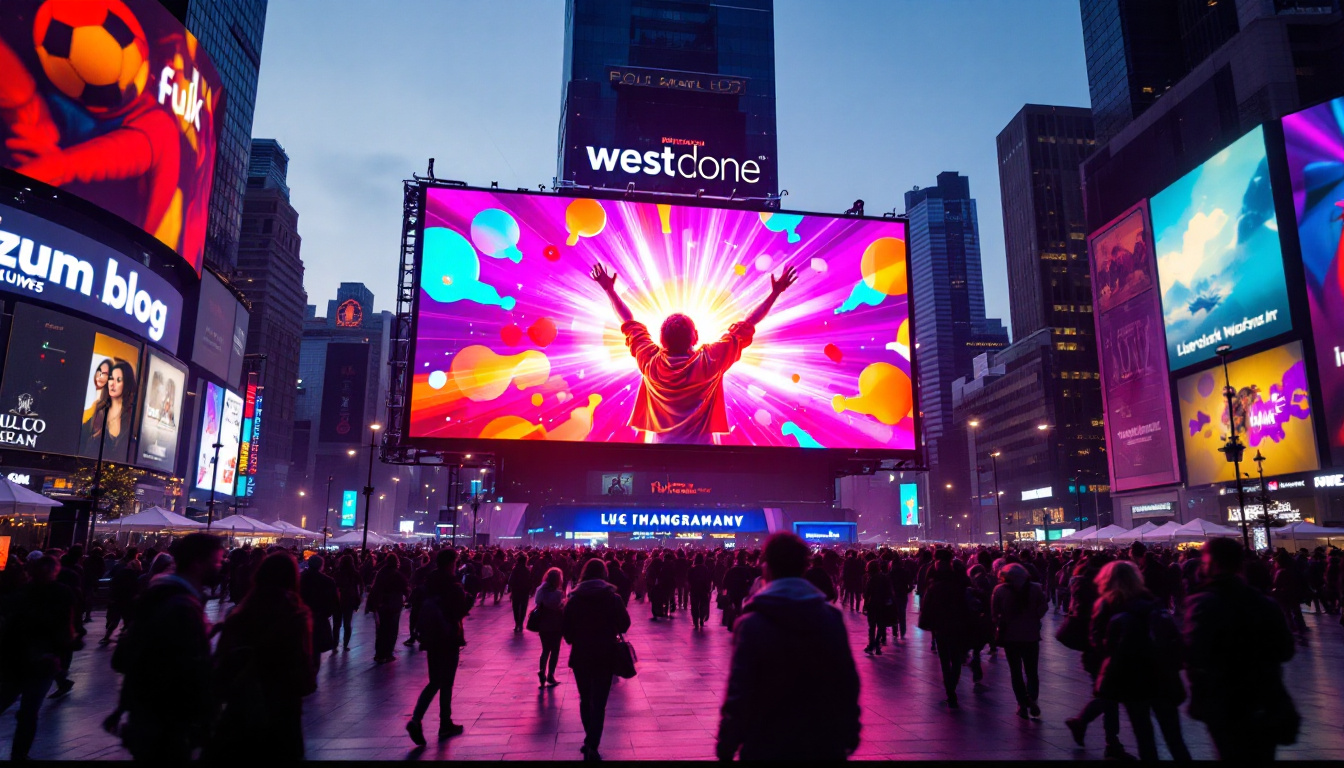
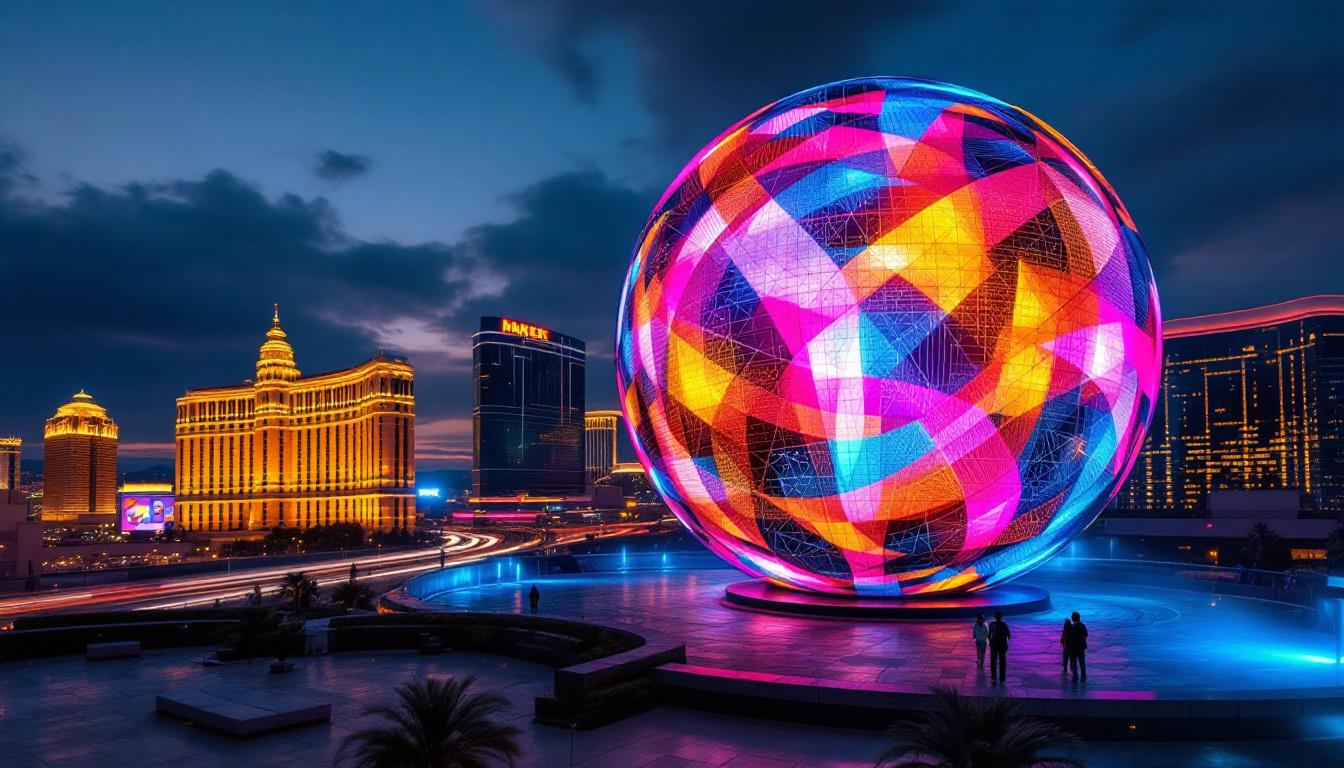
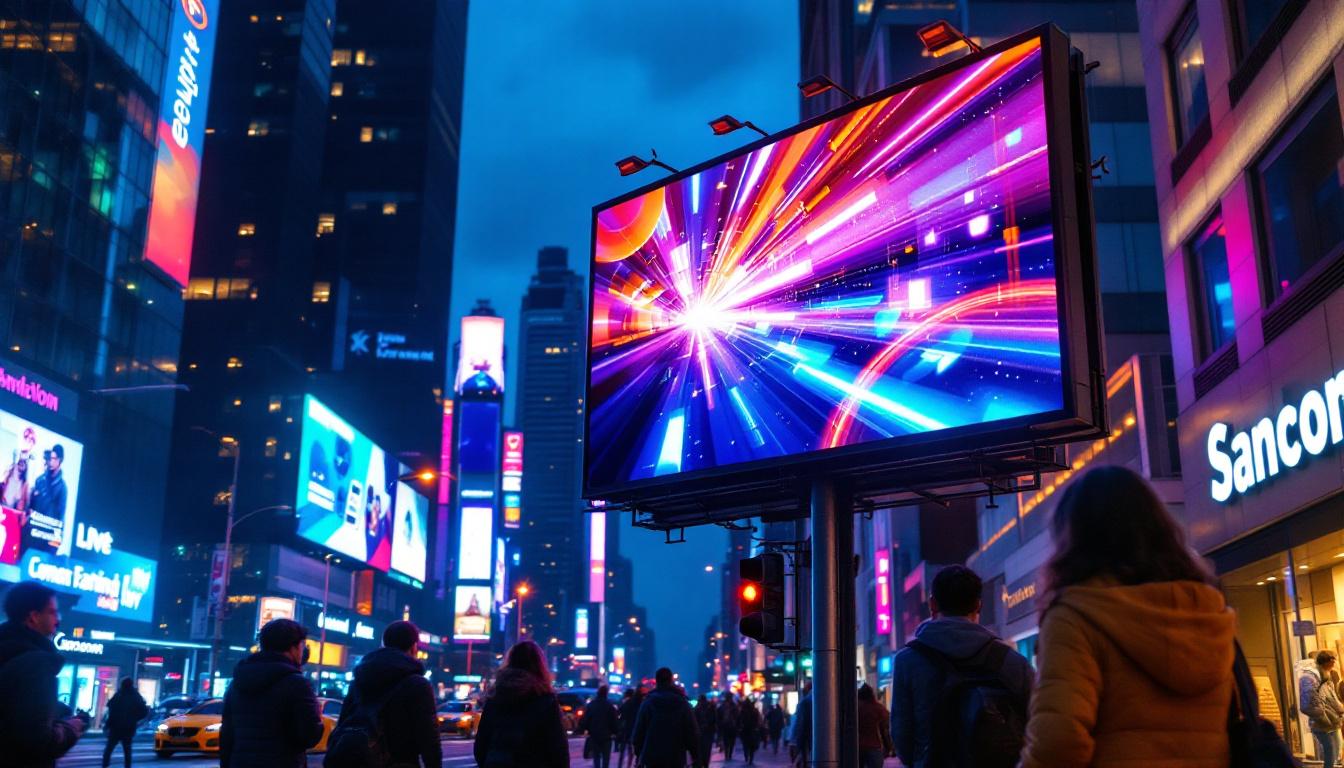
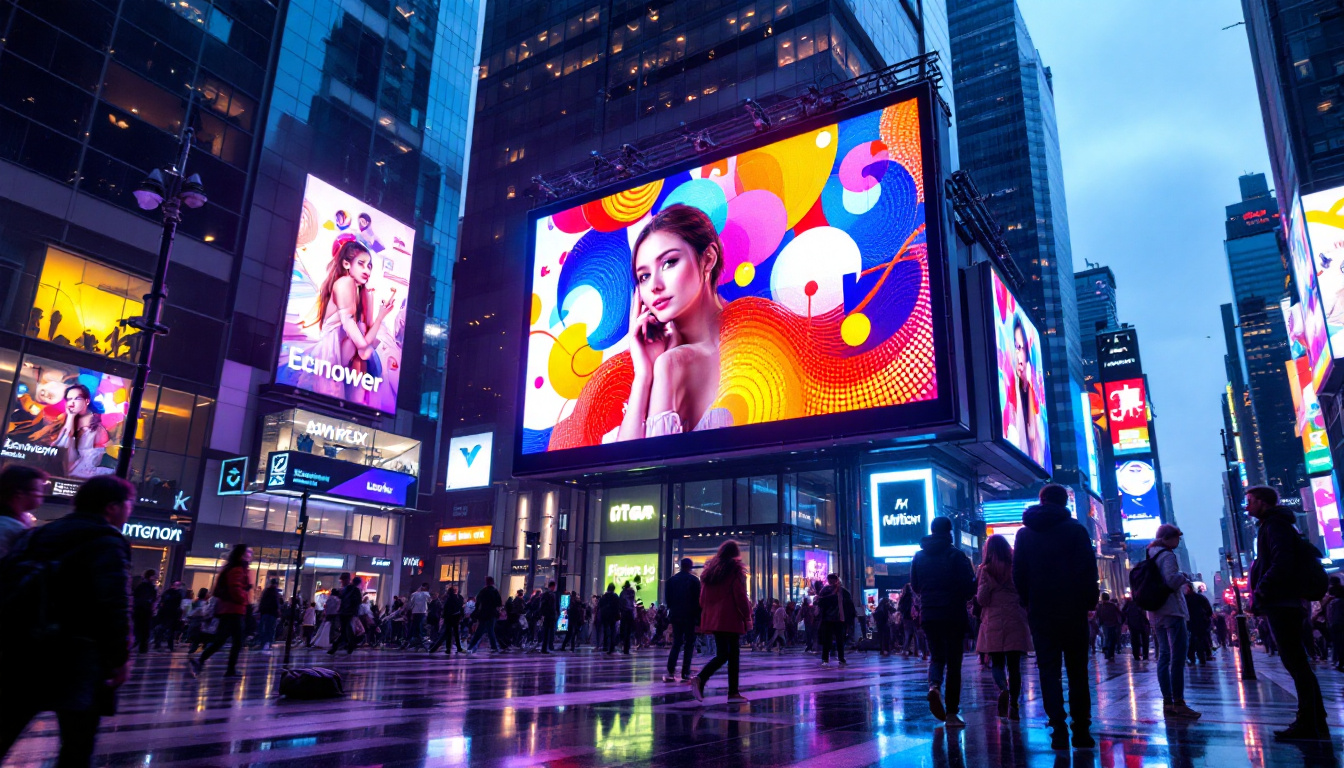
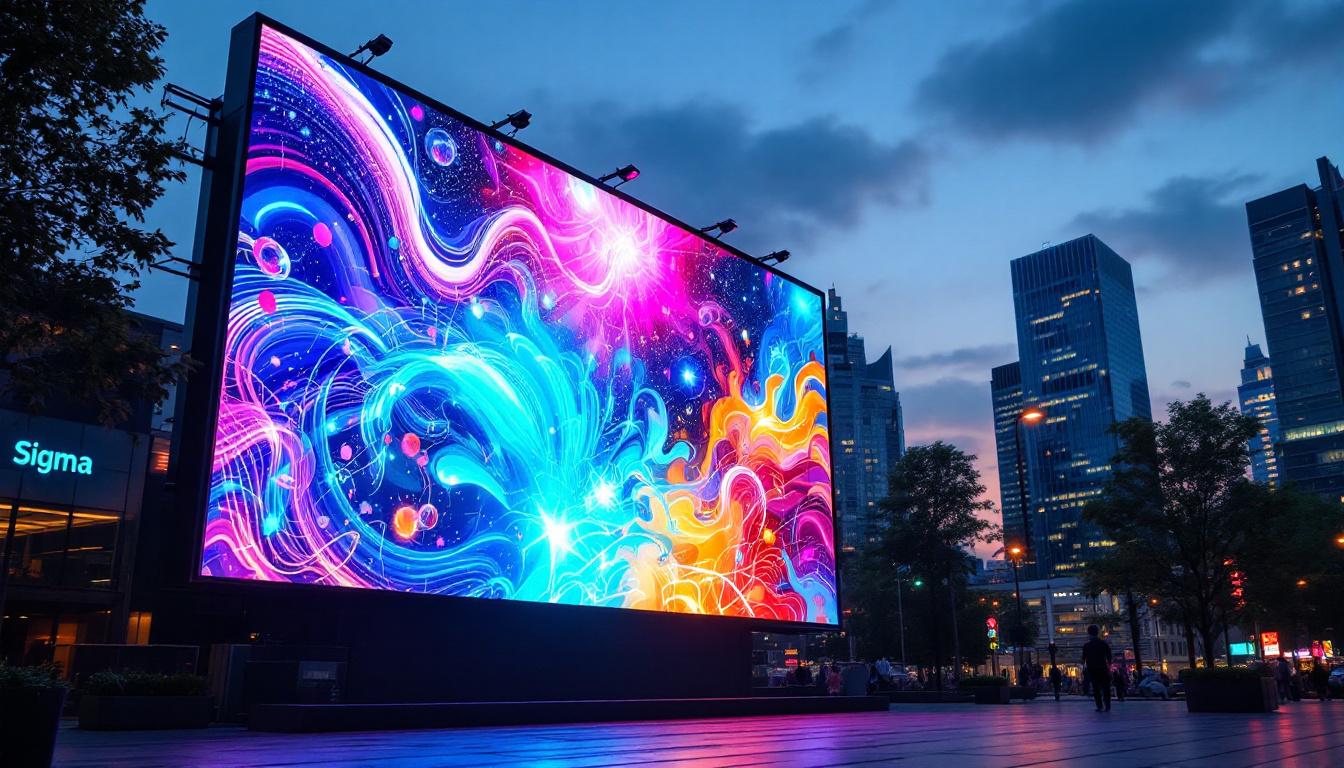
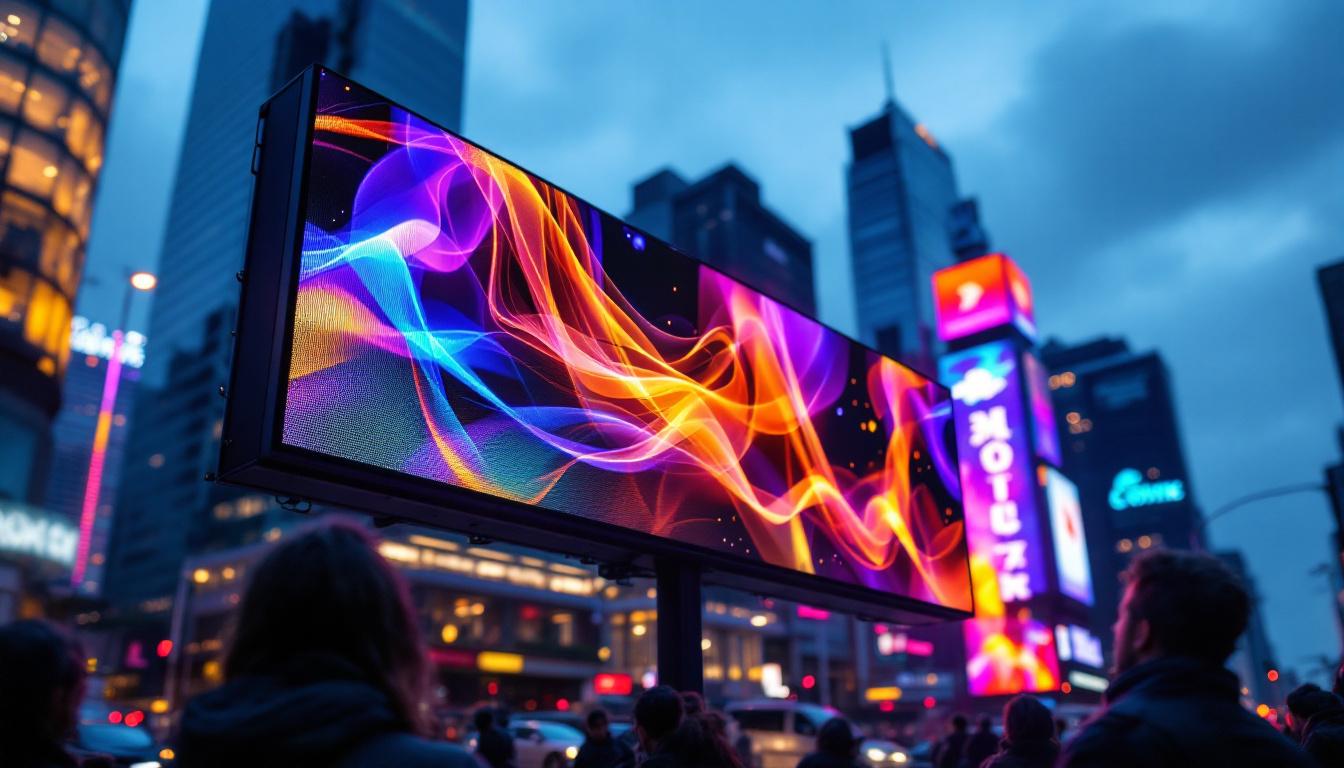
- Direct View LED (DVLED): These are large-scale displays made up of individual LEDs visible to the naked eye. They are commonly used in outdoor billboards and stadium screens.
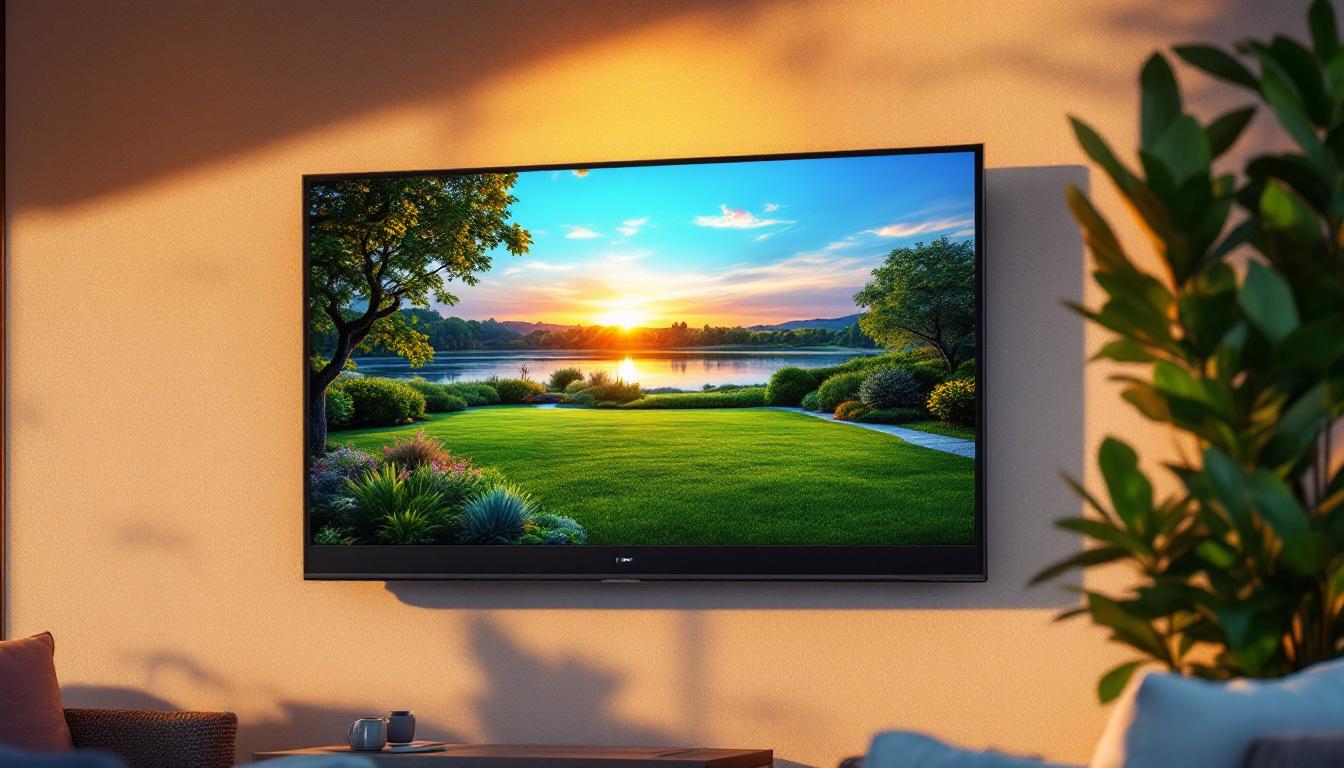
- LED-backlit LCD: Most consumer TVs and monitors fall into this category. They use LEDs as a backlight behind an LCD panel, blending the benefits of both technologies.
- MicroLED: An emerging technology featuring microscopic LEDs that promise even better brightness and color accuracy, potentially revolutionizing display tech in the near future.
In addition to these types, there are also flexible LED displays that can be bent and shaped to fit unique designs, allowing for innovative installations in retail environments and art projects. These displays can create immersive experiences, wrapping around corners or curving to fit the contours of a space. Furthermore, advancements in pixel pitch—the distance between the center of one pixel to the center of the next—have allowed for higher resolution displays even at larger sizes, making it possible to view crisp images from closer distances without noticing individual pixels. This is particularly important for venues where audience proximity to the screen is a factor, such as concerts and exhibitions.
Challenges When Taking Video of LED Screens
Recording video of an LED display is not as straightforward as pointing a camera and hitting record. Several technical challenges arise due to the nature of LED technology and how cameras capture light.
Flicker and Refresh Rate Issues
One of the most common problems is flickering. LED displays refresh their images many times per second (refresh rate), but this rate often doesn’t sync perfectly with the camera’s frame rate. For example, an LED screen refreshing at 60 Hz might appear flickery or show horizontal banding when recorded at 30 frames per second (fps).
This flicker effect is caused by the mismatch between the camera shutter speed and the display’s refresh cycle. It can result in distracting artifacts in the video, reducing its quality and professional appearance. To mitigate this issue, videographers can experiment with different shutter speeds or frame rates, but this often requires a deep understanding of both the camera and the LED technology in use. Some advanced cameras offer options to adjust shutter speed settings, which can help in synchronizing with the LED refresh rate, but this may not always be feasible in fast-paced environments.
Color Accuracy and Exposure
LED displays are known for their vibrant colors and high brightness, which can sometimes confuse a camera’s auto-exposure and white balance settings. The camera may overcompensate, leading to washed-out colors or unnatural hues in the recorded video.
Additionally, capturing the true color gamut of an LED screen requires careful calibration of the camera settings, as the display’s dynamic range often exceeds what standard cameras can easily handle. This challenge is particularly pronounced in environments with mixed lighting conditions, where the LED display’s brightness can create stark contrasts. To achieve optimal results, videographers often rely on manual settings, utilizing tools like color charts and histogram displays to ensure that the colors are accurately represented. Moreover, post-production color grading can also play a crucial role in correcting any discrepancies, but it’s always best to capture the most accurate footage possible from the outset.
Moire Patterns and Pixelation
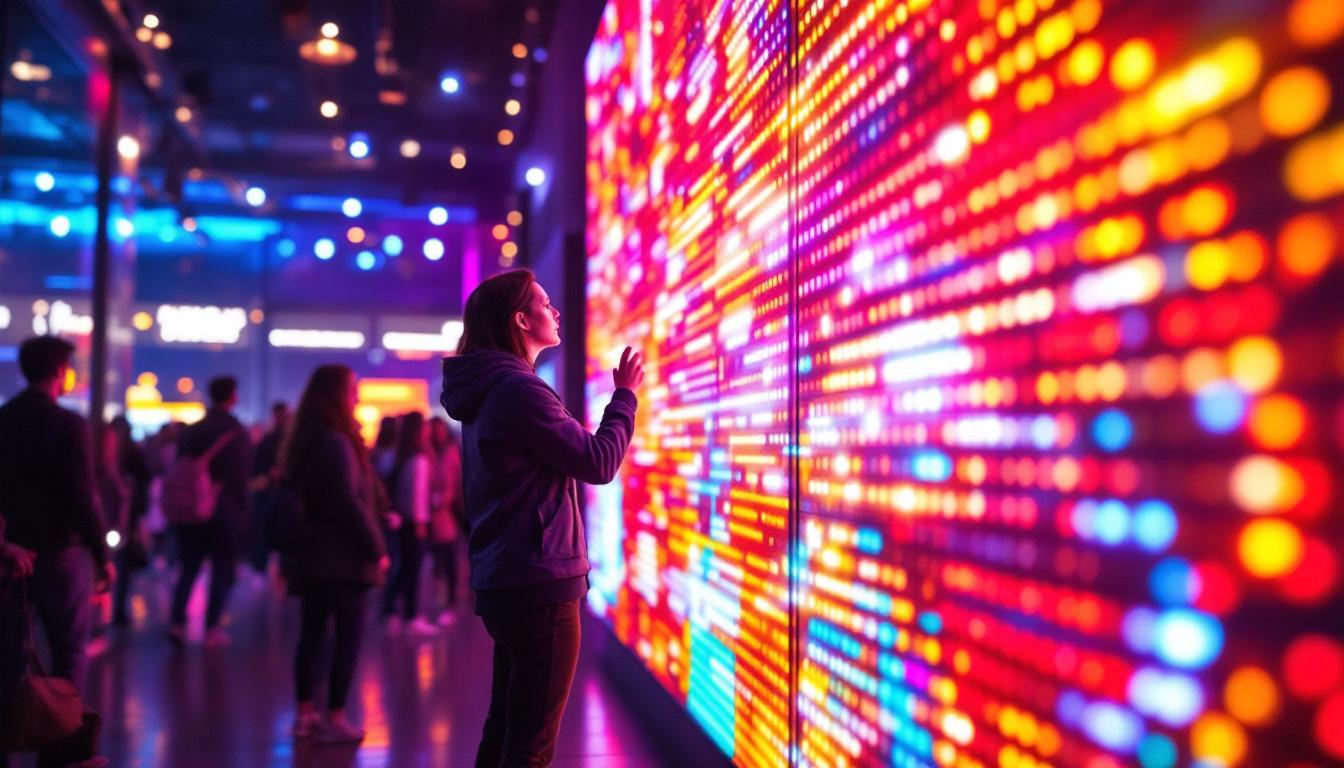
When filming LED displays, especially those with visible pixel structures like DVLED screens, moire patterns can appear. These are interference patterns caused by the interaction between the camera sensor’s pixel grid and the LED pixel grid. The result is a distracting, wavy pattern that can degrade video quality.
To combat moire patterns, videographers may need to adjust their shooting angles or distances from the screen. Sometimes, using a lens with a different focal length can help minimize these patterns, as can altering the camera’s resolution settings. Additionally, some cameras come equipped with anti-aliasing filters designed to reduce the occurrence of moire, but these can sometimes soften the overall image quality. Understanding the specific characteristics of the LED screen being filmed is essential, as different displays may react differently to camera settings. This knowledge allows for more effective planning and adjustments, ensuring that the final video product is as polished and professional as possible.
Best Practices for Capturing Video of LED Displays
Despite the challenges, there are several strategies and techniques to improve the quality of video recordings of LED screens.
Match Frame Rates and Refresh Rates
One of the most effective ways to reduce flicker is to synchronize the camera’s frame rate with the LED display’s refresh rate. For instance, if the LED screen refreshes at 60 Hz, setting the camera to record at 60 fps or a divisor thereof (30 fps, 15 fps) can minimize flicker.
Professional cameras often allow manual adjustment of shutter speed and frame rate, providing greater control over this synchronization. Experimenting with shutter speeds that are multiples or fractions of the refresh period can also help.
Use Manual Camera Settings
Relying on automatic exposure and white balance can result in inconsistent and inaccurate color reproduction. Switching to manual mode lets you lock in exposure, ISO, and white balance settings, ensuring the LED display’s colors are captured faithfully.
Using a grey card or color calibration chart before filming can aid in setting accurate white balance, especially in environments with mixed lighting.
Adjust Distance and Angle
Positioning the camera at an optimal distance and angle helps reduce moire patterns and pixelation. Moving the camera slightly off-axis rather than shooting straight on can break up interference patterns.
Using a lens with a higher focal length (telephoto lens) can also help by capturing the screen in greater detail and minimizing distortion.
Utilize Post-Processing Techniques
Even with the best shooting practices, some artifacts may persist. Post-processing software such as Adobe Premiere Pro, DaVinci Resolve, or Final Cut Pro can help reduce flicker and correct color issues.
Many video editors offer flicker removal plugins or filters that analyze frame-by-frame changes and smooth out inconsistencies. Color grading tools allow fine-tuning of hues and saturation to better match the original display.
Applications and Use Cases for Recording LED Displays
Understanding how to effectively take video of LED screens opens up a wide range of practical applications across industries.
Event Documentation and Live Streaming
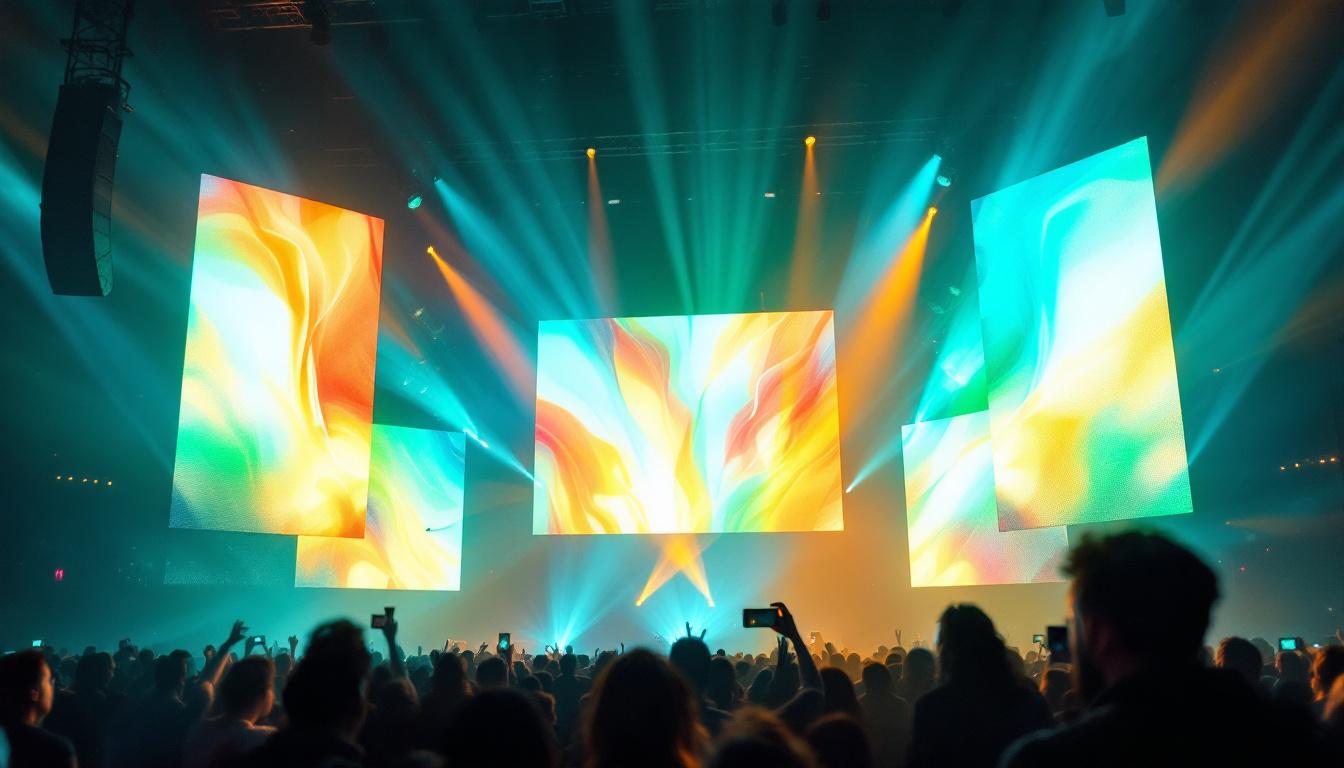
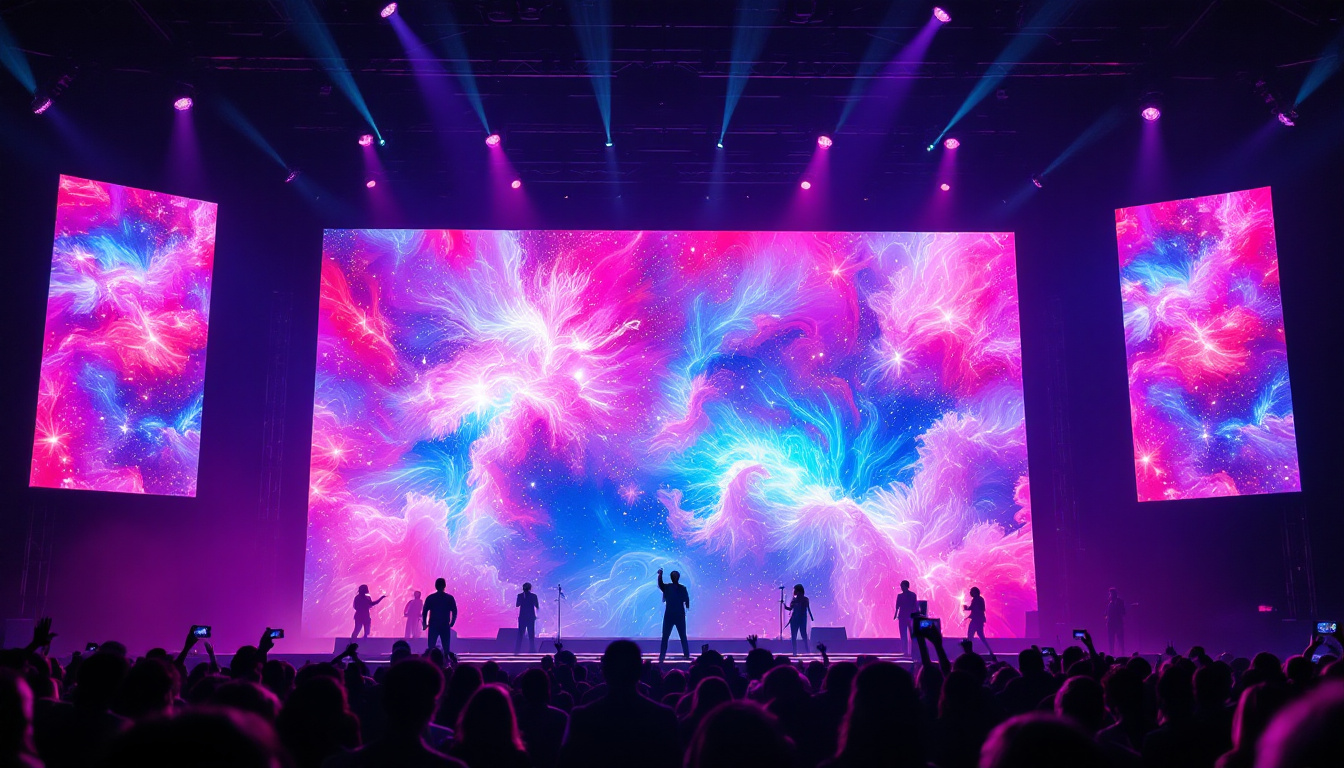
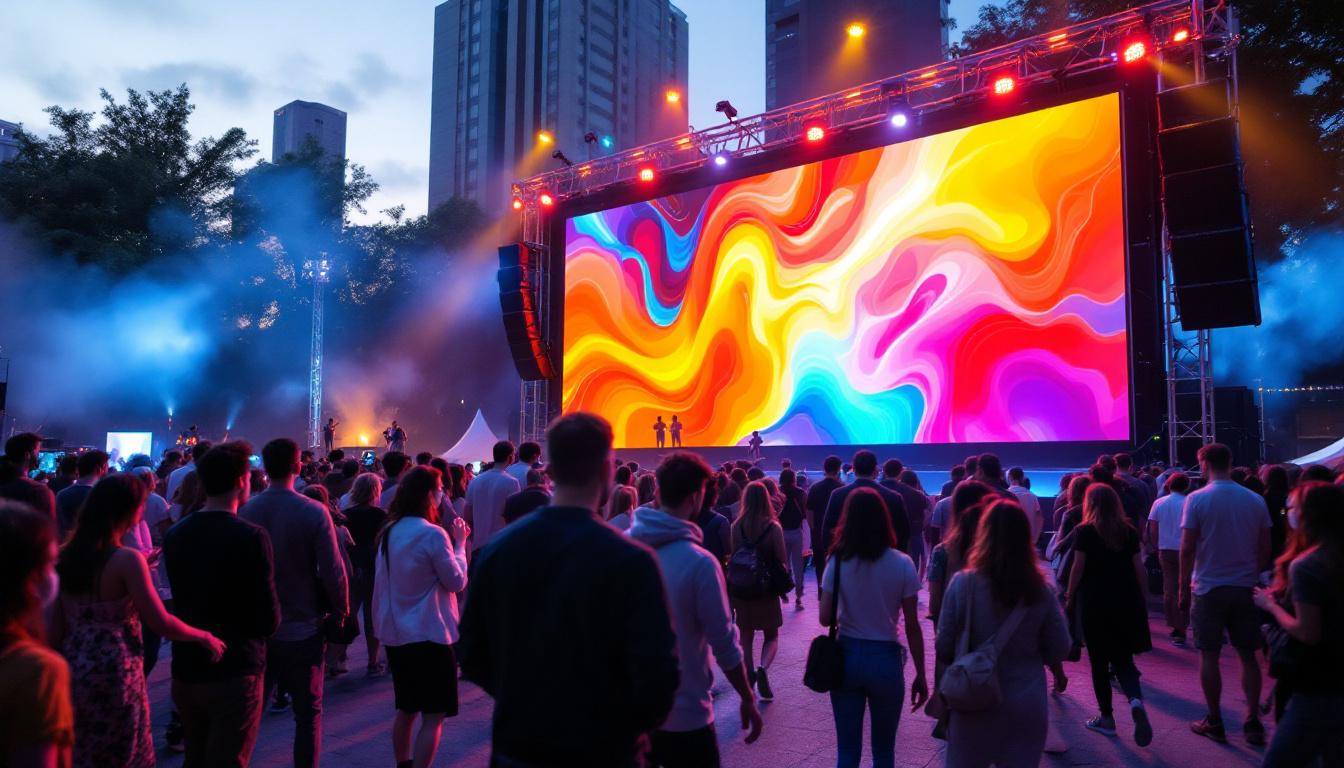
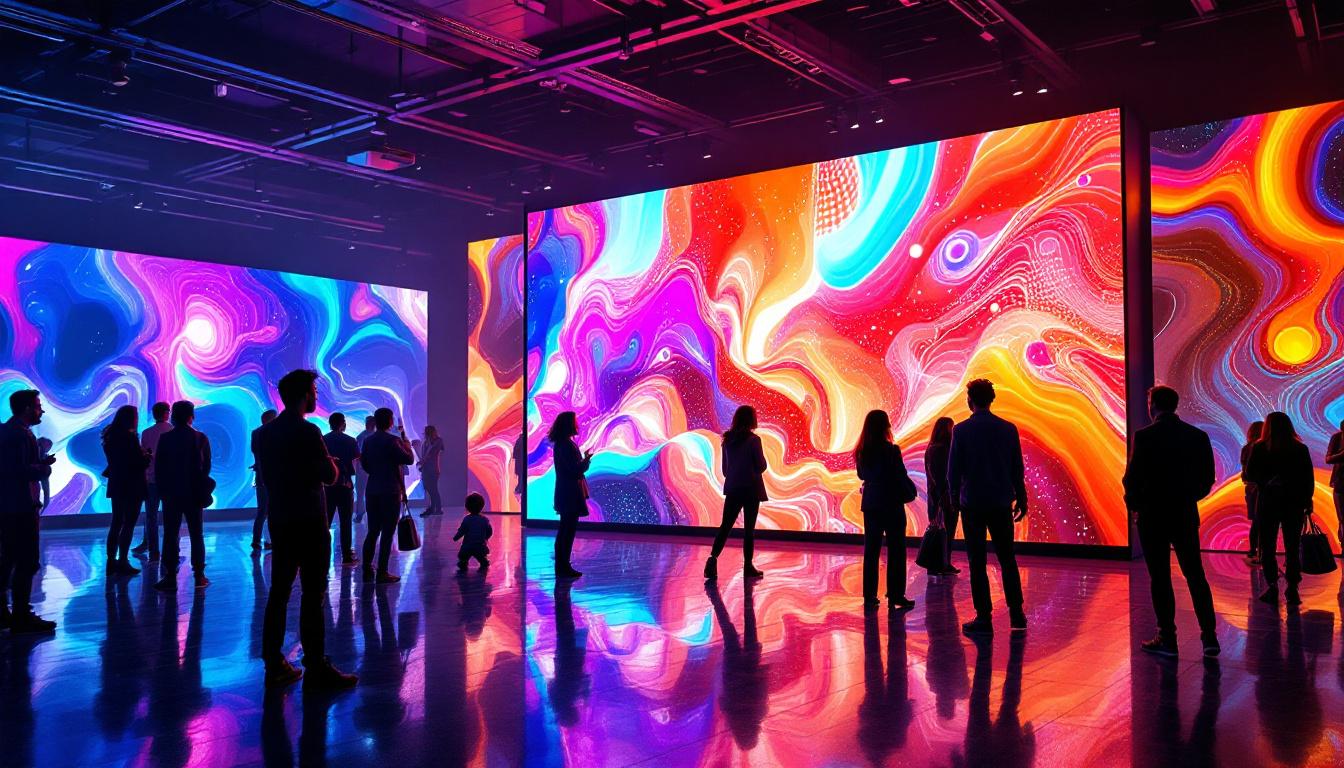
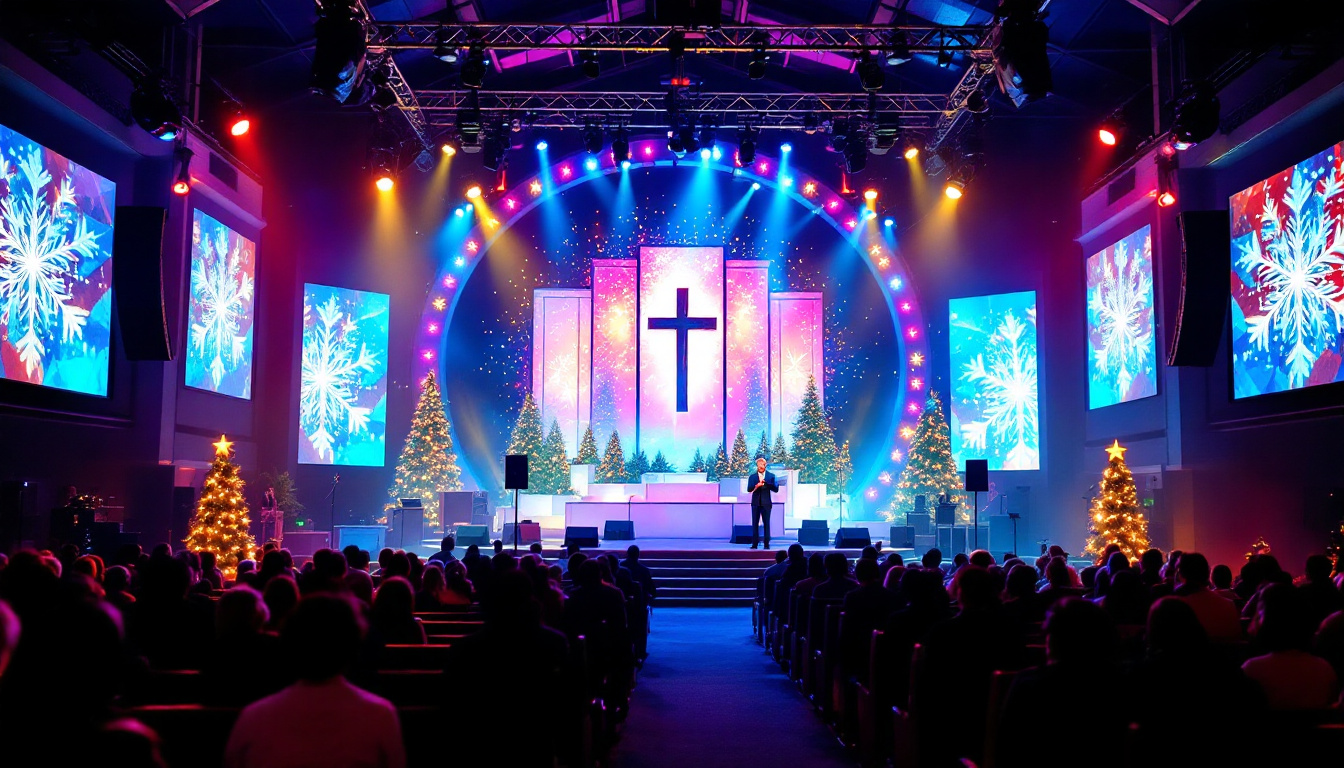
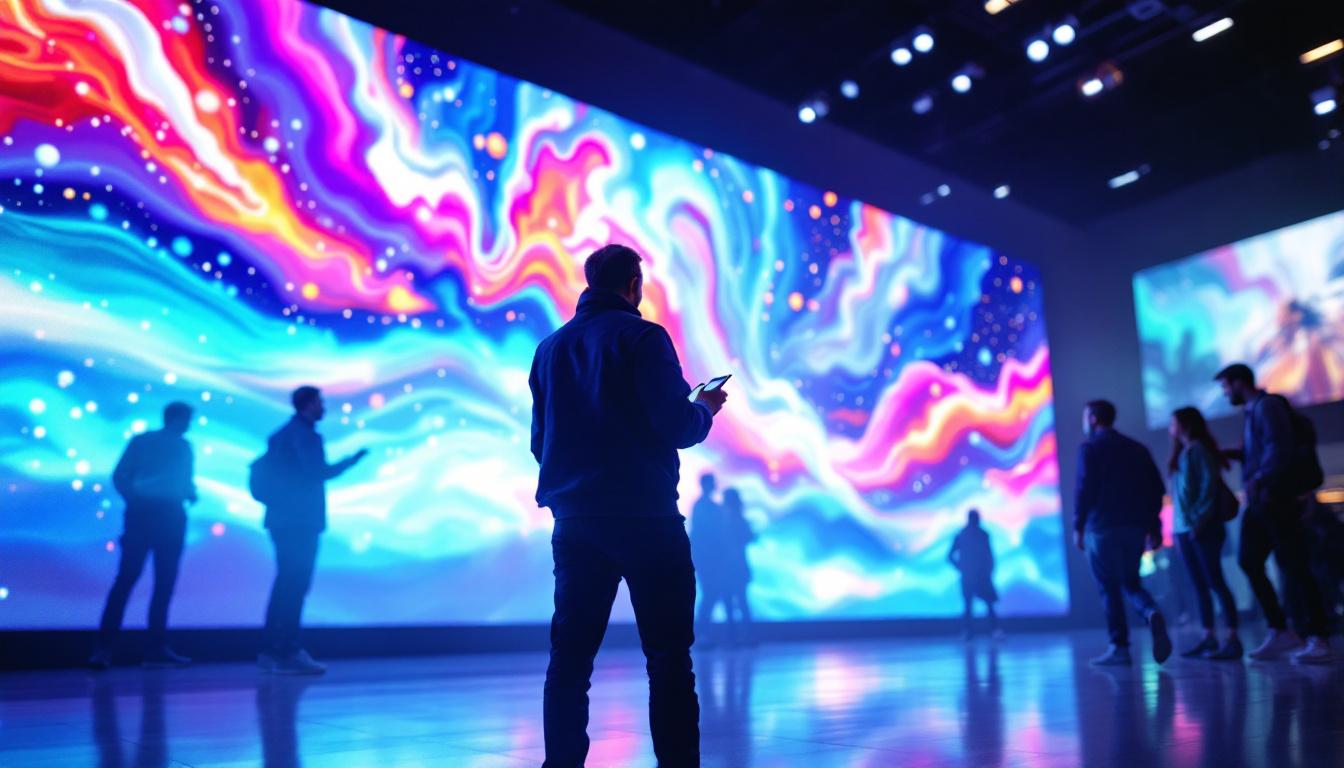
Large LED displays are staples at concerts, conferences, and sports events. Capturing video of these screens is crucial for event documentation, promotional materials, and live streaming.
High-quality recordings allow organizers to showcase event highlights, create engaging social media content, and provide remote audiences with immersive experiences.
Advertising and Marketing
Digital billboards and LED signage are powerful marketing tools. Recording these displays enables brands to archive campaigns, analyze ad performance, and repurpose content across platforms.
Marketers can also use recorded footage to demonstrate dynamic content capabilities to clients or stakeholders.
Technical Training and Tutorials
Educators and trainers often use LED screens to present complex information. Recording these presentations ensures that lessons can be reviewed later or shared with wider audiences.
In technology sectors, capturing the behavior of LED displays can assist in troubleshooting, quality control, and product demonstrations.
Future Trends in LED Display Technology and Video Capture
The landscape of LED displays and video capture technology continues to evolve rapidly, promising exciting developments for content creators and viewers alike.
Higher Refresh Rates and Resolution
As LED displays advance, refresh rates are increasing beyond 120 Hz, reducing flicker and motion blur. Ultra-high-definition (UHD) and 8K LED screens are becoming more common, offering unprecedented detail and clarity.
These improvements will make video capture easier and more accurate, as cameras can better sync with smoother, higher-frequency displays.
AI-Powered Video Enhancement
Artificial intelligence is playing a growing role in video editing and enhancement. AI algorithms can intelligently remove flicker, correct colors, and reduce moire patterns automatically, streamlining the post-production process.
This technology is especially valuable for content creators who need to process large volumes of footage quickly without sacrificing quality.
Integration with Augmented and Virtual Reality
LED displays are increasingly integrated into AR and VR environments, creating immersive experiences for users. Capturing video within these contexts requires new techniques and tools designed to handle dynamic, interactive content.
Future video capture solutions will likely incorporate 3D spatial awareness and real-time processing to keep pace with these innovations.
Conclusion
Taking video of LED screens involves understanding the unique properties of LED technology and overcoming challenges like flicker, color accuracy, and moire patterns. By mastering camera settings, synchronization techniques, and post-processing methods, professionals can capture vibrant, high-quality footage that faithfully represents the original display.
With LED displays continuing to evolve and expand across industries, the ability to effectively record their content is a valuable skill. Whether for event documentation, marketing, education, or technical analysis, knowing how to take video of LED screens ensures that digital content can be shared, preserved, and appreciated in its best form.
Discover LumenMatrix’s Advanced LED Solutions
Ready to elevate your visual content with the latest in LED display technology? Look no further than LumenMatrix, a pioneer in crafting LED displays that bring your digital visions to life. From the immersive Indoor LED Wall Display to the dynamic Outdoor LED Wall Display, and from the innovative Vehicle LED Display to the sleek LED Poster Display, LumenMatrix offers a comprehensive range of solutions tailored to your needs. Experience the power of LED Sports Display, the interactive Floor LED Display, the versatility of Custom LED Display, the convenience of All-in-One LED Display, and the transparency of LED Transparent Display. Embrace the future of visual communication with LumenMatrix and create impactful, engaging experiences for your audience. Check out LumenMatrix LED Display Solutions today and transform the way you share your message.