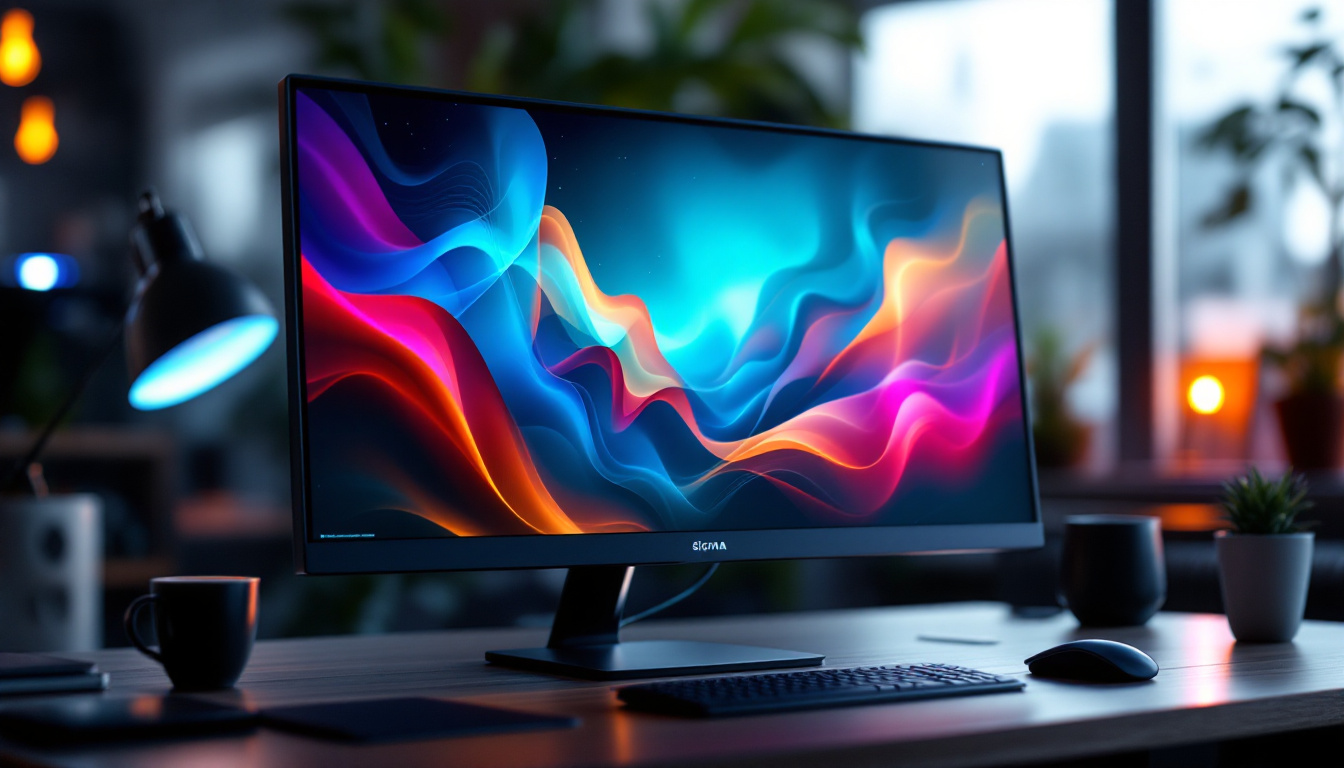
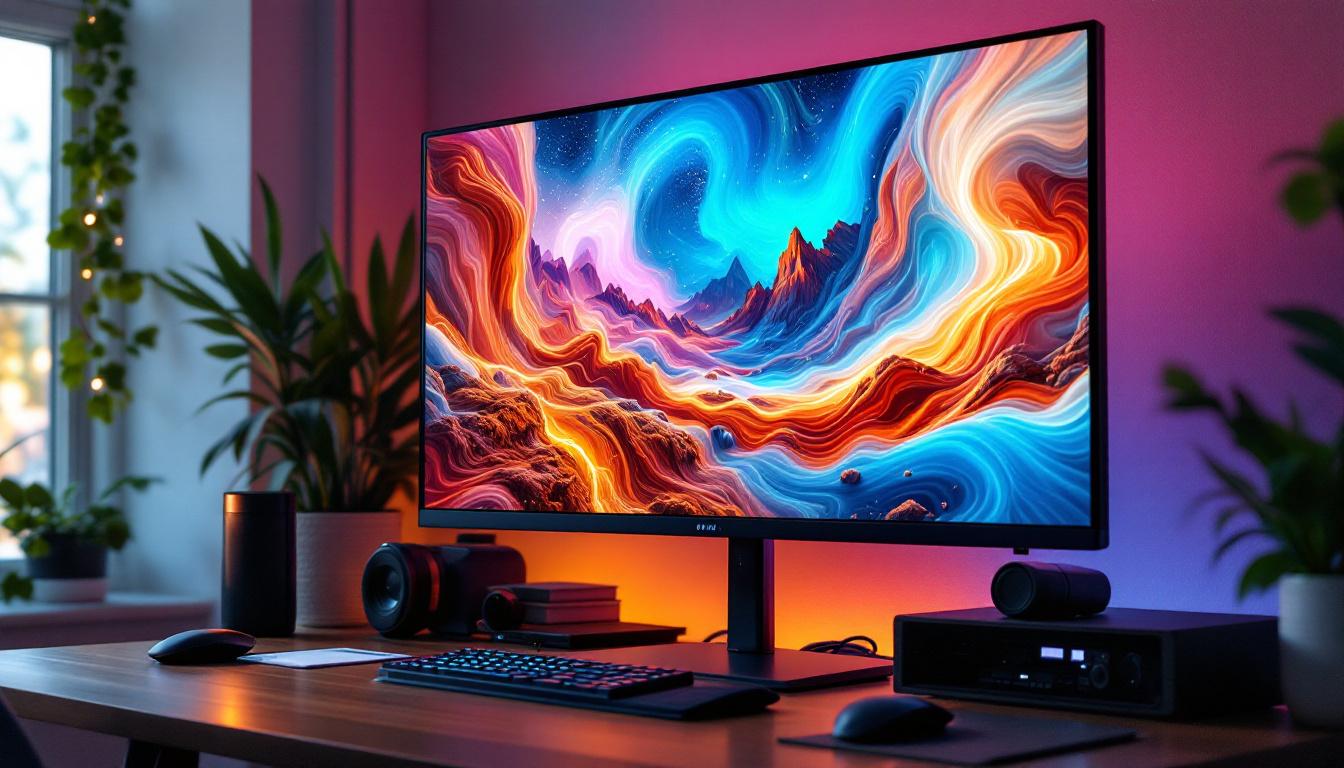
Choosing the right computer monitor can significantly impact your productivity, entertainment experience, and overall satisfaction with your setup. Among the various screen sizes available, 22-inch displays strike a perfect balance between compactness and ample screen real estate, making them a popular choice for both home and office use. In recent years, LED technology has become the standard for monitors, offering vibrant colors, energy efficiency, and sleek designs.
This article dives deep into the world of 22-inch LED displays, unraveling the technology behind LED screens, exploring the key features to consider, and highlighting some of the best models currently available. Whether you’re upgrading your workstation or setting up a secondary monitor, understanding what makes a great 22-inch LED display will help you make an informed decision.
Understanding LED Display Technology
What is an LED Display?
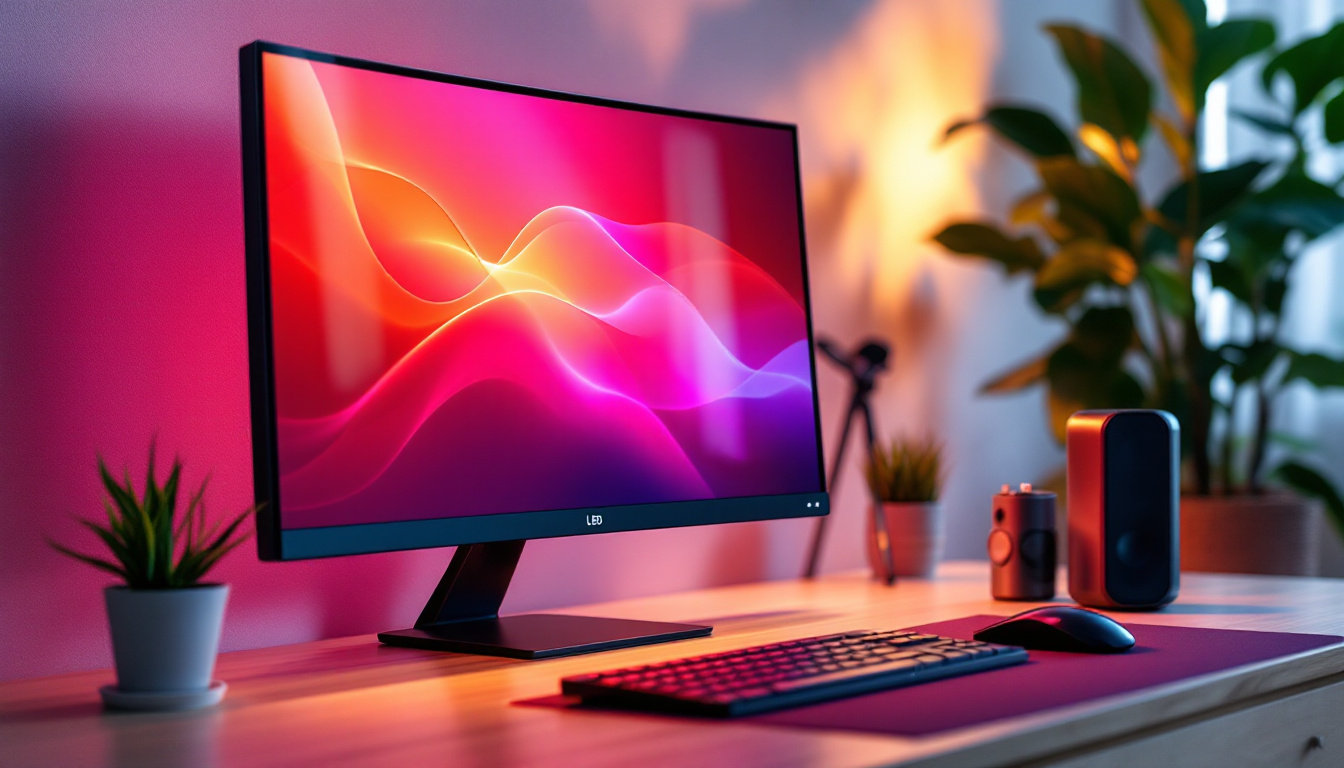
LED stands for Light Emitting Diode, a technology used to illuminate the screen of a monitor. Unlike older LCD monitors that used cold cathode fluorescent lamps (CCFL) for backlighting, LED displays utilize an array of tiny LEDs to provide backlight. This shift has brought numerous advantages including better energy efficiency, thinner panels, and improved color accuracy.
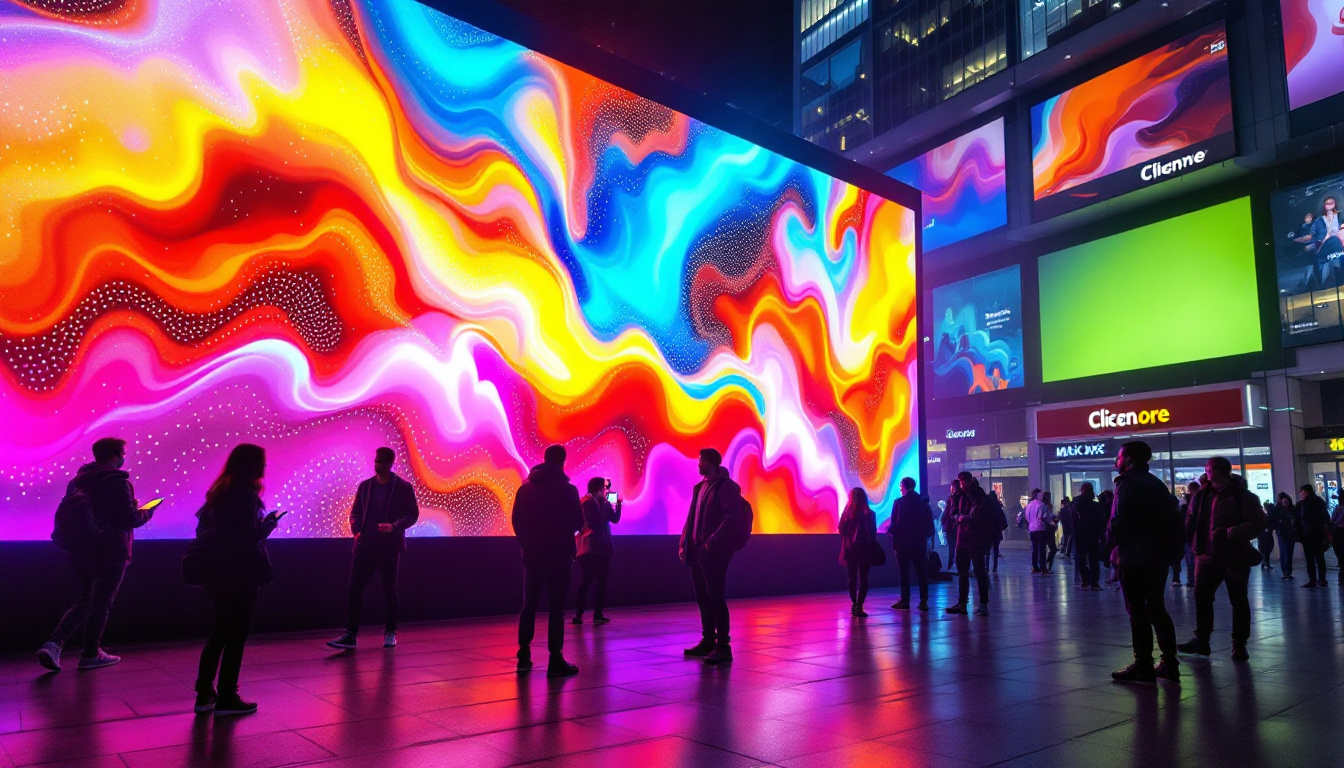
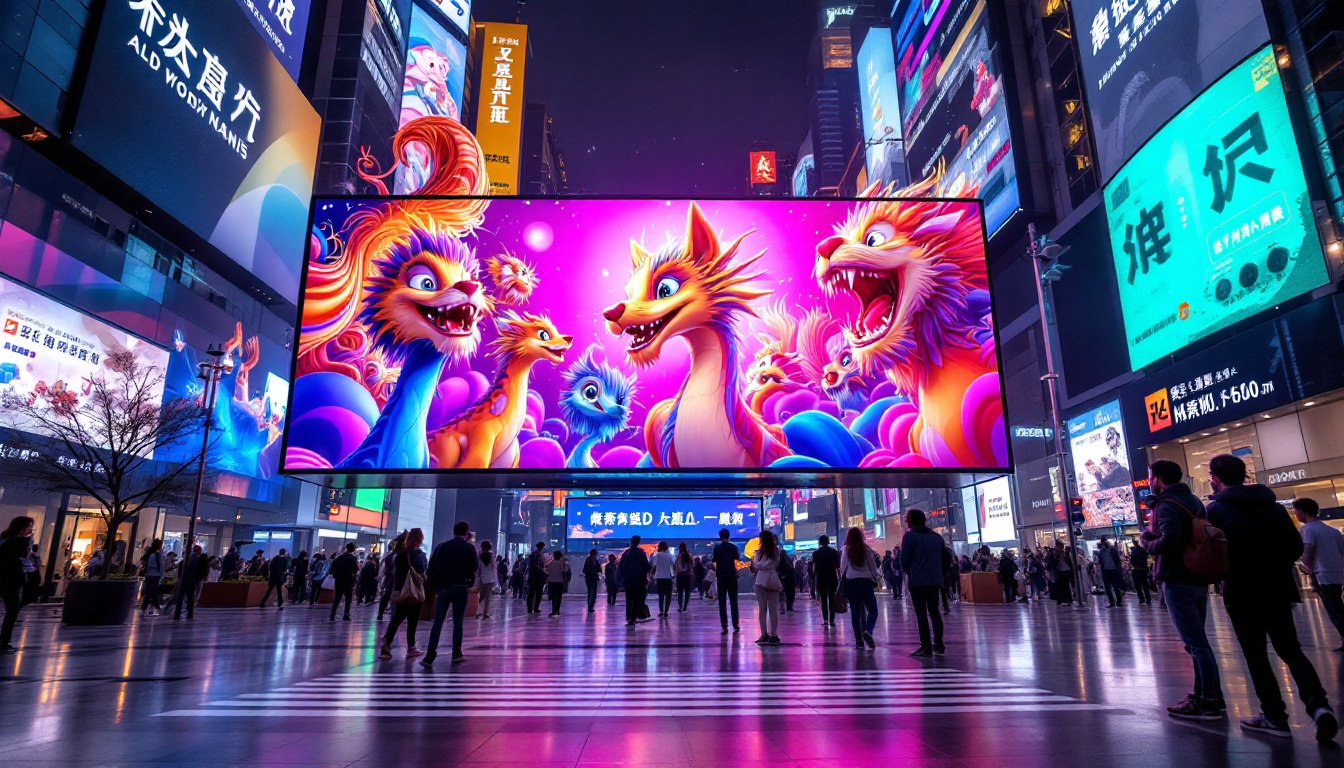
It’s important to note that LED displays are essentially LCD panels that use LEDs for backlighting instead of CCFLs. This means the screen’s pixels are still liquid crystals that modulate light to produce images, but the light source is more advanced. This distinction often causes confusion, but when people say “LED monitor,” they typically mean an LCD screen with LED backlighting. The evolution of this technology has also led to a broader range of applications, from televisions and computer monitors to digital signage and large-scale displays in public venues, showcasing vibrant visuals that captivate audiences.
Types of LED Backlighting
There are two primary types of LED backlighting used in monitors:
- Edge-lit LED: LEDs are placed along the edges of the screen. Light is spread across the display using light guides. This design allows for ultra-thin monitors but can sometimes lead to uneven brightness or “hot spots.”
- Direct-lit (or Full-array) LED: LEDs are positioned directly behind the screen in a grid pattern. This setup provides more uniform brightness and better contrast, especially when paired with local dimming technology that can turn off LEDs in dark areas of the screen.
For 22-inch displays, edge-lit LED is more common due to cost and size considerations, but some premium models offer direct-lit LED for enhanced picture quality. Additionally, the advancements in LED technology have led to the development of quantum dot displays, which use a layer of quantum dots to enhance color performance and brightness further. This innovation allows for a wider color gamut and improved viewing experiences, making them increasingly popular in both consumer electronics and professional applications.
Moreover, the integration of smart technology into LED displays has transformed how users interact with their devices. Many modern LED monitors now come equipped with features such as touch capabilities, built-in speakers, and connectivity options that support wireless streaming. These enhancements not only improve usability but also enrich the overall viewing experience, catering to the diverse needs of users ranging from gamers to graphic designers. As LED technology continues to evolve, we can expect even more groundbreaking developments that push the boundaries of display capabilities.
Why Choose a 22 Inch Display?
Optimal Size for Productivity and Space
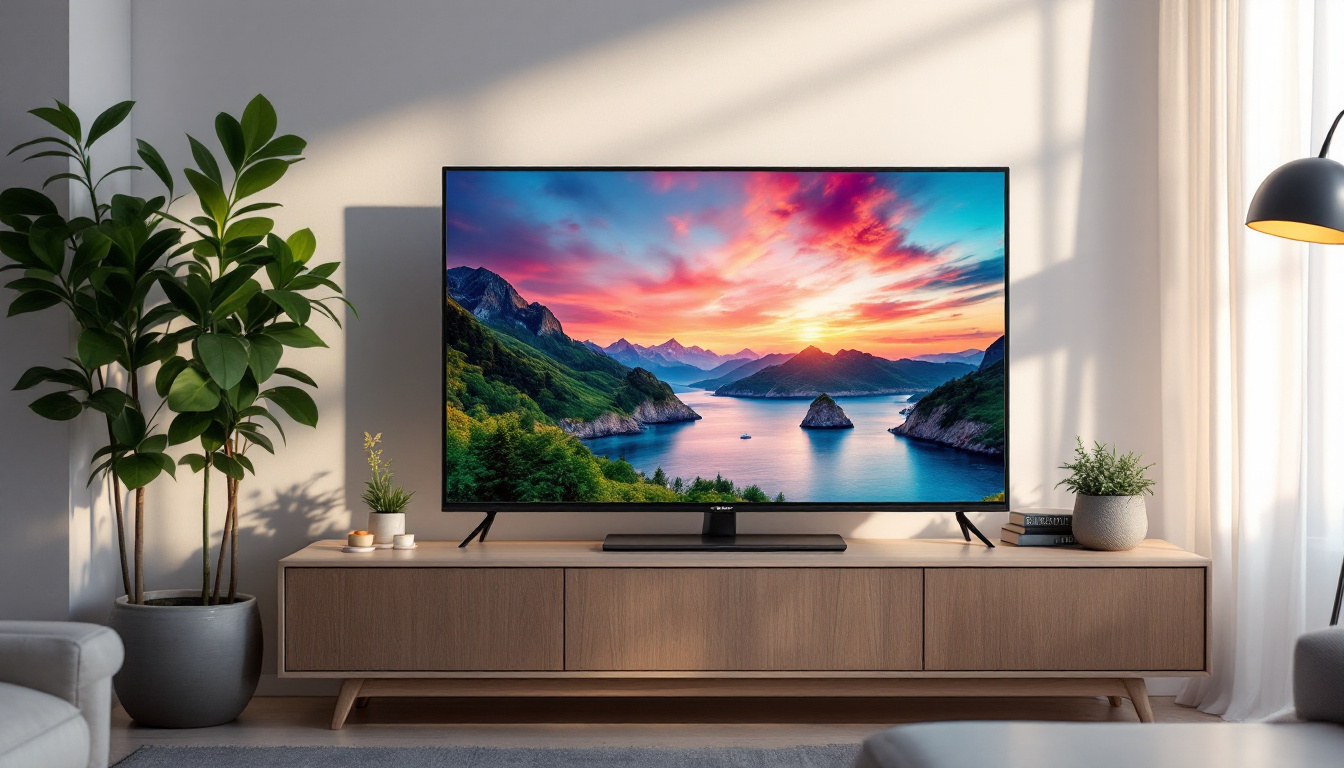
The 22-inch screen size is a sweet spot for many users. It offers enough screen space to comfortably work with multiple windows, spreadsheets, or documents without overwhelming your desk space. For office environments or home setups where space is limited, a 22-inch monitor can fit neatly without requiring a large footprint.
Additionally, 22-inch displays often come with Full HD (1920×1080) resolution, providing crisp text and sharp images that reduce eye strain during long working hours. The pixel density on a 22-inch Full HD screen is typically around 100 pixels per inch (PPI), which is comfortable for most users.
Cost-Effective Option
Compared to larger monitors, 22-inch LED displays are generally more affordable, making them an excellent choice for budget-conscious buyers. Whether you need a reliable monitor for everyday tasks, casual gaming, or media consumption, 22-inch models deliver solid performance without breaking the bank.
Moreover, the energy efficiency of LED technology means lower power consumption, which can translate to savings on electricity bills over time, especially for users who keep their monitors on for extended periods.
Key Features to Consider When Buying a 22 Inch LED Display
Resolution and Image Quality
Resolution is a critical factor in determining the clarity and detail of images on your monitor. The majority of 22-inch displays feature Full HD (1920×1080) resolution, which is sufficient for general use, including office work, web browsing, and watching videos.
Some newer models offer higher resolutions such as 1920×1200 or even 4K, but these are less common in the 22-inch category and can drive up the price. For most users, Full HD strikes the right balance between sharpness and performance.
Panel Type: IPS vs. TN vs. VA
The type of panel used in a monitor affects color reproduction, viewing angles, and response times:
- IPS (In-Plane Switching): Known for excellent color accuracy and wide viewing angles, IPS panels are ideal for photo editing, design work, and general use where color fidelity matters.
- TN (Twisted Nematic): These panels typically offer faster response times, making them popular among gamers. However, TN panels have narrower viewing angles and less accurate colors compared to IPS.
- VA (Vertical Alignment): VA panels provide better contrast ratios and deeper blacks than IPS and TN but may have slower response times. They are a good middle ground for multimedia consumption.
For a 22-inch LED display aimed at office or casual use, IPS panels are often recommended due to their superior image quality and viewing comfort.
Refresh Rate and Response Time
The refresh rate, measured in hertz (Hz), indicates how many times the screen updates per second. A standard 60Hz refresh rate is sufficient for most users, especially for productivity and video playback.
Gamers may prefer monitors with higher refresh rates (75Hz or above) for smoother motion. Response time, which measures how quickly a pixel changes color, is also important in gaming to reduce motion blur. A response time of 5ms or lower is generally good for casual gaming.
Connectivity Options
Modern 22-inch LED monitors typically come equipped with a variety of ports including HDMI, DisplayPort, and VGA. HDMI is the most common and supports both video and audio signals, making it versatile for connecting to PCs, laptops, and gaming consoles.
Some monitors also include USB hubs, allowing users to connect peripherals directly to the display. When selecting a monitor, consider the types of devices you plan to connect and ensure the monitor supports those interfaces.
Ergonomics and Design
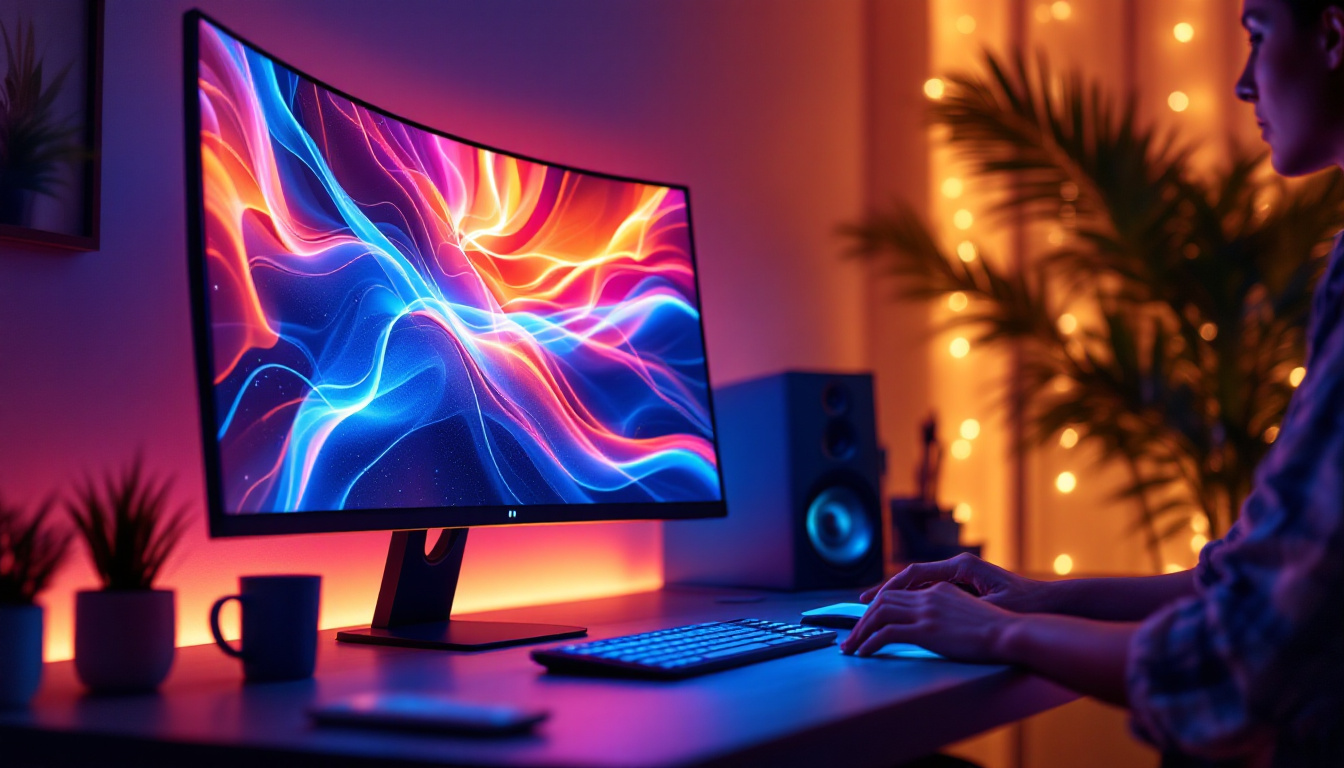
A well-designed monitor stand can enhance comfort by allowing adjustments in height, tilt, swivel, and sometimes pivot. Ergonomic flexibility is particularly important for users who spend long hours in front of the screen, as it helps maintain good posture and reduces neck and eye strain.
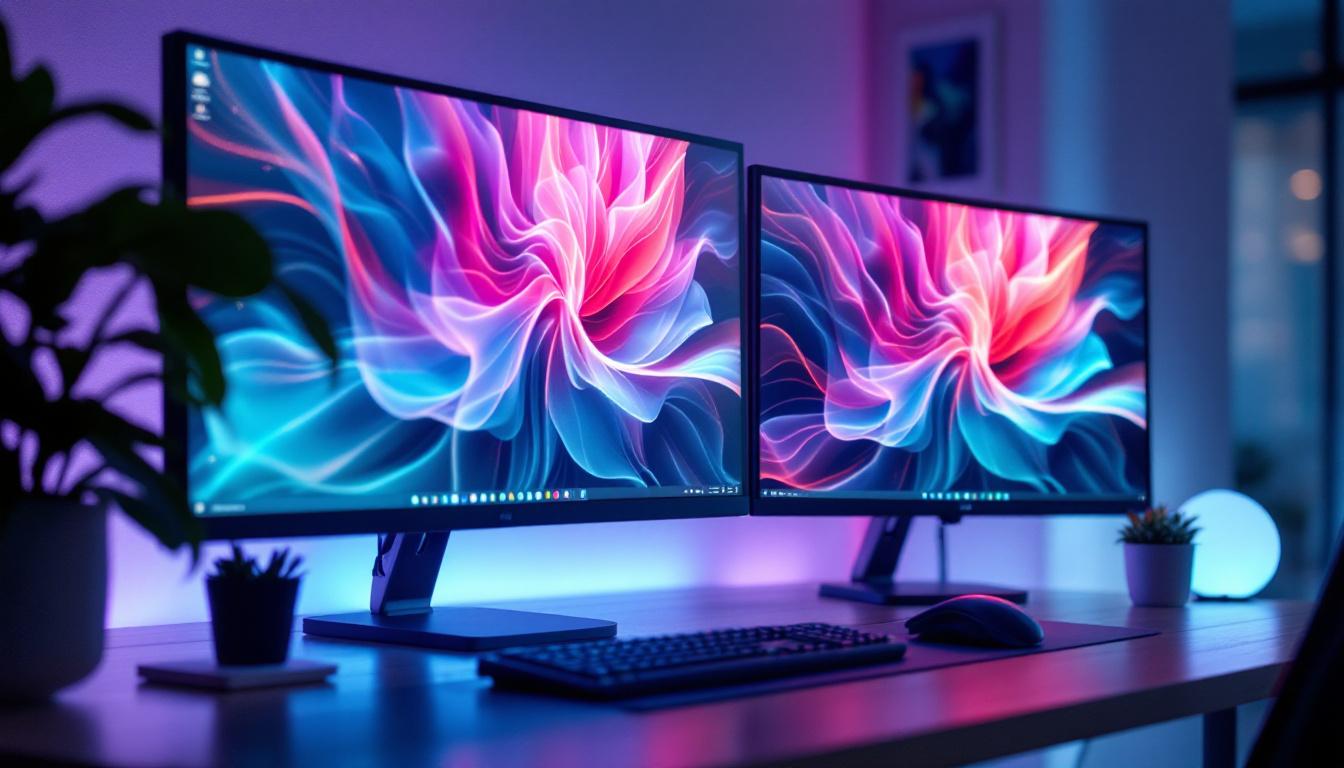
Additionally, thin bezels and sleek designs are common in LED displays, making multi-monitor setups more seamless and visually appealing.
Top 22 Inch LED Displays on the Market
Dell P2219H
The Dell P2219H is a standout 22-inch LED monitor featuring an IPS panel with Full HD resolution. It offers excellent color accuracy and wide viewing angles, making it suitable for office work and multimedia consumption.
This model boasts a fully adjustable stand with height, tilt, swivel, and pivot options, ensuring ergonomic comfort. Connectivity includes HDMI, DisplayPort, VGA, and USB 3.0 ports, providing versatility for various setups.
ASUS ProArt Display PA248QV
While slightly larger than 22 inches at 24.1 inches, the ASUS ProArt series is worth mentioning for users prioritizing color precision. It features an IPS panel with factory-calibrated color accuracy, covering 100% sRGB and Rec. 709 color spaces.
Though it may be above the typical 22-inch size, it’s an excellent choice for professionals in photography, design, and video editing who want a compact yet color-accurate display.
HP EliteDisplay E223
The HP EliteDisplay E223 is a 22-inch LED monitor designed for business environments. It features an IPS panel with Full HD resolution and offers a modern, slim design with thin bezels.
The monitor supports height adjustment, tilt, swivel, and pivot, and includes HDMI, DisplayPort, and VGA inputs. Its anti-glare coating and flicker-free technology help reduce eye strain during extended use.
Acer R221Q
A budget-friendly option, the Acer R221Q features a 21.5-inch IPS panel with Full HD resolution. It delivers good color reproduction and wide viewing angles at an affordable price point.
This monitor is ideal for users seeking a reliable display for everyday tasks without advanced ergonomic features or extensive connectivity options.
Maintaining and Optimizing Your LED Display
Calibrating Your Monitor
To get the best image quality from your LED display, regular calibration is recommended. Calibration adjusts the color settings, brightness, and contrast to match a standard, ensuring accurate and consistent visuals.
Many operating systems include built-in calibration tools, but for professional use, hardware calibration devices offer more precise results. Proper calibration is especially important for creative professionals who rely on color accuracy.
Cleaning and Care Tips
LED monitors require gentle cleaning to avoid damaging the screen. Use a soft, lint-free microfiber cloth slightly dampened with water or a screen-safe cleaning solution. Avoid harsh chemicals or abrasive materials.
Regularly dusting the monitor and ensuring proper ventilation can help maintain performance and extend the lifespan of your display.
Conclusion
Choosing the best 22-inch LED display involves understanding the technology behind LED backlighting, evaluating key features such as panel type, resolution, refresh rate, and ergonomic design, and considering your specific needs and budget. The 22-inch size offers a practical balance of screen space and desk footprint, making it suitable for a wide range of users from office professionals to casual gamers.
Models like the Dell P2219H and HP EliteDisplay E223 provide excellent all-around performance with IPS panels and ergonomic flexibility, while budget options like the Acer R221Q deliver solid value. For color-critical work, stepping slightly beyond 22 inches to monitors like the ASUS ProArt series may be worthwhile.
By carefully assessing your requirements and the features outlined in this article, you can confidently select a 22-inch LED display that enhances your computing experience with vibrant visuals, comfortable viewing, and reliable performance.
Discover the Future of Visual Display with LumenMatrix
Ready to elevate your viewing experience with the latest in LED technology? LumenMatrix is at the forefront of innovative LED display solutions, offering a diverse range of products from Indoor and Outdoor LED Wall Displays to specialized options like Vehicle LED Displays and LED Sports Displays. Whether you’re looking to enhance your workspace or captivate an audience, LumenMatrix’s cutting-edge displays are designed to deliver unparalleled visual impact. Check out LumenMatrix LED Display Solutions today and see how our commitment to revolutionizing visual communication can transform your message into an unforgettable visual journey.