In an era where productivity and aesthetics often go hand in hand, dual monitor setups have become increasingly popular among professionals, gamers, and creatives alike. One of the subtle yet impactful ways to enhance the dual monitor experience is through the use of wallpapers specifically designed for LED displays. This article delves into the nuances of wallpaper for dual monitors, explores the technology behind LED displays, and offers practical insights on how to optimize your visual workspace for both functionality and style.
Understanding Dual Monitor Setups
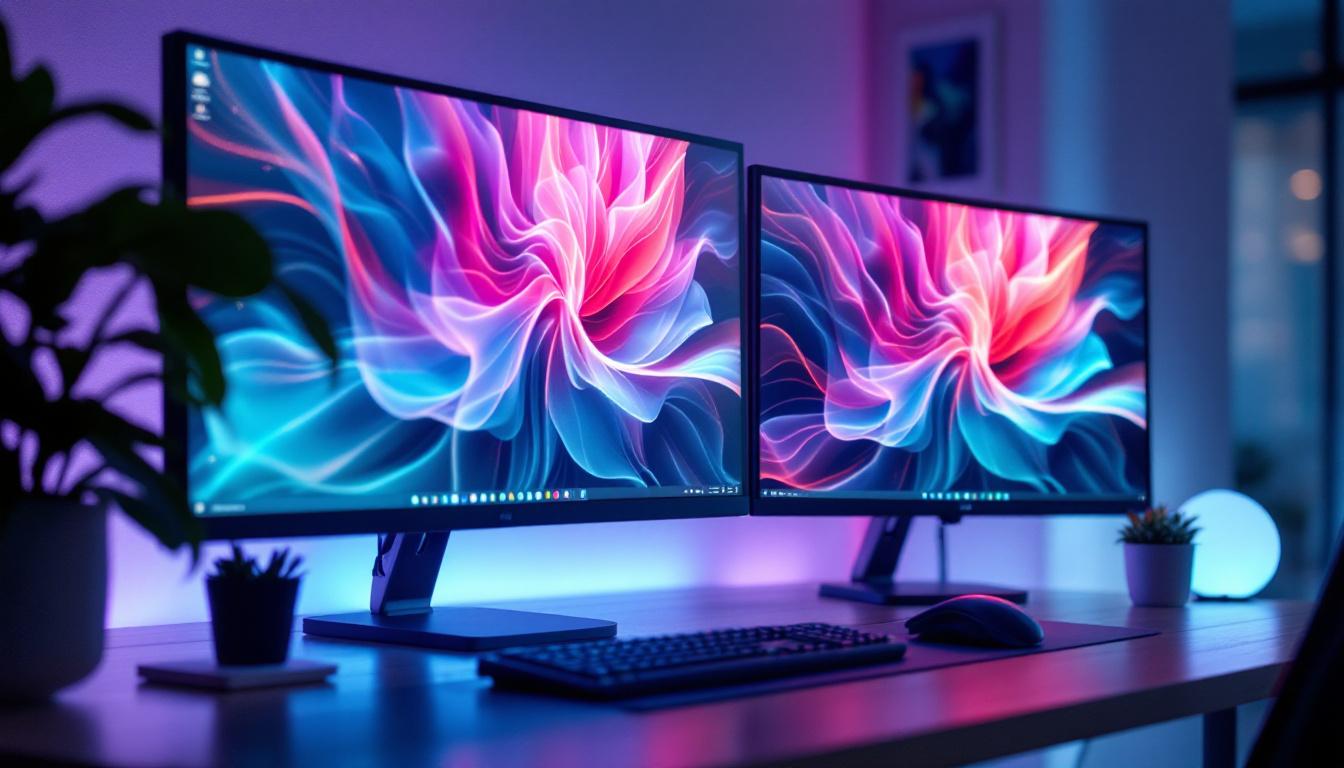
Dual monitor configurations involve connecting two separate displays to a single computer system, effectively expanding the available screen real estate. This setup is favored in many fields, including software development, financial trading, graphic design, and video editing, because it allows users to multitask more efficiently without constantly switching between windows.
According to a 2023 survey by TechRadar, over 60% of remote workers reported increased productivity after switching to dual monitors. This statistic underscores the growing reliance on multi-display setups in modern work environments. However, while the hardware aspect of dual monitors is well understood, the role of customized wallpapers often goes unnoticed.
The Role of Wallpaper in Dual Monitor Setups
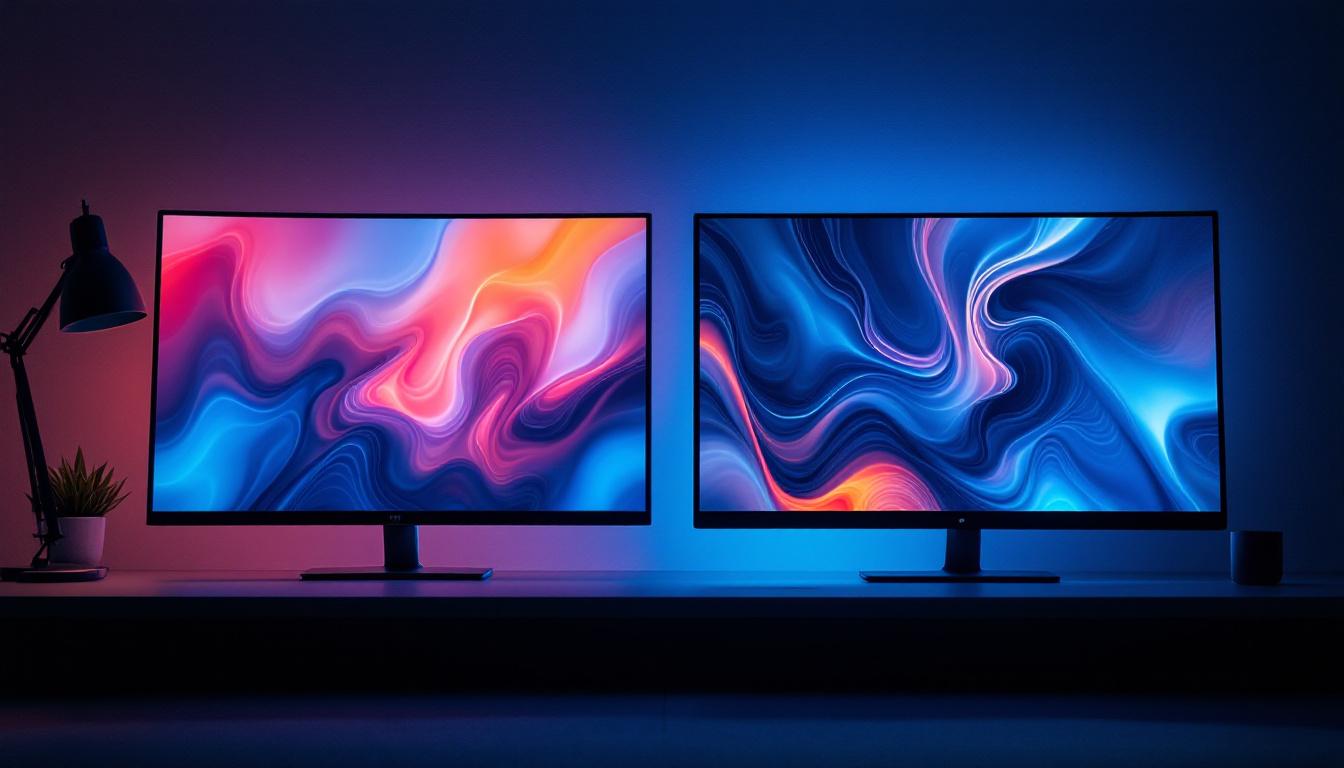
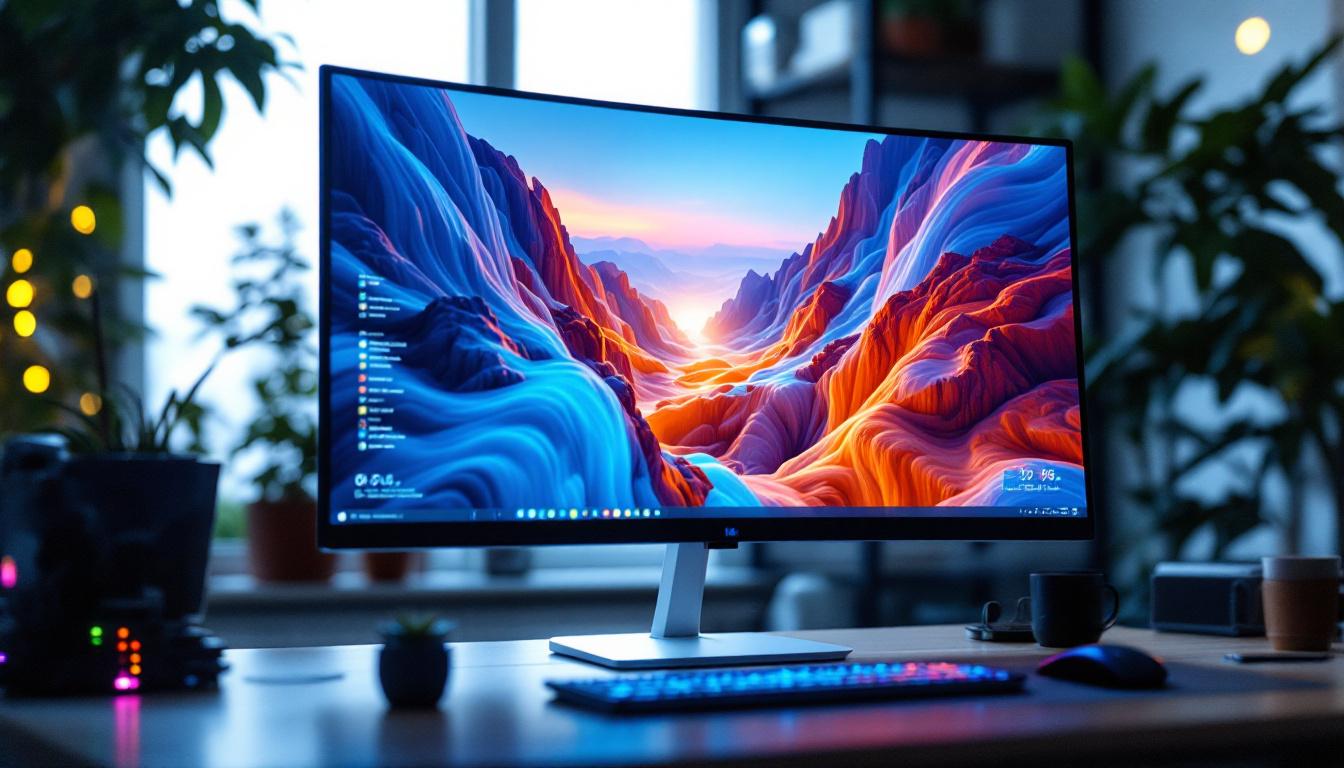
Wallpaper in a dual monitor setup is more than just a background image. It serves as a visual bridge between the two screens, providing continuity and reducing the cognitive load that can come from managing two separate displays. A well-designed dual monitor wallpaper can make the workspace feel cohesive, reduce eye strain, and even inspire creativity.
Moreover, dual monitor wallpapers can be tailored to specific tasks. For example, a designer might use a wallpaper that aligns with their current project’s color palette, while a trader might prefer a minimalist design that minimizes distractions. The flexibility to customize wallpapers according to individual needs is a key advantage of dual monitor setups.
In addition to aesthetics, the choice of wallpaper can also reflect personal branding or professional identity. Many professionals opt for wallpapers that feature their company logo or motivational quotes that resonate with their work ethic, creating an environment that is both functional and personally meaningful. This personalization can enhance the overall work experience, making the workspace feel more inviting and tailored to the user’s preferences.
Furthermore, the technical aspects of managing dual monitor wallpapers can be intriguing. Users can explore various software solutions that allow for dynamic wallpapers that change based on time of day or specific events. This feature not only adds a layer of interactivity but can also serve practical purposes, such as displaying important reminders or schedules directly on the screens. As technology continues to evolve, the integration of smart wallpapers into dual monitor setups promises to further enhance productivity and user engagement.
LED Display Technology: What You Need to Know
Understanding the technology behind LED displays is crucial when selecting or designing wallpapers for dual monitors. LED, or Light Emitting Diode, displays have become the standard for modern monitors due to their superior brightness, energy efficiency, and color accuracy compared to older LCD and CRT technologies.
How LED Displays Work
LED monitors use an array of light-emitting diodes to illuminate the screen. Unlike traditional LCDs that rely on cold cathode fluorescent lamps (CCFLs), LED displays offer better control over brightness and contrast. This results in richer colors, deeper blacks, and more vibrant images.
There are two main types of LED backlighting used in monitors: edge-lit and full-array. Edge-lit LED displays place LEDs around the edges of the screen, allowing for thinner designs but sometimes uneven brightness. Full-array LED displays position LEDs directly behind the screen, providing more uniform lighting and better local dimming capabilities.
Benefits of LED Displays for Dual Monitors
When using dual monitors, consistency in display quality is important for a seamless visual experience. LED displays offer several benefits that make them ideal for this purpose:
- Brightness and Contrast: LED monitors typically provide higher brightness levels and better contrast ratios, which enhance clarity and reduce eye fatigue during extended use.
- Color Accuracy: Many LED monitors support wide color gamuts and advanced calibration options, ensuring that wallpapers and other visuals appear vibrant and true to life.
- Energy Efficiency: LED technology consumes less power than traditional LCDs, making dual monitor setups more environmentally friendly and cost-effective over time.
- Thin and Lightweight Design: LED monitors tend to be slimmer and lighter, which facilitates flexible positioning and mounting options in multi-monitor configurations.
In addition to these benefits, LED displays also boast impressive refresh rates, which are particularly advantageous for gamers and professionals who require smooth motion and reduced blur. High refresh rates can significantly enhance the user experience, especially when multitasking across multiple screens. Furthermore, many modern LED monitors come equipped with adaptive sync technologies, such as NVIDIA G-SYNC or AMD FreeSync, which help eliminate screen tearing and stuttering, making them ideal for both gaming and creative work.
Another notable advantage of LED displays is their longevity. With a lifespan that often exceeds 50,000 hours, LED technology provides a durable solution for those who rely on their monitors for extended periods. This durability not only translates to fewer replacements and lower costs over time but also contributes to a more sustainable approach to technology use. As the demand for high-quality visuals continues to grow, LED displays are becoming increasingly integrated with smart features, such as built-in calibration tools and connectivity options that allow for seamless integration with other devices, further enhancing their appeal for dual monitor setups.
Designing and Choosing Wallpapers for Dual LED Monitors
Creating or selecting the perfect wallpaper for dual LED monitors involves more than just picking a high-resolution image. Several factors must be considered to ensure the wallpaper complements the display technology and enhances the user experience.
Resolution and Aspect Ratio Considerations
Dual monitor setups often combine two screens with identical or similar resolutions and aspect ratios. Common configurations include two 1920×1080 (Full HD) monitors side by side, or a combination of 2560×1440 (QHD) displays. The total resolution for the wallpaper should match the combined width and height of both monitors.
For example, two Full HD monitors arranged horizontally would require a wallpaper resolution of 3840×1080 pixels. Using a wallpaper with the correct resolution prevents stretching or pixelation, preserving image quality across both screens.
Seamless and Split Wallpapers
There are two main styles of dual monitor wallpapers:
- Seamless Wallpapers: These wallpapers are designed as a single continuous image that spans both screens. They create a cohesive visual flow, making the dual monitors feel like one extended display.
- Split Wallpapers: These wallpapers consist of two separate images, one for each monitor. This approach allows for different themes or images on each screen while maintaining a coordinated aesthetic.
Seamless wallpapers are particularly popular for LED displays because they take advantage of the monitors’ high brightness and color accuracy to deliver immersive visuals. However, split wallpapers offer flexibility for users who prefer distinct environments on each screen.
Color Profiles and Calibration
To get the most out of LED displays, it’s important to consider color profiles and calibration. Wallpapers should be designed or selected with color accuracy in mind, especially for professionals in photography, video editing, or graphic design.
Many modern monitors come with factory-calibrated color profiles, and users can further fine-tune settings using calibration tools. Choosing wallpapers that complement the calibrated color space can enhance visual comfort and reduce eye strain.
Practical Tips for Optimizing Dual Monitor Wallpapers on LED Displays
Beyond technical specifications, several practical tips can help users optimize their wallpaper experience on dual LED monitors.
Use High-Quality Images
Always opt for high-resolution images that match or exceed the combined resolution of your dual monitors. Websites like Unsplash and Pexels offer a vast selection of free high-quality images suitable for dual monitor wallpapers. Avoid using low-resolution images, as they can appear blurry or pixelated when stretched across two screens.
Consider Ambient Lighting
LED displays are known for their brightness, but ambient lighting conditions can affect how wallpapers appear. In brightly lit rooms, wallpapers with high contrast and vivid colors can help maintain visibility. Conversely, in dim environments, wallpapers with darker tones can reduce glare and eye fatigue.
Customize Based on Usage
Adjust your wallpaper choice according to your primary activities. For instance, if you spend long hours coding, a minimalist wallpaper with muted colors may reduce distractions. Gamers might prefer dynamic, high-contrast wallpapers that complement their gaming setup, while creative professionals may opt for inspiring or thematic images.
Utilize Wallpaper Management Software
Several software tools can help manage dual monitor wallpapers effectively. Programs like DisplayFusion and Wallpaper Engine allow users to set different wallpapers for each monitor, create slideshow effects, and even apply animated wallpapers optimized for LED displays.
Future Trends in Dual Monitor and LED Display Technology
The landscape of dual monitor setups and LED display technology continues to evolve rapidly. Emerging trends promise to further enhance the wallpaper experience and overall usability.
Ultra-Wide and Curved Monitors
Ultra-wide and curved LED monitors are gaining traction, offering expansive screen real estate without the bezel gap between two separate monitors. This trend may influence wallpaper design, favoring panoramic images that take advantage of the curved display’s immersive qualities.
Higher Refresh Rates and HDR Support
Modern LED monitors increasingly support higher refresh rates (120Hz and above) and High Dynamic Range (HDR) content. Wallpapers designed to leverage HDR can display richer colors and greater contrast, making the visual experience more vibrant and lifelike.
AI-Driven Personalization
Artificial intelligence is beginning to play a role in personalizing wallpapers based on user behavior, time of day, or even mood. AI-driven wallpaper apps could automatically adjust images to optimize comfort and productivity on dual LED monitors.
Conclusion
Wallpaper for dual monitors is a subtle yet powerful element in creating an effective and enjoyable multi-display environment. By understanding the capabilities of LED display technology and considering factors such as resolution, color accuracy, and user preferences, individuals can significantly enhance their workspace aesthetics and functionality.
As dual monitor setups become more prevalent across various industries, investing time in selecting or designing the right wallpapers can pay dividends in productivity, comfort, and visual appeal. Whether opting for seamless panoramic images or customized split wallpapers, the synergy between wallpaper design and LED display technology is key to unlocking the full potential of dual monitor experiences.
Enhance Your Dual Monitor Setup with LumenMatrix
Ready to take your dual monitor experience to the next level? LumenMatrix is at the forefront of LED display innovation, offering a wide range of solutions that bring your wallpapers to life with unparalleled brightness, color accuracy, and energy efficiency. From Indoor LED Wall Displays to Custom and Transparent LED options, LumenMatrix has the perfect display technology to complement your workspace and elevate your visual communication. Check out LumenMatrix LED Display Solutions today and transform your dual monitors into a captivating and productive environment.