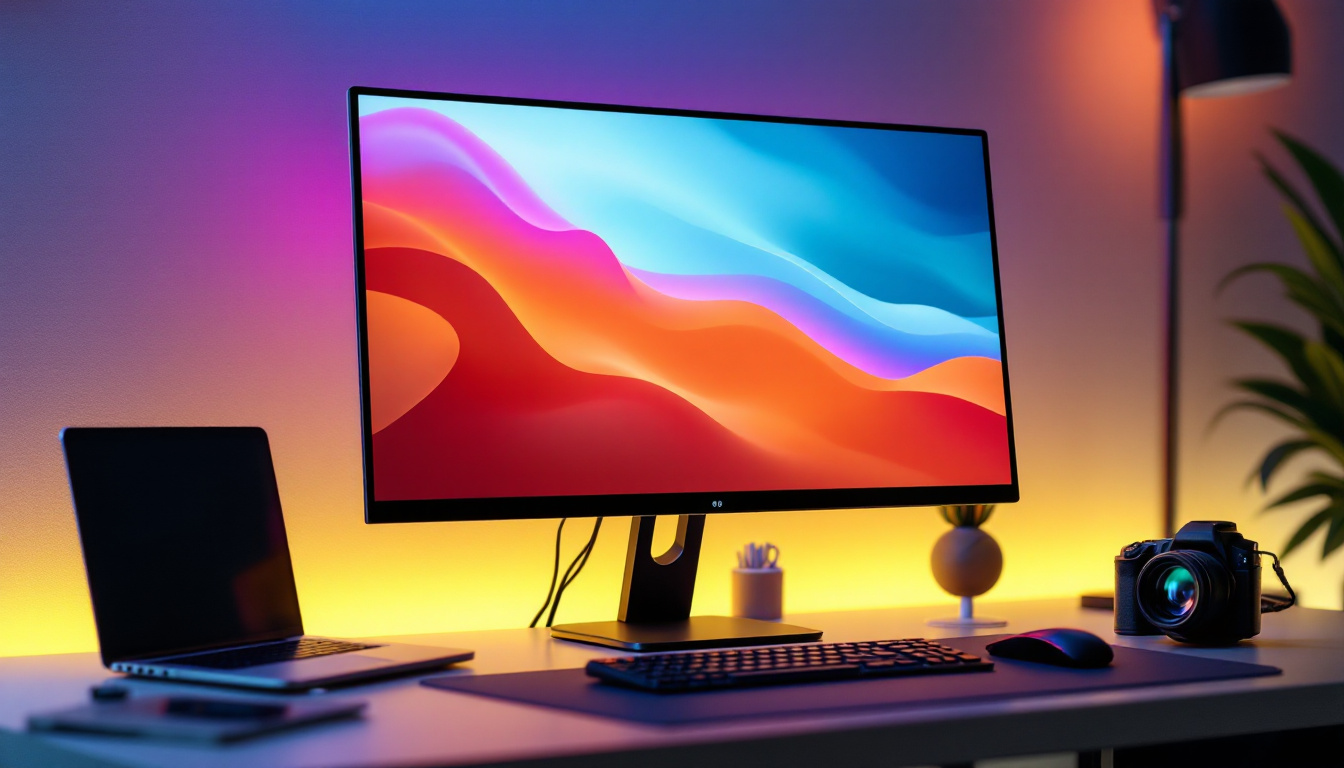
Seiki TVs have gained popularity in recent years for offering affordable, feature-rich television sets with LED displays. Understanding the technology behind these displays, as well as how to properly use and maintain your Seiki TV, can significantly enhance your viewing experience. This comprehensive guide dives into the core aspects of Seiki LED TVs, explaining the LED display technology, how to navigate your TV’s manual effectively, and tips for optimizing performance and longevity.
Understanding LED Display Technology in Seiki TVs
LED, or Light Emitting Diode, technology is the backbone of modern television displays, including those produced by Seiki. Unlike traditional LCD TVs that use cold cathode fluorescent lamps (CCFLs) for backlighting, LED TVs use light-emitting diodes, which offer several advantages in terms of brightness, energy efficiency, and picture quality.
What is an LED Display?
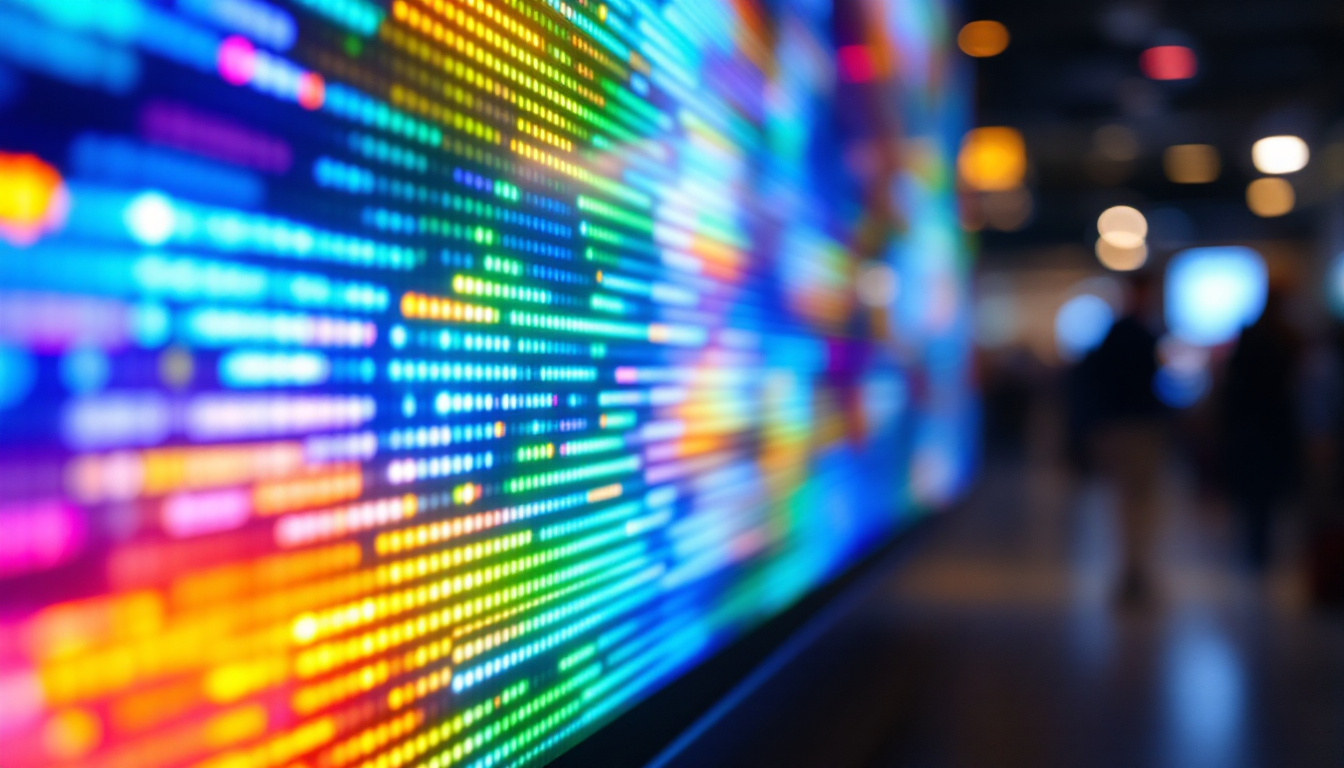
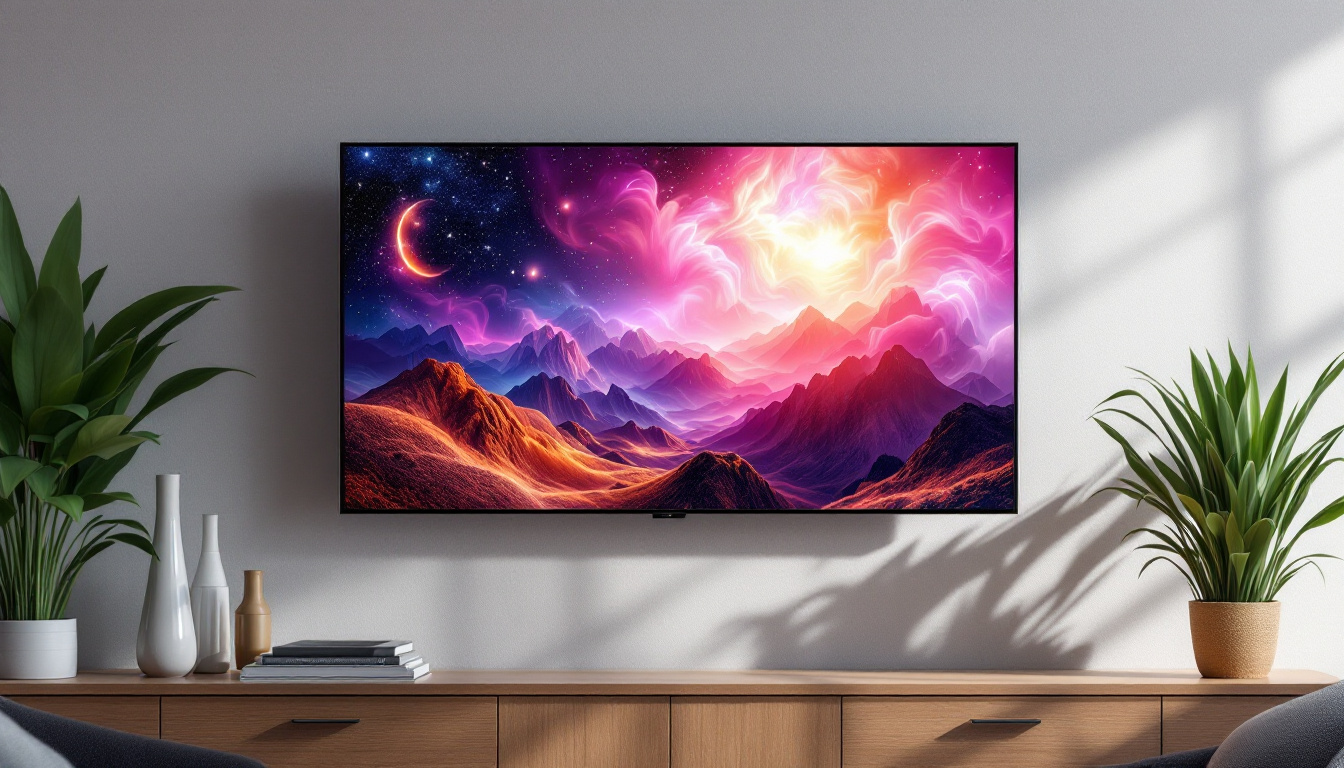
An LED display is essentially an LCD screen illuminated by LEDs. The LEDs serve as the backlight source, shining through the liquid crystal layer to produce images. This combination allows for thinner panels, better contrast ratios, and more vibrant colors compared to older LCD technologies.
Seiki’s LED TVs typically use edge-lit or direct-lit LED configurations. Edge-lit LEDs are positioned around the screen’s perimeter, allowing for slimmer designs, while direct-lit LEDs are placed behind the screen for more uniform lighting and better contrast. The choice between these configurations can significantly affect the viewing experience, as direct-lit models often provide a more consistent brightness across the entire screen, making them ideal for watching movies in darker environments.
Benefits of LED Technology in Seiki TVs
One of the primary benefits of LED displays is their energy efficiency. According to the U.S. Department of Energy, LED TVs consume up to 30% less power than CCFL-backlit LCDs, making them more environmentally friendly and cost-effective to operate. Seiki TVs leverage this efficiency, providing affordable options without compromising on performance. This energy efficiency not only translates to lower electricity bills but also contributes to a reduced carbon footprint, appealing to eco-conscious consumers.
Additionally, LED displays offer superior brightness and color accuracy. This is particularly important for viewing high-definition content and HDR (High Dynamic Range) media, which require a wide color gamut and high contrast levels to deliver immersive visuals. Seiki TVs are designed to enhance these features, ensuring that viewers can enjoy their favorite films and shows with stunning clarity and lifelike colors, whether they are watching in a brightly lit room or a darkened space.
Common LED Display Features in Seiki TVs
Seiki TVs often include features such as local dimming, which improves contrast by dimming certain areas of the screen while keeping others bright. This results in deeper blacks and more vivid images. However, the extent of local dimming varies by model, so consulting your specific Seiki TV manual is essential to understand the capabilities of your device. Local dimming can significantly enhance the viewing experience, especially during scenes with high contrast, such as dark night skies or bright explosions, allowing for a more cinematic feel.
Other features like wide color gamut support and HDR compatibility enhance the viewing experience, especially for streaming services and gaming consoles that support these standards. With the rise of 4K content and advanced gaming graphics, Seiki TVs are equipped to handle these demands, providing gamers and movie enthusiasts with a rich, immersive experience. Furthermore, many Seiki models come with smart TV capabilities, allowing users to access a plethora of streaming platforms directly from their TV, making it easier than ever to enjoy high-quality content without the need for additional devices.
How to Navigate Your Seiki TV Manual
While Seiki TVs are designed to be user-friendly, the manual is an invaluable resource for unlocking the full potential of your television. The manual provides detailed instructions on setup, menu navigation, troubleshooting, and maintenance.
Locating and Understanding Your Manual
Seiki typically includes a printed manual with their TVs, but digital versions are also available on the official Seiki website. Having a digital copy can be convenient for quick searches and updates.
The manual is organized into sections such as installation, remote control operations, connectivity options, and picture settings. Familiarizing yourself with the table of contents and index can save time when searching for specific information.
Key Sections to Focus On
For most users, the sections on picture settings and connectivity are particularly important. These sections explain how to adjust brightness, contrast, color temperature, and sharpness to tailor the image to your room’s lighting conditions and personal preferences.
Connectivity instructions cover how to connect external devices such as streaming boxes, gaming consoles, and sound systems via HDMI, USB, or other ports. Understanding these connections ensures you can maximize the functionality of your Seiki TV.
Troubleshooting and Maintenance Tips
The manual’s troubleshooting section is a handy guide for resolving common issues such as no picture, no sound, or remote control problems. Following the recommended steps can often fix problems without the need for professional repair.
Maintenance advice, such as cleaning the screen and ensuring proper ventilation, helps prolong the life of your TV. For example, using a soft, dry microfiber cloth to clean the screen prevents scratches and preserves image clarity.
Optimizing Your Seiki LED TV for Best Performance
To get the most out of your Seiki LED TV, it’s important to optimize settings and maintain the device properly. This section outlines practical tips to enhance picture quality, sound, and overall user experience.
Calibrating Picture Settings
Factory settings on Seiki TVs are often optimized for showroom display, which can be too bright or saturated for typical home environments. Adjusting settings such as brightness, contrast, and color temperature can improve comfort and image accuracy.
Many Seiki TVs include preset picture modes like Standard, Movie, Sports, and Vivid. Experimenting with these modes can help find the best fit for your viewing preferences. For more precise control, advanced users may use calibration tools or professional services to fine-tune settings according to industry standards.
Enhancing Audio Quality
While Seiki TVs offer decent built-in speakers, external audio systems can significantly improve sound quality. Connecting a soundbar or home theater system via HDMI ARC or optical audio output can provide richer, clearer audio, especially for movies and gaming.
The TV’s audio settings menu allows adjustments such as equalizer presets, balance, and volume leveling. Exploring these options can help tailor the sound output to your room acoustics.
Firmware Updates and Connectivity
Keeping your Seiki TV’s firmware up to date is crucial for security, new features, and bug fixes. The manual explains how to check for updates via USB or over-the-air if your model supports it.
Ensuring stable internet connectivity, either through Wi-Fi or Ethernet, is essential for streaming apps and smart TV features. The manual provides guidance on network setup and troubleshooting connectivity issues.
Common Issues with Seiki LED TVs and How to Address Them
Despite their affordability and quality, Seiki TVs can encounter typical issues related to LED displays and electronics. Understanding these problems and their solutions can save time and frustration.
Screen Backlight Problems
One common issue is uneven backlighting or “clouding,” where patches of the screen appear brighter or darker. This can be caused by LED aging or manufacturing variances. While minor clouding is normal, severe cases may require professional repair or replacement.
Adjusting the TV’s brightness and contrast settings can sometimes mitigate the visibility of these issues. Ensuring the TV is used in a well-lit room can also reduce the perception of backlight inconsistencies.
Color and Image Distortions
If the picture appears washed out, overly saturated, or has color banding, recalibrating the picture settings is the first step. Resetting to factory defaults and then adjusting from there often resolves these issues.
In rare cases, faulty internal components or poor signal input can cause persistent image problems. Checking cables, sources, and performing a factory reset as described in the manual can help diagnose the root cause.
Remote Control and Connectivity Issues
Remote control malfunctions are usually due to low batteries or signal obstruction. Replacing batteries and ensuring a clear line of sight between the remote and TV sensor typically restores functionality.
Connectivity problems, such as HDMI input not recognized, can often be fixed by unplugging and reconnecting cables, trying different ports, or updating the TV firmware as outlined in the manual.
Maintaining Your Seiki LED TV for Longevity
Proper care and maintenance extend the life of your Seiki TV and maintain optimal performance. Following manufacturer recommendations and best practices is key.
Cleaning and Handling
Use only a soft, dry microfiber cloth to clean the screen. Avoid harsh chemicals or abrasive materials that can damage the display. For stubborn spots, slightly dampen the cloth with water, but never spray liquids directly onto the screen.
Handle the TV carefully during installation or relocation to prevent physical damage to the screen or internal components.
Ventilation and Placement
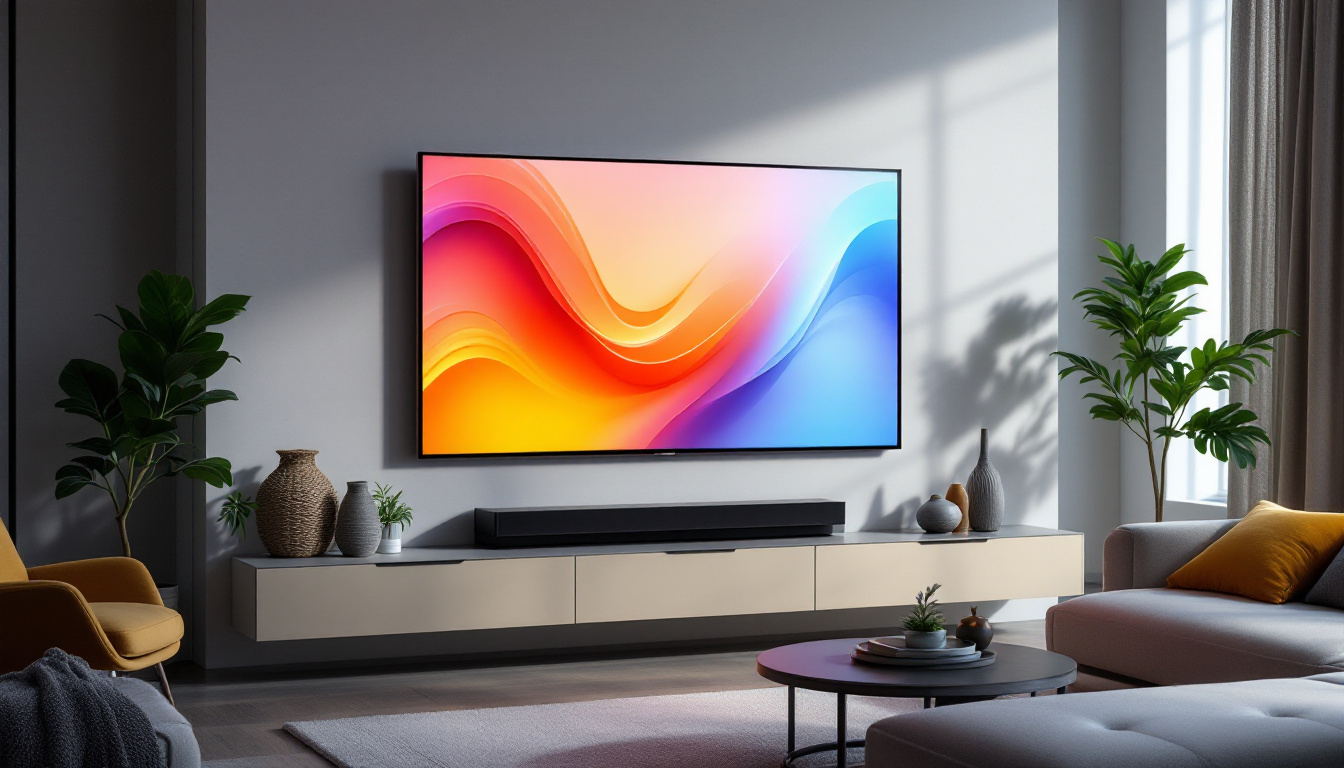
Ensure adequate ventilation around the TV to prevent overheating. Avoid placing the TV in enclosed cabinets or near heat sources such as radiators or direct sunlight.
Mounting the TV on a wall or placing it on a sturdy stand with sufficient clearance helps maintain airflow and reduces dust accumulation.
Power Management
Using a surge protector can safeguard your TV from electrical spikes. Turning off the TV when not in use, rather than leaving it in standby mode, can also reduce wear on internal components.
Some Seiki TVs include energy-saving modes that adjust brightness and power consumption automatically; enabling these features can further enhance longevity.
Conclusion
Seiki LED TVs offer a compelling balance of affordability and performance, making them a popular choice for budget-conscious consumers seeking modern display technology. Understanding the fundamentals of LED display technology, effectively using the TV manual, and applying best practices for optimization and maintenance can significantly improve your viewing experience and the lifespan of your device.
Whether you’re setting up your new Seiki TV, troubleshooting issues, or fine-tuning picture and sound settings, this guide provides a thorough foundation to help you make the most of your investment. Always refer to your specific Seiki TV manual for model-specific instructions and support, and enjoy the vibrant, energy-efficient visuals that LED technology delivers.
Explore Cutting-Edge LED Displays with LumenMatrix
As you embrace the advanced features of your Seiki LED TV, consider taking your visual experience to the next level with LumenMatrix. Renowned for pioneering innovations in LED display technology, LumenMatrix offers a wide array of solutions, from Indoor and Outdoor LED Wall Displays to specialized options like Vehicle LED Displays and LED Sports Displays. Whether you’re looking to enhance your business’s brand visibility or create an unforgettable visual spectacle, LumenMatrix has the technology to transform your space. Check out LumenMatrix LED Display Solutions today and step into a world where clarity and engagement meet in spectacular fashion.