In today’s fast-evolving digital workspace, touchscreen monitors have become an essential tool for enhancing productivity, creativity, and user interaction. HP, a leading name in computer technology, offers a range of touchscreen monitors that combine sleek design with advanced LED display technology. This article delves into the intricacies of HP touchscreen monitors, focusing on the LED display technology that powers them, and explores why these devices are increasingly favored in both professional and personal environments.
Understanding HP Touchscreen Monitors
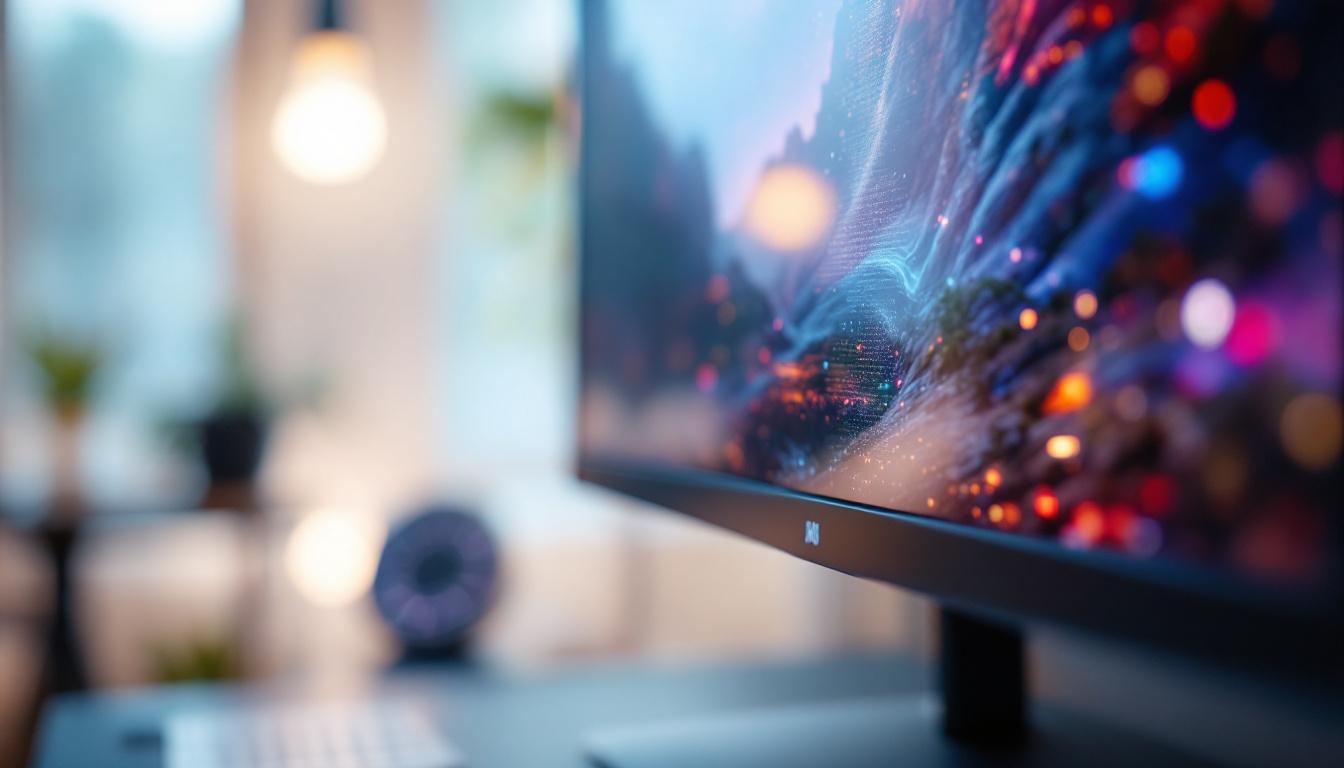
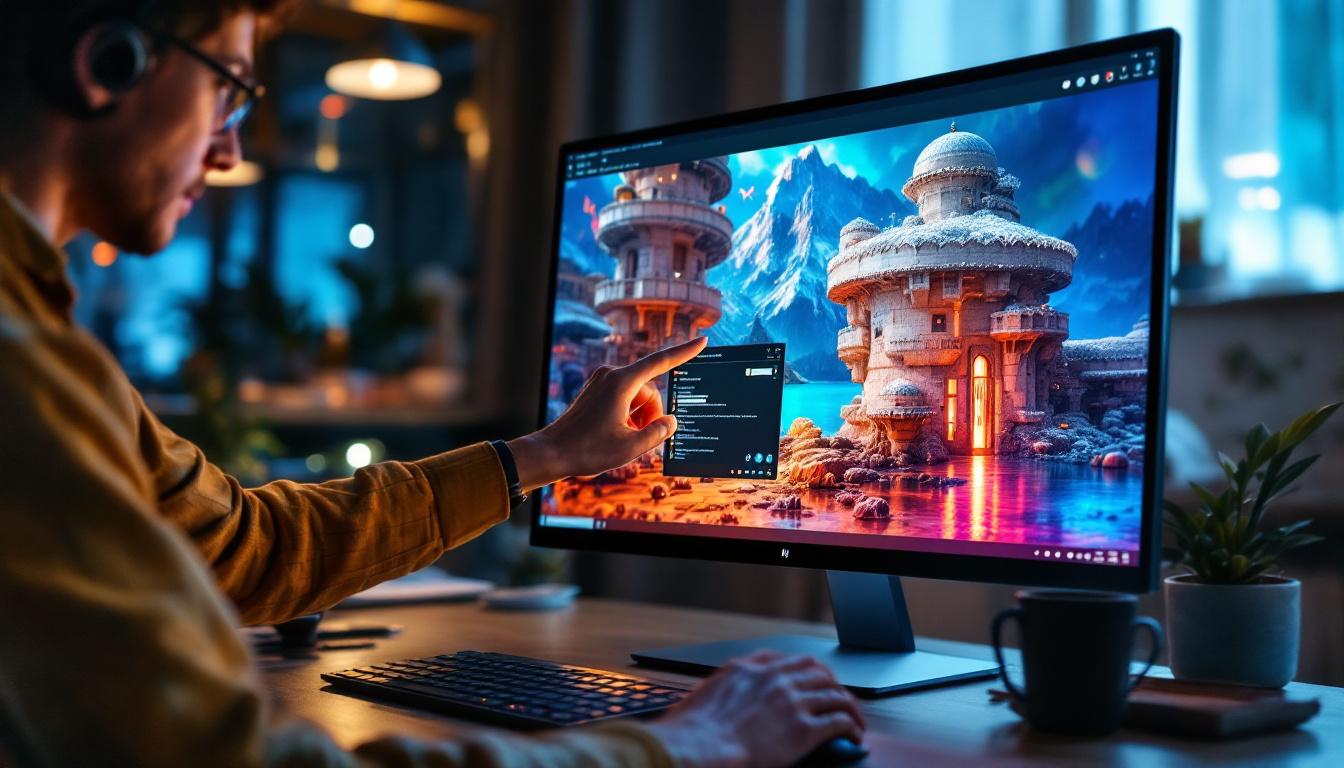
HP touchscreen monitors are designed to provide intuitive interaction by allowing users to engage directly with the display. Unlike traditional monitors that rely solely on peripherals like a mouse and keyboard, touchscreen monitors enable a more natural and immediate way to navigate through applications, documents, and multimedia. This hands-on approach not only makes tasks more efficient but also fosters a more engaging experience, especially in collaborative environments where multiple users may need to interact with the same screen.
HP’s portfolio includes a variety of touchscreen monitors suited to different needs—from compact models ideal for point-of-sale systems to larger, high-resolution displays perfect for creative professionals. What sets these monitors apart is their integration of LED display technology, which enhances image quality, energy efficiency, and overall user experience. Additionally, many HP touchscreen monitors come equipped with features such as anti-glare coatings and adjustable stands, ensuring comfort and visibility in various lighting conditions and workspaces.
Why Choose a Touchscreen Monitor?
Touchscreen technology offers several advantages that appeal to diverse user groups. For instance, in retail and hospitality, touchscreen monitors streamline transactions and improve customer service speed. In education and healthcare, they facilitate interactive learning and patient management. For creative professionals, touchscreens allow for direct manipulation of digital content, improving precision and workflow efficiency. The tactile feedback provided by touchscreen interfaces can also enhance the learning experience, making it easier for students to grasp complex concepts through interactive simulations and visual aids.
HP’s touchscreen monitors are engineered to support multi-touch gestures, allowing multiple points of contact simultaneously. This capability is crucial for tasks such as zooming, rotating, and swiping, which enhance usability and make the interface more dynamic. Furthermore, the responsiveness of HP’s touchscreen technology is designed to minimize lag, ensuring that users can interact with their content seamlessly. This level of responsiveness is particularly beneficial in fast-paced environments, such as design studios or retail settings, where quick access to information and tools can significantly impact productivity and customer satisfaction.
The Role of LED Display Technology in HP Touchscreen Monitors
At the heart of HP’s touchscreen monitors lies LED (Light Emitting Diode) display technology, which has revolutionized the way screens deliver visuals. Understanding LED technology is key to appreciating the quality and performance of HP’s offerings.
What Is LED Display Technology?
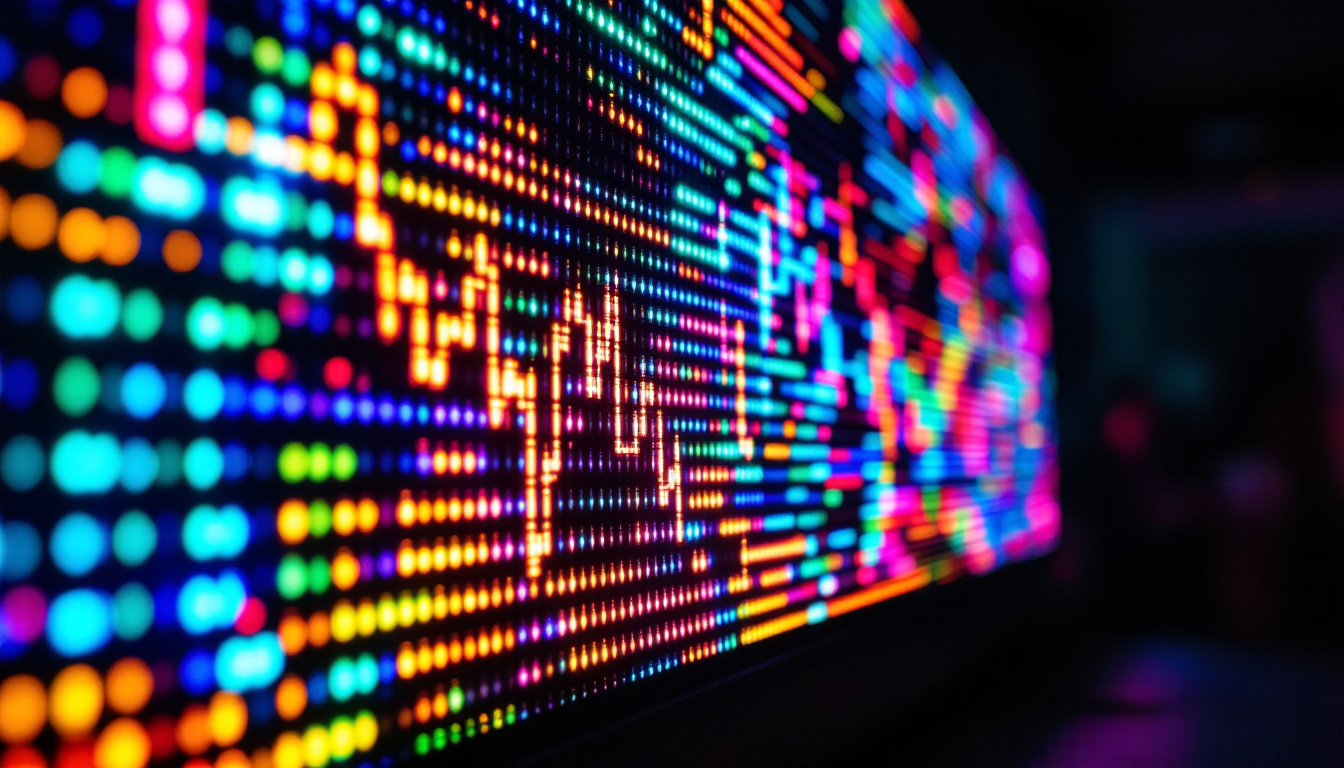
LED displays use light-emitting diodes as a backlighting source for LCD (Liquid Crystal Display) panels. Unlike older CCFL (Cold Cathode Fluorescent Lamp) backlights, LEDs are more energy-efficient, produce less heat, and offer better brightness and contrast. This results in sharper images, more vibrant colors, and improved viewing angles.
HP employs various LED backlighting techniques, including edge-lit and direct-lit LED arrays, depending on the monitor model. Edge-lit LEDs position the diodes along the edges of the screen, allowing for thinner designs, while direct-lit LEDs place diodes behind the entire screen for more uniform brightness. This diversity in design not only caters to aesthetic preferences but also enhances the overall user experience by ensuring that visuals remain consistent and clear, regardless of the angle from which they are viewed.
Advantages of LED Displays in Touchscreen Monitors
LED technology enhances touchscreen monitors in several critical ways:
- Energy Efficiency: LED backlights consume significantly less power compared to CCFLs, reducing overall energy costs and environmental impact.
- Brightness and Contrast: LEDs enable higher brightness levels and deeper blacks, improving visibility in various lighting conditions.
- Color Accuracy: HP’s LED displays support wide color gamuts, making them ideal for tasks requiring precise color reproduction, such as graphic design and video editing.
- Durability and Longevity: LEDs have a longer lifespan and are more resistant to shock and vibration, which contributes to the reliability of HP touchscreen monitors.
Furthermore, the rapid response time of LED displays enhances the interactivity of touchscreen monitors, making them particularly suitable for applications that require quick and precise touch input. This is especially beneficial in environments such as classrooms and corporate settings, where users engage with the screen frequently and expect immediate feedback. The seamless integration of LED technology with touchscreen functionality allows for a more immersive experience, whether users are navigating software applications, playing games, or conducting presentations.
In addition to performance benefits, HP’s commitment to innovation in LED technology also extends to sustainability. Many of their monitors are designed with eco-friendly materials and processes, minimizing waste and energy consumption during manufacturing. This focus on sustainability not only aligns with global efforts to reduce carbon footprints but also appeals to environmentally-conscious consumers who prioritize responsible purchasing decisions. By investing in LED technology, HP not only enhances the user experience but also contributes positively to the environment, making their touchscreen monitors a smart choice for both personal and professional use.
Key Features of HP Touchscreen Monitors with LED Displays
HP’s touchscreen monitors incorporate LED technology alongside other features that enhance functionality and user experience. Below are some of the standout attributes that make these monitors a popular choice across industries.
High Resolution and Wide Viewing Angles
Many HP touchscreen monitors boast Full HD (1920×1080) or higher resolutions, ensuring crisp and detailed visuals. The use of IPS (In-Plane Switching) panels combined with LED backlighting provides wide viewing angles—up to 178 degrees horizontally and vertically—so images remain consistent and clear even when viewed from the side.
This is particularly beneficial in collaborative environments where multiple users need to view the screen simultaneously without color distortion or loss of clarity.
Multi-Touch Support and Responsive Performance
HP touchscreen monitors typically support 10-point multi-touch, which allows for complex gestures and multiple users interacting with the screen at once. The touch sensors are highly responsive, minimizing lag and ensuring smooth operation whether navigating through software or drawing directly on the screen.
Additionally, HP integrates advanced anti-glare coatings and protective glass layers, such as Corning Gorilla Glass, to enhance durability and reduce fingerprints, maintaining screen clarity and responsiveness over time.
Connectivity and Compatibility
Modern HP touchscreen monitors come equipped with versatile connectivity options, including HDMI, DisplayPort, USB-C, and USB hubs. This flexibility ensures compatibility with a wide range of devices, from laptops and desktops to tablets and smartphones.
USB-C ports, in particular, support power delivery and video transmission through a single cable, simplifying setups and reducing clutter—an important consideration for streamlined workspaces.
Applications and Use Cases for HP Touchscreen Monitors
HP touchscreen monitors powered by LED displays are suited to a variety of professional and personal applications. Their versatility and performance make them valuable tools across multiple sectors.
Business and Enterprise Environments
In corporate settings, HP touchscreen monitors facilitate interactive presentations, video conferencing, and collaborative work. Their multi-touch capability allows teams to engage with digital whiteboards and shared documents seamlessly. The energy-efficient LED displays also help organizations reduce operational costs.
Furthermore, HP’s business-class monitors often come with features like built-in security locks and customizable color profiles, catering to the specific needs of enterprise users.
Creative Professionals and Designers
For graphic designers, video editors, and digital artists, color accuracy and display quality are paramount. HP touchscreen monitors with LED technology deliver vibrant colors and sharp details essential for creative work.
The ability to draw and manipulate images directly on the screen using touch or a stylus enhances precision and speeds up workflows. Many models support pen input with pressure sensitivity, making them competitive alternatives to traditional drawing tablets.
Education and Healthcare
Interactive learning environments benefit greatly from touchscreen monitors. HP’s LED displays provide bright, clear visuals that engage students and facilitate hands-on activities. In healthcare, touchscreen monitors improve patient data management and streamline clinical workflows by enabling quick, intuitive access to electronic health records.
Energy Efficiency and Environmental Impact
One of the most significant advantages of LED technology in HP touchscreen monitors is its contribution to sustainability. LED backlighting reduces power consumption by up to 40% compared to older technologies, which translates into lower electricity bills and a smaller carbon footprint.
HP is committed to environmental responsibility, ensuring that its monitors meet ENERGY STAR® qualifications and EPEAT® Gold standards. These certifications indicate that the products are designed with energy efficiency and reduced environmental impact in mind, from manufacturing to end-of-life recycling.
Choosing the Right HP Touchscreen Monitor
Selecting the ideal HP touchscreen monitor depends on specific user needs, including screen size, resolution, touch capabilities, and connectivity options. Here are some considerations to guide the decision-making process:
- Intended Use: For general office use, a 21- to 24-inch Full HD touchscreen with standard multi-touch support may suffice. Creative professionals might require larger, higher-resolution displays with advanced color accuracy.
- Touch Technology: Ensure the monitor supports the required number of touch points and, if necessary, pen input for drawing or note-taking.
- Connectivity: Verify compatibility with existing devices and preferred connection types, such as USB-C for streamlined setups.
- Ergonomics: Adjustable stands, tilt, swivel, and height options improve comfort during prolonged use.
- Budget: HP offers models across a range of price points, balancing features and cost to meet diverse needs.
Conclusion
HP touchscreen monitors equipped with LED display technology represent a compelling choice for users seeking high-quality visuals, responsive touch interaction, and energy-efficient performance. Their versatility makes them suitable for a wide array of applications—from business and education to creative industries and healthcare.
By leveraging the advantages of LED backlighting, HP ensures that these monitors deliver vibrant colors, sharp images, and long-lasting durability while maintaining a commitment to sustainability. Whether upgrading an office setup or enhancing a creative workspace, HP touchscreen monitors provide a seamless, interactive experience that meets the demands of modern digital environments.
Discover the Future of LED Displays with LumenMatrix
As you consider the benefits of HP touchscreen monitors for your diverse needs, we invite you to explore the innovative solutions offered by LumenMatrix. Specializing in cutting-edge LED display technology, LumenMatrix provides a spectrum of products designed to elevate your visual experience. From captivating Indoor LED Walls to dynamic Vehicle LED Displays and beyond, our displays are crafted to transform your space and engage your audience. Embrace the future of digital signage and create unforgettable visual narratives with LumenMatrix. Check out LumenMatrix LED Display Solutions today and see your vision come to life.