In today’s world of high-definition entertainment, the quality of a television screen plays a crucial role in the viewing experience. However, many consumers encounter the term “pixelated image” when discussing TV displays, especially those using LED technology. Understanding what causes pixelation, how LED displays work, and what to expect from modern TVs can help viewers make informed decisions and enjoy their favorite content to the fullest.
What Does a Pixelated Image Mean on a TV?
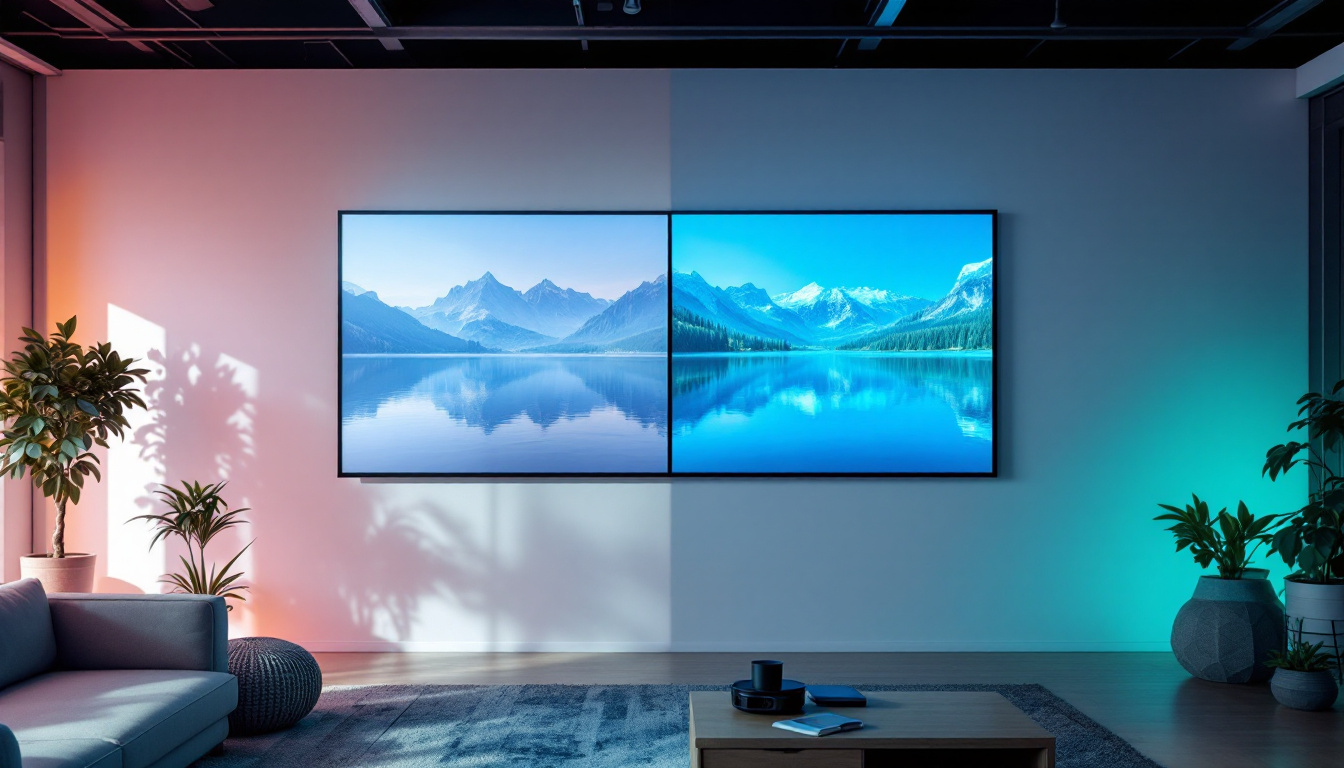
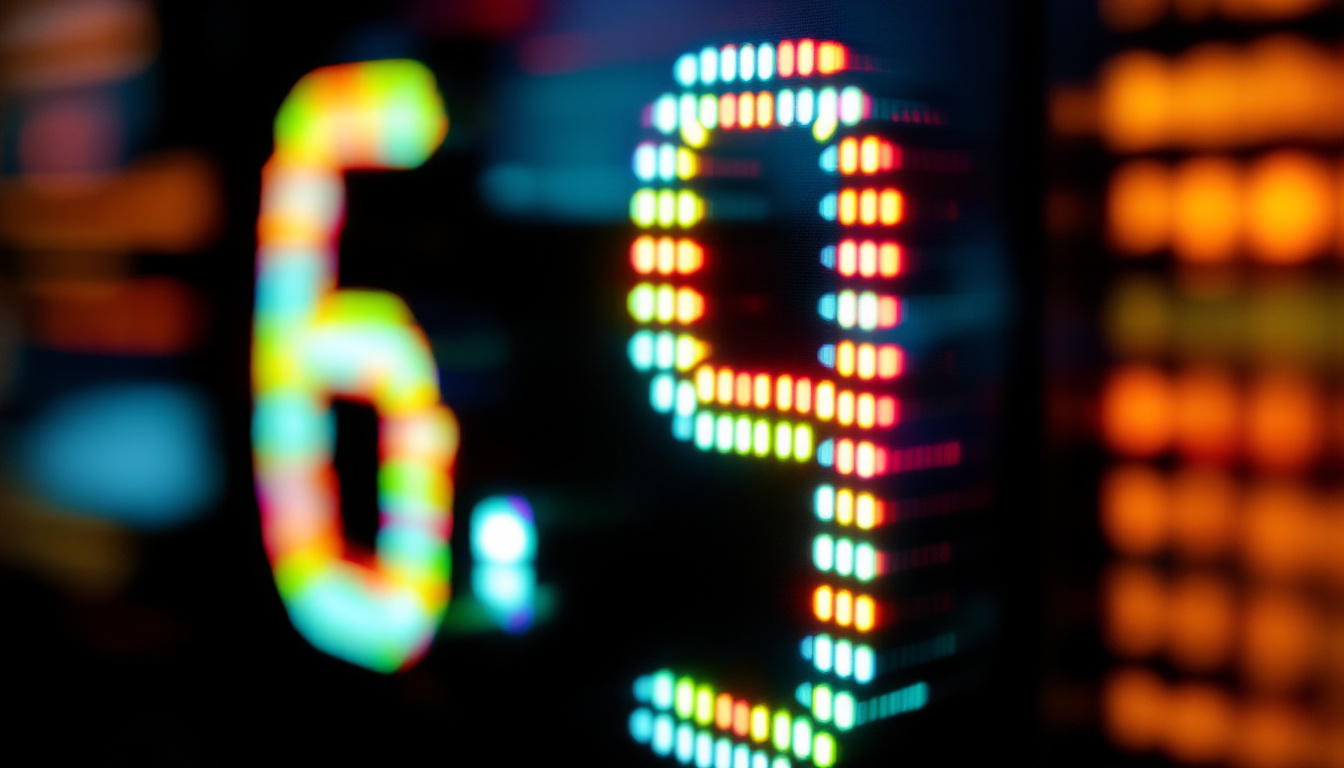
Pixelation refers to the visible blockiness or graininess of an image on a screen. Instead of a smooth, clear picture, the image appears composed of large, square pixels, which detracts from the overall viewing experience. This effect is often noticed when watching low-resolution content on a high-resolution screen or when the display technology struggles to render fine details properly.
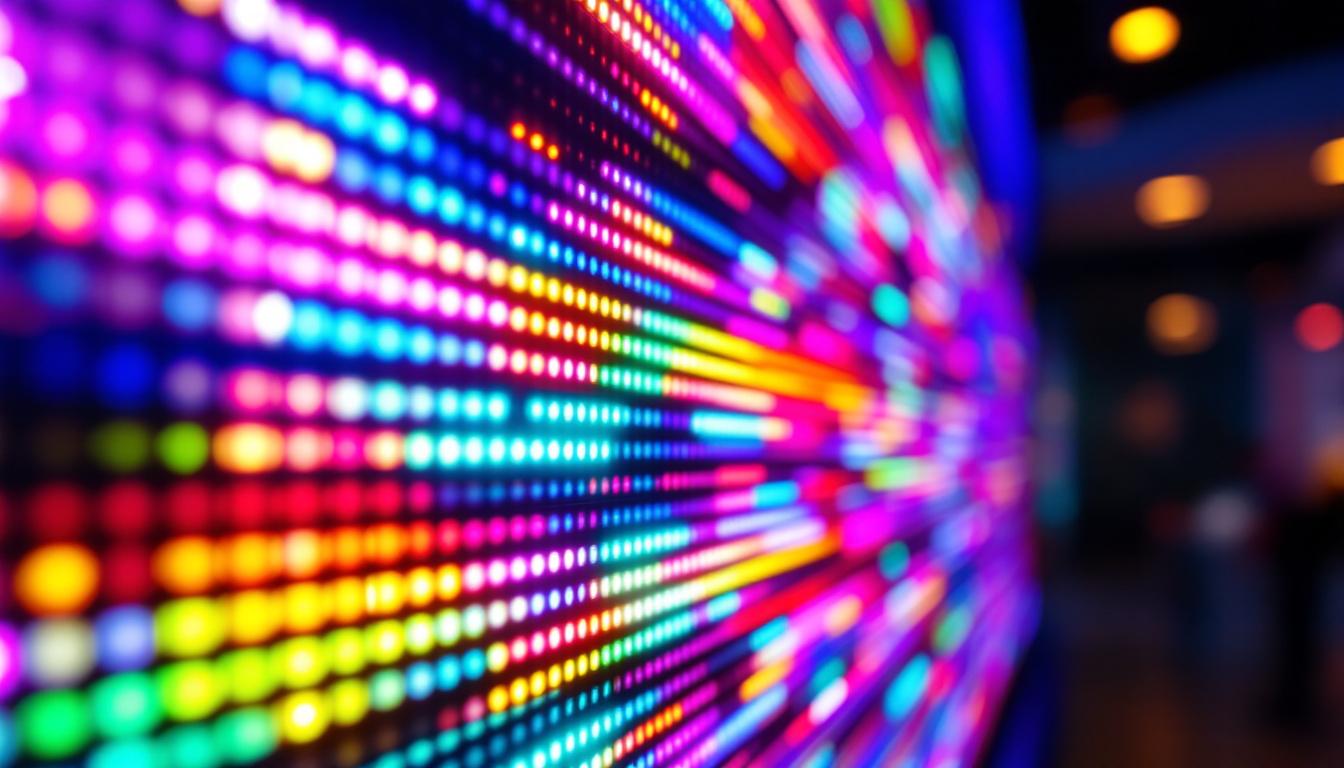
On LED TVs, pixelation can be particularly noticeable due to the screen’s structure and the way images are processed. Each pixel on the display is made up of subpixels that emit light, and when these pixels are not adequately filled with image data, the individual blocks become visible. This is especially true when the content resolution is lower than the TV’s native resolution, causing the TV to upscale the image and sometimes resulting in pixelation.
Moreover, pixelation can also occur due to issues with the signal quality being received by the TV. For instance, if you’re streaming content over a weak internet connection or using a low-quality cable, the data may not be transmitted effectively, leading to a degraded image. This is particularly common with live broadcasts or streaming services that adjust video quality based on available bandwidth. In such cases, viewers may notice fluctuations in image clarity, with pixelation becoming more pronounced during scenes with rapid motion or intricate details.
Another factor contributing to pixelation is the compression algorithms used during the encoding of video files. Many streaming platforms compress video to save bandwidth, which can result in a loss of detail and clarity. This compression can lead to artifacts in the image, where blocks of pixels fail to represent the intended colors or textures accurately. As a result, even high-definition content can appear pixelated if the compression is too aggressive. Understanding these various causes of pixelation can help viewers troubleshoot their viewing experience and seek out higher-quality content or better signal sources to enhance their enjoyment.
Understanding LED Display Technology
How LED TVs Work
LED TVs are essentially LCD (Liquid Crystal Display) TVs that use Light Emitting Diodes (LEDs) as a backlight source instead of the traditional cold cathode fluorescent lamps (CCFLs). The LED backlighting allows for thinner panels, better energy efficiency, and improved brightness control. This technological advancement has revolutionized the way we experience visual content, making it possible for manufacturers to create sleek, lightweight designs that fit seamlessly into modern living spaces.
The LCD panel itself is composed of millions of pixels, each containing red, green, and blue subpixels. These subpixels adjust their light transmission to create the desired colors and images. The LED backlight shines through the LCD layer, illuminating the pixels to produce the final picture seen on the screen. Additionally, advancements in color calibration and processing technology have enabled LED TVs to achieve a wider color gamut and more accurate color reproduction, enhancing the viewing experience for everything from movies to video games.
Types of LED Backlighting
There are primarily two types of LED backlighting used in modern TVs: edge-lit and full-array. Edge-lit LED TVs place LEDs along the edges of the screen, using light guides to spread the illumination evenly. This design not only allows for a thinner profile but also makes these TVs more affordable. However, they may struggle with uniformity in brightness across the screen, particularly in darker scenes where light leakage can be more noticeable.
Full-array LED TVs have LEDs distributed directly behind the screen, allowing for more precise control of brightness and contrast through local dimming zones. This configuration enables the TV to dim specific areas of the screen independently, enhancing the depth of black levels and overall picture quality. Full-array LED TVs often provide better picture quality and reduce issues like blooming and halo effects around bright objects on dark backgrounds. This can indirectly affect pixelation perception by improving overall image clarity and contrast. Moreover, with the rise of HDR (High Dynamic Range) content, full-array backlighting systems are becoming increasingly popular, as they can deliver the enhanced brightness and contrast ratios that HDR demands, making scenes more lifelike and immersive.
Causes of Pixelation on LED TVs
Low-Resolution Content
One of the primary causes of pixelation is low-resolution content being displayed on a high-resolution screen. For example, if a 720p video is played on a 4K LED TV, the TV must upscale the image to fit its native resolution of 3840×2160 pixels. Upscaling involves estimating and filling in missing pixel data, which can sometimes result in blocky or pixelated images.
Streaming services often offer content in various resolutions, and internet bandwidth can impact the quality of the stream. Lower bandwidth connections might force the service to deliver compressed, lower-resolution video, increasing the likelihood of pixelation on large, high-resolution screens.
Improper TV Settings
Incorrect picture settings can also contribute to pixelation. For instance, setting the sharpness too high can exaggerate edges and create artificial pixelation. Similarly, disabling noise reduction or other image enhancement features might make compression artifacts and pixel blocks more visible.
Adjusting settings such as sharpness, contrast, and enabling noise reduction can help reduce the perception of pixelation. Many modern TVs also include advanced image processing technologies designed to smooth out pixelated images and improve overall picture quality.
Signal and Connection Issues
Pixelation can sometimes be caused by poor signal quality or faulty connections. Over-the-air broadcasts, satellite signals, or cable transmissions can experience interference, leading to pixelated images. Loose HDMI cables or outdated hardware can also degrade the signal, causing pixelation or other display artifacts.
Ensuring high-quality cables, stable internet connections for streaming, and proper antenna placement can mitigate these issues. Additionally, using devices that support the TV’s native resolution and refresh rates helps maintain image integrity.
How to Minimize Pixelation on LED TVs
Choose High-Resolution Content
The most effective way to avoid pixelation is to watch content that matches or exceeds the TV’s native resolution. With the increasing availability of 4K and even 8K content on streaming platforms, viewers should select the highest quality streams their internet connection can support.
Physical media such as UHD Blu-rays also provide excellent image quality without compression artifacts, making them ideal for high-end LED TVs. When possible, avoid upscaling low-resolution videos, as this is the primary source of pixelation.
Optimize TV Picture Settings
Adjusting the TV’s picture settings can significantly reduce pixelation. Lowering the sharpness setting to a moderate level prevents the artificial enhancement of edges that can look like pixel blocks. Enabling noise reduction and motion smoothing features can help smooth out image details and reduce visible pixelation.
Many LED TVs come with preset picture modes such as Cinema, Standard, or Game, which are optimized for different types of content. Experimenting with these modes can help find the best balance between sharpness, brightness, and color accuracy.
Maintain Proper Viewing Distance
Viewing distance plays a role in how pixelation is perceived. Sitting too close to a large LED TV can make individual pixels more noticeable, especially on lower-resolution content. The ideal distance depends on the screen size and resolution, but a general guideline is to sit at a distance where the human eye cannot distinguish individual pixels.
For a 4K TV, this distance is typically about 1 to 1.5 times the screen’s diagonal size. For example, for a 55-inch 4K TV, sitting approximately 4.5 to 6.5 feet away provides an optimal viewing experience without visible pixelation.
Future Trends in LED Display Technology
Mini-LED and Micro-LED Innovations
Advancements in LED technology are continually improving display quality and reducing pixelation issues. Mini-LED backlighting uses thousands of tiny LEDs to create more precise local dimming zones, enhancing contrast and reducing halo effects. This technology allows for better control over brightness and deeper blacks, which improves image clarity and reduces the perception of pixelation.
Micro-LED technology takes this a step further by using microscopic LEDs as individual pixels, eliminating the need for a separate backlight. This results in higher brightness, better color accuracy, and virtually no pixelation due to the precise control of each pixel’s light emission. Although still emerging, Micro-LED displays are expected to revolutionize the TV market in the coming years.
AI and Advanced Image Processing
Artificial intelligence (AI) and machine learning are increasingly integrated into TV image processing. These technologies analyze incoming video signals in real-time, intelligently enhancing details, reducing noise, and optimizing sharpness without introducing pixelation artifacts.
AI-driven upscaling can transform lower-resolution content closer to native 4K or 8K quality, minimizing pixelation even when the original source is not ideal. This technology is becoming standard in premium LED TVs, offering viewers a more immersive and visually pleasing experience.
Conclusion: Enjoying the Best Picture Quality on LED TVs
Pixelated images on LED TVs are often a result of content resolution, TV settings, or signal quality rather than a fundamental flaw in the display technology itself. Understanding how LED displays work and what factors influence pixelation empowers viewers to optimize their setups and choose content that maximizes picture quality.
By selecting high-resolution content, fine-tuning picture settings, and maintaining appropriate viewing distances, users can significantly reduce pixelation and enjoy sharp, vibrant images. Furthermore, emerging technologies like Mini-LED, Micro-LED, and AI-powered processing promise even clearer and more lifelike visuals in the near future.
Investing time in learning about LED display technology and its nuances ensures that the home entertainment experience remains engaging, immersive, and visually stunning for years to come.
Discover the Future of Visual Experience with LumenMatrix
Ready to elevate your viewing experience with the latest in LED display technology? LumenMatrix is at the forefront of innovation, offering a wide range of LED display solutions that bring your visual content to life. Whether you’re looking for an Indoor LED Wall Display to enhance your home entertainment, an Outdoor LED Wall Display for impactful advertising, or any of our specialized displays like Vehicle LED, Sports, or Floor LED Displays, LumenMatrix has you covered. Embrace the future of digital signage and create unforgettable visual experiences. Check out LumenMatrix LED Display Solutions today and see the difference cutting-edge technology can make.