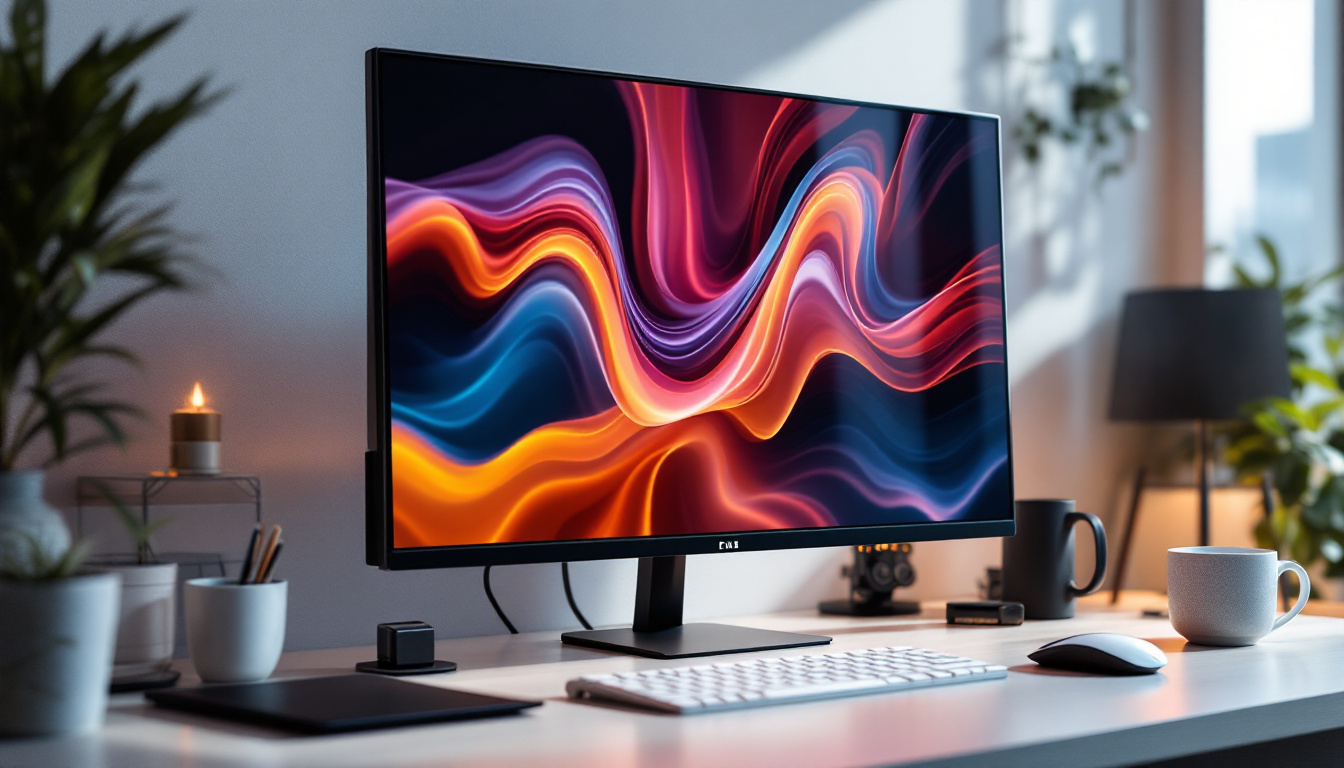
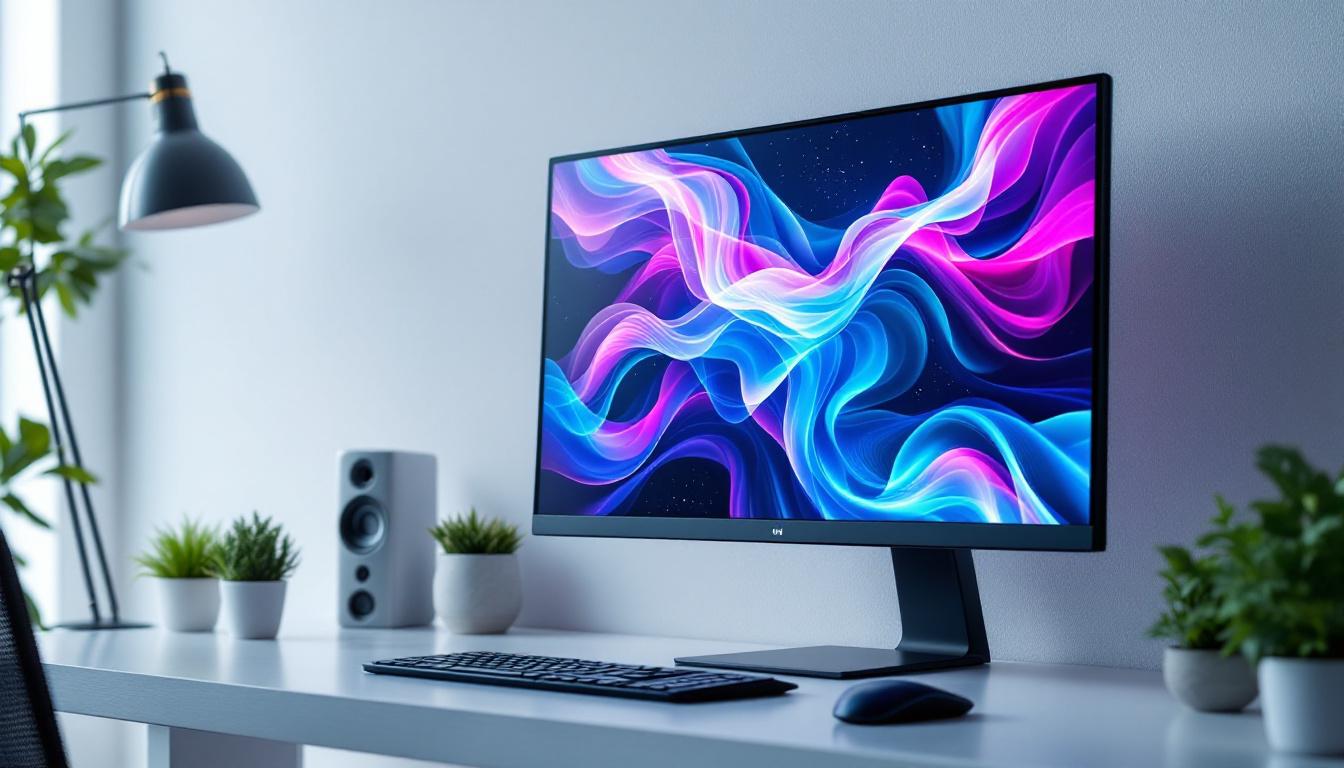
In today’s digital age, the monitor screen is an essential component of any personal computer setup. Whether for work, gaming, or creative projects, the quality and technology behind your PC monitor can significantly impact your overall experience. Among the various display technologies available, LED displays have become the most popular choice for PC monitors. This article delves into the world of LED display technology, explaining what it is, how it works, and why it matters for your computing needs.
Understanding LED Display Technology
What Does LED Mean?
LED stands for Light Emitting Diode. It is a semiconductor device that emits light when an electric current passes through it. In the context of PC monitors, LED refers to the backlighting technology used to illuminate the screen. Unlike older LCD monitors that used cold cathode fluorescent lamps (CCFL) for backlighting, LED monitors use arrays of tiny LEDs to light the display.
This shift to LED backlighting has brought several advantages, including improved energy efficiency, better color accuracy, and thinner screen designs. It is important to note that LED monitors are technically still LCD screens because the image is formed by liquid crystals. The LEDs simply provide the light source behind the screen. The transition to LED technology has also contributed to a significant reduction in power consumption, making these monitors not only more environmentally friendly but also more cost-effective in the long run. As technology continues to evolve, manufacturers are exploring even more advanced LED technologies, such as quantum dot displays, which promise to enhance color reproduction and brightness further.
Types of LED Backlighting
There are primarily two types of LED backlighting used in PC monitors: edge-lit and full-array (also known as direct-lit).
- Edge-lit LED: In this design, LEDs are placed along the edges of the screen. Light is then distributed across the display using light guides. This allows for very thin monitors but can sometimes lead to uneven brightness or less precise local dimming. Edge-lit monitors are often favored for their sleek designs, making them an attractive choice for modern workspaces and home entertainment setups.
- Full-array LED: Here, LEDs are spread evenly across the entire back of the screen. This design supports local dimming zones, which can turn off or dim specific areas of the screen to improve contrast and black levels. Full-array LED monitors tend to be thicker but offer superior picture quality. They are particularly popular among graphic designers and gamers who require high fidelity in color and detail, as the enhanced contrast ratios can significantly impact the viewing experience.
Moreover, the choice between edge-lit and full-array LED backlighting can also affect the overall performance of the monitor in various lighting conditions. For instance, full-array displays excel in darker environments where deep blacks and vibrant colors can be fully appreciated, while edge-lit displays may perform adequately in brighter settings where ambient light can wash out some of the contrast differences. As consumers become more discerning about display quality, understanding these differences becomes crucial in making an informed purchase decision.
Why Choose an LED Monitor for Your PC?
Energy Efficiency and Environmental Impact
One of the most significant benefits of LED monitors is their energy efficiency. Compared to CCFL-backlit LCDs, LED monitors consume up to 30-50% less power. This not only reduces electricity bills but also contributes to a smaller carbon footprint, an increasingly important consideration for environmentally conscious users.
Moreover, LEDs do not contain mercury, unlike CCFLs, making LED monitors safer to dispose of and more environmentally friendly overall.
Improved Image Quality
LED backlighting enhances image quality in several ways. Firstly, LED monitors generally offer higher brightness levels, which improves visibility in well-lit environments. Secondly, the ability to implement local dimming (especially in full-array LED monitors) results in deeper blacks and higher contrast ratios, making images appear more vibrant and lifelike.
Additionally, LED technology supports a wider color gamut, which means the monitor can display more colors accurately. This is particularly important for professionals in photography, video editing, and graphic design who require precise color reproduction.
Design and Form Factor
LED backlighting allows manufacturers to design thinner and lighter monitors. This makes LED monitors ideal for modern workspaces where desk space is limited and aesthetics matter. Ultra-thin bezels and sleek profiles are common in LED monitors, contributing to a more immersive viewing experience and easier multi-monitor setups.
Key Specifications to Consider in LED PC Monitors
Resolution and Screen Size
The resolution defines how many pixels the monitor can display, directly affecting image sharpness. Common resolutions include Full HD (1920×1080), Quad HD (2560×1440), and 4K UHD (3840×2160). Higher resolutions provide more detail but require more powerful graphics hardware to run smoothly.
Screen size is another crucial factor. Monitors typically range from 21 inches to 32 inches or more. The ideal size depends on your desk space, viewing distance, and use case. For example, gamers and video editors often prefer larger screens with higher resolutions for better immersion and workspace.
Refresh Rate and Response Time
Refresh rate, measured in Hertz (Hz), indicates how many times per second the monitor updates the image. Standard monitors run at 60Hz, but gaming monitors often feature 120Hz, 144Hz, or even 240Hz refresh rates for smoother motion and reduced blur.
Response time measures how quickly a pixel can change color, usually in milliseconds (ms). Lower response times reduce ghosting effects in fast-moving images, which is critical for gaming and fast-paced video playback.
Color Accuracy and Gamut
Color accuracy is vital for professionals who rely on precise color reproduction. Look for monitors that support color spaces such as sRGB, Adobe RGB, or DCI-P3. Coverage percentages indicate how much of these color spaces the monitor can display. For instance, a monitor covering 99% sRGB is suitable for most web content creation, while 90% Adobe RGB or higher is preferred for print and professional photography.
Connectivity Options
Modern LED monitors come with a variety of connectivity ports, including HDMI, DisplayPort, USB-C, and sometimes legacy ports like VGA or DVI. USB-C ports are increasingly popular because they can transmit video, data, and power through a single cable, simplifying cable management.
Choosing a monitor with multiple input options ensures compatibility with different devices and future-proofs your setup.
Comparing LED Monitors with Other Display Technologies
LED vs. OLED
While LED monitors use LED backlighting with an LCD panel, OLED (Organic Light Emitting Diode) displays emit light from each individual pixel. This allows OLED screens to achieve perfect blacks and exceptional contrast ratios because pixels can turn off completely.
However, OLED monitors are currently more expensive and less common in PC setups. They also face challenges like burn-in with static images. LED monitors remain the mainstream choice for most users due to their affordability and versatility.
LED vs. IPS and TN Panels
It’s important to distinguish between LED backlighting and the LCD panel types used in monitors. The most common panel types are:
- TN (Twisted Nematic): Known for fast response times and high refresh rates, making them popular among gamers. However, TN panels have narrower viewing angles and less accurate color reproduction.
- IPS (In-Plane Switching): Offers superior color accuracy and wider viewing angles, ideal for creative professionals and general use. IPS panels tend to have slower response times compared to TN but have improved significantly in recent years.
- VA (Vertical Alignment): Balances contrast and color reproduction, often used in monitors aimed at multimedia consumption.
Most LED monitors today use IPS or VA panels to maximize image quality, combining the benefits of LED backlighting with excellent panel performance.
Practical Tips for Choosing the Right LED Monitor
Identify Your Primary Use Case
Before purchasing an LED monitor, consider how you will primarily use it. For gaming, prioritize high refresh rates (120Hz or higher), low response times (under 5ms), and adaptive sync technologies like G-Sync or FreeSync to reduce screen tearing.
For professional work such as photo or video editing, focus on color accuracy, wide color gamut coverage, and higher resolutions. For general office work or browsing, a Full HD monitor with decent color and brightness will suffice.
Consider Ergonomics and Adjustability
Comfort is key when spending long hours in front of a monitor. Look for monitors with adjustable stands that allow height, tilt, swivel, and pivot adjustments. Some monitors also offer blue light filters and flicker-free technology to reduce eye strain.
Budget and Brand Reliability
LED monitors come in a wide price range. While premium models offer advanced features, many affordable monitors deliver excellent performance for everyday use. Trusted brands often provide better build quality, warranty support, and firmware updates.
Reading user reviews and professional tests can help identify reliable models that fit your budget.
The Future of LED Displays in PC Monitors
LED technology continues to evolve, with innovations such as mini-LED and micro-LED displays gaining traction. Mini-LED monitors use thousands of tiny LEDs for backlighting, enabling even more precise local dimming and improved contrast. This technology bridges the gap between traditional LED and OLED displays, offering superior picture quality without the drawbacks of OLED.
Micro-LED displays, still in early development for consumer products, promise self-emissive pixels like OLED but with higher brightness, longer lifespan, and no burn-in issues. These advancements suggest that LED-based monitors will remain relevant and continue improving in the foreseeable future.
Conclusion
LED display technology has revolutionized PC monitors by providing energy-efficient, high-quality, and sleek display options suitable for a wide range of users. Understanding the nuances of LED backlighting, panel types, and key specifications empowers consumers to make informed decisions tailored to their specific needs.
Whether you are a gamer seeking ultra-smooth visuals, a creative professional demanding color accuracy, or a casual user wanting a reliable display, LED monitors offer versatile solutions that continue to evolve with technological advancements. Investing in the right LED monitor can significantly enhance your computing experience, making it a worthwhile consideration for any PC setup.
Discover the Future of Visuals with LumenMatrix
Ready to elevate your visual experience with the latest in LED display technology? Look no further than LumenMatrix, a pioneer in crafting immersive and dynamic LED display modules. From the comfort of your home to the excitement of outdoor events, LumenMatrix offers a diverse range of solutions including Indoor and Outdoor LED Wall Displays, Vehicle LED Displays, and innovative options like LED Sports Displays and Custom LED Displays. Embrace the future of digital signage with LumenMatrix and transform how you communicate and captivate your audience. Check out LumenMatrix LED Display Solutions today and see the difference for yourself.