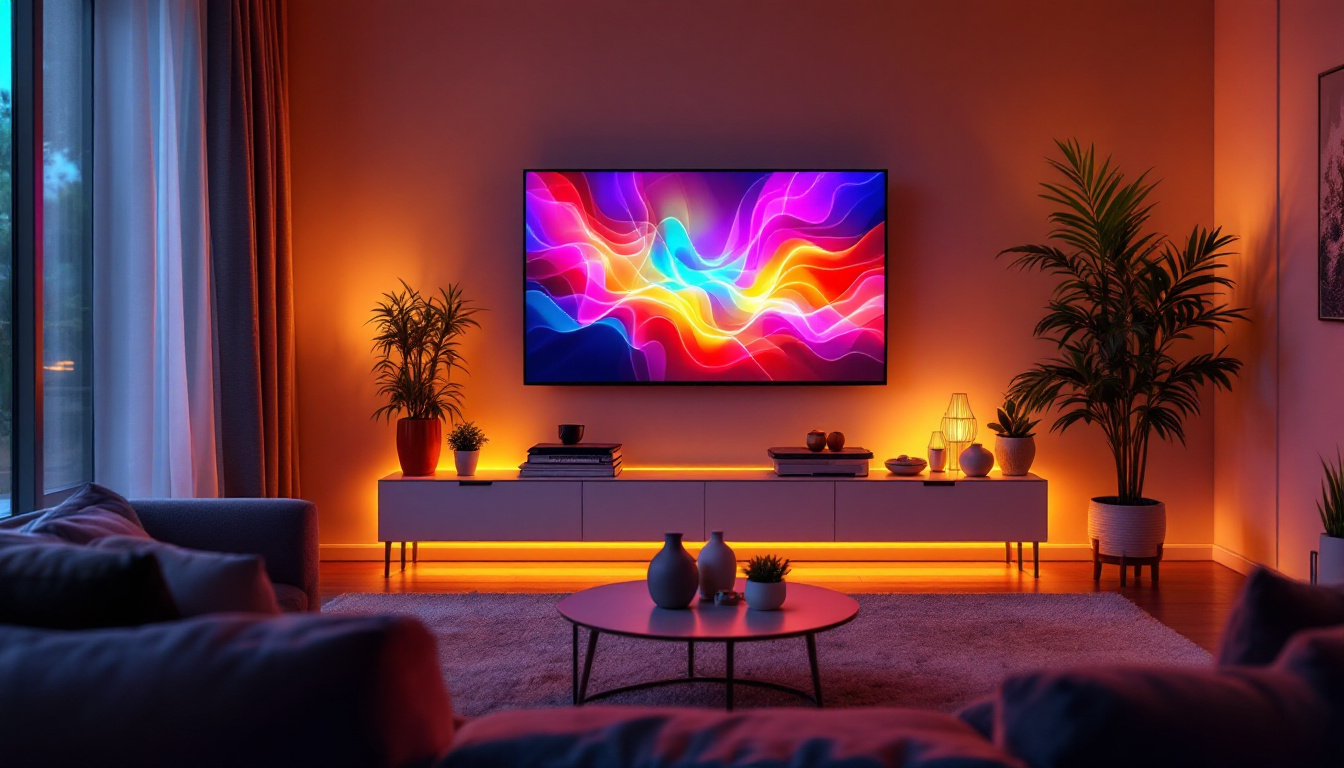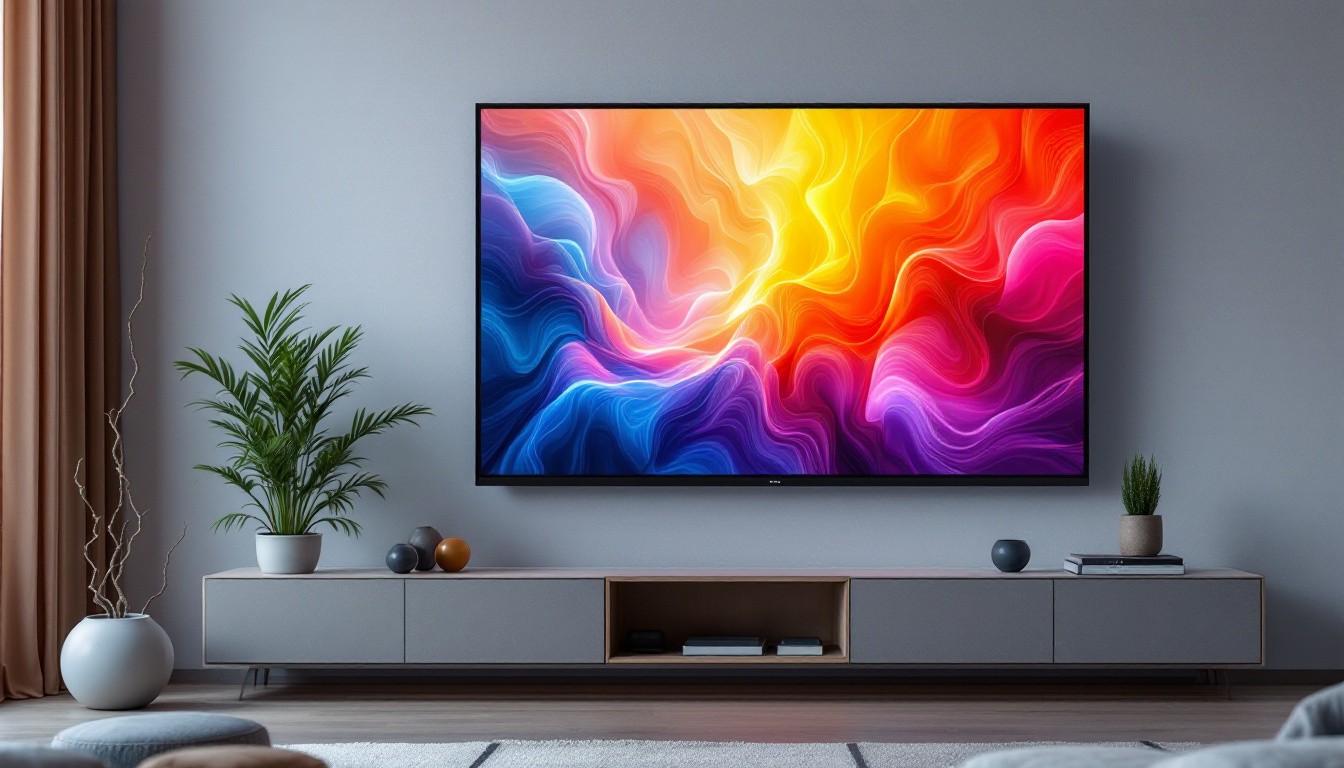
Mounting an LED TV on the wall has become a popular choice for homeowners seeking a sleek, modern look and saving valuable floor space. However, the process of installing a wall mount TV, especially for LED displays, can seem daunting without the right guidance. This comprehensive guide will walk you through the essentials of wall mounting your LED TV, covering everything from understanding the types of mounts to step-by-step installation instructions, and tips for optimizing your viewing experience.
Understanding LED TV Wall Mounts: Types and Considerations
Before diving into installation, it’s important to understand the different types of wall mounts available and how they interact with LED TVs. The choice of mount affects not only the aesthetics but also the functionality and safety of your setup.
Types of Wall Mounts for LED TVs
There are three primary types of wall mounts commonly used for LED TVs:
- Fixed Mounts: These mounts hold the TV flat against the wall. They are the most low-profile and affordable option but offer no flexibility in adjusting the TV angle once installed.
- Tilting Mounts: These allow the TV to tilt vertically, which can reduce glare from windows or lights and improve viewing angles when the TV is mounted higher than eye level.
- Full-Motion (Articulating) Mounts: These mounts provide the greatest flexibility, allowing you to tilt, swivel, and extend the TV away from the wall. They are ideal for rooms where the viewing position varies or where you want to access the back of the TV easily.
Choosing the right mount depends on your room layout, viewing habits, and the size and weight of your LED TV. Additionally, consider the distance from the seating area to the TV; a larger screen may require a full-motion mount to adjust the viewing angle for optimal comfort.
Weight and VESA Compatibility
LED TVs come in a variety of sizes and weights, and it’s critical to select a mount that supports your specific model. The Video Electronics Standards Association (VESA) has established standardized mounting hole patterns on the back of TVs. These patterns are measured in millimeters (e.g., 200 x 200, 400 x 400) and must match the mounting bracket.
Always check your TV’s manual or manufacturer’s website for the VESA pattern and weight specifications. Using a mount that doesn’t support your TV’s weight or VESA pattern can lead to unsafe installations and damage. Furthermore, it’s advisable to consider the wall material where you plan to mount the TV. For instance, drywall may require additional support, such as wall anchors or mounting directly into studs, to ensure a secure installation.
Additionally, the installation process can vary significantly based on the type of mount chosen. Fixed mounts are generally the easiest to install, requiring minimal tools and time. In contrast, full-motion mounts may necessitate a more complex installation due to their moving parts and the need for precise alignment. It’s often beneficial to enlist the help of a professional installer, especially for larger TVs or if you are unsure about the mounting process, to ensure safety and optimal performance.
Preparing for Installation: Tools, Wall Types, and Safety
Proper preparation is key to a successful and safe wall mount installation. This section covers the essential tools, understanding your wall type, and safety precautions.
Essential Tools for Mounting an LED TV
Having the right tools on hand will streamline the installation process. Common tools include:
- Power drill with various drill bits
- Stud finder
- Level
- Socket wrench or adjustable wrench
- Measuring tape
- Phillips and flathead screwdrivers
- Masking tape or painter’s tape
- Pencil for marking
In addition to these, having a helper to assist with lifting and positioning the TV can make the process safer and easier.
Identifying Your Wall Type
The type of wall you are mounting on will determine the kind of anchors and screws you use. The most common wall types include:
- Drywall with Wooden Studs: This is the most common and ideal surface for mounting. The studs provide a solid anchor point for the heavy TV mount.
- Concrete or Brick Walls: These require special masonry anchors and drill bits designed for concrete.
- Metal Studs: Less common in residential settings, metal studs require toggle bolts or specialized anchors.
Using a stud finder will help locate the studs behind drywall. Mounting directly into studs is crucial for safely supporting the weight of your LED TV.
Safety Considerations
Wall mounting a TV involves heavy equipment and power tools, so safety is paramount. Some key safety tips include:
- Always turn off power tools when not in use.
- Wear safety goggles when drilling.
- Ensure the mount and TV are securely fastened to prevent falls.
- Do not mount the TV above heat sources or in areas exposed to excessive moisture.
- Confirm that the wall can support the weight of the TV and mount.
Step-by-Step Guide to Installing Your LED TV Wall Mount
With preparation complete, it’s time to install your LED TV wall mount. Follow these steps carefully for a secure and professional-looking installation.
Step 1: Choose the Optimal Location
Consider factors such as:
- Viewing height: The center of the screen should be at eye level when seated.
- Room lighting: Avoid glare from windows or lights.
- Proximity to power outlets and cable connections.
- Wall strength and stud locations.
Mark the desired height and position lightly with a pencil.
Step 2: Locate and Mark Studs
Use your stud finder to locate the studs behind the drywall. Mark the edges and center of each stud with a pencil. The mounting bracket must be attached to at least two studs for stability.
Step 3: Attach the Wall Bracket
Hold the wall bracket against the wall, aligning it with the stud marks. Use a level to ensure it is perfectly horizontal. Mark the drill holes through the bracket onto the wall.
Drill pilot holes into the studs at the marked locations. Then, secure the wall bracket to the wall using lag bolts or screws provided with the mount. Tighten firmly but avoid over-tightening which can damage the wall or bracket.
Step 4: Attach the Mounting Plate to the TV
Lay the TV face down on a soft, flat surface to prevent scratches. Align the mounting plate with the VESA holes on the back of the TV. Use the screws provided with the mount to secure the plate. Be sure not to overtighten, as this could damage the TV.
Step 5: Hang the TV on the Wall Bracket
With assistance, lift the TV and hook the mounting plate onto the wall bracket. Most mounts have a locking mechanism or screws to secure the TV in place. Ensure the TV is firmly attached and does not wobble.
Step 6: Adjust and Secure
If your mount is tilting or full-motion, adjust the TV to the desired angle. Double-check that all screws and bolts are tight. Use a level to confirm the TV is straight.
Optimizing Your LED TV Viewing Experience
Mounting your LED TV correctly is just the beginning. To get the most out of your display, consider these tips for optimizing your viewing environment.
Proper Viewing Distance and Height
The ideal viewing distance depends on the size and resolution of your TV. For LED TVs with 4K resolution, sitting about 1 to 1.5 times the diagonal screen size away is recommended. For example, a 55-inch TV is best viewed from 4.5 to 6.5 feet away.
Height is equally important; the center of the screen should be at eye level when seated to reduce neck strain.
Managing Cables and Connectivity
Wall mounting can expose cables and connections, which may detract from the clean look. Consider using cable management solutions such as:
- In-wall cable management kits that hide wires behind the wall.
- Surface-mounted raceways painted to match the wall color.
- Wireless HDMI transmitters for reducing cable clutter.
Reducing Glare and Improving Lighting
LED TVs can be sensitive to glare, which diminishes picture quality. Use curtains or blinds to control natural light and position lamps or overhead lighting to avoid reflections on the screen.
Common Challenges and Troubleshooting Tips
Even with careful planning, some issues may arise during or after installation. Understanding common problems can help you troubleshoot effectively.
Mount Doesn’t Align with Studs
If the studs don’t align with your preferred TV position, consider using a mounting board or a mount with a wider bracket to span multiple studs. Avoid using drywall anchors alone for heavy TVs.
TV Wobbles or Feels Unstable
This usually indicates loose screws or an insecure mount. Double-check all fasteners and ensure the mount is attached to solid studs.
Difficulty Connecting Cables
Full-motion mounts can make cable connections tricky when the TV is flush against the wall. Connect all cables before hanging the TV, or use mounts that allow easy access to ports.
Wall Damage or Cracks
If you notice cracks or damage around the mounting area, the wall may not be strong enough. Reinforce the wall with plywood backing or consult a professional.
Conclusion: Achieving a Safe and Stylish Wall-Mounted LED TV
Installing a wall mount for your LED TV is a rewarding project that enhances your living space by providing a clean, modern look and freeing up floor space. By understanding the types of mounts, preparing properly, and following step-by-step installation instructions, you can achieve a secure and aesthetically pleasing setup.
Remember to consider your room’s layout, viewing preferences, and safety requirements throughout the process. With the right tools, careful planning, and attention to detail, your wall-mounted LED TV will provide years of enjoyable viewing.
For those unsure about handling electrical tools or wall structures, consulting a professional installer is always a wise choice to ensure safety and optimal results.
Enhance Your Space with LumenMatrix LED Displays
Ready to elevate your viewing experience with a sleek, wall-mounted LED TV? LumenMatrix is at the forefront of LED display technology, offering a wide range of innovative solutions that transform any space. From captivating Indoor LED Wall Displays to dynamic Outdoor LED Wall Displays and beyond, our products are designed to make a visual impact. Discover how LumenMatrix can help you create immersive environments and communicate your message with unparalleled clarity. Check out LumenMatrix LED Display Solutions today and step into the future of visual storytelling.