In the rapidly evolving world of display technology, touchpad monitors with LED displays have become an integral part of both professional and personal computing environments. These devices combine the convenience of touch input with the vibrant visual quality of LED screens, creating an interactive experience that enhances productivity and user engagement. This article delves into the technology behind touchpad monitors, focusing on LED displays, their advantages, applications, and what users should consider when choosing one.
Understanding Touchpad Monitors
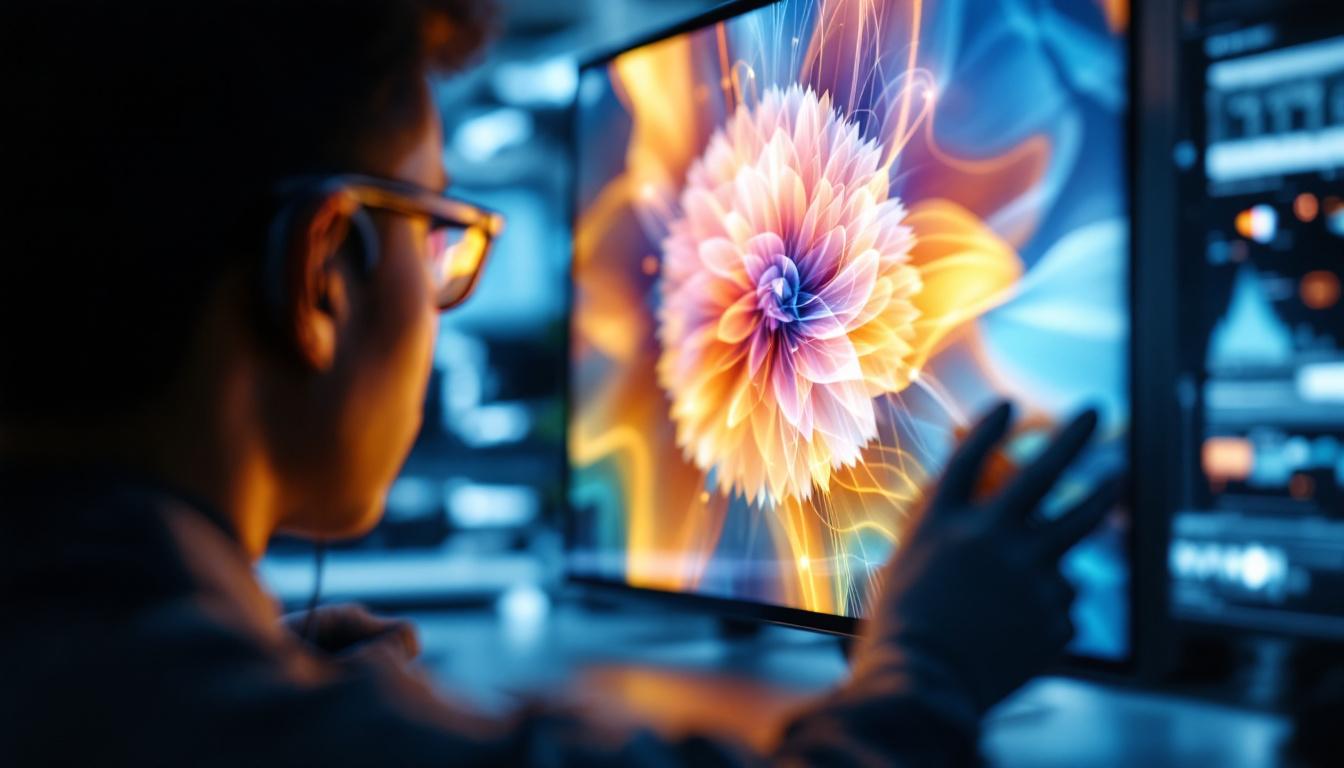
Touchpad monitors are display devices that incorporate touch-sensitive surfaces, allowing users to interact directly with the screen using their fingers or a stylus. Unlike traditional monitors that rely solely on peripherals like a mouse and keyboard, touchpad monitors provide a more intuitive and natural method of input. This direct interaction can significantly enhance user experience, making it particularly valuable in environments where quick access to information is crucial, such as in education, retail, and healthcare settings.
There are several types of touch technologies used in these monitors, including resistive, capacitive, infrared, and surface acoustic wave. Among these, capacitive touch technology is the most common in modern touchpad monitors due to its responsiveness and multi-touch capabilities. The choice of technology can greatly affect the performance and usability of the monitor, with capacitive screens offering superior clarity and durability, while resistive screens can be more affordable and effective in certain industrial applications where precision with stylus input is necessary.
How Touchpad Monitors Work
At the core, a touchpad monitor integrates a touch-sensitive layer over the display panel. When a user touches the screen, the touch sensor detects the location of the contact point by measuring changes in electrical signals or light interruption, depending on the technology used. This data is then processed by the device’s controller to translate the touch input into commands or gestures. The seamless integration of hardware and software allows for a responsive user interface that can adapt to various applications, from simple navigation to complex design tasks.
Capacitive touchscreens, for example, detect touch through the electrical properties of the human body. When a finger touches the screen, it alters the local electrostatic field, which the controller interprets as a touch event. This method supports multi-touch gestures such as pinch-to-zoom and swipe, enhancing user interaction. Additionally, the rise of touchpad monitors has led to the development of specialized software that can leverage these gestures for more advanced functionalities, such as drawing applications that allow artists to create intricate designs with precision, or interactive presentations that engage audiences in a dynamic way. As technology continues to evolve, the potential applications for touchpad monitors are expanding, making them an integral part of modern computing experiences.
The Role of LED Displays in Touchpad Monitors
LED (Light Emitting Diode) technology has revolutionized display screens by offering brighter, more energy-efficient, and longer-lasting panels compared to traditional LCDs with CCFL backlighting. When combined with touch functionality, LED displays provide a superior visual and interactive experience.
What is an LED Display?
LED displays use an array of light-emitting diodes to illuminate the screen. There are two main types: direct LED and edge-lit LED. Direct LED places diodes directly behind the screen, offering better contrast and brightness uniformity, while edge-lit LED places LEDs around the edges, allowing for thinner panels but sometimes less uniform lighting.
In touchpad monitors, LED displays are typically used as the underlying screen technology, providing vivid colors, high contrast ratios, and fast response times. These features are crucial for tasks requiring precise visual feedback, such as graphic design, video editing, and gaming.
Advantages of LED Displays in Touchpad Monitors
LED technology brings several benefits to touchpad monitors:
- Enhanced Brightness and Contrast: LED displays offer higher brightness levels and better contrast ratios, making images sharper and colors more vibrant. This is especially beneficial in brightly lit environments.
- Energy Efficiency: LEDs consume less power than traditional backlighting methods, leading to lower energy costs and longer device lifespan.
- Thin and Lightweight Design: LED backlighting allows for slimmer monitor profiles, making touchpad monitors more portable and aesthetically pleasing.
- Faster Response Times: LED displays typically have quicker pixel response times, reducing motion blur and improving the experience in dynamic applications.
Applications of Touchpad Monitors with LED Displays
The combination of touch input and LED display technology has opened up a wide range of applications across various industries. These devices are no longer limited to niche uses but have become mainstream tools in many professional and consumer contexts.
Professional and Creative Workflows
Graphic designers, architects, and digital artists benefit greatly from touchpad monitors with LED displays. The high color accuracy and brightness of LED panels ensure that visual work is represented faithfully, while touch input allows for natural drawing, sketching, and editing directly on the screen.
Many professional-grade touchpad monitors support stylus input with pressure sensitivity, enabling detailed and precise control over brush strokes and design elements. This integration streamlines workflows and reduces the need for separate drawing tablets.
Education and Collaborative Environments
In educational settings, touchpad monitors facilitate interactive learning. Teachers can annotate directly on the screen, engage students with touch-based activities, and use multimedia content more effectively. The bright LED displays ensure visibility even in well-lit classrooms.
Similarly, in corporate environments, these monitors enhance collaboration during meetings and presentations. Participants can interact with data visualizations, manipulate charts, and brainstorm ideas in real time, improving communication and decision-making.
Retail and Public Information Kiosks
Touchpad monitors equipped with LED displays are widely used in retail stores and public spaces as interactive kiosks. Their durability, brightness, and responsive touch capabilities make them ideal for customer self-service applications, such as product browsing, ticket purchasing, and wayfinding.
LED displays ensure content is visible under various lighting conditions, while touch input provides an engaging user experience that reduces the need for staff assistance.
Choosing the Right Touchpad Monitor with LED Display
Selecting the ideal touchpad monitor requires understanding key specifications and features that align with the intended use. Not all monitors are created equal, and factors such as screen size, resolution, touch technology, and connectivity options play significant roles.
Screen Size and Resolution
The screen size should correspond to the workspace and the nature of tasks. For detailed design work or multitasking, larger screens (24 inches and above) with high resolutions such as 4K (3840 x 2160 pixels) provide ample real estate and sharp image quality.
For general office use or point-of-sale systems, smaller monitors (15 to 22 inches) with Full HD (1920 x 1080 pixels) resolution may suffice. Higher resolution displays ensure text and images remain crisp, reducing eye strain during prolonged use.
Touch Technology and Responsiveness
Capacitive touchscreens are preferred for their multi-touch support and responsiveness. Some monitors also offer advanced features like palm rejection and stylus compatibility, which are essential for creative professionals.
Response time and touch accuracy are critical for smooth interaction. Monitors with low latency ensure that touch inputs translate immediately on screen, creating a seamless user experience.
Connectivity and Compatibility
Modern touchpad monitors typically support multiple input options, including HDMI, DisplayPort, USB-C, and legacy VGA connections. USB-C is particularly advantageous as it can transmit video, data, and power through a single cable, reducing clutter.
Compatibility with various operating systems (Windows, macOS, Linux, Android) is also important, especially in environments where multiple device types are used.
Durability and Build Quality
Touchpad monitors often endure frequent physical interaction, so durability is a key consideration. Look for features such as scratch-resistant glass, anti-glare coatings, and robust casing materials.
Some models are designed to meet industrial standards for dust and water resistance (IP ratings), making them suitable for harsher environments like manufacturing floors or outdoor kiosks.
Future Trends in Touchpad Monitor and LED Display Technology
The landscape of touchpad monitors and LED displays continues to evolve, driven by advances in materials science, display engineering, and user interface design. Several emerging trends promise to further enhance the capabilities and applications of these devices.
Mini-LED and Micro-LED Displays
Mini-LED technology uses thousands of tiny LEDs as backlighting units, enabling finer control over brightness and contrast. This results in improved HDR performance and deeper blacks, approaching the quality of OLED displays but with better longevity and less risk of burn-in.
Micro-LED displays, still in early stages of commercialization, promise even greater brightness, energy efficiency, and color accuracy by using microscopic LEDs as individual pixels. These innovations could redefine the visual experience in touchpad monitors.
Flexible and Transparent Displays
Research into flexible LED displays aims to produce touchscreens that can bend or fold without losing functionality. This could lead to new form factors such as rollable monitors or wearable displays.
Transparent LED displays, which allow users to see through the screen while interacting with digital content, are also gaining attention for applications in augmented reality and retail showcases.
Enhanced Touch and Gesture Recognition
Future touchpad monitors are expected to incorporate more sophisticated touch and gesture recognition, including 3D touch sensing and haptic feedback. These features will provide richer interaction models, making digital interfaces more tactile and immersive.
Conclusion
Touchpad monitors with LED displays represent a convergence of two powerful technologies that together elevate the user experience across numerous domains. Their ability to combine vivid, energy-efficient visuals with intuitive touch interaction makes them indispensable tools in creative industries, education, retail, and beyond.
Understanding the underlying technologies, benefits, and application scenarios is essential for selecting the right device that meets specific needs. As LED display technology continues to advance, the future holds exciting possibilities for even more dynamic and responsive touchpad monitors.
Investing in a high-quality touchpad monitor with an LED display not only enhances productivity but also future-proofs your setup in an increasingly interactive digital world.
Discover LumenMatrix’s Innovative LED Display Solutions
Ready to elevate your interactive digital experience with the latest in LED display technology? Look no further than LumenMatrix, where innovation meets visual excellence. Our comprehensive range of LED display solutions, from Indoor and Outdoor LED Walls to Custom and All-in-One LED Displays, is designed to captivate and engage your audience. Whether for creative projects, educational purposes, or enhancing retail spaces, LumenMatrix has the cutting-edge technology to bring your vision to life. Check out LumenMatrix LED Display Solutions today and transform the way you communicate visually.