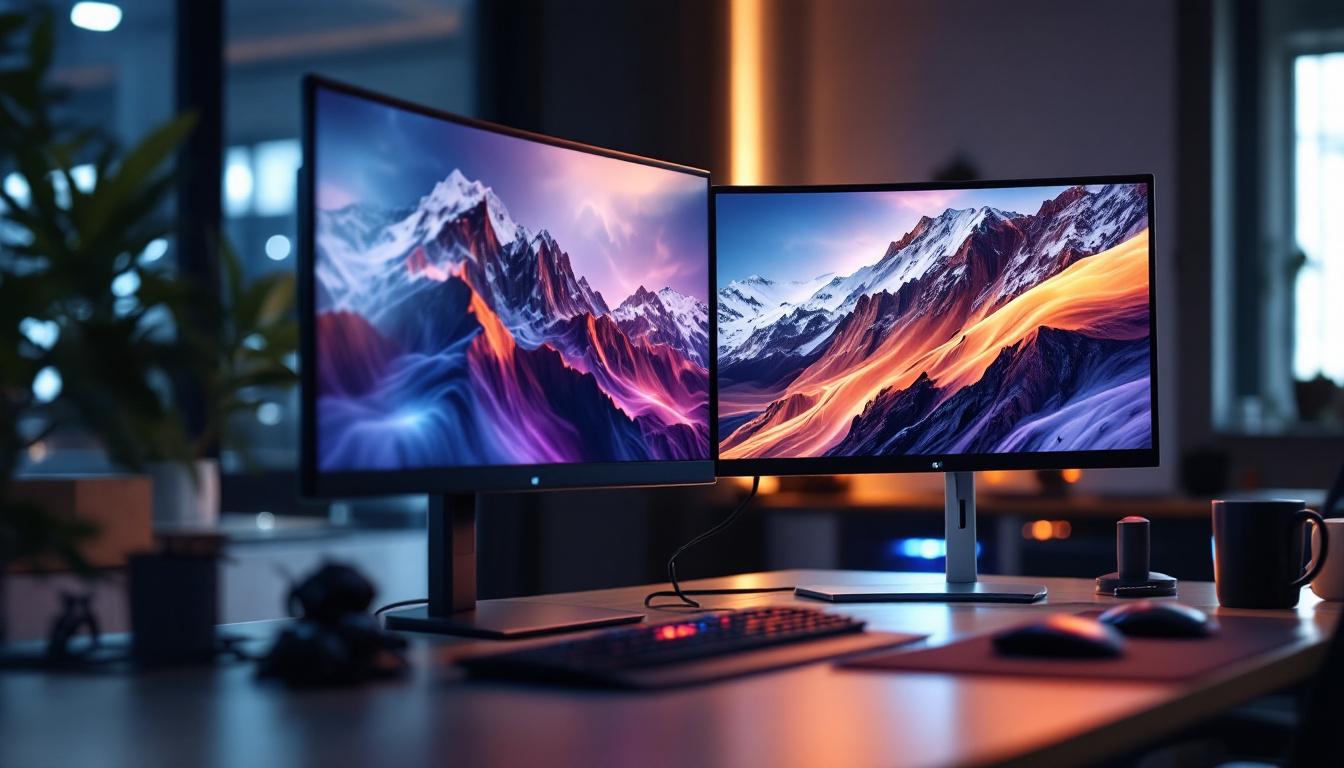
In today’s digital workspace, efficiency and ergonomics play crucial roles in productivity and comfort. The use of dual monitors has become increasingly popular among professionals, gamers, and creatives alike. Central to this setup is the two screen monitor stand, a device designed to hold and organize multiple displays seamlessly. When paired with LED displays, these stands enhance visual performance and workspace aesthetics.
This article delves into the essentials of two screen monitor stands, focusing on their compatibility with LED displays. From understanding the benefits and features to exploring ergonomic considerations and installation tips, this comprehensive guide aims to help users optimize their dual-monitor setups.
Understanding Two Screen Monitor Stands
What Is a Two Screen Monitor Stand?
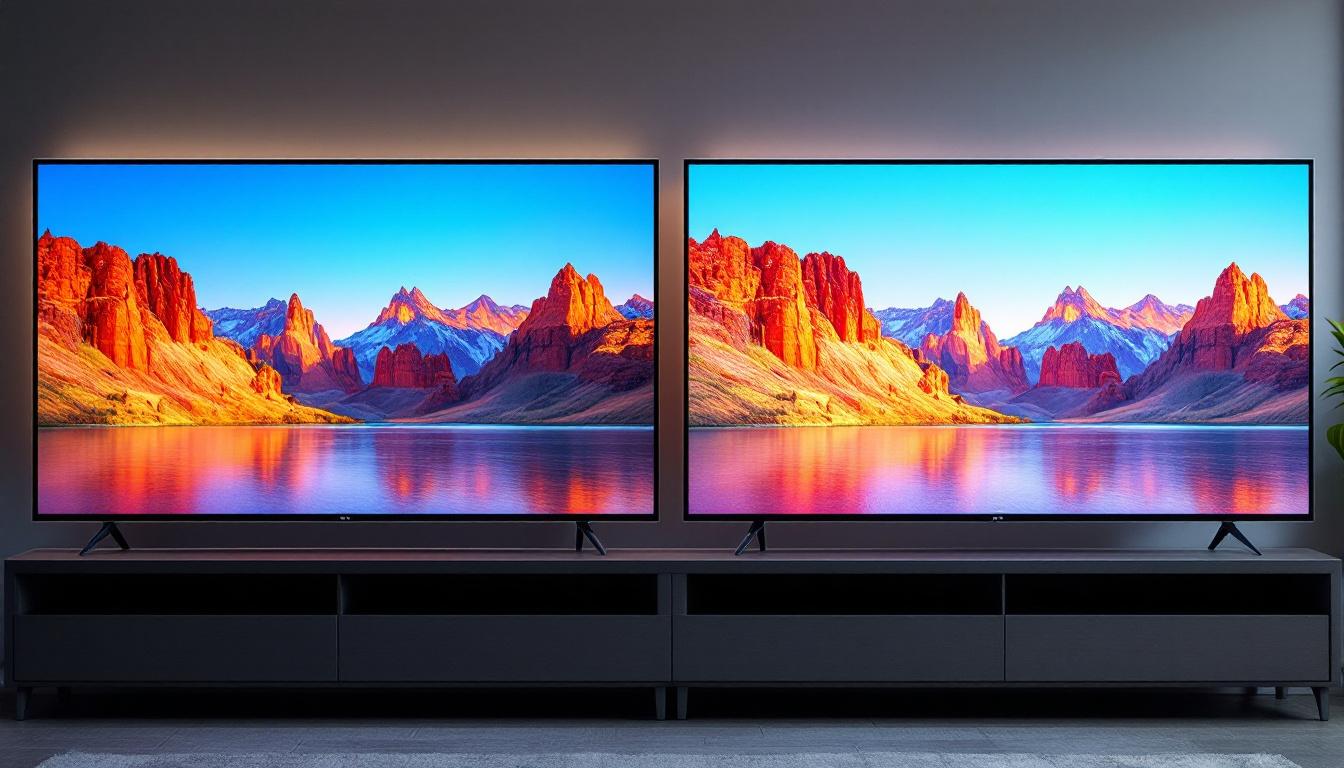
A two screen monitor stand is a mounting solution designed to hold two monitors side by side or stacked vertically. Unlike traditional single stands, these stands provide a stable and adjustable platform that supports multiple screens, freeing up desk space and improving organization.
They come in various designs, including clamp mounts, freestanding bases, and wall-mounted arms. The choice depends on the user’s desk setup, monitor size, and personal preferences. For instance, clamp mounts are ideal for those with limited desk space, as they attach directly to the edge of the desk, while freestanding bases offer flexibility in positioning without the need for installation. Wall-mounted arms are perfect for creating a minimalist look and can be adjusted to suit different viewing angles.
Why Use a Two Screen Monitor Stand?
Using a dual monitor stand offers several advantages:
- Space Efficiency: By elevating monitors off the desk, these stands create additional workspace for other essentials.
- Improved Ergonomics: Adjustable stands allow users to position monitors at eye level, reducing neck and eye strain.
- Enhanced Productivity: Dual monitors facilitate multitasking, enabling users to view multiple applications simultaneously without toggling between tabs.
- Aesthetic Appeal: A clean, organized desk with neatly aligned screens enhances the overall workspace look.
Moreover, the versatility of two screen monitor stands can cater to a variety of professional needs. For graphic designers, having a dedicated screen for design work and another for tools and palettes can streamline the creative process. Similarly, programmers often benefit from having their code on one screen while testing applications on another, allowing for a seamless workflow. The ability to tilt, swivel, and rotate monitors also means that users can adjust their setup for collaborative work, making it easier to share screens during meetings or brainstorming sessions.
In addition to functionality, many modern two screen monitor stands are designed with aesthetics in mind. With sleek finishes and contemporary designs, they can complement any office decor. Some stands even incorporate cable management systems to keep cords organized and out of sight, further contributing to a tidy workspace. This attention to detail not only enhances the user experience but also reflects a professional image, which can be particularly important in client-facing roles or home office setups.
The Role of LED Displays in Dual Monitor Setups
What Are LED Displays?
LED (Light Emitting Diode) displays are a type of LCD screen that uses LED backlighting instead of traditional fluorescent lights. This technology offers several benefits over older display types, including brighter images, better contrast ratios, and energy efficiency.
LED monitors have become the standard for most users due to their superior color accuracy, thinner profiles, and longer lifespan. The advancements in LED technology have also led to the development of various types of displays, such as OLED and QLED, which further enhance the viewing experience by providing deeper blacks and more vibrant colors. As a result, users can enjoy a more immersive experience whether they are gaming, watching movies, or working on detailed projects.
Advantages of LED Displays for Dual Monitors
When paired with a two screen monitor stand, LED displays provide an optimal visual experience:
- Consistent Brightness and Color: LED backlighting ensures uniform brightness across both screens, which is essential for color-sensitive tasks such as graphic design and video editing.
- Energy Efficiency: LED monitors consume less power compared to older LCD or CRT monitors, making them more environmentally friendly and cost-effective in the long run.
- Thin and Lightweight: Their slim profiles make them easier to mount and adjust on dual stands without adding excessive weight.
- Reduced Eye Strain: Many LED monitors come with flicker-free technology and blue light filters, which help reduce eye fatigue during extended use.
Moreover, the flexibility of dual monitor setups allows users to customize their workspace according to their specific needs. For instance, professionals in fields such as software development or data analysis can benefit from having one screen dedicated to coding or spreadsheets while using the other for documentation or reference materials. This multitasking capability not only enhances productivity but also streamlines workflows, enabling users to switch between tasks seamlessly without the hassle of minimizing and maximizing windows constantly.
Additionally, the aesthetic appeal of LED displays cannot be overlooked. With their sleek designs and minimal bezels, they contribute to a modern and organized workspace. Many users also appreciate the ability to adjust the height, tilt, and orientation of their monitors, allowing for a more ergonomic setup that can be tailored to individual preferences. This attention to detail in both functionality and design makes LED displays an essential component of any dual monitor configuration, catering to both professional and personal use.
Choosing the Right Two Screen Monitor Stand for LED Displays
Compatibility and Weight Capacity
One of the most important factors when selecting a dual monitor stand is ensuring it supports the size and weight of your LED displays. LED monitors vary widely, from compact 21-inch models to large 32-inch or even ultrawide screens.
Most stands specify a maximum weight per arm or mount, so it’s crucial to verify that your monitors fall within these limits. Overloading a stand can lead to instability and potential damage.
Adjustability Features
Ergonomics are key to a comfortable dual-monitor setup. Look for stands that offer:
- Height Adjustment: Allows you to set the monitors at eye level to prevent neck strain.
- Swivel and Tilt: Enables you to angle the screens for the best viewing position and reduce glare.
- Rotation: Some stands allow you to rotate monitors between landscape and portrait modes, which is useful for coding, reading, or document editing.
Mounting Style
Consider the mounting style that best suits your workspace:
- Clamp Mount: Attaches to the edge of the desk, saving space and offering strong support.
- Grommet Mount: Fits through a hole in the desk, providing a clean look but requiring a compatible desk.
- Freestanding Base: Sits on the desk surface and is easy to install but takes up more space.
- Wall Mount: Frees up desk space entirely but requires wall installation and may not be suitable for all environments.
Ergonomics and Health Benefits of Dual LED Monitor Stands
Reducing Physical Strain
Improper monitor positioning can lead to a range of health issues, including neck pain, shoulder tension, and eye strain. Dual monitor stands allow users to customize the height, angle, and distance of each screen, promoting a neutral posture.
According to a study published by the National Institute for Occupational Safety and Health (NIOSH), ergonomic improvements in workstation design can reduce musculoskeletal disorders by up to 60%. Using adjustable dual monitor stands is a practical step toward achieving this goal.
Enhancing Visual Comfort
LED displays paired with adjustable stands help minimize glare and flicker, two common causes of eye fatigue. Positioning the monitors correctly can also reduce reflections from windows or overhead lighting.
Additionally, many modern LED monitors include eye-care features such as blue light reduction and flicker-free technology, which, when combined with proper stand adjustment, create a more comfortable viewing environment for long hours of work or gaming.
Installation and Setup Tips for Two Screen Monitor Stands
Preparing Your Workspace
Before installation, clear your desk and ensure it can support the weight and size of the stand and monitors. Measure your desk’s thickness if you plan to use a clamp or grommet mount to ensure compatibility.
Organize cables in advance to avoid clutter after setup. Cable management clips or sleeves can be helpful in maintaining a tidy appearance.
Step-by-Step Installation
- Attach the Base or Clamp: Secure the stand’s base or clamp to your desk according to the manufacturer’s instructions.
- Mount the Monitor Arms: Connect the adjustable arms to the base or clamp, ensuring all screws are tightened properly.
- Attach the Monitors: Use the VESA mounting holes on the back of your LED monitors to secure them to the arms. Most monitors follow the 75x75mm or 100x100mm VESA standard.
- Adjust Positioning: Set the height, tilt, swivel, and rotation to your preferred ergonomic positions.
- Manage Cables: Route cables through the stand’s cable management system or use clips to keep them organized.
Common Installation Challenges
Some users may encounter difficulties such as mismatched VESA patterns, insufficient desk thickness for clamps, or limited space. In such cases, consider alternative mounting options or consult with the stand manufacturer for compatible solutions.
Popular Two Screen Monitor Stands for LED Displays in 2024
Ergotron LX Dual Stacking Arm
The Ergotron LX Dual Stacking Arm is a highly rated option known for its robust build and extensive adjustability. It supports monitors up to 25 pounds each and offers height, tilt, swivel, and rotation adjustments. Its sleek design complements modern LED monitors perfectly.
VIVO Dual LCD Monitor Desk Mount
VIVO’s dual desk mount is a budget-friendly choice that does not compromise on features. It supports monitors up to 22 pounds each and offers full motion capabilities. The clamp and grommet mounting options make it versatile for various desk types.
AmazonBasics Premium Dual Monitor Stand
AmazonBasics offers a reliable and affordable dual monitor stand with solid construction and easy installation. It supports monitors up to 20 pounds each and includes adjustable arms with tilt, swivel, and rotation features.
Conclusion: Maximizing Your Dual LED Monitor Experience
Integrating a two screen monitor stand with LED displays is a smart investment for anyone seeking to enhance their workspace. The combination improves productivity, reduces physical strain, and elevates the overall aesthetic of the setup.
When selecting a dual monitor stand, prioritize compatibility with your LED monitors, ergonomic adjustability, and mounting style suited to your workspace. Proper installation and positioning will ensure you reap the full benefits of your dual-screen setup.
As LED technology continues to advance, pairing these displays with high-quality dual monitor stands will remain a cornerstone of efficient and comfortable work environments.
Discover LumenMatrix’s Advanced LED Display Solutions
Ready to take your dual-monitor setup to the next level? Explore LumenMatrix’s comprehensive range of LED display solutions, designed to bring unparalleled clarity and vibrancy to your workspace. Whether you need an Indoor LED Wall Display for your office, an Outdoor LED Wall Display for high-impact advertising, or any of our specialized displays like Vehicle LED, Sports, or Floor LED Displays, LumenMatrix has you covered. Elevate your visual experience with our cutting-edge technology and let your brand shine. Check out LumenMatrix LED Display Solutions today and transform the way you communicate visually.