LED screens have become an integral part of modern life, from televisions and computer monitors to digital signage and smartphones. Their vibrant colors, energy efficiency, and long lifespan make them a popular choice for both personal and professional use. However, maintaining the pristine condition of an LED screen requires proper cleaning techniques to avoid damage and ensure optimal performance. This article explores the best ways to clean LED screens and provides a detailed explanation of LED display technology to help users understand why careful maintenance is essential.
Understanding LED Display Technology
What is an LED Screen?
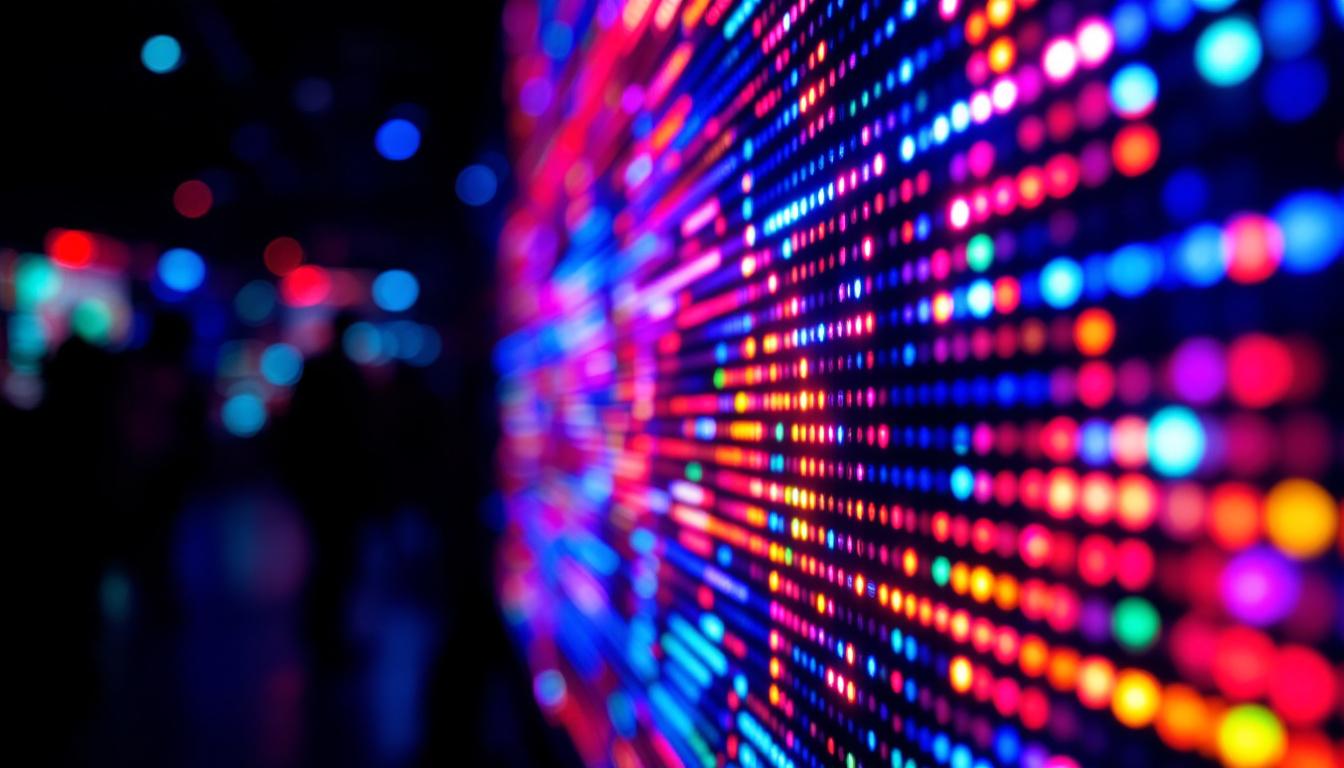
LED stands for Light Emitting Diode, a semiconductor device that emits light when an electric current passes through it. An LED screen is composed of numerous tiny LEDs arranged in a grid to form images and videos. These LEDs can be either individual diodes or combined with liquid crystal displays (LCDs) in what is known as LED-backlit LCD screens, the most common type in consumer electronics.
Unlike traditional LCDs that use cold cathode fluorescent lamps (CCFL) for backlighting, LED screens use LEDs which offer better brightness, contrast, and energy efficiency. This technology allows for thinner screens and more vibrant color reproduction, making LED displays highly desirable. The advancements in LED technology have also led to the development of high dynamic range (HDR) capabilities, which enhance the viewing experience by providing a wider range of colors and improved contrast ratios. This means that viewers can enjoy more lifelike images, especially in scenes with both bright and dark elements.
Types of LED Displays
There are several types of LED displays, each with distinct characteristics:
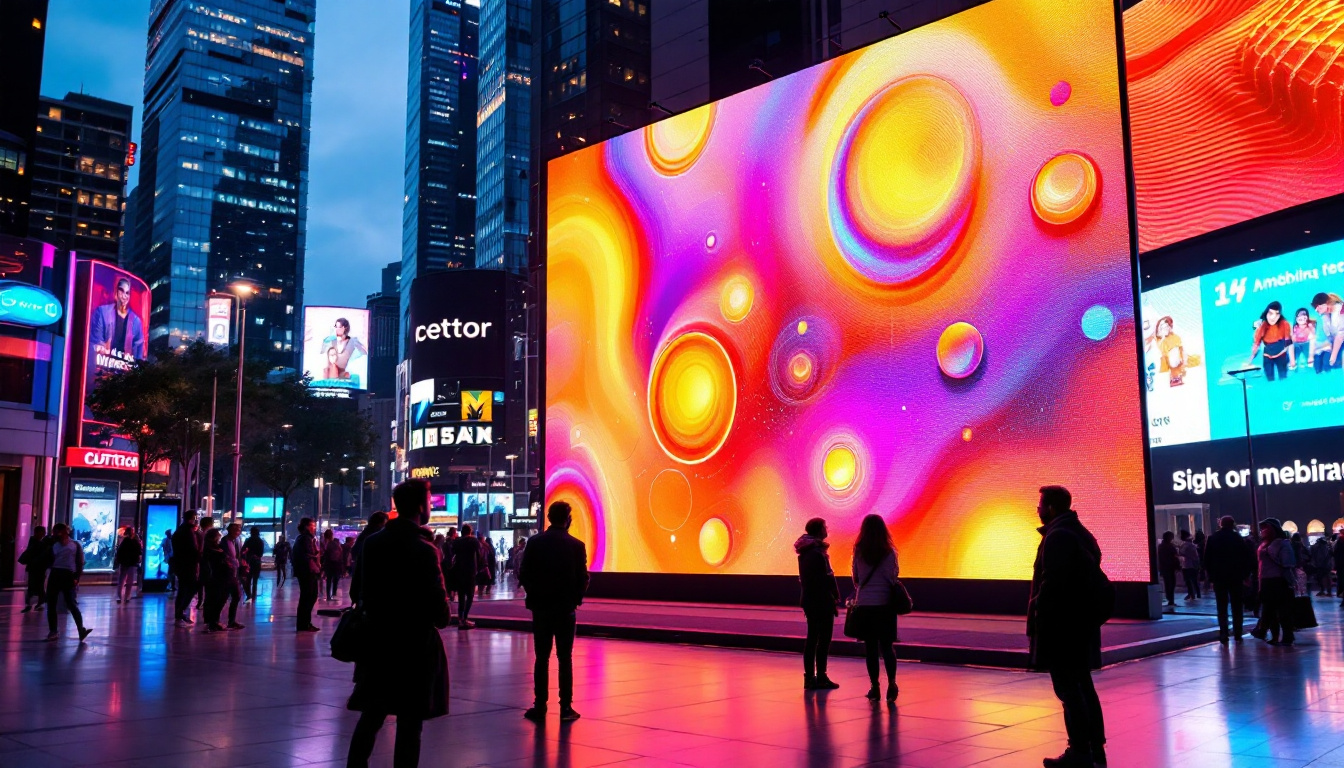
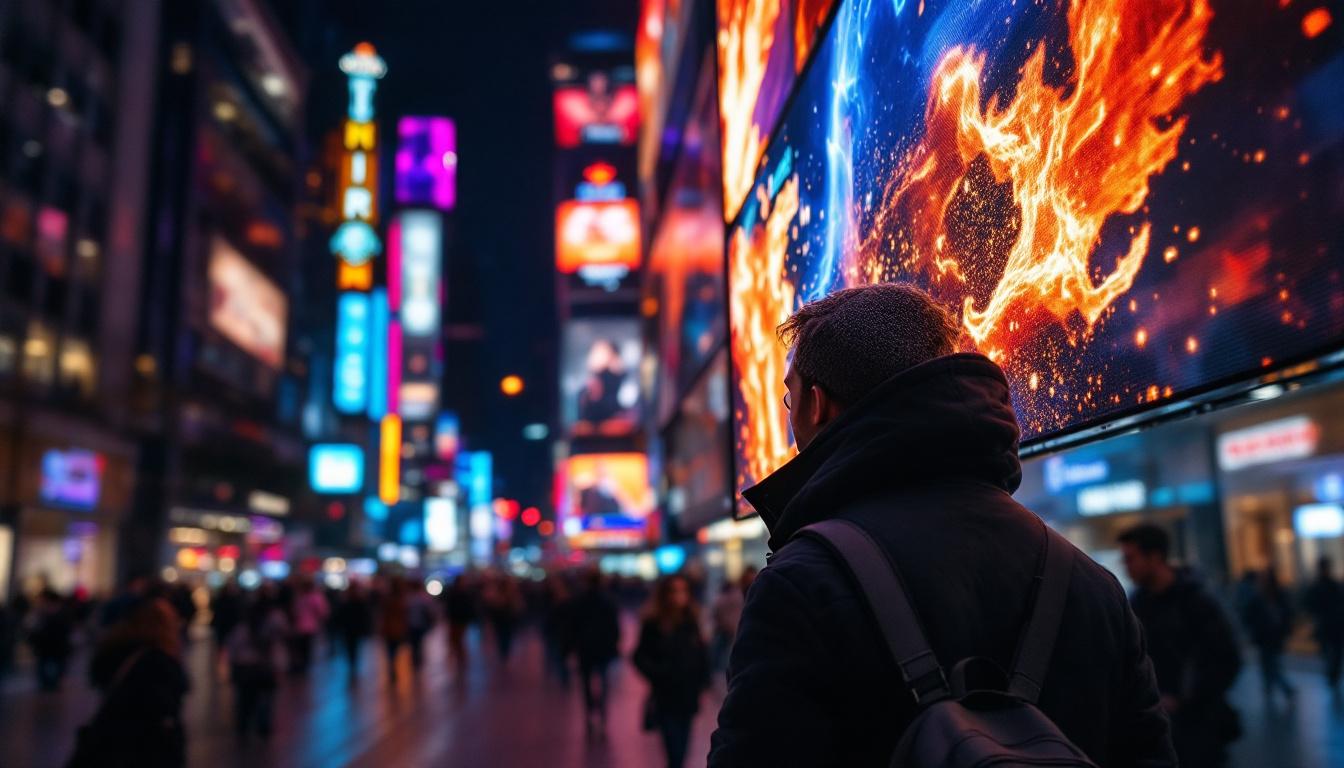
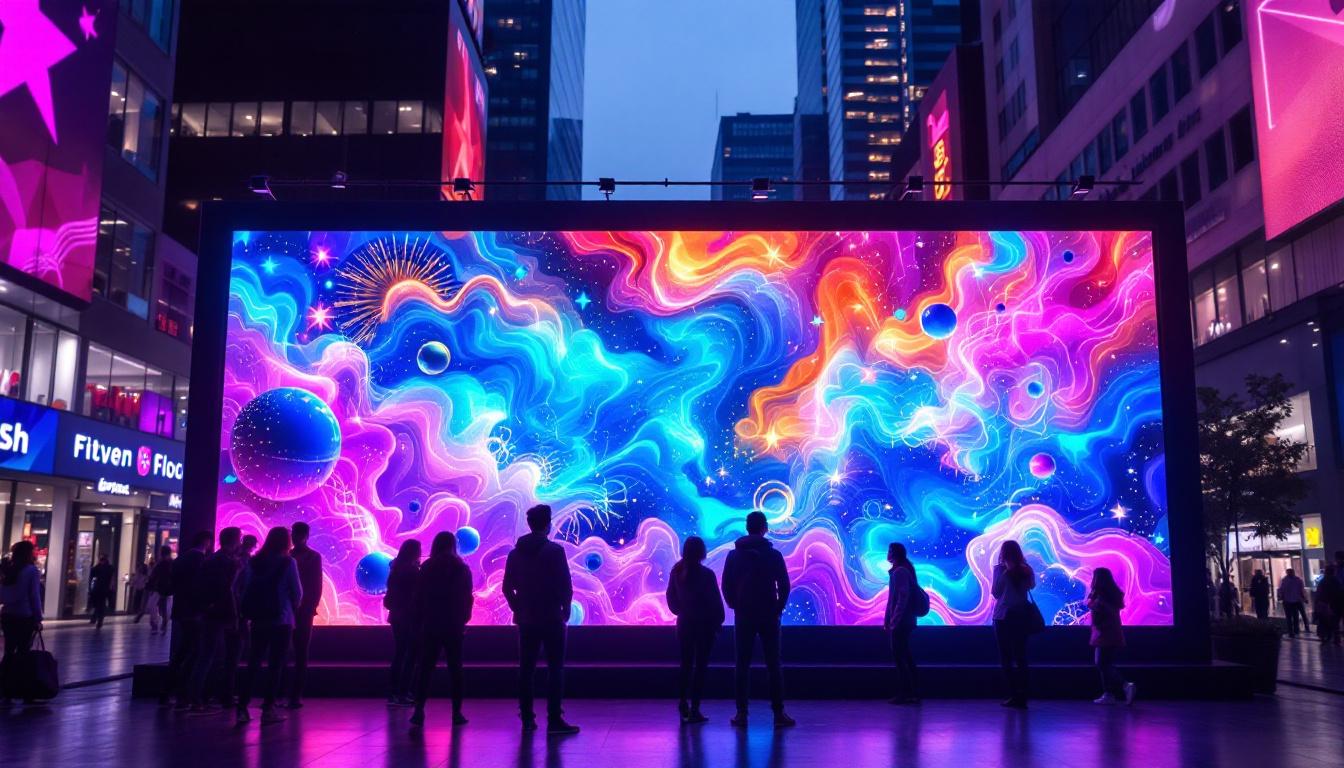
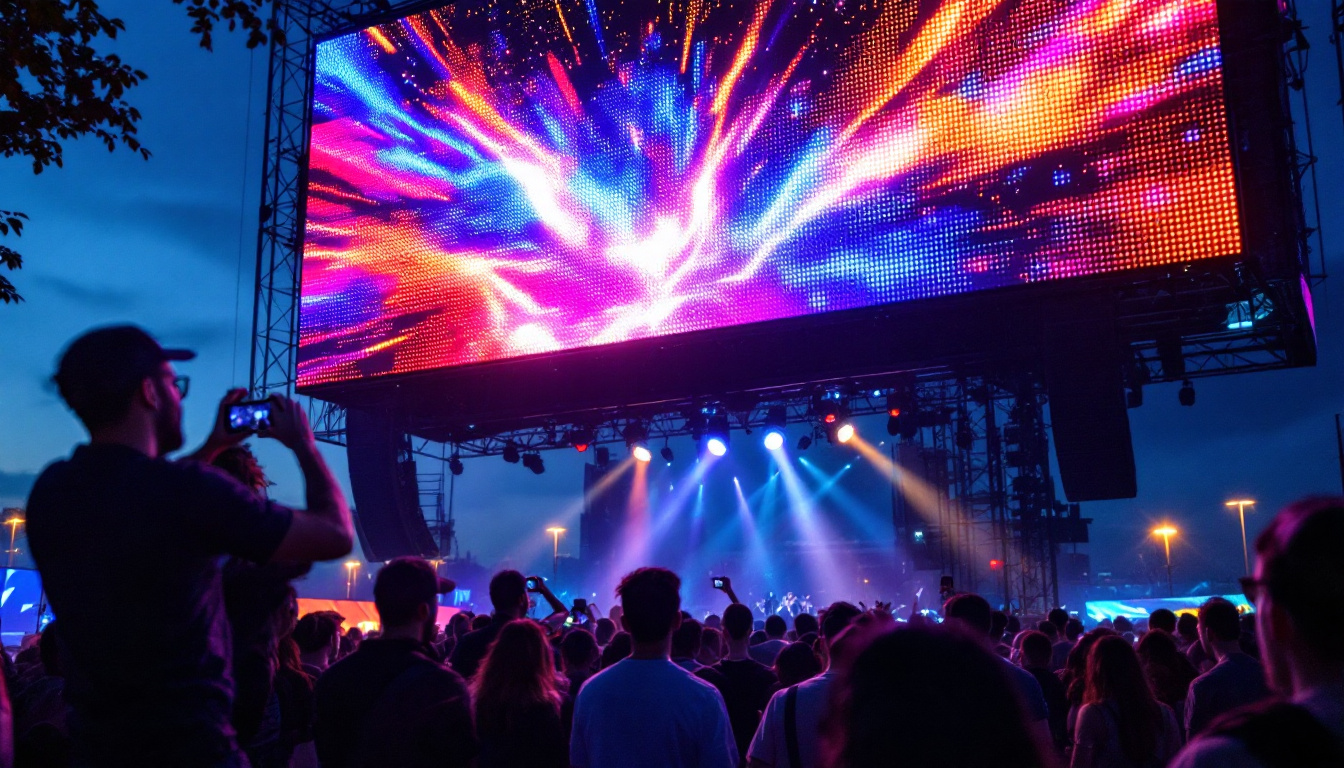
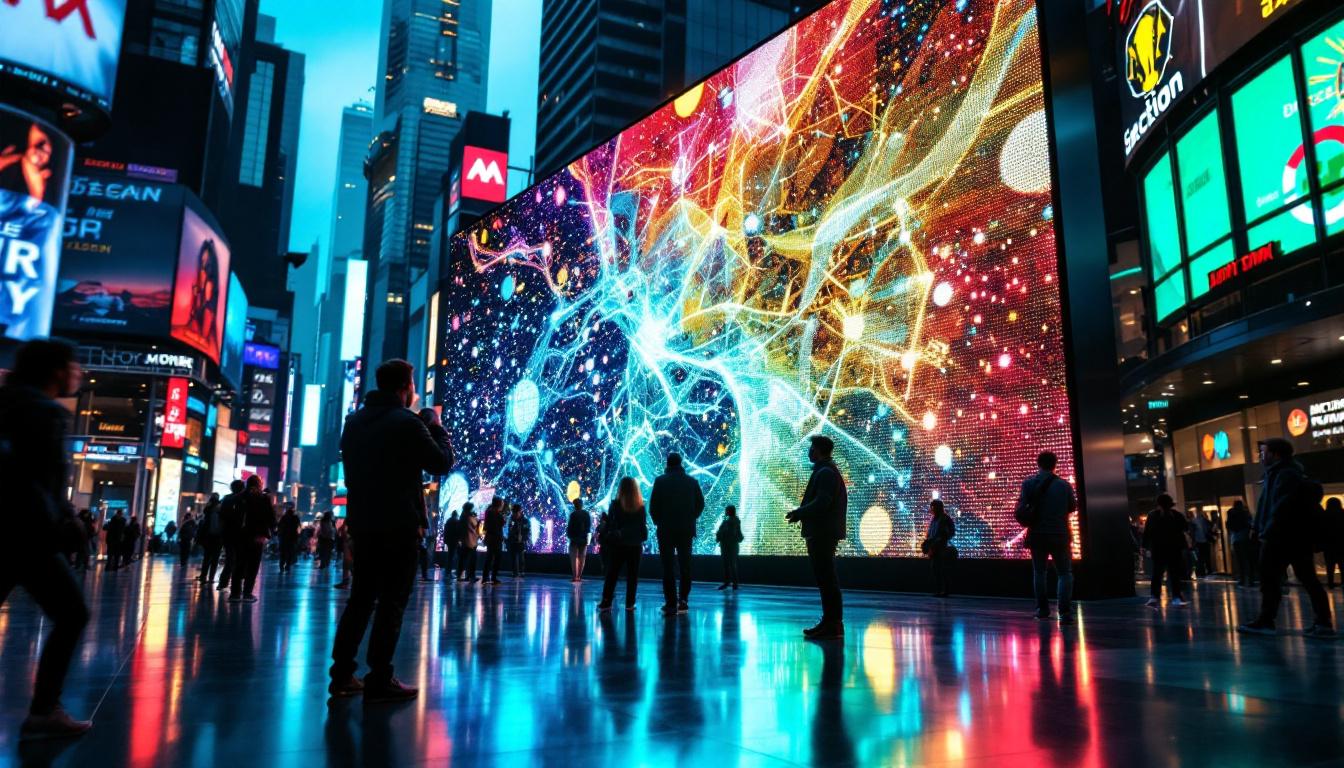
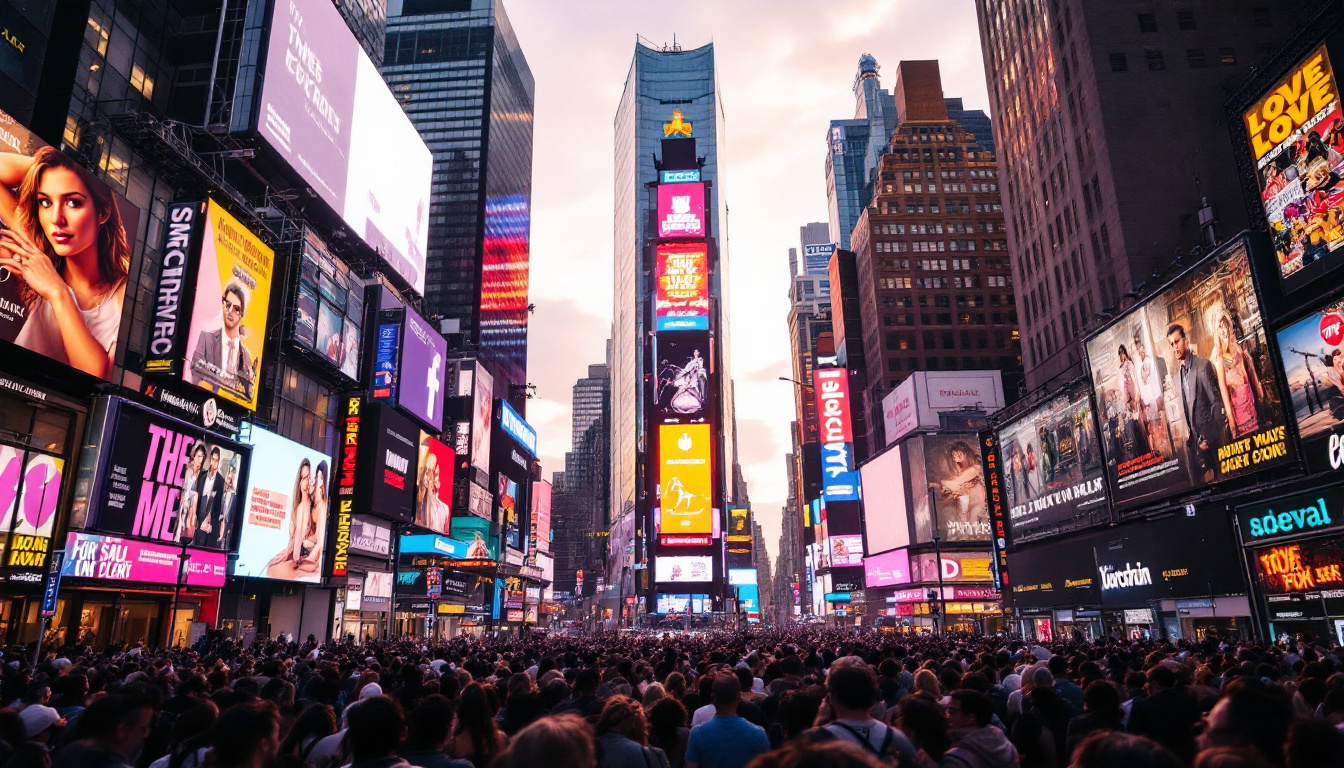
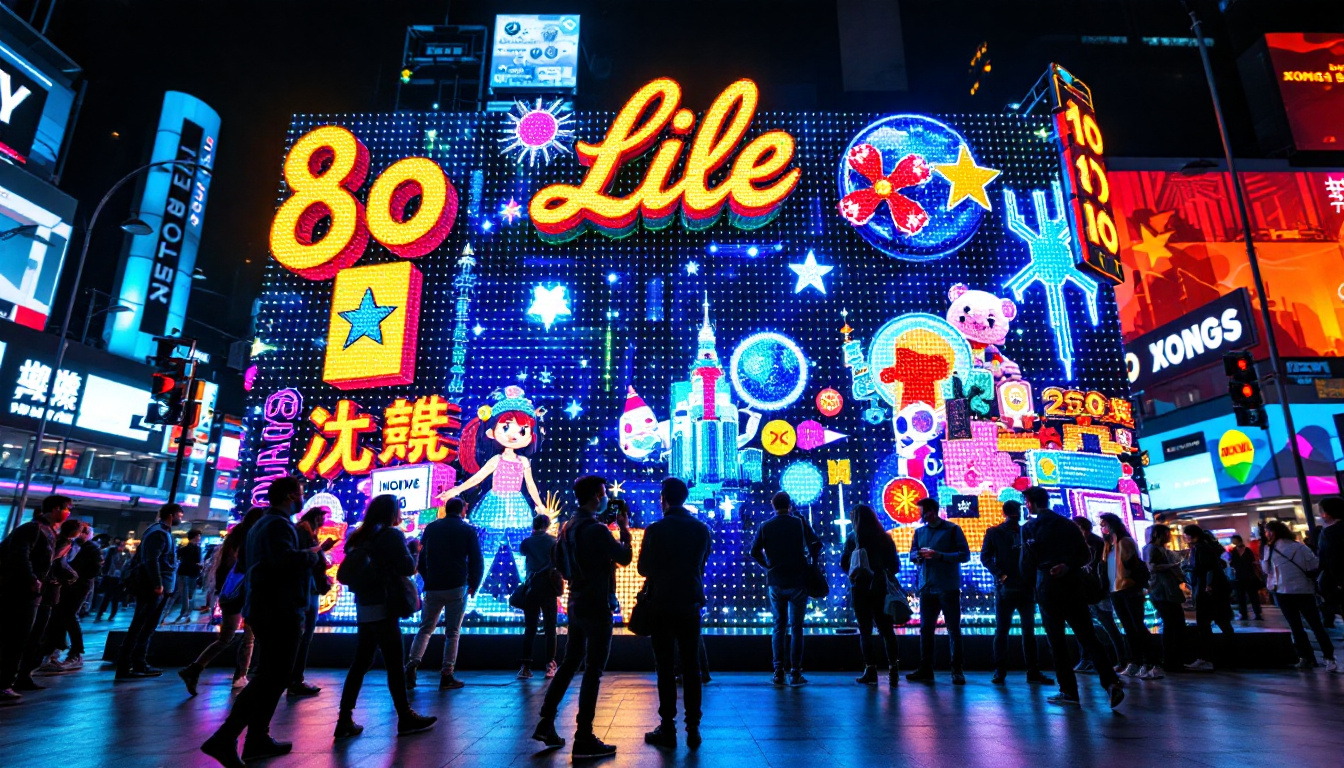
- Direct-View LED Displays: These are large-scale screens used in stadiums, billboards, and outdoor advertising. They consist of clusters of LEDs that directly emit light to form images. Their ability to maintain visibility in bright sunlight makes them ideal for outdoor applications, where traditional screens would struggle to compete with ambient light.
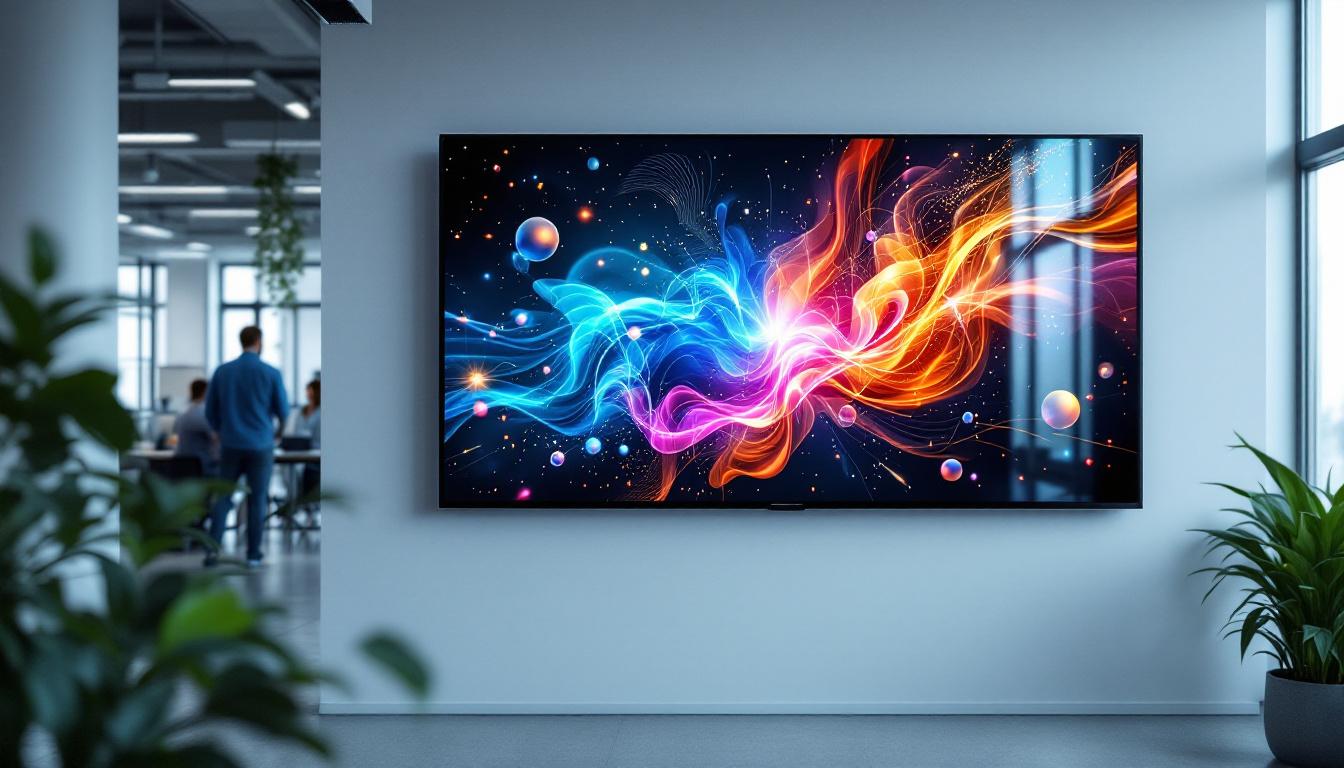
- LED-Backlit LCD Displays: Common in televisions, monitors, and smartphones, these displays use an LCD panel with LED backlighting to enhance image quality. The backlighting can be either edge-lit or full-array, with full-array providing more uniform brightness and better local dimming capabilities, which enhances the overall picture quality.
- MicroLED Displays: An emerging technology that uses microscopic LEDs for each pixel, offering superior brightness and energy efficiency compared to OLED and traditional LED-backlit screens. MicroLED displays promise to deliver deeper blacks and higher contrast ratios, making them a strong contender for the next generation of display technology.
Understanding the type of LED screen you have is crucial because cleaning methods may vary slightly depending on the technology and screen surface. For instance, direct-view LED displays often require specialized cleaning solutions to avoid damaging the individual diodes, while LED-backlit LCDs can usually be cleaned with standard screen cleaners. Additionally, the lifespan of LED screens can vary significantly based on usage and environmental factors, with some models boasting lifespans exceeding 100,000 hours. This longevity, combined with their energy efficiency, makes LED displays not only a popular choice for consumers but also a sustainable option for businesses looking to reduce their carbon footprint.
Why Proper Cleaning of LED Screens is Important
Maintaining Visual Quality
Dust, fingerprints, smudges, and other contaminants can degrade the visual quality of an LED screen. Even minor dirt can cause glare, reduce contrast, and distort colors, diminishing the viewing experience. Regular cleaning helps maintain the screen’s clarity and vibrancy. The accumulation of debris can also lead to uneven lighting, which may distract viewers and hinder their ability to focus on the content being displayed. By ensuring that the screen is clean, users can enjoy a more immersive experience, whether they are watching a movie, playing a video game, or presenting important information in a professional setting.
Preventing Damage and Extending Lifespan
LED screens are delicate electronic devices with sensitive surfaces. Using harsh chemicals, abrasive materials, or excessive moisture can damage the screen’s coating or the LEDs themselves. Proper cleaning methods help prevent scratches, discoloration, and other forms of damage that can shorten the lifespan of the display. Additionally, neglecting to clean the screen can lead to the buildup of grime that may become increasingly difficult to remove over time. This not only affects the aesthetic appeal of the screen but can also result in costly repairs or replacements. By adopting a routine cleaning schedule, users can ensure that their investment in LED technology remains protected and functional for years to come.
Health and Hygiene Considerations
In environments where multiple people use the same screen, such as offices or public kiosks, regular cleaning is essential to reduce the spread of germs and maintain hygiene. This is especially important in the context of heightened awareness about infectious diseases. Touchscreens, in particular, can harbor a variety of pathogens that may pose health risks, making it crucial to implement effective cleaning protocols. Utilizing appropriate disinfectants that are safe for electronic devices can help mitigate these risks while ensuring that the screen remains in optimal condition. Furthermore, educating users about the importance of cleanliness and encouraging them to practice good hygiene can contribute to a healthier environment overall.
Best Practices for Cleaning LED Screens
Gathering the Right Materials
Using appropriate cleaning tools and solutions is the first step to safely clean an LED screen. Here are the recommended materials:
- Microfiber Cloth: Soft, lint-free, and non-abrasive, microfiber cloths are ideal for wiping screens without scratching.
- Distilled Water: Tap water can contain minerals that leave residue or cause damage; distilled water is free from impurities.
- Isopropyl Alcohol (Optional): A diluted solution (typically 70% or less) can be used for tougher smudges but should be applied cautiously.
- Screen Cleaning Solution: Commercially available, alcohol-free, and ammonia-free cleaners designed specifically for LED or LCD screens.
Avoid using paper towels, tissues, or abrasive cloths, as these can scratch the screen.
Step-by-Step Cleaning Process
Follow these steps to clean an LED screen safely and effectively:
- Turn Off and Unplug the Device: Always power down the screen and disconnect it from any power source to avoid electrical hazards and to see dirt and smudges more clearly.
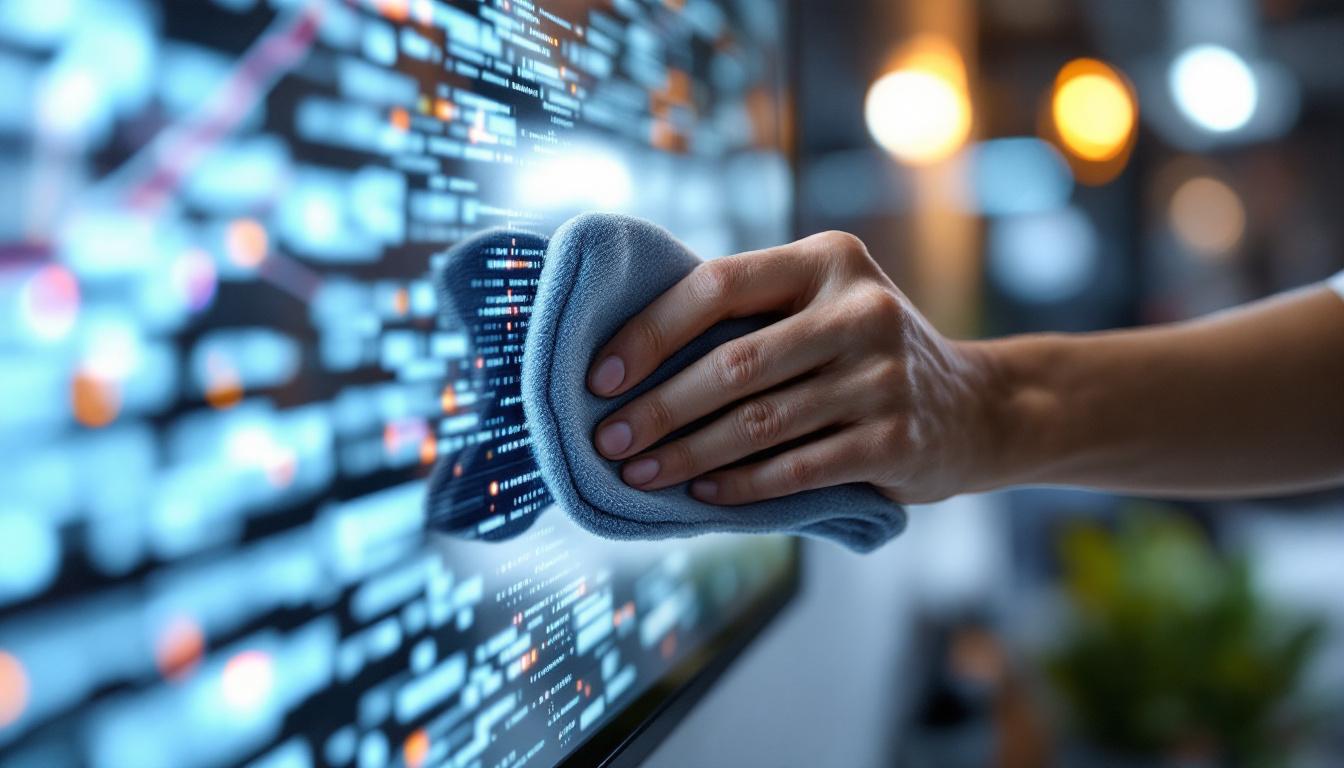
- Remove Loose Dust: Use a dry microfiber cloth to gently wipe the screen, removing dust and loose particles. Avoid applying pressure.
- Prepare Cleaning Solution: If necessary, lightly dampen the microfiber cloth with distilled water or a mix of distilled water and a small amount of screen cleaner. Never spray liquid directly onto the screen.
- Wipe the Screen Gently: Using the dampened cloth, wipe the screen in a circular motion or from top to bottom. Avoid pressing hard to prevent damage.
- Dry the Screen: Use a dry part of the microfiber cloth to remove any remaining moisture.
For stubborn stains, a small amount of isopropyl alcohol diluted with distilled water can be used, but it should never exceed 50% concentration and must be applied sparingly.
Cleaning the Frame and Surrounding Areas
While the screen itself requires gentle care, the frame and stand can be cleaned with slightly more robust methods. Use a damp cloth with mild soap if necessary, but avoid letting any liquid seep into the screen edges or ports.
Common Mistakes to Avoid When Cleaning LED Screens
Using Harsh Chemicals
Chemicals such as ammonia, acetone, or window cleaners can strip the anti-reflective coating on LED screens, leading to permanent damage. Always choose cleaners specifically formulated for electronic displays or use distilled water.
Applying Excessive Moisture
Spraying liquids directly onto the screen or using overly wet cloths can cause moisture to penetrate the screen, potentially damaging internal components. Always apply liquids to the cloth first and wring out excess moisture.
Using Abrasive Materials
Paper towels, rough cloths, or sponges can scratch the delicate surface of an LED screen. Microfiber cloths are the safest option for cleaning without abrasion.
Cleaning While the Screen is On
Cleaning the screen while it is powered on can cause streaks to be more visible and increases the risk of electrical damage. Always turn off and unplug the device before cleaning.
Special Considerations for Different LED Screen Types
Cleaning LED Televisions and Monitors
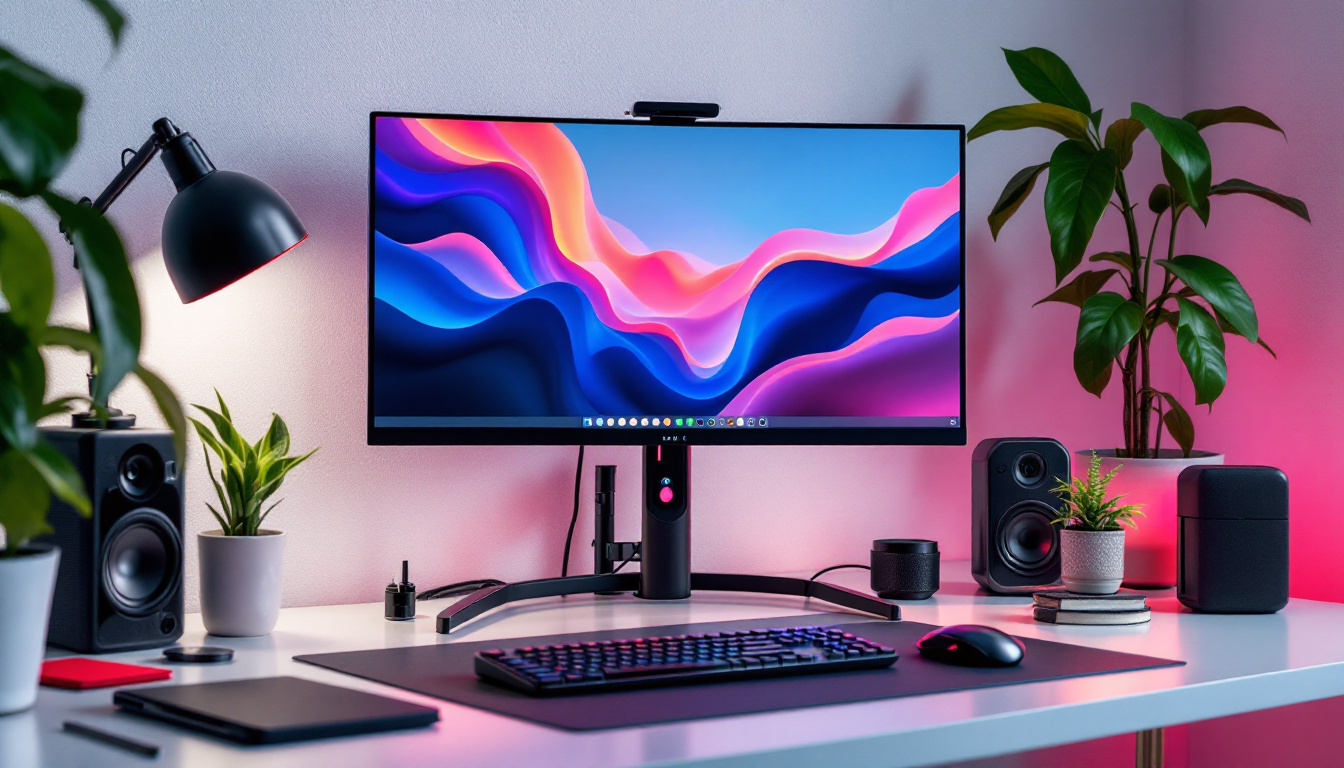
For consumer electronics like TVs and computer monitors, the general cleaning guidelines apply. However, larger screens may require a two-person approach to avoid dropping or damaging the device during cleaning. Additionally, be mindful of the screen’s curvature and avoid excessive pressure on curved surfaces.
Cleaning Outdoor LED Displays
Outdoor LED displays, such as digital billboards, are exposed to environmental elements like dust, rain, and pollution. These screens often have protective coatings but still require regular cleaning to maintain brightness and visibility. Professional cleaning services may be necessary due to the size and height of these installations, using specialized equipment and cleaning agents that do not harm the screen’s protective layers.
Cleaning Smartphone and Tablet LED Screens
Smartphones and tablets often use LED-backlit LCD or OLED screens with delicate oleophobic coatings that resist fingerprints. Use a soft microfiber cloth and avoid harsh chemicals to preserve these coatings. Screen protectors can also help reduce the need for frequent cleaning and protect against scratches.
Additional Tips for Maintaining LED Screens
Regular Cleaning Schedule
Establishing a routine cleaning schedule helps prevent the buildup of dirt and grime. For personal devices, cleaning once every two weeks is generally sufficient, while public or high-use screens may require daily or weekly cleaning.
Proper Storage and Handling
Protect LED screens from direct sunlight, extreme temperatures, and physical impacts. When transporting, use protective covers or cases to prevent scratches and damage.
Use Screen Protectors
Applying a screen protector can safeguard the LED screen from scratches, fingerprints, and minor impacts. High-quality protectors are designed to maintain screen clarity and touch sensitivity.
Conclusion
Cleaning LED screens properly is essential to preserve their visual quality, extend their lifespan, and maintain hygiene. Understanding the technology behind LED displays helps users appreciate the need for gentle and careful cleaning methods. By using the right materials, following recommended cleaning steps, and avoiding common mistakes, users can keep their LED screens looking vibrant and functioning optimally for years to come.
Whether dealing with a home television, a smartphone, or a large outdoor digital billboard, the principles of safe and effective cleaning remain consistent: gentle tools, minimal moisture, and appropriate cleaning agents. With these best practices, LED screens will continue to deliver bright, crisp images that enhance everyday experiences.
Discover LumenMatrix’s Advanced LED Display Solutions
Now that you understand the importance of maintaining your LED screens and the best practices for keeping them clean, take the next step in elevating your visual displays with LumenMatrix. As a pioneer in LED technology, LumenMatrix offers a wide array of innovative solutions, from Indoor and Outdoor LED Wall Displays to specialized options like Vehicle, Sports, and Floor LED Displays. Embrace the future of visual communication with our Custom, All-in-One, and LED Transparent Displays, designed to captivate your audience and amplify your message. Check out LumenMatrix LED Display Solutions today and experience the difference that cutting-edge technology can make.