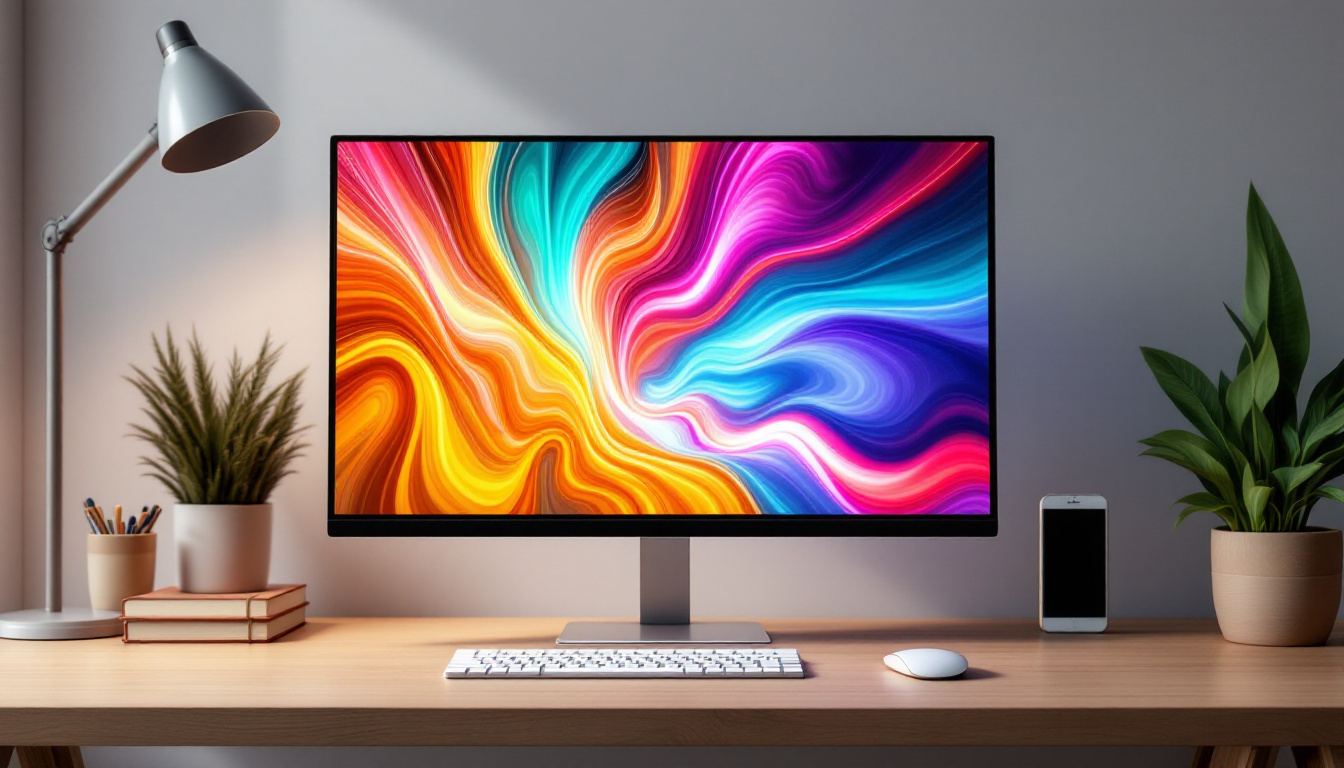
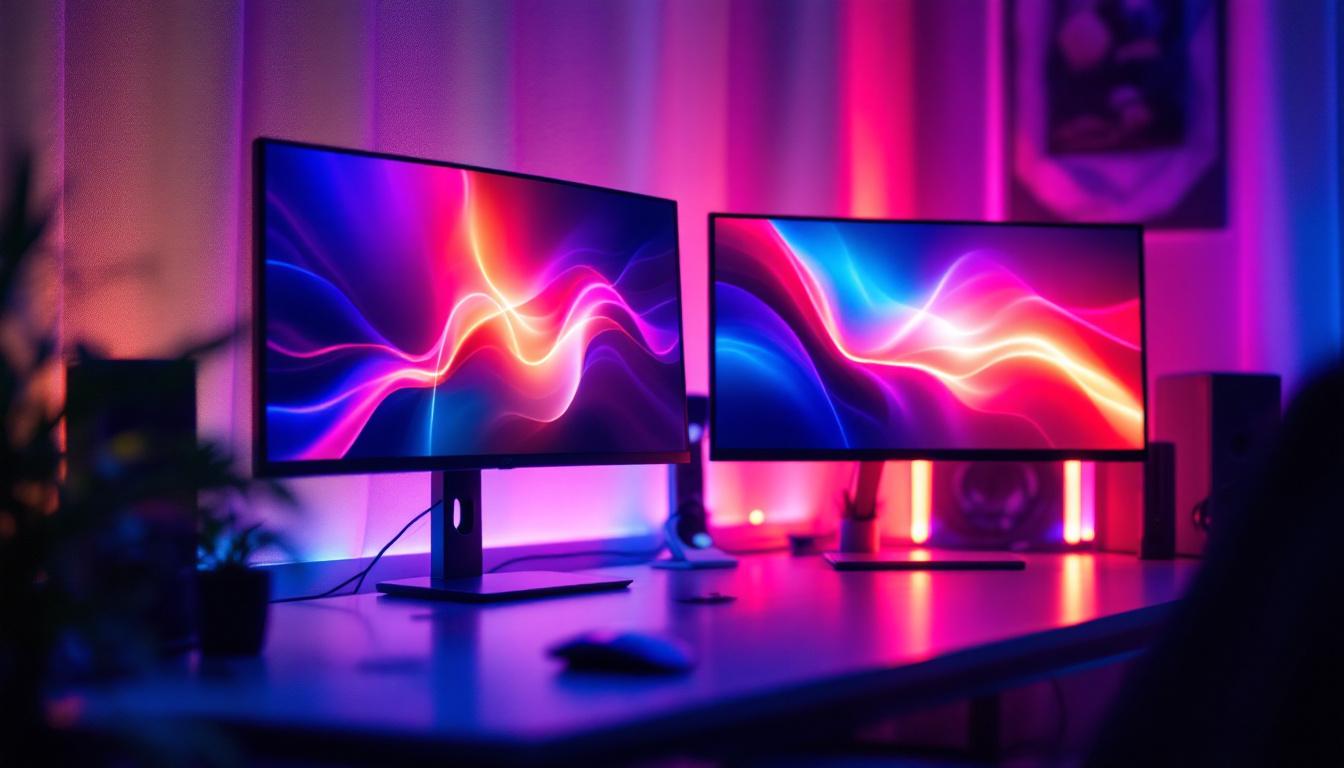
In today’s digital age, the computer monitor is more than just a screen—it’s a critical interface between users and their technology. Among the various types of monitors available, LED displays have become the dominant technology, offering a blend of performance, efficiency, and visual quality. This article delves into the world of LED computer monitors, exploring their technology, advantages, and the attachments that enhance their functionality.
Understanding LED Display Technology
What is an LED Display?
LED stands for Light Emitting Diode, a semiconductor device that emits light when an electric current passes through it. In the context of computer monitors, LED displays refer to LCD (Liquid Crystal Display) panels that use LEDs as their backlighting source instead of traditional CCFL (Cold Cathode Fluorescent Lamp) bulbs. This subtle shift in backlighting technology has revolutionized the way displays perform and appear. The vibrant colors and sharp images produced by LED displays have made them the preferred choice for both casual users and professionals alike, from graphic designers to gamers.
Unlike OLED (Organic LED) displays, which use organic compounds to emit light directly, LED monitors rely on a liquid crystal layer that modulates the light emitted by the LEDs behind it. This combination allows for bright, sharp images with excellent color accuracy and energy efficiency. Furthermore, the advancements in LED technology have led to innovations like HDR (High Dynamic Range), which enhances the contrast and color range, providing an even more immersive viewing experience. As a result, LED displays are not only suitable for everyday tasks but also excel in high-definition media playback and gaming scenarios.
Types of LED Backlighting
There are two primary types of LED backlighting used in computer monitors: edge-lit and full-array (direct-lit).
- Edge-lit LED: LEDs are positioned along the edges of the screen, and light is distributed across the panel using light guides. This design enables ultra-thin monitors and reduces manufacturing costs. However, it can sometimes lead to uneven brightness or less precise local dimming. The edge-lit design is particularly popular in sleek, modern displays where aesthetics are paramount, allowing for a more minimalist look that fits seamlessly into contemporary workspaces.
- Full-array LED: LEDs are placed directly behind the entire screen area, allowing for more uniform brightness and better local dimming capabilities. This results in improved contrast ratios and deeper blacks, which are especially beneficial for gaming and media consumption. Full-array technology often includes local dimming zones that can independently adjust brightness levels, enhancing the viewing experience during dark scenes in movies or games.
Why LED Displays Outperform Older Technologies
Compared to older LCD monitors that used CCFL backlighting, LED displays offer several notable improvements:
- Energy Efficiency: LEDs consume significantly less power, contributing to lower electricity bills and reduced environmental impact. This efficiency not only benefits users financially but also supports sustainability efforts, making LED displays a greener choice in technology.
- Thinner and Lighter Designs: LED backlighting allows manufacturers to create slimmer monitors without sacrificing screen size or quality. This has led to the rise of portable monitors and sleek designs that are easy to transport, catering to the needs of professionals who are always on the go.
- Improved Brightness and Color: LED monitors typically provide higher brightness levels and better color reproduction, enhancing user experience. The ability to display a wider color gamut means that artists and photographers can trust their monitors to accurately represent their work, which is crucial in creative fields.
- Longer Lifespan: LEDs generally have a longer operational life compared to CCFL bulbs, reducing the need for replacements. This longevity not only saves users money in the long run but also minimizes waste, aligning with eco-conscious practices.
Moreover, the rapid advancements in LED technology have led to the development of features such as adaptive brightness, which automatically adjusts screen brightness based on ambient light conditions. This not only enhances comfort during extended use but also contributes to energy savings. As the demand for high-quality displays continues to grow, LED technology remains at the forefront, constantly evolving to meet the needs of a diverse range of applications, from professional environments to home entertainment systems.
Key Attachments and Accessories for LED Computer Monitors
Monitor Mounts and Stands
One of the most common attachments for LED monitors is the adjustable mount or stand. These accessories improve ergonomics and workspace organization, which are vital for productivity and comfort during long hours of use.
VESA (Video Electronics Standards Association) mounts are industry-standard attachments that allow users to secure their monitors to wall mounts, desk arms, or multi-monitor stands. This flexibility helps reduce neck and eye strain by enabling users to position their screens at optimal heights and angles.
Privacy Screens
With increasing concerns about data security and privacy, privacy screen attachments have gained popularity. These thin filters attach to the front of LED monitors and restrict the viewing angle, preventing onlookers from seeing sensitive information. This is particularly useful in open office environments or public spaces.
Blue Light Filters and Screen Protectors
Extended screen time can cause eye strain and disrupt sleep patterns due to exposure to blue light emitted by LED displays. Blue light filter attachments or screen protectors help mitigate these effects by reducing blue light transmission without compromising image quality.
Additionally, anti-glare screen protectors reduce reflections from ambient lighting, improving visibility and reducing eye fatigue.
USB Hubs and Docking Stations
Modern LED monitors often come equipped with USB hubs or can be paired with docking stations that expand connectivity options. These attachments allow users to connect peripherals such as keyboards, mice, external drives, and webcams directly through the monitor, reducing cable clutter and streamlining workspace setups.
Speakers and Audio Attachments
While many LED monitors include built-in speakers, their audio quality can be limited. External speaker attachments or soundbars designed to attach beneath or above the monitor can significantly enhance audio performance, providing richer sound for gaming, video conferencing, and multimedia consumption.
Benefits of LED Monitors for Different User Groups
For Gamers
LED monitors have become the preferred choice for gamers due to their fast response times, high refresh rates, and vibrant color reproduction. Features such as local dimming in full-array LED monitors improve contrast and immersion, making gameplay more engaging.
Additionally, gaming-specific attachments like monitor mounts with adjustable height and swivel capabilities allow players to customize their setup for comfort during extended sessions.
For Professionals and Creatives
Graphic designers, video editors, and other creative professionals benefit from LED monitors’ accurate color representation and wide color gamut support. High dynamic range (HDR) capabilities in advanced LED displays offer enhanced brightness and contrast, crucial for detailed visual work.
Attachments such as color calibration tools and monitor hoods (which block ambient light) further improve the accuracy and consistency of the display, ensuring that the final output matches the creator’s vision.
For Office and Everyday Users
In office environments, LED monitors contribute to energy savings and ergonomic improvements. Adjustable mounts and blue light filter attachments help reduce physical strain and improve comfort.
Moreover, USB hubs integrated into LED monitors simplify peripheral connectivity, making workflows more efficient.
Future Trends in LED Monitor Technology and Attachments
Mini-LED and Micro-LED Innovations
Emerging technologies like Mini-LED and Micro-LED are set to push LED displays to new heights. Mini-LED uses thousands of tiny LEDs for backlighting, enabling even finer local dimming zones and superior contrast ratios. Micro-LED, which involves self-emissive LEDs similar to OLED but with higher brightness and durability, promises exceptional image quality and longevity.
These advancements will likely lead to new types of attachments and accessories designed to complement enhanced display capabilities.
Smart Attachments and Integration
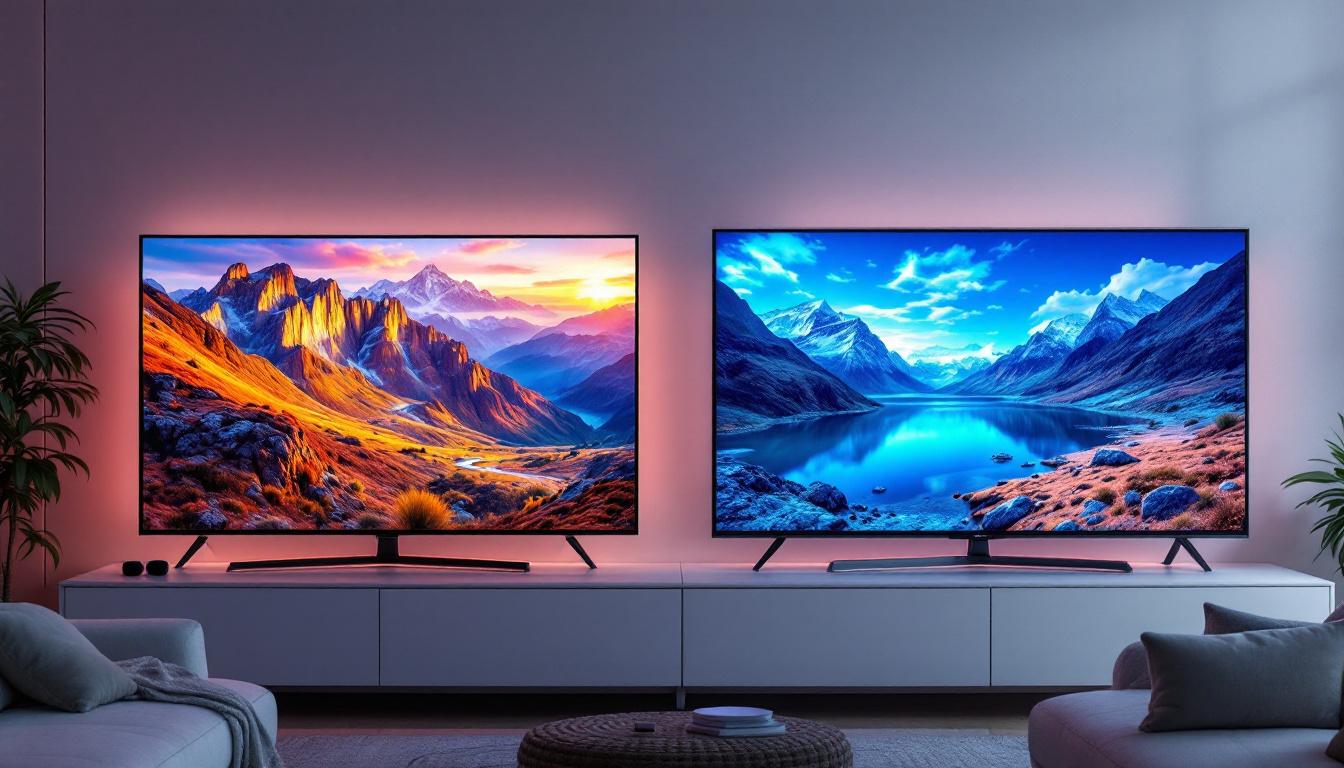
As smart home and office ecosystems grow, LED monitors are increasingly integrating with voice assistants and IoT devices. Attachments such as smart hubs, ambient lighting systems synchronized with on-screen content, and modular add-ons for webcams and microphones are becoming more common.
Environmental and Sustainability Considerations
Manufacturers are focusing on sustainability by designing LED monitors and attachments with recyclable materials and energy-efficient components. Users can expect more eco-friendly accessories and options for upgrading or repurposing existing setups rather than replacing entire monitors.
Choosing the Right LED Monitor and Attachments
Assessing Your Needs
Selecting the ideal LED monitor and attachments depends on individual use cases. Gamers should prioritize refresh rates, response times, and ergonomic mounts, while professionals need color accuracy, calibration tools, and anti-glare accessories. Everyday users benefit from blue light filters and USB hubs for convenience.
Compatibility and Standards
When purchasing attachments, ensure compatibility with your monitor’s size, mounting standards (usually VESA), and connectivity options. Reading product specifications and user reviews can help avoid compatibility issues and ensure a seamless setup.
Budget Considerations
LED monitors and their attachments come in a wide price range. While high-end models offer premium features, many mid-range monitors provide excellent performance for most users. Investing in quality attachments like ergonomic mounts and blue light filters can enhance the overall experience without breaking the bank.
Conclusion
LED computer monitors represent a significant advancement in display technology, combining efficiency, visual quality, and versatility. Understanding the technology behind LED displays and the variety of available attachments helps users optimize their setups for comfort, productivity, and enjoyment.
Whether for gaming, creative work, or everyday tasks, selecting the right LED monitor and complementary accessories can transform the computing experience. As technology evolves, staying informed about new developments and attachments will ensure users continue to benefit from the best that LED displays have to offer.
Discover LumenMatrix’s Advanced LED Solutions
Ready to elevate your visual experience with the latest in LED display technology? LumenMatrix offers a comprehensive range of cutting-edge LED display modules designed to bring your brand to life and captivate your audience. From stunning Indoor LED Walls to dynamic Outdoor LED Displays, and from versatile Vehicle LED Displays to innovative Custom LED Solutions, LumenMatrix is at the forefront of revolutionizing visual communication. Whether you’re looking to enhance engagement in a corporate setting, create immersive environments for events, or empower your business with impactful digital signage, LumenMatrix has the solution for you. Check out LumenMatrix LED Display Solutions today and see how we can help you share your message with clarity and impact.