In the world of modern computing and digital displays, thin bezel monitors have become increasingly popular. Their sleek design, combined with advanced LED technology, offers users a superior viewing experience that caters to both professional and personal needs. This article delves into what thin bezel monitors are, how LED displays work, and why these devices are becoming the go-to choice for many users worldwide.
Understanding Thin Bezel Monitors
What Is a Thin Bezel Monitor?
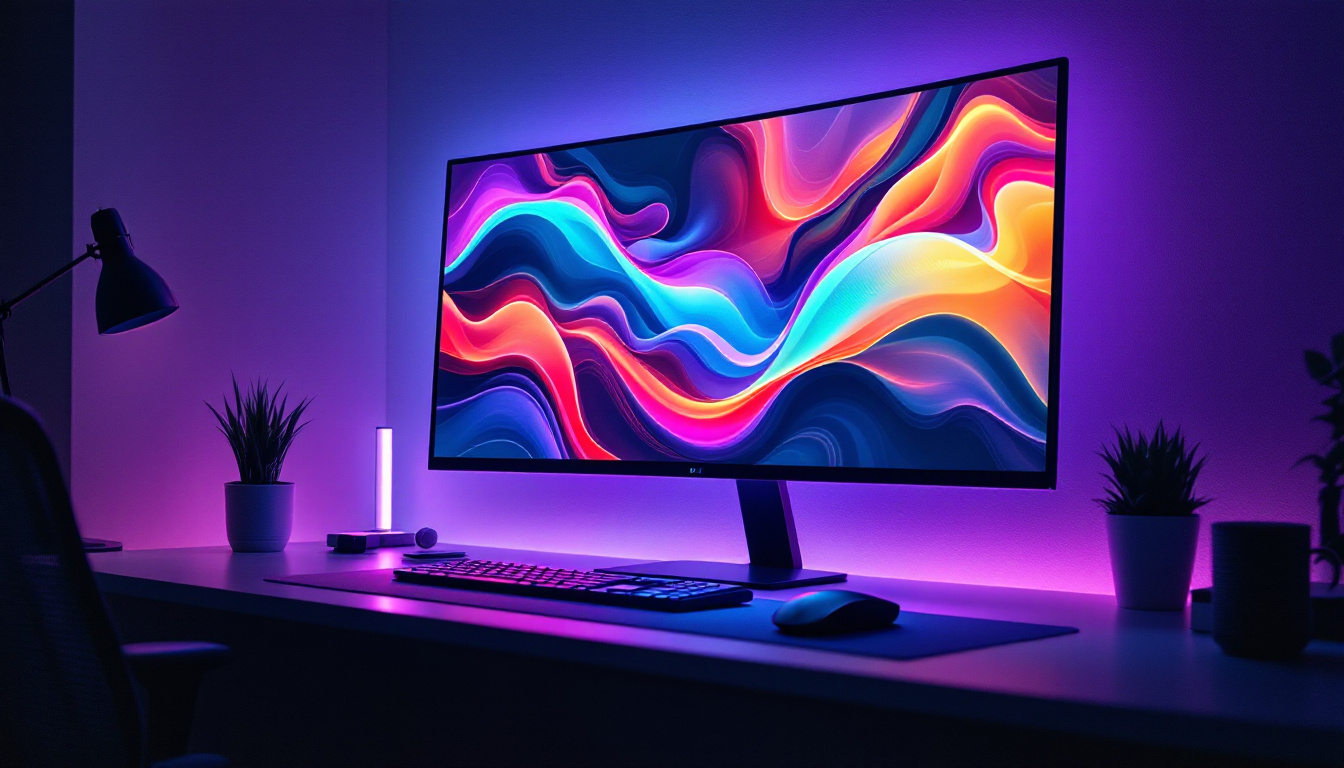
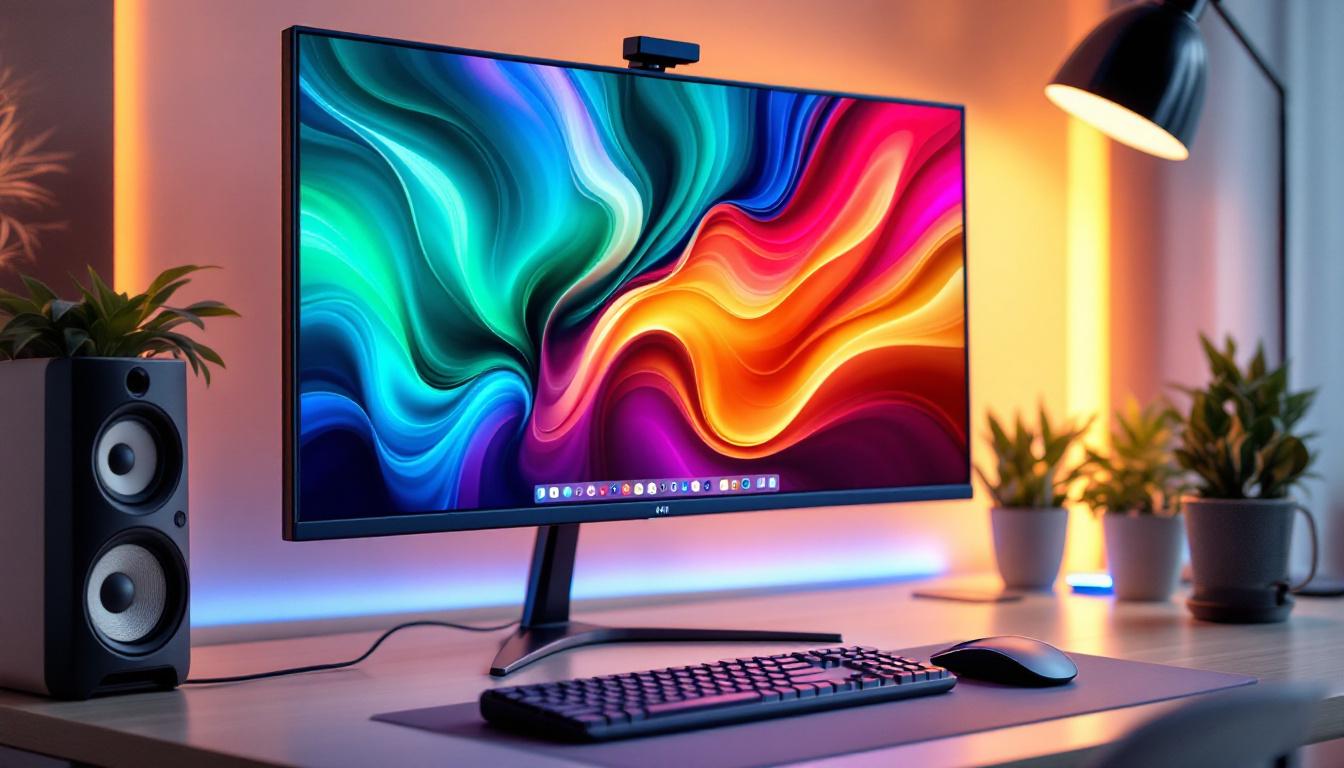
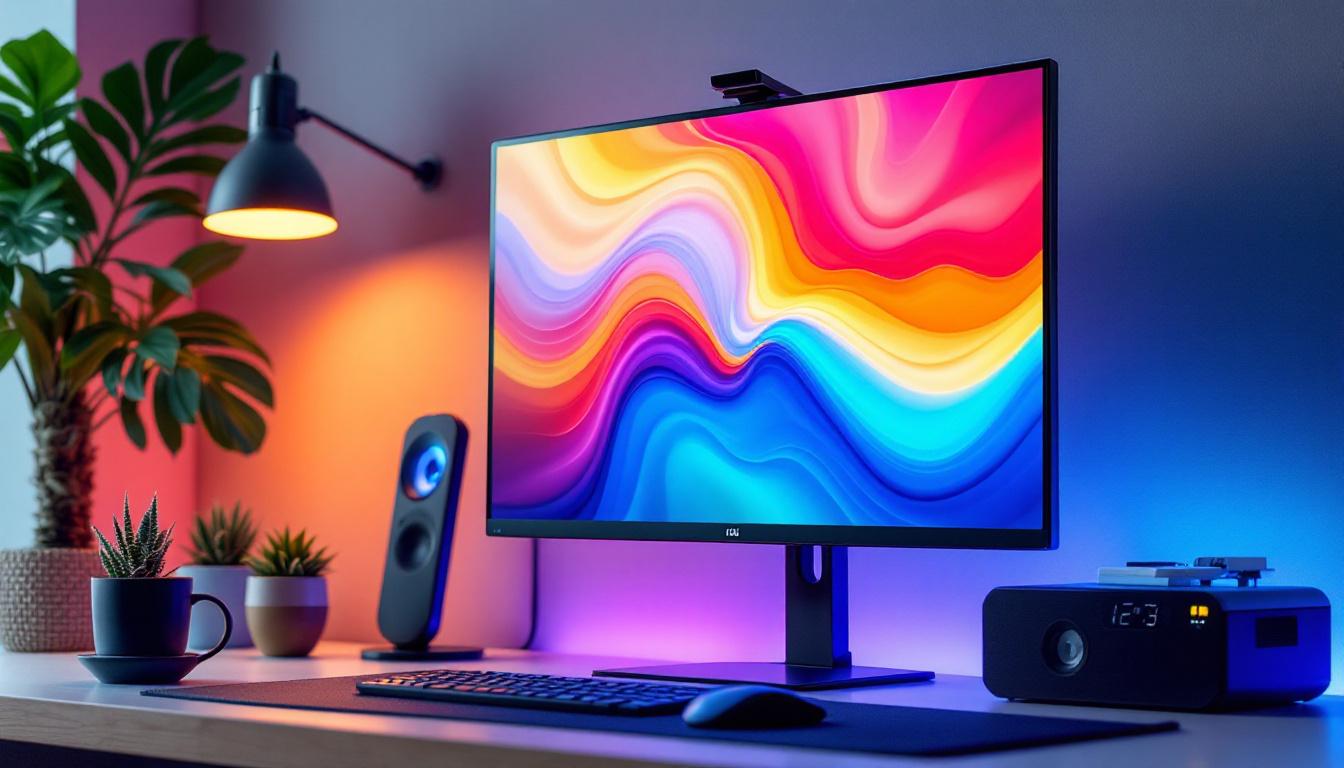
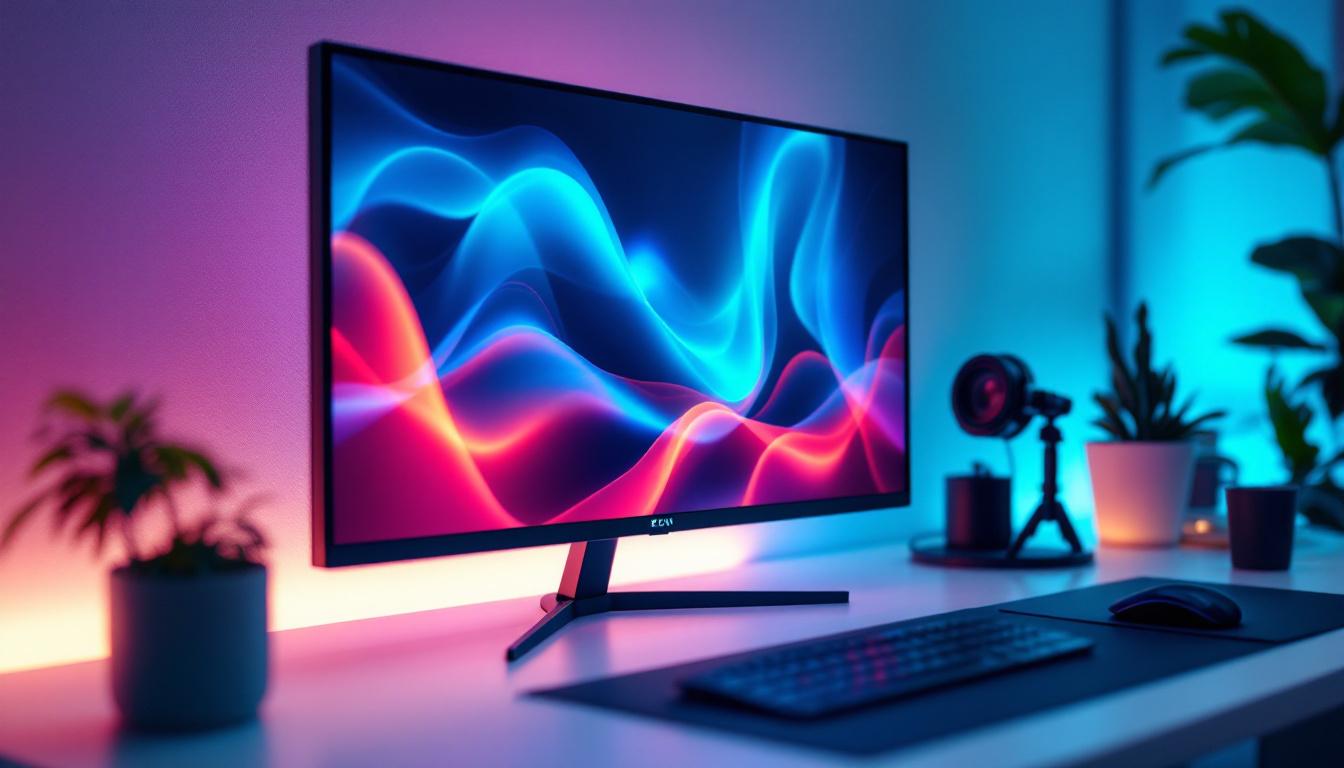
A thin bezel monitor refers to a display screen that has very narrow borders or frames around the screen itself. The bezel is the plastic or metal frame that surrounds the display panel, and in traditional monitors, it can be quite thick, sometimes several centimeters wide. Thin bezel designs reduce this frame to just a few millimeters, maximizing the screen’s visible area without increasing the overall size of the monitor.
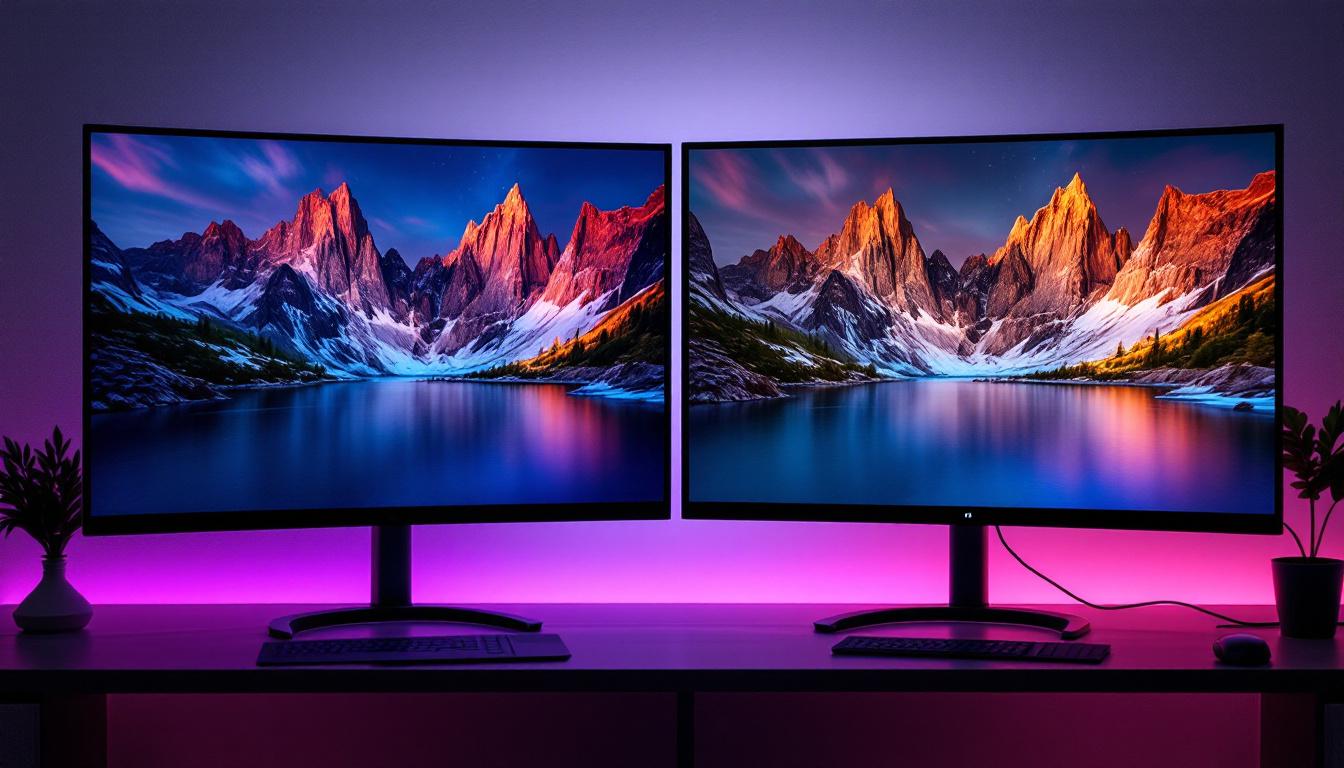
This design innovation not only enhances the aesthetics of the monitor but also improves the user experience, especially in multi-monitor setups where screens are placed side by side. The reduced bezel width minimizes visual interruptions, creating a more immersive and continuous display. Additionally, the thin bezel design often allows for a more compact footprint on the desk, freeing up valuable workspace for other essential tools and devices.
Furthermore, the manufacturing process for thin bezel monitors often involves advanced technologies that enhance durability and performance. Many modern thin bezel monitors utilize edge-to-edge glass designs, which not only contribute to their sleek appearance but also provide better protection against scratches and damage. This combination of style and functionality makes them a popular choice for both personal and professional use.
Why Are Thin Bezels Important?
Thin bezels have become a significant selling point for monitors due to their practical and visual benefits. For professionals working in fields such as graphic design, video editing, and data analysis, having a larger uninterrupted display area means better workflow and less distraction. Gamers also appreciate thin bezel monitors because they provide a more immersive experience when using multi-monitor gaming rigs. The seamless transition between screens enhances the gaming experience, making it feel as though the action is unfolding in a single, expansive environment.
Moreover, thin bezel monitors contribute to a modern and minimalist workspace, which is increasingly valued in both home offices and corporate environments. The sleek, unobtrusive design blends well with other technology and furniture, enhancing overall aesthetics. In addition to their visual appeal, many thin bezel monitors come equipped with advanced features such as high refresh rates, superior color accuracy, and adaptive sync technologies, making them ideal for a variety of tasks, from casual browsing to professional-grade content creation. This versatility ensures that users can enjoy both form and function in a single, stylish package.
LED Display Technology Explained
What Does LED Mean?
LED stands for Light Emitting Diode, a semiconductor device that emits light when an electric current passes through it. In the context of monitors, LED refers to the type of backlighting used in the LCD (Liquid Crystal Display) panels. Unlike older CCFL (Cold Cathode Fluorescent Lamp) backlights, LED backlighting is more energy-efficient, produces less heat, and allows for thinner display designs.
How LED Displays Work
Most modern thin bezel monitors use LED-backlit LCD technology. The LCD panel itself does not emit light; instead, it modulates the light passing through it to create images. The LED backlight provides the illumination behind the LCD panel, shining through liquid crystals that adjust to block or allow light to form colors and images.
There are two main types of LED backlighting: edge-lit and full-array. Edge-lit LED monitors place LEDs along the edges of the screen, allowing for thinner panels but sometimes resulting in uneven brightness. Full-array LED monitors have LEDs distributed evenly behind the entire screen, providing better brightness uniformity and contrast but typically at a higher cost and thickness.
Advantages of LED Displays
LED displays offer several advantages over older display technologies. They consume less power, which is beneficial for both environmental sustainability and reducing electricity costs. The lifespan of LED backlights is generally longer than CCFLs, meaning users can expect their monitors to remain bright and vibrant for years.
Additionally, LED technology enables better color accuracy and higher contrast ratios, which are crucial for tasks requiring precise color reproduction, such as photo editing and graphic design. The ability to produce thinner panels has also made it possible to create the ultra-slim, thin bezel monitors that are popular today.
Benefits of Combining Thin Bezels with LED Displays
Enhanced Visual Experience
The combination of thin bezel design and LED display technology results in a visually stunning product. Thin bezels maximize the screen area, while LED backlighting ensures bright, vivid, and sharp images. This synergy is particularly valuable for multi-monitor setups, where seamless transitions between screens are desired.
For example, financial traders often rely on multiple monitors to track market data in real-time. Thin bezel LED monitors allow them to arrange several screens closely together, creating a nearly continuous display that improves data visibility and decision-making speed.
Improved Productivity and Comfort
Thin bezel LED monitors contribute to better ergonomics and productivity. The larger visible screen area reduces the need for scrolling and zooming, allowing users to view more content simultaneously. This is especially beneficial for professionals working with spreadsheets, coding, or multitasking across several applications.
Moreover, LED technology often includes features such as flicker-free screens and blue light filters, which reduce eye strain during prolonged use. Combining these features with a thin bezel design creates a comfortable and efficient workspace.
Space-Saving and Aesthetic Appeal
Thin bezel monitors are typically slimmer and lighter than their thick-bezel counterparts, saving valuable desk space. This makes them ideal for compact workstations or home offices where space is at a premium.
From an aesthetic standpoint, thin bezel LED monitors offer a sleek, modern look that complements contemporary office designs. Their minimalistic frames draw attention to the content on the screen rather than the hardware, enhancing the overall user experience.
Key Considerations When Choosing a Thin Bezel LED Monitor
Screen Size and Resolution
When selecting a thin bezel LED monitor, screen size and resolution are crucial factors. Larger screens with higher resolutions (such as 4K UHD) provide more workspace and sharper images, but they also require more powerful hardware to drive them effectively.
For users planning to use multiple monitors, choosing screens of the same size and resolution can create a more uniform and visually pleasing setup. Typical sizes for thin bezel monitors range from 24 inches to 32 inches, with resolutions from Full HD (1920×1080) to 4K (3840×2160).
Panel Type and Color Accuracy
The type of LCD panel used in the monitor affects color reproduction, viewing angles, and response times. IPS (In-Plane Switching) panels are popular for their superior color accuracy and wide viewing angles, making them suitable for creative professionals. TN (Twisted Nematic) panels offer faster response times but generally have poorer color fidelity and narrower viewing angles.
For users who prioritize color precision, such as photographers or video editors, an IPS panel with factory-calibrated color accuracy is recommended. Additionally, monitors with support for wide color gamuts like Adobe RGB or DCI-P3 provide richer and more accurate colors.
Connectivity and Additional Features
Modern thin bezel LED monitors come equipped with various connectivity options, including HDMI, DisplayPort, USB-C, and sometimes legacy ports like VGA or DVI. USB-C ports are increasingly favored for their ability to transmit video, data, and power through a single cable, simplifying desk setups.
Other useful features to consider include adjustable stands (height, tilt, swivel), built-in speakers, and VESA mount compatibility for custom mounting solutions. Some monitors also offer integrated blue light reduction and flicker-free technology to protect users’ eyes during extended use.
Popular Thin Bezel LED Monitor Models in 2024
Dell UltraSharp U2724X
The Dell UltraSharp U2724X is a 27-inch 4K IPS monitor with a thin bezel design that has gained acclaim for its excellent color accuracy and factory calibration. It supports 99% sRGB and 98% DCI-P3 color gamuts, making it a favorite among creative professionals. The monitor also features USB-C connectivity and a fully adjustable stand, making it versatile for various work environments.
LG 34WN80C-B
For users seeking a wider display, the LG 34WN80C-B offers a 34-inch ultrawide curved screen with a slim bezel. It uses an IPS panel with 3440×1440 resolution and supports HDR10, providing immersive visuals for both work and entertainment. Its USB-C port supports 60W power delivery, ideal for laptop users.
ASUS ProArt PA278CV
The ASUS ProArt PA278CV is designed for professionals who demand color accuracy and performance. It features a 27-inch IPS panel with 2560×1440 resolution, covering 100% sRGB and Rec. 709 color spaces. The monitor’s thin bezels and ergonomic stand make it suitable for multi-monitor setups and extended work sessions.
Future Trends in Thin Bezel LED Monitors
Advancements in Mini-LED and Micro-LED Technology
While traditional LED-backlit LCDs dominate the market, emerging technologies like Mini-LED and Micro-LED promise to revolutionize display quality. Mini-LED monitors use thousands of tiny LEDs for backlighting, enabling more precise local dimming and higher contrast ratios. This results in deeper blacks and brighter highlights, approaching OLED-quality visuals without the risk of burn-in.
Micro-LED technology, still in early stages for consumer monitors, offers self-emissive pixels similar to OLED but with improved brightness and longevity. These advancements will likely be integrated into thin bezel designs, further enhancing image quality and energy efficiency.
Integration with AI and Smart Features
Future thin bezel LED monitors may incorporate AI-driven features such as automatic brightness and color calibration based on ambient lighting and user preferences. Smart monitors with built-in voice assistants and seamless connectivity to other smart devices are also on the horizon, transforming monitors into multifunctional hubs for work and entertainment.
Conclusion
Thin bezel monitors with LED displays represent a significant evolution in display technology, combining aesthetic appeal with functional advantages. Their minimalistic design maximizes screen real estate, while LED backlighting ensures vibrant, energy-efficient visuals. Whether for professional use, gaming, or general productivity, these monitors offer a compelling solution that meets the demands of modern users.
As technology advances, the integration of new backlighting methods and smart features will continue to enhance the capabilities of thin bezel LED monitors. For anyone looking to upgrade their display setup, understanding these technologies and their benefits is essential to making an informed choice.
Discover the Future of Visual Display with LumenMatrix
Ready to elevate your viewing experience with the latest in thin bezel LED monitor technology? LumenMatrix is at the forefront of innovation, offering a diverse range of LED display solutions that bring your content to life. From immersive indoor and outdoor LED wall displays to dynamic vehicle and sports displays, our products are designed to captivate and engage. Embrace the future of visual communication with our cutting-edge LED displays that promise to transform any space. Check out LumenMatrix LED Display Solutions today and see the difference for yourself.