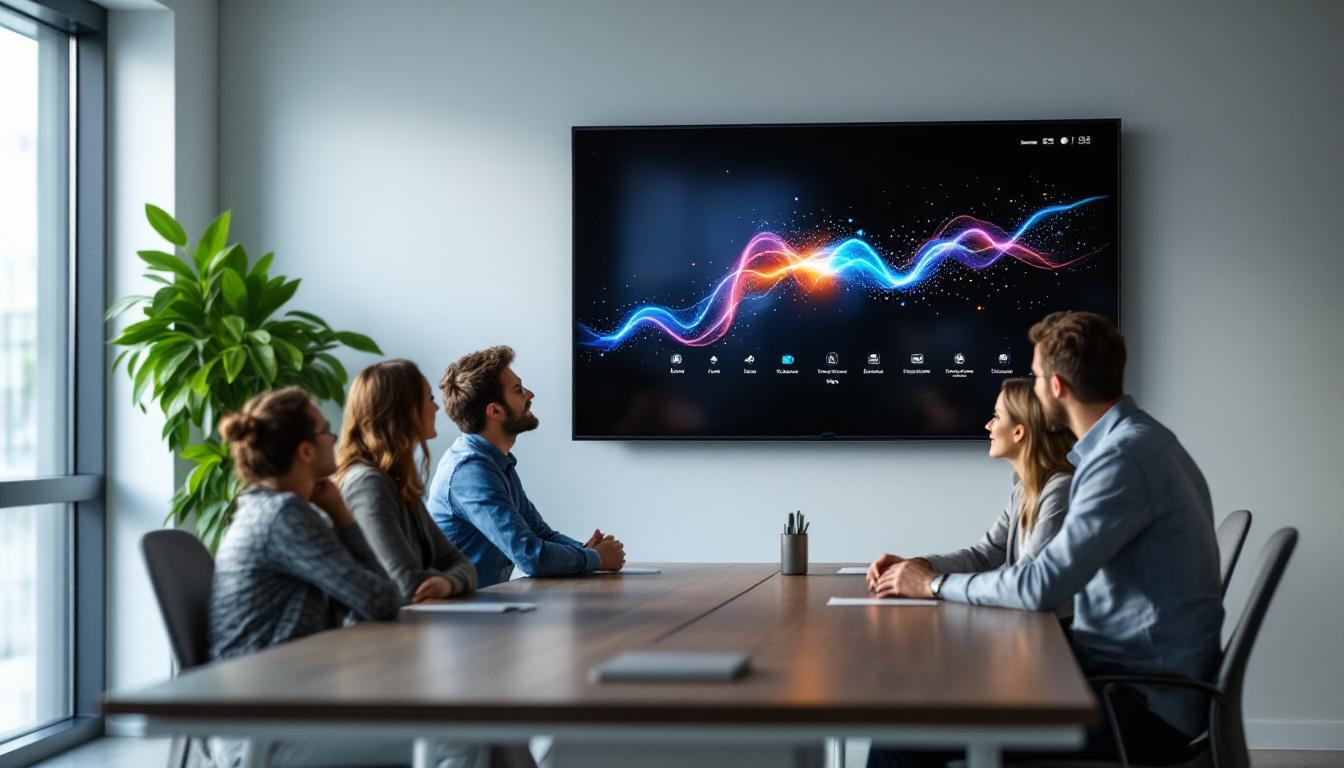
In today’s fast-paced business environment, effective communication and collaboration are essential for success. Conference rooms have evolved from simple meeting spaces into high-tech hubs where ideas are shared, decisions are made, and strategies are developed. Central to this transformation is the integration of large touch screen monitors, particularly those featuring LED display technology. These advanced displays not only enhance visual clarity but also facilitate interactive engagement, making meetings more productive and dynamic.
This article delves into the world of large touch screen monitors designed for conference rooms, with a special focus on LED display technology. From understanding the benefits and technical specifications to exploring real-world applications and future trends, this comprehensive guide will equip you with the knowledge needed to make informed decisions for your business environment.
Understanding LED Display Technology in Large Touch Screen Monitors
What is an LED Display?
LED, or Light Emitting Diode, displays are a type of flat-panel display that utilizes light-emitting diodes as pixels to create images. Unlike traditional LCDs that rely on fluorescent backlighting, LED displays use LEDs for backlighting, resulting in brighter images, better contrast, and improved energy efficiency.
In large touch screen monitors, LED technology enhances both the visual quality and the responsiveness of the display. The LED backlighting ensures vibrant colors and sharp images, which are essential for presentations, video conferencing, and collaborative work in conference rooms. This technology not only elevates the aesthetic appeal of the content displayed but also aids in reducing eye strain, making long meetings more comfortable for participants.
Types of LED Displays Used in Conference Room Monitors
There are primarily two types of LED displays used in large touch screen monitors:
- Edge-Lit LED: LEDs are placed along the edges of the screen, and light is diffused across the display. This design allows for thinner panels and is often more cost-effective, though it may have less uniform brightness.
- Direct-Lit or Full-Array LED: LEDs are positioned directly behind the screen in a grid pattern, providing more uniform brightness and better contrast. This type is preferred for high-end conference room monitors where image quality is paramount.
Additionally, advancements in LED technology have led to the emergence of Mini-LED and Micro-LED displays, which offer even finer control over brightness and color accuracy. Mini-LEDs utilize thousands of tiny LEDs for backlighting, allowing for localized dimming and enhanced contrast ratios. Micro-LEDs, on the other hand, are self-emissive, meaning each pixel emits its own light, resulting in unparalleled color depth and energy efficiency. These innovations are paving the way for future conference room displays that can deliver even more immersive visual experiences.
Why LED Displays are Ideal for Conference Rooms
LED displays offer several advantages that make them particularly suitable for conference room environments:
- High Brightness: Conference rooms often have ambient lighting that can wash out displays. LED monitors provide sufficient brightness to maintain clarity and visibility.
- Wide Viewing Angles: Meetings involve multiple participants seated around the room. LED displays maintain image quality and color accuracy from various angles.
- Energy Efficiency: LED technology consumes less power compared to older display types, reducing operational costs over time.
- Longevity and Durability: LEDs have a longer lifespan and are more resistant to screen burn-in, ensuring consistent performance over years of use.
Furthermore, the integration of touch technology in LED displays enhances interactivity, allowing users to engage with presentations directly on the screen. This feature is particularly beneficial in collaborative settings, where brainstorming and idea sharing are crucial. Many modern LED touch screens also come equipped with advanced software capabilities, enabling seamless connectivity with various devices and applications. This versatility not only streamlines the workflow during meetings but also fosters a more dynamic and engaging environment, encouraging participation from all attendees.
Key Features of Large Touch Screen Monitors for Conference Rooms
Screen Size and Resolution
Choosing the right screen size is crucial for ensuring that all participants can easily view the content. Large touch screen monitors typically range from 55 inches to over 86 inches diagonally. The size should be selected based on the room dimensions and seating arrangements.
Resolution plays a vital role in image clarity. Most modern large touch screen monitors support 4K Ultra HD (3840 x 2160 pixels), offering crisp text and detailed visuals. Higher resolution is especially important for displaying complex charts, detailed spreadsheets, and high-definition video conferencing.
Touch Technology and Responsiveness
Touch interactivity transforms a passive display into an engaging collaboration tool. The most common touch technologies used in large monitors include:
- Infrared (IR) Touch: Uses an array of IR sensors around the screen edges to detect touch points. It supports multi-touch and is highly accurate.
- Capacitive Touch: Similar to smartphone screens, it offers smooth and responsive touch but can be more expensive.
- Optical Touch: Employs cameras to detect touch points, suitable for large displays but may be sensitive to lighting conditions.
For conference rooms, multi-touch capability is essential, allowing multiple users to interact with the screen simultaneously. Responsiveness should be near-instantaneous to avoid disruptions during presentations or brainstorming sessions.
Connectivity and Compatibility
Modern conference room monitors must support a variety of input sources and devices. Key connectivity features include:
- HDMI and DisplayPort: Standard interfaces for video and audio input from laptops, desktops, and media players.
- USB Ports: For connecting peripherals such as wireless presentation dongles, external storage, or touch input devices.
- Wireless Connectivity: Wi-Fi and Bluetooth enable seamless screen sharing and integration with mobile devices and collaboration platforms.
- Network Ports: Ethernet connections facilitate firmware updates, remote management, and integration with enterprise networks.
Compatibility with popular conferencing software like Zoom, Microsoft Teams, and Google Meet is also a critical consideration, often supported through built-in operating systems or external devices.
Benefits of Using Large Touch Screen LED Monitors in Conference Rooms
Enhanced Collaboration and Engagement
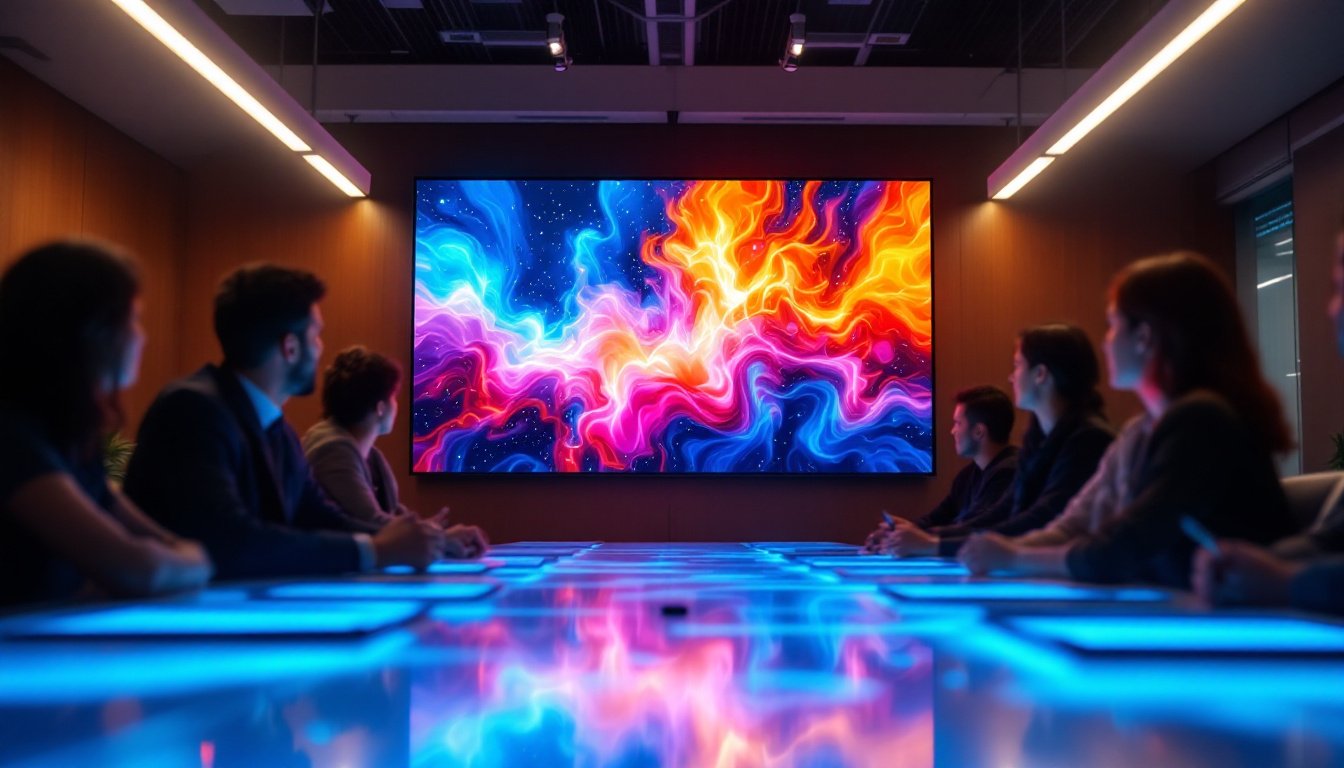
Large touch screen monitors turn traditional meetings into interactive sessions. Participants can annotate documents, manipulate data, and brainstorm ideas directly on the screen. This hands-on approach fosters creativity and ensures that everyone is actively involved.
According to a study by Steelcase, interactive displays can increase meeting productivity by up to 30%, as they reduce misunderstandings and encourage more dynamic communication.
Improved Presentation Quality
LED displays provide vibrant colors and sharp images that make presentations more impactful. Whether it’s a sales pitch, a project update, or a training session, high-quality visuals help convey messages clearly and professionally.
Moreover, the large format ensures that even participants seated at the back of the room can see content without strain, reducing fatigue and maintaining attention.
Streamlined Meeting Workflow
Integrating touch screen monitors with collaboration software and wireless connectivity simplifies the meeting setup process. Users can share screens, access cloud documents, and control presentations without fumbling with cables or adapters.
This seamless experience saves time, allowing meetings to start promptly and proceed efficiently.
Cost Efficiency Over Time
While the initial investment in a large LED touch screen monitor may be significant, the long-term benefits often justify the cost. Energy-efficient LED technology reduces electricity bills, and the durability of these displays minimizes maintenance and replacement expenses.
Furthermore, improved meeting effectiveness can lead to faster decision-making and better business outcomes, indirectly contributing to cost savings.
Choosing the Right Large Touch Screen Monitor for Your Conference Room
Assessing Room Size and Layout
Before selecting a monitor, evaluate the size of your conference room and seating arrangement. A screen that is too small will be difficult to see, while an excessively large screen may overwhelm the space.
As a general guideline, a 65-inch to 75-inch screen suits medium-sized rooms seating 8-12 people, while larger rooms with 15 or more participants may benefit from 85-inch or bigger displays.
Determining Required Features
Identify the primary use cases for the monitor:
- Will it be used mainly for video conferencing, presentations, or collaborative work?
- Do you need multi-touch capability and annotation tools?
- Is wireless screen sharing a priority?
- Are there specific software integrations required?
Answering these questions helps narrow down models that best fit your needs.
Evaluating Budget and Total Cost of Ownership
Consider not only the purchase price but also installation costs, potential software licenses, and ongoing maintenance. Investing in a reputable brand with strong support services can reduce downtime and enhance user satisfaction.
Reviewing Vendor Support and Warranty
Reliable customer support and comprehensive warranty coverage are vital for business-critical equipment. Look for vendors offering on-site service, quick response times, and extended warranty options.
Installation and Maintenance Tips for Large LED Touch Screen Monitors
Professional Installation
Due to their size and weight, large touch screen monitors require professional installation to ensure safety and optimal performance. Proper mounting, cable management, and calibration are essential steps.
Regular Cleaning and Care
Maintain screen clarity by regularly cleaning the surface with appropriate, non-abrasive materials. Avoid harsh chemicals that could damage the touch layer or LED components.
Software Updates and Calibration
Keep the monitor’s firmware and associated software up to date to benefit from the latest features and security patches. Periodic calibration ensures color accuracy and touch responsiveness remain at peak levels.
Future Trends in Large Touch Screen Monitors for Conference Rooms
Integration of Artificial Intelligence
AI-powered features are beginning to appear in conference room displays, such as voice recognition, automated meeting transcription, and intelligent noise cancellation. These enhancements promise to make meetings more efficient and accessible.
Advancements in Display Technology
Emerging technologies like MicroLED and OLED are set to further improve brightness, contrast, and energy efficiency. While currently more common in consumer electronics, these innovations will likely influence future conference room monitors.
Enhanced Collaboration Ecosystems
The trend toward unified communication platforms means that touch screen monitors will increasingly serve as hubs for integrated collaboration tools, combining video conferencing, document sharing, and real-time editing in one seamless interface.
Conclusion
Large touch screen monitors with LED display technology have become indispensable tools in modern conference rooms. Their ability to deliver stunning visuals, facilitate interactive collaboration, and integrate smoothly with digital workflows makes them a smart investment for businesses aiming to enhance meeting productivity and engagement.
By understanding the underlying LED technology, key features, and practical considerations for deployment, organizations can select the right display solutions tailored to their unique needs. As technology continues to evolve, these monitors will play an increasingly central role in shaping the future of workplace communication.
Discover LumenMatrix’s Advanced LED Solutions
Ready to elevate your conference room with the latest in LED display technology? LumenMatrix offers a comprehensive range of innovative LED solutions tailored to meet your business needs. From immersive Indoor LED Wall Displays to dynamic Outdoor LED Wall Displays, and from versatile Vehicle LED Displays to sleek LED Poster Displays, our products are designed to enhance engagement and captivate your audience. Experience the future of visual communication with LumenMatrix’s cutting-edge digital signage and LED display solutions. Check out LumenMatrix LED Display Solutions today and transform your workspace into a hub of productivity and collaboration.