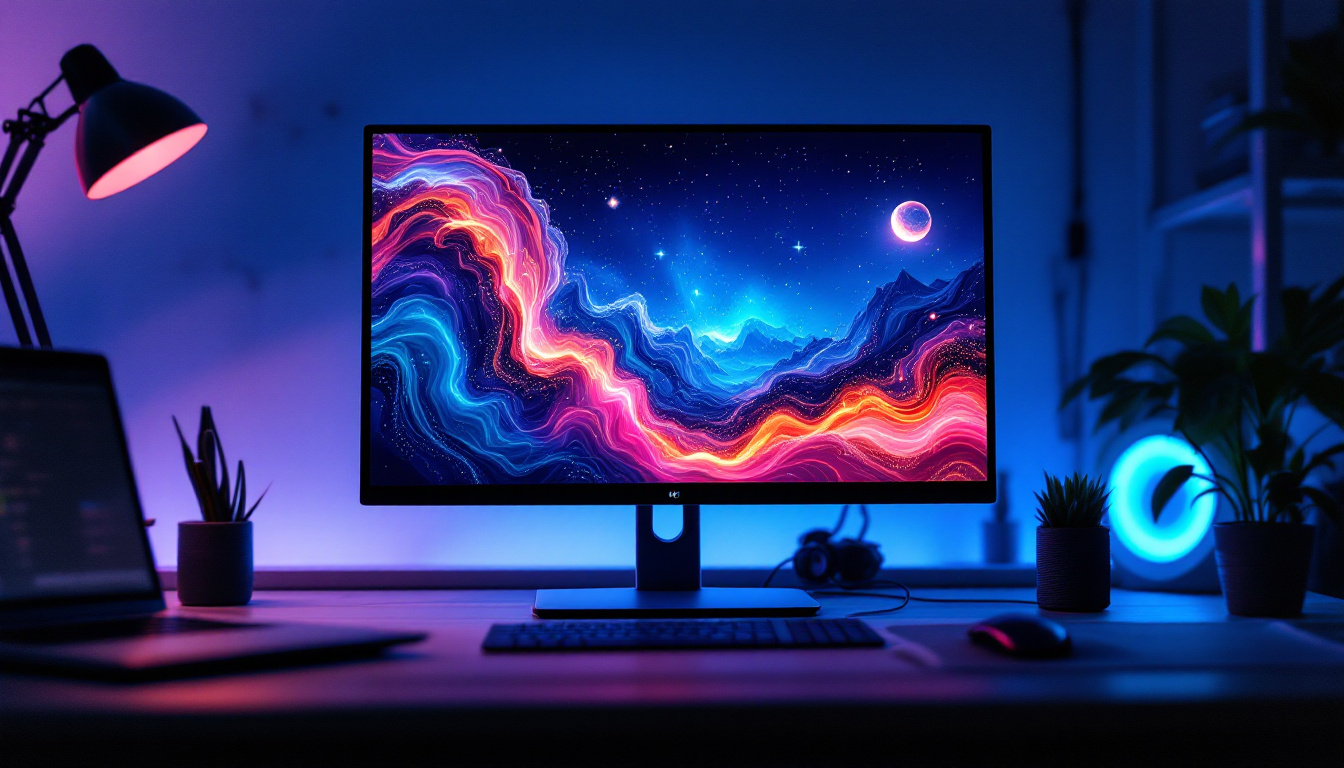
In today’s fast-paced digital world, the way we set up our workspaces can significantly impact productivity, comfort, and even health. Dual arm desktop monitor mounts have become increasingly popular, especially for those using LED displays. These mounts offer flexibility, ergonomic benefits, and a cleaner desk environment. This article delves into the details of dual arm desktop monitor mounts, focusing on their compatibility with LED displays, their advantages, and key considerations for choosing the right setup.
Understanding Dual Arm Desktop Monitor Mounts
What Is a Dual Arm Desktop Monitor Mount?
A dual arm desktop monitor mount is a device designed to hold two monitors simultaneously on a single stand, typically clamped or grommet-mounted to a desk. Unlike traditional single stands, these mounts allow for greater flexibility in positioning each screen independently. This setup is particularly useful for professionals who require multitasking across multiple screens, such as graphic designers, programmers, financial analysts, and video editors.
The arms usually feature adjustable joints that enable tilting, swiveling, rotating, and height adjustment. This flexibility helps users customize their viewing angles to reduce neck strain and improve posture. Additionally, dual arm mounts free up valuable desk space by elevating monitors off the desktop surface. This not only enhances the overall workspace aesthetics but also promotes better organization, making it easier to keep essential tools and documents within reach.
Moreover, the ability to position monitors at varying heights can cater to individual preferences, allowing users to create a personalized workstation that suits their unique workflow. For instance, a graphic designer might prefer one screen slightly higher for color accuracy while keeping the other at eye level for reference materials. This adaptability is a key feature that many users appreciate, as it can significantly enhance their daily work experience.
Why Choose a Dual Arm Mount Over Other Options?
While single monitor mounts or fixed stands are common, dual arm mounts offer distinct advantages:
- Space Efficiency: By elevating two monitors, these mounts clear clutter and provide more usable desk area.
- Ergonomic Benefits: Adjustable arms allow users to position screens at eye level and optimal distance, reducing eye strain and musculoskeletal issues.
- Improved Productivity: Having two screens side-by-side supports multitasking, allowing seamless workflow between applications.
- Enhanced Aesthetics: A clean, organized desk with minimal cables and clutter creates a more professional and inviting workspace.
In addition to these benefits, dual arm mounts often come with integrated cable management systems that help keep cords neatly organized and out of sight. This feature not only contributes to a tidy workspace but also minimizes the risk of tangling or damage to cables, which can be a common issue in busy office environments. Furthermore, many modern mounts are designed with durability in mind, utilizing high-quality materials that ensure stability and longevity, even with heavy monitors.
Another consideration is the compatibility of dual arm mounts with various monitor sizes and weights. Most mounts are designed to accommodate a range of screen dimensions, making them versatile for different setups. This adaptability is particularly beneficial for teams that may share workstations or for individuals who upgrade their monitors over time. Investing in a dual arm mount can thus be a cost-effective solution that grows with your needs, providing a robust platform for an evolving workspace.
LED Displays and Their Compatibility with Dual Arm Mounts
What Makes LED Displays Unique?
LED (Light Emitting Diode) displays have become the standard for computer monitors due to their energy efficiency, superior brightness, and vibrant color reproduction. Unlike older LCD monitors that use cold cathode fluorescent lamps (CCFL) for backlighting, LED monitors utilize LEDs, which allow for thinner panels and better contrast ratios.
Modern LED monitors also tend to be lighter and slimmer, which is an important factor when considering mounting options. The lighter weight reduces stress on mounting arms and joints, potentially extending the lifespan of the mount.
VESA Compatibility and Weight Considerations
One of the most critical factors when mounting LED displays on dual arm mounts is ensuring VESA compatibility. The Video Electronics Standards Association (VESA) defines standardized mounting hole patterns on the back of monitors, typically 75×75 mm or 100×100 mm for most LED displays.
Before purchasing a dual arm mount, verify that your LED monitors have VESA mounting holes and that the mount supports the size and weight of your displays. Most dual arm mounts support monitors weighing between 4.4 lbs (2 kg) and 19.8 lbs (9 kg), but this varies by model.
For example, a popular 24-inch LED monitor might weigh around 7 lbs (3.2 kg), well within the range for most mounts. However, larger 32-inch LED displays can weigh upwards of 15 lbs (6.8 kg), so selecting a mount rated for heavier screens is essential.
Adjustability and Viewing Experience for LED Displays
LED displays often feature wide viewing angles and high resolutions, which complement the flexibility offered by dual arm mounts. The ability to tilt, swivel, and rotate the monitors allows users to optimize their viewing experience, ensuring consistent color and clarity from various positions.
For professionals working with color-sensitive content, such as photographers and video editors, precise monitor positioning is crucial. Dual arm mounts enable fine adjustments that can reduce glare and reflections, enhancing the accuracy of color representation on LED screens.
Benefits of Using Dual Arm Desktop Monitor Mounts with LED Displays
Ergonomic Advantages
One of the most significant benefits of dual arm mounts is improved ergonomics. Poor monitor placement can lead to neck, shoulder, and back pain, as well as eye strain. According to the Occupational Safety and Health Administration (OSHA), ergonomic workstations can reduce musculoskeletal disorders by up to 60%.
Dual arm mounts allow users to position each LED monitor at the correct height and distance, typically around an arm’s length away and with the top of the screen at or slightly below eye level. This alignment helps maintain a neutral posture, reducing fatigue and discomfort during long work sessions.
Increased Productivity and Workflow Efficiency
Multiple studies have shown that dual monitors can boost productivity by 20-30%. Having two LED displays mounted side-by-side enables users to view multiple documents, applications, or data streams simultaneously without constantly switching windows.
For example, a financial analyst might monitor real-time stock data on one screen while analyzing spreadsheets on the other. Similarly, software developers can write code on one monitor while referencing documentation or testing applications on the second display.
Desk Organization and Aesthetics
Dual arm mounts contribute to a cleaner and more organized workspace. By elevating monitors off the desk, users gain additional surface area for other essentials like keyboards, mice, or note-taking materials.
Many mounts also feature integrated cable management systems that route power and data cables neatly along the arms, reducing clutter and minimizing the risk of accidental disconnections. This streamlined setup not only looks professional but also simplifies cleaning and maintenance.
Key Features to Consider When Choosing a Dual Arm Desktop Monitor Mount
Weight and Size Capacity
Always check the maximum weight and size specifications of the mount to ensure it can support your LED displays safely. Overloading a mount can lead to instability, damage to the monitor, or even injury.
For dual arm mounts, it’s important that each arm can support the weight of the individual monitor independently. Some mounts have arms with different weight capacities, so verify that both arms meet your requirements.
Mounting Style and Desk Compatibility
Dual arm mounts typically come with two mounting options: clamp mount and grommet mount. Clamp mounts attach to the edge of the desk, making them easy to install and remove without modifying the desk surface. Grommet mounts require a hole in the desk, offering a more permanent and stable installation.
Consider the thickness and shape of your desk when selecting a mount. Most clamps accommodate desks between 0.4 inches (1 cm) and 3.5 inches (9 cm) thick, but it’s best to check the product specifications.
Range of Motion and Adjustability
The flexibility of the arms is a crucial factor. Look for mounts that offer:
- Height Adjustment: To align monitors at eye level.
- Swivel: To rotate the monitor left or right.
- Tilt: To angle the screen up or down.
- Rotation: To switch between landscape and portrait modes.
Some mounts also feature gas spring arms, which provide smooth and effortless adjustments compared to friction-based joints.
Cable Management Features
Integrated cable management keeps cords organized and out of sight. Look for mounts with clips or channels along the arms to route cables neatly. This feature not only improves aesthetics but also prevents cables from tangling or being accidentally unplugged when adjusting the monitors.
Build Quality and Materials
Durability is essential for long-term use. High-quality dual arm mounts are typically made from robust materials like aluminum or steel, which provide stability and resistance to wear. Avoid plastic mounts for heavier LED displays, as they may not offer sufficient support.
Installation Tips and Best Practices
Preparing Your Workspace
Before installation, clear your desk and ensure you have enough space to maneuver the mount and monitors. Gather necessary tools, such as screwdrivers and Allen wrenches, which are often included with the mount.
Check the monitor manual for VESA mounting instructions and remove any existing stands or bases.
Step-by-Step Installation
- Attach the Mount to the Desk: Secure the clamp or grommet base to your desk according to the manufacturer’s instructions.
- Assemble the Arms: Connect the dual arms to the base and tighten all joints, ensuring smooth movement without excessive looseness.
- Attach VESA Plates to Monitors: Screw the VESA mounting plates onto the back of each LED monitor.
- Mount the Monitors: Hang each monitor onto the arms, securing them firmly in place.
- Adjust Positioning: Set the height, tilt, swivel, and rotation to your preferred ergonomic setup.
- Manage Cables: Route cables through the integrated management system to keep your workspace tidy.
Maintenance and Safety Tips
Regularly check all screws and joints to ensure they remain tight and secure. Avoid placing excessive force on the arms or monitors, and do not exceed the mount’s weight limits.
If you need to reposition your monitors frequently, consider mounts with gas spring arms for easier adjustments.
Conclusion: Enhancing Your Workspace with Dual Arm Desktop Monitor Mounts for LED Displays
Dual arm desktop monitor mounts are an excellent investment for anyone looking to optimize their workspace, especially when using LED displays. They offer ergonomic benefits, improve productivity, and contribute to a cleaner, more organized desk environment. By understanding the compatibility requirements, key features, and installation best practices, users can select the ideal dual arm mount tailored to their needs.
Whether working from home or in a professional office setting, the combination of LED displays and dual arm mounts creates a versatile and efficient setup that supports comfort and performance throughout the workday.
Explore LumenMatrix’s Advanced LED Display Solutions
Ready to elevate your workspace with the latest in LED display technology? LumenMatrix offers a wide range of innovative LED display solutions that seamlessly integrate with dual arm desktop monitor mounts, ensuring your setup not only looks sleek but also functions at its best. From captivating Indoor LED Wall Displays to dynamic Outdoor LED Wall Displays and beyond, LumenMatrix is committed to enhancing your visual communication and workspace efficiency. Check out LumenMatrix LED Display Solutions today and transform your professional environment with unparalleled clarity and impact.