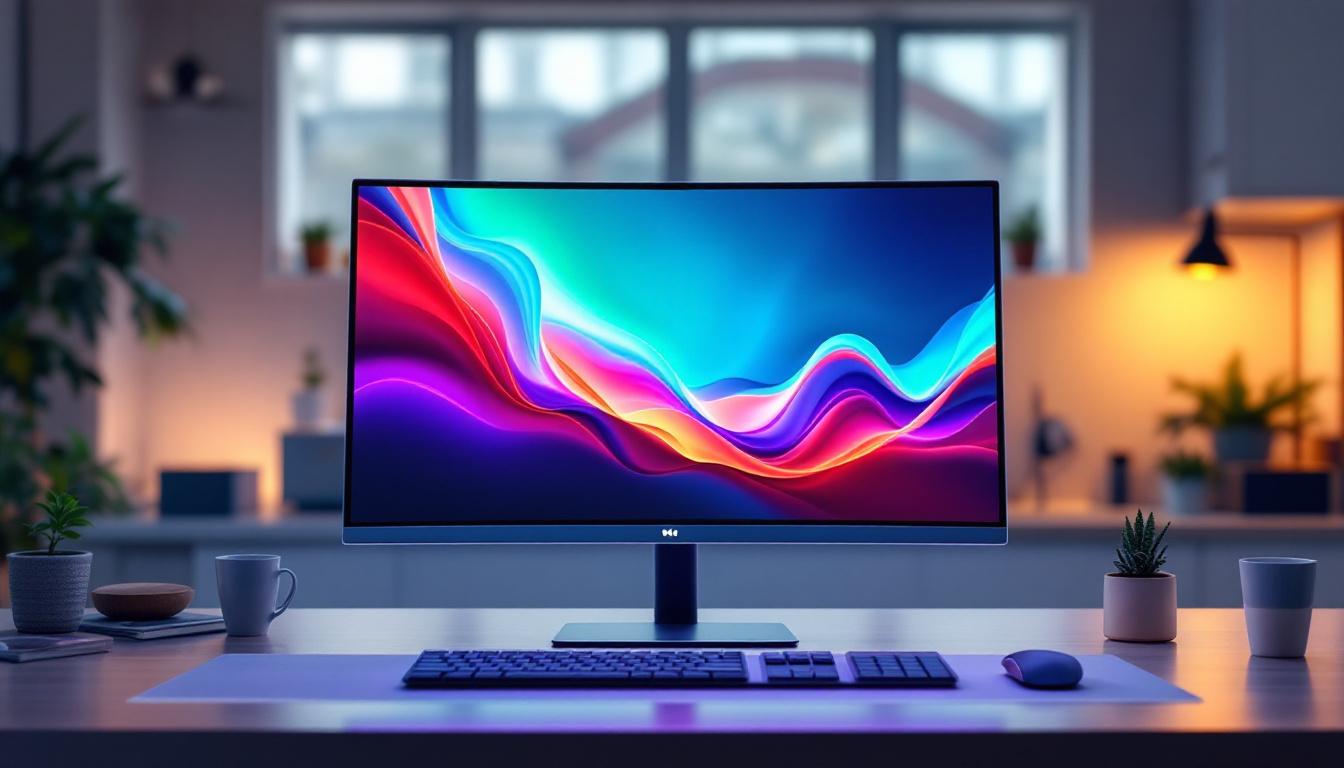
In the world of architectural design and building information modeling (BIM), Revit families play a crucial role in creating accurate and visually compelling project models. Among the many components that designers incorporate into their projects, TV Revit families with LED displays have become increasingly significant, especially in commercial, residential, and entertainment spaces. This article delves into the intricacies of TV Revit families featuring LED displays, explaining their importance, how they are created, and best practices for their integration into BIM projects.
Understanding TV Revit Families and Their Role in BIM
Revit families are parametric components used within Autodesk Revit software to represent real-world objects in a digital environment. These families can range from simple furniture pieces to complex mechanical systems. A TV Revit family, specifically, is a digital representation of a television unit, which can include various types such as LED, OLED, or LCD screens.
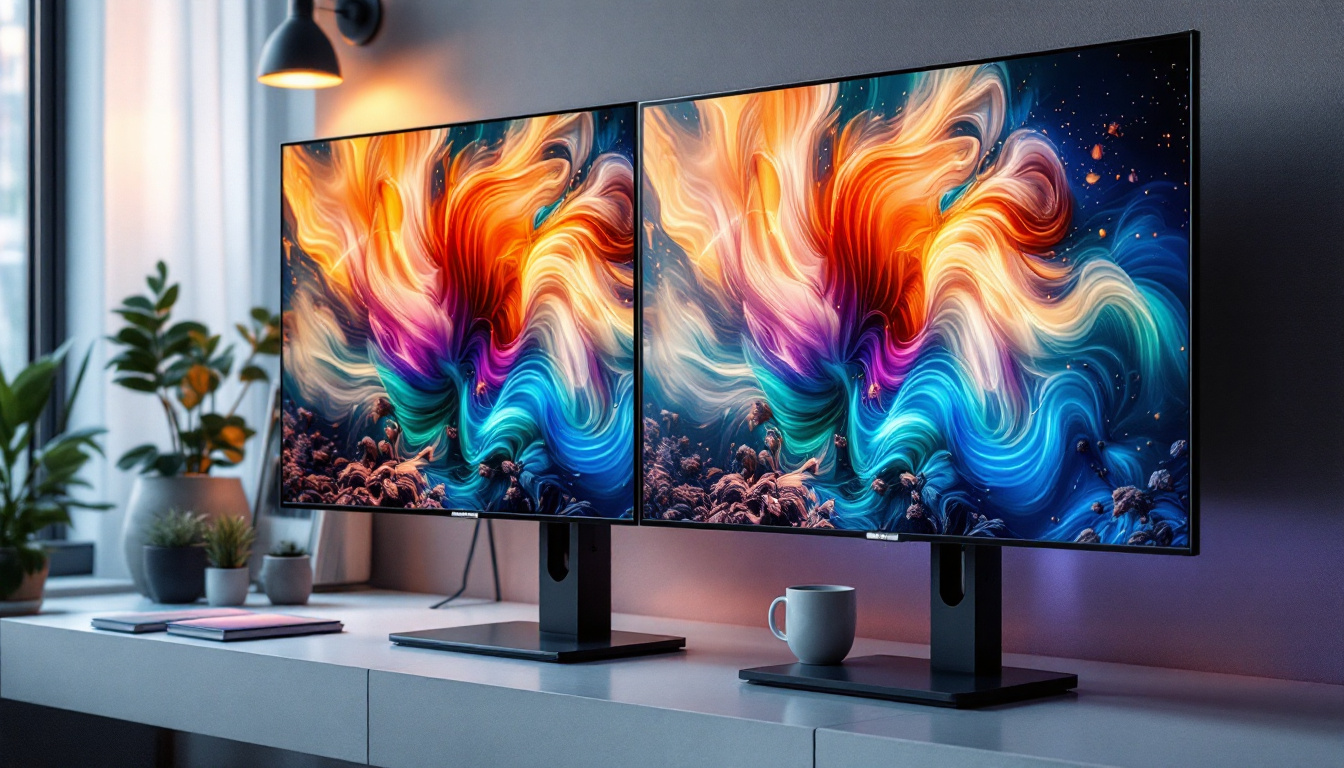
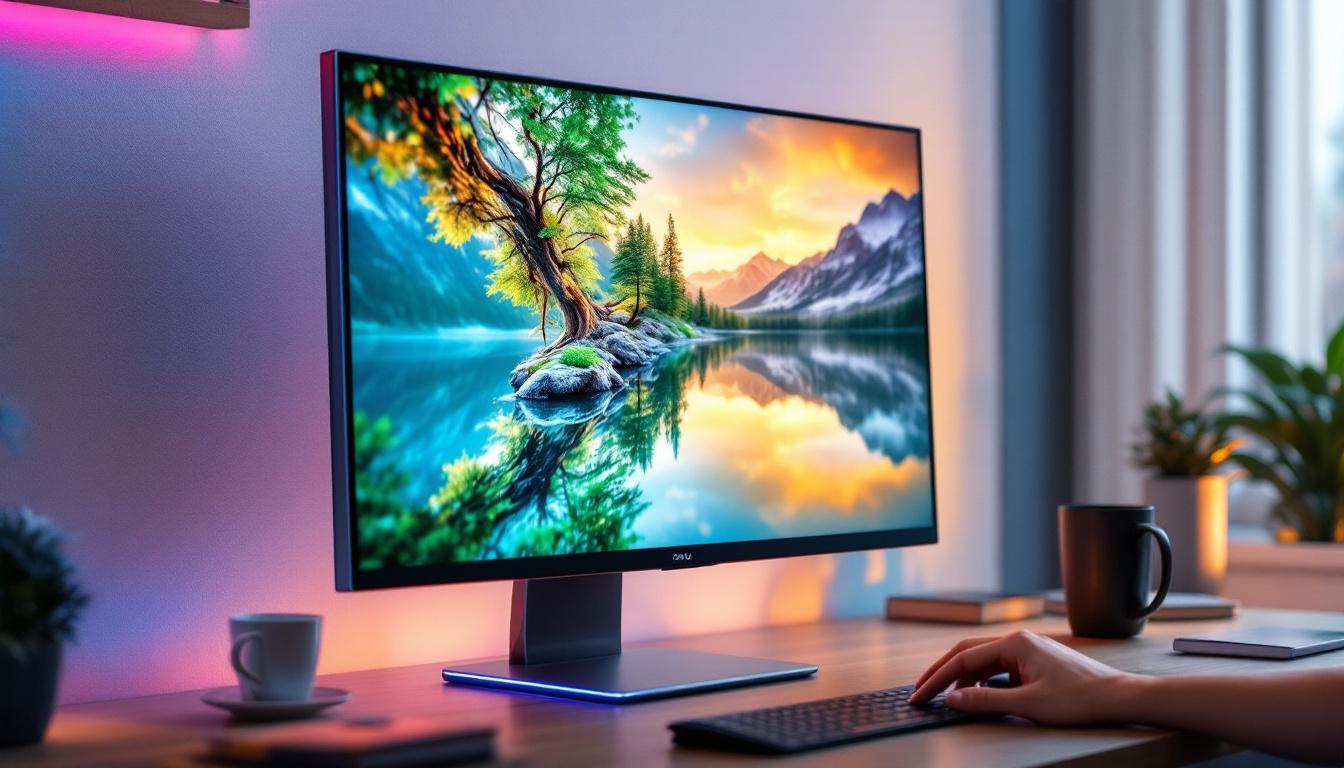
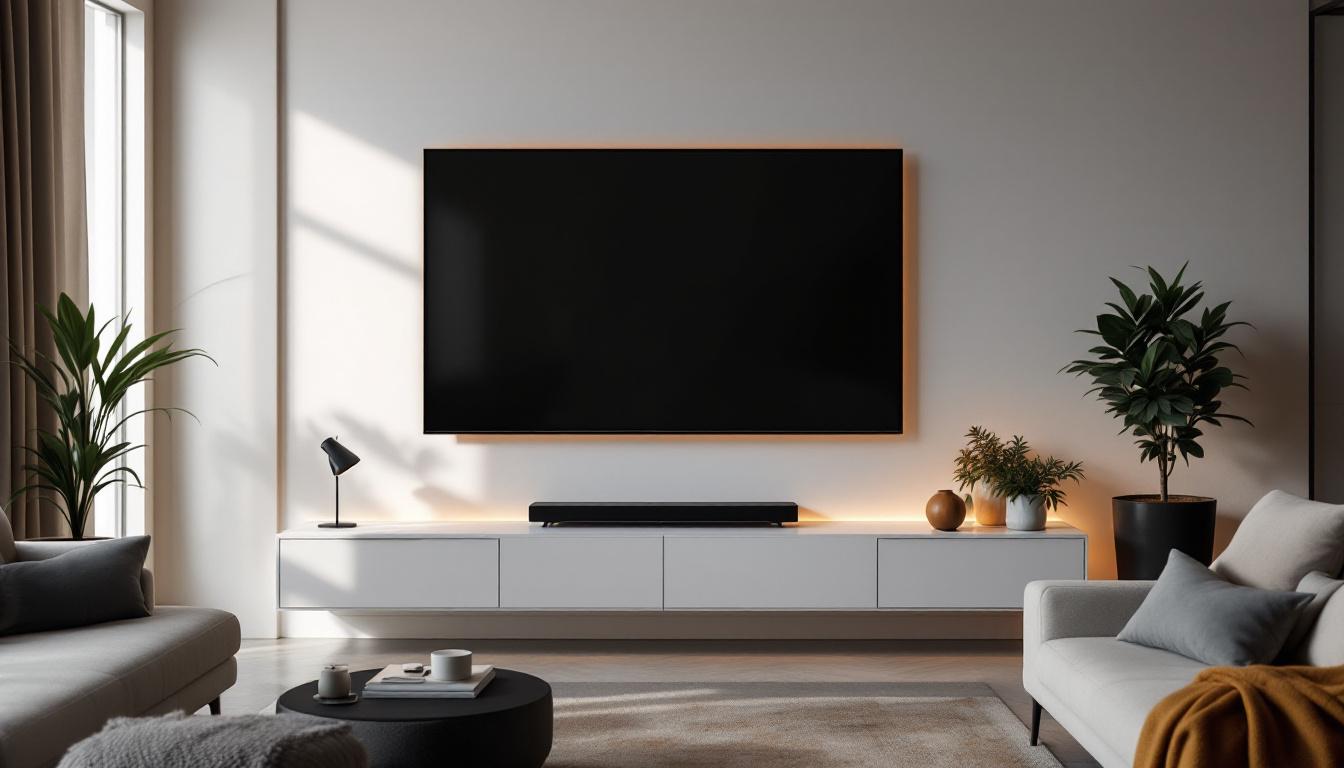
Incorporating TV families into architectural models helps designers visualize how audiovisual equipment fits within a space, ensuring that dimensions, placements, and aesthetics align with the overall design intent. When these TVs feature LED displays, the families often include detailed parameters to simulate screen size, resolution, and even lighting effects, adding realism and functional accuracy to the model. Furthermore, the integration of TV families allows for a more cohesive design process, where the visual and functional aspects of a space can be evaluated in tandem, leading to more informed design decisions.
In addition to enhancing the visual representation, TV Revit families can also include metadata that provides essential information about the equipment, such as manufacturer details, model numbers, and specifications. This data can be invaluable during the construction phase, as it ensures that the correct equipment is sourced and installed, reducing the likelihood of costly errors or delays. Moreover, the ability to create schedules and reports directly from these families streamlines project management, allowing teams to track quantities and costs more efficiently.
Why LED Displays Matter in TV Revit Families
LED (Light Emitting Diode) technology has revolutionized display screens due to its superior brightness, energy efficiency, and longevity compared to traditional LCD or plasma screens. For architects and interior designers, representing LED displays accurately in Revit families is essential for several reasons:
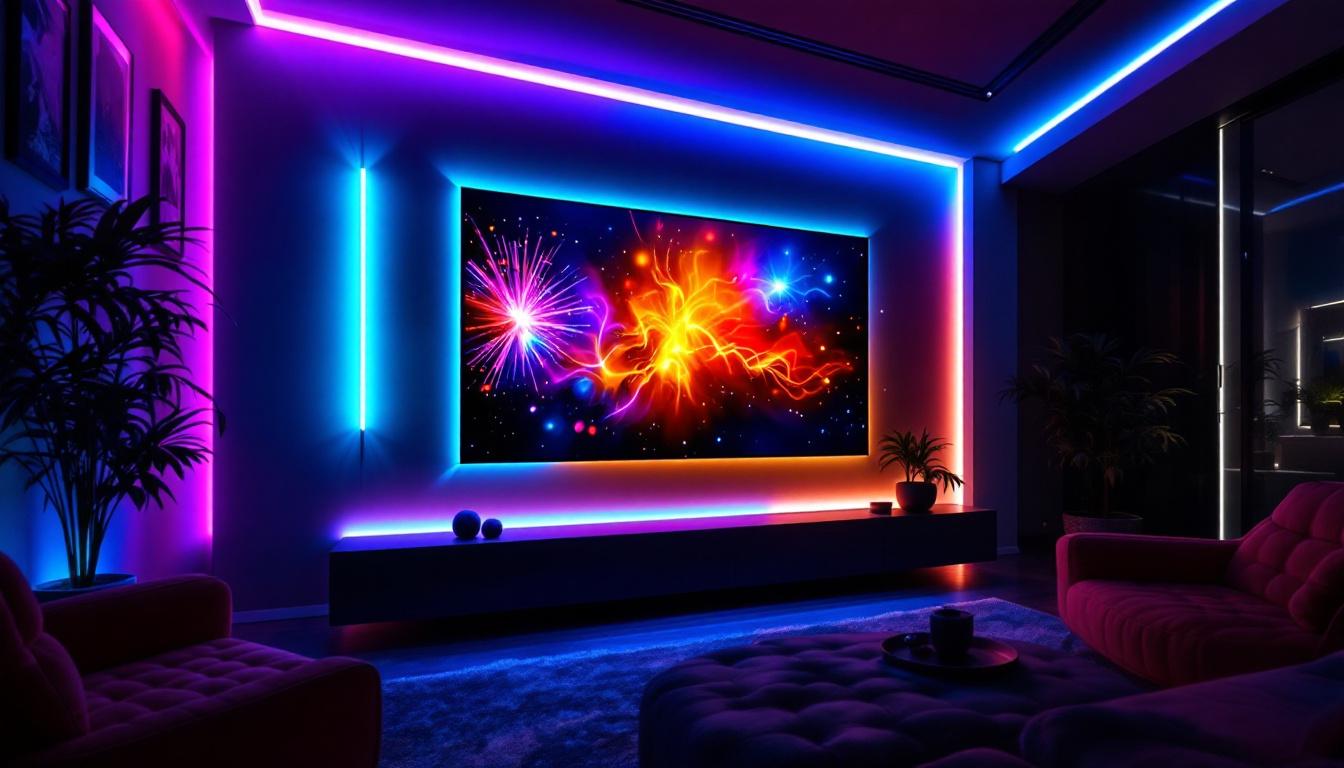
- Realistic Visualization: LED displays can affect ambient lighting in a room. Incorporating accurate LED screen parameters helps simulate these effects, improving client presentations and design decisions.
- Space Planning: LED TVs often have slim profiles and varied mounting options. Parametric families allow designers to adjust dimensions and placements to optimize space usage.
- Technical Coordination: Detailed LED TV families facilitate coordination with electrical and AV consultants, ensuring proper power supply and data connections are accounted for in the model.
Additionally, the versatility of LED technology means that designers can incorporate various styles and configurations into their Revit models. For instance, wall-mounted, freestanding, or integrated designs can be represented through customizable families, allowing for a more tailored approach to each project. This adaptability is particularly beneficial in environments such as commercial spaces, where the visual impact of a TV can significantly enhance branding and customer experience. By using TV Revit families effectively, designers can create dynamic environments that not only meet functional requirements but also elevate the overall aesthetic appeal of a space.
“`html
Creating a TV Revit Family with LED Display Features
Developing a TV Revit family that accurately represents an LED display involves several steps, combining both technical modeling skills and an understanding of display technology. Here’s a breakdown of the process:
1. Gathering Accurate Product Data
The first step is to source detailed specifications from manufacturers. This includes dimensions, screen resolution, bezel thickness, mounting options, and electrical requirements. For LED TVs, data about brightness levels (measured in nits), color gamut, and power consumption can be valuable for advanced modeling.
Manufacturers often provide CAD files or 3D models that can be imported into Revit, serving as a base for the family. If unavailable, designers may create the model from scratch using the specifications. Additionally, it is beneficial to research industry standards and guidelines for LED displays to ensure compliance with current trends and technologies. This knowledge can enhance the accuracy and functionality of the Revit family, making it more useful for architects and engineers in their design processes.
2. Modeling the Geometry
Using Revit’s family editor, the TV’s physical form is modeled. This includes the screen, bezel, stand or wall mount, and any visible ports or buttons. For LED displays, the screen surface is often given a material with emissive properties to simulate light emission.
Parametric controls are added to allow users to adjust width, height, and depth, ensuring the family can represent various TV sizes. This flexibility is crucial for designers working on projects with different display requirements. Furthermore, incorporating details such as cable management systems or integrated smart technology features can enhance the realism and functionality of the model. By including these elements, designers can create a more comprehensive representation of modern LED TVs, reflecting the latest advancements in home entertainment technology.
3. Adding Material and Lighting Properties
One of the standout features of an LED TV family is the ability to simulate the screen’s glow. This is achieved by assigning an emissive material to the screen surface within Revit. The emissive property allows the surface to appear as if it is emitting light, which can influence renderings and lighting studies.
Advanced families may include parameters to control the intensity of the emissive effect, enabling designers to simulate different brightness levels or screen states (on/off). Additionally, incorporating realistic textures for the bezel and stand can further enhance the visual appeal of the model. By utilizing high-resolution images or patterns that mimic the materials used in actual products, designers can create a more lifelike representation that aids in visual presentations and client approvals.
4. Incorporating Metadata and Parameters
Beyond geometry and materials, a comprehensive TV family includes metadata such as manufacturer, model number, power consumption, and installation instructions. These parameters facilitate better project documentation and coordination.
For LED displays, parameters related to electrical load, data connectivity (e.g., HDMI, Ethernet), and ventilation requirements can be embedded, supporting multidisciplinary collaboration. Moreover, adding information about warranty details and maintenance guidelines can be advantageous for project managers and facility managers. This additional layer of detail not only aids in the design process but also ensures that end-users have access to critical information for the operation and upkeep of the LED displays in their environments.
“`
Best Practices for Using TV Revit Families with LED Displays in Projects
To maximize the benefits of LED TV families in Revit, designers should follow several best practices that enhance model accuracy, coordination, and presentation quality.
Ensure Consistency with Project Standards
Standardizing TV families across a project or organization helps maintain consistency. This includes naming conventions, parameter sets, and level of detail. Consistent families reduce errors and simplify updates when design changes occur.
Optimize Family Performance
High-detail families with complex geometry and materials can slow down Revit projects. It is essential to balance realism with performance by simplifying geometry where possible and using efficient material definitions. For instance, using a simple emissive material rather than complex textures can maintain visual quality without taxing system resources.
Coordinate with Electrical and AV Teams
LED TVs often require specific power and data connections. Including detailed electrical parameters in the family enables better coordination with consultants, reducing the risk of installation issues. Linking families with electrical circuits and data pathways in the BIM model enhances project integration.
Leverage Visualization Tools
Use Revit’s rendering capabilities or export models to visualization software to showcase the LED displays realistically. Emissive materials and lighting simulations can help clients and stakeholders understand how the screens will look and impact the space.
Applications of LED TV Revit Families Across Different Sectors
LED TV Revit families find applications in various sectors, each with unique requirements and benefits.
Residential Design
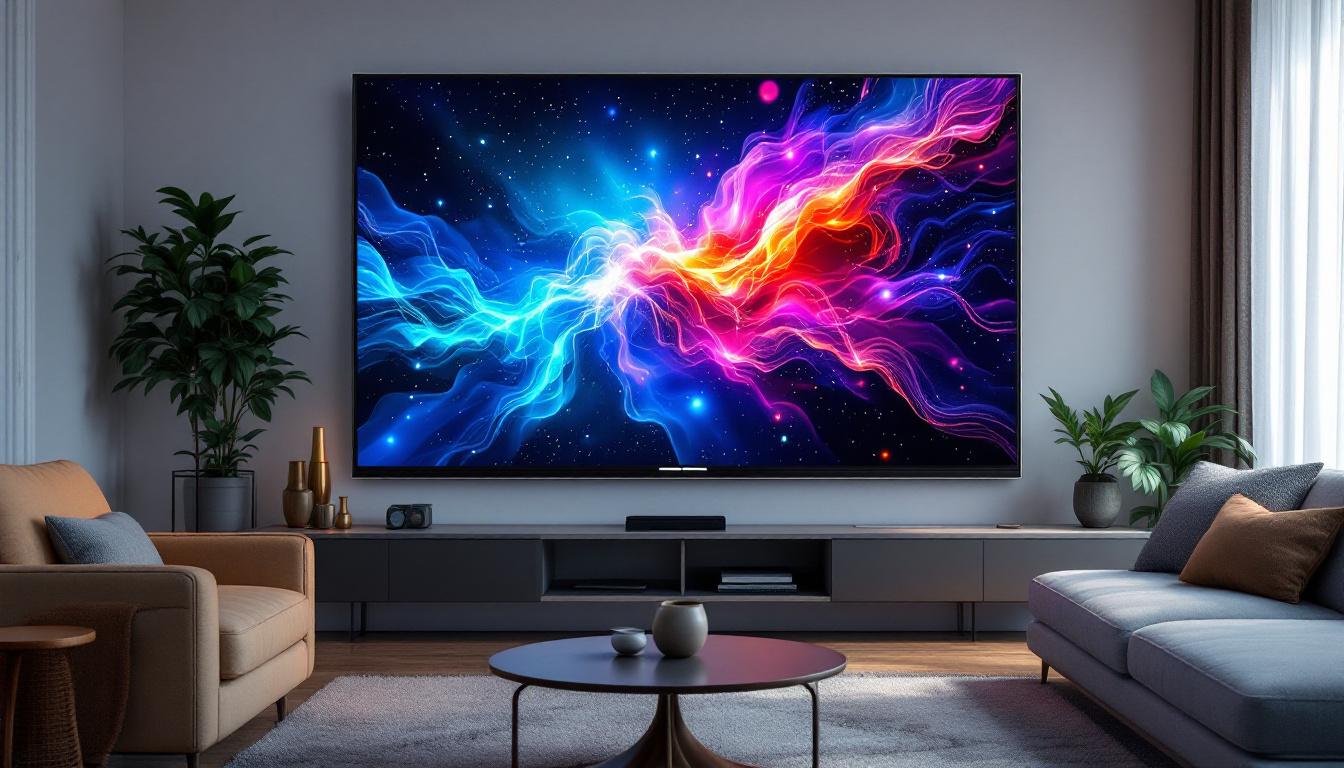
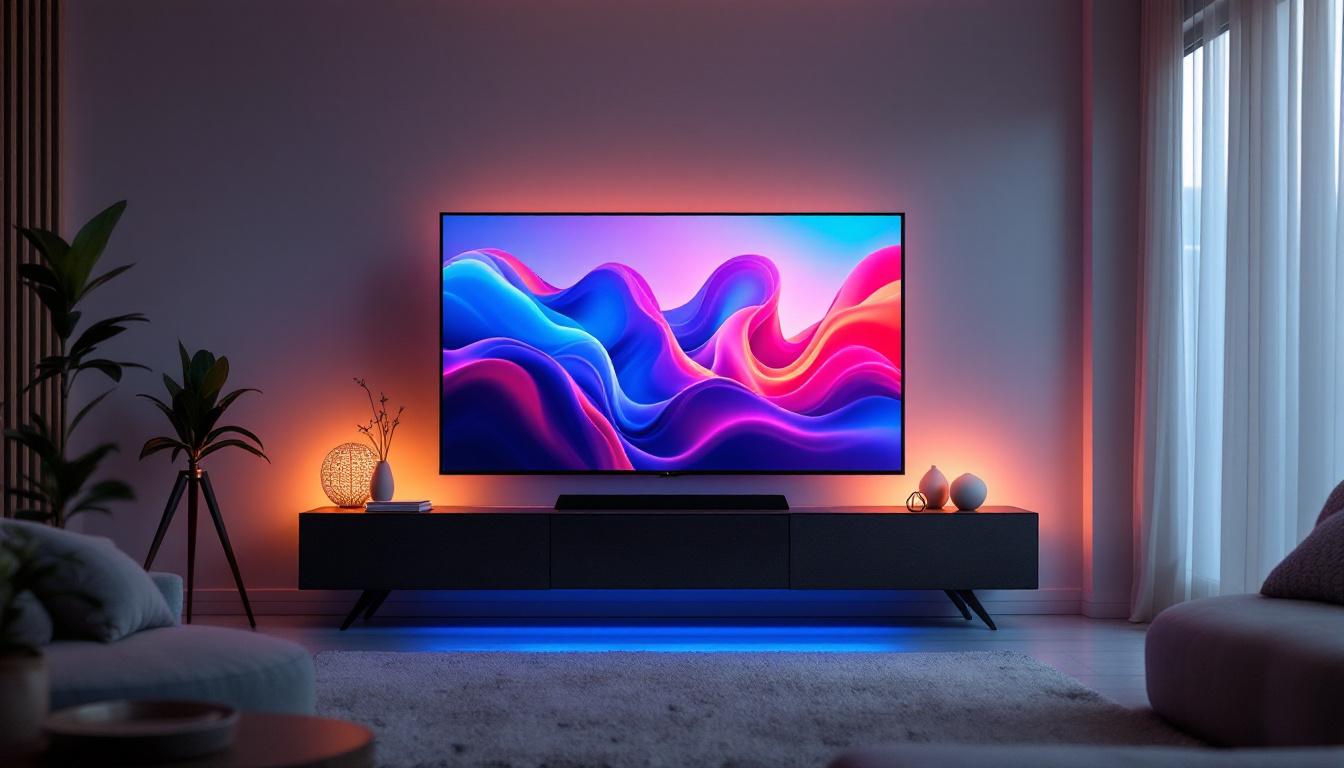
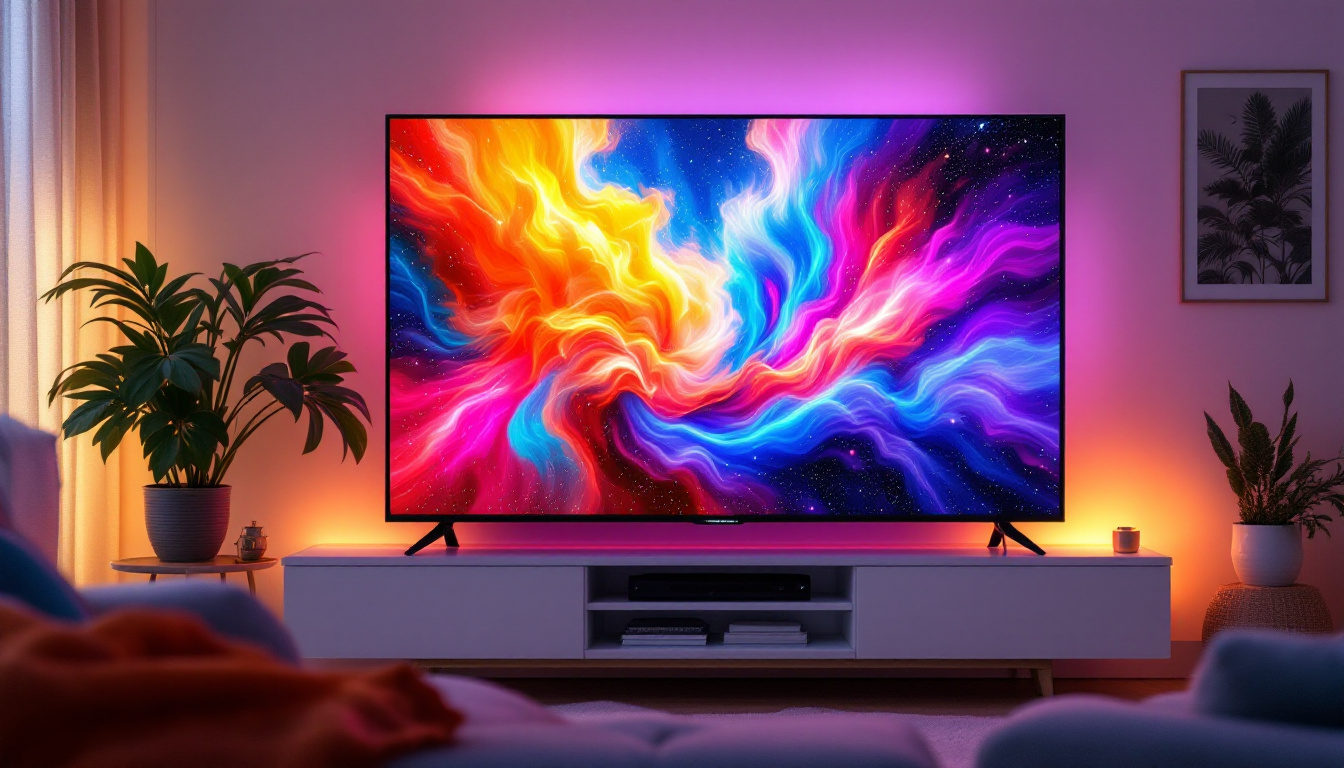
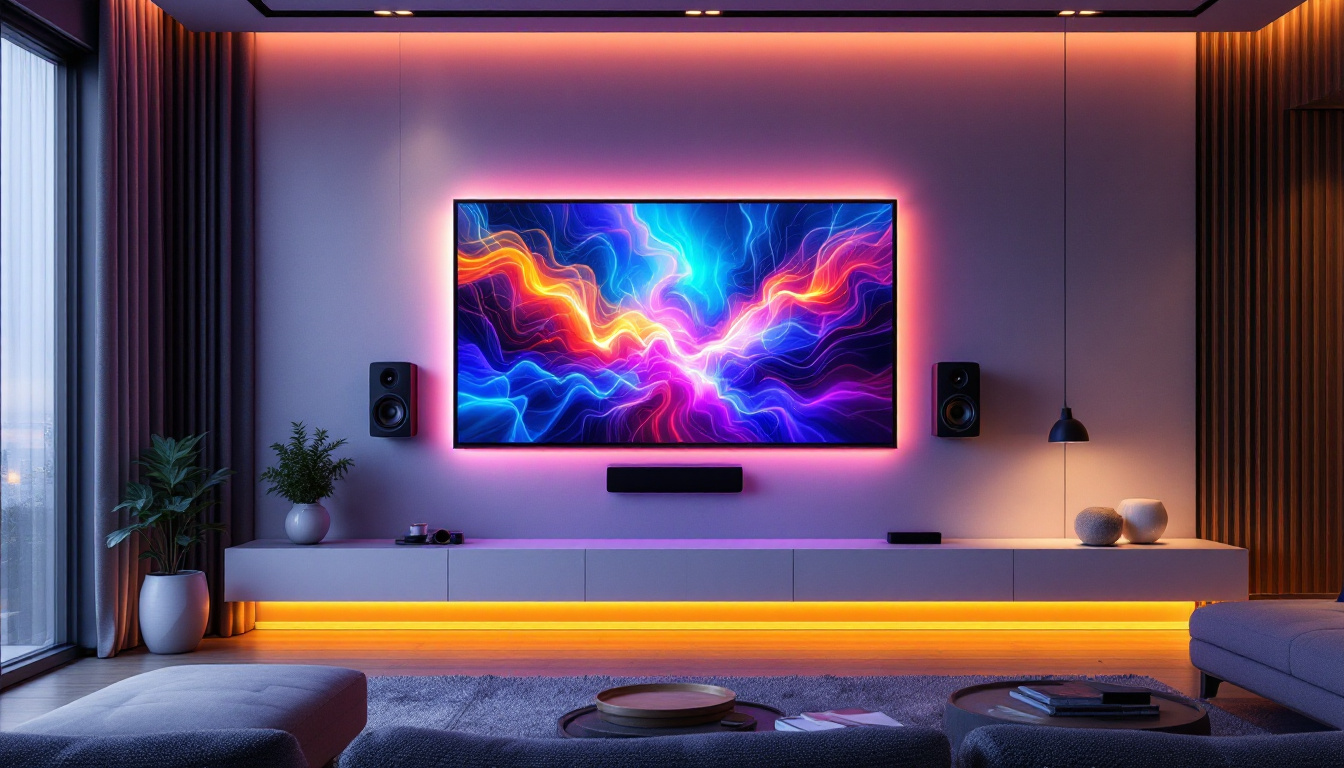
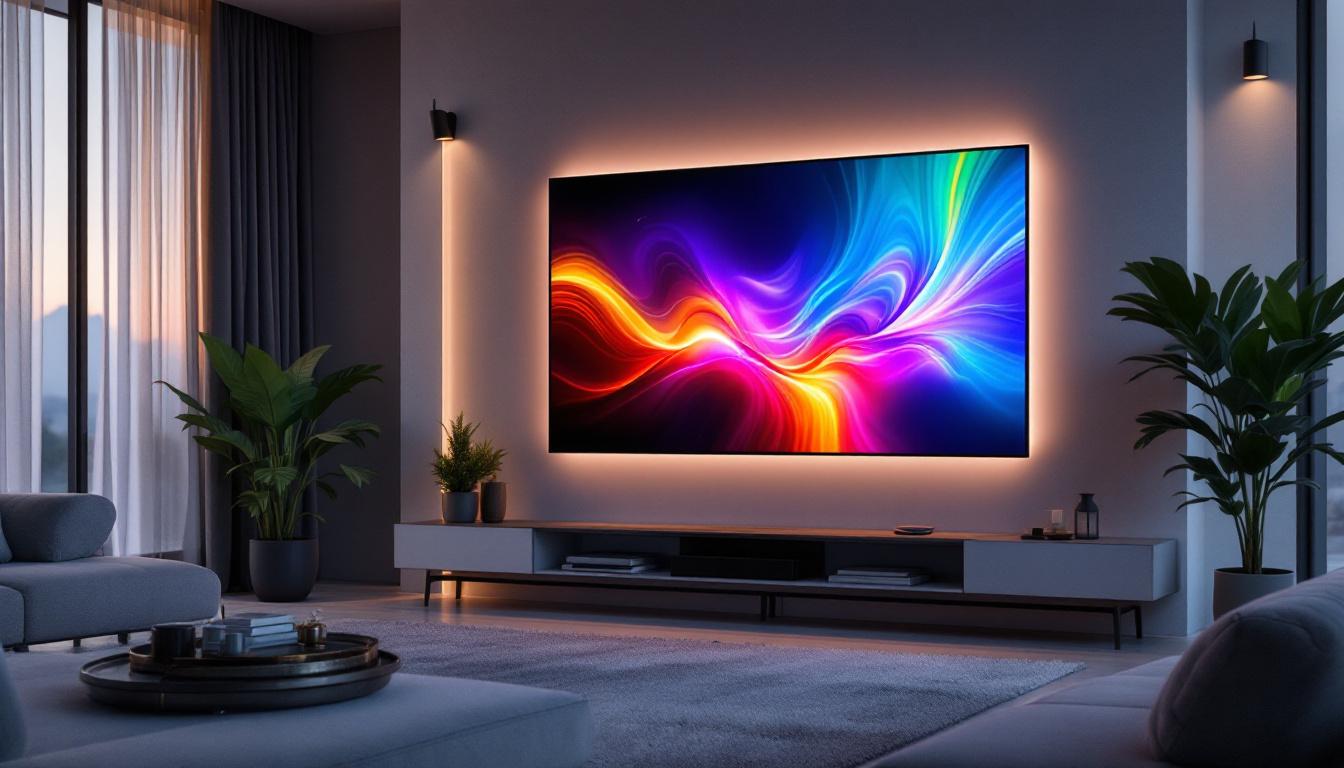
In home design, LED TVs are a central element in living rooms, bedrooms, and home theaters. Accurate families help visualize furniture layouts and ensure optimal viewing distances and sightlines. Parametric controls allow designers to experiment with different screen sizes and mounting options, tailoring the design to client preferences.
Commercial Spaces
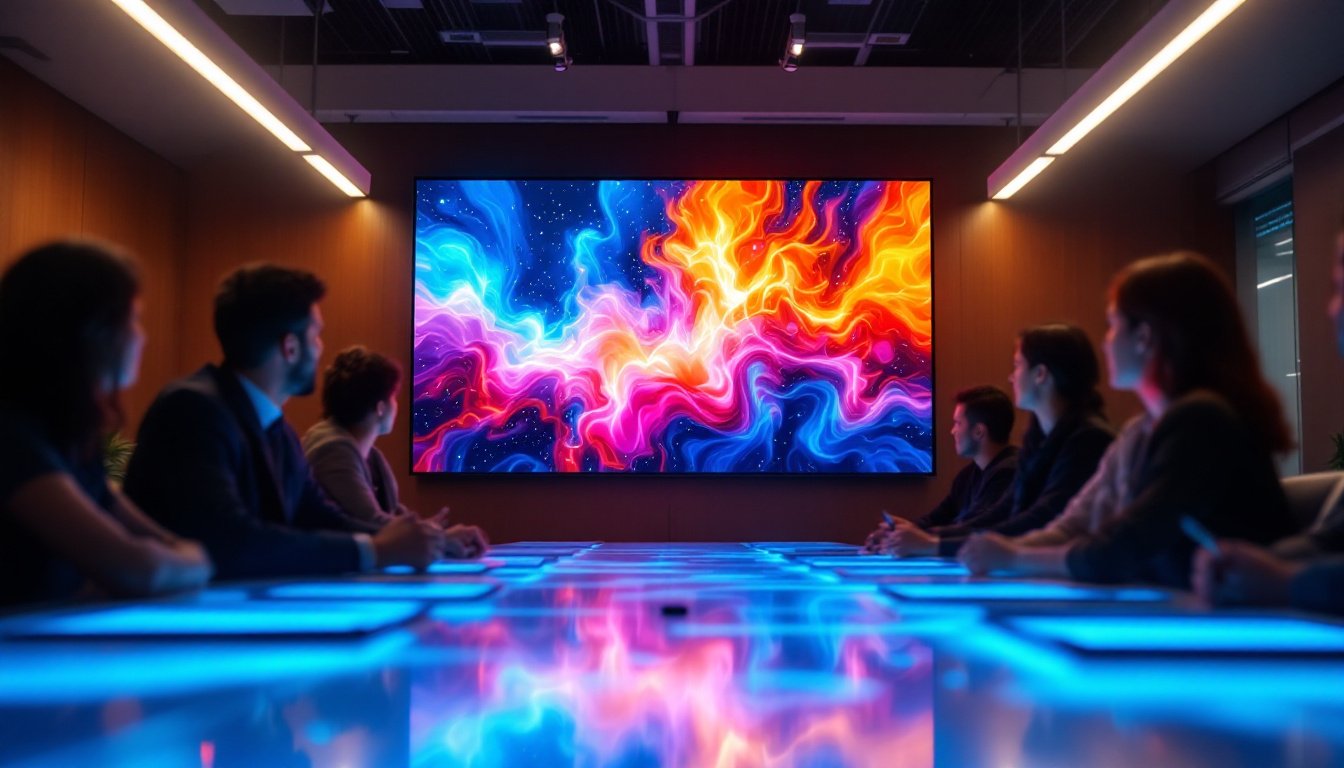
Retail stores, offices, and hospitality venues often use LED TVs for digital signage, presentations, or entertainment. Revit families with LED displays enable planners to integrate these elements into spatial layouts effectively, considering visibility, power supply, and aesthetic integration.
Entertainment and Event Venues
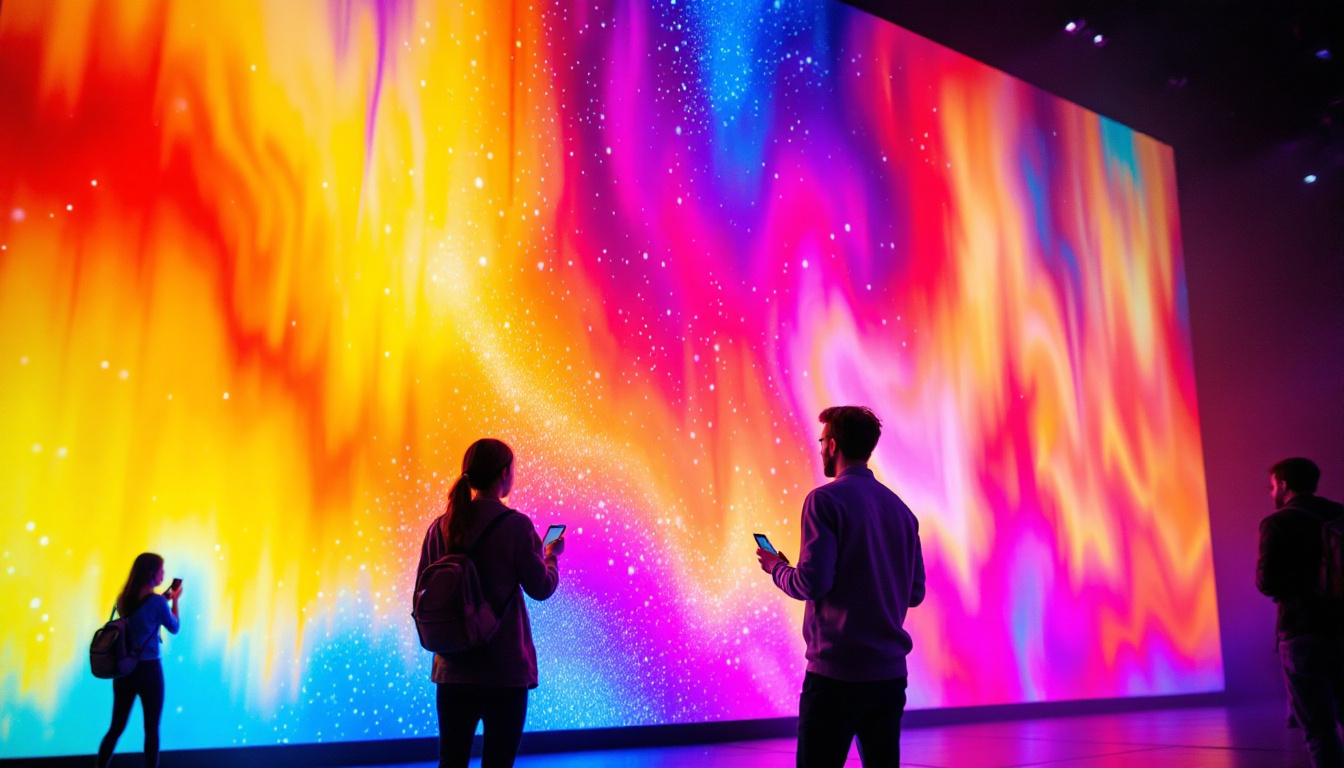
Large-scale LED displays are common in arenas, theaters, and conference centers. While these often exceed the scale of typical TV families, smaller LED display families can represent control monitors, information screens, and other AV equipment critical to venue operations.
Future Trends in TV Revit Families and LED Display Technology
The intersection of BIM technology and display technology continues to evolve, promising exciting developments for TV Revit families featuring LED displays.
Integration of Smart Features
As TVs become smarter and more connected, future Revit families may include parameters for network connectivity, software versions, and interactive capabilities. This will help designers plan for integrated smart home or smart building systems.
Enhanced Lighting Simulation
Advances in rendering and lighting analysis tools will allow for more accurate simulations of LED screen light emissions, including dynamic content effects. This will aid in designing lighting schemes that complement or counterbalance screen brightness.
Parametric Content Display
Emerging BIM workflows may enable families to display dynamic content or branding within the LED screen area, providing clients with a more immersive visualization experience during design reviews.
Conclusion
TV Revit families with LED displays are indispensable tools for architects, interior designers, and AV consultants aiming to create accurate, coordinated, and visually compelling BIM projects. By understanding the technical aspects of LED technology and applying best practices in family creation and usage, professionals can enhance project quality and client satisfaction.
As LED display technology and BIM software continue to advance, the capabilities of TV Revit families will expand, offering even greater realism and integration. Staying informed about these developments and investing in high-quality families will ensure that design teams remain at the forefront of innovation in architectural visualization and project delivery.
Discover Cutting-Edge LED Display Solutions with LumenMatrix
Ready to elevate your architectural projects with the latest in LED display technology? LumenMatrix is at the forefront of innovation, offering a wide array of LED display solutions that bring your designs to life. From Indoor and Outdoor LED Wall Displays to specialized options like Vehicle, Sports, and Floor LED Displays, our products are designed to captivate and engage. Experience the transformative power of our Custom, All-in-One, and Transparent LED Displays, and see how LumenMatrix is redefining visual communication. Check out LumenMatrix LED Display Solutions today and take the first step towards creating unforgettable visual experiences.