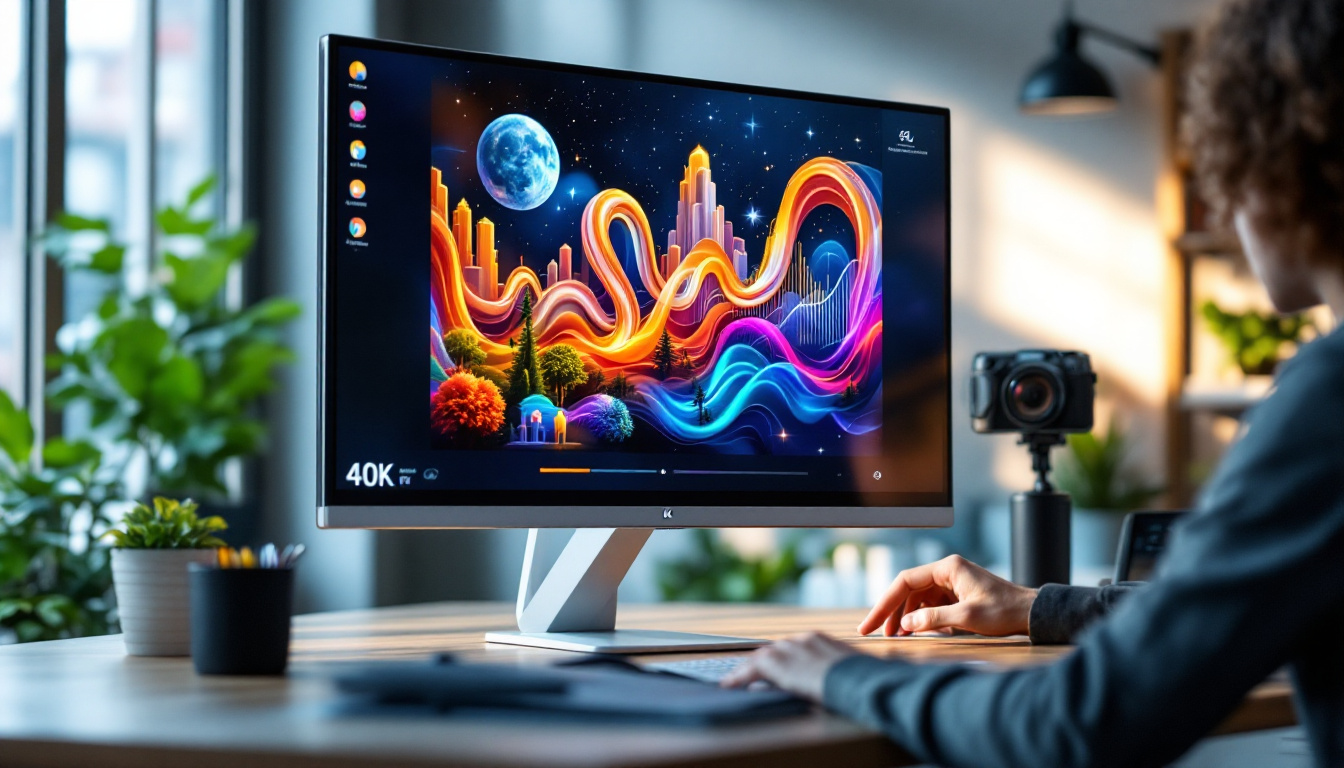
In today’s dynamic digital workspace, the way monitors are positioned can significantly affect productivity, comfort, and even health. Among the various mounting solutions available, the monitor stand with clamp has emerged as a popular choice, especially when paired with LED displays. This article delves into the intricacies of monitor stands with clamps, exploring their benefits, compatibility with LED screens, and practical considerations for users aiming to optimize their workstation setups.
Understanding Monitor Stands With Clamps
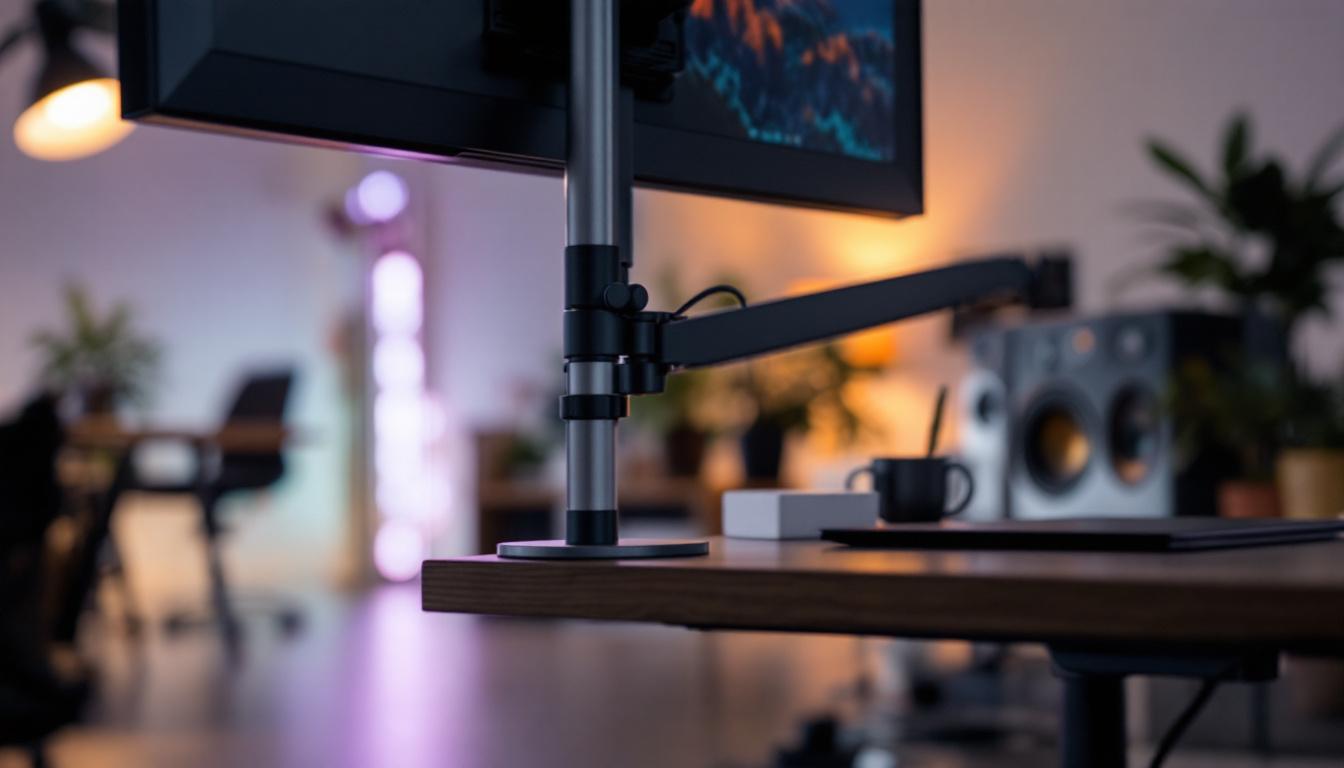
Monitor stands with clamps are mounting devices designed to securely attach a monitor to the edge of a desk or table. Unlike traditional stands that sit directly on the desk surface, clamp stands use a mechanical grip to hold the monitor arm in place, freeing up valuable desk space and allowing for greater flexibility in positioning.
How Clamp Stands Work
The clamp mechanism typically consists of two parts: a flat plate that rests beneath the desk surface and a screw or bolt that tightens the clamp against the underside of the desk. This design ensures a firm grip without damaging the furniture. The monitor arm, attached to the clamp, often allows for adjustments in height, tilt, swivel, and rotation, providing ergonomic benefits tailored to individual user preferences.
Because the clamp attaches to the desk edge rather than sitting on the desk, it can accommodate a wide range of desk thicknesses, usually between 0.4 inches (1 cm) and 3.5 inches (9 cm). This versatility makes clamp stands suitable for many office and home environments. Furthermore, the installation process is typically straightforward, requiring only basic tools and minimal time, making it an appealing option for those who may not be particularly handy.
Advantages Over Traditional Monitor Stands
One of the primary advantages of clamp stands is the significant desk space they save. By elevating the monitor off the desk surface, users gain more room for documents, keyboards, or other accessories. Additionally, clamp stands often provide superior adjustability compared to fixed stands, enabling users to position their screens at eye level, reducing neck and eye strain. This ergonomic design is especially beneficial for those who spend long hours in front of a computer, as it promotes better posture and can lead to increased productivity.
Another benefit is cable management. Many clamp stands feature integrated channels or clips that help organize cables, keeping the workspace tidy and minimizing clutter. This is particularly important in professional settings where multiple devices and peripherals are connected. Moreover, a clean and organized workspace can enhance focus and reduce distractions, contributing to a more efficient work environment. Some models even come with additional features such as USB ports or built-in charging stations, further enhancing their functionality and convenience for users who rely on various electronic devices throughout their day.
Why LED Displays Benefit from Clamp Monitor Stands
LED displays have become the standard for computer monitors due to their energy efficiency, thin profiles, and superior image quality. When combined with a clamp monitor stand, the benefits multiply, creating an optimal viewing experience.
Lightweight and Slim Design Compatibility
LED monitors are generally lighter and slimmer than their LCD or CRT predecessors. This reduced weight makes them ideal candidates for clamp stands, which must securely hold the monitor without risk of tipping or instability. The slim profile of LED displays also complements the sleek design of many clamp stands, contributing to a modern, minimalist desk setup.
Enhanced Ergonomics for Extended Use
Ergonomics plays a crucial role in preventing repetitive strain injuries and maintaining comfort during long hours of computer use. LED monitors paired with adjustable clamp stands allow users to fine-tune the height and angle of their screens, promoting better posture and reducing fatigue.
Studies have shown that improper monitor placement can lead to neck pain and eye strain. By using a clamp stand with an LED display, users can position the screen at an optimal distance and height, typically about an arm’s length away and with the top of the screen at or slightly below eye level.
Improved Heat Dissipation and Longevity
LED monitors generate less heat than older display technologies, but proper ventilation remains essential for maintaining device longevity. Clamp stands elevate the monitor, allowing air to circulate freely around the back and sides of the display. This improved airflow can help prevent overheating and extend the lifespan of the monitor.
Key Features to Consider When Choosing a Monitor Stand With Clamp for LED Displays
Not all clamp stands are created equal, and selecting the right one depends on several factors related to both the monitor and the user’s workspace.
Weight Capacity and VESA Compatibility
It’s essential to verify that the clamp stand can support the weight of your LED monitor. Most clamp stands specify a maximum load, usually ranging from 15 to 30 pounds (7 to 14 kilograms). Exceeding this limit can compromise stability and safety.
Additionally, ensure the stand supports the VESA mounting pattern of your monitor. VESA (Video Electronics Standards Association) patterns are standardized hole configurations on the back of monitors used for mounting. Common sizes include 75×75 mm and 100×100 mm. Compatibility guarantees a secure fit between the monitor and the stand.
Adjustability and Range of Motion
Consider the types of adjustments the stand offers. Basic models may only allow tilt, while more advanced ones provide height adjustment, swivel, and rotation (pivot). For users who work with multiple monitors or require frequent repositioning, a stand with full articulation arms offers the greatest flexibility.
Some clamp stands also include gas spring mechanisms, which enable smooth, effortless adjustments with minimal effort. This feature is particularly valuable in shared workspaces or environments where ergonomic customization is a priority.
Desk Compatibility and Installation
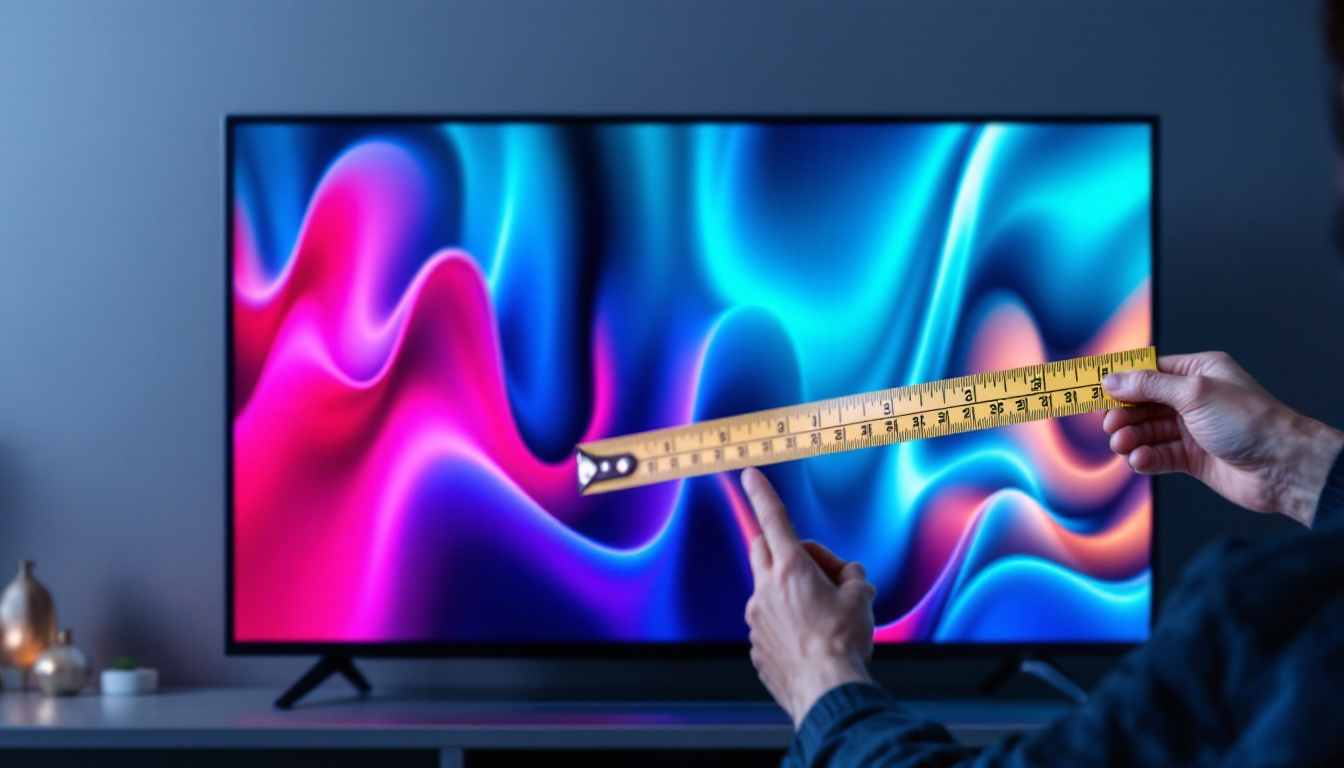
Before purchasing, measure your desk’s thickness to ensure the clamp will fit securely. Some desks with rounded edges, thick surfaces, or built-in drawers may not be compatible with clamp mounts.
Installation typically requires no special tools beyond a screwdriver or Allen wrench, and most clamp stands come with detailed instructions. However, users should ensure their desk material can withstand the pressure of the clamp without damage.
Build Quality and Material
Durability is crucial for a mounting solution that supports expensive LED displays. Look for stands made from high-quality materials such as steel or aluminum, which offer strength without excessive weight.
Additionally, consider the finish and design aesthetics. A stand with a matte or powder-coated finish can resist scratches and fingerprints, maintaining a professional appearance over time.
Practical Tips for Setting Up Your Monitor Stand With Clamp and LED Display
Proper setup is vital to maximize the benefits of your clamp stand and LED monitor combination.
Positioning for Optimal Ergonomics
Start by adjusting the monitor height so that the top edge of the screen aligns with your eye level when seated comfortably. This reduces neck strain and encourages a natural posture.
The monitor should be positioned approximately 20 to 30 inches (50 to 75 cm) from your eyes. Adjust the tilt to minimize glare from overhead lighting or windows, typically between 10 to 20 degrees backward.
Cable Management Strategies
Use the cable clips or channels integrated into the clamp stand to route power cords, HDMI cables, and USB connections neatly along the arm. This not only improves aesthetics but also prevents cables from tangling or being accidentally unplugged.
For setups with multiple peripherals, consider using cable ties or sleeves to bundle cables together, further enhancing organization.
Regular Maintenance and Safety Checks
Periodically check the tightness of the clamp and mounting screws to ensure the monitor remains secure. Over time, vibrations or movement can loosen these components.
Inspect the desk surface for any signs of wear or damage caused by the clamp. Using a protective pad between the clamp and desk can help prevent scratches or indentations.
Popular Monitor Stand With Clamp Models for LED Displays in 2024
The market offers a variety of clamp monitor stands catering to different needs and budgets. Here are some notable models that have received positive reviews this year:
ErgoFlex Pro Articulating Arm
Known for its robust build and smooth gas spring mechanism, the ErgoFlex Pro supports monitors up to 27 inches and 19.8 pounds. It offers full articulation, including height adjustment, swivel, tilt, and rotation. Its integrated cable management system keeps workspaces tidy, and the clamp fits desks up to 3.5 inches thick.
VistaMount Slimline Dual Clamp Stand
Ideal for dual-monitor setups, the VistaMount Slimline accommodates two LED displays up to 24 inches each. Its sleek aluminum design complements modern offices, while the clamp mechanism ensures a secure fit. The stand provides independent adjustment for each monitor, enhancing multitasking efficiency.
FlexiDesk Budget Clamp Stand
For those seeking an affordable yet reliable option, the FlexiDesk Budget Clamp Stand supports monitors up to 22 pounds and features tilt and swivel adjustments. While it lacks height adjustment, its simple installation and sturdy clamp make it a practical choice for home offices and small workspaces.
Conclusion: Enhancing Your Workspace with Monitor Stands and LED Displays
Choosing the right monitor stand with clamp for your LED display can transform your workspace by improving ergonomics, freeing up desk space, and enhancing overall comfort. As LED monitors continue to dominate the market due to their superior performance and design, pairing them with adjustable clamp stands offers a modern, efficient solution for both professional and personal environments.
When selecting a clamp stand, consider factors such as weight capacity, VESA compatibility, adjustability, and desk compatibility to ensure a secure and ergonomic setup. Proper installation and maintenance will maximize the lifespan of both the stand and the monitor, safeguarding your investment.
Ultimately, investing in a quality monitor stand with clamp not only elevates your LED display physically but also elevates your work experience, contributing to better posture, reduced strain, and increased productivity.
Discover the Future of Visual Display with LumenMatrix
Ready to elevate your workspace and visual experience to new heights? LumenMatrix, a pioneer in LED display technology, offers a wide array of innovative solutions tailored to your needs. From mesmerizing Indoor LED Wall Displays to dynamic Outdoor LED Wall Displays, and from sleek LED Poster Displays to immersive Floor LED Displays, LumenMatrix is committed to revolutionizing the way you communicate visually. Enhance your brand’s presence, captivate your audience, and deliver your message with unparalleled clarity. Check out LumenMatrix LED Display Solutions today and transform your space into a hub of engagement and productivity.