In today’s digital age, LED displays have become a cornerstone of visual communication, from massive outdoor billboards to the screens on our smartphones. Understanding how these displays work, especially the relationship between physical dimensions like centimeters (cm) and digital measurements like pixels (px), is crucial for designers, advertisers, and engineers alike. This article delves into the essentials of LED displays, explains how to convert cm to px accurately, and highlights why this knowledge is vital for creating stunning, high-quality visual content.
Understanding LED Displays: The Basics
What Is an LED Display?
LED stands for Light Emitting Diode, a semiconductor device that emits light when an electric current passes through it. An LED display is a flat panel or screen that uses an array of these tiny LEDs to produce images, videos, and other visual content. Unlike traditional LCD or plasma screens, LED displays offer superior brightness, contrast, and energy efficiency, making them ideal for both indoor and outdoor applications.
LED displays come in various forms, including full-color video walls, single-color message boards, and flexible LED strips. Their versatility and scalability allow them to be used in stadiums, retail environments, transportation hubs, and even wearable technology.
Pixel Pitch: The Key to LED Display Quality
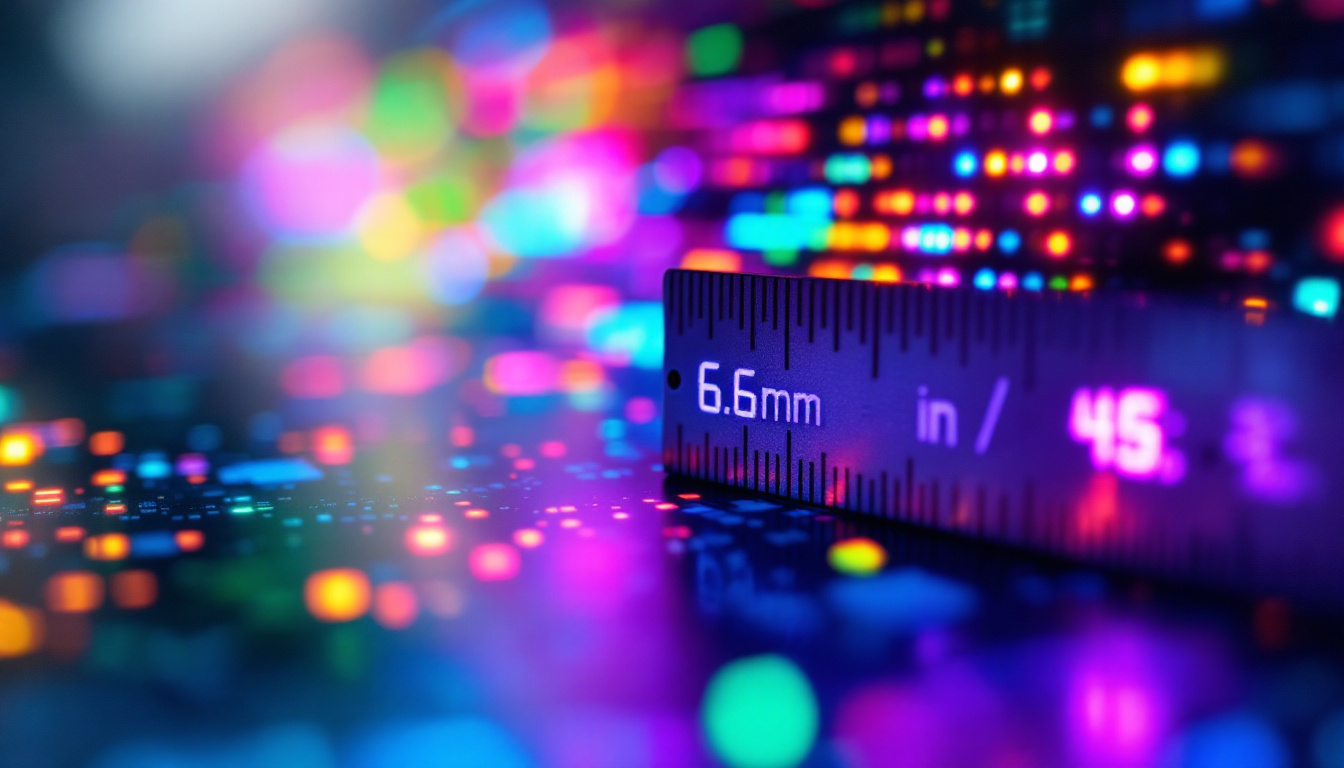
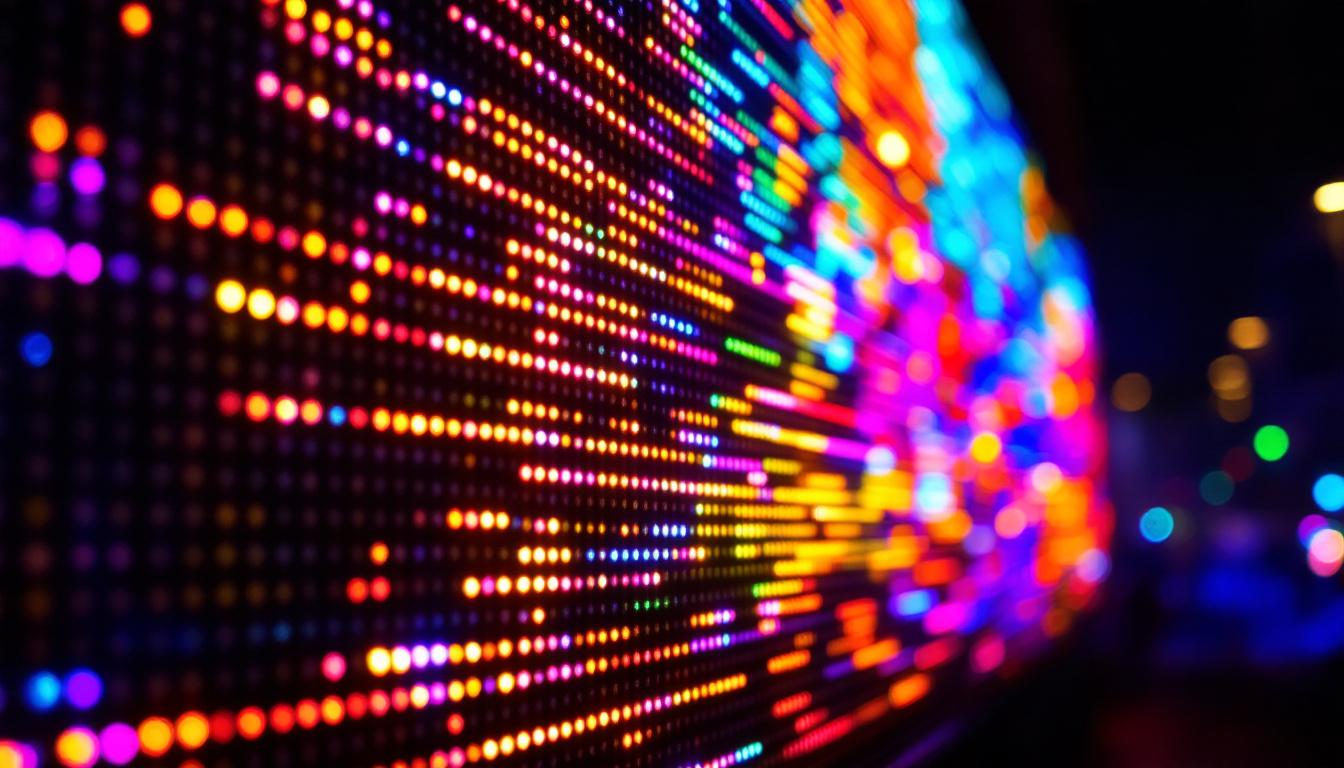
One of the most important concepts when discussing LED displays is the pixel pitch. Pixel pitch refers to the distance between the centers of two adjacent pixels (or LED clusters) on the display, usually measured in millimeters. For example, a pixel pitch of 2.5 mm means each pixel is spaced 2.5 millimeters apart.
The pixel pitch directly affects the resolution and viewing distance of the display. Smaller pixel pitches mean more pixels per unit area, resulting in higher resolution and sharper images. However, smaller pitches also increase the cost and complexity of the display. Understanding pixel pitch helps in determining the optimal size and resolution for specific applications.
From Centimeters to Pixels: Why Conversion Matters
The Relationship Between Physical Size and Pixel Count
When designing or specifying an LED display, it’s essential to understand how physical dimensions translate into pixel dimensions. Pixels are the smallest units of a digital image, and their count determines the resolution of the display. However, physical size is measured in units like centimeters or inches, which don’t directly correspond to pixels without knowing the pixel density or pixel pitch.
For example, if an LED panel measures 100 cm wide and has a pixel pitch of 5 mm, the number of pixels along the width can be calculated by dividing the physical width by the pixel pitch (converted to cm). Since 5 mm equals 0.5 cm, the calculation is:
Number of pixels = 100 cm / 0.5 cm = 200 pixels
This means the display has 200 pixels horizontally. This conversion is critical when creating content because designers need to know the pixel dimensions to ensure images and videos display correctly without distortion or pixelation.
Why Designers and Engineers Need Accurate Cm to Px Conversions
Accurate cm to px conversions are vital for several reasons:
- Content Creation: Designers must create visuals that match the display’s resolution. Knowing the pixel count helps avoid blurry or stretched images.
- Hardware Specification: Engineers use these conversions to select the right LED modules and configure display layouts.
- Cost Efficiency: Optimizing pixel pitch and display size helps balance quality and budget.
- Viewing Experience: Proper conversions ensure the display looks sharp at intended viewing distances.
Without precise conversions, the final output may suffer from poor image quality or inefficient use of resources.
How to Convert Cm to Px for LED Displays
Step 1: Know Your Pixel Pitch
The first step in converting centimeters to pixels is to determine the pixel pitch of the LED display. Pixel pitch is usually provided by the manufacturer and is expressed in millimeters (mm). Common pixel pitches range from 0.9 mm for close-up indoor displays to 10 mm or more for large outdoor screens.
Step 2: Convert Pixel Pitch to Centimeters
Since pixel pitch is often given in millimeters, convert it to centimeters for easier calculations:
Pixel pitch (cm) = Pixel pitch (mm) ÷ 10
For example, a pixel pitch of 4 mm equals 0.4 cm.
Step 3: Calculate the Number of Pixels
Now, divide the physical size in centimeters by the pixel pitch in centimeters:
Number of pixels = Physical size (cm) ÷ Pixel pitch (cm)
For instance, if the display width is 150 cm and the pixel pitch is 4 mm (0.4 cm), the pixel count along the width is:
150 cm ÷ 0.4 cm = 375 pixels
This calculation can be repeated for height to get the full pixel resolution.
Step 4: Consider the Display Configuration
LED displays are often made up of multiple modules or panels. Each module has a fixed pixel resolution and physical size. When assembling a large display, multiply the number of modules horizontally and vertically to get the total pixel count and physical dimensions.
For example, if each module is 50 cm wide with a resolution of 125 pixels, and the display is made of 3 modules side-by-side, the total width is 150 cm and the total pixel count is 375 pixels, consistent with the earlier example.
Practical Applications and Examples
Designing Content for an LED Billboard
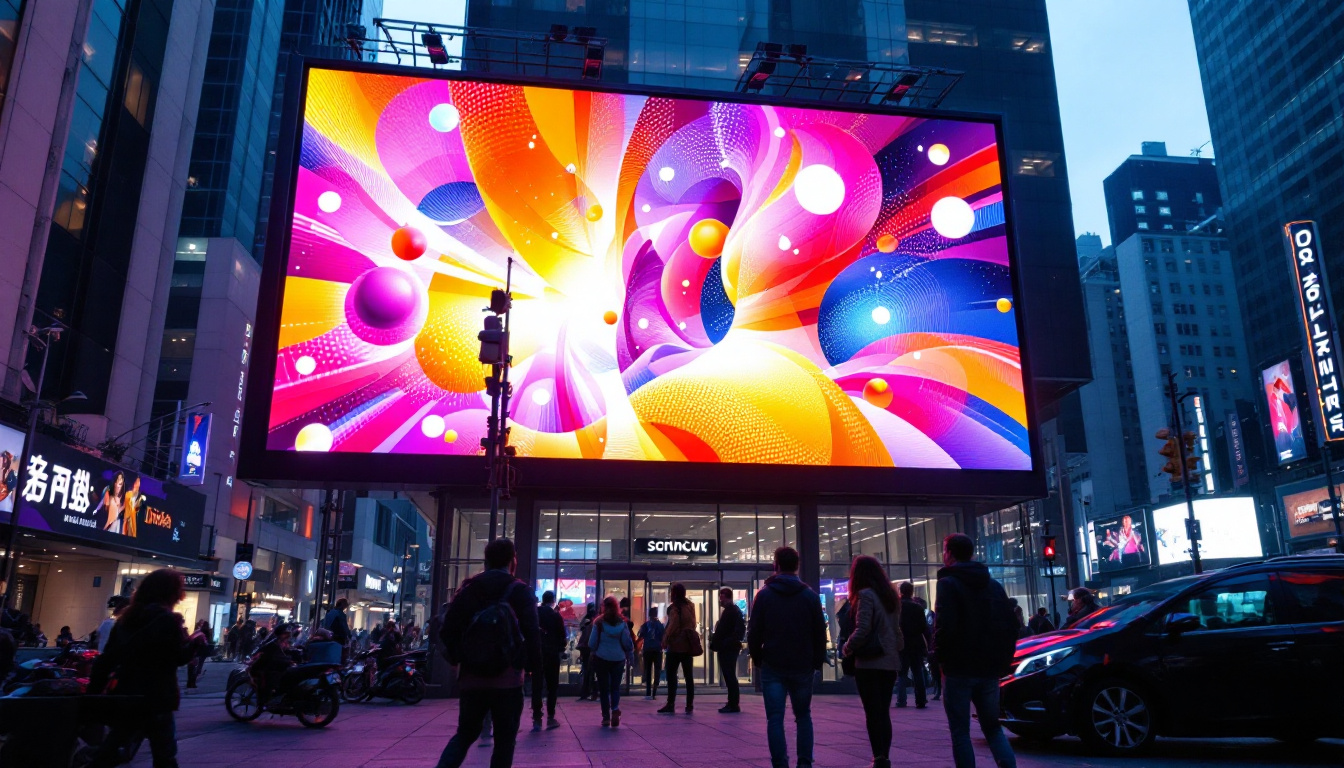
Consider a large outdoor LED billboard measuring 600 cm wide by 300 cm high with a pixel pitch of 10 mm (1 cm). Using the conversion method:
- Width in pixels: 600 cm ÷ 1 cm = 600 pixels
- Height in pixels: 300 cm ÷ 1 cm = 300 pixels
The billboard has a resolution of 600 x 300 pixels. Designers must create content at this resolution to ensure the images appear crisp and clear from typical viewing distances. Since this is a large display with a relatively large pixel pitch, it’s best suited for viewing from several meters away.
Indoor LED Wall for Retail Displays
For an indoor LED wall measuring 200 cm by 112.5 cm with a pixel pitch of 2.5 mm (0.25 cm), the pixel resolution is:
- Width in pixels: 200 cm ÷ 0.25 cm = 800 pixels
- Height in pixels: 112.5 cm ÷ 0.25 cm = 450 pixels
This 800 x 450 pixel resolution allows for high-definition content suitable for close viewing distances, typical in retail environments where customers stand close to the display.
Smartphone LED Displays
Smartphones use LED or OLED technology with extremely small pixel pitches, often below 0.1 mm. For example, a 15 cm wide smartphone screen with a pixel pitch of 0.05 mm (0.005 cm) would have:
15 cm ÷ 0.005 cm = 3000 pixels
This results in ultra-high resolutions, such as 3000 pixels across, providing sharp, vibrant images on a small screen.
Factors Influencing Cm to Px Conversion Accuracy
Manufacturing Tolerances
LED modules may have slight variations in pixel pitch due to manufacturing tolerances. While these differences are usually minimal, they can affect the overall pixel count and image alignment, especially in large displays. It’s important to verify specifications from the manufacturer and consider these tolerances during design.
Viewing Distance and Pixel Pitch Selection
The appropriate pixel pitch depends largely on the intended viewing distance. For close viewing, smaller pixel pitches are necessary to avoid visible pixelation. For example, a pixel pitch of 1.2 mm is ideal for indoor displays viewed from less than 2 meters, while 10 mm or more is suitable for outdoor billboards viewed from tens of meters away.
Understanding this relationship helps in choosing the right pixel pitch and thus impacts the cm to px conversion by defining the pixel density required for a specific application.
Display Orientation and Aspect Ratio
The aspect ratio (width to height ratio) of the display also influences how pixel dimensions relate to physical size. Common aspect ratios include 16:9 and 4:3, but custom ratios are possible. Ensuring content matches the aspect ratio prevents distortion and maximizes the use of available pixels.
Emerging Trends in LED Display Technology
MicroLED and MiniLED Innovations
Recent advances in MicroLED and MiniLED technology are pushing pixel pitches even smaller, down to less than 1 mm. These technologies promise brighter, more energy-efficient displays with exceptional image quality. As pixel pitches shrink, the cm to px conversion becomes more critical for ultra-high-resolution content creation.
Flexible and Transparent LED Displays
Flexible LED displays that can curve around surfaces and transparent LED screens that allow light to pass through are gaining popularity. These new form factors require precise understanding of pixel pitch and physical dimensions to ensure seamless integration and optimal visual performance.
AI and Software-Driven Calibration
Advanced software tools now assist in calibrating LED displays, adjusting pixel mapping, and optimizing image quality. These tools rely on accurate cm to px conversions to function effectively, highlighting the importance of mastering these calculations in modern display technology.
Conclusion
Understanding how to convert centimeters to pixels is fundamental when working with LED displays. This knowledge bridges the gap between the physical hardware and the digital content, ensuring that visuals are rendered with clarity and precision. Whether designing a massive outdoor billboard or a compact indoor video wall, knowing the pixel pitch and how it relates to physical dimensions enables professionals to create impactful, high-quality displays.
As LED technology continues to evolve, with innovations like MicroLED and flexible displays, mastering these concepts will remain essential. Accurate cm to px conversions not only improve design and engineering outcomes but also enhance the viewer’s experience, making LED displays a powerful tool in modern visual communication.
Explore Cutting-Edge LED Display Solutions with LumenMatrix
Ready to take your visual communication to the next level? LumenMatrix offers a comprehensive range of LED display modules tailored to your needs. From vibrant Indoor and Outdoor LED Walls to dynamic Vehicle and Sports Displays, our innovative solutions are designed to captivate your audience and amplify your message. Discover the transformative power of our LED Poster Displays, Floor LEDs, Custom configurations, All-in-One solutions, and Transparent Displays. Experience the future of digital signage with LumenMatrix and create unforgettable visual experiences. Check out LumenMatrix LED Display Solutions today and see your vision come to life.