Choosing the right viewing distance for an LED display is crucial to ensure the best visual experience, whether for digital signage, home theaters, or large-scale events. An optimum viewing distance calculator helps users determine the ideal space between the viewer and the screen, maximizing image clarity, comfort, and overall effectiveness. This article explores the fundamentals of LED displays, the importance of viewing distance, and how calculators can assist in achieving the perfect setup.
Understanding LED Displays: Technology and Applications
LED (Light Emitting Diode) displays have become the standard in digital display technology due to their brightness, energy efficiency, and versatility. Unlike traditional LCDs, LED displays use an array of light-emitting diodes as pixels, which allows for deeper blacks and higher contrast ratios. This technology is widely used in advertising billboards, stadium screens, television sets, and even indoor video walls. The advancements in LED technology have also enabled thinner and lighter displays, making them easier to install and integrate into various environments, from homes to large public spaces.
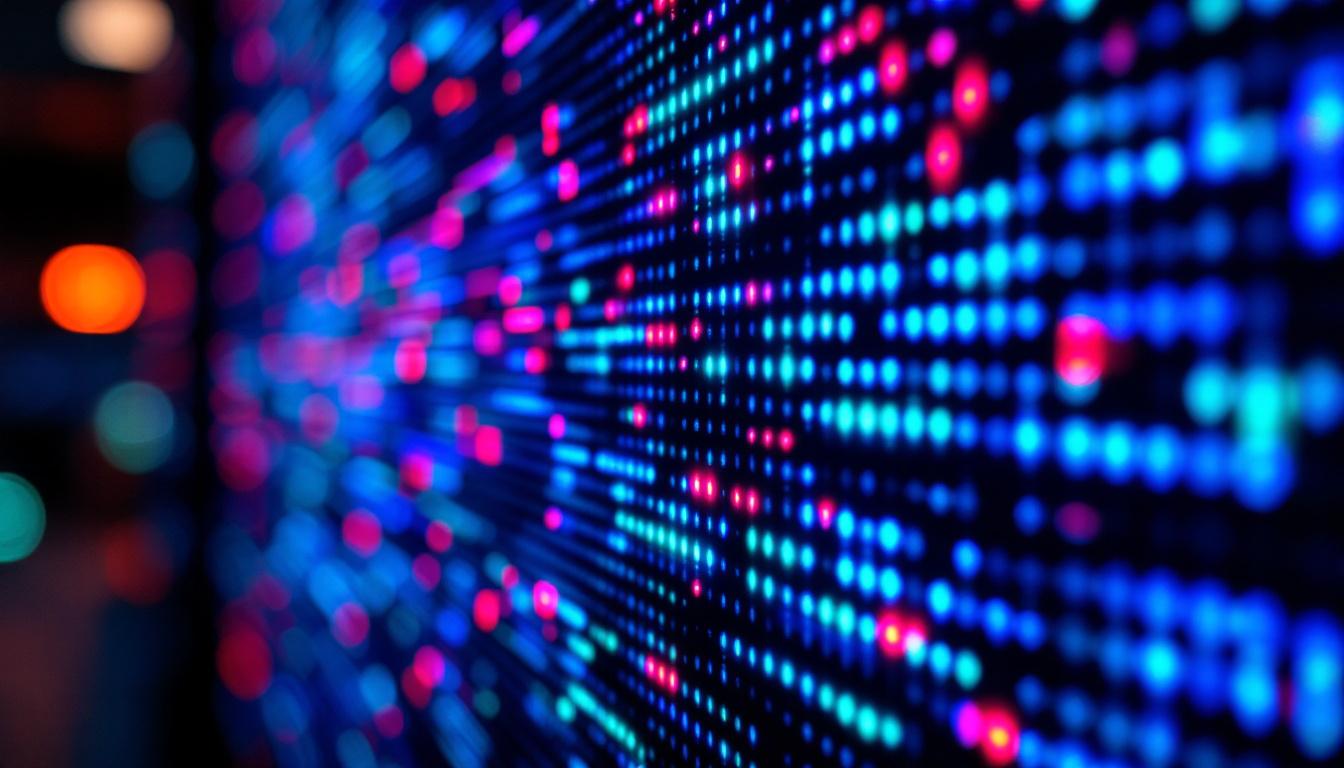
The pixel pitch, which refers to the distance between the centers of two adjacent pixels, is a critical specification in LED displays. It directly influences the resolution and image sharpness. Smaller pixel pitches yield higher resolution and finer image details but often come at a higher cost. For example, a 1.2mm pixel pitch LED display is ideal for close-up viewing in retail environments, while a 10mm pixel pitch display is better suited for outdoor billboards viewed from a distance. Additionally, advancements in technology have led to the development of flexible LED displays, which can be curved or shaped to fit unique architectural designs, providing even more creative possibilities for visual communication.
Common Uses of LED Displays
LED displays are used in a variety of settings:
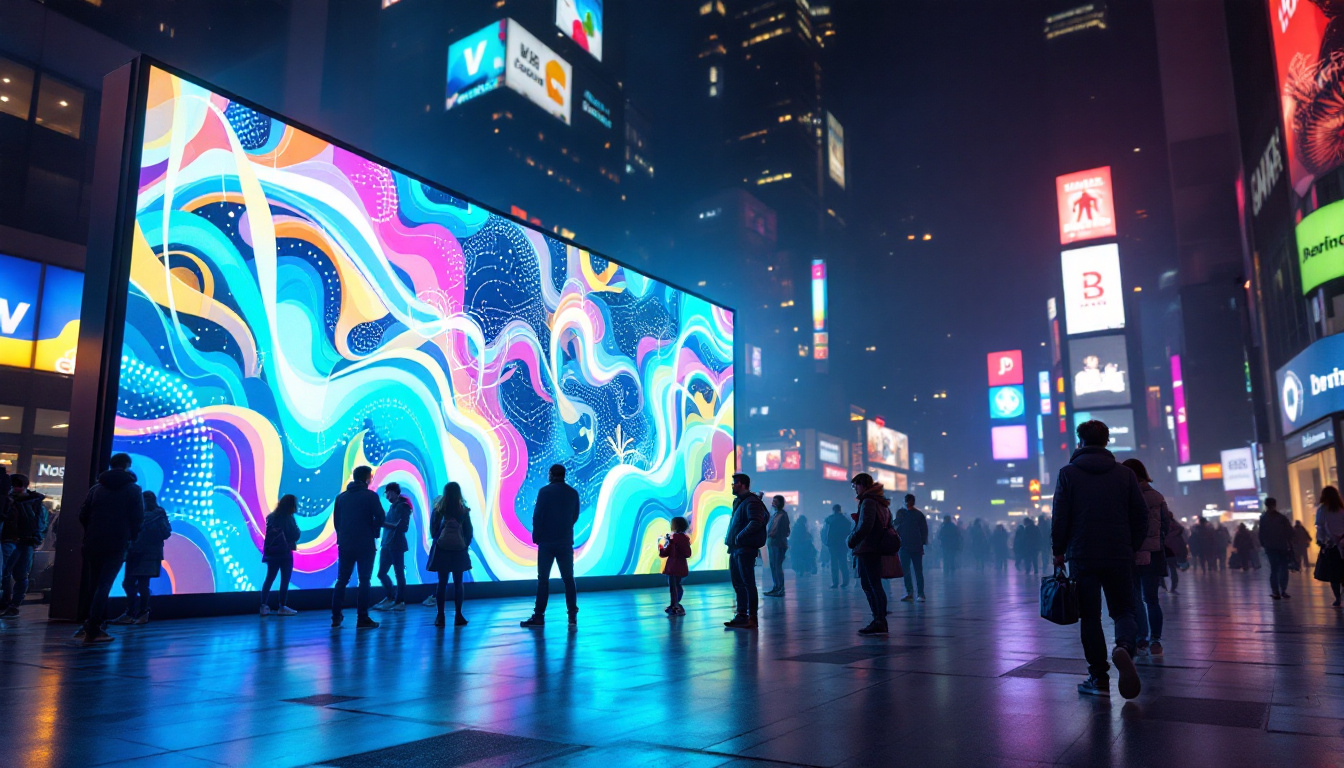
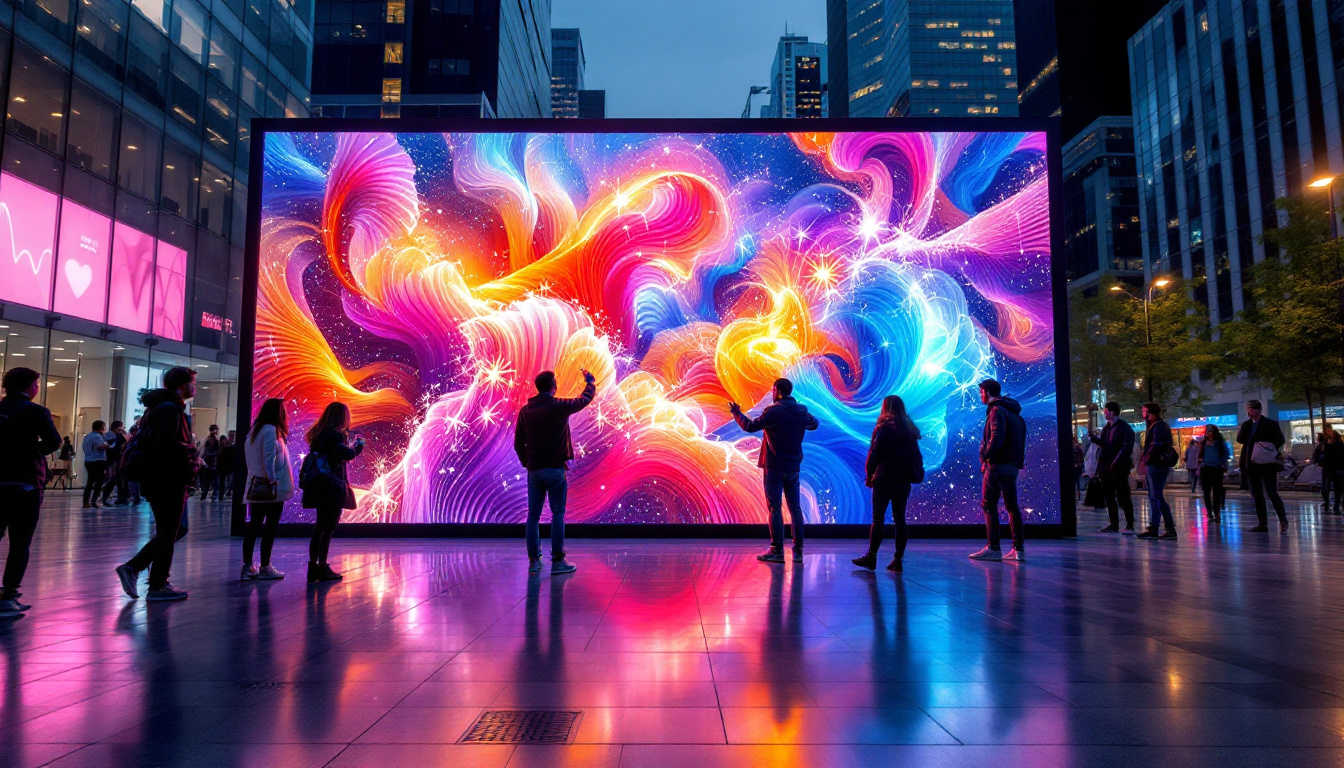
- Outdoor Advertising: Large LED billboards capture attention with vibrant colors and high brightness, visible even under direct sunlight.
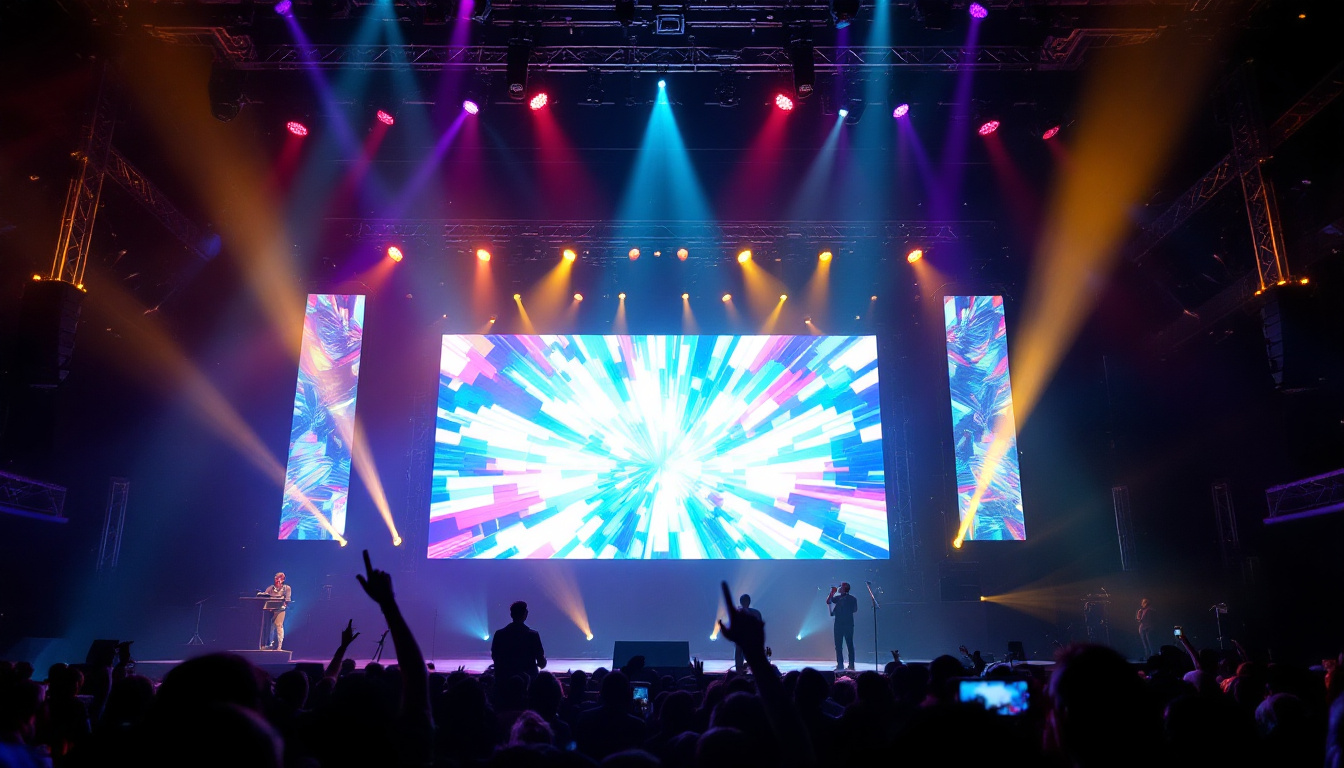
- Sports Arenas and Concerts: Massive LED screens provide live feeds and replays, enhancing spectator engagement.
- Retail and Corporate Environments: Indoor LED walls offer dynamic content for branding and communication.
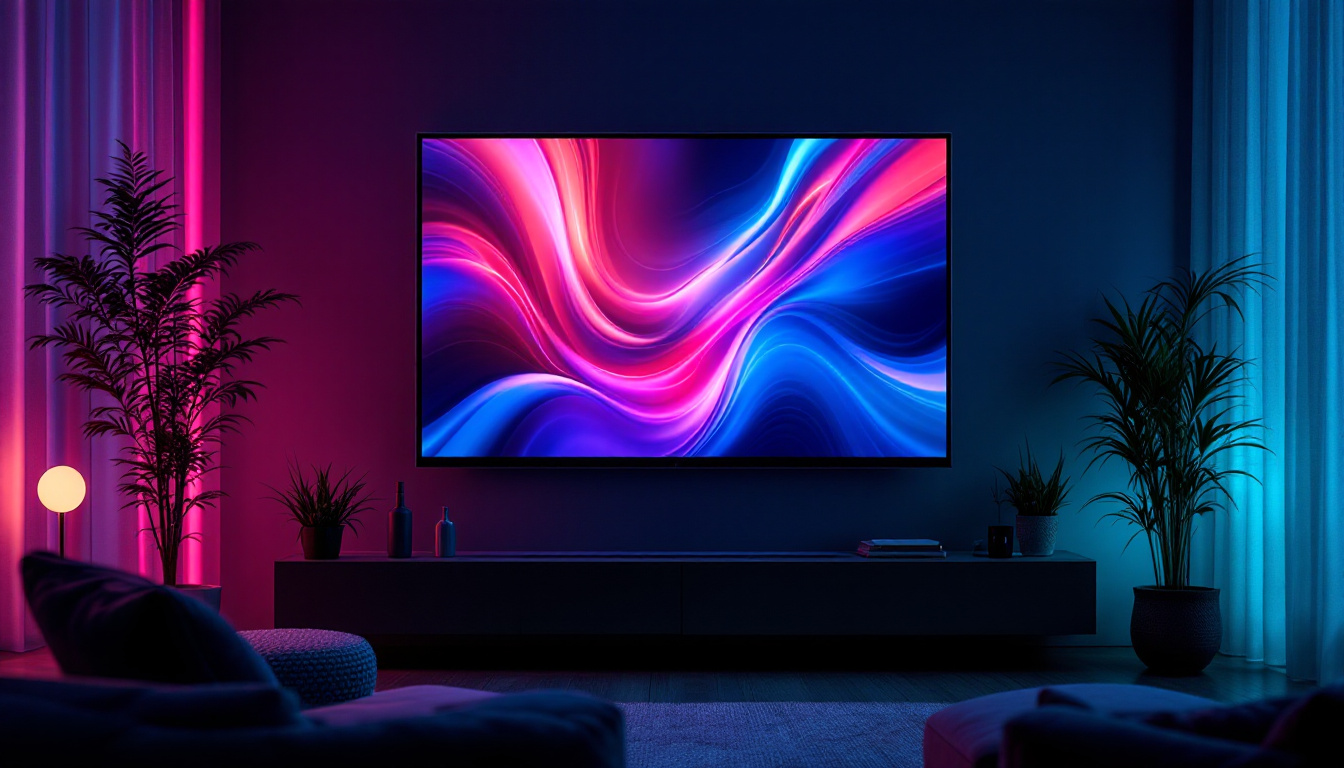
- Home Entertainment: High-resolution LED TVs and monitors deliver immersive viewing experiences.
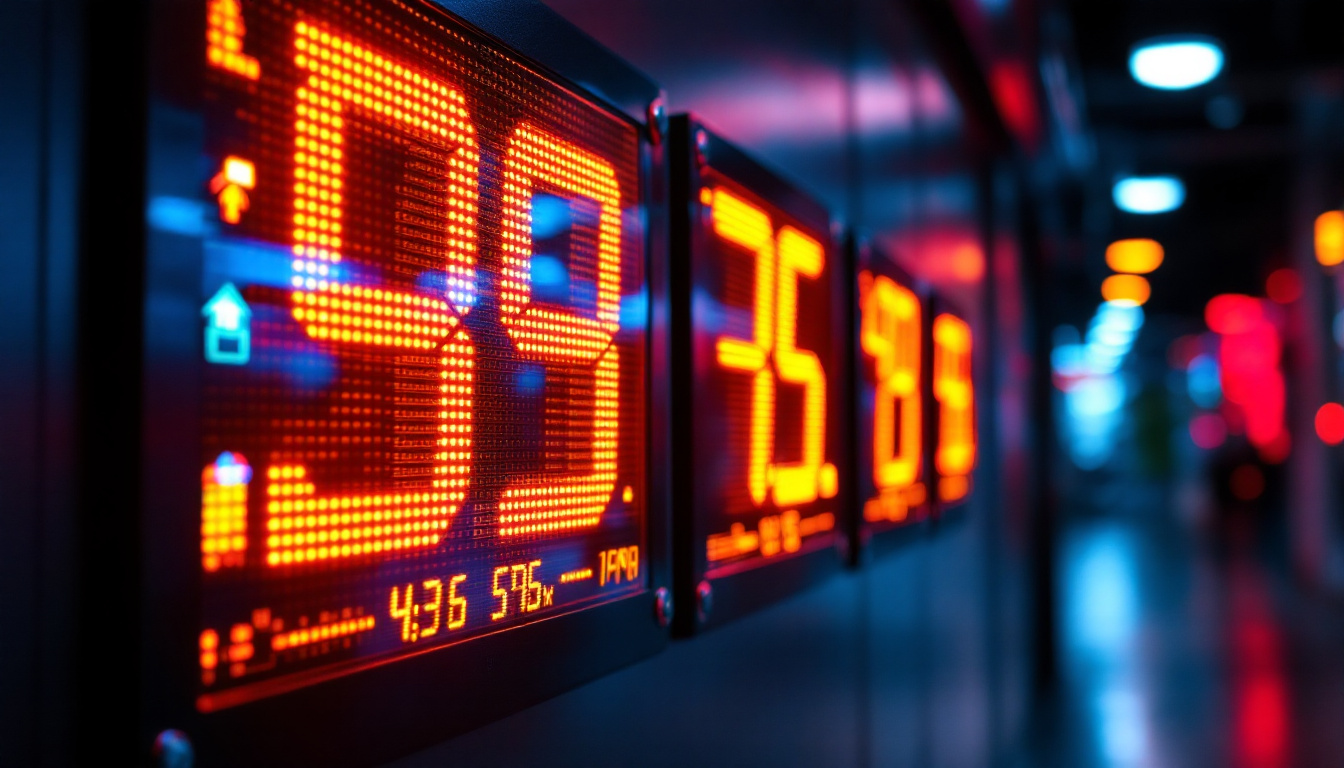
In addition to these common applications, LED displays are increasingly being utilized in transportation hubs such as airports and train stations, where they serve as crucial information boards for travelers. These displays can provide real-time updates on flight schedules, delays, and other important announcements, enhancing the overall passenger experience. Furthermore, the integration of smart technology with LED displays is paving the way for interactive advertising and information kiosks, allowing users to engage with content in real-time, thus creating a more personalized experience.
Another exciting development in the realm of LED technology is the emergence of transparent LED displays. These innovative screens allow for the display of images and videos while maintaining visibility through the screen, making them ideal for storefront windows and architectural installations. This capability not only enhances advertising potential but also allows for creative applications in art installations and exhibitions, where the blending of digital content with physical spaces can create captivating visual narratives. As LED technology continues to evolve, we can expect even more groundbreaking applications that will redefine how we interact with our environments.
Why Optimum Viewing Distance Matters
Viewing distance is a key factor that affects how viewers perceive image quality on an LED display. Sitting too close to a screen with a large pixel pitch can result in visible pixelation, causing the image to appear grainy or blocky. Conversely, sitting too far away from a high-resolution screen may diminish the perceived detail and sharpness, making the investment in high-quality displays less worthwhile.
Additionally, improper viewing distance can lead to eye strain and discomfort, especially during prolonged use. This is particularly relevant in environments like control rooms, conference halls, or home theaters where viewers spend extended periods focused on the screen.
Factors Influencing Viewing Distance
Several variables determine the ideal viewing distance for an LED display:
- Pixel Pitch: Smaller pixel pitch allows for closer viewing without noticing individual pixels.
- Screen Size: Larger screens generally require greater viewing distances to encompass the entire visual field comfortably.
- Resolution: Higher resolution screens support closer viewing distances with clear image quality.
- Content Type: Text-heavy content demands sharper images and closer viewing distances, whereas video or images may tolerate slightly further distances.
How Optimum Viewing Distance Calculators Work
Optimum viewing distance calculators use mathematical formulas based on display specifications to recommend the best distance for viewing. These calculators typically require inputs such as screen size, pixel pitch, and resolution. Some advanced tools also consider ambient lighting conditions and content type to refine the recommendation.
The fundamental principle behind these calculators is the human eye’s resolving power, which is approximately 1 arcminute (1/60th of a degree). This means the eye can distinguish two points separated by this angle. By calculating the angle subtended by the pixels at a given distance, the calculator determines the minimum distance at which the pixels blend seamlessly to the human eye.
Common Formula for Viewing Distance
A widely accepted formula to estimate the optimum viewing distance (D) in meters is:
D = (Pixel Pitch in mm) × 3438 / 1000Where 3438 is the number of arcminutes in a radian, converting pixel pitch to a viewing distance that corresponds to the eye’s resolving capacity. This formula provides a baseline for the minimum distance to avoid pixelation.
For example, for a display with a 5mm pixel pitch:
D = 5 × 3438 / 1000 = 17.19 metersThis means the viewer should ideally be at least 17 meters away to avoid seeing individual pixels.
Adjusting for Screen Size and Resolution
While pixel pitch is critical, screen size and resolution also influence the optimum distance. Larger screens can be viewed from further away, but if the resolution is high and pixel pitch is small, viewers can sit closer without quality loss.
Some calculators incorporate these factors by estimating the angular resolution of the entire screen and comparing it to the viewer’s visual acuity. This approach ensures the viewer can appreciate the full detail without strain or pixelation.
Practical Examples of Using an Optimum Viewing Distance Calculator
To illustrate the importance of calculating the right viewing distance, consider two scenarios:
Scenario 1: Outdoor Digital Billboard
An outdoor billboard uses an LED display with a 10mm pixel pitch and measures 6 meters wide by 3 meters tall. The target audience is motorists passing by at highway speeds.
Using the formula:
D = 10 × 3438 / 1000 = 34.38 metersThis suggests that viewers should be at least 34 meters away to avoid pixelation. Given that vehicles typically pass at distances greater than this, the billboard’s pixel pitch is appropriate. Sitting closer than this distance would reveal pixelation, but since drivers are farther away, the image appears smooth and clear.
Scenario 2: Indoor LED Video Wall
A corporate office installs a 2.5mm pixel pitch LED video wall measuring 3 meters wide and 1.5 meters tall in a conference room.
Calculating the minimum viewing distance:
D = 2.5 × 3438 / 1000 = 8.6 metersHowever, the conference room is only 6 meters deep. In this case, the pixel pitch is sufficiently small to allow viewers to sit closer than the minimum distance without perceiving pixelation. This setup ensures sharp images and comfortable viewing for meetings and presentations.
Benefits of Using an Optimum Viewing Distance Calculator
Employing a viewing distance calculator offers several advantages for both consumers and professionals:
- Enhanced Visual Experience: Ensures images are crisp and free from pixelation or blur, improving content impact.
- Cost Efficiency: Helps avoid overspending on unnecessarily high-resolution displays or undersized screens.
- Ergonomic Comfort: Reduces eye strain by recommending distances that align with natural viewing angles.
- Informed Decision-Making: Assists designers and installers in planning optimal display placement and room layout.
Tips for Optimizing LED Display Viewing Distance
Beyond calculating the ideal distance, several practical tips can further enhance viewing quality:
Consider Ambient Lighting
LED displays perform well in bright environments due to high brightness levels. However, excessive ambient light can cause glare and reduce contrast. Positioning screens to minimize reflections and using anti-glare coatings can improve visibility.
Account for Multiple Viewing Angles
In spaces where viewers are spread out, such as auditoriums or retail stores, consider the range of viewing distances and angles. Selecting a pixel pitch and screen size that accommodate the farthest and closest viewers ensures a consistent experience.
Regularly Maintain Displays
Dust, dirt, and aging LEDs can degrade image quality. Routine maintenance and calibration help maintain optimal brightness, color accuracy, and sharpness.
Future Trends in LED Display Technology and Viewing Distance
As LED technology advances, pixel pitches continue to shrink, enabling ultra-high-definition displays suitable for extremely close viewing distances. MicroLED technology, for instance, promises even higher brightness and contrast with smaller form factors.
Moreover, augmented reality (AR) and virtual reality (VR) technologies are changing how content is consumed, potentially reducing the importance of traditional viewing distances. However, for conventional LED displays, understanding and applying optimum viewing distance principles remains essential.
Conclusion
Determining the optimum viewing distance for an LED display is fundamental to maximizing image quality, viewer comfort, and overall effectiveness. By understanding the interplay between pixel pitch, screen size, resolution, and human visual acuity, users can leverage viewing distance calculators to make informed decisions. Whether deploying large outdoor billboards or indoor video walls, applying these principles ensures that LED displays deliver their full potential, captivating audiences with vibrant, sharp, and comfortable viewing experiences.
Discover Your Perfect LED Display with LumenMatrix
Ready to elevate your visual experience with the ideal LED display? LumenMatrix is at the forefront of LED display innovation, offering a diverse range of solutions tailored to your unique needs. From immersive Indoor LED Walls to dynamic Outdoor LED Displays, and from versatile Vehicle LED Displays to sleek LED Poster Displays, we have the technology to bring your vision to life. Embrace the future of visual communication with our LED Sports Displays, interactive Floor LED Displays, and the stunning clarity of our Custom and All-in-One LED Display options, including our revolutionary LED Transparent Displays. Don’t just share your message—make it resonate with impact and clarity. Check out LumenMatrix LED Display Solutions today and transform the way you connect with your audience.