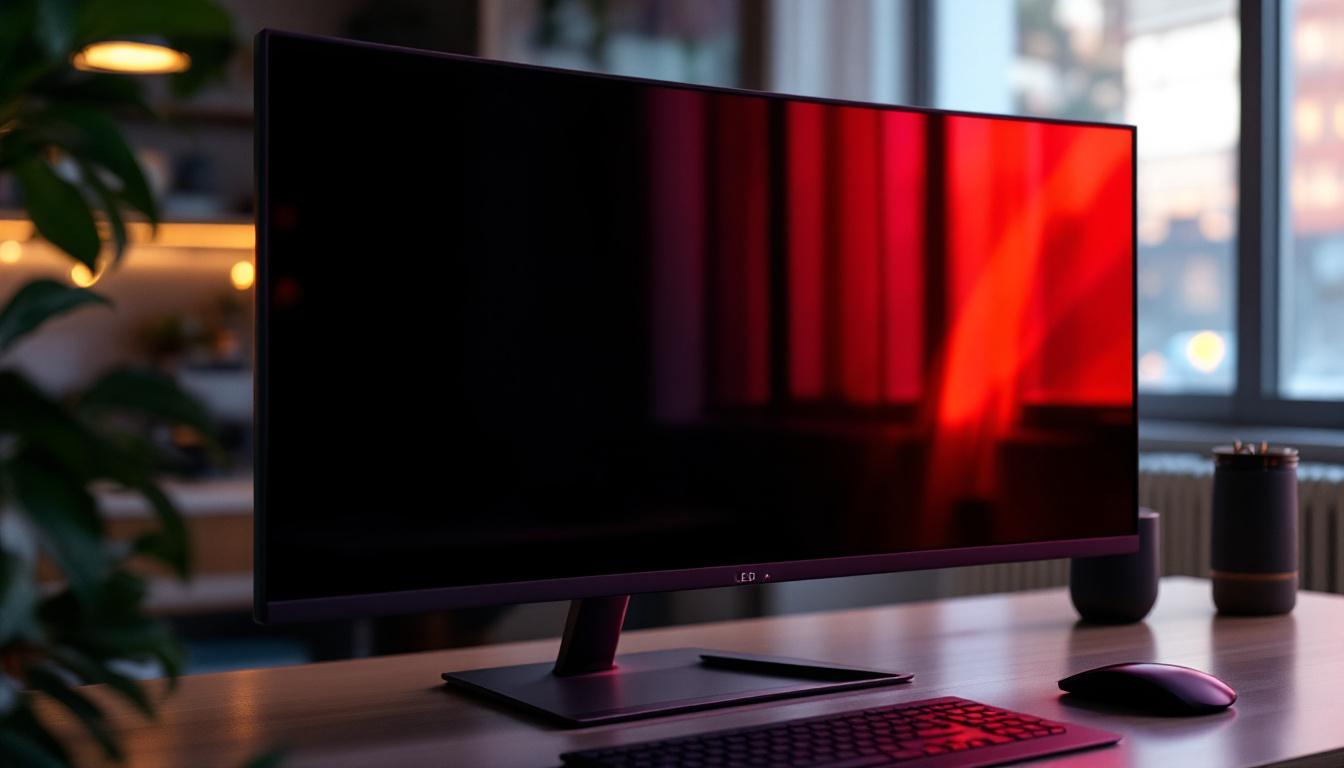
In today’s technology-driven world, displays are everywhere — from the smartphones in our pockets to the massive digital billboards lighting up city streets. Among the various display technologies, LCD and LED screens dominate the market, yet many people remain unclear about their differences, how they work, and how to identify the best options for their needs. This article delves into the fundamentals of LCD and LED displays, explains how to find the LCD in an LED display, and provides practical insights to help you make informed decisions when purchasing or using these screens.
Understanding the Basics: What Is an LCD?
LCD stands for Liquid Crystal Display. It is a flat-panel display technology commonly used in televisions, computer monitors, smartphones, and many other electronic devices. The core of an LCD is a layer of liquid crystals sandwiched between two layers of polarized glass or plastic. These liquid crystals do not emit light themselves but manipulate light passing through them to produce images.
The way LCDs work involves controlling the alignment of liquid crystals using electric currents. When electricity is applied, the crystals twist or untwist, allowing varying amounts of light to pass through. This modulation of light creates the images you see on the screen. However, since LCDs do not generate their own light, they require a backlight to illuminate the display.
Key Components of an LCD
To better understand LCD technology, it’s important to recognize its main components:
- Liquid Crystal Layer: The heart of the display, where the crystals change orientation to control light transmission.
- Polarizing Filters: Positioned on either side of the liquid crystal layer, these filters control the direction of light waves.
- Backlight: A light source behind the LCD panel that provides the illumination necessary for the display to be visible.
- Color Filters: These filters create the colors seen on the screen by allowing only certain wavelengths of light to pass through.
In addition to these core components, LCDs also incorporate various technologies to enhance their performance. For instance, many modern LCDs utilize LED backlighting, which not only improves brightness and energy efficiency but also allows for a thinner design compared to traditional fluorescent backlighting. This advancement has made LCDs more versatile and appealing for a wide range of applications, from ultra-slim televisions to portable devices.
Furthermore, advancements in LCD technology have led to the development of different types of displays, such as IPS (In-Plane Switching) and TN (Twisted Nematic) panels. IPS panels are known for their superior color accuracy and wider viewing angles, making them ideal for graphic design and professional use, while TN panels are often favored for their faster response times, making them popular among gamers. Each type of LCD panel has its own unique characteristics, catering to diverse user needs and preferences.
What Is an LED Display? Clarifying the Terminology
LED stands for Light Emitting Diode, a semiconductor device that emits light when an electric current passes through it. When people refer to LED displays, they often mean LCD screens that use LED backlighting instead of older fluorescent backlights. This distinction is crucial because it means that an LED display is essentially an LCD panel illuminated by LEDs.
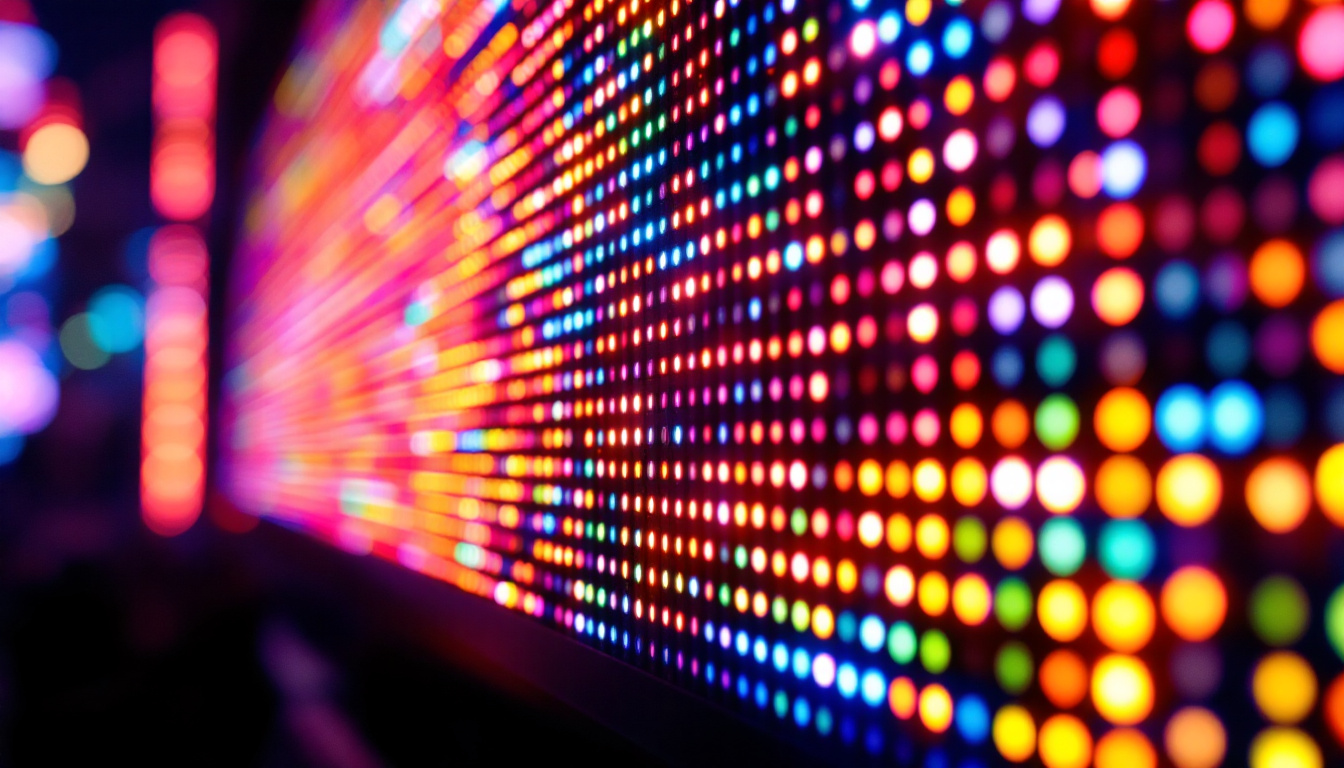
There are also true LED displays, which use individual LEDs as pixels. These are commonly found in large outdoor screens, stadium displays, and some high-end TVs known as OLED (Organic LED). However, for most consumer electronics, the term “LED display” refers to an LCD with LED backlighting.
Types of LED Backlighting in LCD Displays
LED backlighting can be implemented in different ways, affecting the display’s performance and image quality:
- Edge-Lit LED: LEDs are placed along the edges of the screen, and light is distributed across the panel using light guides. This design allows for thinner displays but may result in uneven brightness.
- Direct-Lit LED: LEDs are placed directly behind the LCD panel, providing more uniform lighting but often resulting in thicker screens.
- Full-Array LED with Local Dimming: A more advanced form of direct lighting where the LEDs are divided into zones that can be dimmed independently. This improves contrast and black levels significantly.
How to Find the LCD in an LED Display: The Technical Perspective
Since LED displays in most consumer devices are actually LCD panels with LED backlighting, finding the LCD means understanding the structure beneath the LED layer. The LCD is the layer responsible for creating the image by controlling light modulation, while the LEDs provide the illumination.
In practical terms, if you were to open an LED TV or monitor, you would find the LCD panel sandwiched between the LED backlight and the front glass or plastic screen. The LEDs themselves are tiny lights arranged either along the edges or behind the panel, depending on the backlighting type.
Identifying the LCD Layer
The LCD layer is typically composed of several thin layers, including the liquid crystal matrix, color filters, and polarizing films. This layer is very delicate and requires precise manufacturing conditions to function correctly. It does not emit light but modulates the backlight passing through it.
In contrast, the LED backlight layer is a separate component, usually consisting of an array of LEDs mounted on a circuit board. These LEDs shine light through the LCD panel to produce the visible image.
Why Understanding the Difference Matters for Consumers
Knowing the distinction between LCD and LED displays is important for several reasons, especially when purchasing devices or troubleshooting display issues:
- Image Quality: LED backlighting generally offers better brightness, contrast, and energy efficiency compared to older fluorescent backlights used in traditional LCDs.
- Energy Consumption: LED-backlit LCDs consume less power, which is beneficial for battery-powered devices like laptops and smartphones.
- Durability and Lifespan: LEDs tend to have longer lifespans and are more robust than fluorescent lamps, reducing maintenance and replacement costs.
- Cost Considerations: While LED-backlit LCDs are more expensive than older LCDs, they offer better performance, making them a worthwhile investment.
Common Misconceptions
One frequent misunderstanding is that LED displays are entirely different from LCDs. In reality, most consumer LED displays are LCDs with LED backlighting. This means the core technology controlling the image remains liquid crystal-based, with LEDs simply providing the light source.
Another misconception is equating LED displays with OLED displays. OLEDs are a different technology entirely, where each pixel emits its own light, allowing for deeper blacks and better contrast ratios. OLEDs are generally more expensive and less common than LCDs with LED backlighting.
Choosing the Right Display: What to Look for in LCD and LED Screens
When selecting a display, whether for a television, monitor, or mobile device, several factors should be considered to ensure the best viewing experience:
Brightness and Contrast
LED-backlit LCDs typically offer higher brightness levels than traditional LCDs with fluorescent backlights. This makes them suitable for well-lit environments and HDR (High Dynamic Range) content, which requires a wide range of brightness and contrast.
Look for displays with local dimming features if possible, as they can enhance contrast by dimming dark areas of the screen independently from bright areas.
Color Accuracy and Viewing Angles
Color reproduction is essential for professional work like photo editing, video production, and graphic design. Some LCD panels, such as IPS (In-Plane Switching) panels, provide better color accuracy and wider viewing angles compared to TN (Twisted Nematic) panels.
LED backlighting can also influence color performance, especially if the display uses RGB LEDs instead of white LEDs, allowing for a broader color gamut.
Response Time and Refresh Rate
For gaming and fast-moving video content, response time and refresh rate are critical. LCD panels vary in these aspects, with some designed specifically for gaming offering refresh rates up to 240Hz and response times below 5 milliseconds.
While LED backlighting does not directly affect response time, it can contribute to reduced motion blur through technologies like backlight strobing.
Energy Efficiency
LED-backlit LCDs are more energy-efficient than older LCDs with CCFL (Cold Cathode Fluorescent Lamp) backlights. This efficiency translates to longer battery life in portable devices and lower electricity bills for larger screens.
Future Trends in Display Technology
Display technology continues to evolve rapidly, with innovations aimed at improving image quality, energy efficiency, and form factor. Understanding current LCD and LED technologies provides a foundation for appreciating these advancements.
Mini-LED and Micro-LED
Mini-LED technology uses thousands of tiny LEDs for backlighting, allowing for even more precise local dimming and improved contrast ratios. This technology bridges the gap between traditional LED-backlit LCDs and OLEDs, offering better performance without some of OLED’s drawbacks like burn-in.
Micro-LED is an emerging technology where individual microscopic LEDs serve as pixels, similar to OLED but with potentially higher brightness, longer lifespan, and no burn-in issues. While still expensive and limited in availability, Micro-LED displays represent the future of high-end screens.
OLED and Beyond
OLED displays continue to gain popularity due to their exceptional contrast, color accuracy, and thin form factors. However, they are generally more costly and can suffer from image retention over time.
Other experimental technologies, such as quantum dot displays and flexible screens, are also shaping the future landscape of visual displays.
Conclusion
Finding the LCD in an LED display involves understanding that most LED displays are actually LCD panels illuminated by LED backlights. The LCD layer is responsible for creating images by modulating light, while the LEDs provide the necessary illumination. Recognizing this distinction helps consumers make better choices when purchasing displays, appreciating the advantages of LED backlighting in terms of brightness, energy efficiency, and image quality.
As display technology continues to advance with innovations like Mini-LED, Micro-LED, and OLED, staying informed about the fundamentals of LCD and LED displays remains essential. Whether for personal use, professional applications, or simply satisfying curiosity, understanding how these technologies work together enriches the viewing experience and empowers smarter technology decisions.
Discover Cutting-Edge LED Displays with LumenMatrix
Ready to experience the ultimate in display technology? LumenMatrix is at the forefront of LED innovation, offering a wide array of LED display solutions that bring your content to life. From vibrant Indoor LED Walls to dynamic Outdoor LED Displays, and from mobile Vehicle LED Displays to interactive Floor LED Displays, our products are designed to captivate and engage. Elevate your visual communication with our Custom LED Displays or explore the sleekness of LED Transparent Displays. Embrace the future of display technology and check out LumenMatrix LED Display Solutions today to transform how you share your message with the world.